Make a phone wallpaper from one of your own photos
Your lock screen shows time and notifications over the image, so a busy photo gets lost. The bot restyles your picture into a calm illustration with open space at the top and a focal point lower down, in a tall format that fits modern phones.
- 2 credits per image
- Result in 1–2 minutes
- No sign-up
In short: Turn a favorite photo into a phone wallpaper in a painted or poster style, in the right vertical shape. Telegram bot, 7 images free for new users.
- Where: the VisuMate bot in Telegram, no app or sign-up.
- Cost: 2 credits per image, 7 images free, then packs from 49 Telegram Stars.
- Time: 1 to 2 minutes per image, rerun with a new instruction at the same price.
- Credits never expire, there is no subscription and no auto-renew. You pay once for a pack inside Telegram with Stars.
When you need this
- Your holiday photo is horizontal and the clock covers the faces.
- Wallpaper apps offer other people's art and not your own memories.
- Home screen icons clash with a detailed background.
How to do it
- 1
Press the button to open @visumate_ai_bot in Telegram. No sign-up, and new users get 15 free credits, which is 7 images.
- 2
Send the photo as a file. In the caption write: 'soft watercolor, tall phone format, empty sky at the top, subject in the lower third'.
- 3
In 1-2 minutes the wallpaper arrives for 2 credits. Set it as lock screen and check the clock position.
Try it on your own photo: 7 images are free, no sign-up.
Make it in TelegramLeaving room for the clock
The top third of a lock screen holds the time. A good wallpaper puts sky, wall or water there and keeps the subject lower. Tell the bot to leave that area open. The caption does most of the work, and a quick check against your own clock tells you whether another run is needed before you settle on the final image.
Ideas that work
A beach photo as a flat poster, a pet in watercolor, a favorite trail redrawn in muted ink, your sketchbook page cleaned up. Skip anything with tiny text. Sets also work well, such as one calm version for the lock screen and a darker twin for the home screen, made from the same photo with two different captions. Save each caption with the image so you can rerun it when you change phones.
Tips
- Ask for 'vertical 9:19' to match modern phones.
- Request 'low contrast, muted tones' for a background that icons sit well on.
- Keep faces below the clock area.
- Use a darker version for the home screen and a lighter one for the lock screen.
Questions and answers
What aspect ratio do I get?
Tall, close to a modern phone. Ask for the exact ratio in the caption if your device is unusual.
Can I make a desktop version?
Yes, ask for a wide 16:9 version of the same photo.
What does it cost?
2 credits per image. New users get 15 free credits, so 7 images cost nothing. After that packs start at 49 Telegram Stars and credits do not expire.
Does the bot work in English?
Yes. It picks up your Telegram language on first launch. You can switch it any time with /lang.
What the bot does not do
- Works from one photo. Likeness depends on the photo you send, and some styles change features more than others.
- Does not make video or animation.
- Does not output a transparent PNG.
- Does not retouch passport or ID photos.
More in "Photo styles"
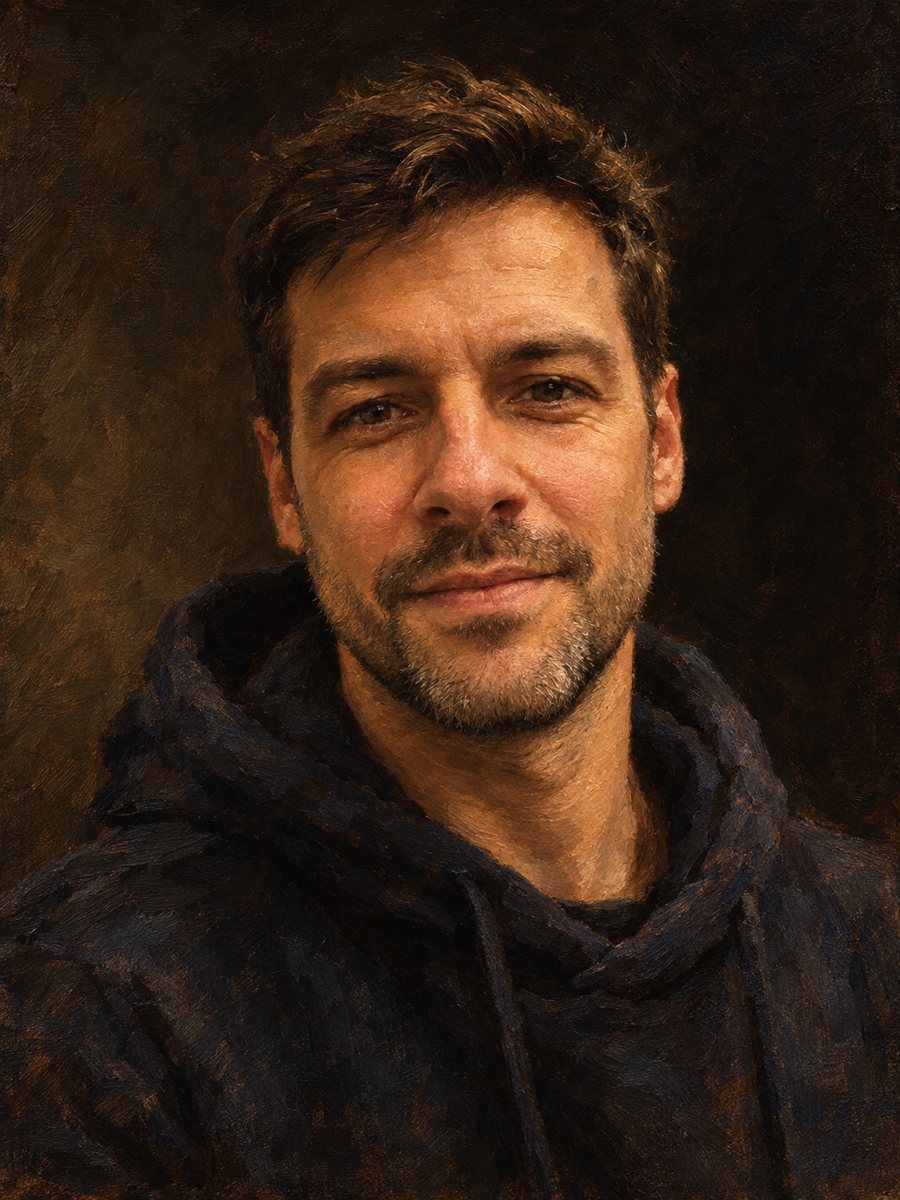 Photo to painting with AI, free to startTurn a photo into a painting with AI in Telegram: oil, watercolor, impressionist, Renaissance. Keeps your...
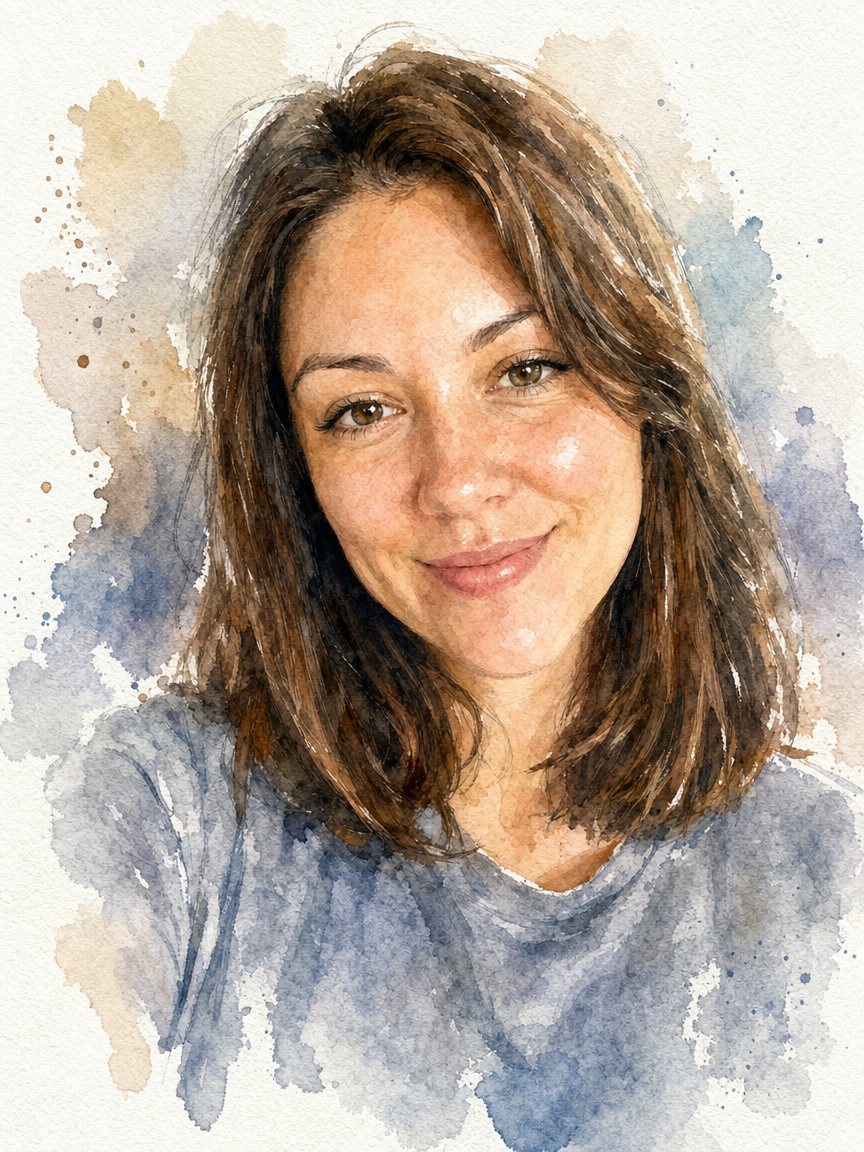 Turn a photo into a watercolor portraitPaint your photo as a loose watercolor portrait on textured paper. Copy the prompt or open the bot: 2...
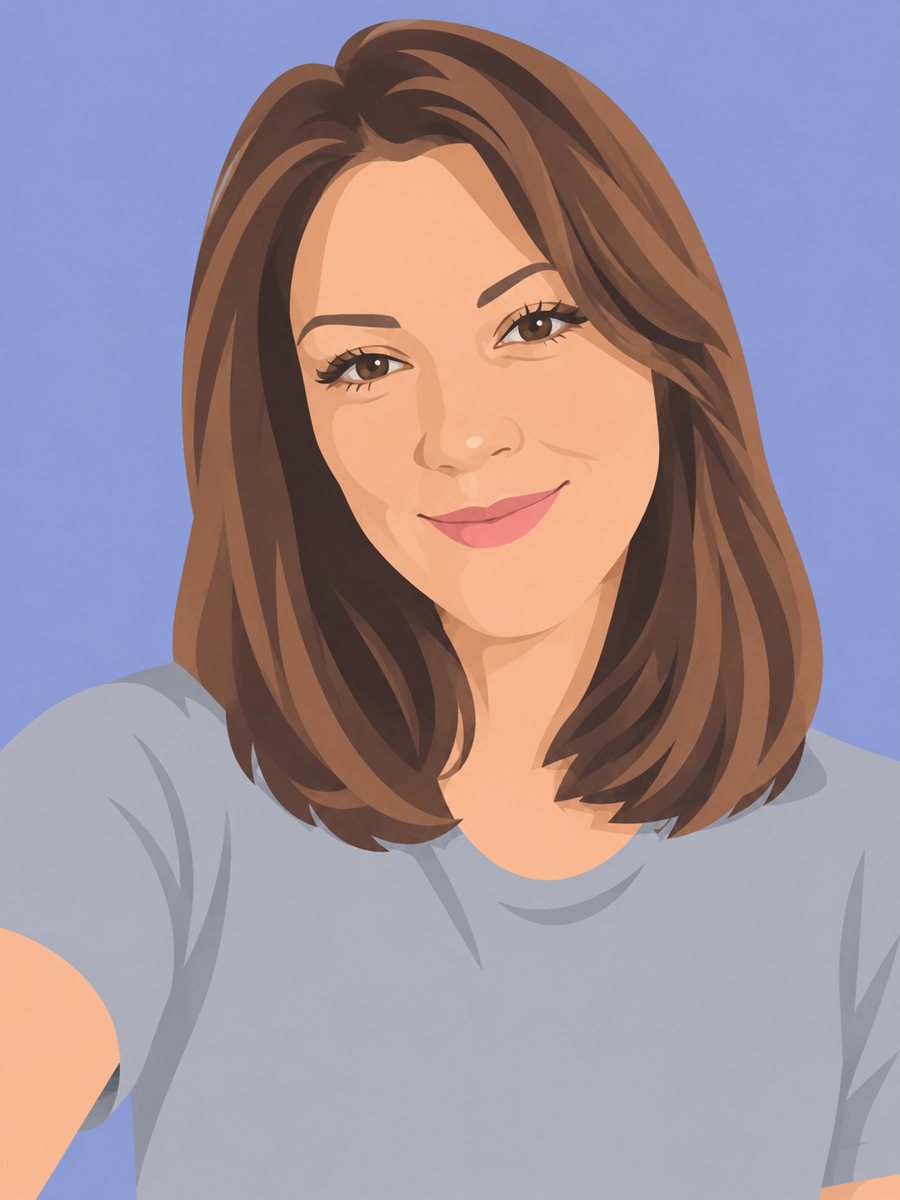 Redraw a photo as a flat vector-style illustrationRedraw your photo as a flat vector illustration with simple shapes and five colors. Copy the ready prompt...
- Turn a photo into anime, no account neededChange a photo to anime style without making an account: big eyes, cel shading, clean line art. Open the...
- Photo to sketch converter, onlineConvert a photo to a sketch online: clean pencil lines, soft shading, white paper. Open the Telegram bot,...
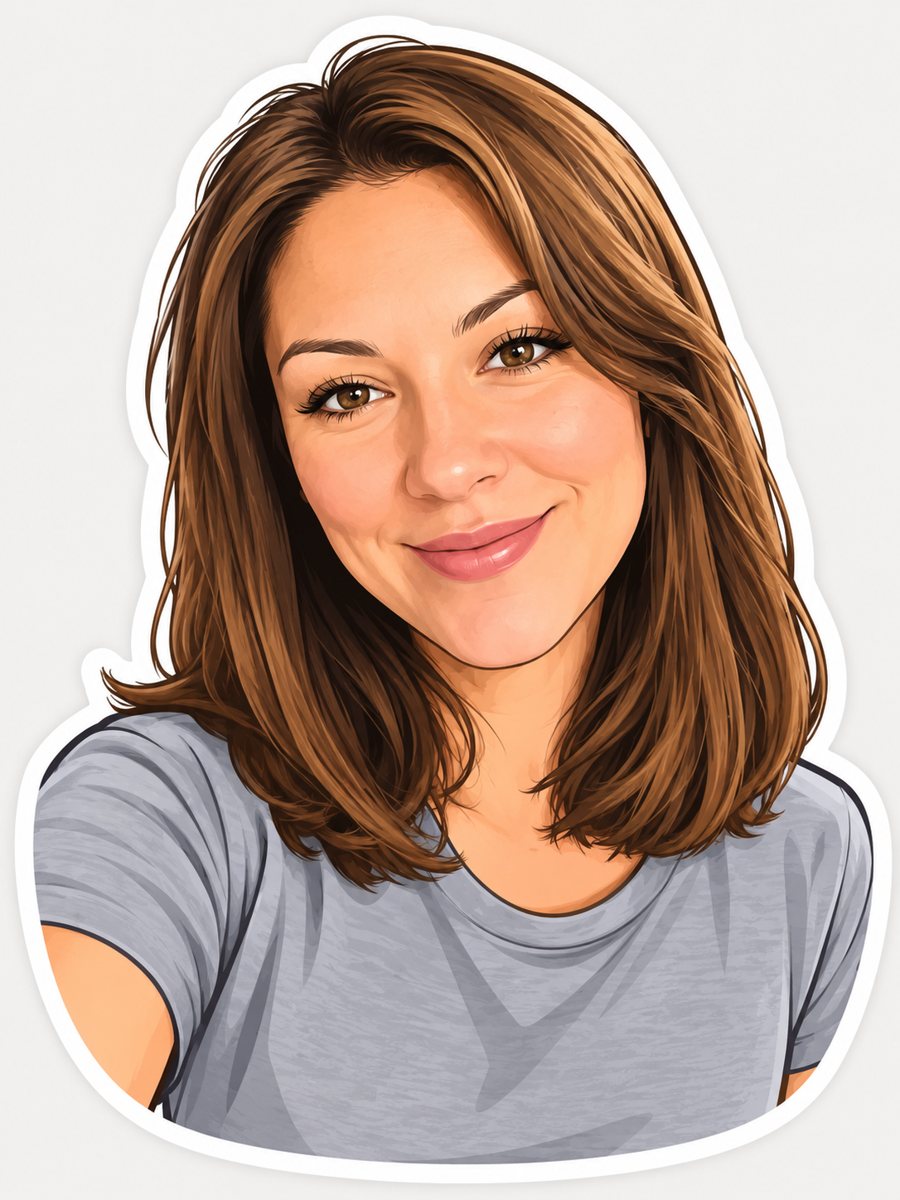 Turn your photo into a cartoon stickerTurn a photo into a cartoon sticker with a thick white outline and a cheerful expression. Copy the ready...