Redraw a photo as a flat vector-style illustration
The bot rebuilds your photo from simple geometric shapes without outlines, using about five harmonious colors on a plain background. Open it with the button and send a portrait.
- 2 credits per image
- Result in 1–2 minutes
- No sign-up
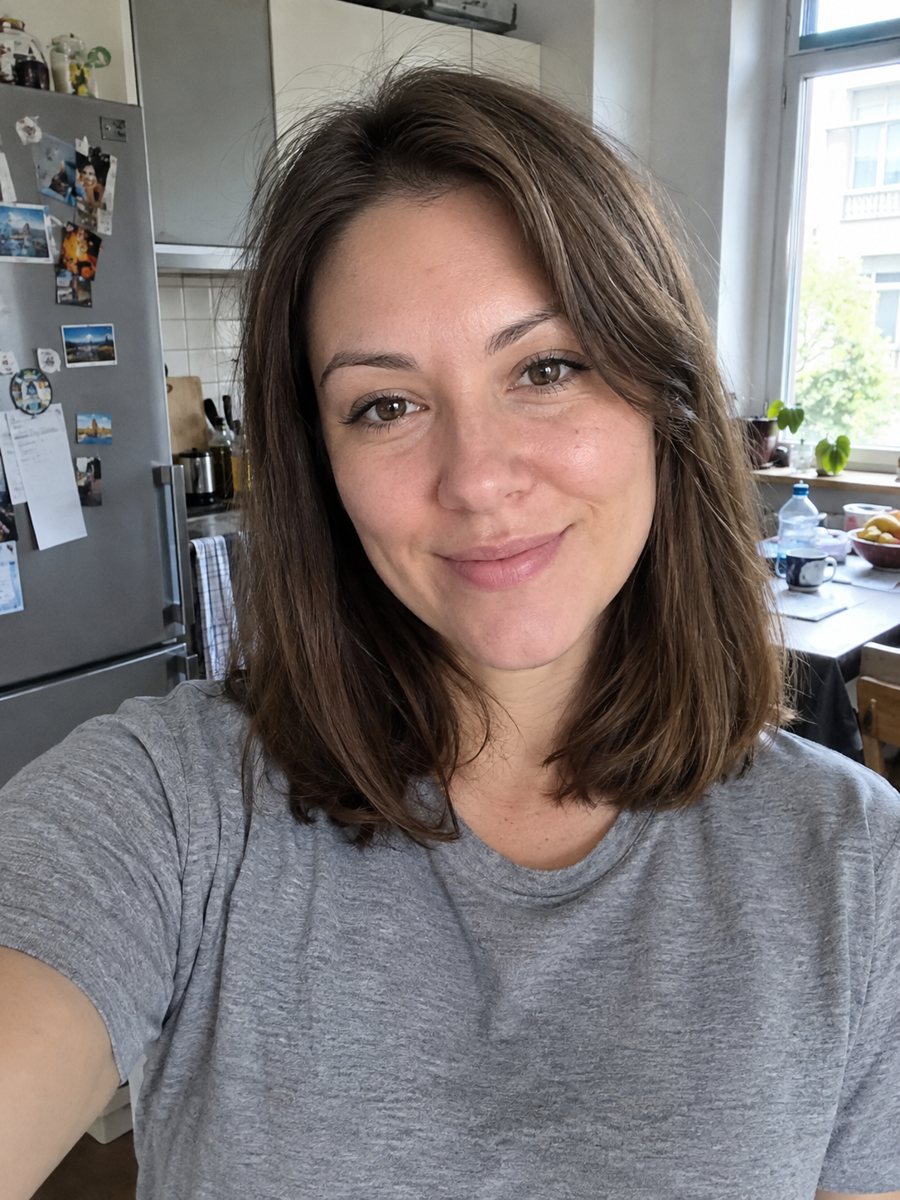
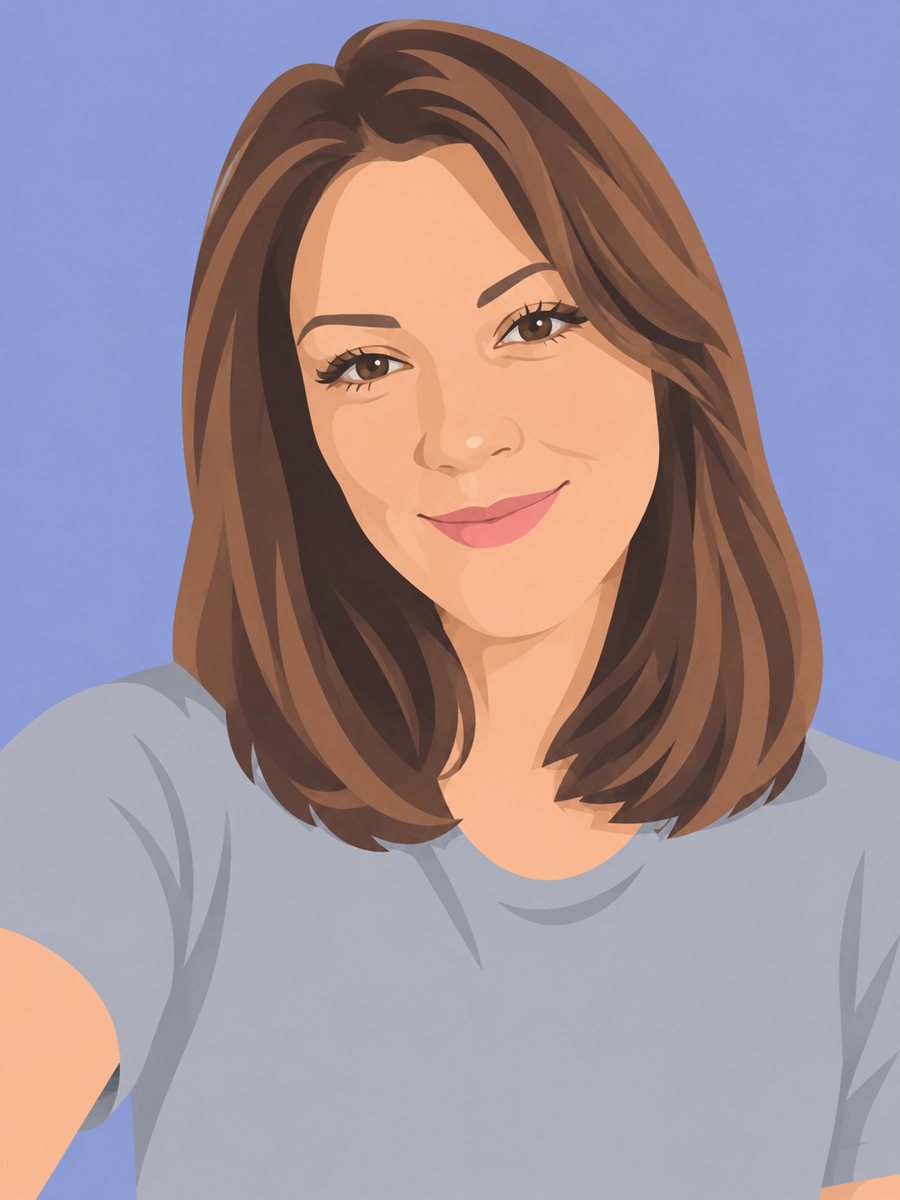 BeforeAfter
In short: Redraw your photo as a flat vector illustration with simple shapes and five colors. Copy the ready prompt or use the Telegram bot, 7 images free to try.
- Where: the VisuMate bot in Telegram, no app or sign-up.
- Cost: 2 credits per image, 7 images free, then packs from 49 Telegram Stars.
- Time: 1 to 2 minutes per image, rerun with a new instruction at the same price.
When you need this
- You need a friendly illustration for an About page or a team slide.
- A realistic photo does not fit your flat website design.
- You want an avatar in a modern graphic style without hiring an illustrator.
How to do it
- 1
Press the button. The bot opens with the flat illustration style selected.
- 2
Send a portrait with a visible hairstyle and outfit. In the caption you can set a palette, such as: sage green, cream, burnt orange.
- 3
In 1-2 minutes you get the illustration for 2 credits. Compare hair shape and clothing with the photo and rerun if needed.
Try it on your own photo: 7 images are free, no sign-up.
Make it in TelegramThe prompt behind this style
Redraw this photo as a flat vector illustration. Keep the hairstyle, face shape and outfit recognizable. Simple geometric shapes, no outlines, limited palette of five harmonious colors, minimal facial features, plain colored background. Vertical 3:4, no text.
Look and purpose
Flat vector art reduces a person to large shapes of solid color. The prompt asks for no outlines, minimal facial features and a limited five color palette on a plain background. The result looks like the illustrations used on landing pages, app onboarding screens and conference badges. It scales visually well, and because it is simple, it sits well next to text and icons in a layout.
Limits and next steps
The image is a raster picture, so it is no SVG file. If you need a true vector for a logo-like use, redraw it in a vector editor or run an auto-trace tool and clean the result. Faces become simple on purpose, so likeness depends on hair shape, face outline and clothes. If a detail such as glasses disappears, add it to the caption and rerun for another 2 credits. The output is a vertical 3:4 image with no text, so the layout of a page or slide stays in your hands.
Tips
- Hairstyle and clothing carry the likeness in flat art, so choose a photo where both are clear.
- Name the background color in the caption to match a brand.
- Keep to head and shoulders for a cleaner shape count.
- Make a set for a team by using the same palette wish for every person.
- Expect minimal faces. Flat style drops most detail on purpose.
Questions and answers
Do I get an SVG file?
No. The result is a regular image. A vector editor or auto-trace tool can convert it.
Can I match my brand colors?
You can name colors in the caption. Exact hex values may drift, so check the result.
Why are the eyes so simple?
The flat style removes facial detail on purpose.
Does it work for a group photo?
One person works best. Groups are possible but get less accurate.
How much does it cost?
2 credits per image, 7 images free for new users.
Does the bot work in English?
Yes. It picks up your Telegram language on first launch and replies in English. You can switch the language any time with /lang.
More in "Photo styles"
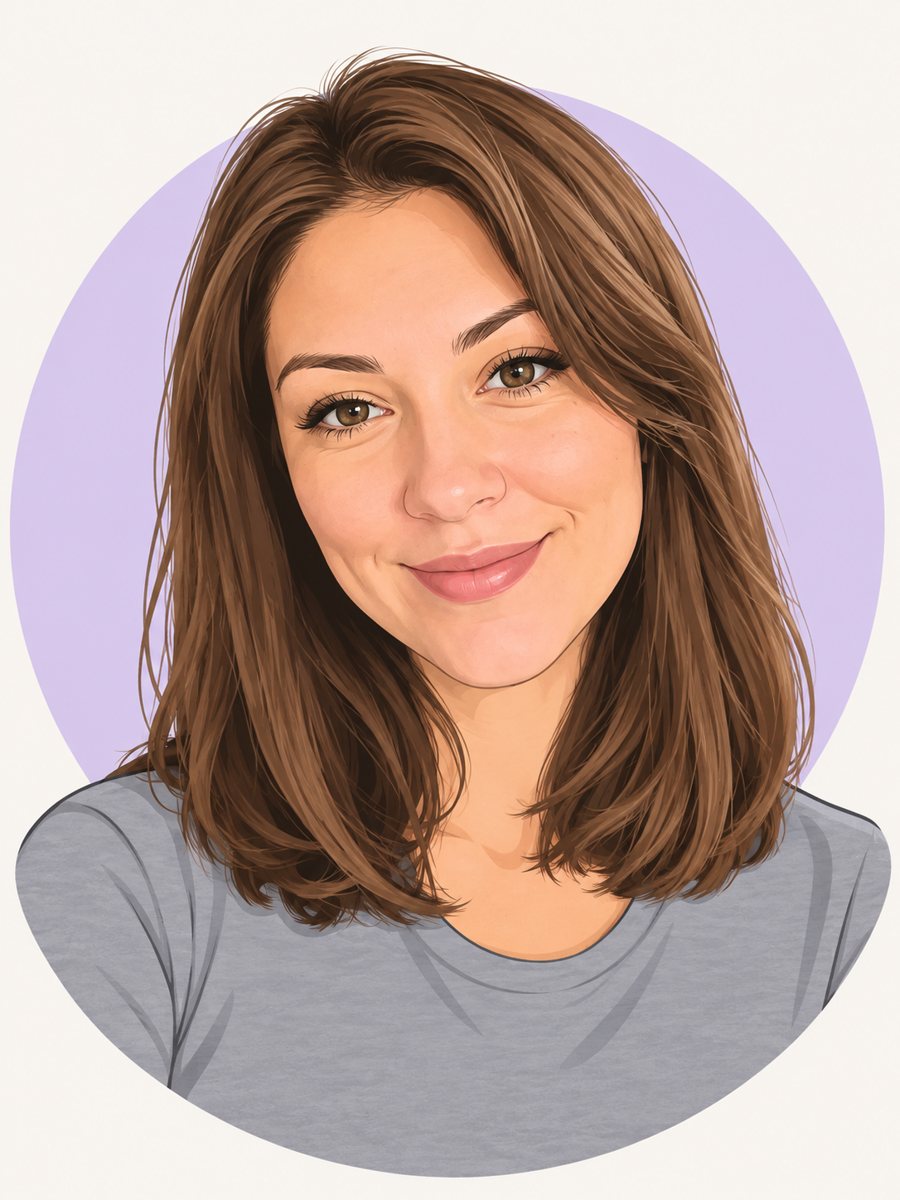 Make a cartoon avatar from your photoDraw a friendly cartoon avatar from your photo in clean vector style with a pastel circle background....
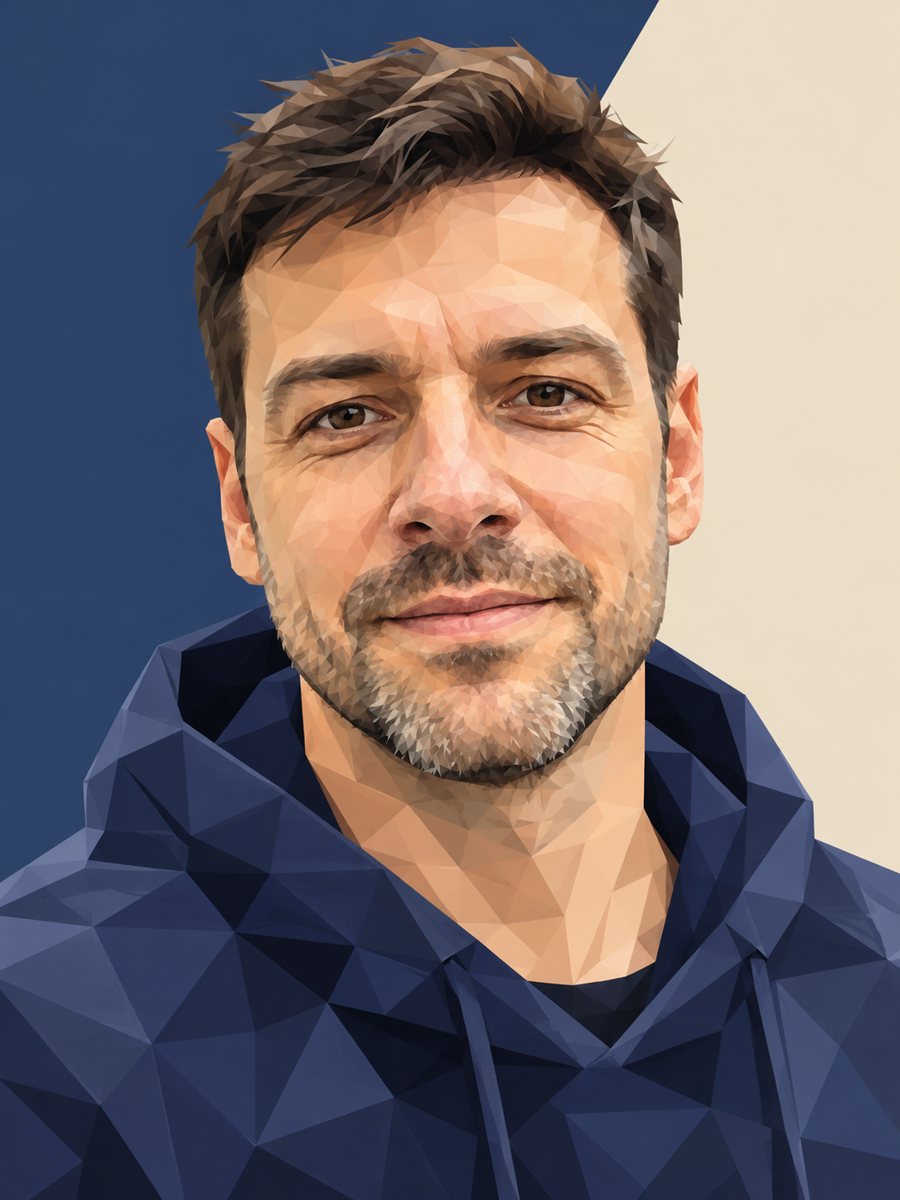 Turn your photo into a low poly portraitConvert a portrait into a low poly triangle image with smooth gradients and a clean two-tone background....
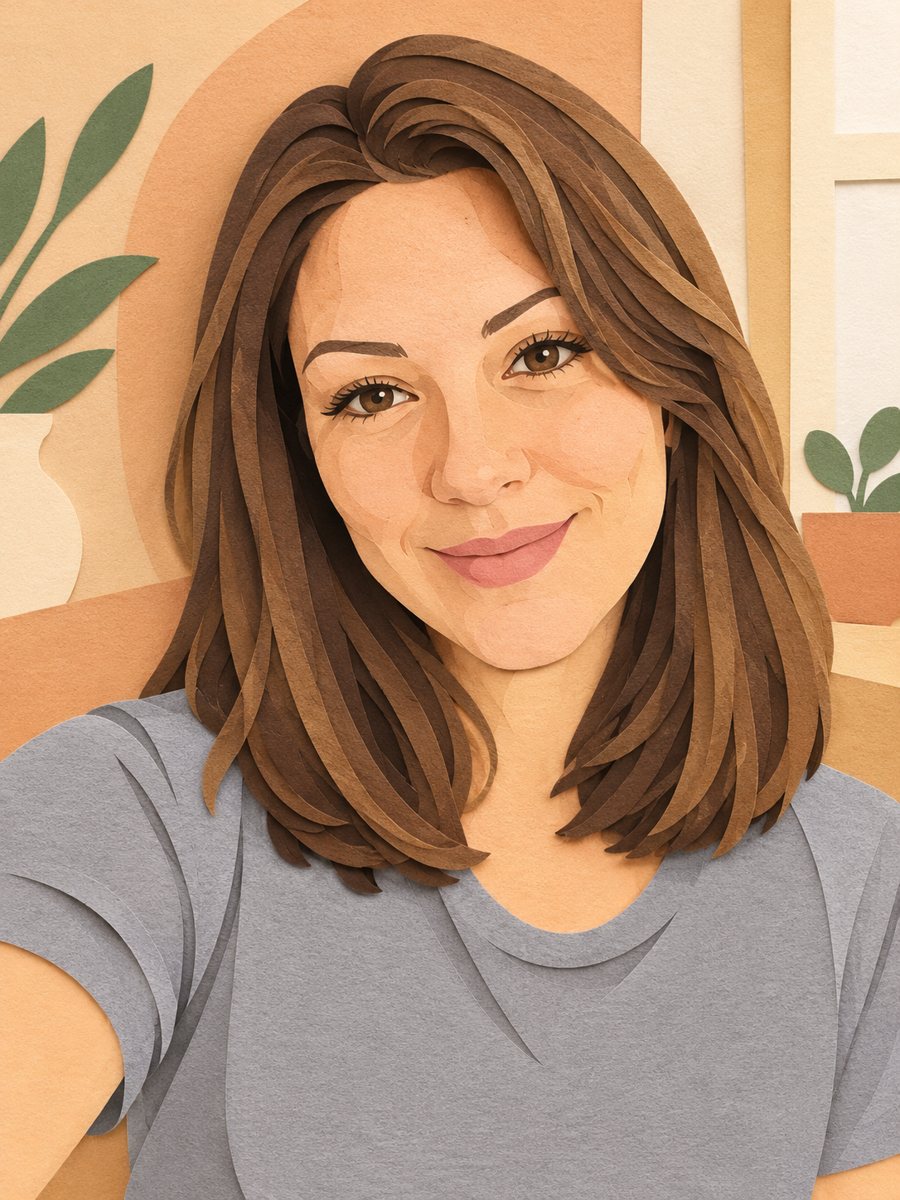 Turn your photo into a paper cut art portraitTurn a photo into layered paper cut art with soft shadows and a warm pastel palette. Copy the ready prompt...
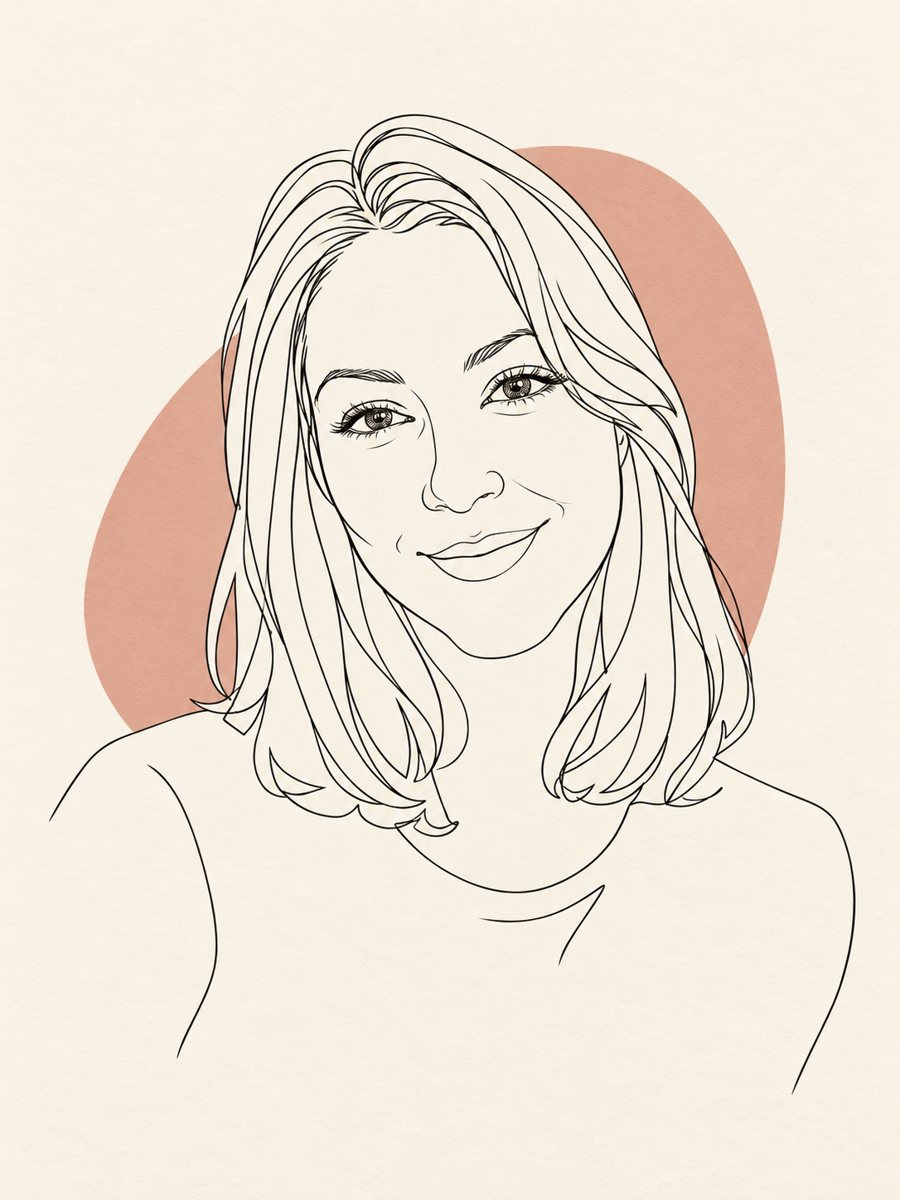 Turn your photo into a minimal line art avatarConvert a photo into a minimal one-line portrait with a single thin black line and a soft accent shape....