Photo to sketch converter, online
Filters that trace edges give you a grey outline and little else. Here the bot redraws the whole picture as a sketch, with shading where the shadows fall and open paper where the light is. Works for faces, pets, buildings and still life.
- 2 credits per image
- Result in 1–2 minutes
- No sign-up
In short: Convert a photo to a sketch online: clean pencil lines, soft shading, white paper. Open the Telegram bot, 7 images free for new users, no sign-up needed.
- Where: the VisuMate bot in Telegram, no app or sign-up.
- Cost: 2 credits per image, 7 images free, then packs from 49 Telegram Stars.
- Time: 1 to 2 minutes per image, rerun with a new instruction at the same price.
- Credits never expire, there is no subscription and no auto-renew. You pay once for a pack inside Telegram with Stars.
When you need this
- Edge-detect filters make every photo look like a coloring page.
- Photoshop tutorials for sketch effects take an evening to follow.
- Many online converters stamp a watermark across the drawing.
How to do it
- 1
Press the button to open @visumate_ai_bot in Telegram. No sign-up, and new users get 15 free credits, which is 7 images.
- 2
Send the picture as a file. In the caption say how it should look: 'loose pencil sketch, light shading, no background'.
- 3
In 1-2 minutes the sketch arrives for 2 credits. If the lines are too heavy, rerun and ask for 'lighter strokes'.
Try it on your own photo: 7 images are free, no sign-up.
Make it in TelegramDifferent from a filter
A filter finds contrast edges and darkens them. The bot interprets the scene, so a cheek gets soft hatching and a brick wall gets a few suggestive lines. That is why the result feels drawn and looks less like a trace. Fine detail such as text on a sign is simplified. Faces, pets and buildings all work. Results look best on sharp originals.
Subjects that work
Portraits, dogs, a cup on a windowsill, a street corner, a bicycle. Crowded scenes tend to lose people in the middle distance, so pick one main subject and let the rest fade into the paper. Describe the pencil softness you like, and the bot adapts the pressure of the lines to match your wording and the light in the photo. Busy photos still work, though the sketch will simplify the background and keep your main subject sharp and clear on the page.
Tips
- Photos with clear light and shadow turn into the most readable sketches.
- Crop out clutter first, because every object in the frame gets drawn.
- Ask for 'ink pen' if you want sharp lines instead of graphite.
- A square crop prints nicely as a framed gift.
Questions and answers
Is the sketch color or grey?
Grey by default. Add 'colored pencil' to the caption if you want light color.
Can I print it?
Yes. Send the largest original you have, and print from the file the bot returns.
Does it keep the face recognizable?
For portraits, yes, though stronger stylisation shifts details a little.
What does it cost?
2 credits per image. New users get 15 free credits, so 7 images cost nothing. After that packs start at 49 Telegram Stars and credits do not expire.
Does the bot work in English?
Yes. It picks up your Telegram language on first launch. You can switch it any time with /lang.
What the bot does not do
- Works from one photo. Likeness depends on the photo you send, and some styles change features more than others.
- Does not make video or animation.
- Does not output a transparent PNG.
- Does not retouch passport or ID photos.
More in "Photo styles"
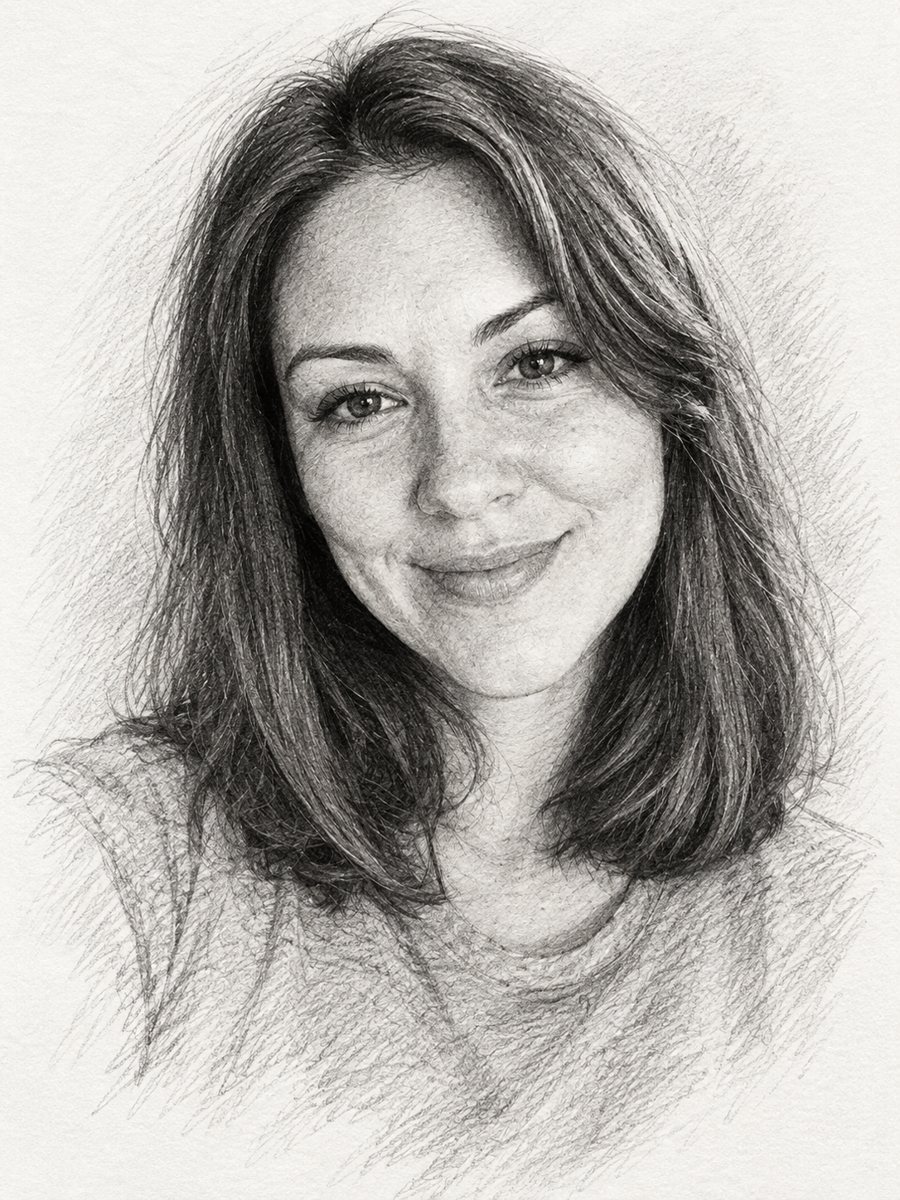 Turn a photo into a pencil sketch portraitConvert a photo into a realistic graphite pencil sketch with hatching and soft shading. Copy the prompt or...
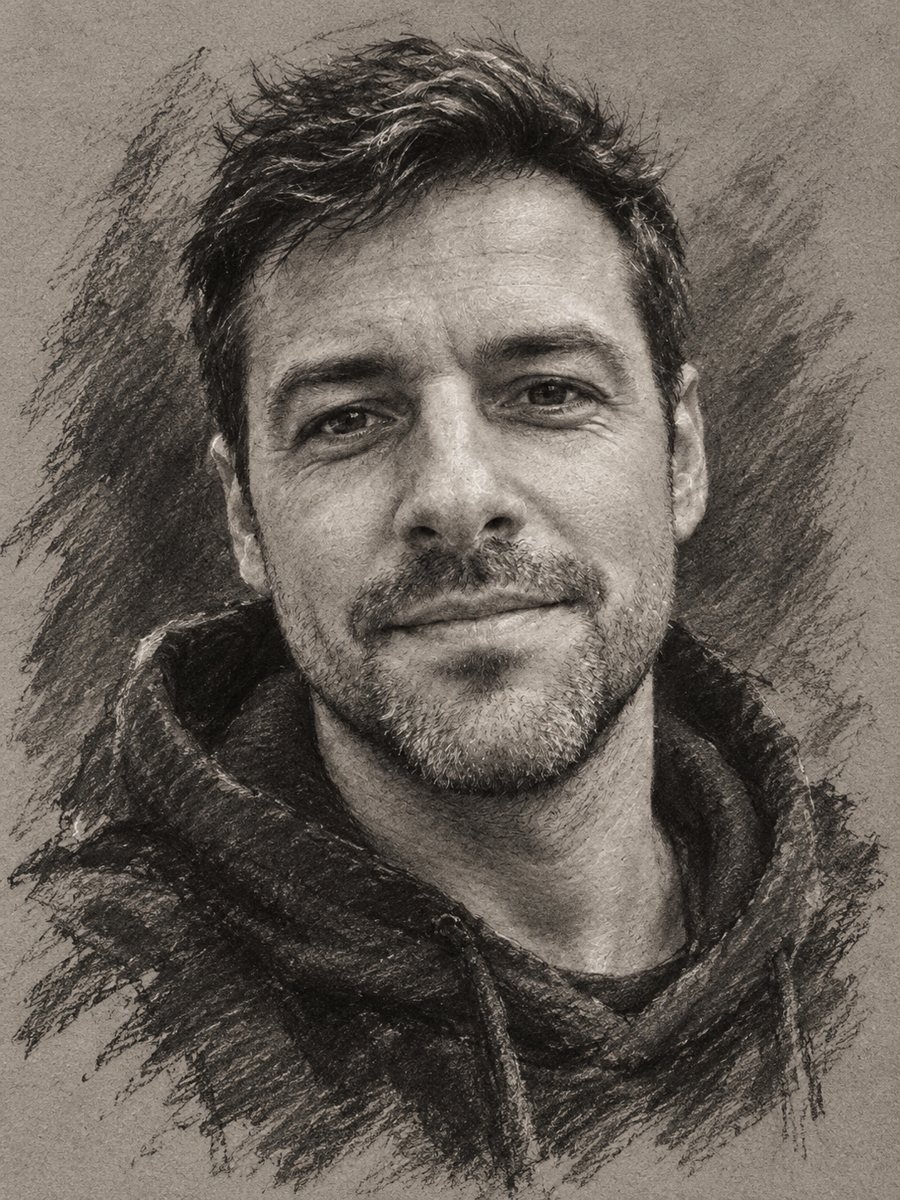 Turn your photo into a charcoal drawingConvert a portrait into an expressive charcoal sketch on gray paper with chalk highlights. Copy the ready...
- A photo to sketch prompt you can pasteA tested prompt for turning a photo into a pencil or ink sketch in ChatGPT or Gemini, and a Telegram bot...
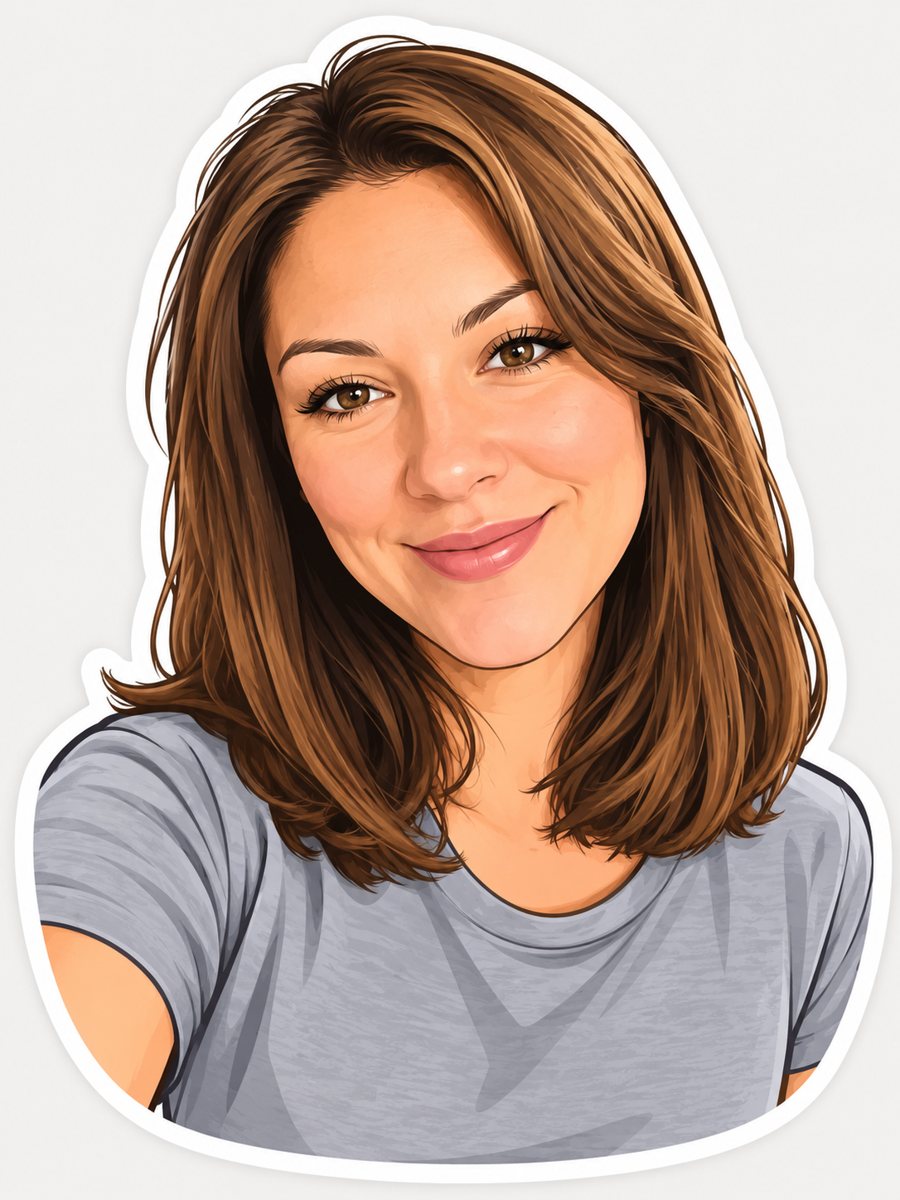 Turn your photo into a cartoon stickerTurn a photo into a cartoon sticker with a thick white outline and a cheerful expression. Copy the ready...
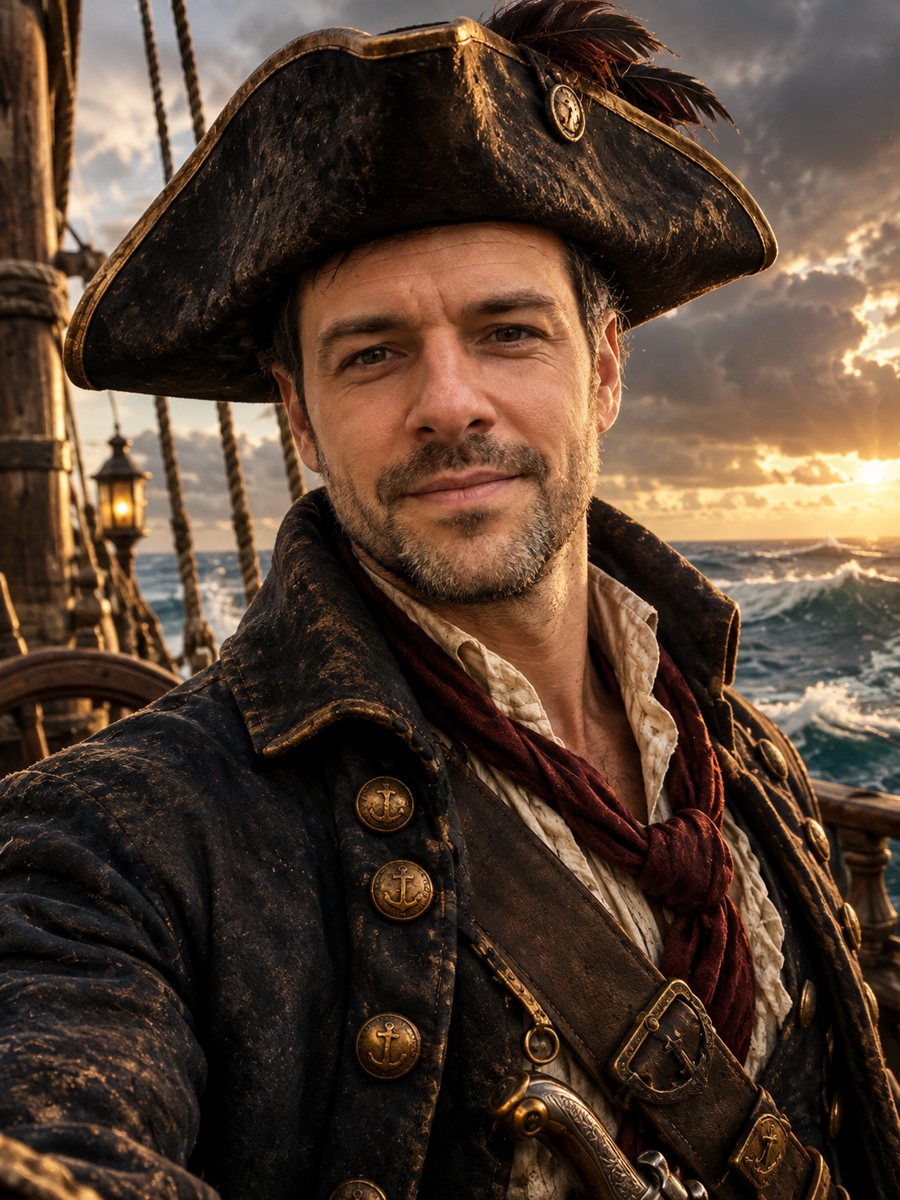 Turn your photo into a pirate captain portraitTurn your photo into an 18th century pirate captain portrait with tricorn hat, brass-button coat and a...
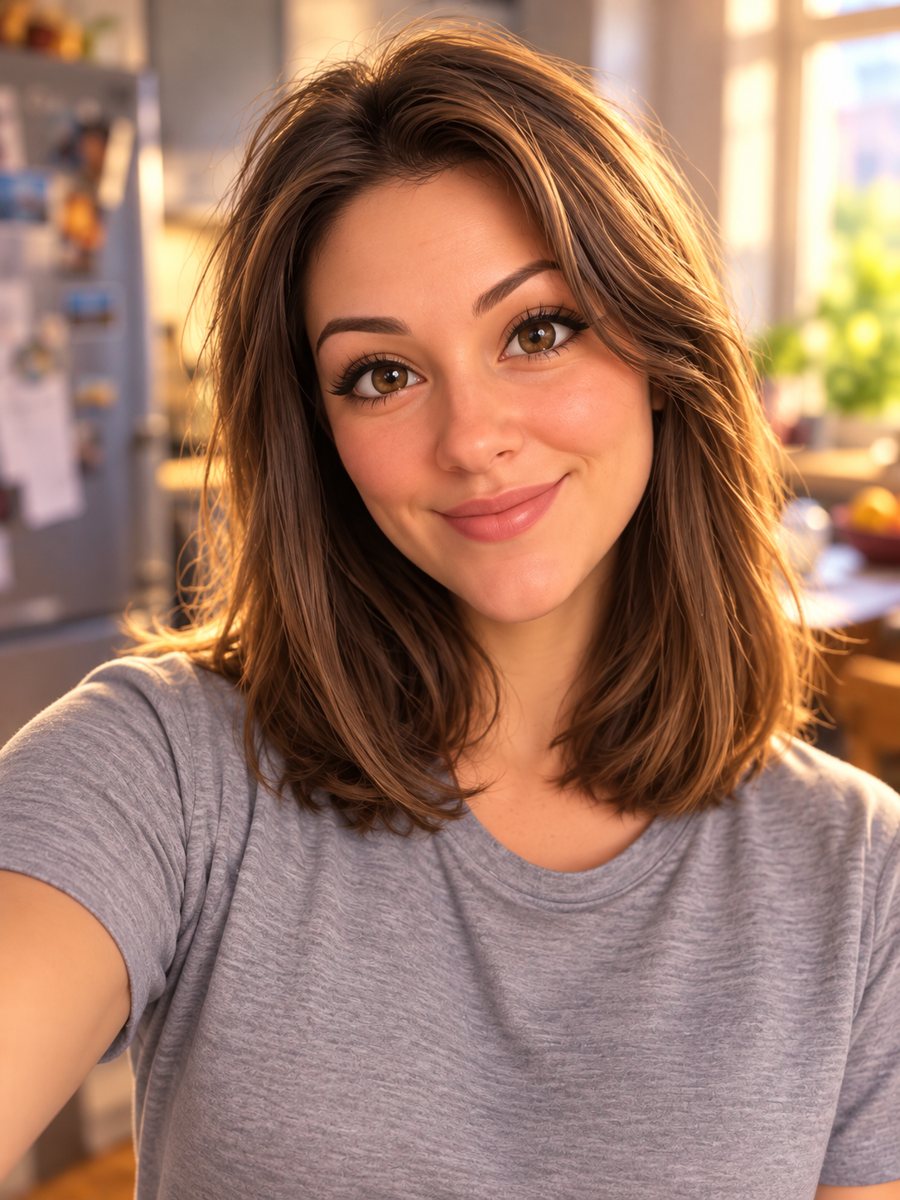 Turn your photo into a Pixar-style 3D characterTurn a selfie into a 3D animated movie character. Copy the ready prompt or open it in Telegram: 2 credits...