Turn your photo into a cartoon sticker
The style redraws you as a bold cartoon figure with a thick white outline, flat colors and a cheerful expression, on a plain light background. Press the button, send a photo and get a sticker-style image.
- 2 credits per image
- Result in 1–2 minutes
- No sign-up
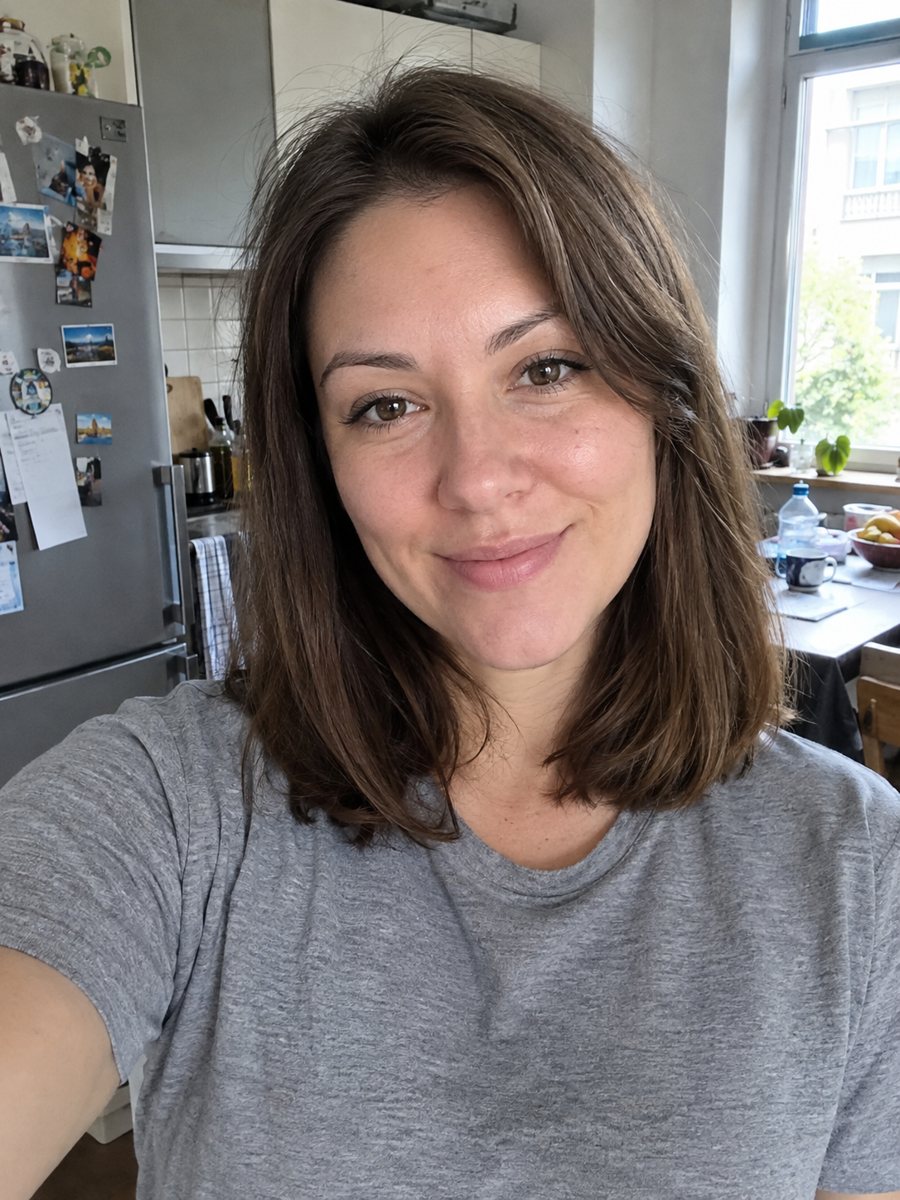
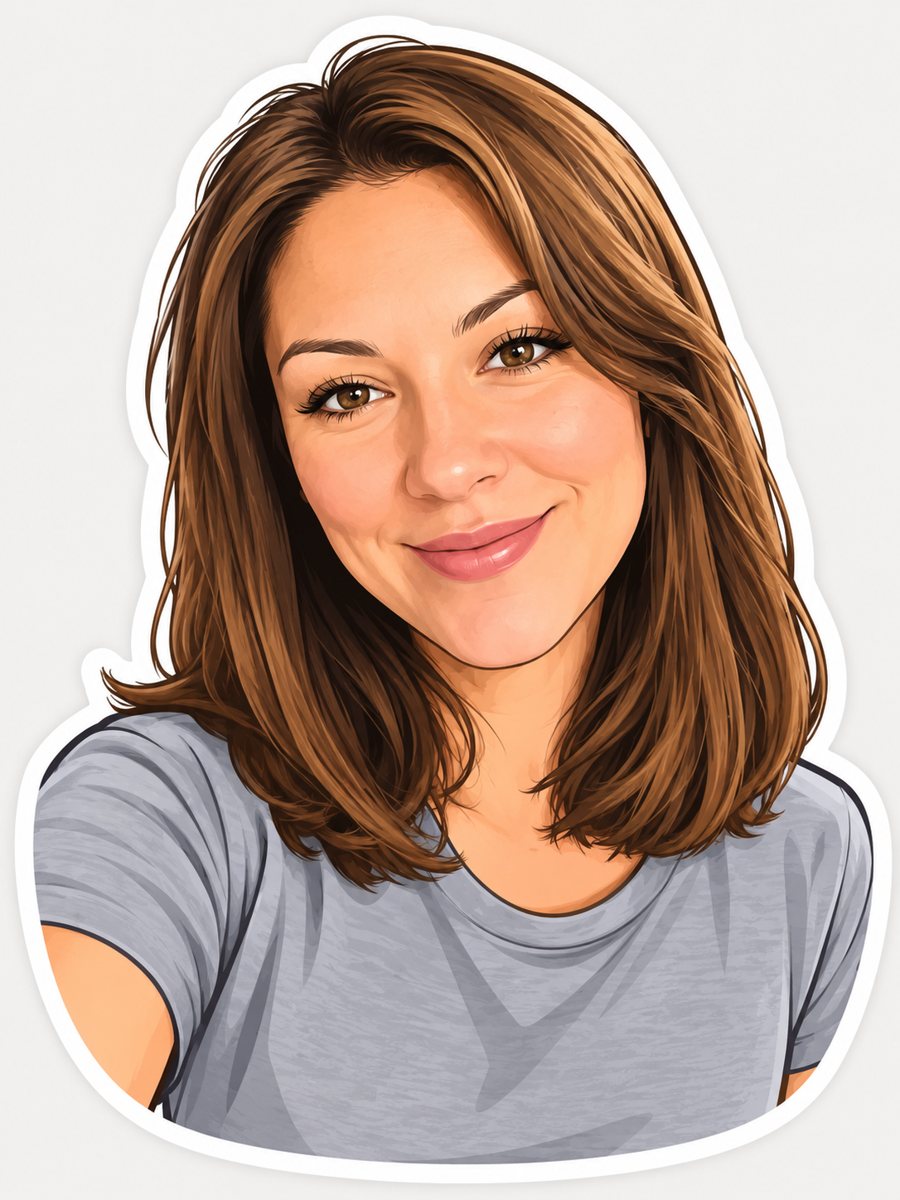 BeforeAfter
In short: Turn a photo into a cartoon sticker with a thick white outline and a cheerful expression. Copy the ready prompt or open the Telegram bot, 7 images free.
- Where: the VisuMate bot in Telegram, no app or sign-up.
- Cost: 2 credits per image, 7 images free, then packs from 49 Telegram Stars.
- Time: 1 to 2 minutes per image, rerun with a new instruction at the same price.
When you need this
- You want a sticker pack with your own face for a family chat.
- A friend group needs inside-joke stickers.
- You want a mascot-style avatar of yourself.
How to do it
- 1
Open the bot with the button. The sticker style is selected.
- 2
Send one photo, as a file. In the caption, set the emotion: laughing, winking, thumbs up.
- 3
After 1-2 minutes you get the image for 2 credits. Check the face and hairstyle, and rerun if they drifted.
Try it on your own photo: 7 images are free, no sign-up.
Make it in TelegramThe prompt behind this style
Turn this photo into a die-cut sticker illustration for Telegram or WhatsApp. Keep the face, hairstyle and expression recognizable. Bold cartoon style, thick white outline around the whole figure, flat colors with light shading, exaggerated cheerful expression, plain light background behind the sticker. Vertical 3:4, no text.
What you get and making a pack
A cartoon with bold shapes, light shading and a thick white edge around the whole figure. The expression is exaggerated and cheerful. It is ready to be cut out as a sticker in an editor or in the sticker settings of your messenger. Each run gives one image. For a pack, change the caption emotion each time: laughing, sleeping, angry, in love. Keep the same photo so the character stays the same. The image has a plain light background, not a transparent one, so you may need a background remover before adding it to a messenger. Each image costs 2 credits.
Limits
The face is simplified into a cartoon, so check the likeness. The prompt asks for no text. Messenger sticker rules differ by app, so check the size requirements there. The bot does not create the sticker pack in Telegram or WhatsApp for you. Large faces cut out better than full-body shots, so frame the photo from the chest up when you plan to make a set.
Tips
- One emotion per image makes a better sticker.
- Ask for a different pose or expression for each new sticker.
- Clear, large faces give the cleanest outlines.
- Keep the background plain in the source if you can.
- Make the set with the same photo for consistency.
Questions and answers
Is the background transparent?
No. It is plain light. Remove it in an editor.
Does the bot upload it to Telegram stickers?
No. You save the image and add it yourself.
Can I make a sticker of my pet?
Yes, try the pet cartoon page for animals.
Can I add text?
The prompt asks for no text. Add words in an editor.
How many free images do I get?
7, with the free starting credits.
More in "Photo styles"
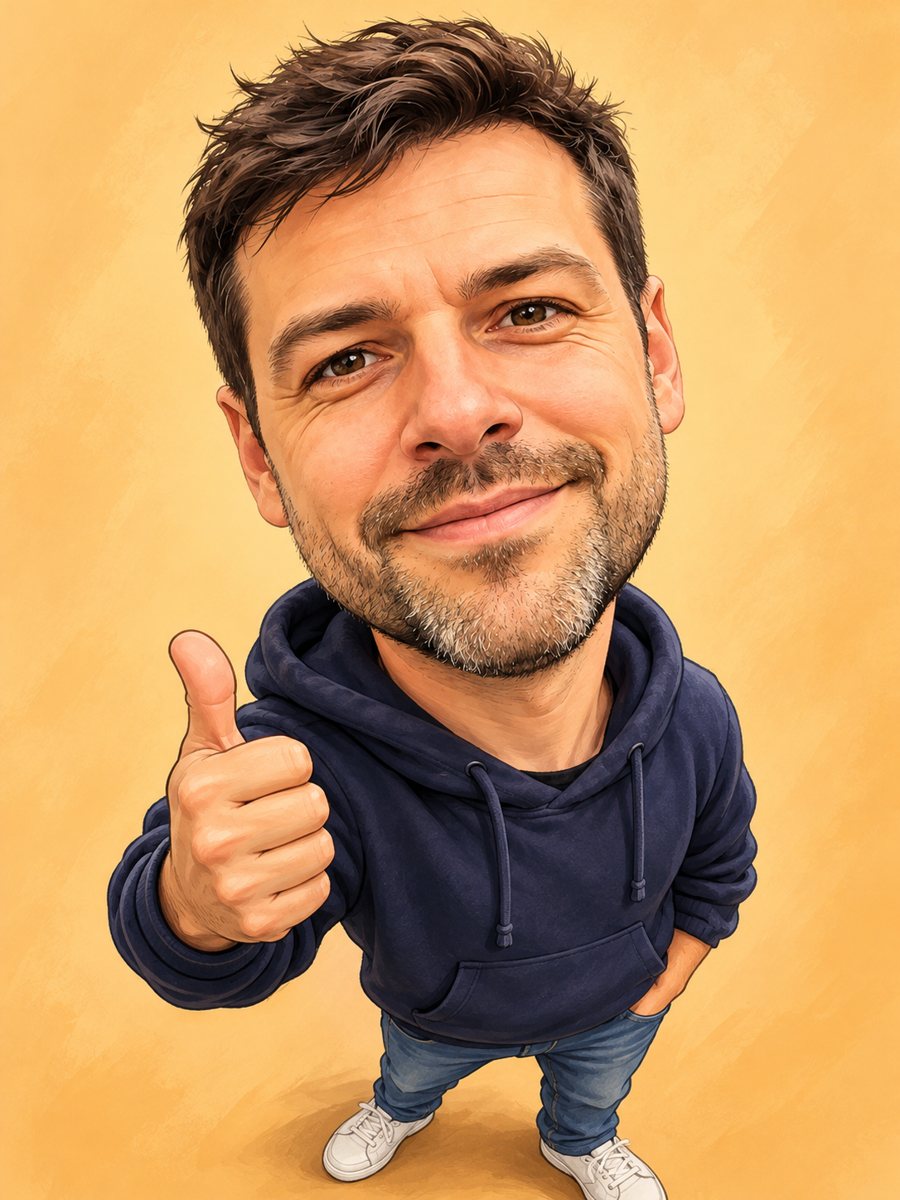 Turn your photo into a friendly caricatureDraw a friendly caricature of yourself or a friend with a big head, a big smile and a small body. Copy the...
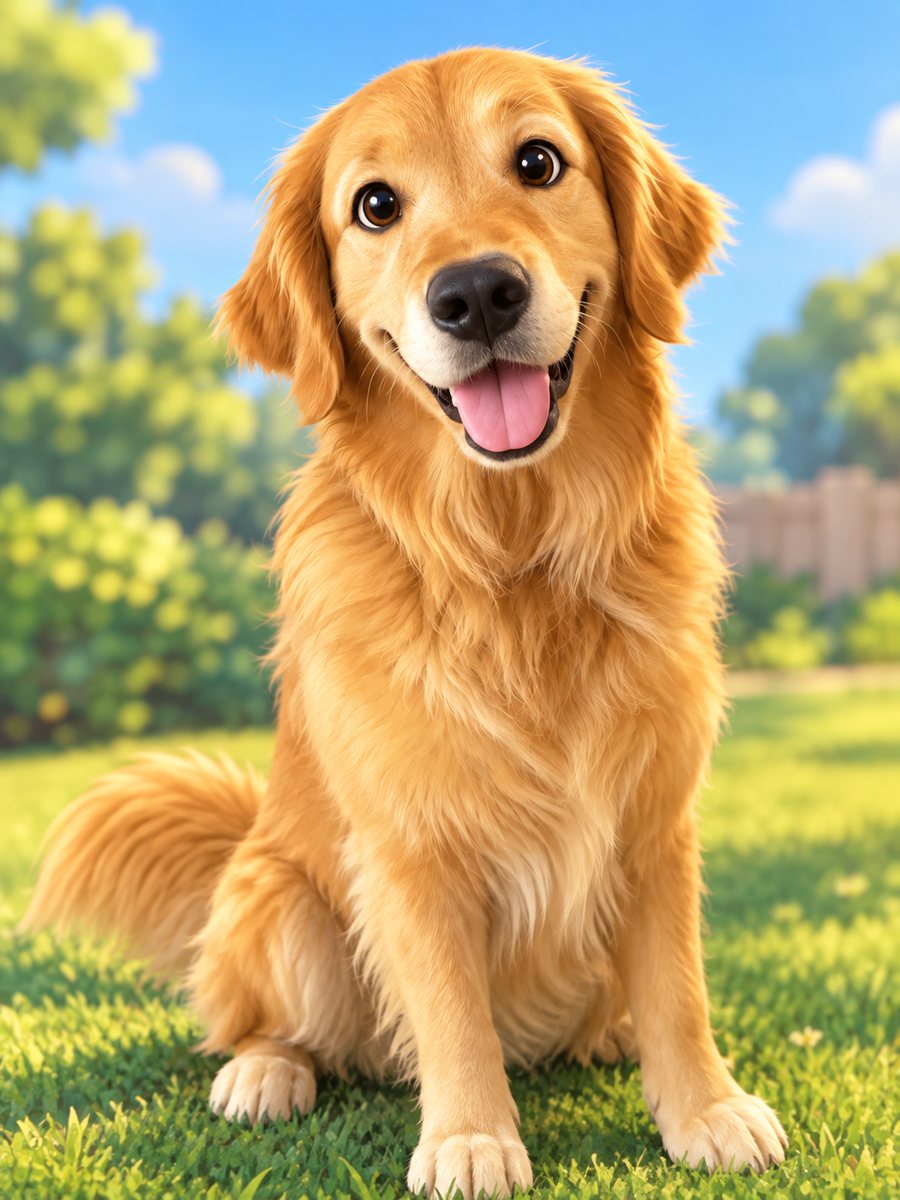 Turn your pet into a cartoon characterDraw your dog or cat as a cute animated movie character with big eyes and soft 3D shading. Ready prompt...
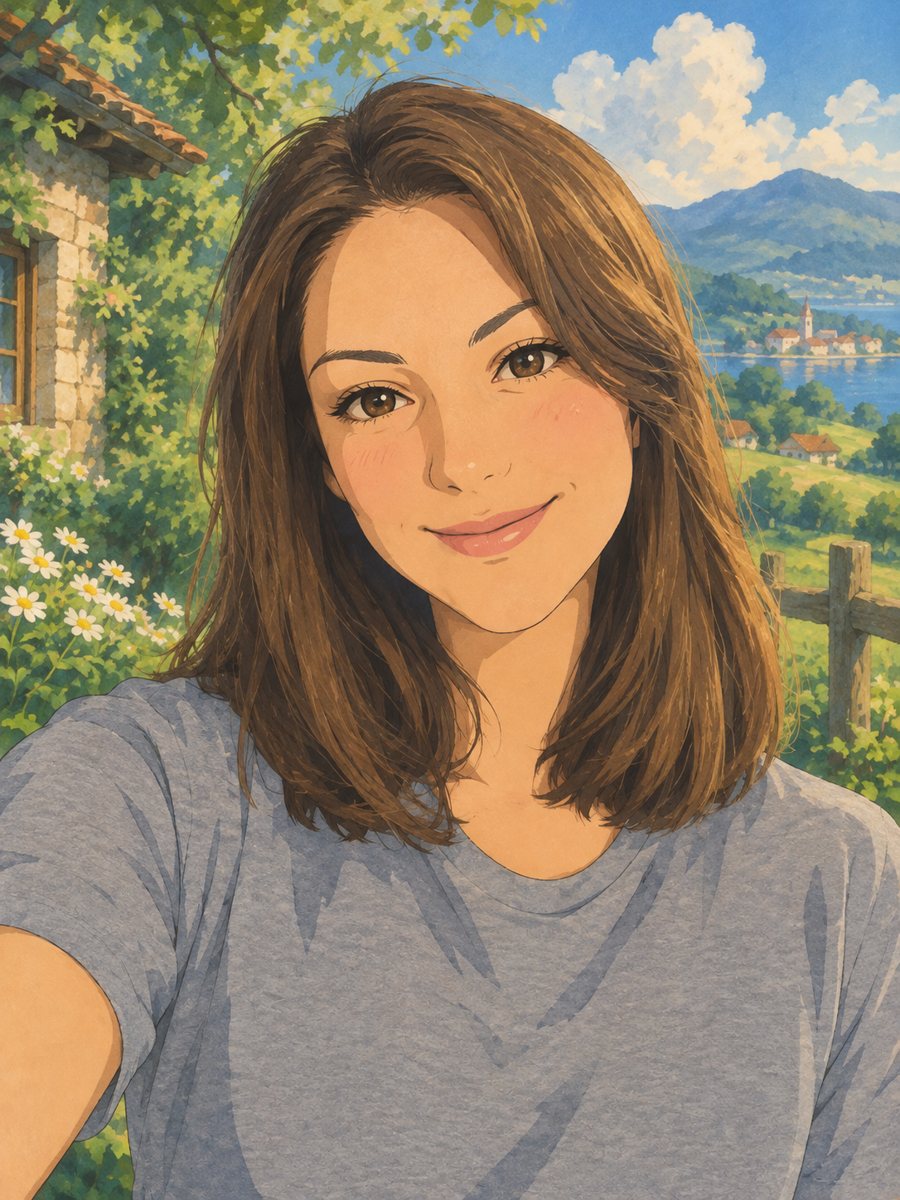 Turn your photo into a Ghibli-style illustrationTurn a photo into a hand-painted anime scene with soft colors and green hills. Copy the ready prompt or...
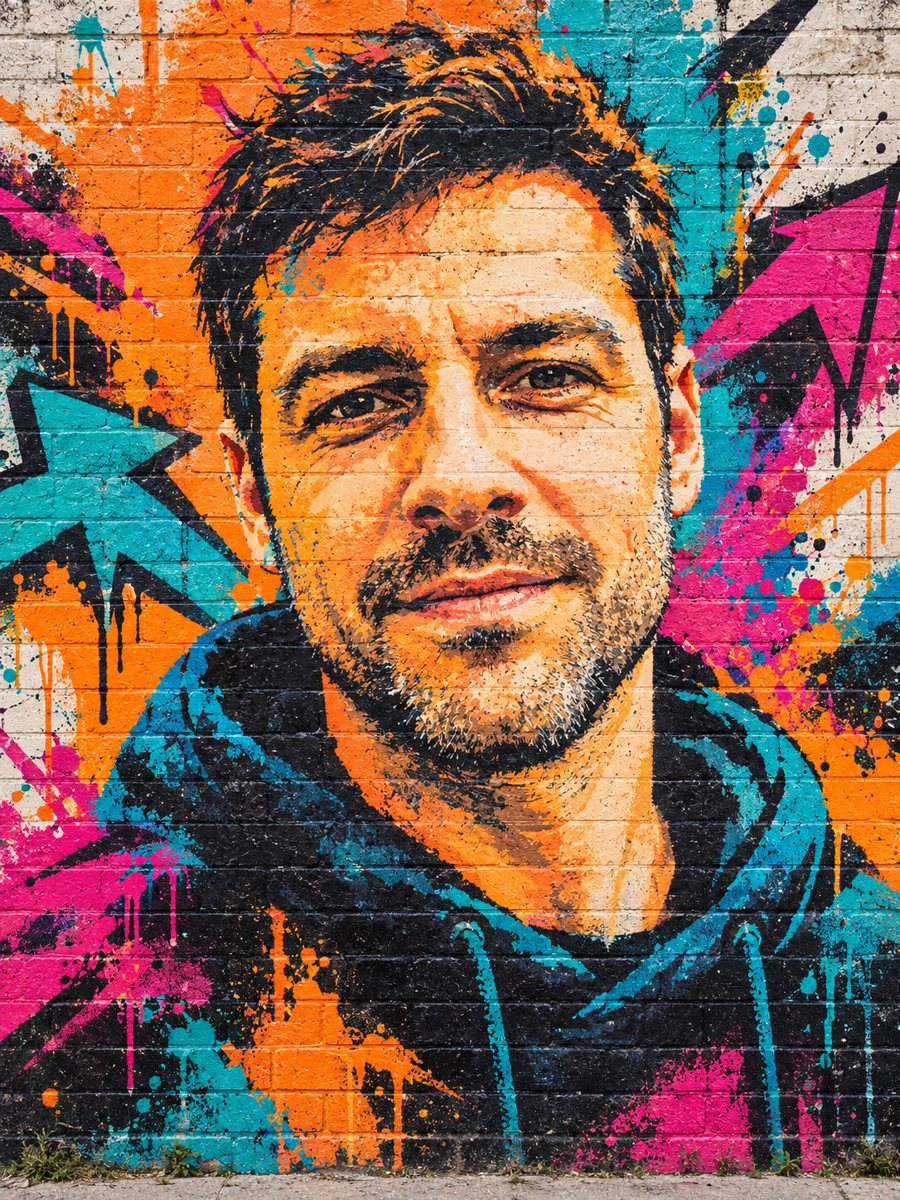 Turn your photo into a graffiti street art muralPaint your photo as a big graffiti mural on a brick wall with spray texture and vivid colors. Copy the...