Turn a photo into a watercolor portrait
The bot repaints your photo with soft wet-on-wet washes, visible paper grain and colors that bleed at the edges. Faces stay recognizable and the white margins give it the look of a real sheet. Send one photo, the style is preselected.
- 2 credits per image
- Result in 1–2 minutes
- No sign-up
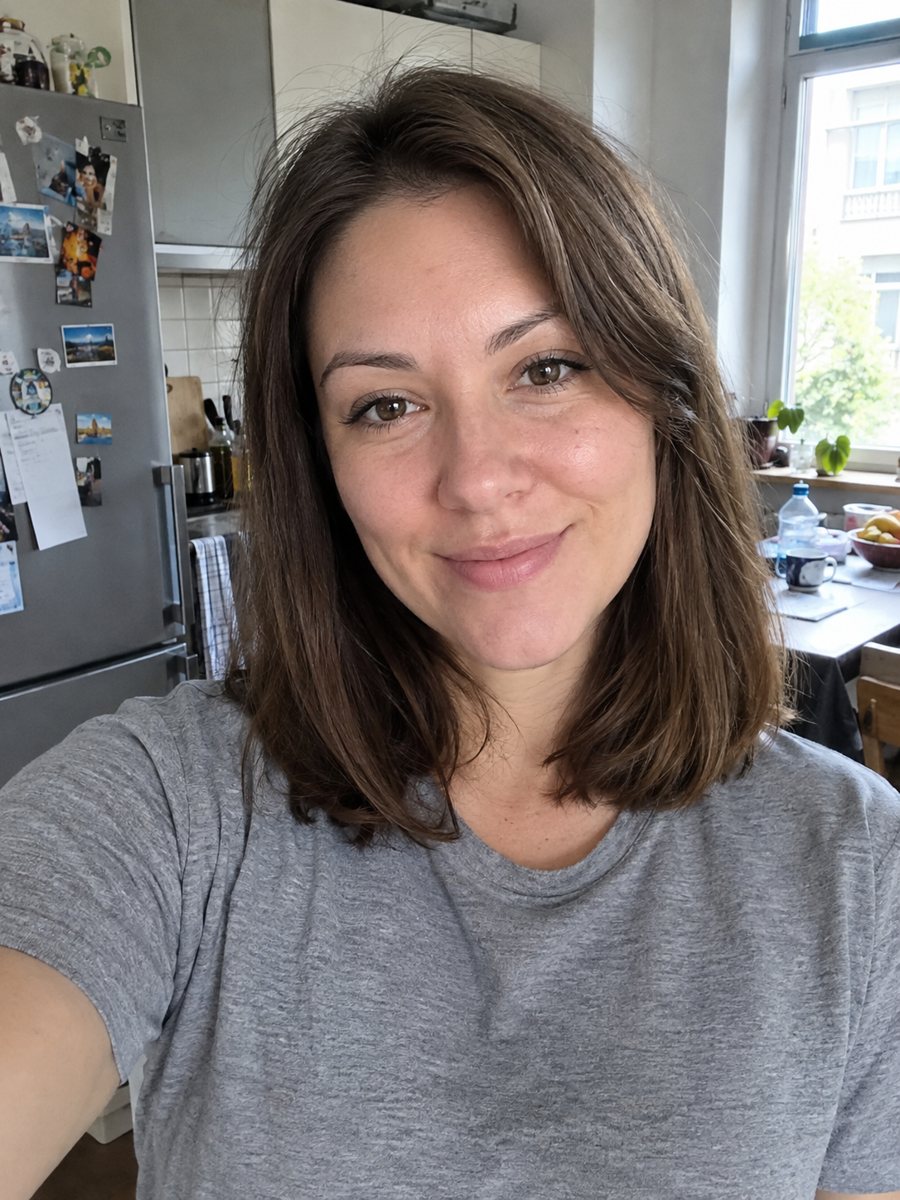
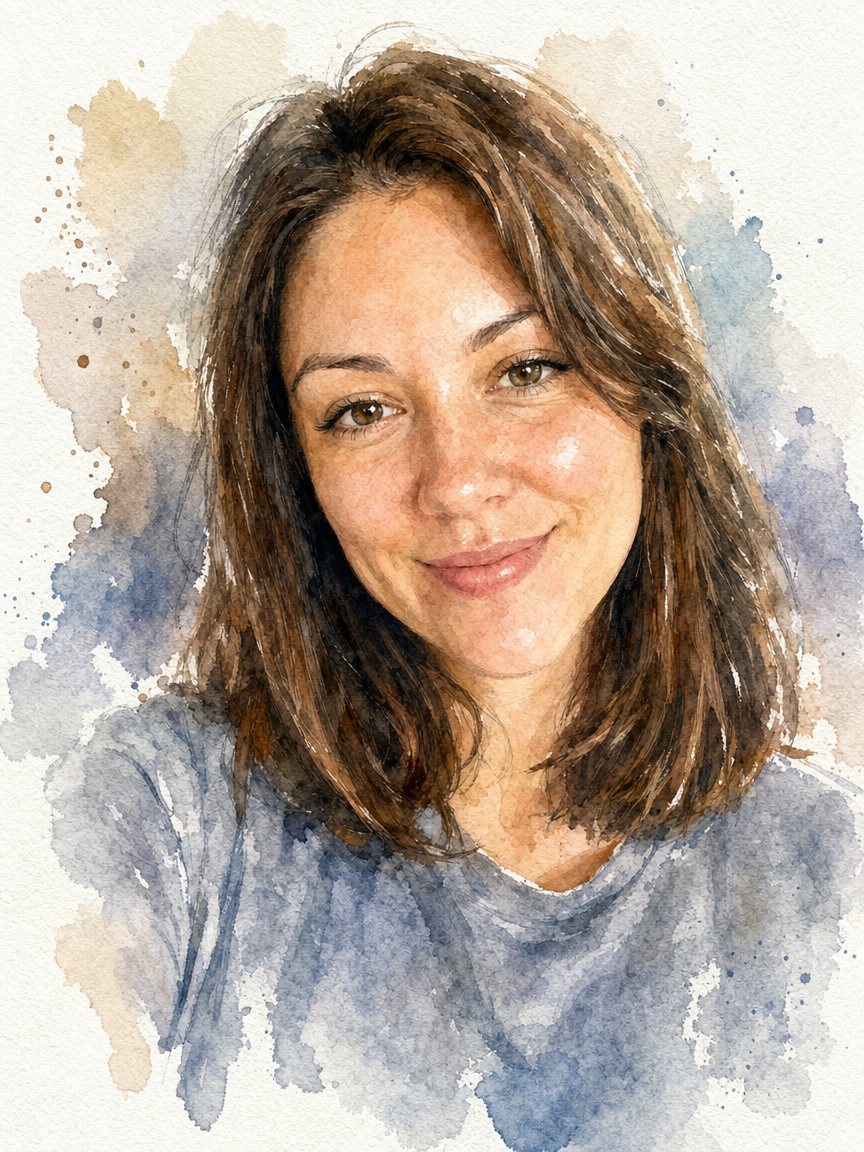 BeforeAfter
In short: Paint your photo as a loose watercolor portrait on textured paper. Copy the prompt or open the bot: 2 credits per image, 7 images free.
- Where: the VisuMate bot in Telegram, no app or sign-up.
- Cost: 2 credits per image, 7 images free, then packs from 49 Telegram Stars.
- Time: 1 to 2 minutes per image, rerun with a new instruction at the same price.
When you need this
- You want a soft gift portrait for a wedding, an anniversary or a parent.
- Photo filters make watercolor look like plastic and you want a paper texture.
- You need an illustration for a blog post or a greeting card without hiring an artist.
- You like the idea of a framed painted portrait of a child.
How to do it
- 1
Open the bot with the button on this page and press Start. Your 15 free credits appear on first launch, and the style is already chosen.
- 2
Send your photo as a file. You can leave the caption empty or give a short wish, like: more blue and green, lots of white space.
- 3
Wait 1-2 minutes. One image costs 2 credits. Check the face edges, paper texture and color bleed. If it drifted, run again for another 2 credits.
Try it on your own photo: 7 images are free, no sign-up.
Make it in TelegramThe prompt behind this style
Paint this photo as a loose watercolor portrait on textured cold-press paper. Keep the face, hairstyle and expression recognizable. Soft wet-on-wet washes, visible paper grain, color bleeding at the edges, a few splashes, white unpainted margins. Vertical 3:4, no text, no frame.
What watercolor does to a photo
Real watercolor leaves areas unpainted, lets pigment pool at the edges and blurs transitions. The prompt asks for exactly that: loose washes, visible cold-press grain, a few splashes and white margins around the subject. Details such as eyelashes and fabric patterns soften into suggestions. That softness is part of the charm, but it also means fine features like thin glasses frames can shrink or vanish.
Lighting and color tips
Pick a photo with gentle daylight. Strong shadows turn into dark patches of paint that can look heavy. Colors from the photo carry over, though the AI often brightens them a little. If you want a limited palette, such as only warm tones or a blue theme, write it in the caption. For a classic look, ask for muted earth colors.
Where the result works
Watercolor portraits suit wedding thank-you cards, gifts for grandparents, baby room prints and book illustration. The vertical 3:4 shape fits a standard frame after a small crop. The paper texture shows best when printed on matte stock. As with any AI result, check the face before you print and rerun if the expression changed.
Tips
- Bright, airy photos turn into the prettiest watercolors. Dark rooms give muddy paint.
- Say in the caption which two or three colors should dominate.
- Ask for fewer splashes if you plan to print it as a clean card.
- Close head and shoulders shots keep the likeness better than distant full-body ones.
- If the face looks washed out, rerun and add: keep the eyes clear and dark.
Questions and answers
Is it a real painting?
No, it is an AI image that imitates watercolor on paper. You can print it, but it will not have real pigment.
Can I keep the background from my photo?
The prompt paints the subject with soft edges. Add a caption like keep the garden behind me if you want the setting.
Will the colors match my clothes?
Mostly yes. Mention important colors in the caption to be safe.
How do I get less splashing?
Write fewer splashes, clean edges in the caption.
Is there a free try?
Yes. New users get 15 free credits, enough for 7 images at 2 credits each.
More in "Photo styles"
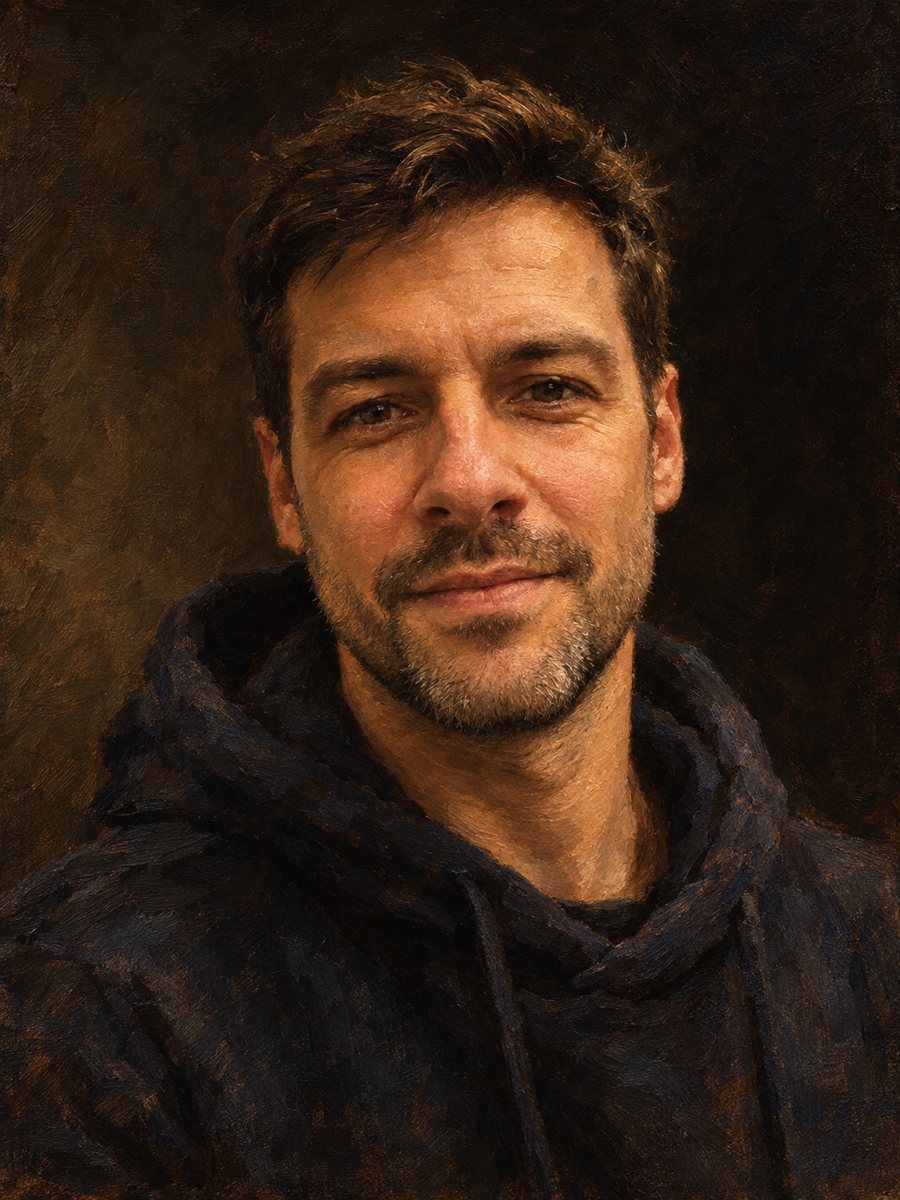 Make an oil painting portrait from a photoRepaint a photo as a classical oil portrait with brush strokes and dramatic light. Ready prompt, 2 credits...
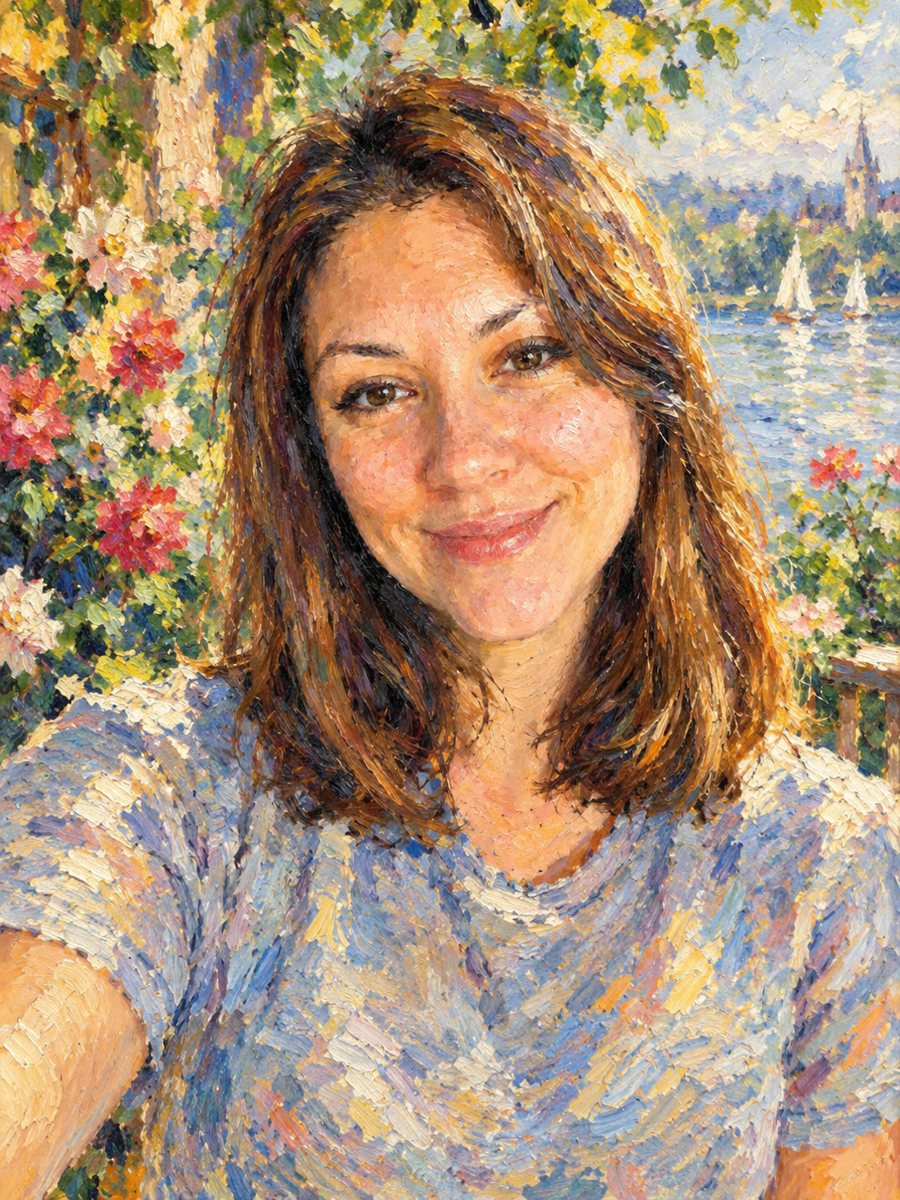 Turn your photo into an impressionist oil paintingRepaint a photo as an impressionist oil painting with visible brush strokes and dappled light. Ready...
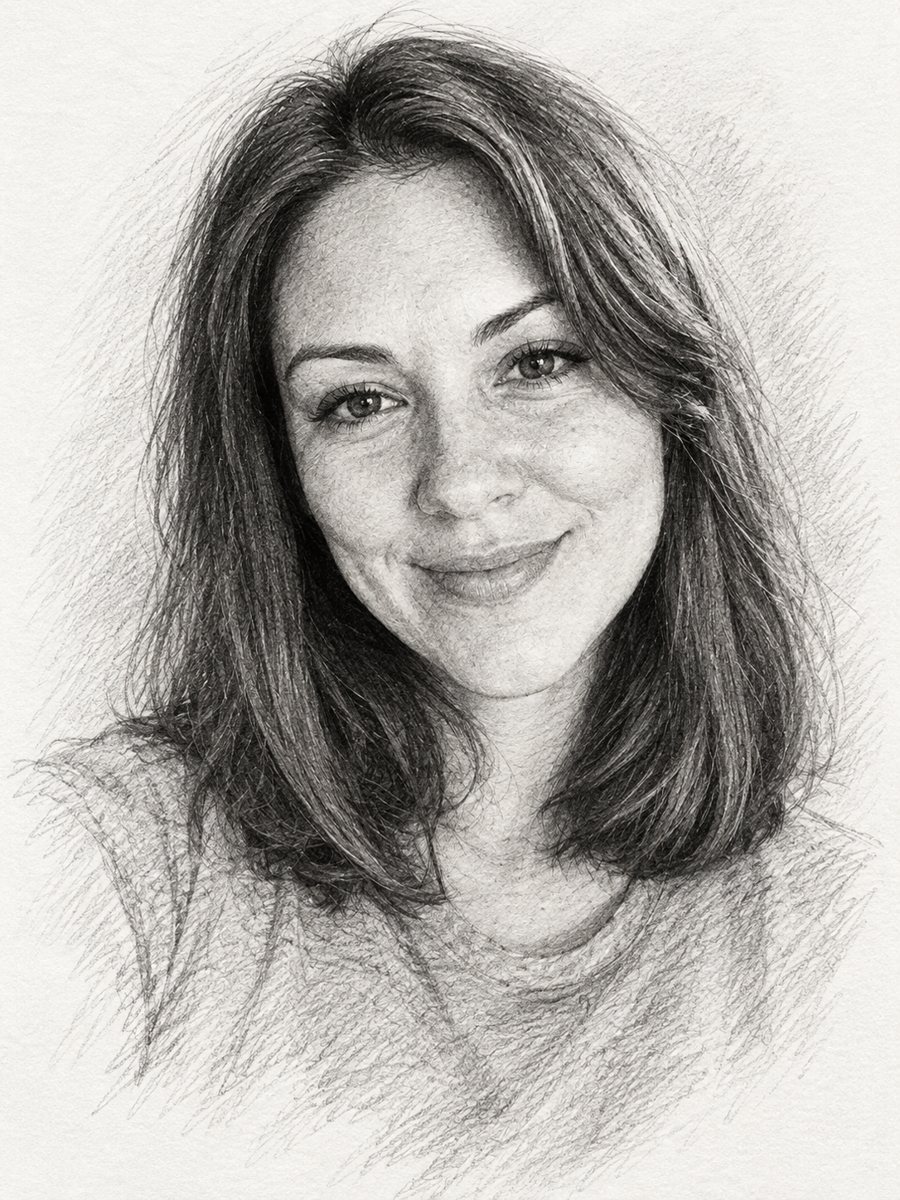 Turn a photo into a pencil sketch portraitConvert a photo into a realistic graphite pencil sketch with hatching and soft shading. Copy the prompt or...
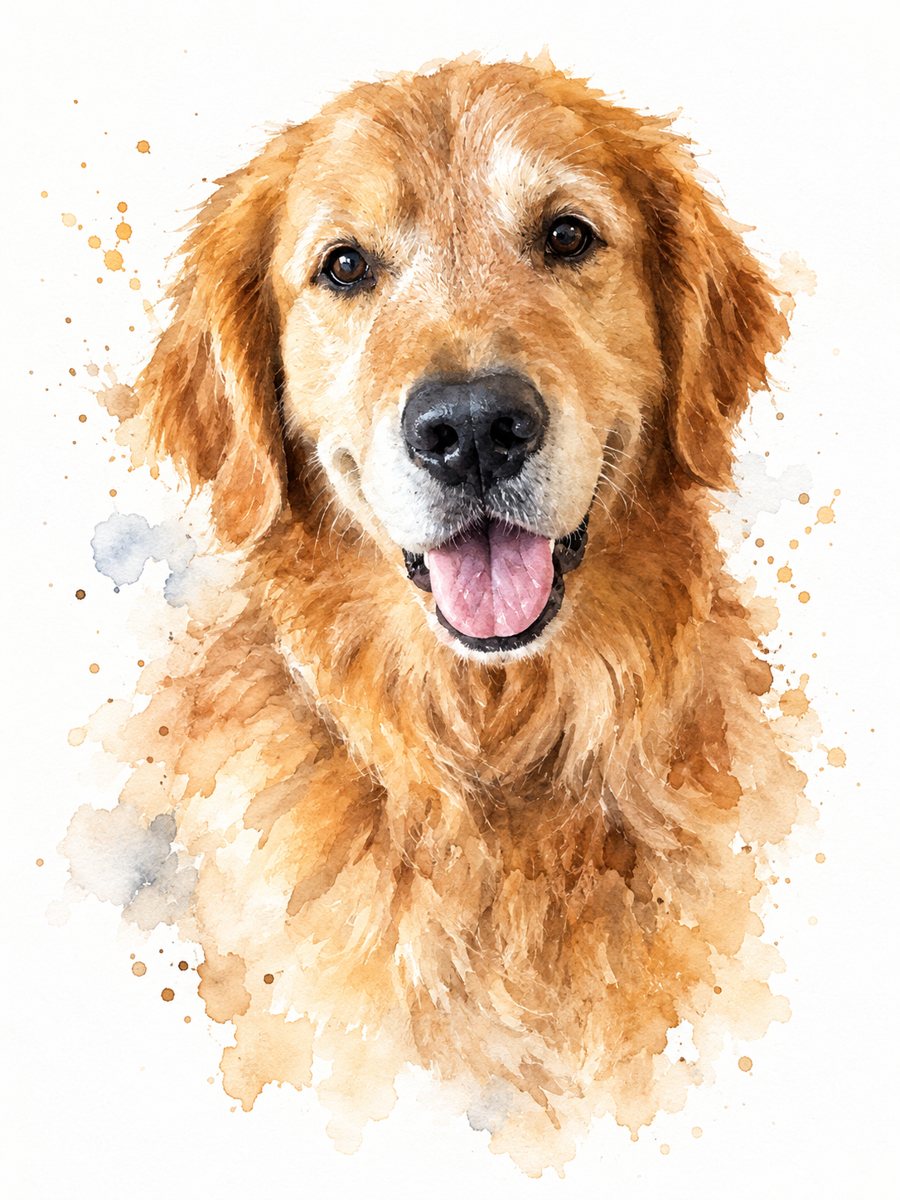 Turn your pet photo into a watercolor paintingPaint your dog or cat as a loose watercolor portrait with soft washes and splashes on white paper. Ready...
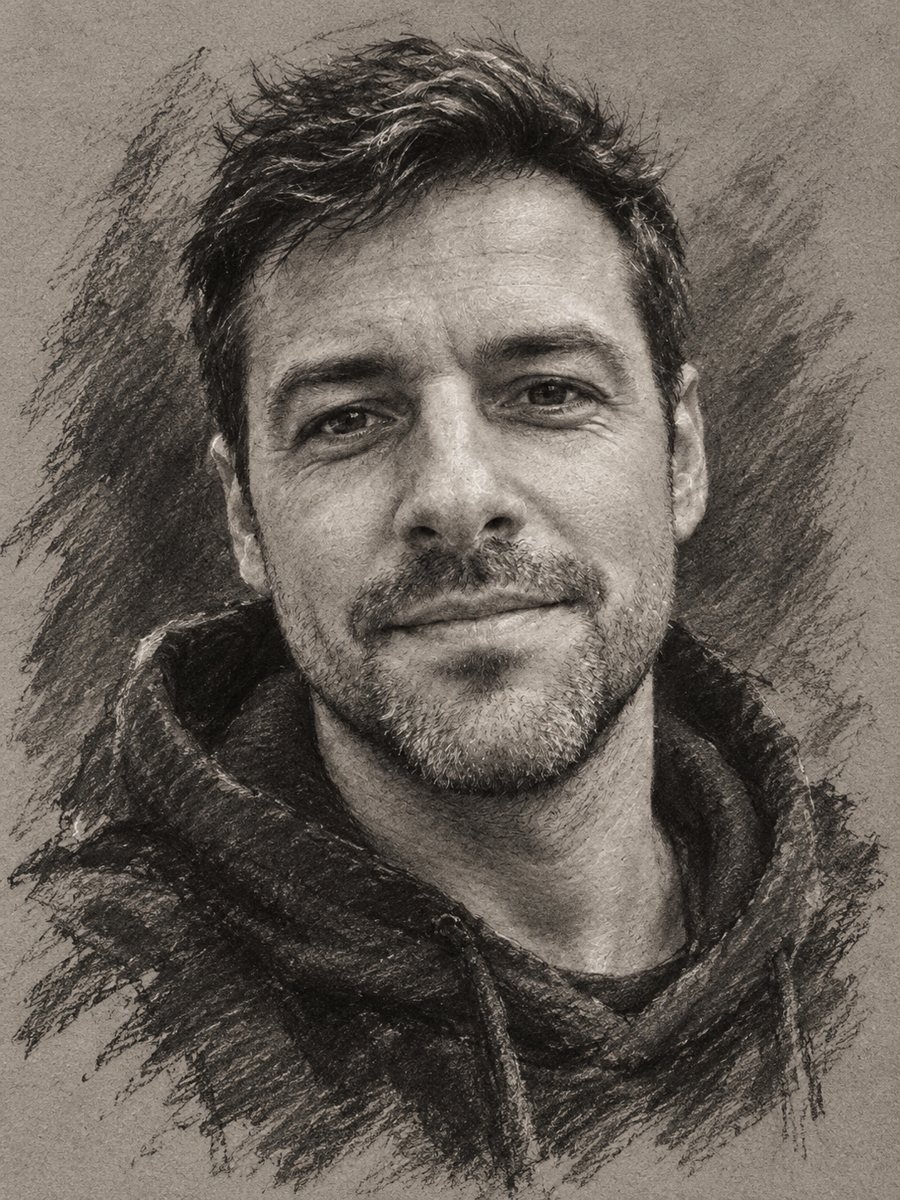 Turn your photo into a charcoal drawingConvert a portrait into an expressive charcoal sketch on gray paper with chalk highlights. Copy the ready...