Turn a photo into anime, no account needed
Most anime converters ask for an email before they show a result. In Telegram you tap the button, send a picture and wait about a minute. Your Telegram profile is the only login involved.
- 2 credits per image
- Result in 1–2 minutes
- No sign-up
In short: Change a photo to anime style without making an account: big eyes, cel shading, clean line art. Open the Telegram bot and get 7 images free as a new user.
- Where: the VisuMate bot in Telegram, no app or sign-up.
- Cost: 2 credits per image, 7 images free, then packs from 49 Telegram Stars.
- Time: 1 to 2 minutes per image, rerun with a new instruction at the same price.
- Credits never expire, there is no subscription and no auto-renew. You pay once for a pack inside Telegram with Stars.
When you need this
- Converter sites push you to register and then show a preview behind a paywall.
- Apps with filters crush the face into a generic anime template.
- You want a version of a group photo, and most tools only handle a single selfie.
How to do it
- 1
Press the button to open @visumate_ai_bot in Telegram. No sign-up, and new users get 15 free credits, which is 7 images.
- 2
Send a clear photo as a file. In the caption pick the flavor: 'soft shoujo', 'sharp seinen', or 'quiet summer afternoon'.
- 3
In 1-2 minutes you get the anime picture for 2 credits. Send the same photo again for another take.
Try it on your own photo: 7 images are free, no sign-up.
Make it in TelegramThe prompt behind this style
Convert the attached photo into an anime illustration. Keep the person's hair color, outfit, pose and general face shape recognizable. Clean line art, cel shading, large expressive eyes, soft pastel background. Vertical 3:4, no text.
What changes and what stays
Proportions shift toward anime conventions: larger eyes, a smaller nose, simplified hair in bold shapes. Hair color, outfit and pose remain. The face stays recognizable to people who know you, even though it is clearly a drawing. Fans of manga often try several moods in a row, from gentle slice of life scenes to sharp action frames, because a single caption word changes the atmosphere.
Where people use it
Discord and Telegram avatars, a gift for a friend who loves manga, a cover for a playlist, a character sheet for a tabletop game. For a fuller set of anime options see the anime portrait page. Share the result in chats right away or keep it as a character reference. Because everything happens inside Telegram, the finished anime picture can be forwarded to a friend or saved to your gallery without any extra steps or downloads.
Tips
- Hair color and clothes carry over, so choose a photo where both are visible.
- Mention the mood: calm, cheerful, dramatic.
- Bright, even light gives cleaner line art.
- Glasses usually survive the conversion, hats sometimes do not.
Questions and answers
Is any account required?
Only Telegram, which you already have.
Can pets be turned into anime?
Yes, send a clear photo of the animal.
Will there be a watermark?
No watermark is added to results.
What does it cost?
2 credits per image. New users get 15 free credits, so 7 images cost nothing. After that packs start at 49 Telegram Stars and credits do not expire.
Does the bot work in English?
Yes. It picks up your Telegram language on first launch. You can switch it any time with /lang.
What the bot does not do
- Works from one photo. Likeness depends on the photo you send, and some styles change features more than others.
- Does not make video or animation.
- Does not output a transparent PNG.
- Does not retouch passport or ID photos.
More in "Photo styles"
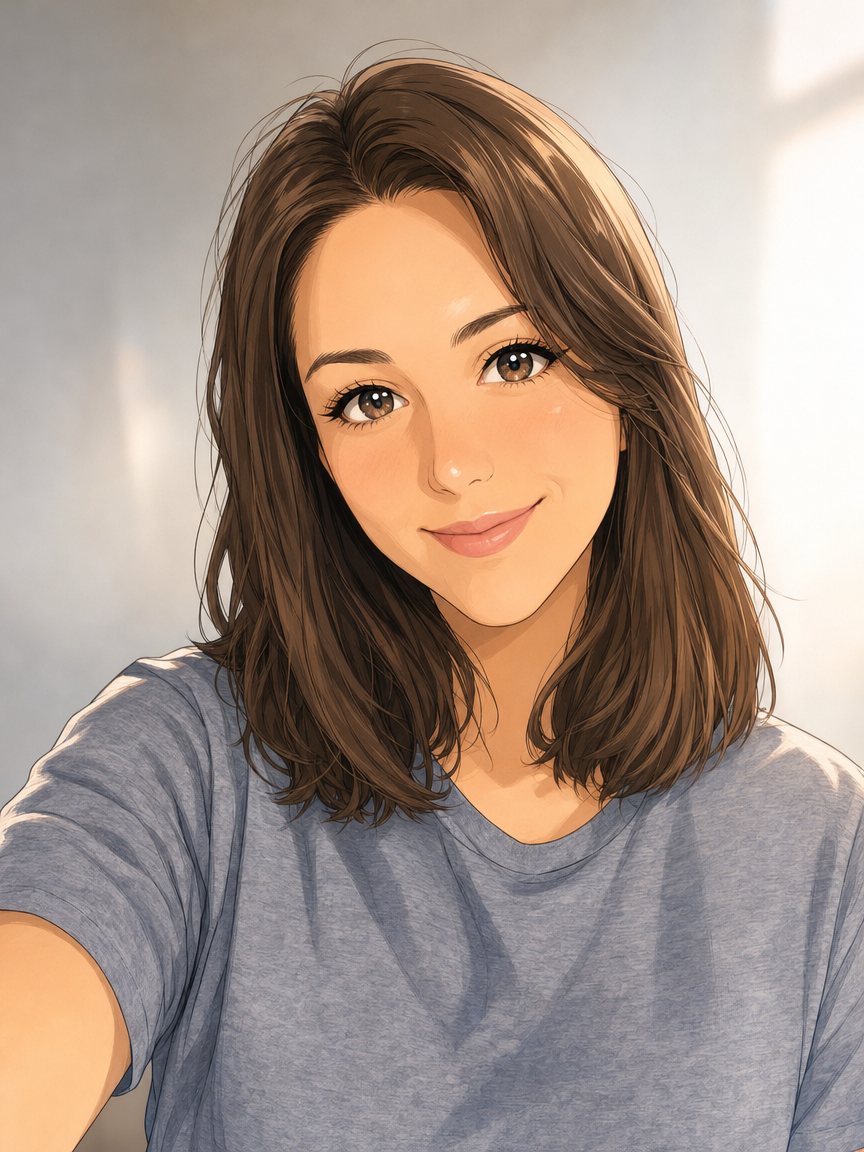 Make an anime portrait from your photoRedraw a photo as a polished anime illustration with clean line art and cel shading. Ready prompt, 2...
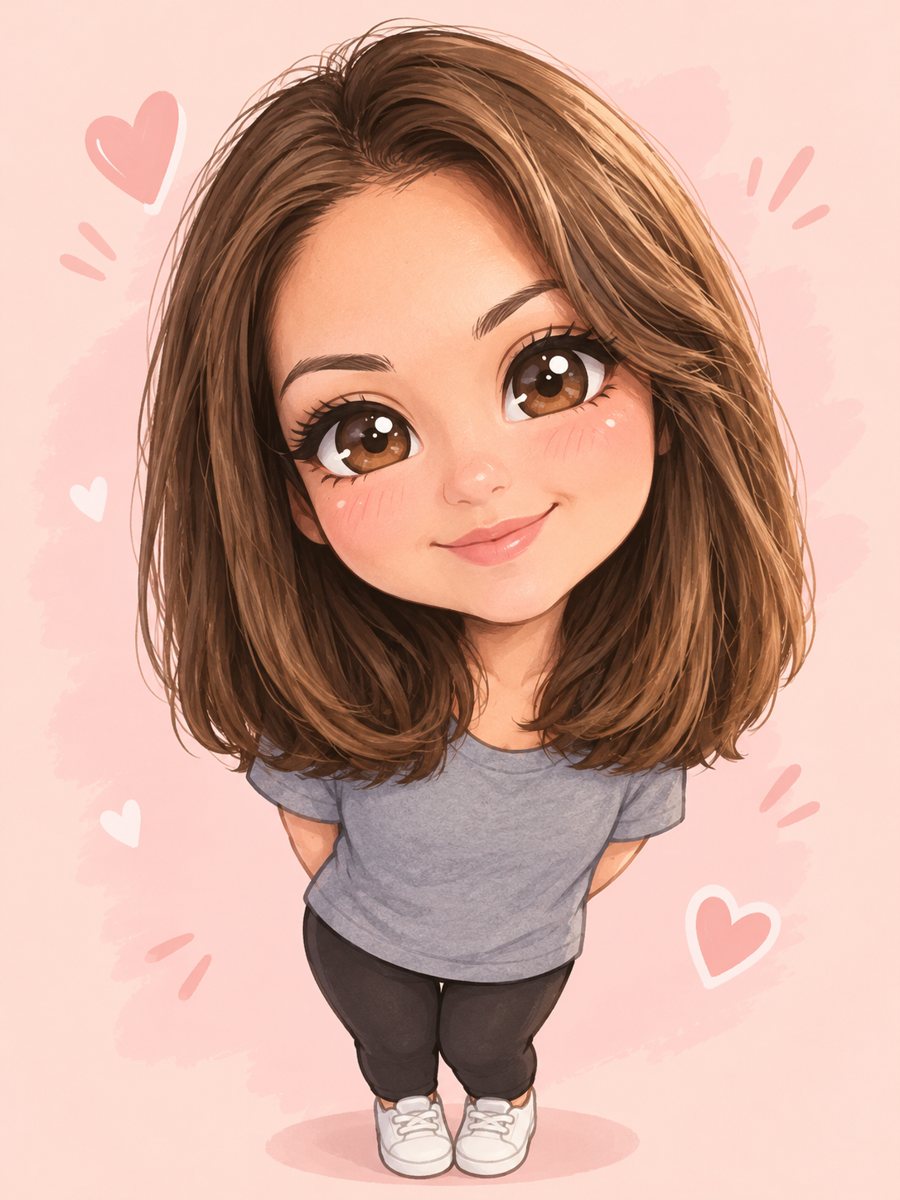 Turn yourself into a cute chibi characterTurn a photo into a cute chibi figure with an oversized head, tiny body and sparkling eyes. Copy the ready...
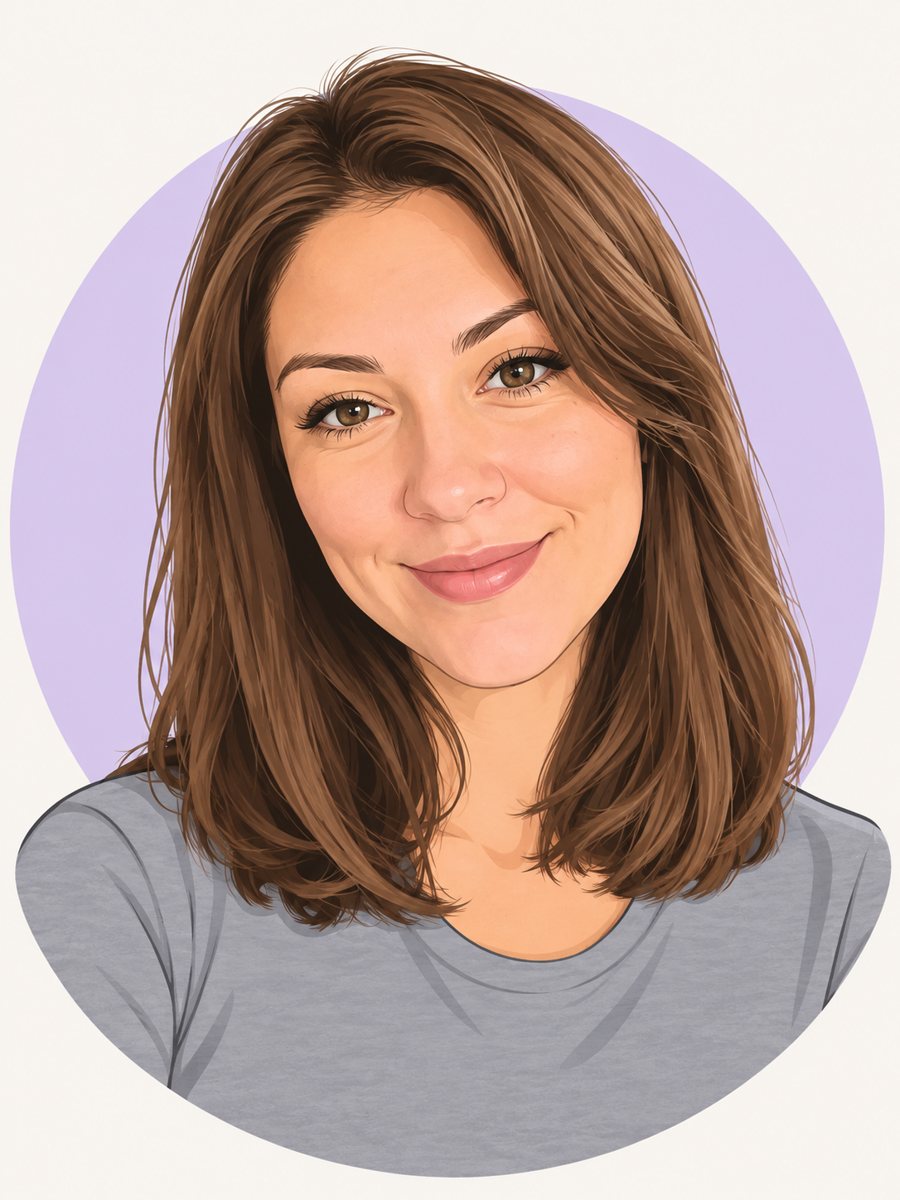 Make a cartoon avatar from your photoDraw a friendly cartoon avatar from your photo in clean vector style with a pastel circle background....
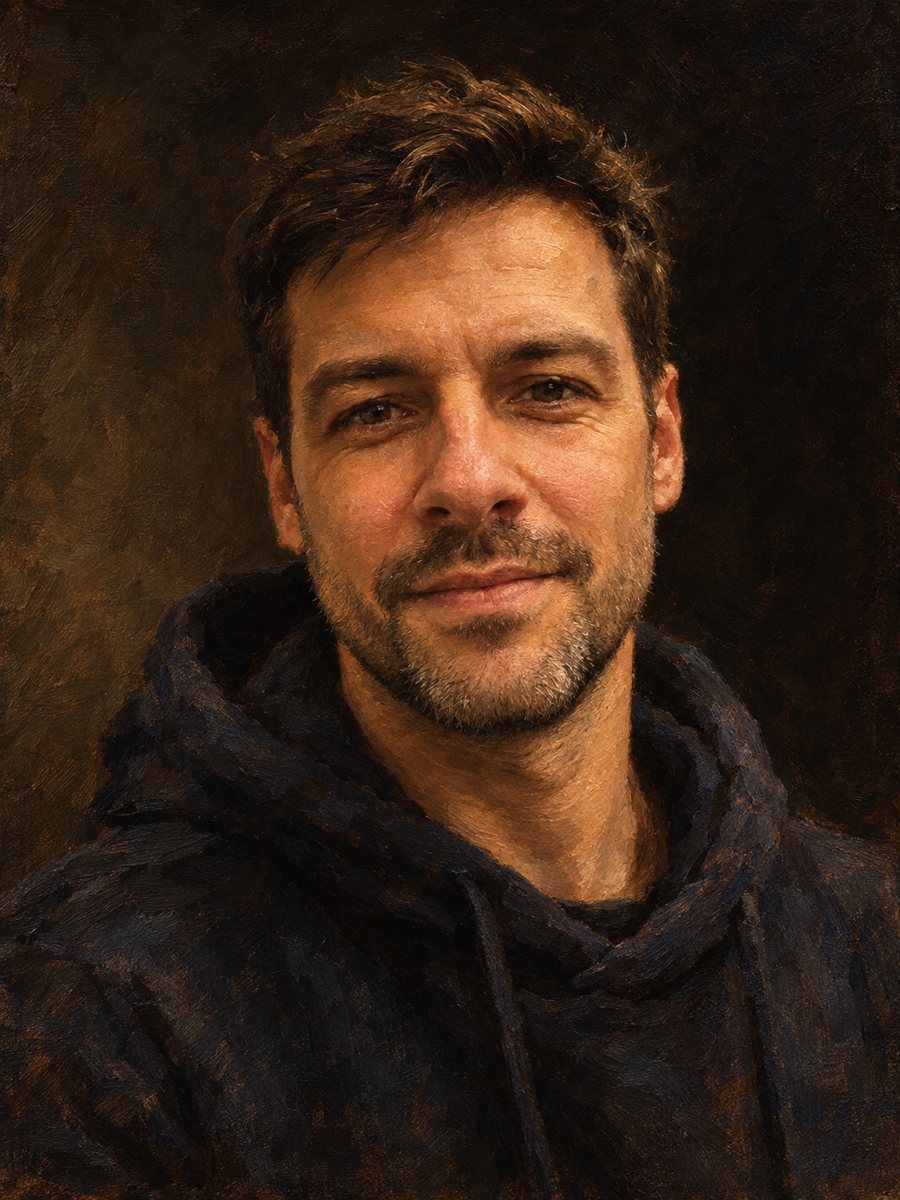 Photo to painting with AI, free to startTurn a photo into a painting with AI in Telegram: oil, watercolor, impressionist, Renaissance. Keeps your...
- Photo to sketch converter, onlineConvert a photo to a sketch online: clean pencil lines, soft shading, white paper. Open the Telegram bot,...
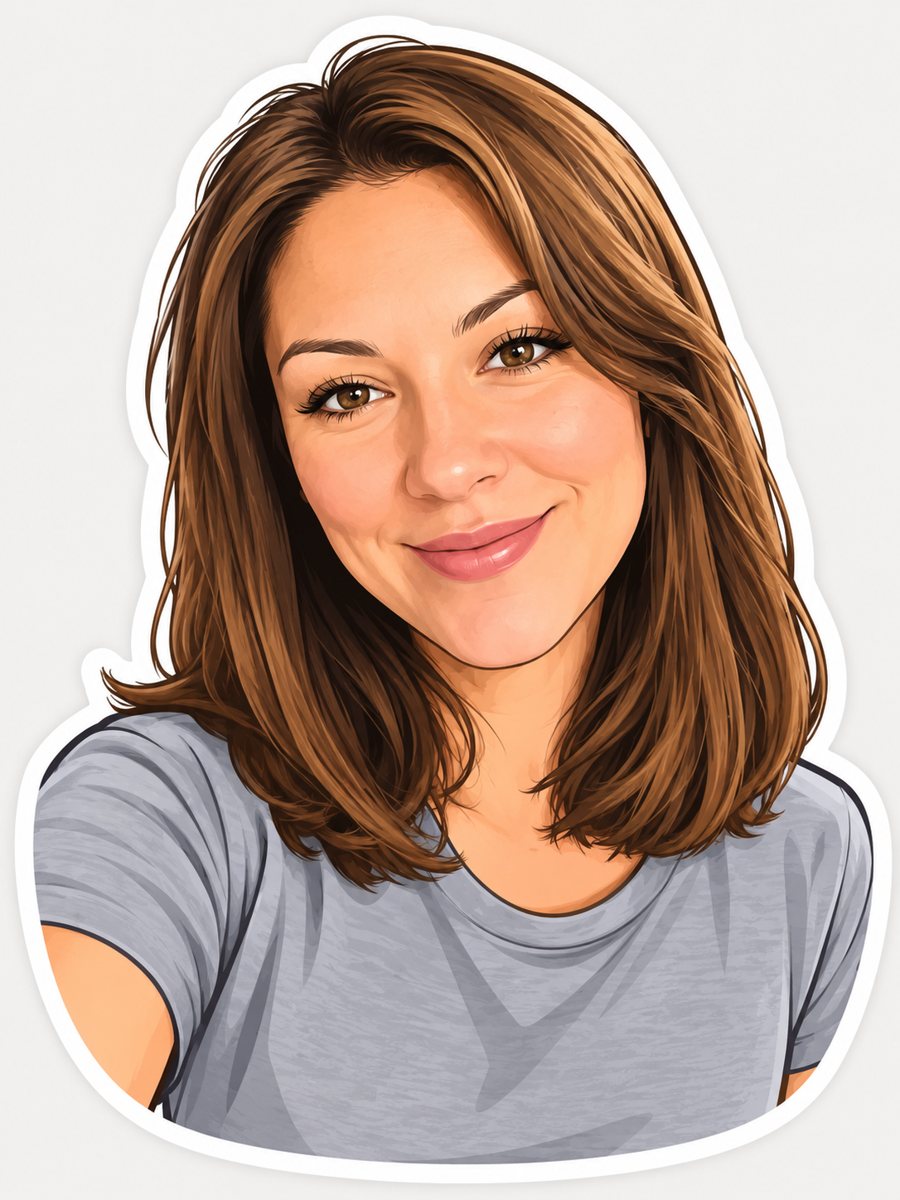 Turn your photo into a cartoon stickerTurn a photo into a cartoon sticker with a thick white outline and a cheerful expression. Copy the ready...