Photo to painting with AI, free to start
Send one photo and pick a painting style: oil, watercolor, impressionist or Renaissance. The bot repaints the photo with visible brush work and keeps the face recognizable. You get 15 free credits, which is 7 paintings.
- 2 credits per image
- Result in 1–2 minutes
- No sign-up
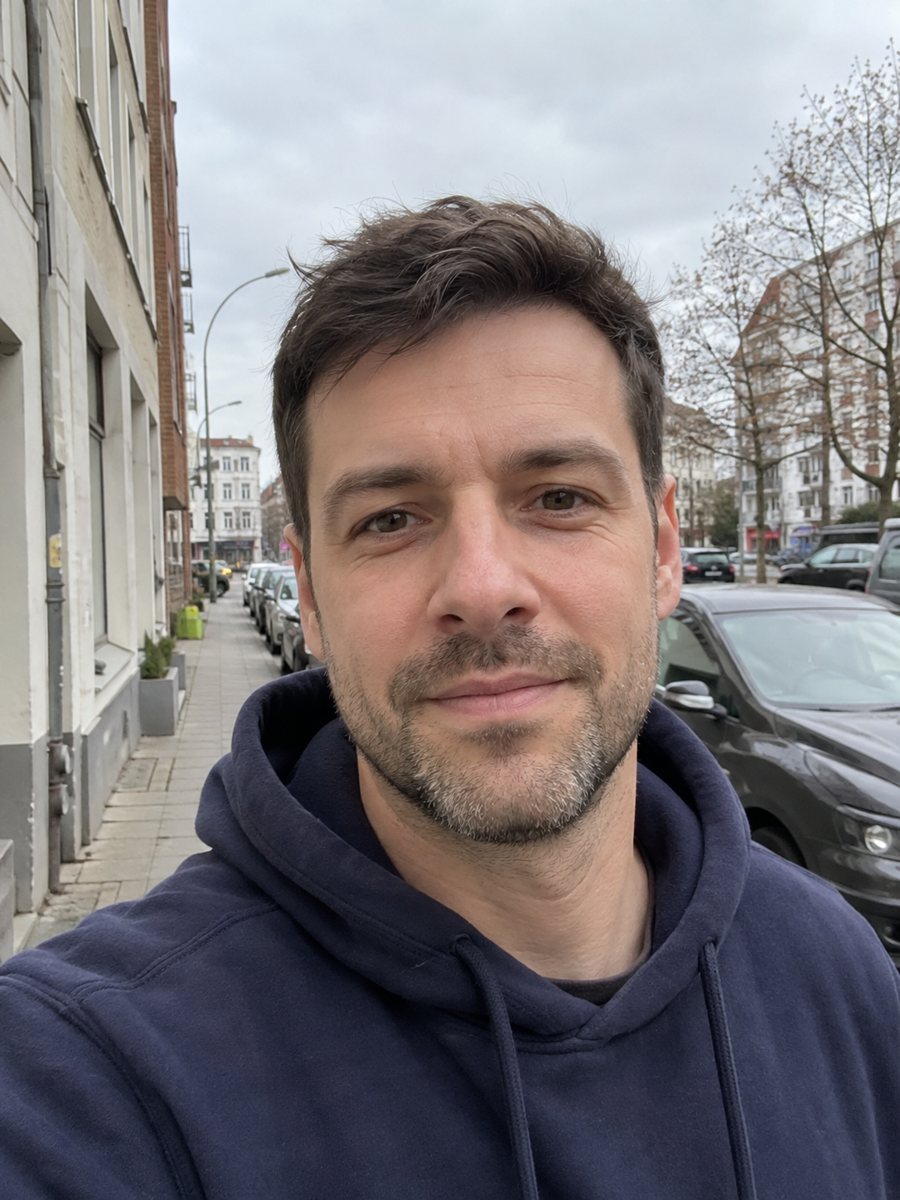
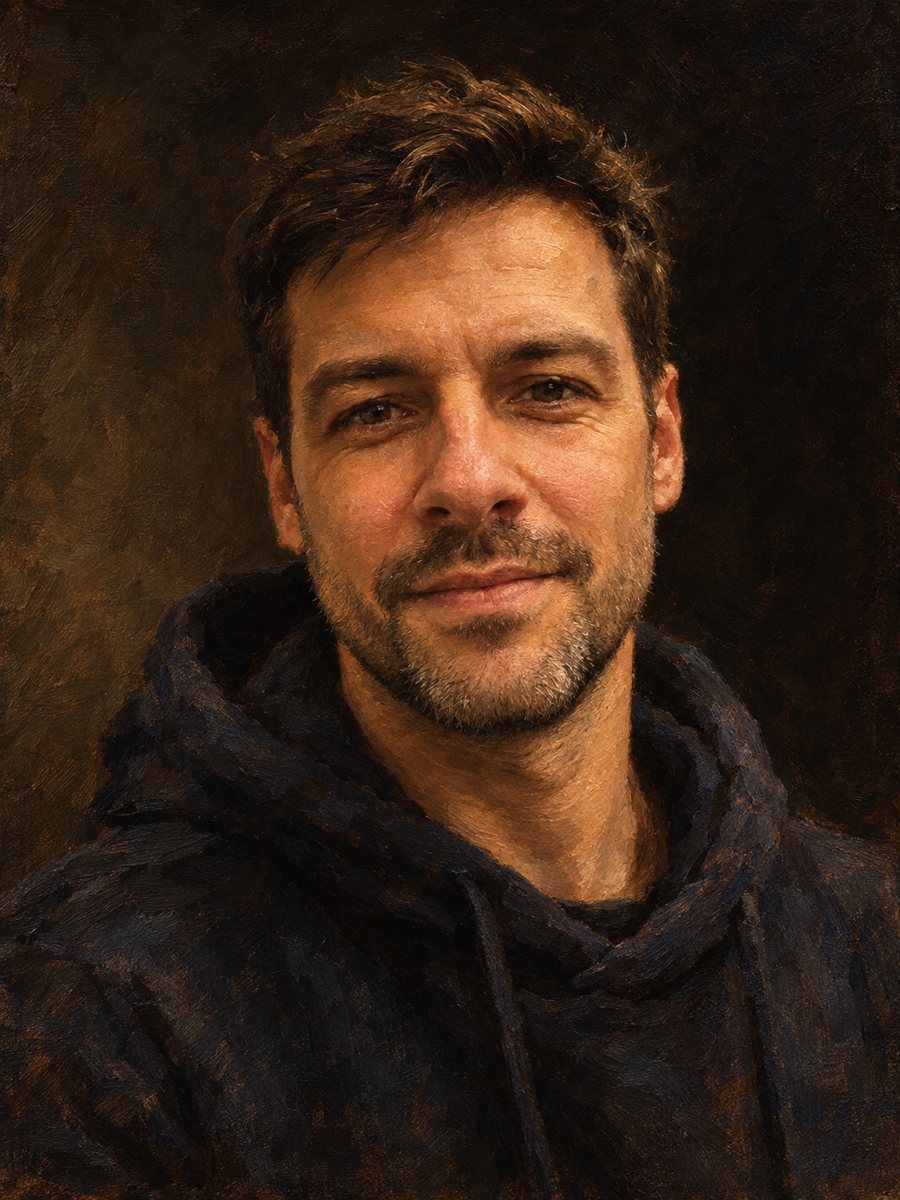 BeforeAfter
In short: Turn a photo into a painting with AI in Telegram: oil, watercolor, impressionist, Renaissance. Keeps your face, 2 credits per image, 7 images free.
- Where: the VisuMate bot in Telegram, no app or sign-up.
- Cost: 2 credits per image, 7 images free, then packs from 49 Telegram Stars.
- Time: 1 to 2 minutes per image, rerun with a new instruction at the same price.
When you need this
- Photo filters make a painting look like plastic instead of paint.
- A commissioned portrait is slow and costs much more than you want to spend.
- You want a gift for family and cannot choose which painting style fits.
How to do it
- 1
Open the bot with the link on a style page. Press Start.
- 2
Send one sharp photo as a file. In the caption add a wish, for example: keep the blue jacket, light background.
- 3
In 1–2 minutes the painting arrives for 2 credits. Compare it with the other styles and run again if you want another take.
Try it on your own photo: 7 images are free, no sign-up.
Make it in TelegramWhich painting style fits
Oil painting gives brush strokes, warm tones and dramatic light, good for a home office or a family gift. Watercolor gives soft washes and paper grain, good for light, airy portraits. Impressionist uses short strokes and bright color, good for garden and vacation photos. Renaissance gives period clothing and a dark background, good for a historical joke or a themed party.
Getting a painting, not a filter
A painting prompt names the medium and the surface: oil on canvas, watercolor on cold-press paper. It also asks for visible brush strokes and for the face to stay recognizable. The style pages here give you the prompt that is already tuned. Ask for no frame and no text, so you get the painting only. If skin looks too smooth, rerun and add: keep natural skin texture.
Limits and printing
This is AI, not a copy of a real artwork or a painter's hand. The face can shift a little, so check it before you print. Keep the original file you sent, so you can rerun later. Check the resolution on your printer before you order a large print.
Tips
- Side light from a window gives the AI natural shadows to paint.
- Pick a photo with the face large in the frame. Avoid flash.
- Oil suits serious portraits, watercolor suits soft gifts, impressionist suits outdoor photos.
- Try the same photo in two styles before you print one.
- Check the face and hands closely. Fine details can warp.
Questions and answers
Is it free?
New users get 15 free credits, which is 7 images at 2 credits each.
Will it look like me?
The AI aims to keep your face. Rerun if the likeness is off.
Can I add a frame?
The prompts ask for no frame. Add a frame later in any editor.
Which photo works best?
A sharp, well-lit photo with a large face and no flash.
Can I use a pet photo?
Yes. There are pet painting styles too, for example pet oil painting.
More in "Photo styles"
- Make an oil painting portrait from a photoRepaint a photo as a classical oil portrait with brush strokes and dramatic light. Ready prompt, 2 credits...
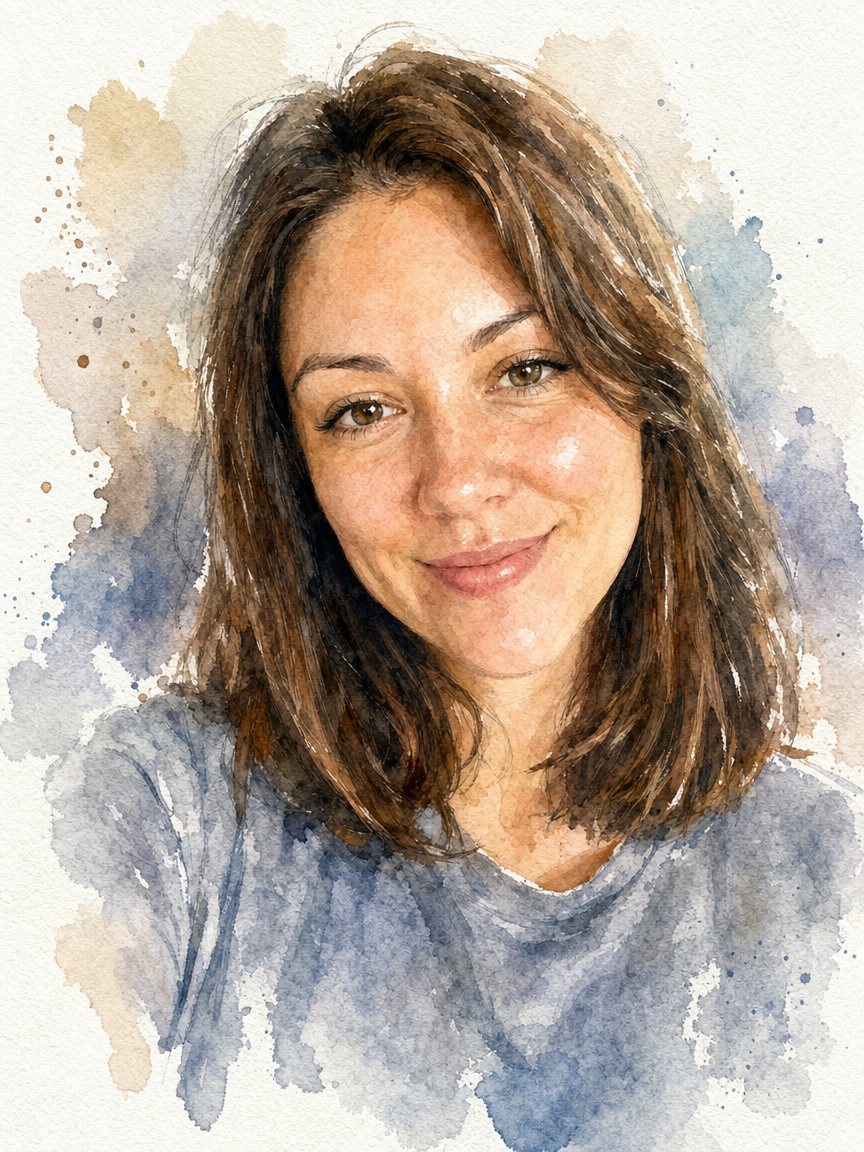 Turn a photo into a watercolor portraitPaint your photo as a loose watercolor portrait on textured paper. Copy the prompt or open the bot: 2...
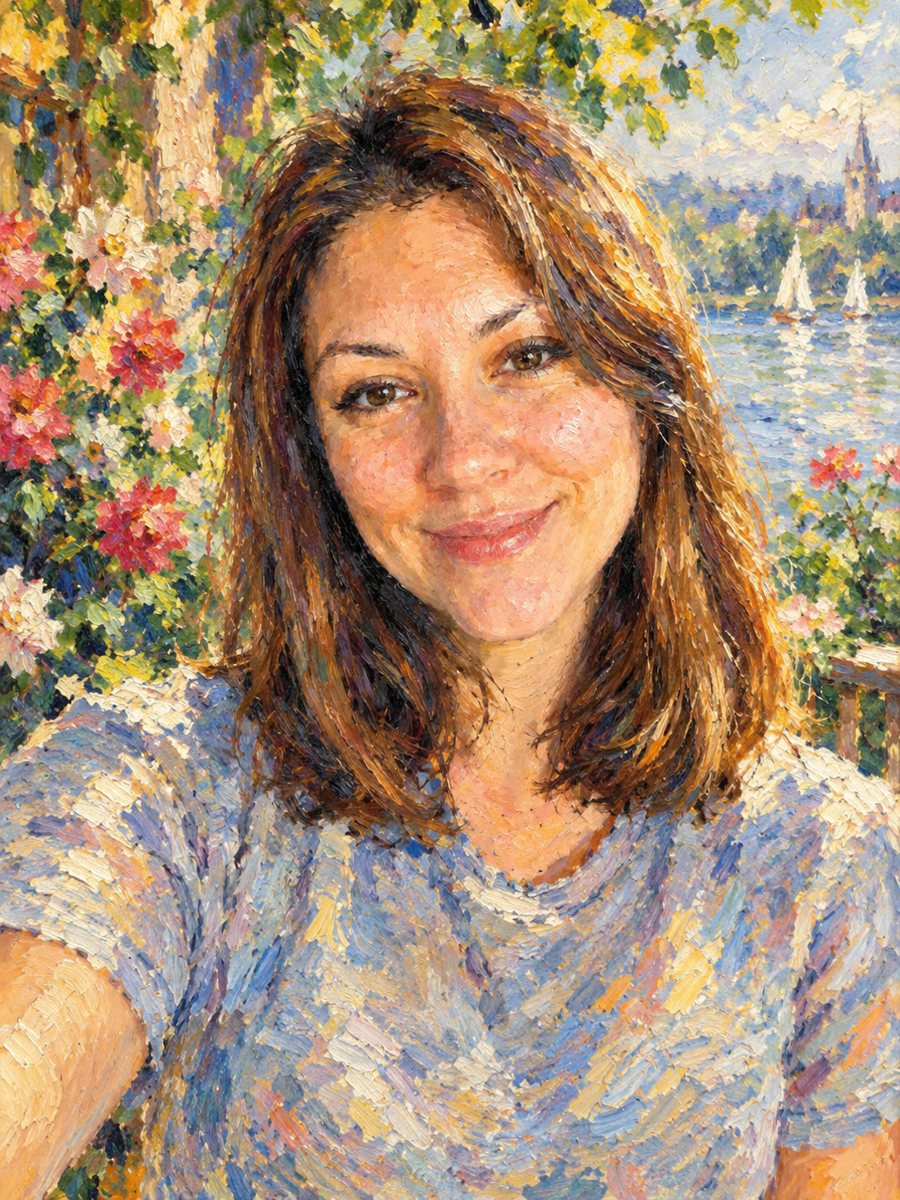 Turn your photo into an impressionist oil paintingRepaint a photo as an impressionist oil painting with visible brush strokes and dappled light. Ready...
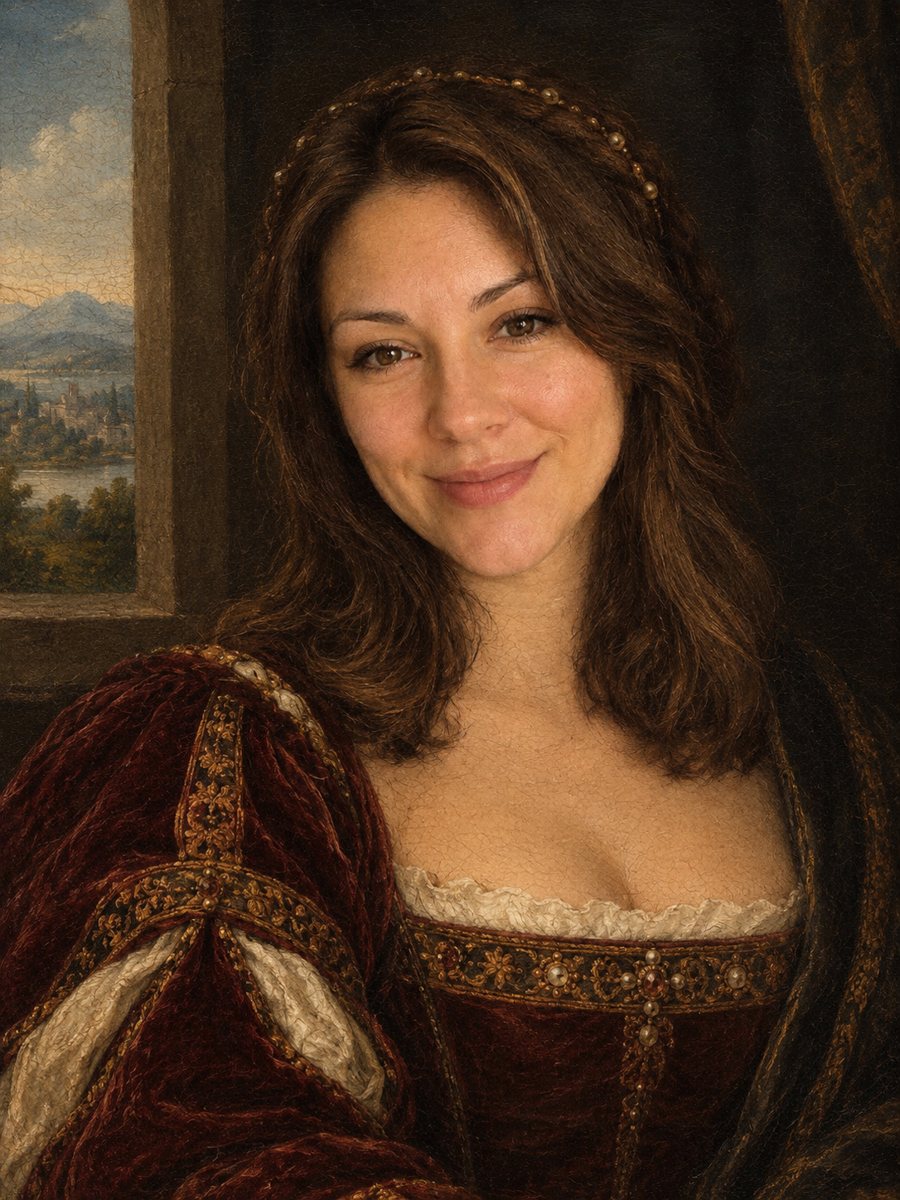 Turn your photo into a Renaissance paintingRepaint your photo as an early 1500s Renaissance portrait with period clothing and soft sfumato. Ready...
- AI photo style prompts you can copyCopy-ready AI photo style prompts for portraits: oil, watercolor, pencil, pop art, pixel art and more. Use...