A dentist headshot for the practice website
Patients choose a dentist by looking at the face first. A warm, well-lit headshot on the clinic site or Google profile does more than a long bio. Send a selfie and the bot places you in a bright, clean practice setting.
- 2 credits per image
- Result in 1–2 minutes
- No sign-up
In short: Make a dentist headshot for a clinic site or Google profile: white coat, bright reception backdrop, friendly smile. Telegram bot, 7 images free.
- Where: the VisuMate bot in Telegram, no app or sign-up.
- Cost: 2 credits per image, 7 images free, then packs from 49 Telegram Stars.
- Time: 1 to 2 minutes per image, rerun with a new instruction at the same price.
- Credits never expire, there is no subscription and no auto-renew. You pay once for a pack inside Telegram with Stars.
When you need this
- A current team photo has not been taken in years.
- Your Google Business profile still shows a cropped group shot.
- A full photoshoot for a single partner is hard to justify.
How to do it
- 1
Press the button to open @visumate_ai_bot in Telegram. No sign-up, and new users get 15 free credits, which is 7 images.
- 2
Send one selfie as a file. In the caption describe the look: 'white coat, light blue shirt, bright modern reception blurred behind, relaxed smile'.
- 3
In 1-2 minutes you get the headshot for 2 credits. Check teeth and eyes, then rerun if either looks unnatural.
Try it on your own photo: 7 images are free, no sign-up.
Make it in TelegramThe prompt behind this style
Create a professional dentist headshot from the attached photo. Keep the face recognizable. White clinical coat over a light blue shirt, bright modern dental reception softly blurred behind, soft closed-mouth smile, flattering window light, head and shoulders. No text, no badge. Vertical 3:4.
Consistency across a team
A website looks organized when every doctor has the same framing, light and backdrop. Send each person's selfie with an identical caption and you get a matching set without scheduling anyone for a studio day. Light matters most in dental portraits, because patients look at the smile first. Send a photo taken near a window, and the portrait will inherit that soft and flattering light.
Rules to remember
Dental advertising is regulated in many places. A portrait is usually fine, but keep claims and before-and-after content out of the image. Keep your appearance true to life so patients are not surprised at the first visit. Request soft, even light on the face and a bright, uncluttered backdrop, and avoid harsh shadows under the nose and chin that make a portrait feel cold. If a clinic has several rooms, pick one style per website and stay with it. A calm, repeatable look reads as organized, and organized is what a nervous patient wants.
Tips
- A soft closed-mouth smile avoids uncanny teeth.
- Keep jewelry and glasses as you actually wear them.
- Match the backdrop color to the clinic palette.
- Use the same style for every dentist on the team.
Questions and answers
Can I show a mask or gloves?
Yes, but a clear face usually builds more trust.
Will the smile look natural?
A soft smile is safest. Rerun if teeth look off.
Is it fine for a Google profile?
Yes, as long as it matches how you look and follows the platform's photo rules.
What does it cost?
2 credits per image. New users get 15 free credits, so 7 images cost nothing. After that packs start at 49 Telegram Stars and credits do not expire.
Does the bot work in English?
Yes. It picks up your Telegram language on first launch. You can switch it any time with /lang.
What the bot does not do
- Works from one photo. Likeness depends on the photo you send, and some styles change features more than others.
- Does not make video or animation.
- Does not output a transparent PNG.
- Does not retouch passport or ID photos.
More in "Photo styles"
 Create a doctor headshot from a regular photoTurn a photo into a medical headshot with a white coat, stethoscope and a blurred clinic. Copy the ready...
 Create a professional headshot from your photoMake a polished headshot with a light gray backdrop, soft studio light and natural retouching. Ready...
 Create a warm, approachable teacher headshotTurn a photo into a warm educator headshot with a smart casual shirt and a blurred classroom or library....
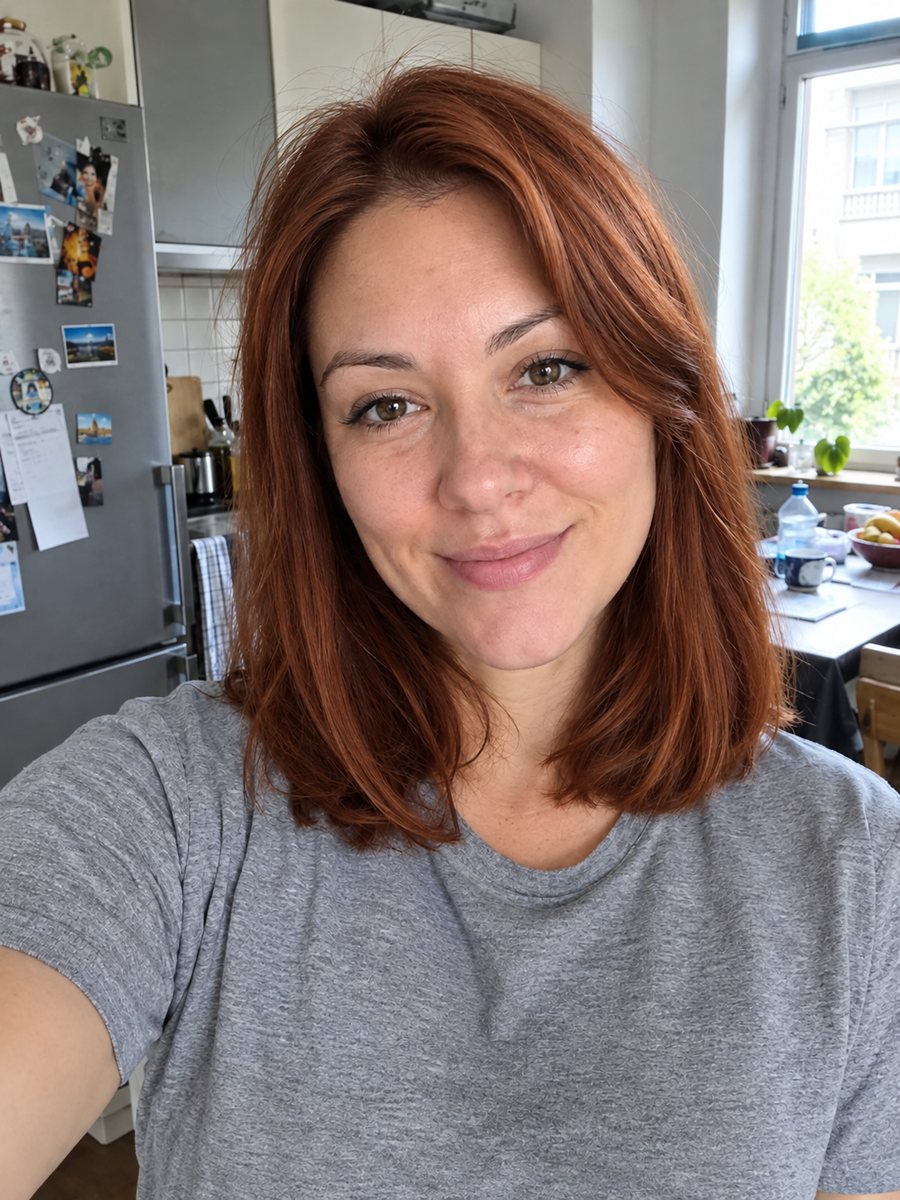 Preview a different hair color on your photoPreview copper red or another hair color on your photo, with the same face, hairstyle and background. It...
 Create a Discord avatar from your photoTurn a photo into a bold stylized Discord avatar with purple and blue rim light and headphones. Copy the...
 Make a Diwali greeting card with your own messageType one line and get a festive Diwali card with glowing diyas, marigolds and rangoli in purple and gold....