Make a Diwali greeting card with your own message
You type a short greeting and the bot draws it on a festive card with glowing clay lamps, marigold flowers and intricate rangoli patterns in deep purple and gold. No photo is needed.
- 2 credits per image
- Result in 1–2 minutes
- No sign-up
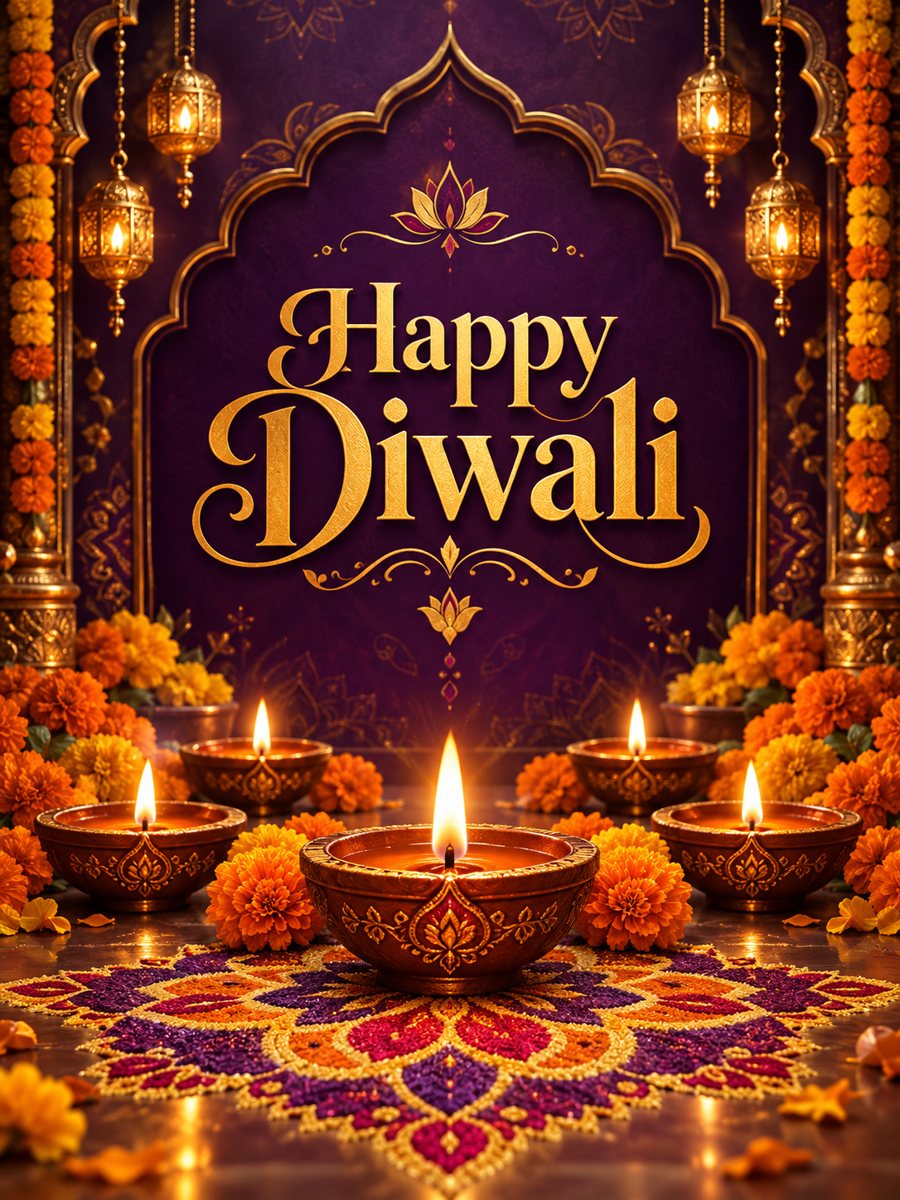 Made by the bot
In short: Type one line and get a festive Diwali card with glowing diyas, marigolds and rangoli in purple and gold. Copy the ready prompt, 7 images free in the bot.
- Where: the VisuMate bot in Telegram, no app or sign-up.
- Cost: 2 credits per image, 7 images free, then packs from 49 Telegram Stars.
- Time: 1 to 2 minutes per image, rerun with a new instruction at the same price.
When you need this
- You want to greet colleagues, clients and neighbors who celebrate Diwali.
- A generic holiday card does not fit the festival.
- Family chats need a fresh picture each year.
How to do it
- 1
Press the button. The bot opens with the Diwali card style selected.
- 2
Type the greeting, up to about 8 words, for example: Happy Diwali.
- 3
After 1-2 minutes you get the card for 2 credits. Check every letter and rerun if a word is wrong.
Try it on your own photo: 7 images are free, no sign-up.
Make it in TelegramThe prompt behind this style
Design a festive Diwali greeting card. Glowing clay oil lamps, marigold flowers, intricate rangoli patterns, deep purple and gold palette, elegant symmetrical layout. Large ornate headline with the exact text provided by the user, spelled correctly, centered. Vertical 3:4.
Festive details
The card is built around the light of the festival: glowing clay oil lamps, marigold flowers and detailed rangoli patterns arranged in a symmetrical layout. The palette of deep purple and gold feels rich and warm. A large ornate headline in the center carries your text. The design suits personal messages as well as a short note from a business to its customers and partners who mark the day.
Text, respect and use
Spelling is the main risk, since AI draws the letters itself. Keep the line short and read it closely, then rerun if a letter changed. Each run costs 2 credits. If you write in a script other than English, the result may not be reliable, so check carefully or add that text in a design app. Use a greeting that fits the people you are sending to. The image is vertical 3:4. The bot does not print cards or send them to contacts for you.
Tips
- Short greetings give the cleanest lettering.
- Add names in the chat message, not on the card.
- Check that the spelling of the festival name is right.
- Share the card early in the day for family chats.
- Rangoli patterns look best on a larger phone or printed.
Questions and answers
Do I need a photo?
No. Only a text line.
Can I write the greeting in Hindi?
English text is the safe choice. Other scripts may come out wrong, so check them closely or add them in a design app.
Can a business use it?
Yes, for short greetings. Add a logo in a design app, since the bot does not place logos exactly.
Can I change the colors?
The style is purple and gold. Short color wishes in the caption may work.
What does it cost?
2 credits per image, with 15 free credits for new users.
Does the bot work in English?
Yes. It picks up your Telegram language on first launch and replies in English. You can switch the language any time with /lang.
More in "Photo styles"
 Make a Christmas card from your photoTurn a family or couple photo into a festive Christmas card with sweaters, a tree and falling snow. Ready...
 Make a New Year greeting card from one line of textType one line and get an elegant New Year card with navy sky and golden fireworks. Copy the ready prompt...
 Make a congratulations card from one line of textType one line and get a bright congratulations card with confetti, golden streamers and balloons on cream....
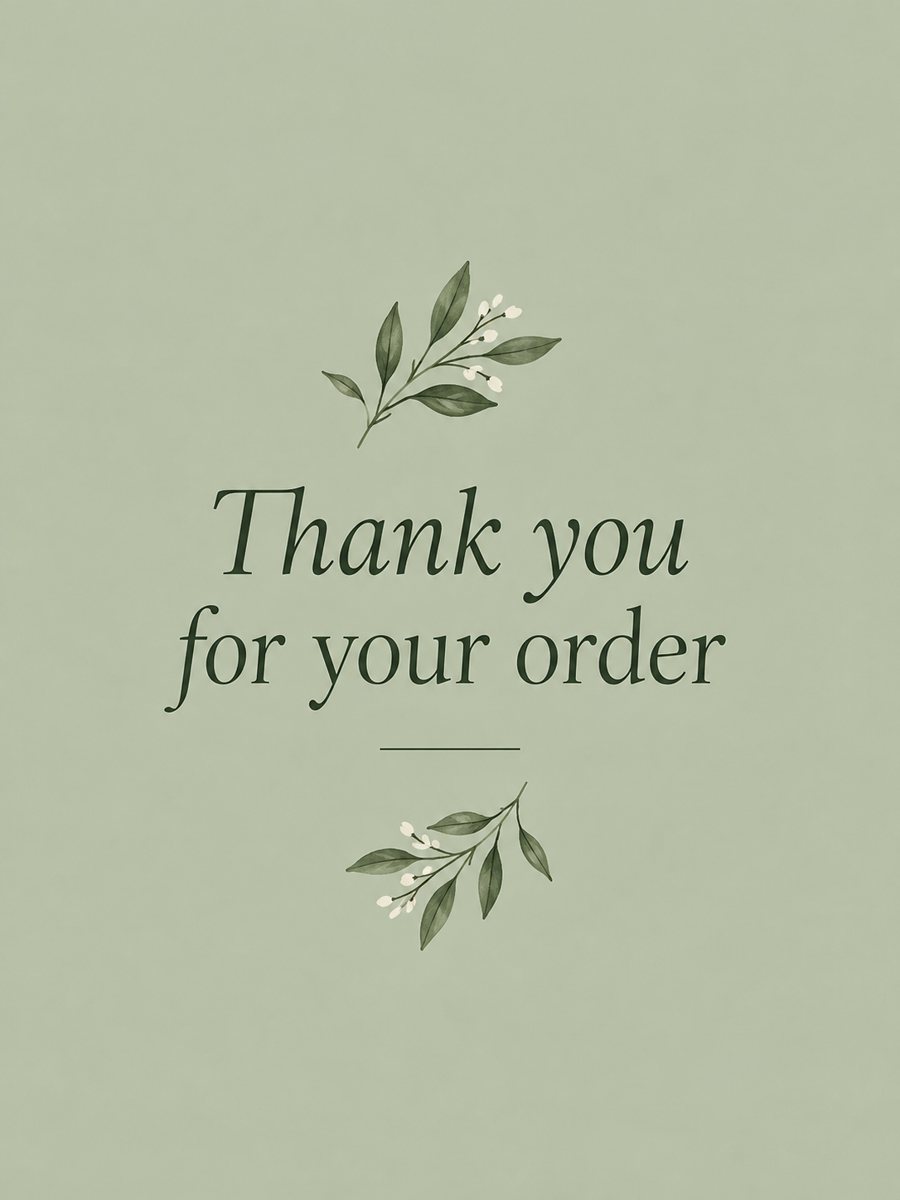 Make a thank you card from one line of textType a short thank-you line and get a clean card with a soft color background and a botanical accent....