Preview a different hair color on your photo
You send a clear photo and get a version with new hair color. By default the color is copper red, and you can name any other color in the caption. The face, hairstyle, skin tone, clothes and background stay the same, with natural shine and realistic strands.
- 2 credits per image
- Result in 1–2 minutes
- No sign-up
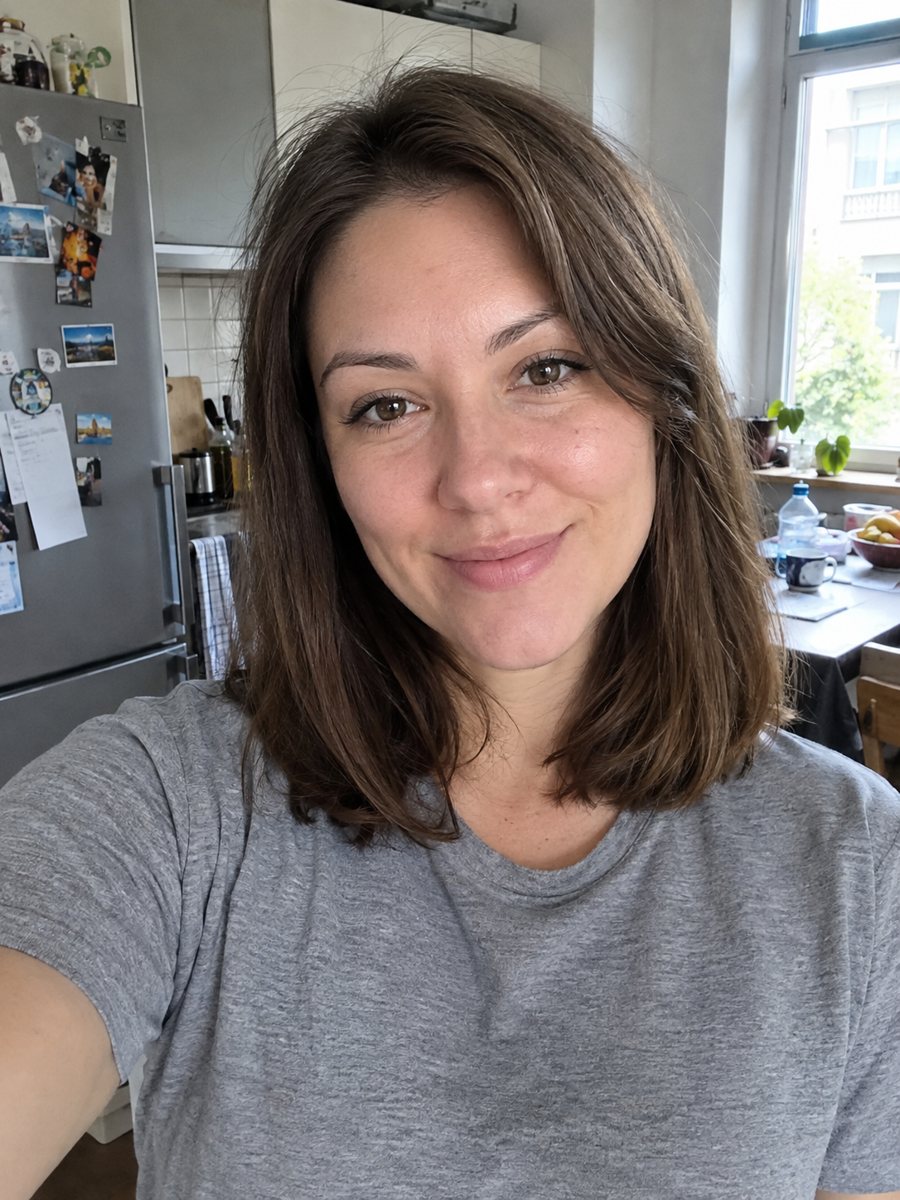
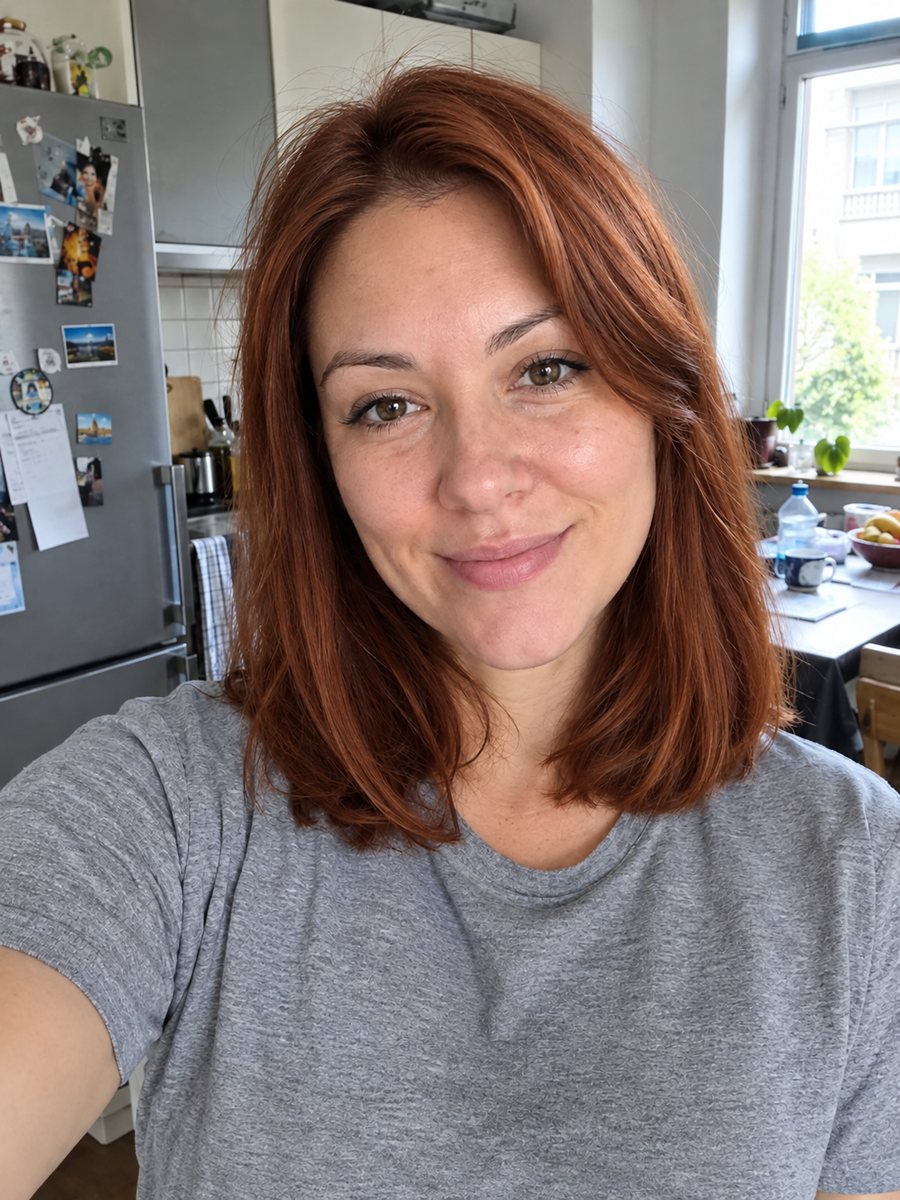 BeforeAfter
In short: Preview copper red or another hair color on your photo, with the same face, hairstyle and background. It is an AI guess, not a dye result. 7 images free.
- Where: the VisuMate bot in Telegram, no app or sign-up.
- Cost: 2 credits per image, 7 images free, then packs from 49 Telegram Stars.
- Time: 1 to 2 minutes per image, rerun with a new instruction at the same price.
When you need this
- You are about to see a stylist and want to show a color idea.
- You are not sure if red, blonde or dark brown would suit your skin.
- You want to check a color before dyeing at home.
How to do it
- 1
Press the button. The bot opens with the hair color preview style selected.
- 2
Send a clear photo, ideally as a file, with your hair visible in good light. In the caption name a color if you do not want copper red, for example platinum blonde.
- 3
In 1-2 minutes you get the picture for 2 credits. Check the shade and rerun with a clearer color name if needed.
Try it on your own photo: 7 images are free, no sign-up.
Make it in TelegramThe prompt behind this style
Change this person's hair color to copper red. Keep the face, hairstyle, skin tone, clothing and background exactly the same. Natural shine and realistic strands, photo realism. If the caption names another color, use that color instead. Vertical 3:4, no text.
What the preview does
The picture changes only the hair color. Your face, hairstyle, skin tone, clothes and background stay as they were, and the AI adds natural shine and strand detail. The default is copper red. If your caption names another color, the AI uses it. The format is vertical 3:4 and has no text. It is a quick way to see ideas side by side.
An AI guess
Real dye depends on your base hair color, past coloring, hair structure and the stylist's work. The AI ignores all of that and paints the color on top. So the preview is a guess about the mood of a color and a promise of nothing. Use it as a conversation starter with a stylist, who can tell what is realistic.
Getting a better preview
A sharp photo in daylight with the hair clearly visible gives the cleanest edges. Dark roots, highlights and bangs are the hardest parts. Name the color in simple words and avoid brand names. If the shade is off, rerun with a different word, which costs 2 credits. Long wavy hair can look flatter than in real life. Write any wish in plain English in the caption, and the AI will try to follow it.
Tips
- Describe the shade with plain words, such as ash brown or deep burgundy.
- Use daylight photos for a more accurate base.
- Hair should be loose and visible, not under a hat.
- Make several runs with different colors to compare.
- Show the result to a stylist as an idea only.
Questions and answers
Will the dye look like this?
Not exactly. It is an AI guess and does not account for your hair.
What if I want blue or pink?
Write the color in the caption.
Does it change the hairstyle?
The prompt keeps the style the same.
Can I compare several colors?
Yes, run it several times with different captions.
What does it cost?
2 credits per image.
More in "Photo styles"
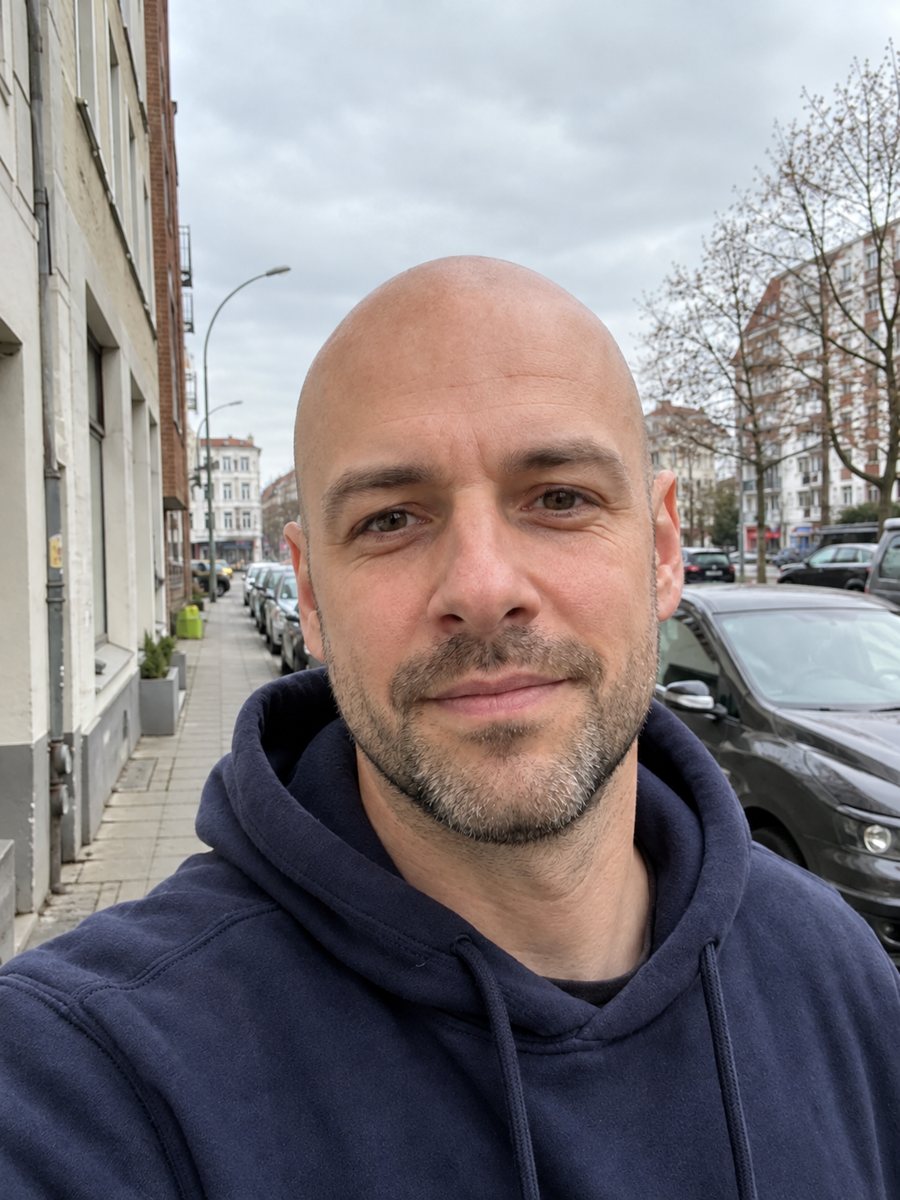 See a bald version of yourselfSee a realistic bald preview of yourself from a photo, with the same face, clothes and background. An AI...
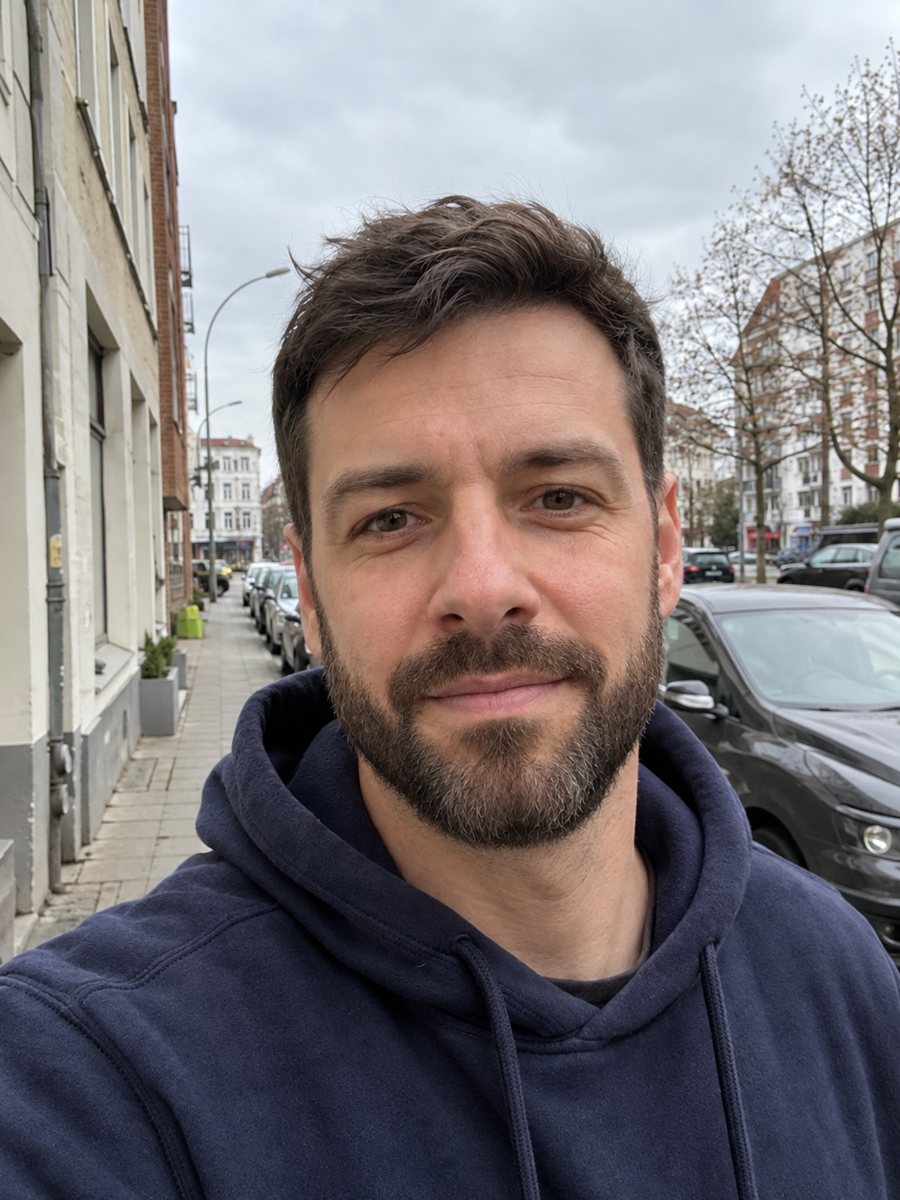 See yourself with a beardPreview a full groomed beard on your own photo, with the same face, clothes and light. It is an AI guess....
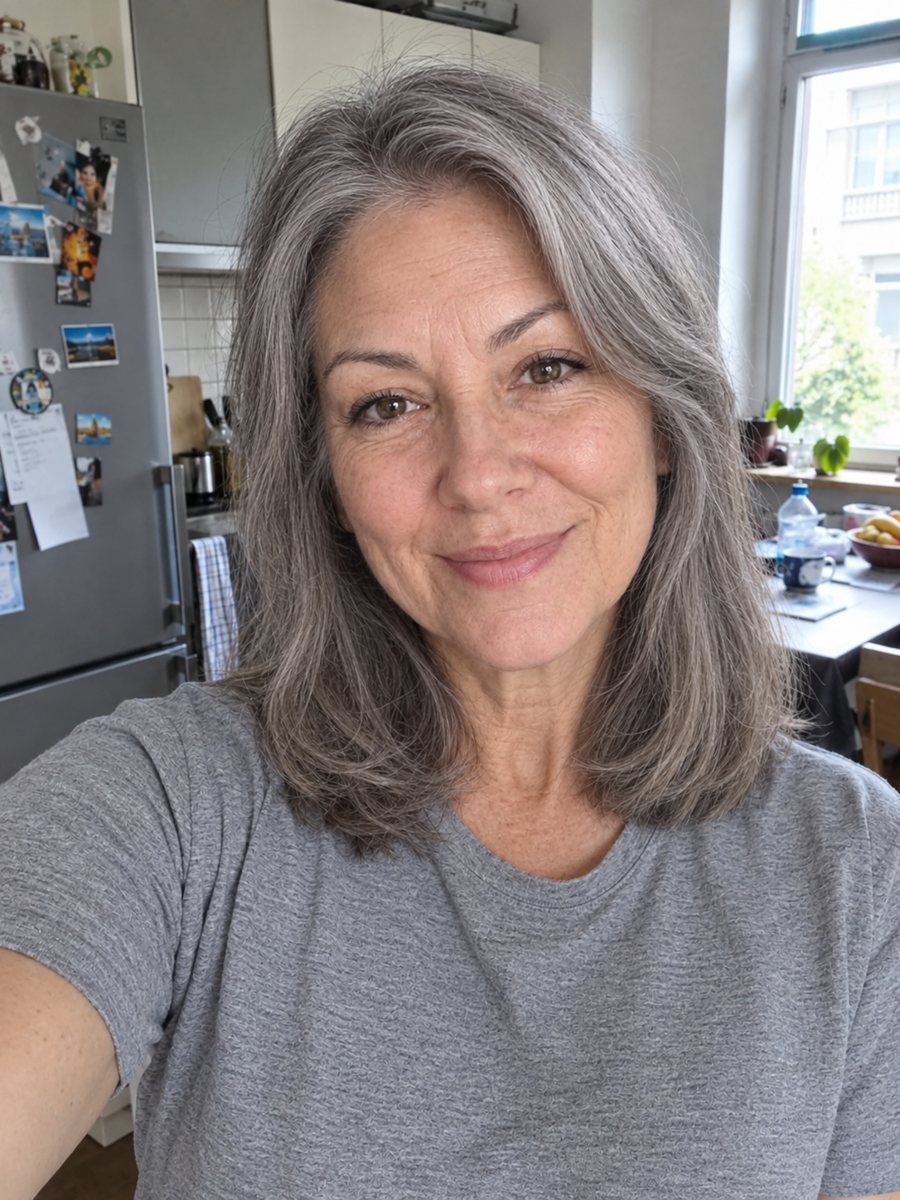 See yourself at 70 from a photoSee how you might look at 70 with realistic gray hair and wrinkles, keeping your identity. Copy the ready...
 Upgrade your profile photo without changing youImprove a social media profile picture: fix exposure and white balance, blur a messy background to a warm...
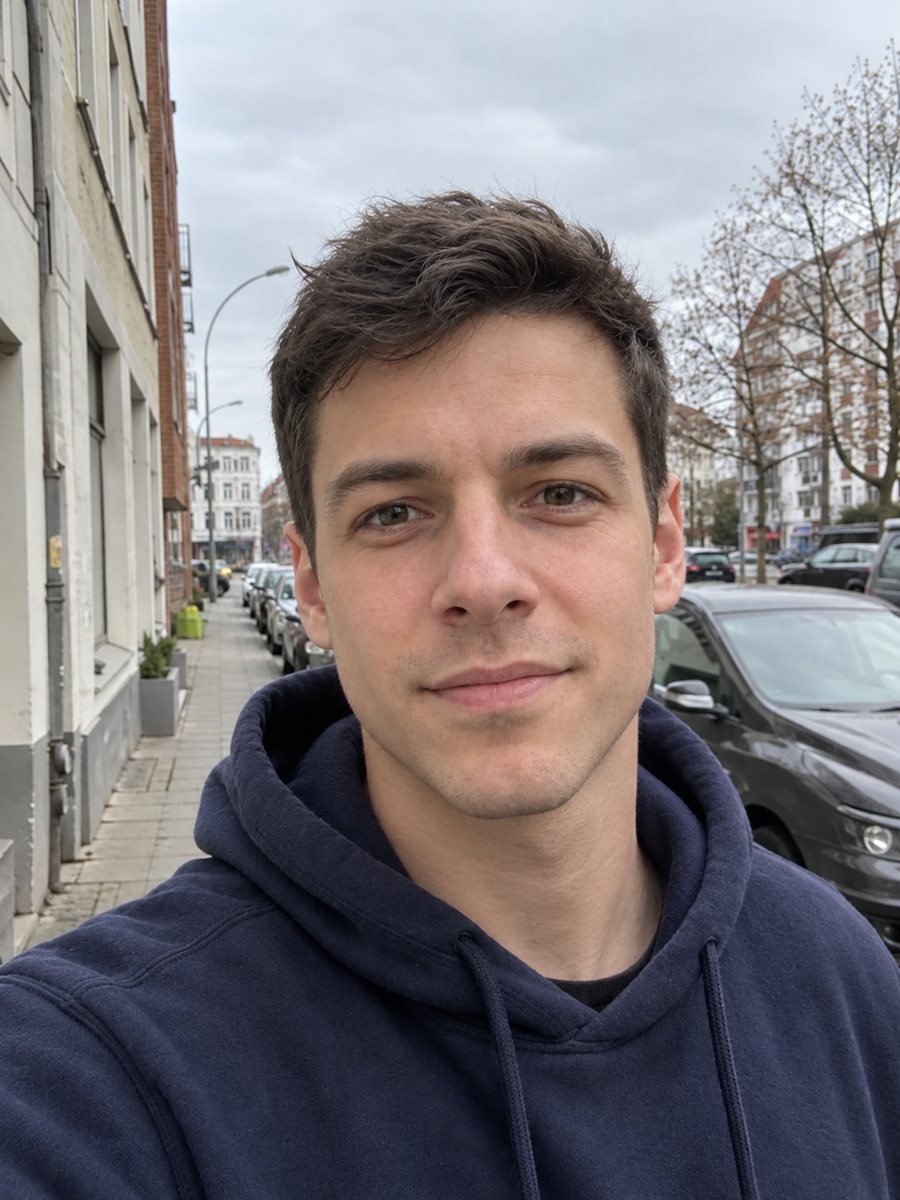 See an 18-year-old version of yourselfGet an artistic guess of how you might have looked around age 18, with smoother skin and the same face....