Create a doctor headshot from a regular photo
The bot restyles your photo into a professional medical portrait: a white coat over a plain top, a stethoscope, a softly blurred clinic behind you, clean even lighting and a friendly, trustworthy expression. Your face stays recognizable. Press the button and send one photo.
- 2 credits per image
- Result in 1–2 minutes
- No sign-up
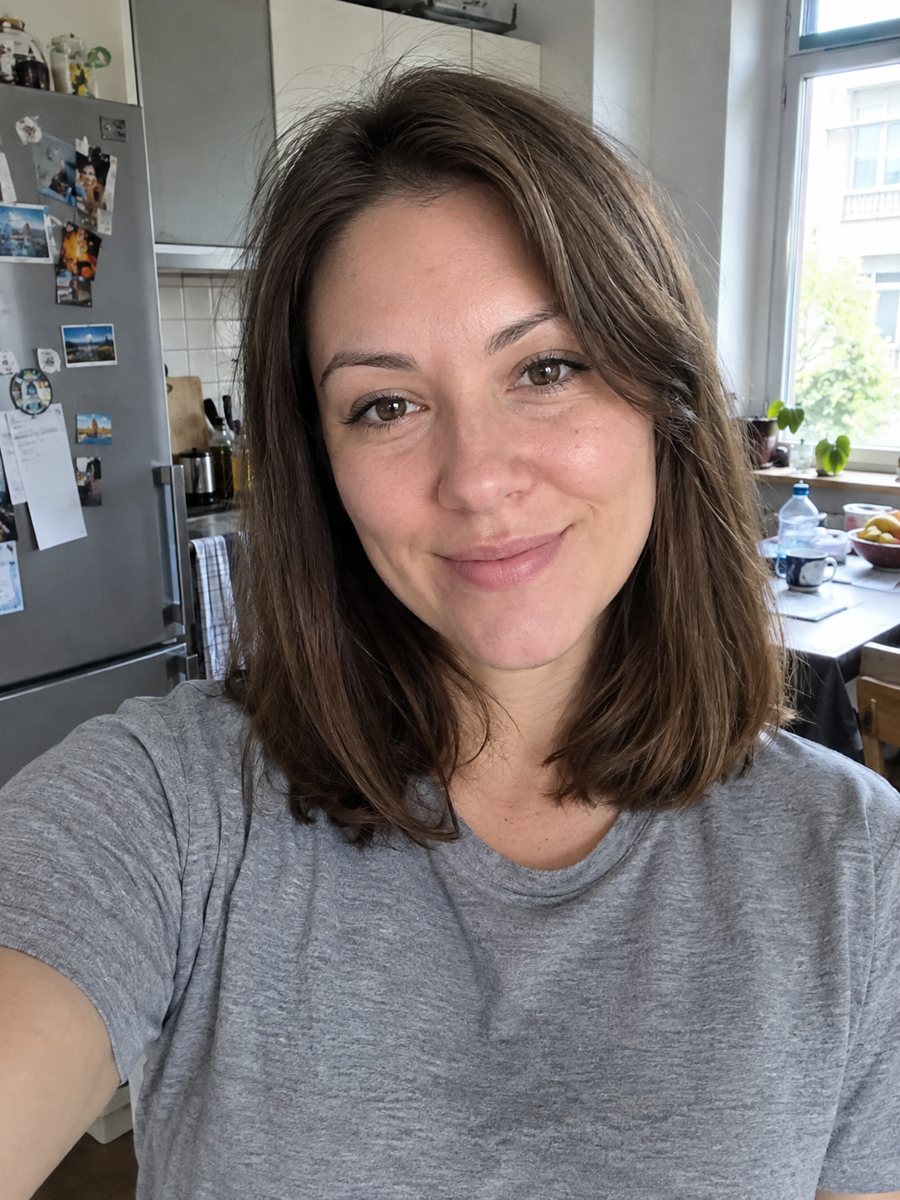
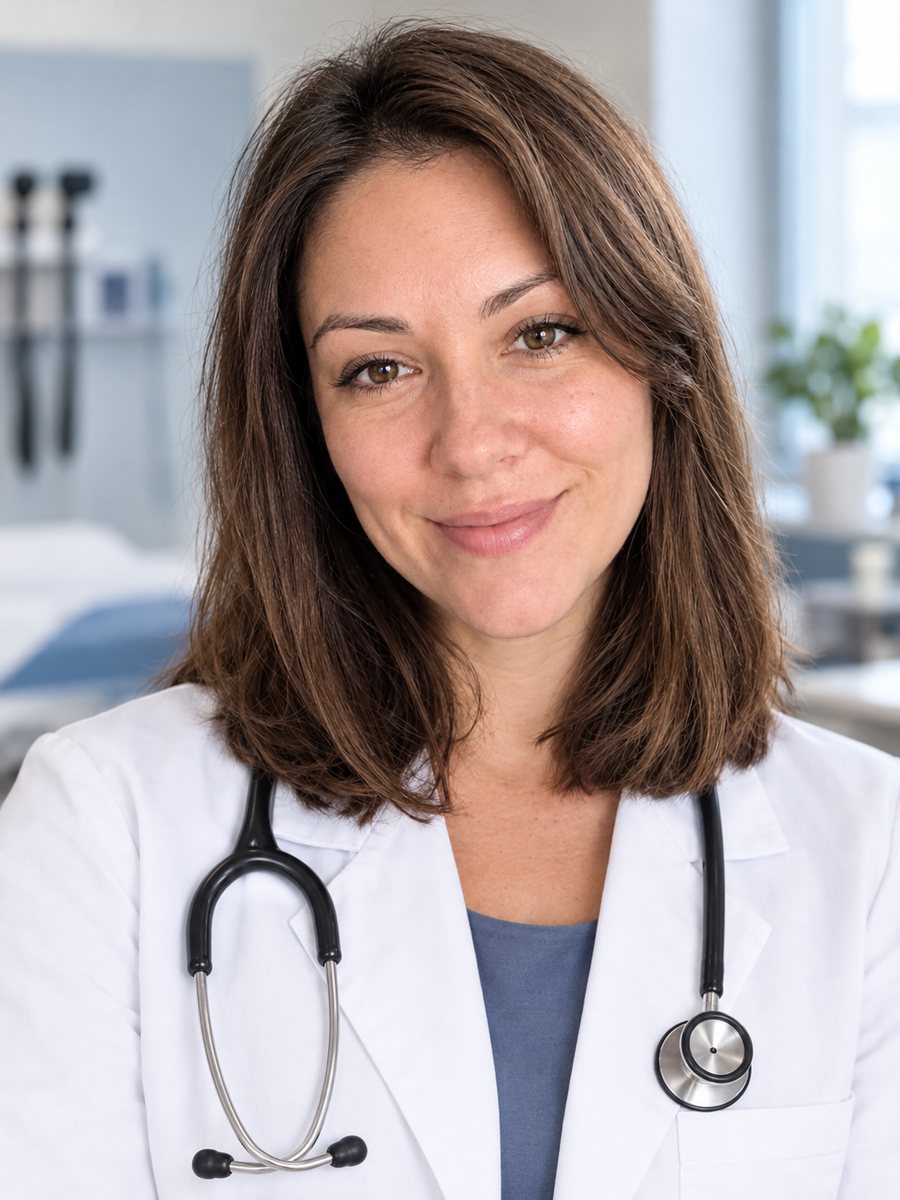 BeforeAfter
In short: Turn a photo into a medical headshot with a white coat, stethoscope and a blurred clinic. Copy the ready prompt or open the Telegram bot, 7 images free.
- Where: the VisuMate bot in Telegram, no app or sign-up.
- Cost: 2 credits per image, 7 images free, then packs from 49 Telegram Stars.
- Time: 1 to 2 minutes per image, rerun with a new instruction at the same price.
When you need this
- Your clinic website or directory profile needs a headshot and the photographer is booked.
- You want a consistent look for a team page before a studio day can be scheduled.
- A phone selfie works in a hurry, but the background and lighting look casual.
How to do it
- 1
Press the button on this page. The bot opens with the doctor headshot style selected, tap Start if asked.
- 2
Send one front-facing photo as a file. Add a caption such as: dark hair tied back, light blue scrubs under the coat.
- 3
In 1-2 minutes you get the headshot for 2 credits. Check the face and any details of the coat, then rerun if something looks off.
Try it on your own photo: 7 images are free, no sign-up.
Make it in TelegramThe prompt behind this style
Turn this photo into a professional medical headshot. Keep the face fully recognizable. White coat over a plain top, stethoscope, soft clinic background out of focus, clean even lighting, trustworthy friendly expression. Vertical 3:4, no text.
A clean clinic look
The prompt gives you a white coat over a plain top, a stethoscope around the neck, clean even light and a blurred clinic interior behind you. The expression is friendly and calm. The result is a vertical 3:4 portrait without any text, so there are no fake name tags or clinic logos. The AI builds clothing and background and tries to keep your face untouched. It is a styled image, not a photograph of you in a clinic.
Disclosure and honest use
Patients rely on a doctor's profile to know who they will meet. The image should look like you, so compare the face, age and hairstyle with your photo before using it. Do not use the picture to suggest credentials you do not hold, and do not add a coat or equipment that does not match your role. Some countries, medical boards and directories have rules about edited images or about advertising. Where rules require it, say that the portrait was made or edited with AI. A real studio photo is still the best option for official use.
Tips
- Send a bright, front-facing photo with shoulders visible.
- Write the title you want to see, such as pediatrician or dentist, only as a clothing hint, since the image has no text.
- Check that a stethoscope, coat collar and name tags have no readable AI-made lettering.
- Use a neutral expression or a light smile, which both suit medical profiles.
- Tell patients where required that the picture was edited with AI.
Questions and answers
Is the result a real photograph?
No. It is an AI-generated image based on your photo. Disclose AI editing where required.
Can I use it on a clinic website?
Check your clinic's, board's and directory's rules about edited images first, and disclose the AI editing where needed.
Will it add my name or title?
No. The prompt asks for no text. Add any caption in your page design.
Can I change the coat or background?
Yes, ask in the caption, for example a light green wall or a different scrub color.
How much does it cost?
2 credits per image, with 15 free credits for new users.
Does the bot work in English?
Yes. It picks up your Telegram language on first launch and replies in English. You can switch the language any time with /lang.
More in "Photo styles"
 Create a professional headshot from your photoMake a polished headshot with a light gray backdrop, soft studio light and natural retouching. Ready...
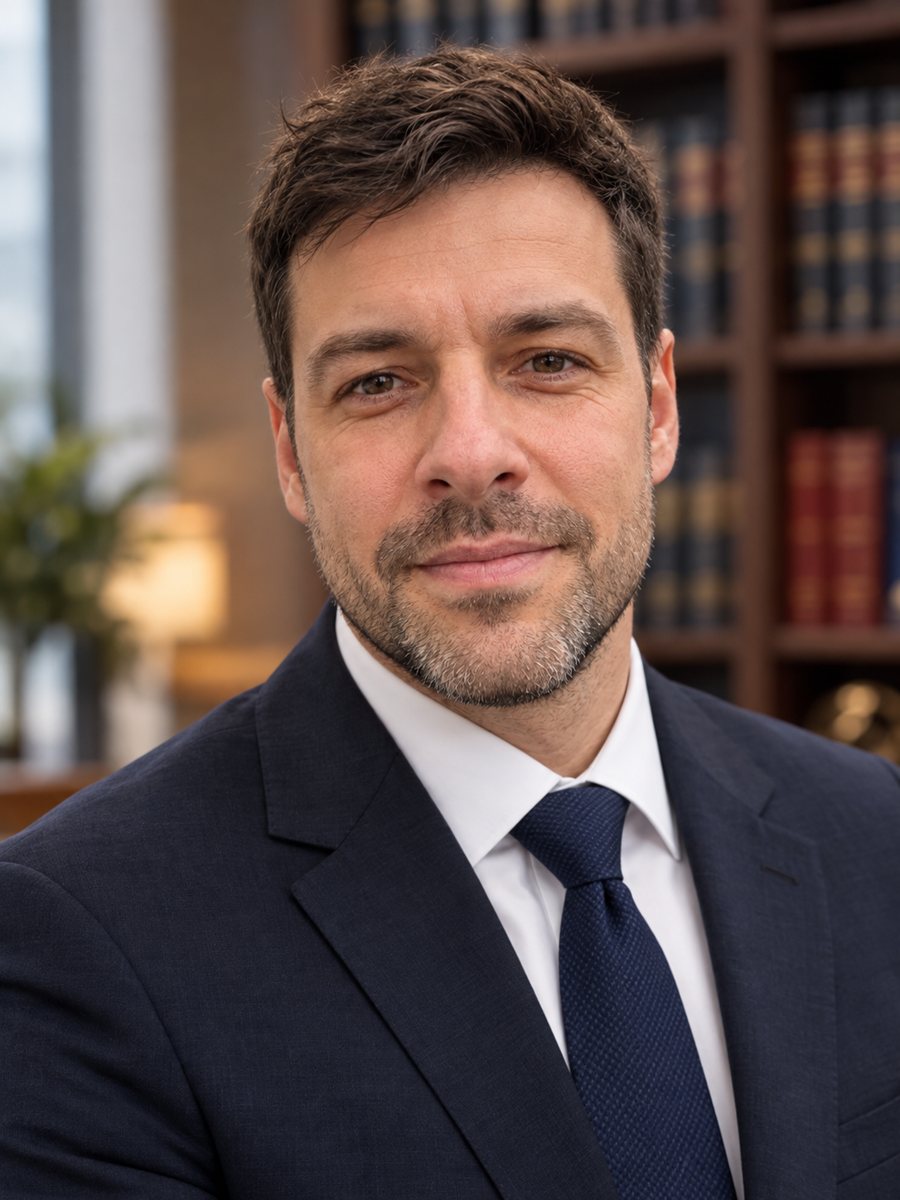 Make a law firm headshot from your own photoTurn a photo into a law firm headshot with a dark suit, tie and a softly blurred bookshelf. Copy the ready...
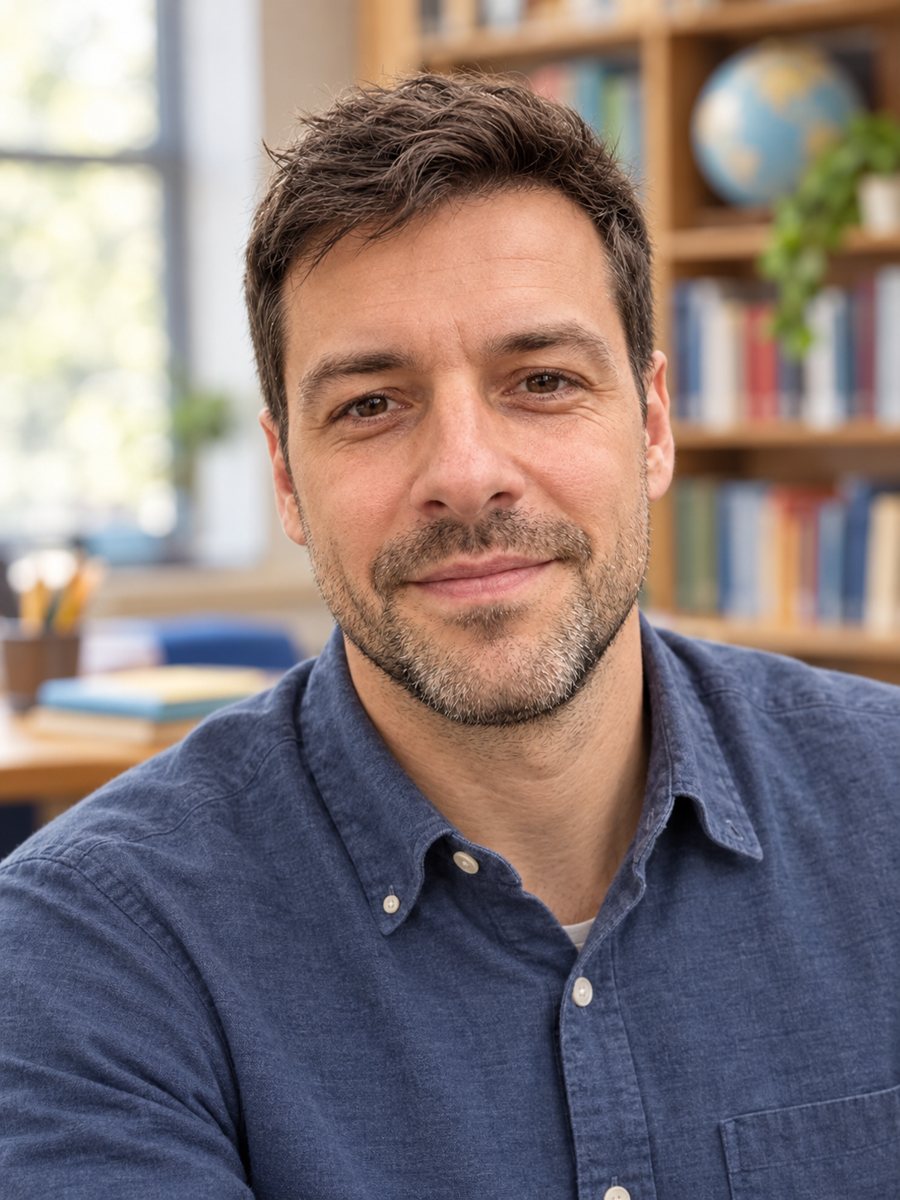 Create a warm, approachable teacher headshotTurn a photo into a warm educator headshot with a smart casual shirt and a blurred classroom or library....
 Make a LinkedIn headshot from a selfieTurn a casual selfie into a professional LinkedIn headshot with a blazer and a soft studio backdrop. Ready...