Create a Discord avatar from your photo
You get a stylized semi realistic digital painting: strong rim light in purple and blue, a simple dark composition with a friendly face and headphones around the neck. Crop it to a circle for Discord. Press the button and send one photo.
- 2 credits per image
- Result in 1–2 minutes
- No sign-up
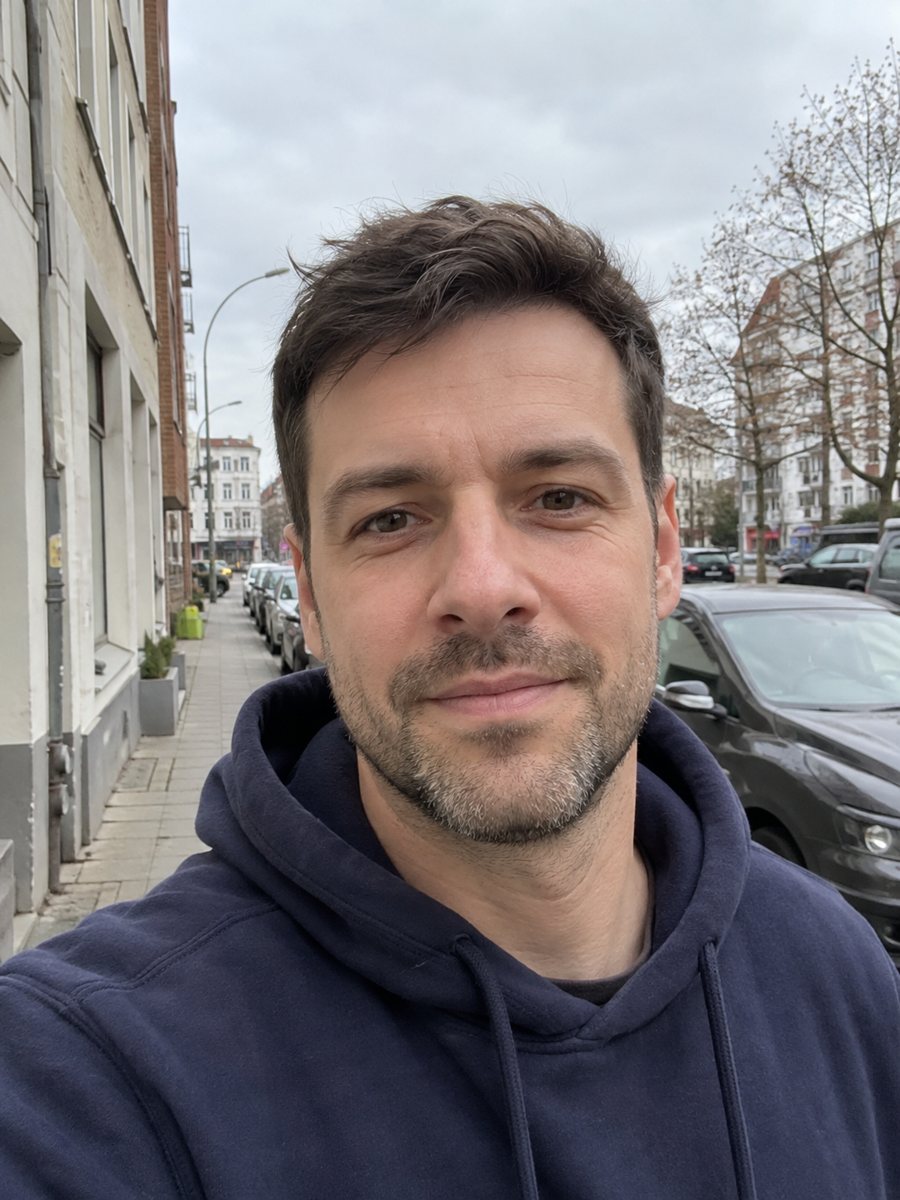
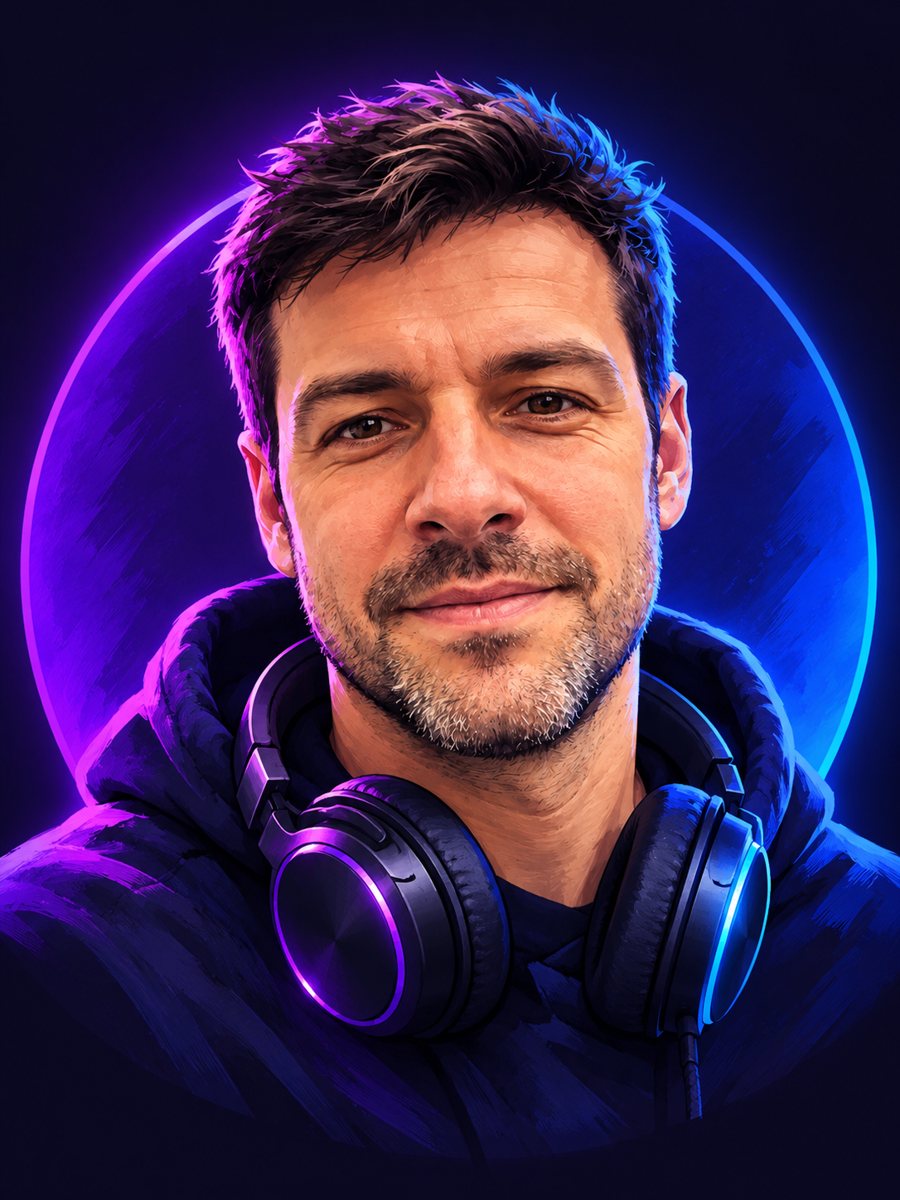 BeforeAfter
In short: Turn a photo into a bold stylized Discord avatar with purple and blue rim light and headphones. Copy the free prompt or use the Telegram bot, 7 images free.
- Where: the VisuMate bot in Telegram, no app or sign-up.
- Cost: 2 credits per image, 7 images free, then packs from 49 Telegram Stars.
- Time: 1 to 2 minutes per image, rerun with a new instruction at the same price.
When you need this
- Your server and your profile picture look generic and you want a custom one.
- You want an avatar that looks like you without posting a real photo.
- A community needs a matching avatar style for several members.
How to do it
- 1
Press the button on this page. Telegram opens the bot with the Discord avatar from photo style already selected, tap Start if it asks.
- 2
Attach a single photo as a document. Add wishes in plain English if you like, such as: green rim light, no headphones.
- 3
The picture arrives in 1 to 2 minutes for 2 credits. Check the circular crop and the face, and run again if it looks off.
Try it on your own photo: 7 images are free, no sign-up.
Make it in TelegramThe prompt behind this style
Turn this photo into a bold stylized Discord avatar. Keep the face recognizable. Semi realistic digital painting, strong rim light in purple and blue, a simple dark circular friendly composition, headphones around the neck. Vertical 3:4, no text.
What the avatar looks like
The prompt aims for a bold digital painting that stays readable at small size. A strong rim light in purple and blue outlines your head, the background is dark and simple, and headphones around the neck add a gamer mood. The look is semi realistic: it keeps your face but gives a painted finish. Use it on Discord, Steam, Twitch, forums and gaming clans.
Making it work at small size
Discord avatars are shown as small circles. A close crop of the face with a clear outline works best. After the bot sends the vertical image, crop the area around the head and test it at a small size. If details disappear, ask for bolder shapes and higher contrast in the caption. Eye-catching light colors that match your server theme help the avatar stand out.
Limits
The painting style changes small details like skin texture and hair. Headphones may look odd on the ears. The image is a stylized version of you and will differ from a pixel exact portrait. If you want a cartoon version, other styles are on this site. Rerun for 2 credits if the likeness is weak. When the image arrives, look at the circular crop first, since that is where drift shows up most.
Tips
- Center your face in the source photo; Discord shows only a small circle.
- Pick the rim light colors in the caption: purple and blue, red and orange or green.
- Keep the headphones or remove them, depending on your style.
- Ask for a bold, simple background so the avatar reads at small size.
- Crop the vertical image to a square and check it at 128 pixels.
Questions and answers
Can I use it on other platforms?
Yes. Crop the image to a square or circle for any profile.
Can I change the headphones?
Yes. Remove or change them in the caption.
Is it a cartoon?
No. It is semi realistic painting.
Will it work for a gaming team?
Make one avatar per person with the same caption for a matching look.
Does it add my username?
No. The prompt asks for no text.
More in "Photo styles"
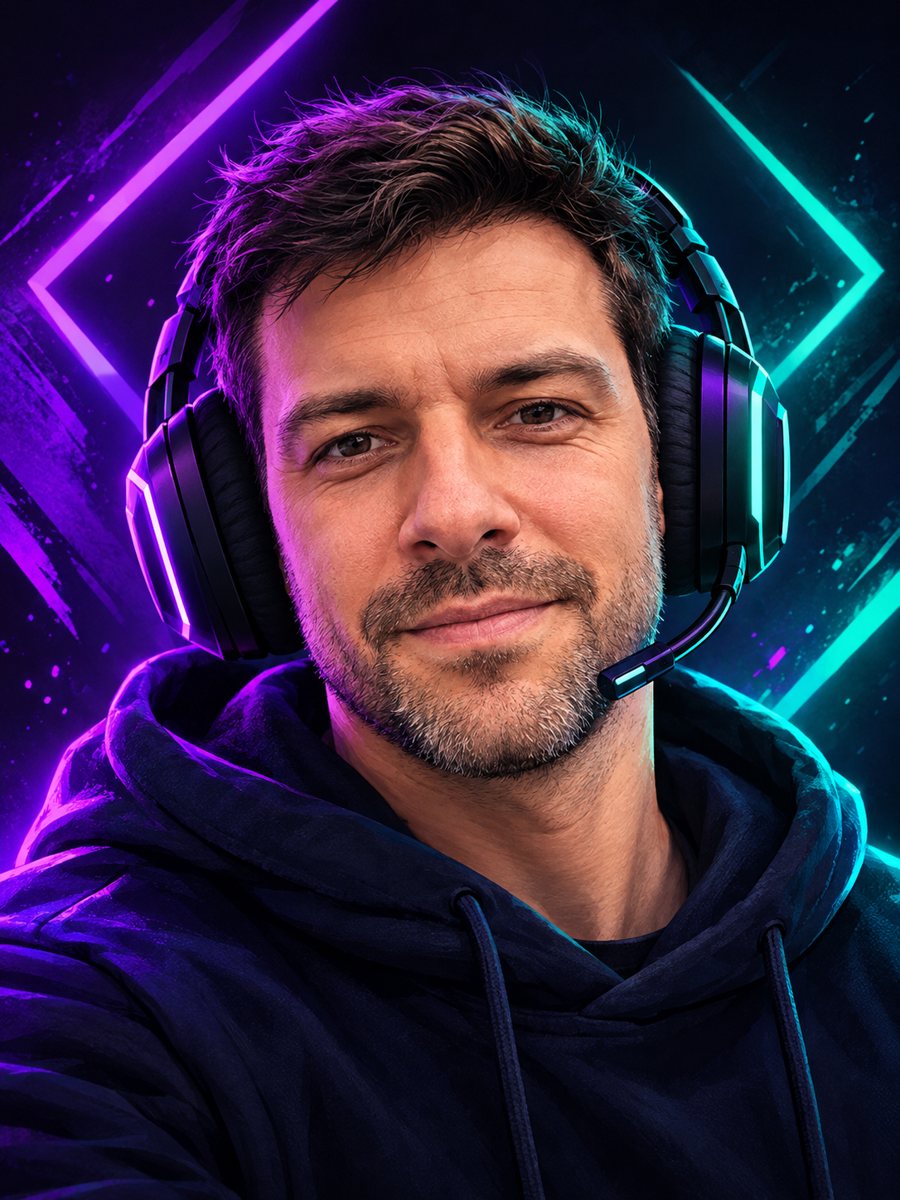 Make a gaming avatar from your photoTurn your photo into a bold gaming avatar with a headset, neon lighting and a dark background. Ready...
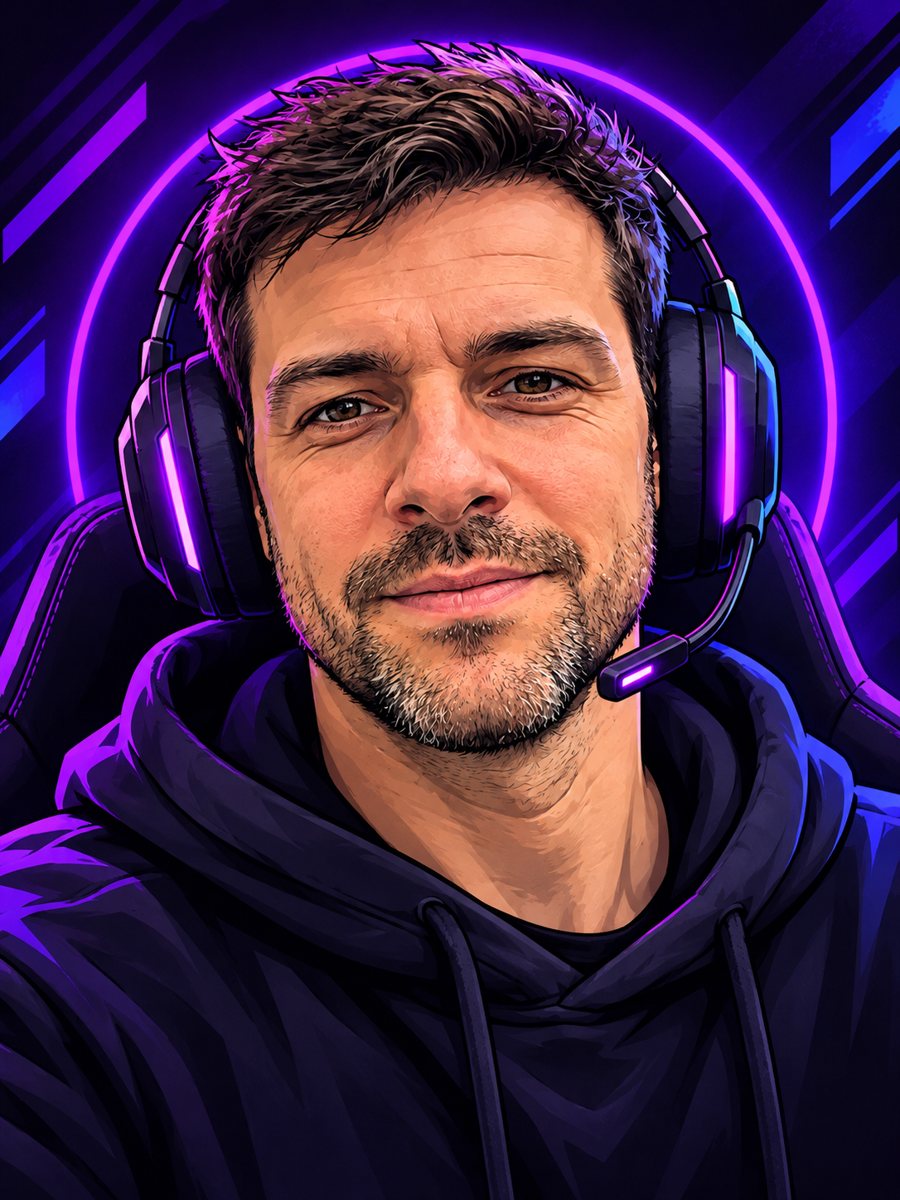 Create a cartoon streamer avatar from your photoTurn a photo into a bold cartoon streamer avatar with a headset and neon accents. Copy the ready prompt or...
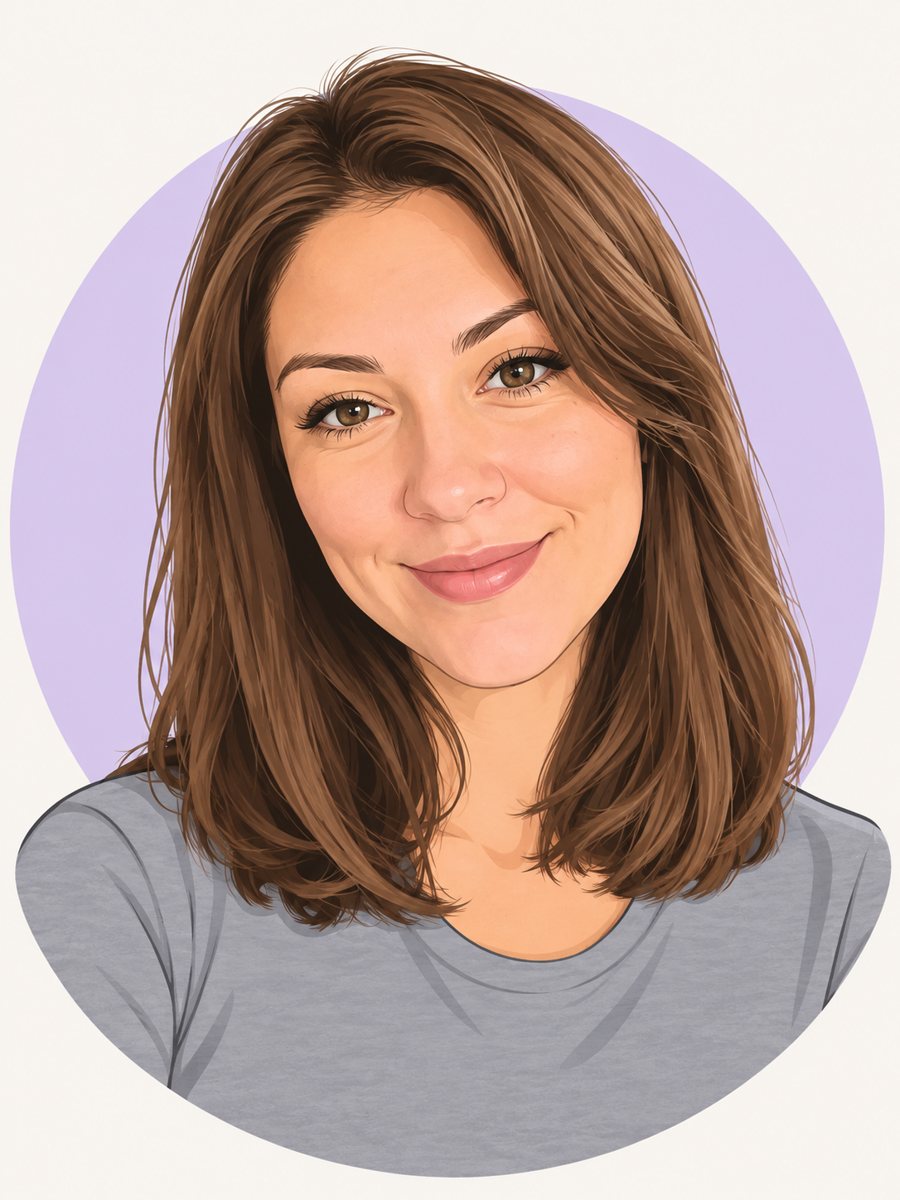 Make a cartoon avatar from your photoDraw a friendly cartoon avatar from your photo in clean vector style with a pastel circle background....
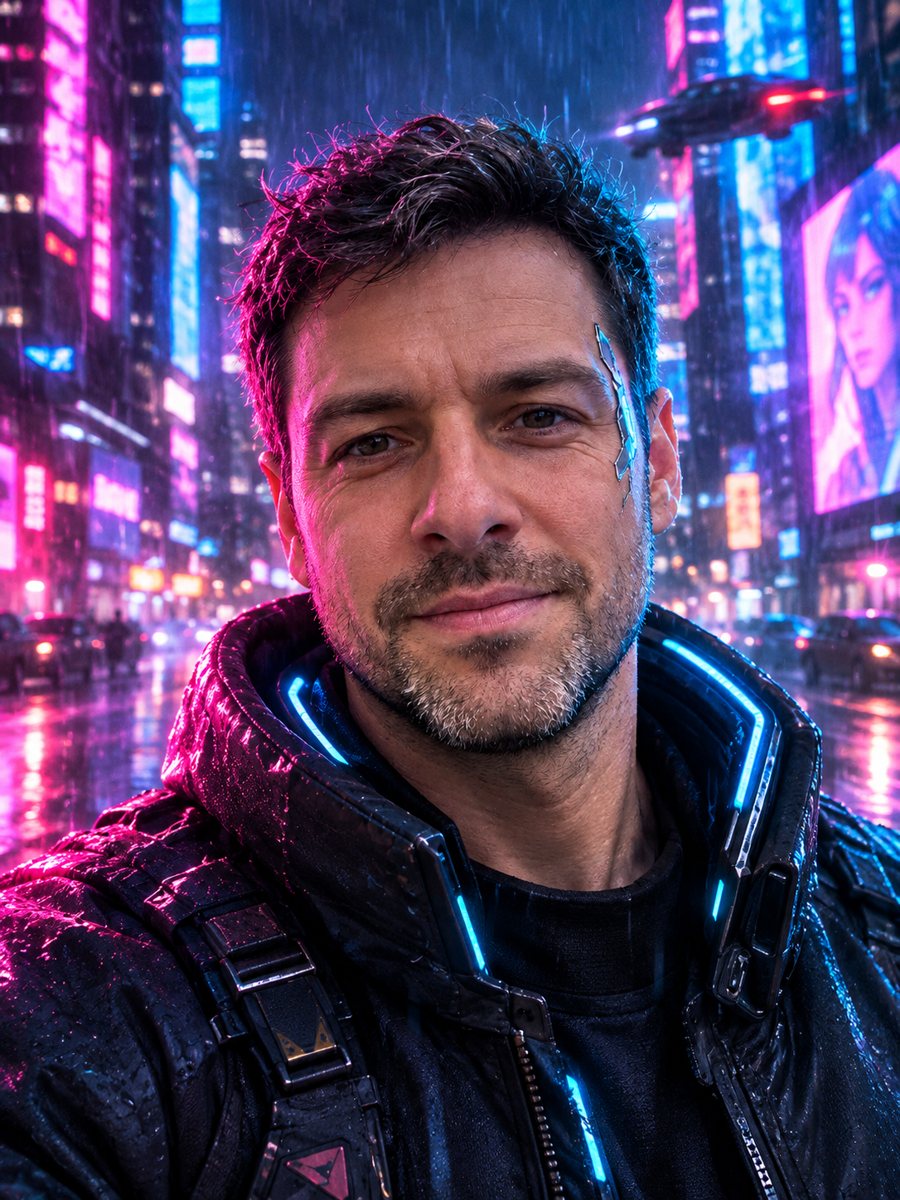 Turn your photo into a cyberpunk portraitTurn a photo into a neon-lit cyberpunk character in a rainy night city. Ready prompt, 2 credits per image,...
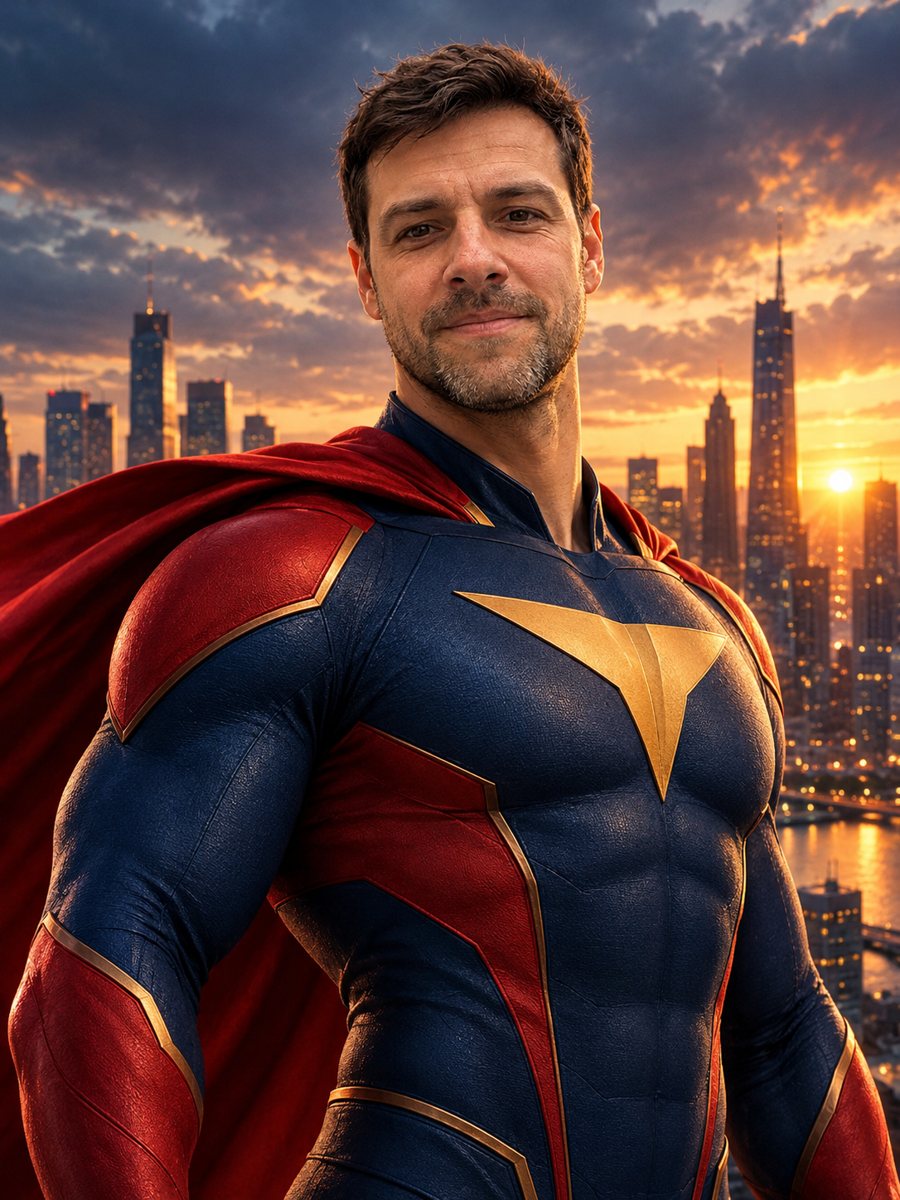 Turn yourself into a superheroTurn yourself into an original superhero with a two-color suit, emblem and cape against a city skyline....