Create a professional headshot from your photo
The bot cleans up your photo into a studio-style headshot: plain light gray background, soft light with a catchlight in your eyes, smart casual clothing and natural retouching. Your face and hairstyle stay as they are.
- 2 credits per image
- Result in 1–2 minutes
- No sign-up
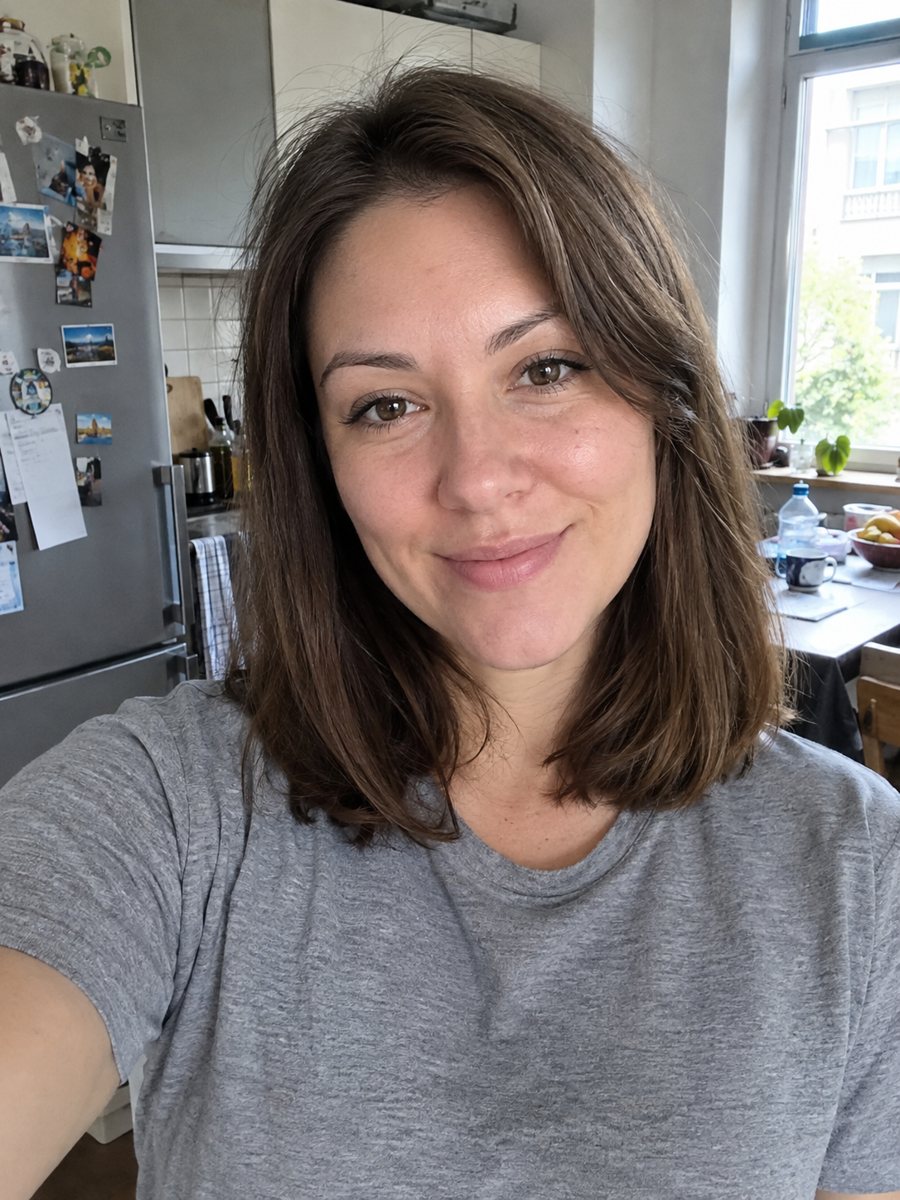
 BeforeAfter
In short: Make a polished headshot with a light gray backdrop, soft studio light and natural retouching. Ready prompt, 2 credits per image, 7 images free.
- Where: the VisuMate bot in Telegram, no app or sign-up.
- Cost: 2 credits per image, 7 images free, then packs from 49 Telegram Stars.
- Time: 1 to 2 minutes per image, rerun with a new instruction at the same price.
When you need this
- You need a website photo for your about page and have no photographer.
- An author or speaker bio needs a clean portrait.
- Your team page has mismatched snapshots and you want yours to look pro.
- You want a nicer picture for email signatures and conference badges.
How to do it
- 1
Open the bot with the button on this page and press Start. Your 15 free credits appear on first launch, and the style is already chosen.
- 2
Send your photo as a file. You can leave the caption empty or give a short wish, like: beige knit sweater, slightly warmer light.
- 3
Wait 1-2 minutes. One image costs 2 credits. Check skin texture, eye catchlight and the cleanliness of the backdrop edge. If it drifted, run again for another 2 credits.
Try it on your own photo: 7 images are free, no sign-up.
Make it in TelegramThe prompt behind this style
Make a polished professional headshot from this photo. Keep the face, features and hairstyle exactly as they are. Clean light gray seamless background, soft studio lighting with a gentle catchlight in the eyes, smart casual clothing in a neutral color, natural retouching without plastic skin. Vertical 3:4, head and shoulders, no text.
What the polish includes
A professional headshot has even skin tone without a plastic look, bright eyes with a small catchlight and no distractions behind you. The prompt requests a clean backdrop in light gray, soft studio lighting and neutral smart casual clothing. The retouching is meant to be natural, so pores and small lines stay visible.
Making your photo ready
Pick a recent, sharp image with your face taking up much of the frame. Avoid heavy makeup filters, extreme angles and strong shadows under the chin. If the clothes in your photo are fine, say keep my clothes in the caption; otherwise the bot suggests a neutral outfit. Send the image as a file to preserve detail.
Use cases and limits
Use the result for about pages, press kits, speaker slides and professional profiles. It is an AI image, so tiny details like earrings or collar edges may change. Check your hairline and teeth. For ID photos and legal documents, use a real photo that follows official rules, not this image.
Tips
- Natural window light gives the AI a good base to polish.
- State the clothing color you want; the default is a neutral smart casual.
- Keep your hair away from your eyes for a clear catchlight.
- Retouching is natural by prompt, but you can add: no smoothing at all if you prefer texture.
- Ask for a warmer or cooler backdrop if your brand has colors.
Questions and answers
How is this different from the LinkedIn style?
This one uses a light gray studio backdrop and smart casual clothes. The LinkedIn style adds a blazer and a softly blurred office background.
Will the AI remove my wrinkles?
It retouches naturally and should not erase your features. Say keep skin texture in the caption if you want more realism.
Can I get a wider crop?
The prompt is head and shoulders.
Is it safe for passports?
No. Official documents need real photos that follow their rules.
What does it cost?
2 credits per image, with 7 images free at the start.
More in "Photo styles"
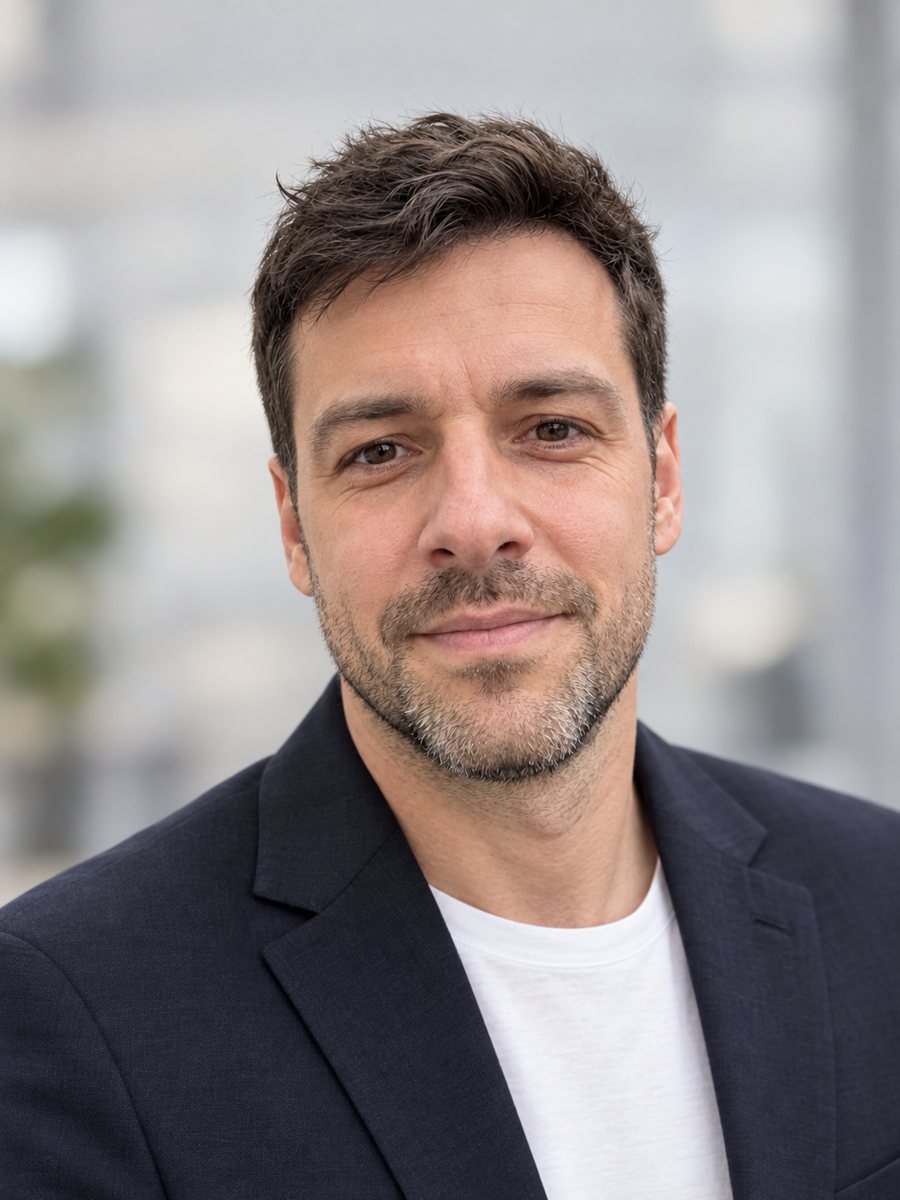 Make a LinkedIn headshot from a selfieTurn a casual selfie into a professional LinkedIn headshot with a blazer and a soft studio backdrop. Ready...
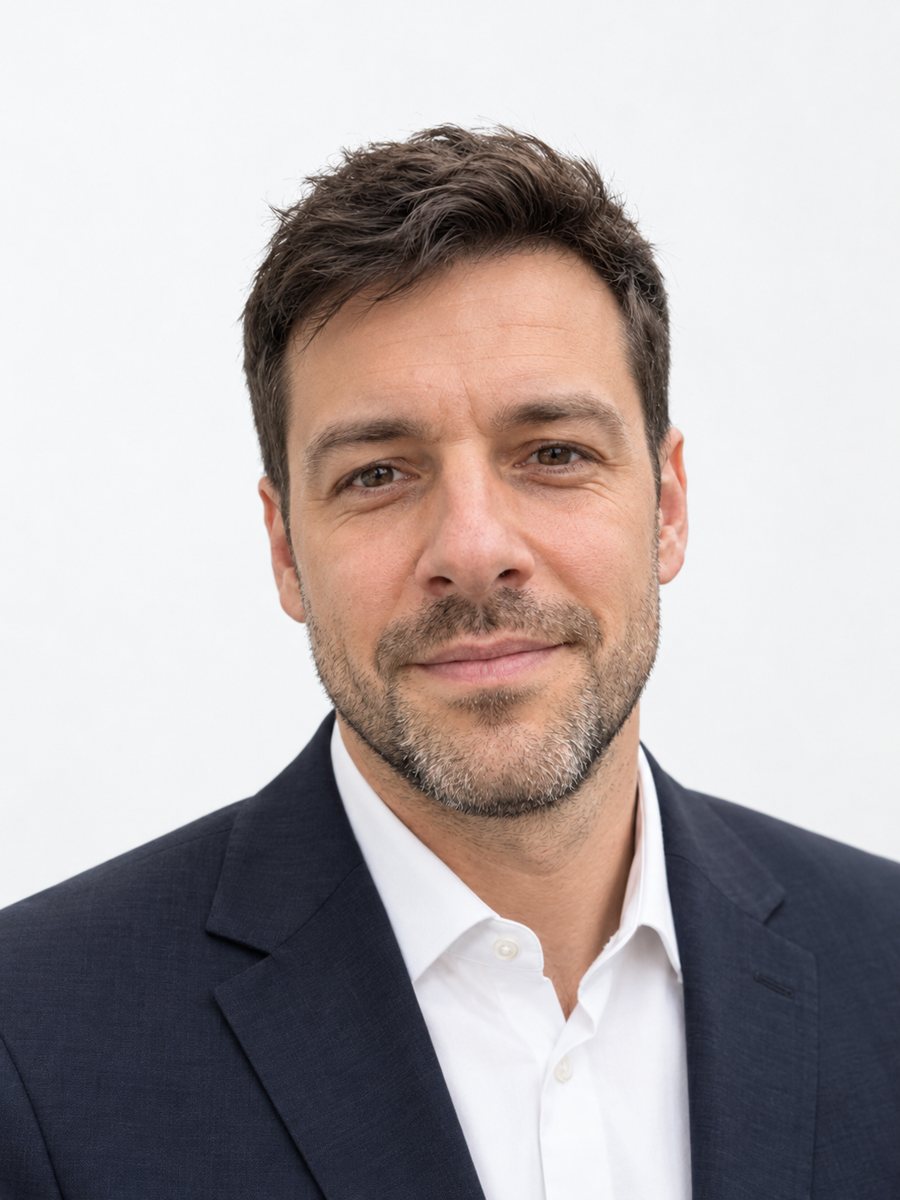 Make matching corporate team headshots from photosReshoot photos as consistent corporate team headshots with white backdrop, navy attire and the same...
 Upgrade your profile photo without changing youImprove a social media profile picture: fix exposure and white balance, blur a messy background to a warm...
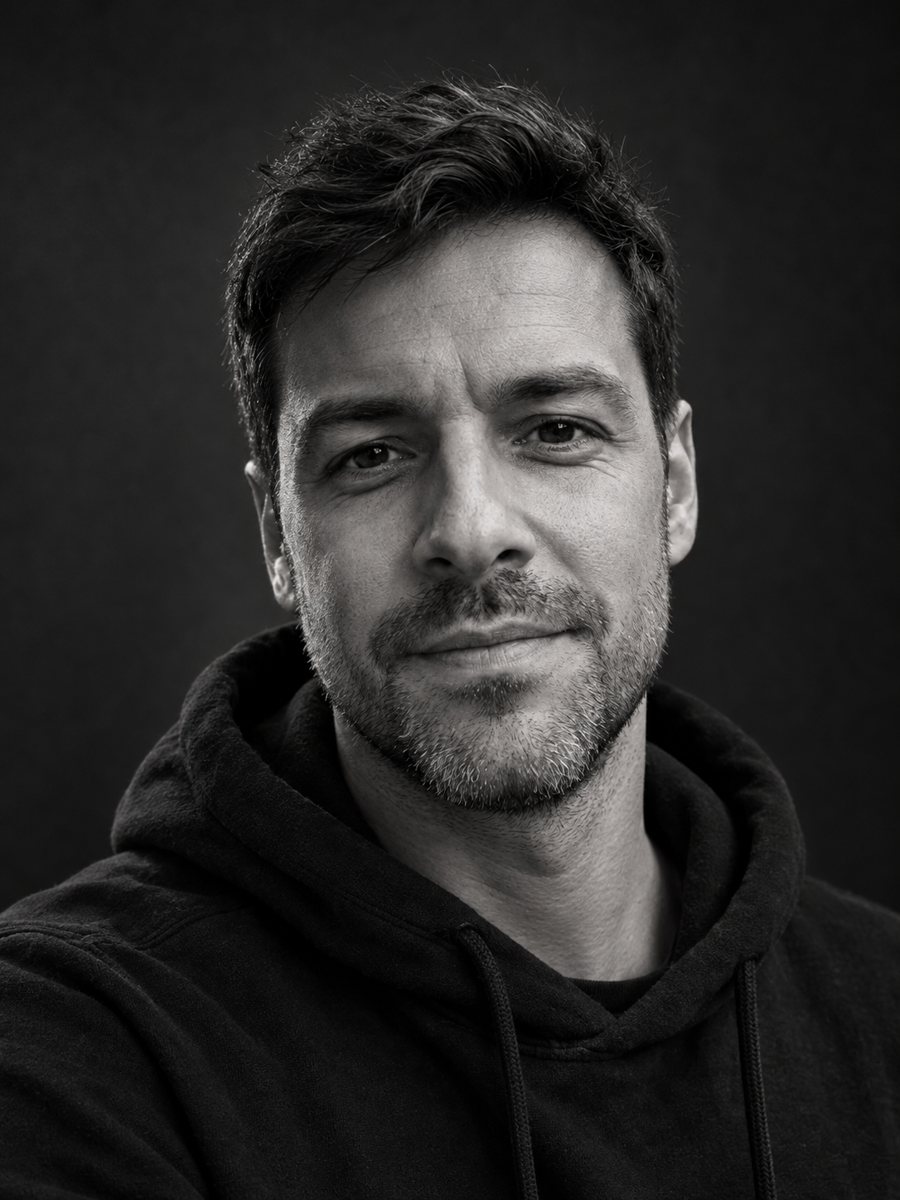 Make a black and white studio portrait from a photoTurn a casual photo into a dramatic black and white studio portrait with a dark backdrop and side light....
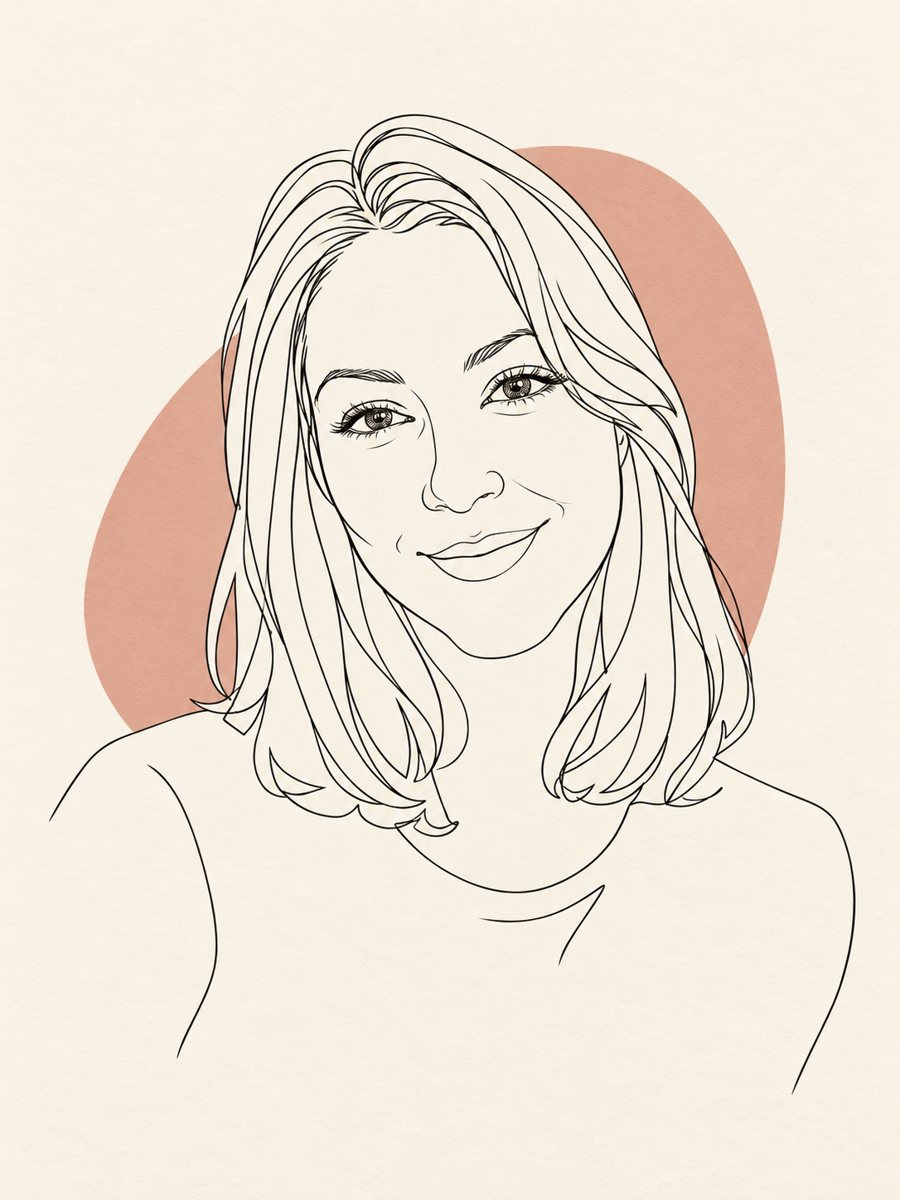 Turn your photo into a minimal line art avatarConvert a photo into a minimal one-line portrait with a single thin black line and a soft accent shape....