Amazon main image requirements
The main image is the first thing a shopper sees in search results, and Amazon is strict about it. Here are the rules sellers usually follow, in plain words, plus a way to make a clean white-background shot from a phone photo.
- 2 credits per image
- Result in 1–2 minutes
- No sign-up
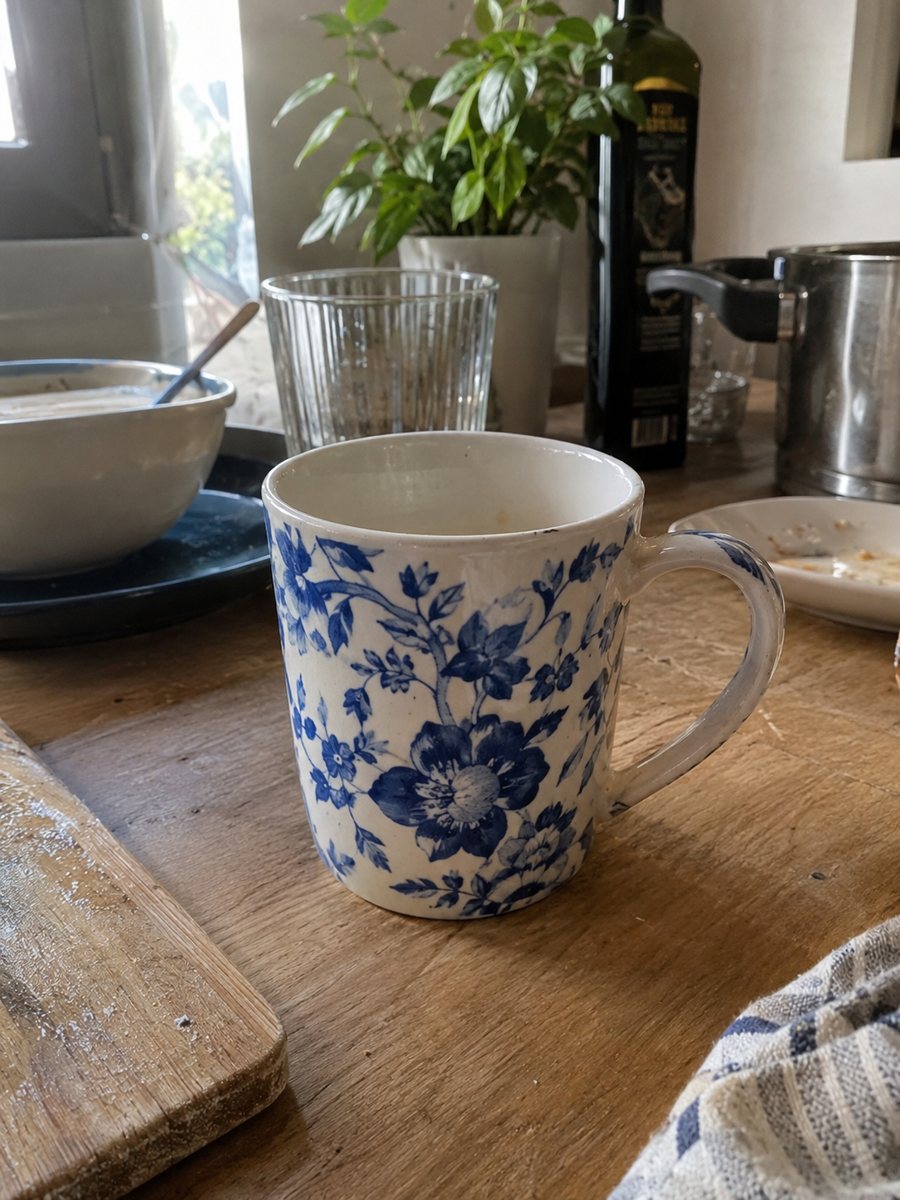
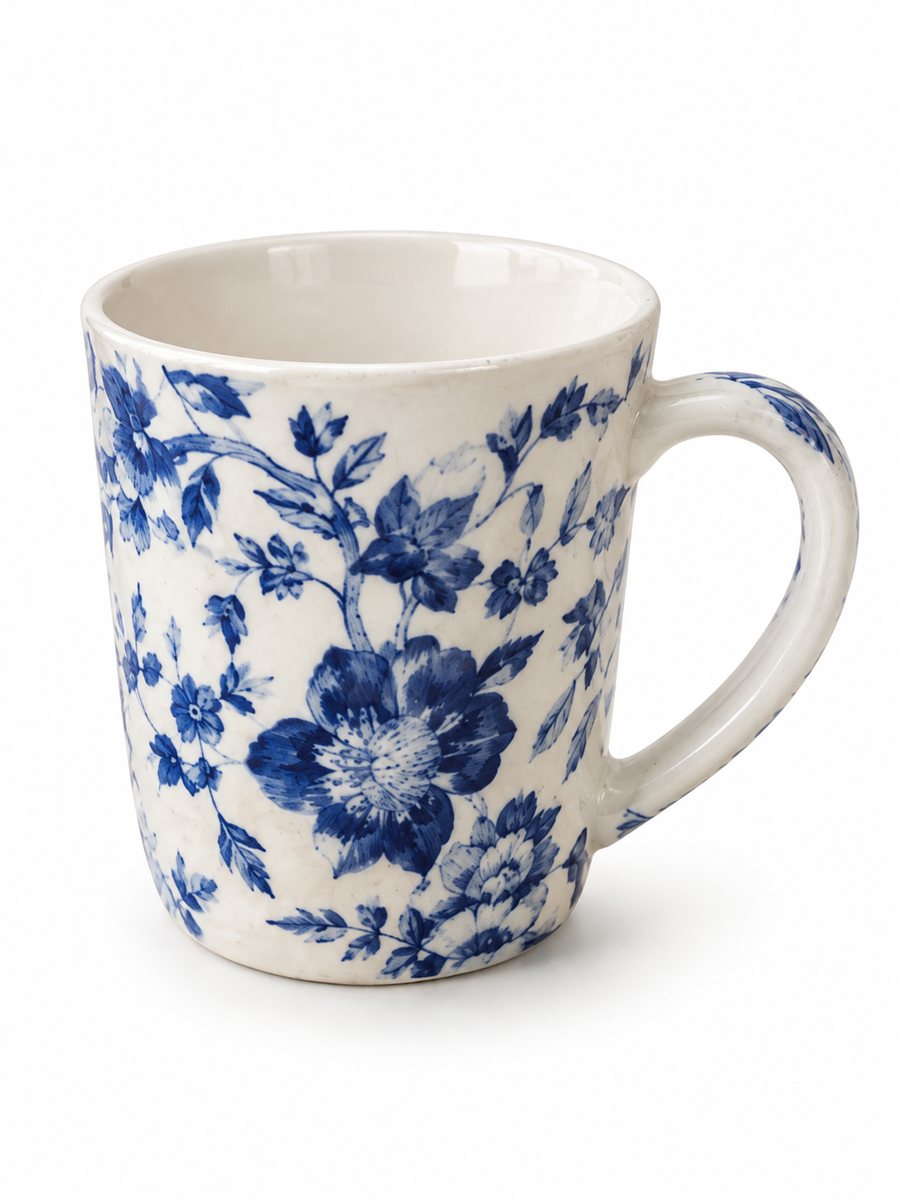 BeforeAfter
In short: Amazon main image requirements in plain words: white background, product fill, size for zoom, no text. Make a 3:4 white-background shot from a phone photo. 7 images free.
- Where: the VisuMate bot in Telegram, no app or sign-up.
- Cost: 2 credits per image, 7 images free, then packs from 49 Telegram Stars.
- Time: 1 to 2 minutes per image, rerun with a new instruction at the same price.
When you need this
- Your main image was flagged or suppressed and you are not sure which rule it broke.
- The background looks white on your phone but slightly gray on a screen.
- The product looks small in the frame and zoom looks soft.
How to do it
- 1
Open @visumate_ai_bot with the button on this page and press Start. The link opens the white background mode.
- 2
Send the photo of the product as a file (document). In the caption write: "pure white background, product centered, soft shadow, no text".
- 3
In 1–2 minutes the vertical 3:4 image arrives in the chat. Check the edges and details of the product, then download it or run again.
Try it on your own photo: 7 images are free, no sign-up.
Make it in TelegramWhat the main image usually needs
Amazon asks for a pure white background, a product that fills most of the frame, and a main image without text, logos or badges. Only the item you sell should appear, with no props. A shadow under the product is common, but the rest of the background should stay clean. Category rules can add extras, for example some categories ask for a specific view. These are widely known guidelines. Amazon's own Seller Central help pages hold the exact current numbers and category exceptions, so check them before you upload.
Size and zoom
Zoom on Amazon works when the image is large enough, and sellers commonly aim for at least 1000 px on the longest side. Larger files give a sharper zoom. The bot returns a vertical 3:4 picture, so after you download it, check the pixel size in any editor and resize or crop if the Seller Central page asks for something different. The bot does not output a set pixel size, only the ratio.
Where AI helps and where it does not
The white background mode removes the old background, adds a studio light and a soft shadow. It keeps the product itself and changes only what you asked. It does not upload to your account and it does not check your listing against the rules. AI can also soften a fine detail such as a tiny label, so compare the result with the real item before you publish.
Tips
- Shoot the product from the front with the whole item in the frame, so there is room to crop it large.
- Remove stickers, price tags and extra items from the shot before you photograph.
- Open the finished image on a second screen and look for gray patches near the edges.
- Keep the first slot clean and move benefits and scenes to later slots.
Questions and answers
Does the bot guarantee Amazon will accept the image?
No. The bot makes the image only. Amazon decides on acceptance, so check the current rules in Seller Central.
Can I put text on the main image?
Amazon main images normally allow no text or logos. Put benefits on later slots with the infographic mode.
Does the bot work in English?
Yes. It picks up your Telegram language on first launch and replies in English. You can switch the language any time with /lang.
Is the output exactly the pixel size Amazon wants?
The bot gives a 3:4 ratio. Check the pixel size after downloading and resize in an editor if needed.
How many images can I try for free?
New users get 15 free credits on first launch. One image costs 2 credits, so 7 images are free.
More in "Product photos"
- Amazon main image on a white backgroundTurn a phone photo into an Amazon main image on a pure white background with a soft shadow. No text or...
- Amazon product image size in pixelsAmazon product image size in pixels explained: what makes zoom work, why bigger files help, and how to get...
- Marketplace photo requirementsMarketplace photo requirements for Amazon, Etsy and eBay in plain terms: background, size and text. Check...
- Amazon infographic imagesAmazon infographic images for secondary slots: a product close-up with 3 or 4 benefit badges taken word...
- White background product photo, free to tryMake a white background product photo free for the first 7 images. Send a phone picture, get a clean 3:4...