Amazon infographic images
Secondary images are where you explain the product. Send a photo, list 3 or 4 short benefits in the caption separated by commas and the bot draws a close-up with those benefits on badges.
- 2 credits per image
- Result in 1–2 minutes
- No sign-up
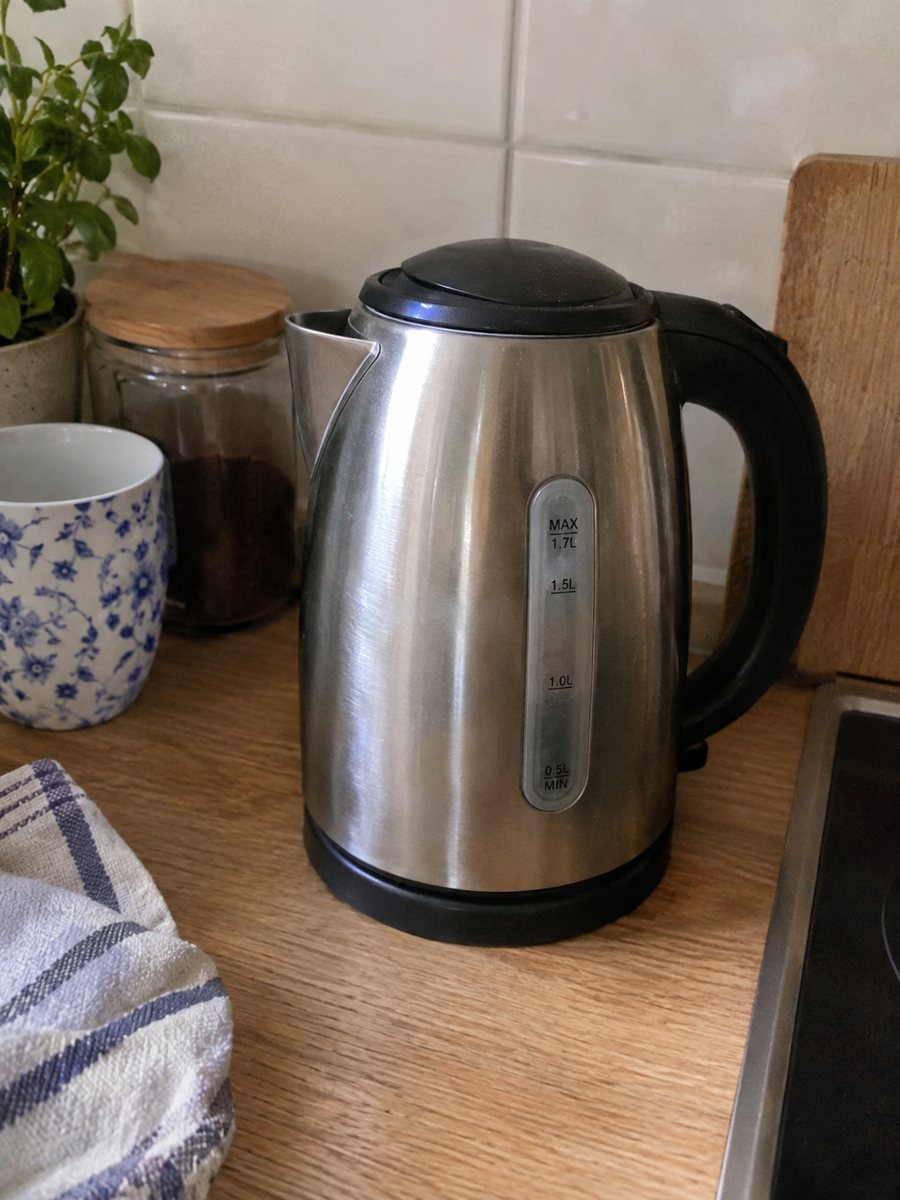
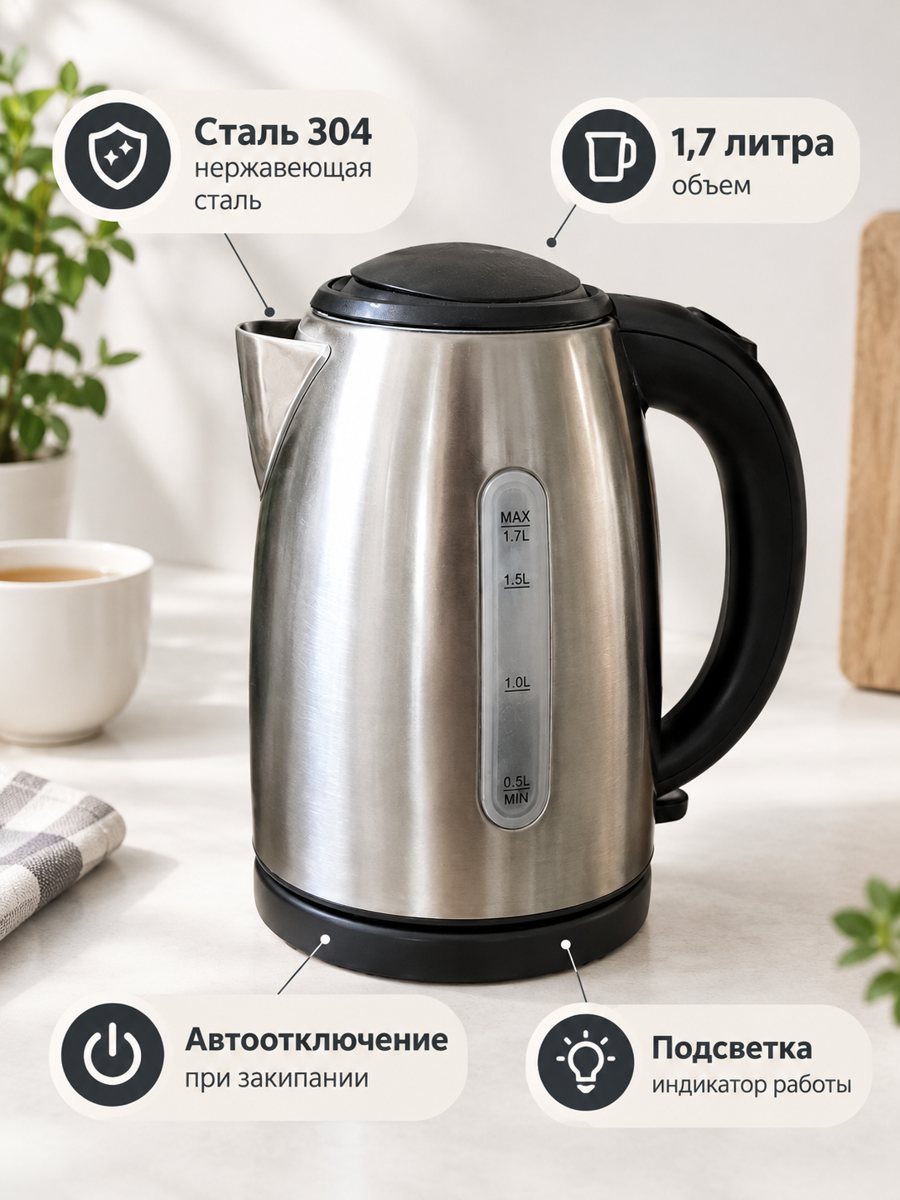 BeforeAfter
In short: Amazon infographic images for secondary slots: a product close-up with 3 or 4 benefit badges taken word for word from your caption. 3:4. 7 images free.
- Where: the VisuMate bot in Telegram, no app or sign-up.
- Cost: 2 credits per image, 7 images free, then packs from 49 Telegram Stars.
- Time: 1 to 2 minutes per image, rerun with a new instruction at the same price.
When you need this
- Your gallery has only plain pictures and shoppers do not see the benefits.
- A design tool and a freelancer cost more than you want to spend.
- You need the infographic before the listing goes live.
How to do it
- 1
Open @visumate_ai_bot with the button on this page and press Start. The link opens the infographic mode.
- 2
Send a close photo of the product as a file (document). In the caption list the benefits, separated by commas: "Waterproof, 12 hour battery, Fits all sizes".
- 3
In 1–2 minutes the vertical 3:4 image arrives in the chat. Read every badge letter by letter, then download it or run again.
Try it on your own photo: 7 images are free, no sign-up.
Make it in TelegramWhat goes on the badges
The bot places your words exactly as you write them. Short items work best: Waterproof, 12 hour battery, Fits all sizes. Write only what is true for your product. A line longer than a few words increases the chance of letter errors, so shorten it or split it across two badges. Only list facts you can confirm, since marketplaces can remove misleading listings.
Where infographics sit
On Amazon, the main image usually has a white background with no text, and benefits go to the following images. The infographic from this mode can be your second or third picture. Check the current image rules of your category in the seller account before you upload. Each run takes 1 to 2 minutes, so you can prepare a whole set in one sitting.
Tips
- Keep each badge to two or three words.
- Use real, checkable facts only.
- Proofread every letter: AI can slip on longer text.
- Leave text off the main image, use infographics for secondary slots.
Questions and answers
Does the bot choose the benefits?
No. It uses the ones you write in the caption. If you send no text, the bot asks for it.
Can badges have typos?
AI draws the text and may make letter errors in long phrases. Keep badges short and proofread.
Is the bot menu in English?
The bot replies in English, and the link from this page opens the right mode.
How do I pay after the free images?
Inside Telegram with Stars, by card, Apple Pay or Google Pay. Packs start from 199 Stars and credits never expire.
More in "Product photos"
- Product infographic makerProduct infographic maker in Telegram: send a photo, write 3 or 4 benefits in the caption and get a...
- Size chart infographic style imageSize chart infographic style image: put 3 or 4 short size facts on badges around a product close-up....
- eBay infographic listing imageeBay infographic listing image for extra photo slots: a close-up with 3 or 4 fact badges from your...
- Product photo bot pricingProduct photo bot pricing explained: 15 free credits, 2 credits per image and three packs paid with Stars....