Google Display banner sizes and how to create the image
Display ad sets ask for several sizes. The bot makes a wide 16:9 image from your description, and you crop it to the sizes your ad platform asks for. Treat the sizes below as guidelines and check the current list in Google Ads.
- 2 credits per image
- Result in 1–2 minutes
- No sign-up
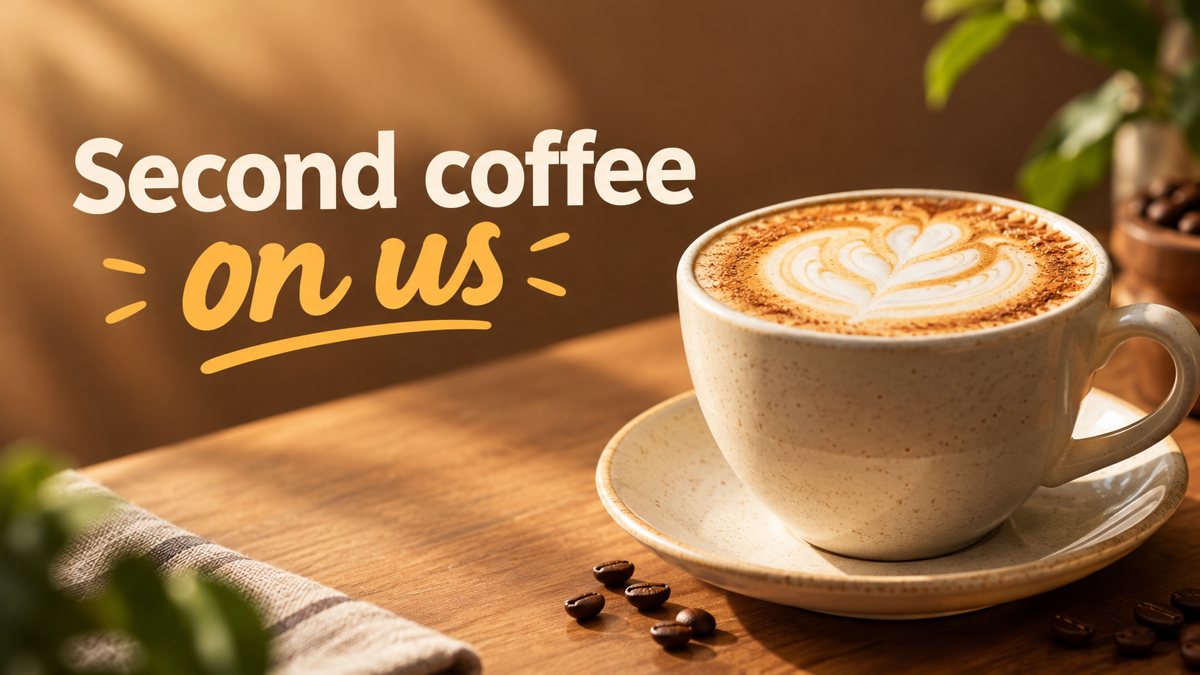 Made by the bot
In short: Common Google Display ad sizes as guidelines, and how to get a wide banner image from a text prompt in Telegram. 3 credits per banner, 15 free credits.
- Where: the VisuMate bot in Telegram, no app or sign-up.
- Cost: 2 credits per image, 7 images free, then packs from 49 Telegram Stars.
- Time: 1 to 2 minutes per image, rerun with a new instruction at the same price.
When you need this
- The ad set asks for several sizes and you only have one image.
- You are testing display ads on a small budget and cannot pay for custom art.
- You never know whether to put text in the image or in the ad fields.
How to do it
- 1
Tap the link on this page to open @visumate_ai_bot in Telegram, then press Start.
- 2
Describe one strong image: a running shoe store, a pair of sneakers on a track at sunrise, clear space on the left, text 'Run Season Sale'.
- 3
In 1–2 minutes the 16:9 banner arrives in the chat for 3 credits. Proofread every word on it, then download it or run again.
Try it on your own photo: 7 images are free, no sign-up.
Make it in TelegramOne image, many crops
A 16:9 image can be cropped into some banner shapes, but very thin leaderboards or tall skyscrapers cut a lot. Ask the bot for a central subject with simple surroundings, then crop for each size. For a thin shape, extra empty background on both sides helps. If crops lose important parts, run a second prompt that composes the scene for that shape in words, such as a tall vertical stack.
Text policies
Google Ads has rules on how much text an image may contain and what claims it can make. The bot does not check them. Keep the image mostly visual, put offers in the ad text fields and read the policy for your category. Sensitive categories such as health, finance or legal services have extra rules, so describe a neutral scene and let the ad text follow the policy.
Tips
- Common sizes people list include 300×250, 728×90, 160×600 and 320×50. Verify the current ones in Google Ads.
- Responsive display ads let you upload a landscape and a square image, so make both.
- Keep text out of the image when the platform asks for separate headlines.
- Place the subject in the center so crops to tall or thin shapes still work.
Questions and answers
Are these sizes official?
They are common sizes. Confirm the current list in your Google Ads account.
Can the bot output 728×90?
The bot returns 16:9. Crop it to other shapes in an editor.
Should the logo be on the image?
Upload your logo in the platform's logo field. The bot does not place a logo exactly.
How many credits does it take?
3 credits per banner. New users get 15 free credits.
More in "Banners and stories"
- Twitter/X header image makerCreate a Twitter/X profile header from a description in Telegram. Wide 16:9 image you can crop, 3 credits...
- Coffee shop promo bannerMake a coffee shop promo banner from a short brief in Telegram. Wide 16:9 image for your window screen,...
- Website hero banner with AIGenerate a website hero banner from a text brief in Telegram. 16:9 image with room for your headline, 3...
- Webinar banner imageGenerate a webinar banner from a short brief in Telegram. Wide 16:9 image with the topic as a headline, 3...
- Pinterest pin image makerMake a Pinterest pin image from a description in Telegram. Tall vertical image with a short title, 2...