Twitter/X header image maker
Describe what your account is about and the style, and the bot draws a wide banner for the top of your X profile. You crop it in the upload dialog.
- 2 credits per image
- Result in 1–2 minutes
- No sign-up
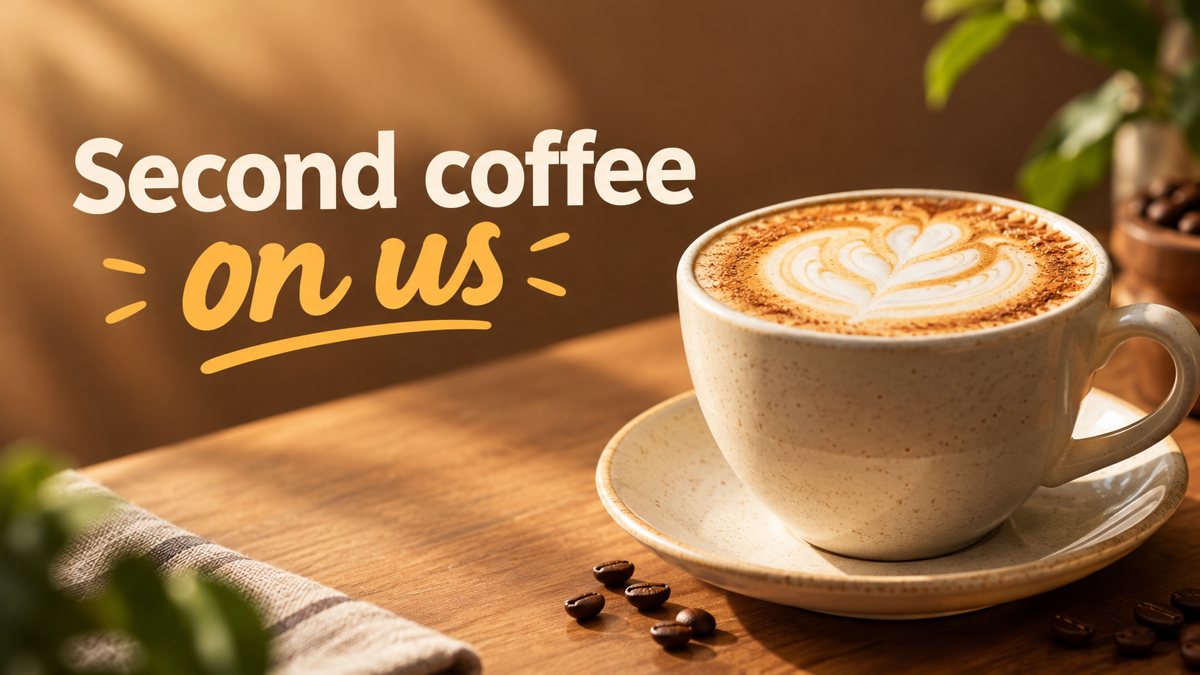 Made by the bot
In short: Create a Twitter/X profile header from a description in Telegram. Wide 16:9 image you can crop, 3 credits per run, 15 free credits for new users.
- Where: the VisuMate bot in Telegram, no app or sign-up.
- Cost: 2 credits per image, 7 images free, then packs from 49 Telegram Stars.
- Time: 1 to 2 minutes per image, rerun with a new instruction at the same price.
When you need this
- Your X profile top is a plain gray strip.
- You post about one topic and want the header to show it at a glance.
- A product launch needs a quick temporary banner.
How to do it
- 1
Tap the link on this page to open @visumate_ai_bot in Telegram, then press Start.
- 2
Describe the header: an indie game developer, pixel art city at night, neon purple and teal, left side calm for the avatar, text 'Building Small Worlds'.
- 3
In 1–2 minutes the 16:9 banner arrives in the chat for 3 credits. Proofread every word on it, then download it or run again.
Try it on your own photo: 7 images are free, no sign-up.
Make it in TelegramWhere the text can sit
On desktop the avatar overlaps the lower left of the header, and on phones the crop differs. Ask for text in the upper right or the center and a calm area on the left. If the first result puts words near the edge, rerun with the position stated: centered, upper right, one line. The bot responds to layout words but cannot guarantee exact placement, so leave room for a shift.
Header for a product launch
For a launch, show one visual idea, such as a tidy desk with the product category, plus the product name in a short line. Avoid dates and prices, they tend to be misspelled. Put the date and details in your pinned post. After the launch, swap the header and keep the old one in your folder, so next time you can reuse the prompt that worked.
Tips
- The profile photo covers the lower left, so keep text on the right or in the upper area.
- X headers are displayed wide and low, around 1500×500 as a common guide. Check the current size in your settings.
- Keep the scene simple. Details vanish on phones.
- Use one short line at most.
Questions and answers
Does it make the avatar too?
Use the image from a prompt mode for a square avatar.
What ratio is the output?
16:9. Crop to the header shape in the X uploader.
Can I make a header for a brand account?
Yes, but the bot does not place a logo exactly, so add it afterward if needed.
What is the price?
3 credits per run, 15 free credits for new users.
More in "Banners and stories"
- Coffee shop promo bannerMake a coffee shop promo banner from a short brief in Telegram. Wide 16:9 image for your window screen,...
- Restaurant menu promo bannerCreate a restaurant promo banner for a menu special from a short brief in Telegram. 16:9 image with your...
- Google Display banner sizes and how to create the imageCommon Google Display ad sizes as guidelines, and how to get a wide banner image from a text prompt in...
- Nonprofit fundraiser bannerCreate a fundraiser banner for a nonprofit from a text brief in Telegram. 16:9 image with a short campaign...
- Bakery Instagram story imagesMake bakery Instagram stories from a short description in Telegram. Vertical 9:16 images for daily...