Webinar banner image
Give the bot the webinar topic, the mood and a short title, and it draws a wide banner for your registration page, calendar invite or social event. Keep the date and time as text.
- 2 credits per image
- Result in 1–2 minutes
- No sign-up
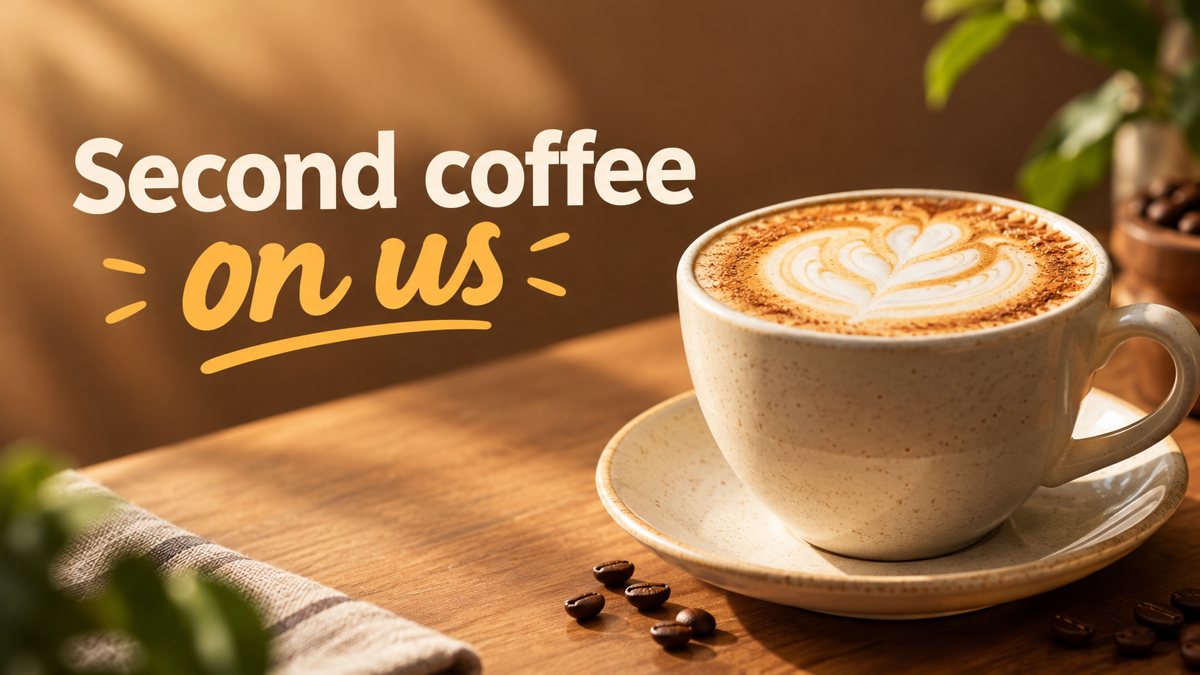 Made by the bot
In short: Generate a webinar banner from a short brief in Telegram. Wide 16:9 image with the topic as a headline, 3 credits per run, 15 free credits for new users.
- Where: the VisuMate bot in Telegram, no app or sign-up.
- Cost: 2 credits per image, 7 images free, then packs from 49 Telegram Stars.
- Time: 1 to 2 minutes per image, rerun with a new instruction at the same price.
When you need this
- Registration pages with no image convert worse in your own tests and look unfinished.
- You host monthly webinars and recycle the same slide as a banner.
- Co-hosted events need a neutral image without either brand's look.
How to do it
- 1
Open the bot through the button on this page and press Start. Choose the banner scenario if it is not already open.
- 2
Describe the banner: a webinar on remote team habits, a laptop on a home desk with a plant, clean blue and white, text 'Remote Team Habits'.
- 3
In 1–2 minutes the 16:9 banner arrives in the chat for 3 credits. Proofread every word on it, then download it or run again.
Try it on your own photo: 7 images are free, no sign-up.
Make it in TelegramTopic first
Attendees decide in a second. The image should hint at the topic with one clear object or scene, and the title should carry the promise in plain words. Avoid collage prompts with many objects. If your topic is abstract, such as budgeting or leadership, choose a concrete symbol: a calculator, a compass, a table with notes. Then keep the background calm so the title stays readable.
Recurring series
For a series, set a repeatable template in words: same palette, same layout, new subject. Ask for the title on the left third and the scene on the right each time. The AI does not remember earlier runs, so paste the same style sentence into every prompt. Check each banner for typos, especially names of speakers, which the bot may misspell if you include them.
Tips
- Put the date, time and time zone in text next to the banner.
- Pick a title of four words or fewer to keep spelling safe.
- Use a neutral palette if several partners share the page.
- Make a square version in post mode for social sharing.
Questions and answers
Can I add speaker names?
Possible, but names often get misspelled. Put them in text.
Will it match my slides?
Describe your slide colors in the prompt. The match is approximate.
What ratio does it return?
16:9.
What is the cost?
3 credits per banner and 15 free credits to try.
More in "Banners and stories"
- Nonprofit fundraiser bannerCreate a fundraiser banner for a nonprofit from a text brief in Telegram. 16:9 image with a short campaign...
- Church event bannerMake a church or community event banner from a text description in Telegram. 16:9 image with a short...
- Online course launch bannerMake a banner for an online course launch from a text brief in Telegram. 16:9 image with a short title, 3...
- Banner with text from a promptHow to get a banner with readable text from a plain prompt in Telegram. Short words, clear layout,...
- Car detailing storyMake a car detailing story from a text brief in Telegram. Vertical 9:16 image for packages and booking, 2...