Pinterest pin image maker
Describe the topic, the look and the title, and the bot draws a tall vertical image for a Pinterest pin. Pinterest favors tall formats, and 9:16 sits close to the usual 2:3.
- 2 credits per image
- Result in 1–2 minutes
- No sign-up
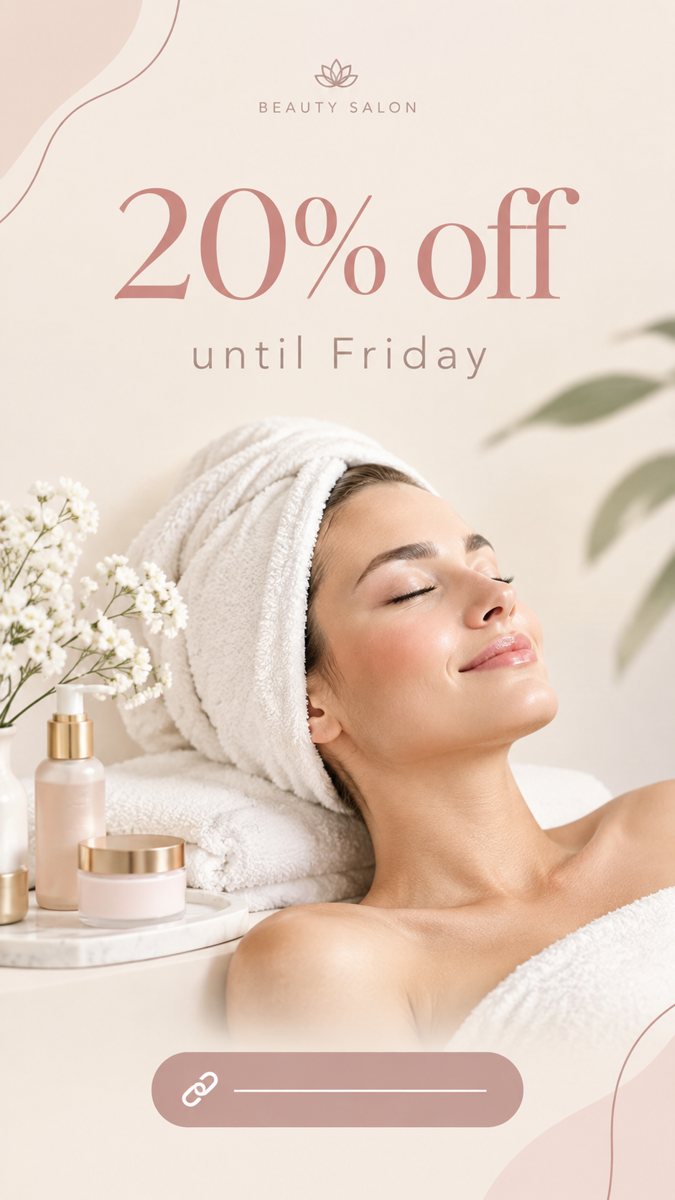 Made by the bot
In short: Make a Pinterest pin image from a description in Telegram. Tall vertical image with a short title, 2 credits per run, 15 free credits for new users.
- Where: the VisuMate bot in Telegram, no app or sign-up.
- Cost: 2 credits per image, 7 images free, then packs from 49 Telegram Stars.
- Time: 1 to 2 minutes per image, rerun with a new instruction at the same price.
When you need this
- Your pins are product photos with no text and get few saves.
- You blog and need a pin for each post.
- Pin templates in free editors look like everyone else's.
How to do it
- 1
Open the bot with the link on this page and press Start. You get the 9:16 story mode.
- 2
Describe the pin: a blog post about small-space gardening, a balcony with pots and herbs, soft morning light, title 'Balcony Herb Garden'.
- 3
Wait 1–2 minutes for the vertical image. Read the text carefully, then download it or run again with a tweak.
Try it on your own photo: 7 images are free, no sign-up.
Make it in TelegramPins are search results
People search Pinterest like they search Google, so the pin image should match a topic. A title like 'Balcony Herb Garden' does more than a brand slogan. Describe the scene that someone searching for the topic expects to see. After you generate the image, write a clear pin description with the words that people search. Pins live for months, so a clear topic image keeps bringing visits long after the first day of posting.
Several pins per post
One article can have several pins with different images and titles. Generate three scenes for the same post: a wide view, a close detail and a list-style visual. Reuse the palette. The bot does not write the pin text beyond what you ask it to print, so prepare your titles first. Proofread, since a typo in a pin title is public on a board.
Tips
- A common pin size is 1000×1500, a 2:3 shape. The bot returns 9:16, so check the crop in the Pinterest uploader.
- Put a short title in the upper half.
- Choose a scene that fits a search topic, such as a recipe, a room or a craft.
- Keep the pin title the same as the blog post title where possible.
Questions and answers
Is the size right for Pinterest?
The result is 9:16. Pinterest pins are often 2:3, such as 1000×1500. It still works, but check the crop.
Does it work for product pins?
It makes a generated scene. For real products, use a product photo.
Can I add a link?
The link is set when you save the pin on Pinterest.
Cost?
2 credits per image and 15 free credits to start.
More in "Banners and stories"
- Bakery Instagram story imagesMake bakery Instagram stories from a short description in Telegram. Vertical 9:16 images for daily...
- Hair salon story ideas and imagesMake hair salon Instagram stories from a short description in Telegram. Vertical 9:16 for open slots and...
- TikTok cover image makerCreate a TikTok video cover image from a text prompt in Telegram. Vertical 9:16 with big short text, 2...
- Car detailing storyMake a car detailing story from a text brief in Telegram. Vertical 9:16 image for packages and booking, 2...
- Book launch storyMake a book launch story from a short brief in Telegram. Vertical 9:16 image with the title and a mood...