Coffee shop promo banner
Name the drink, the mood and the words on the banner, and the bot draws a wide promo image for your cafe. Good for seasonal drinks, happy hours and loyalty offers.
- 2 credits per image
- Result in 1–2 minutes
- No sign-up
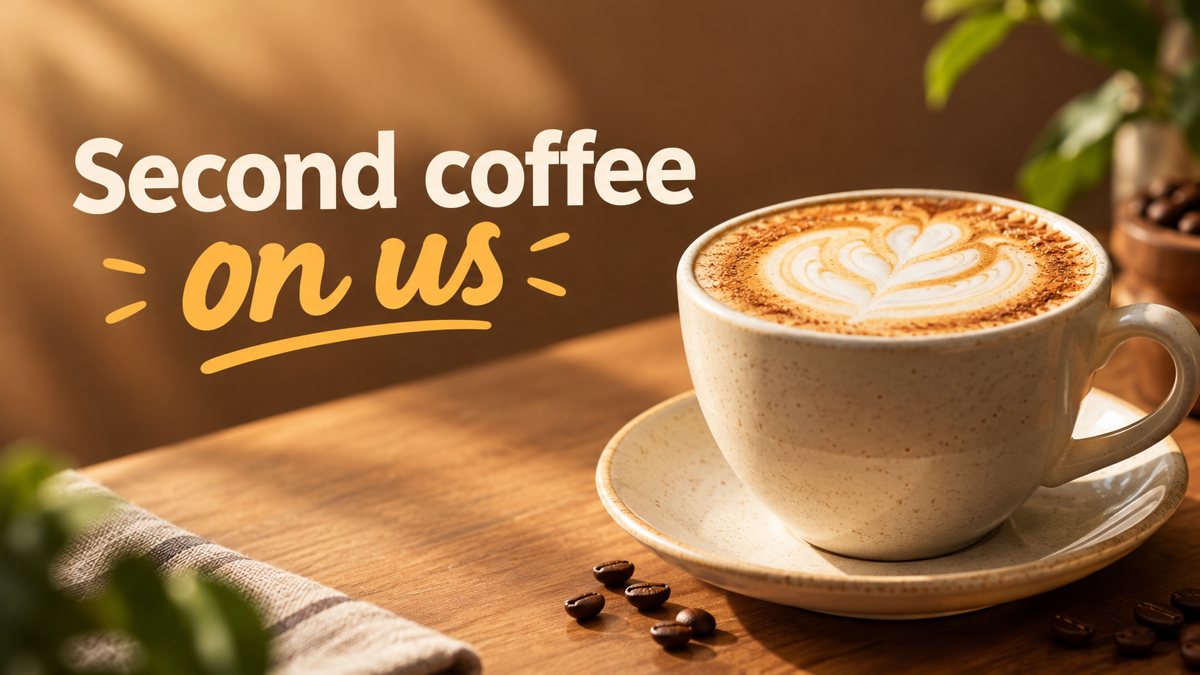 Made by the bot
In short: Make a coffee shop promo banner from a short brief in Telegram. Wide 16:9 image for your window screen, site or socials, 3 credits, 15 free credits.
- Where: the VisuMate bot in Telegram, no app or sign-up.
- Cost: 2 credits per image, 7 images free, then packs from 49 Telegram Stars.
- Time: 1 to 2 minutes per image, rerun with a new instruction at the same price.
When you need this
- The seasonal menu launches Monday and the chalkboard is the only promo.
- Your site shows a gray stock coffee cup that looks like every cafe.
- You want a TV screen image for the counter and have no design software.
How to do it
- 1
Open the bot through the button on this page and press Start. Choose the banner scenario if it is not already open.
- 2
Describe it: a small cafe banner, a pumpkin latte in a ceramic mug on a wooden counter, steam, warm autumn palette, text 'Pumpkin Latte Is Back'.
- 3
In 1–2 minutes the 16:9 banner arrives in the chat for 3 credits. Proofread every word on it, then download it or run again.
Try it on your own photo: 7 images are free, no sign-up.
Make it in TelegramSeasonal drinks
Seasonal drinks drive repeat visits, and they change often, so a quick banner fits. Mention the main ingredients because the AI uses them for color: cinnamon for brown tones, matcha for green, berries for pink. Ask for a close view with a shallow depth of field if you want a magazine feel. The result is an illustration of the idea, not a photo of your exact cup, so use real photos in your menu. Rerun the same prompt with a different mug or light if the first drink looks flat.
Where to use it
A 16:9 banner fits a wall TV, a website header, a Facebook event cover and an email top. For Instagram stories use the story mode instead, and for square feed posts the post mode. If you print it, check the resolution first, since AI images are made for screens. Avoid health claims such as 'boosts energy' on the banner. Test the image on the real screen before the shift starts.
Tips
- Name the drink and the season. 'Iced lavender latte, summer' gives a clearer result than 'coffee'.
- Keep the banner text to the drink name and one short line.
- Use the same style phrase across banners so the cafe looks consistent.
- Check the foam, the cup and the text for odd details before you print.
Questions and answers
Can it show my cafe interior?
It can generate a similar scene from your words, not your actual interior.
Will the price print correctly?
Numbers sometimes break. Keep prices out of the image or check them closely.
Can I get a vertical version?
Use the story mode for 9:16.
Cost?
3 credits per banner, 15 free credits for new users.
More in "Banners and stories"
- Restaurant menu promo bannerCreate a restaurant promo banner for a menu special from a short brief in Telegram. 16:9 image with your...
- Gym membership bannerMake a gym membership promo banner from a short brief in Telegram. 16:9 image for your site or social...
- Twitter/X header image makerCreate a Twitter/X profile header from a description in Telegram. Wide 16:9 image you can crop, 3 credits...
- Church event bannerMake a church or community event banner from a text description in Telegram. 16:9 image with a short...
- Hair salon story ideas and imagesMake hair salon Instagram stories from a short description in Telegram. Vertical 9:16 for open slots and...