Website hero banner with AI
Describe the business, the scene and the mood, and the bot returns a wide hero image for the top of your site. Leave space for the headline and compose the text in your site builder.
- 2 credits per image
- Result in 1–2 minutes
- No sign-up
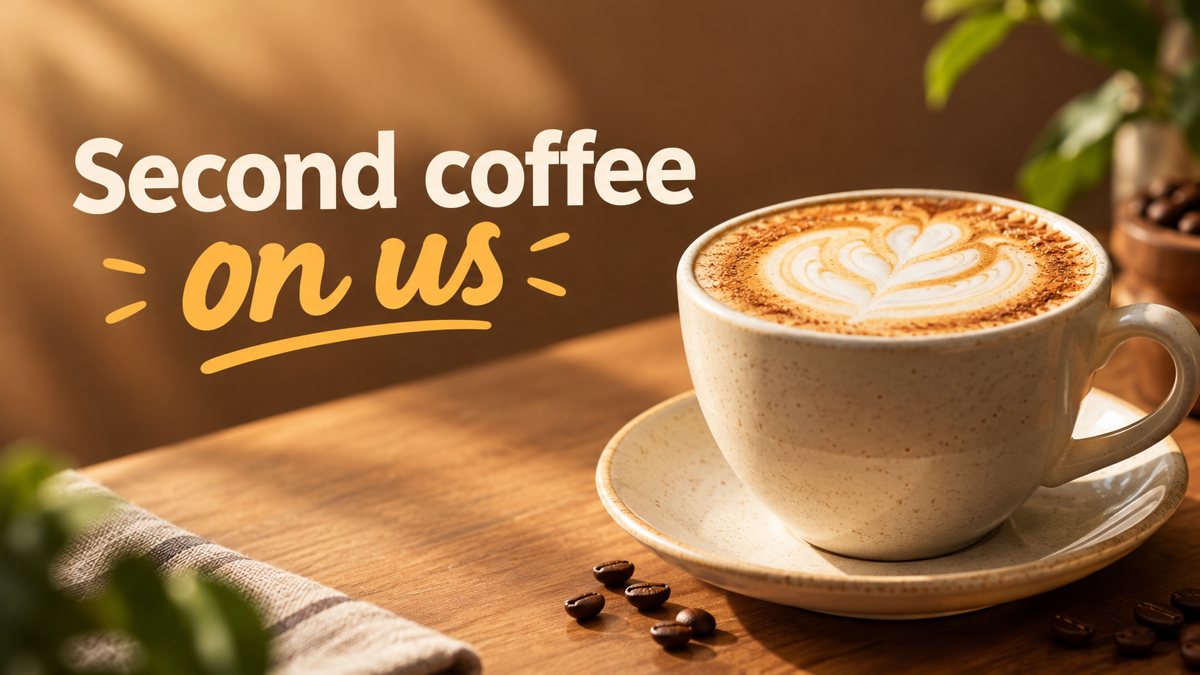 Made by the bot
In short: Generate a website hero banner from a text brief in Telegram. 16:9 image with room for your headline, 3 credits per run, 15 free credits to start.
- Where: the VisuMate bot in Telegram, no app or sign-up.
- Cost: 2 credits per image, 7 images free, then packs from 49 Telegram Stars.
- Time: 1 to 2 minutes per image, rerun with a new instruction at the same price.
When you need this
- Your homepage uses an overused stock photo.
- A new landing page needs a visual and the launch date is close.
- You run a small site on Wix, Squarespace or WordPress and have no design budget.
How to do it
- 1
Open the bot with the link on this page, press Start and pick the banner mode.
- 2
Describe the hero: a family bakery site, a flour-dusted counter with fresh loaves, warm morning light, empty space on the right.
- 3
The banner comes back in the chat in 1–2 minutes (3 credits). Read the text letter by letter, then download it or rerun with a shorter line.
Try it on your own photo: 7 images are free, no sign-up.
Make it in TelegramSpace for a headline
A hero has a picture and a message. Ask the bot for a scene where the subject sits on one side and the other side is calm, such as a plain wall or soft sky. Then place a live text headline there. This avoids spelling errors and keeps the headline readable by search engines and screen readers. If you want text printed in the image, keep it to a few words and proofread it.
Matching mood to the business
State the business, the scene and the feeling. A plumber's site might use a tidy bathroom with bright light, a law office a calm wood-paneled room, a yoga studio a sunlit floor. Avoid implying real staff or customers. The image is generated, so do not present it as a photo of your actual team or premises. Real photos of your place still belong on the About page.
Tips
- Request empty space on one side so a headline and button can sit on top.
- Generate the image without text and write the headline in your site builder. It stays editable and sharp.
- Compress the file before upload so the page loads fast.
- Keep faces and hands simple. Check them closely before using the image.
Questions and answers
What resolution is the result?
The bot returns a 16:9 image. Check the pixel size of the download against your theme's recommendation.
Can I change only the background?
The bot generates a new image each run. Describe the scene again with the change.
Will it look like a photo?
You can ask for a photographic or an illustrated style. It remains AI-generated.
Cost per banner?
3 credits per run, 15 free credits for new users.
More in "Banners and stories"
- Google Display banner sizes and how to create the imageCommon Google Display ad sizes as guidelines, and how to get a wide banner image from a text prompt in...
- Twitter/X header image makerCreate a Twitter/X profile header from a description in Telegram. Wide 16:9 image you can crop, 3 credits...
- Email newsletter header image generatorGenerate an email newsletter header from a description in Telegram. Wide 16:9 image for your issue or...
- Online course launch bannerMake a banner for an online course launch from a text brief in Telegram. 16:9 image with a short title, 3...
- TikTok cover image makerCreate a TikTok video cover image from a text prompt in Telegram. Vertical 9:16 with big short text, 2...