Create a conference speaker headshot from a photo
You get a stage-ready portrait: a blazer over a plain top, a soft dark gradient studio background, professional key light with a subtle rim light and a slight smile. Your face stays recognizable. Press the button and send one photo.
- 2 credits per image
- Result in 1–2 minutes
- No sign-up
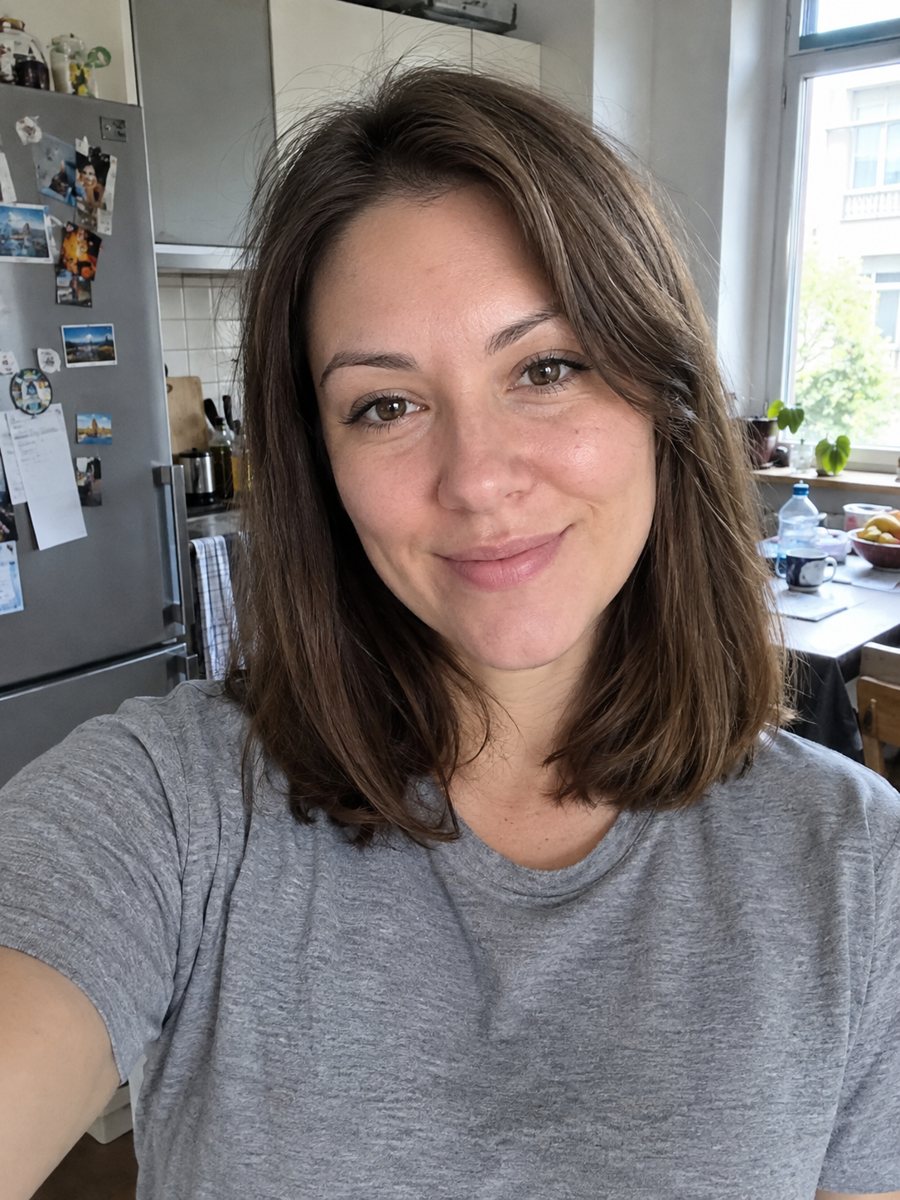
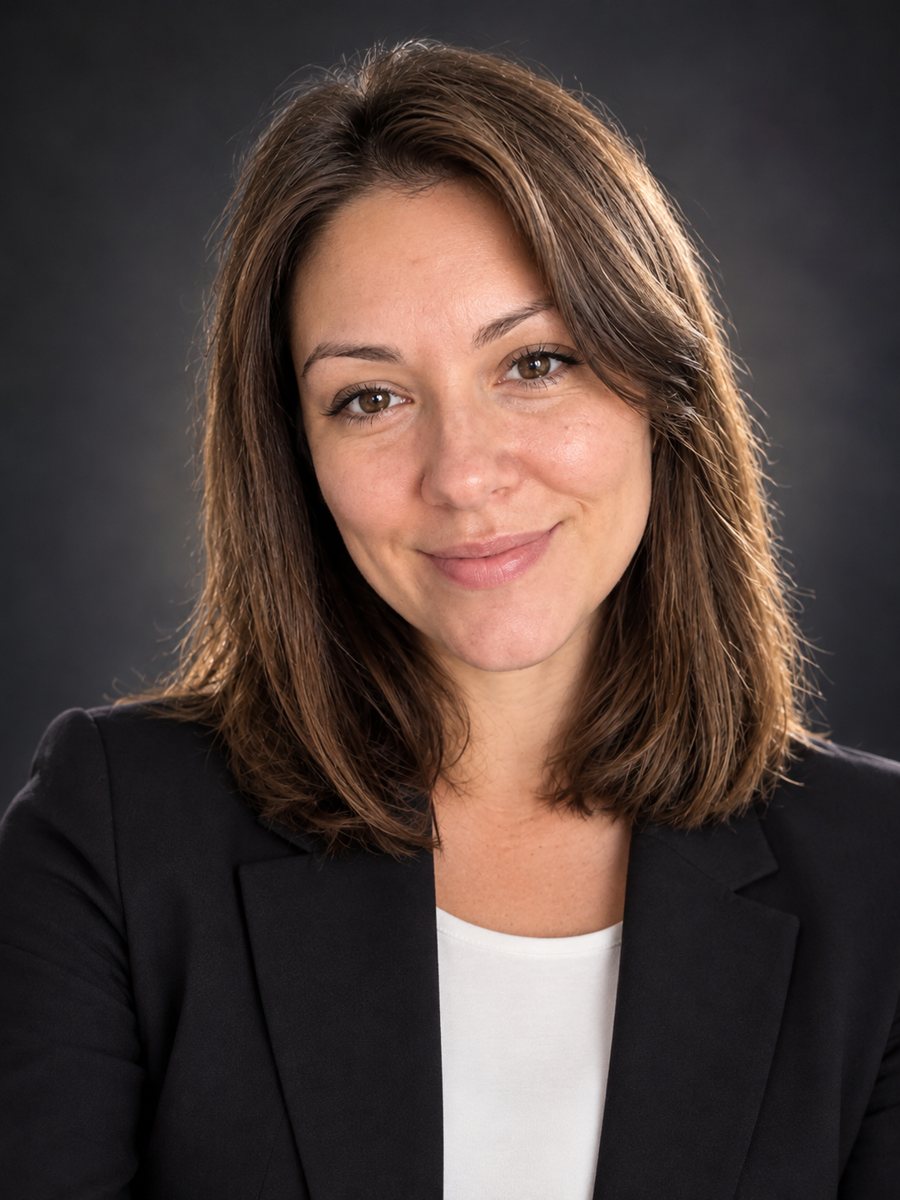 BeforeAfter
In short: Turn a photo into a conference speaker headshot with a blazer, a dark studio gradient and rim light. Copy the free prompt or open the Telegram bot.
- Where: the VisuMate bot in Telegram, no app or sign-up.
- Cost: 2 credits per image, 7 images free, then packs from 49 Telegram Stars.
- Time: 1 to 2 minutes per image, rerun with a new instruction at the same price.
When you need this
- An organizer asked for a speaker photo by tomorrow and the old one is a blurry snapshot.
- Your talk page needs a photo that looks good at small size next to many other speakers.
- You are updating a speaker bio and the old photo is years out of date.
How to do it
- 1
Tap the button above. The bot opens in Telegram with the speaker headshot for a conference style chosen for you, press Start if needed.
- 2
Send your photo as a file. A short caption works, for example: navy blazer, white shirt, warm smile.
- 3
In 1 to 2 minutes you get the image and 2 credits are used. Check the lighting on the face, and rerun if something drifted.
Try it on your own photo: 7 images are free, no sign-up.
Make it in TelegramThe prompt behind this style
Turn this photo into a conference speaker headshot. Keep the face, features and expression exactly recognizable. A blazer over a plain top, a soft dark gradient studio background, professional key light with a subtle rim light, slight smile, realistic photo. Vertical 3:4, no text.
The speaker portrait look
Organizers need a speaker photo that reads at small size, so the prompt builds a clean, high-contrast studio look. A blazer gives a professional silhouette. The dark gradient background makes the face pop and a thin rim light separates the shoulders from the backdrop. The expression is warm and calm. The picture comes without text, so you can place it in a program, a web page or a slide.
Improving the result
Your photo should be sharp and well lit. If the result looks too dark, ask for a medium gray background. If the blazer clashes with your brand colors, say which color you prefer. A small smile reads as approachable. Check the eyes, teeth and collar edges for AI errors. If something looks off, run again for the same 2 credits and compare.
Honest use
This is an AI generated image, not a real studio photograph. Some conferences or organizers may expect a real photo, so ask before you send it and say clearly that it is AI generated if it matters. A real portrait by a photographer remains the safest choice for printed programs and official material. When the image arrives, look at the lighting on the face first, since that is where drift shows up most.
Tips
- Send a sharp front-facing photo with your shoulders visible.
- Name the blazer color in the caption to match your slides.
- Ask for a lighter background if the event site uses a white layout.
- A natural slight smile works for most organizers.
- Crop the vertical image to the square or round shape the event site requires.
Questions and answers
Can I use it for a printed program?
Check resolution first, and ask the organizer if AI images are allowed.
Is it a real photo?
No. It is an AI generated image based on your photo.
Can I get a lighter background?
Yes. Ask in the caption.
Will it add my name?
No. Add names in your design software.
Can women and men use it?
Yes. Ask for the outfit you prefer in the caption.
Does the bot work in English?
Yes. It picks up your Telegram language on first launch and replies in English. You can switch the language any time with /lang.
More in "Photo styles"
 Create a professional headshot from your photoMake a polished headshot with a light gray backdrop, soft studio light and natural retouching. Ready...
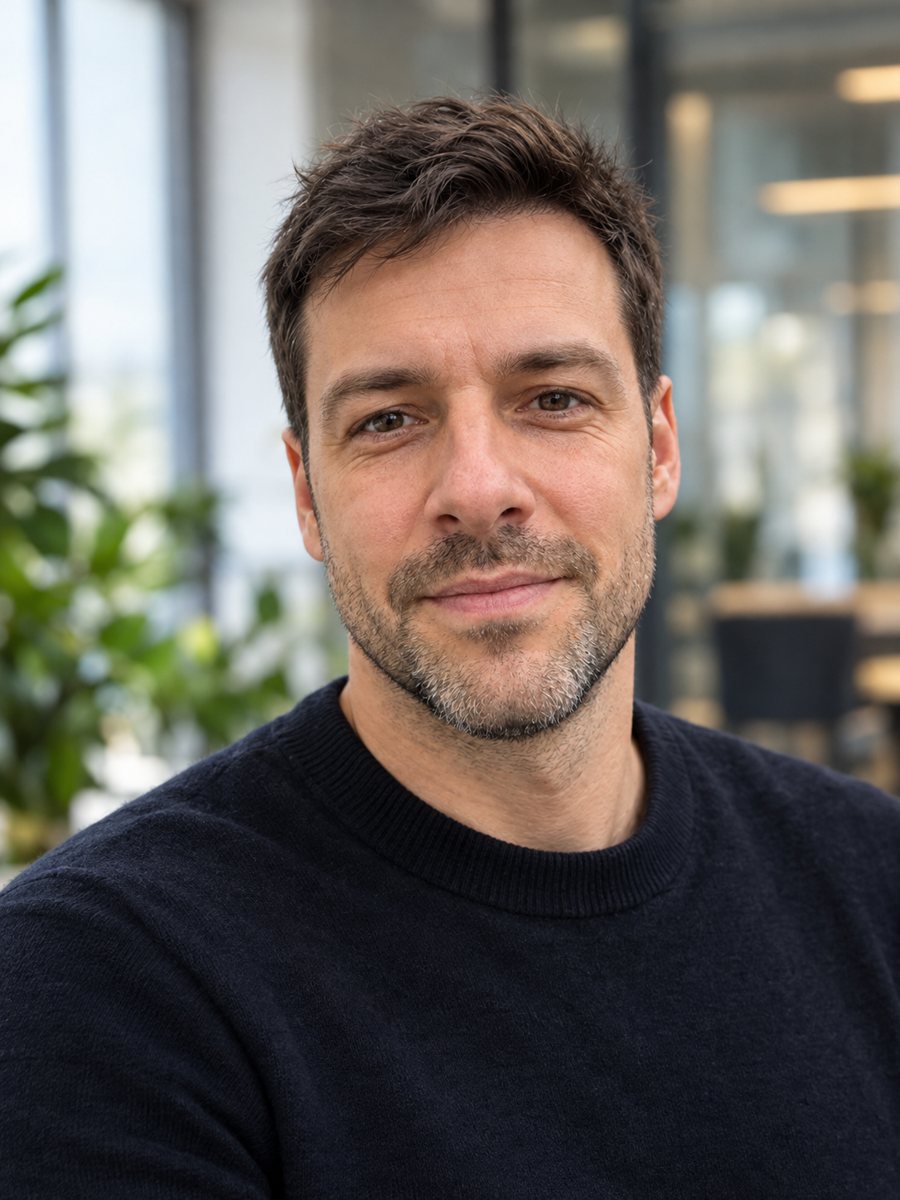 Create a founder headshot from a regular photoTurn a selfie into a startup founder headshot with a modern office and window light. Copy the free prompt...
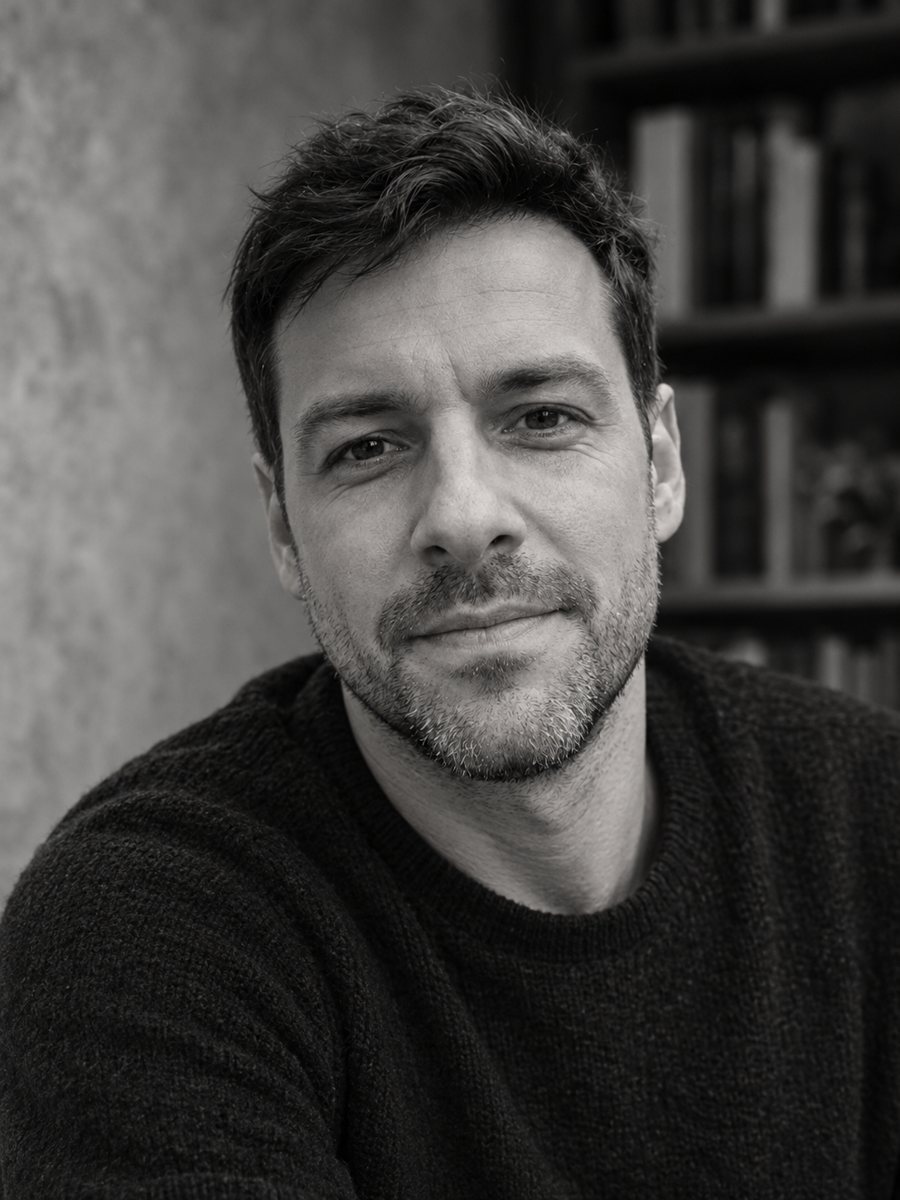 Create an author headshot for your bookTurn a photo into a black and white author headshot for a book jacket with soft directional light. Copy...
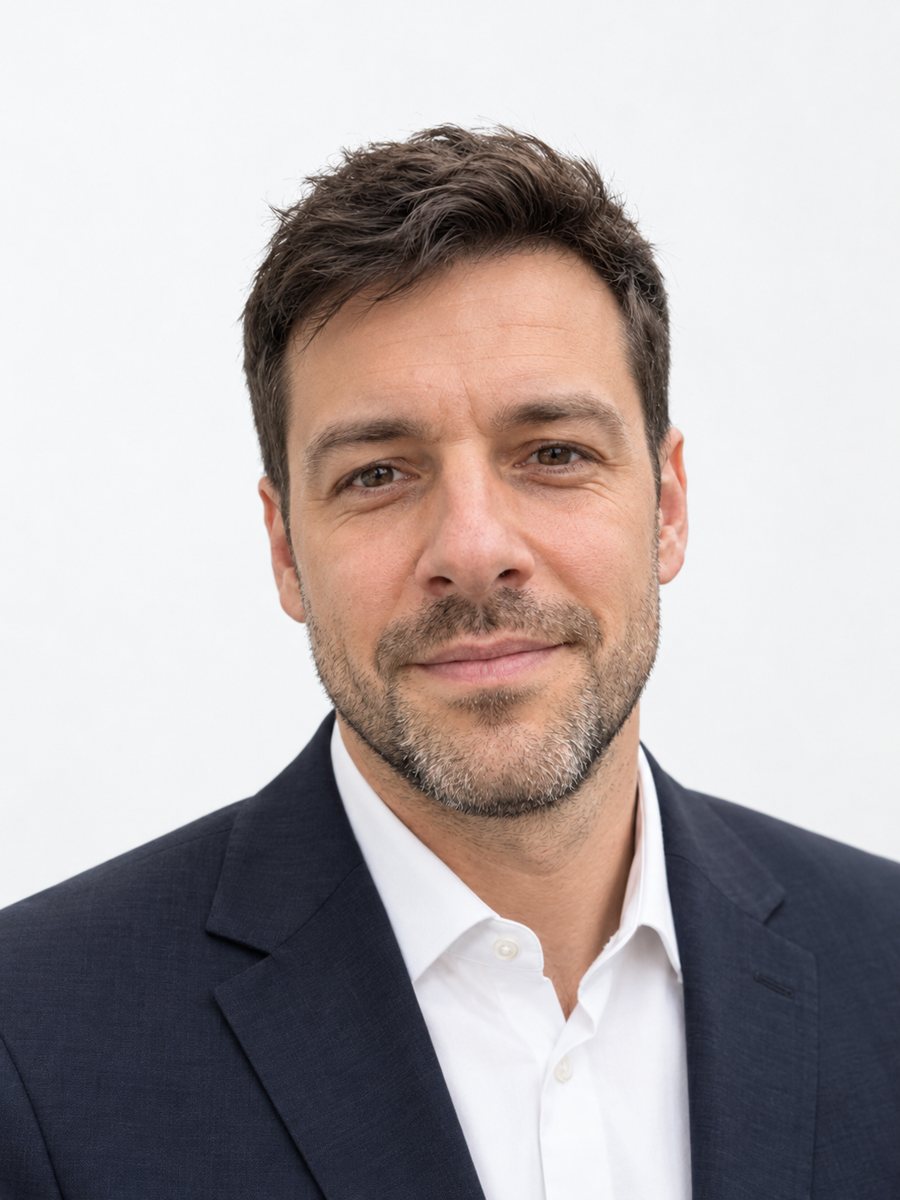 Make matching corporate team headshots from photosReshoot photos as consistent corporate team headshots with white backdrop, navy attire and the same...
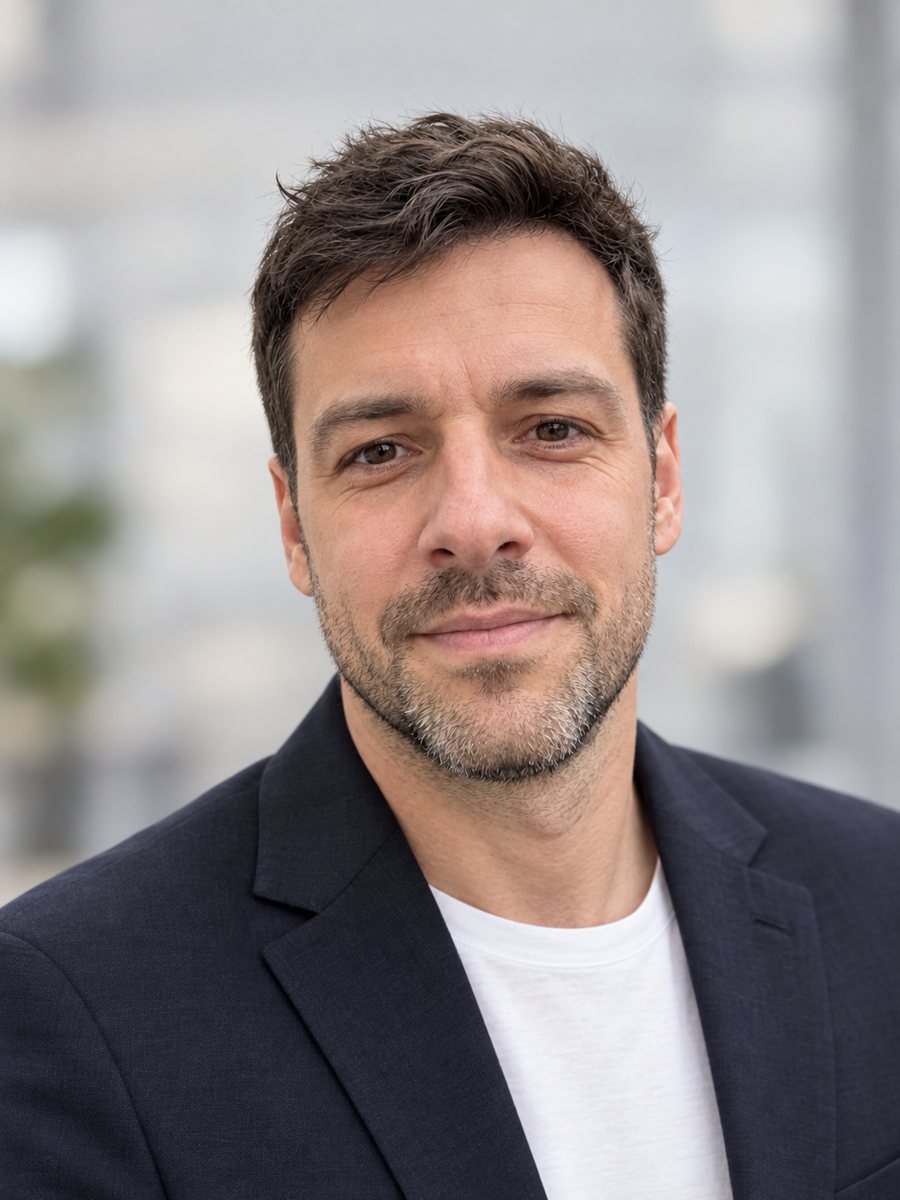 Make a LinkedIn headshot from a selfieTurn a casual selfie into a professional LinkedIn headshot with a blazer and a soft studio backdrop. Ready...