Create a founder headshot from a regular photo
The bot restyles your photo into a founder portrait: a dark crew neck sweater or an open collar shirt, a blurred modern office with glass and plants, soft natural window light and a confident, relaxed look. Press the button and send one photo.
- 2 credits per image
- Result in 1–2 minutes
- No sign-up
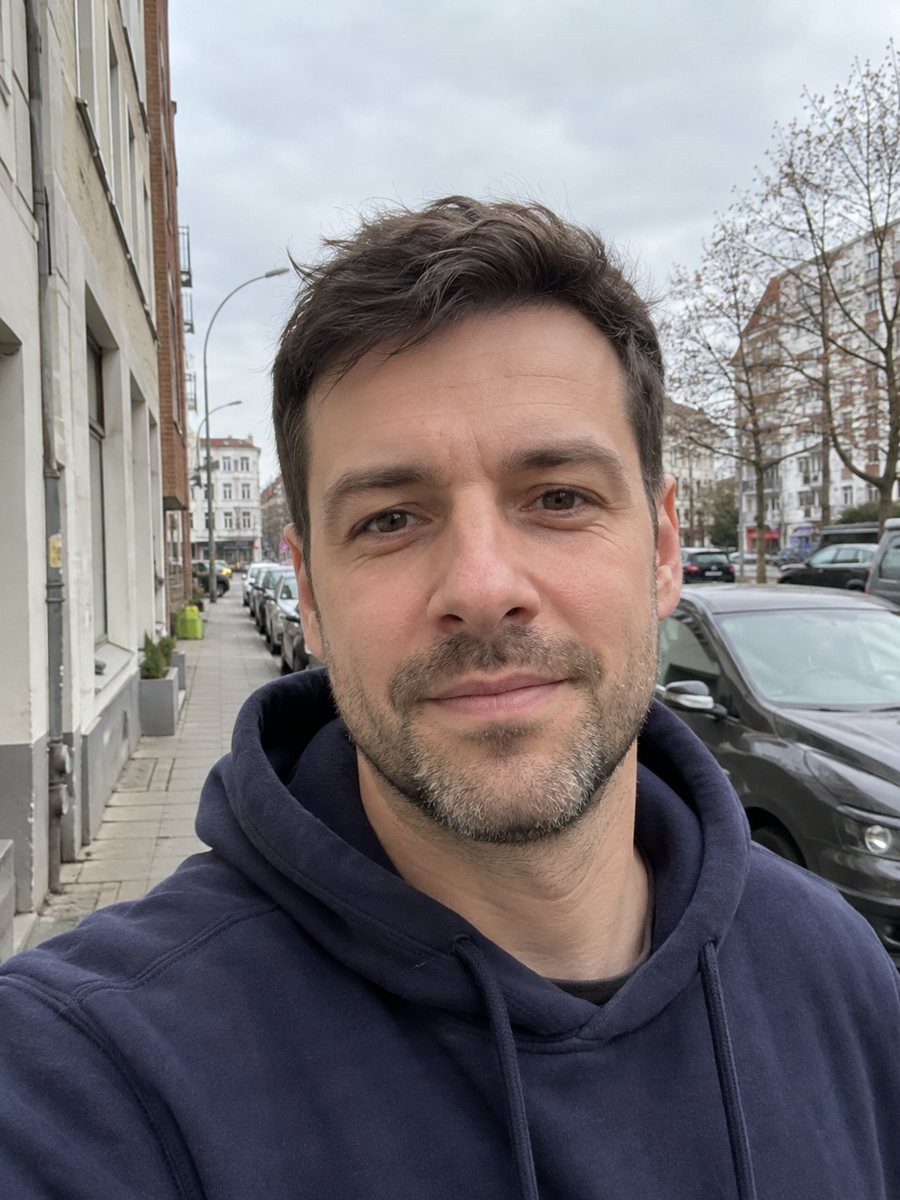
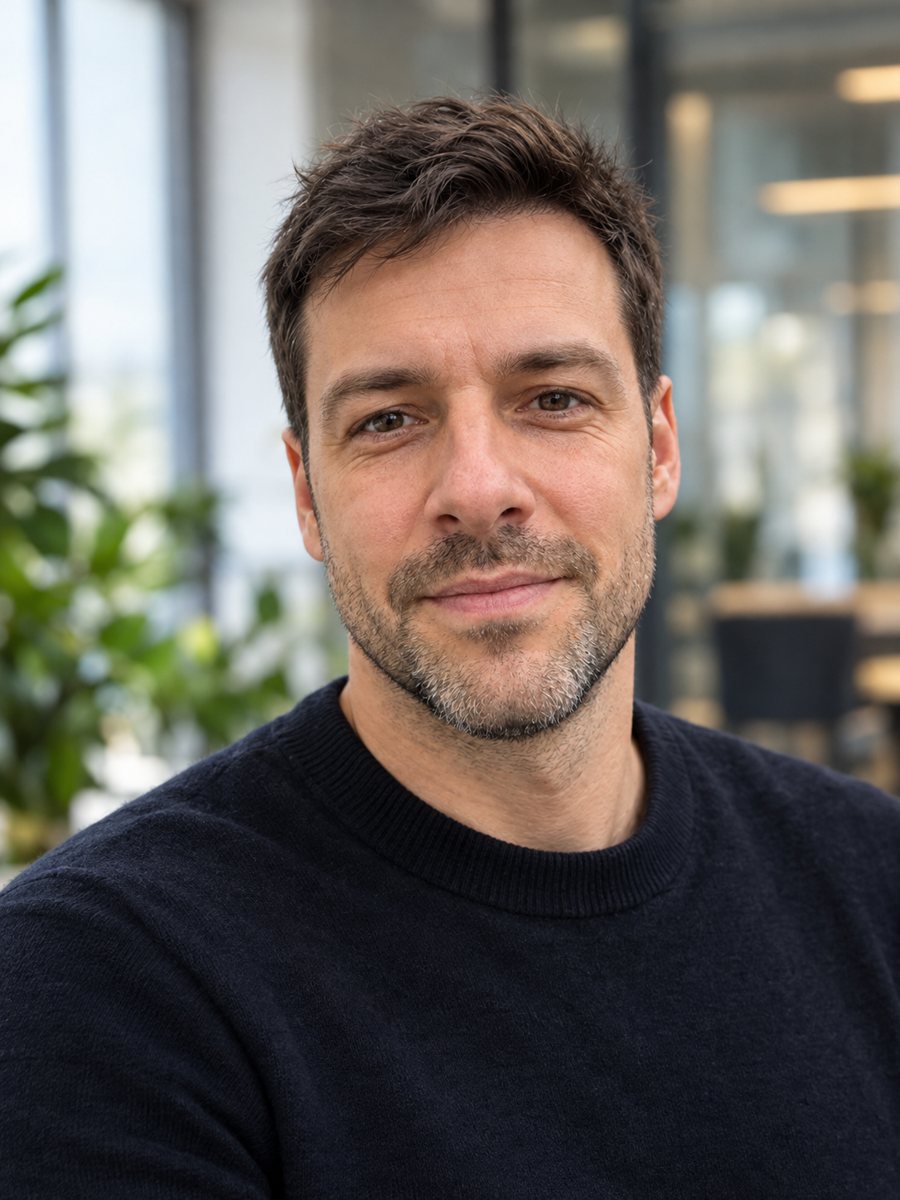 BeforeAfter
In short: Turn a selfie into a startup founder headshot with a modern office and window light. Copy the free prompt or use the Telegram bot, 7 images free.
- Where: the VisuMate bot in Telegram, no app or sign-up.
- Cost: 2 credits per image, 7 images free, then packs from 49 Telegram Stars.
- Time: 1 to 2 minutes per image, rerun with a new instruction at the same price.
When you need this
- Your pitch deck, website or press kit needs a founder photo and you have no time for a studio.
- A launch page needs a face next to the product story before the shoot is booked.
- Your current photo is a cropped group picture or an old selfie.
How to do it
- 1
Press the button on this page. Telegram opens the bot with the founder headshot style already selected, tap Start if it asks.
- 2
Attach a single photo as a document. Add wishes in plain English if you like, such as: dark gray sweater, bright office with plants.
- 3
The picture arrives in 1 to 2 minutes for 2 credits. Check the eyes and the hairline and the face, and run again if it looks off.
Try it on your own photo: 7 images are free, no sign-up.
Make it in TelegramThe prompt behind this style
Turn this photo into a startup founder headshot. Keep the face, features and expression exactly recognizable. A dark crew neck sweater or an open collar shirt, a blurred modern office with glass and plants behind, soft natural window light, confident relaxed look, realistic photo. Vertical 3:4, no text.
A modern founder look
The prompt gives you the look many startup sites use: casual clothes instead of a suit, an office with glass and greenery out of focus, and soft window light. The expression is relaxed and confident. The portrait is vertical 3:4 with no text and no logos. It suits an about page, a pitch deck, a podcast guest card or a social profile for a product launch.
Getting a believable photo
Natural looking results come from natural source photos. Use a front-facing shot with good daylight and a neutral or lightly smiling face. Mention the clothes you want so the AI does not guess. If the result looks too polished, add a caption such as: more natural skin, no retouching look. Check small details like collars and hairline for odd shapes.
Honest use
The result is an AI generated image based on your photo, not a real photograph. Some investors, platforms or press outlets may expect a real photo, so say clearly that the image is AI generated where it matters, and use a real photo where honesty is expected. Rerun for 2 credits if the face looks different from you. When the image arrives, look at the eyes and the hairline first, since that is where drift shows up most.
Tips
- Send a bright front-facing photo with the shoulders in the frame.
- Choose the outfit in the caption: sweater, open collar shirt or jacket.
- Skip heavy beauty filters on the source photo, since the face is rebuilt from it.
- Ask for a different background if glass offices do not match your brand.
- Compare the face with your real look, especially age, hairline and eye shape.
Questions and answers
Is it a real photograph?
No. It is an AI generated image. Use a real photo where a platform or reader expects one.
Can I choose the background?
Yes. Write it in the caption: brick wall, plain gray or a cafe.
Can I use it on LinkedIn?
Check the platform's rules and be open that the image is AI generated if asked.
Will it add my company logo?
No. The prompt asks for no text.
How many credits does it use?
2 credits per image and 15 free credits for new users.
More in "Photo styles"
 Create a professional headshot from your photoMake a polished headshot with a light gray backdrop, soft studio light and natural retouching. Ready...
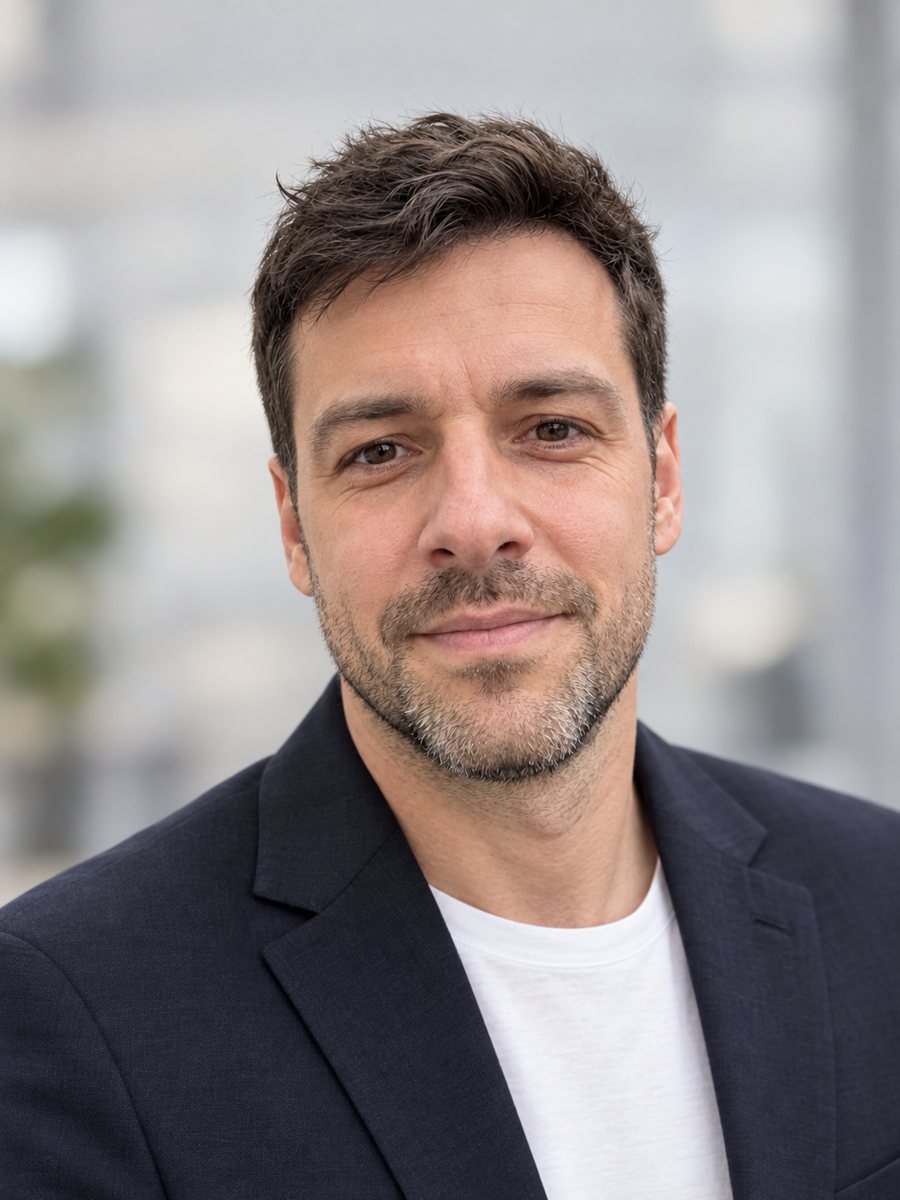 Make a LinkedIn headshot from a selfieTurn a casual selfie into a professional LinkedIn headshot with a blazer and a soft studio backdrop. Ready...
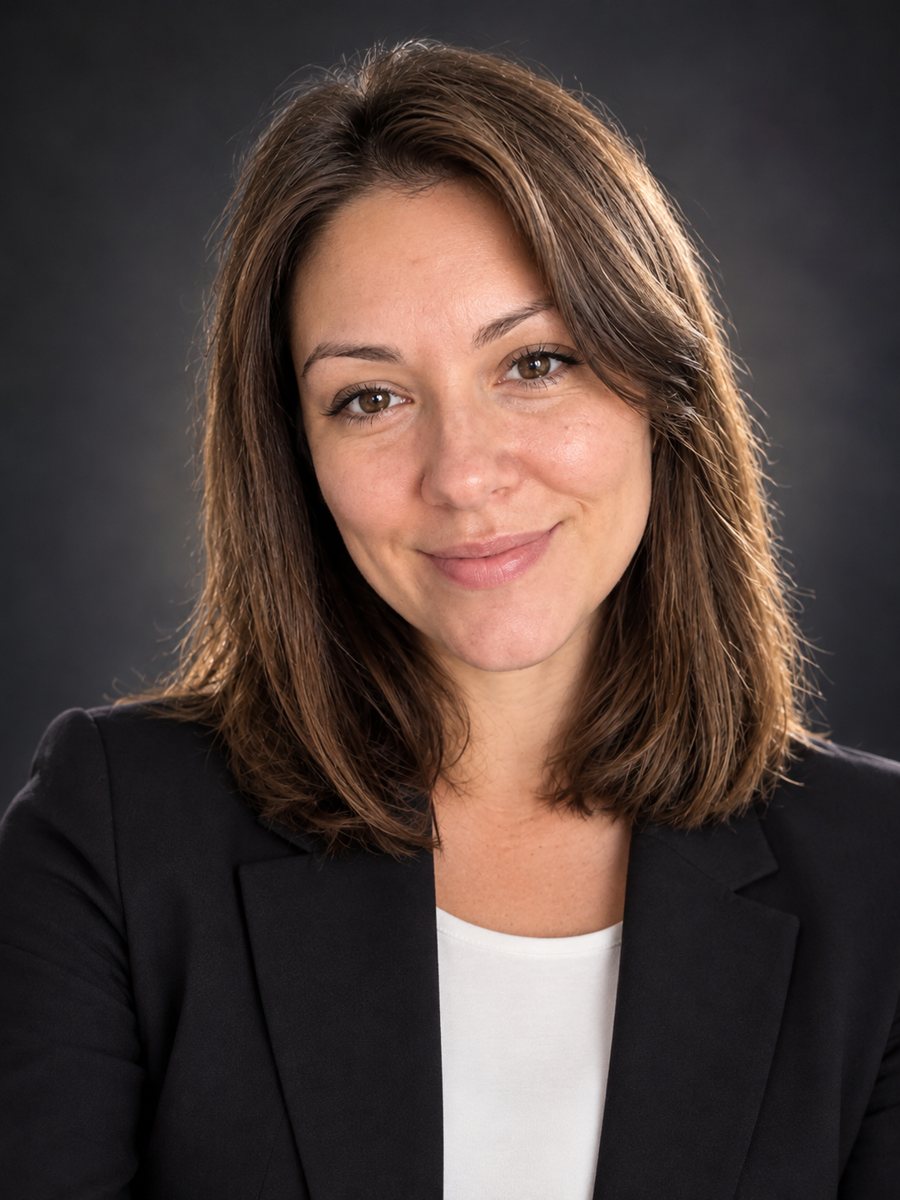 Create a conference speaker headshot from a photoTurn a photo into a conference speaker headshot with a blazer, a dark studio gradient and rim light. Copy...
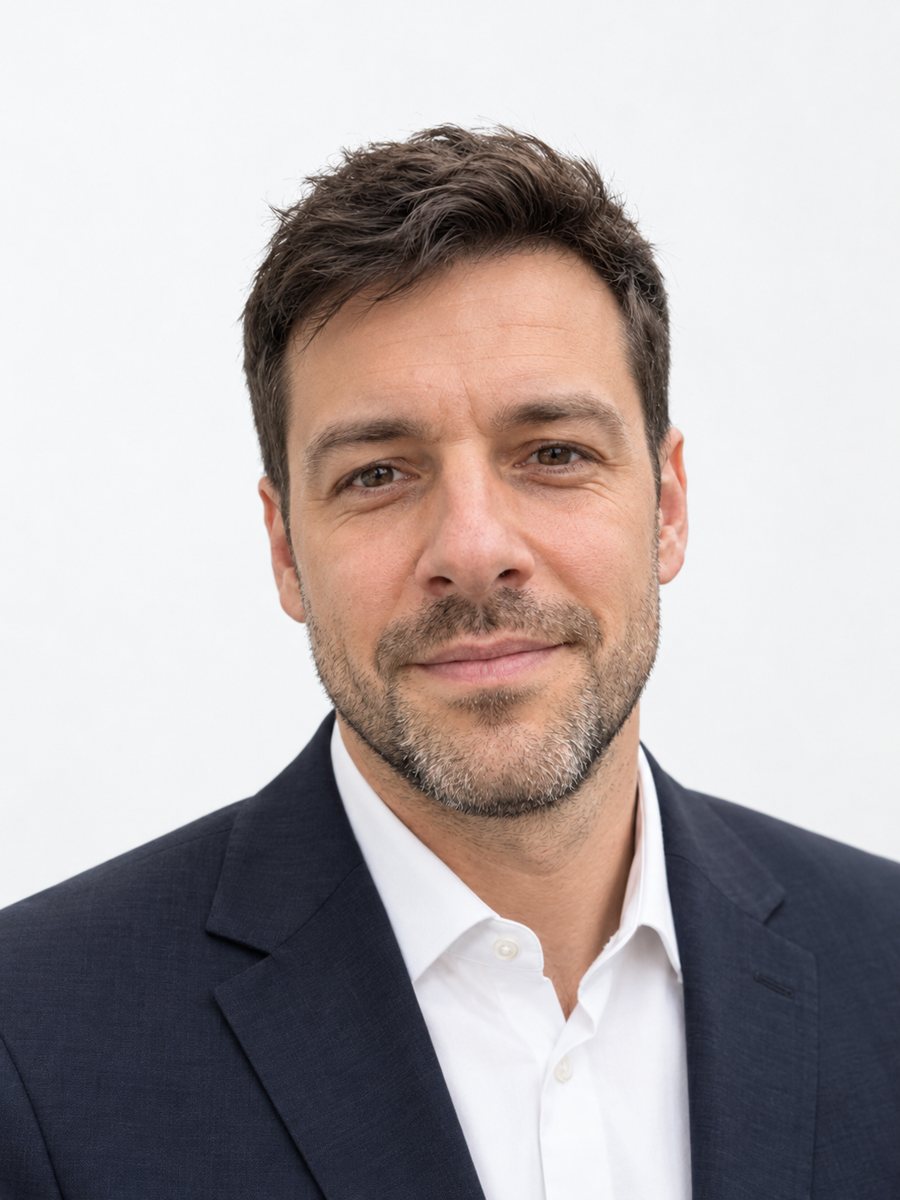 Make matching corporate team headshots from photosReshoot photos as consistent corporate team headshots with white backdrop, navy attire and the same...
 Upgrade your profile photo without changing youImprove a social media profile picture: fix exposure and white balance, blur a messy background to a warm...