Make matching corporate team headshots from photos
Each person gets a head-and-shoulders headshot on a plain white background, in navy or charcoal business clothing, with soft frontal light and the same framing. Send each person's photo and the set will match on your team page.
- 2 credits per image
- Result in 1–2 minutes
- No sign-up
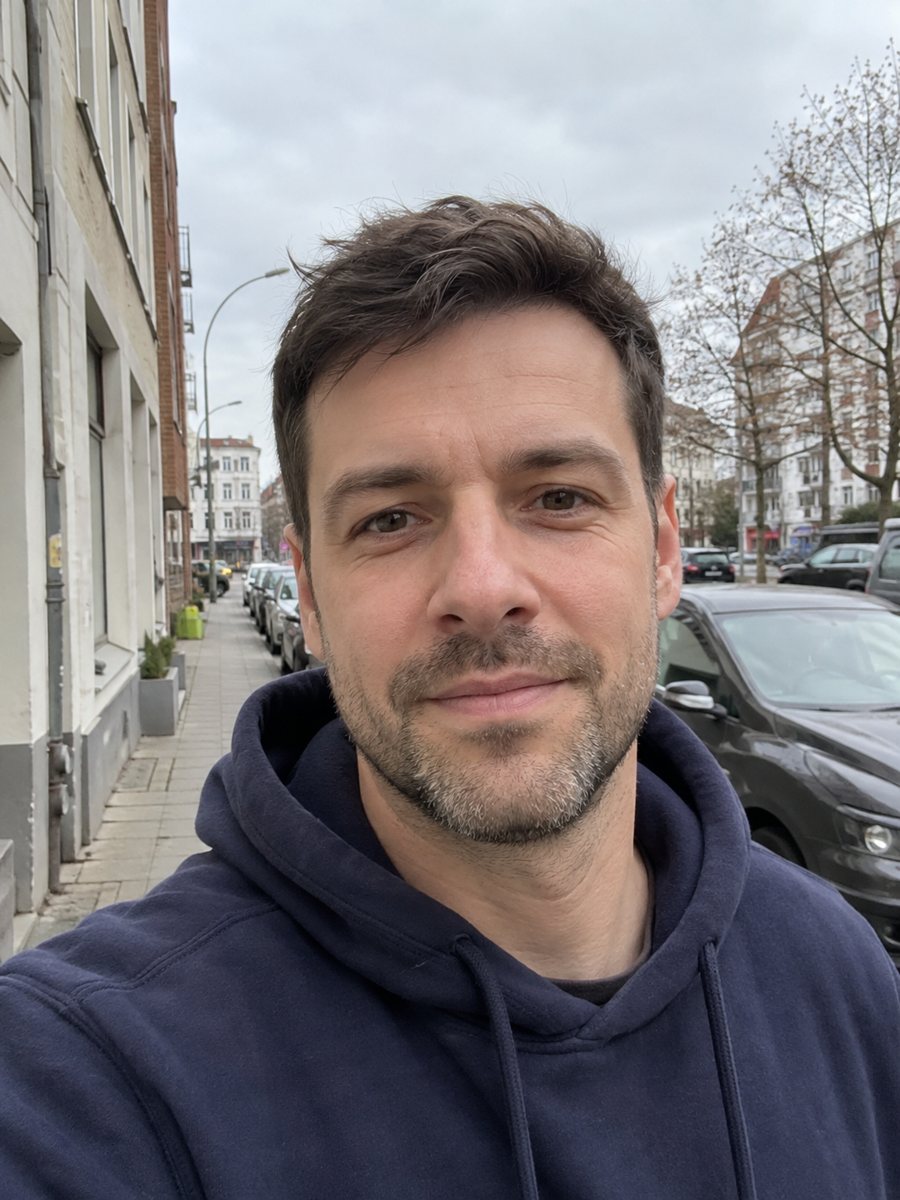
 BeforeAfter
In short: Reshoot photos as consistent corporate team headshots with white backdrop, navy attire and the same framing. Ready prompt, 7 images free in Telegram.
- Where: the VisuMate bot in Telegram, no app or sign-up.
- Cost: 2 credits per image, 7 images free, then packs from 49 Telegram Stars.
- Time: 1 to 2 minutes per image, rerun with a new instruction at the same price.
When you need this
- Your team page has photos from different places and lighting.
- New hires need a headshot fast and a photographer is not available.
- Remote employees send selfies of very different quality.
- You want a uniform set for a website, a brochure or a pitch deck.
How to do it
- 1
Open the bot with the button on this page and press Start. Your 15 free credits appear on first launch, and the style is already chosen.
- 2
Send your photo as a file. You can leave the caption empty or give a short wish, like: charcoal suit jacket, keep the glasses.
- 3
Wait 1-2 minutes. One image costs 2 credits. Check that framing, background and clothing tone match the other team members. If it drifted, run again for another 2 credits.
Try it on your own photo: 7 images are free, no sign-up.
Make it in TelegramThe prompt behind this style
Reshoot this photo as a corporate team headshot that matches a company website. Keep the face, features and hairstyle exactly as they are. Plain white background, business attire in navy or charcoal, soft frontal lighting with slight shadow on one side, natural smile, same framing for every team member: head and shoulders centered. Vertical 3:4, no text.
Consistency is the goal
A team page looks professional when everyone sits in the same frame, with the same backdrop and similar light. The prompt sets a plain white background, business attire in navy or charcoal and soft frontal light with a slight shadow on one side. Head and shoulders are centered so crops line up.
Workflow for a team
Collect one photo per person as a file, run the same style for each and use the same caption wording. Compare all the results in a single document. Someone may need a rerun when the AI changes glasses or hairline. Save the final files with a consistent name and size. Credits are 2 per image, so plan the count for the whole team.
Limits and etiquette
Tell your team that the images are AI-edited, and let people approve their own result. AI can drift on faces, so each person should check it. Avoid using the result for ID or legal documents. If someone's look is part of their identity, such as a religious head covering, include it in the caption and check that it is respected.
Tips
- Ask everyone to send a sharp, front-facing photo with natural light.
- Use the same caption for each person so the style stays consistent.
- Name the clothing color to align with your brand.
- Check each result next to the others in a grid before publishing.
- Rerun any one person whose framing or tone sits off.
Questions and answers
Can I do a whole team in one run?
No. Each person is a separate image of 2 credits.
Will everyone look the same?
The framing and style match, but faces, hair and features stay individual.
Can I change the background to my brand color?
Yes, say it in the caption, though plain white is the default.
Do people need to approve their results?
It is a good idea. Faces can drift and people should agree with their image.
Is it free to test?
Yes, 7 images free with the 15 credits on first launch.
More in "Photo styles"
 Create a professional headshot from your photoMake a polished headshot with a light gray backdrop, soft studio light and natural retouching. Ready...
 Make a LinkedIn headshot from a selfieTurn a casual selfie into a professional LinkedIn headshot with a blazer and a soft studio backdrop. Ready...
 Upgrade your profile photo without changing youImprove a social media profile picture: fix exposure and white balance, blur a messy background to a warm...
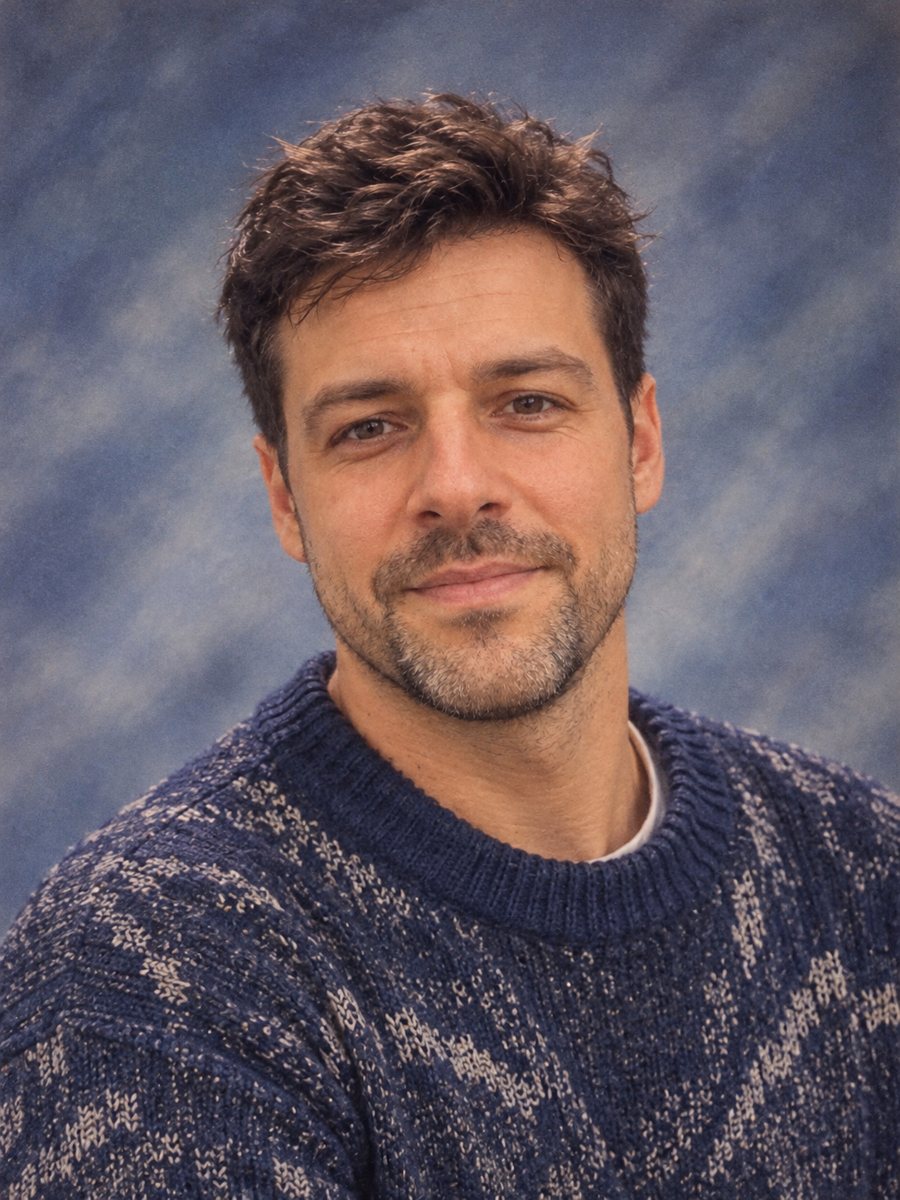 Make a 90s yearbook photo from your selfieMake a 1990s American high school yearbook portrait with a laser backdrop and flash light. Ready prompt, 2...
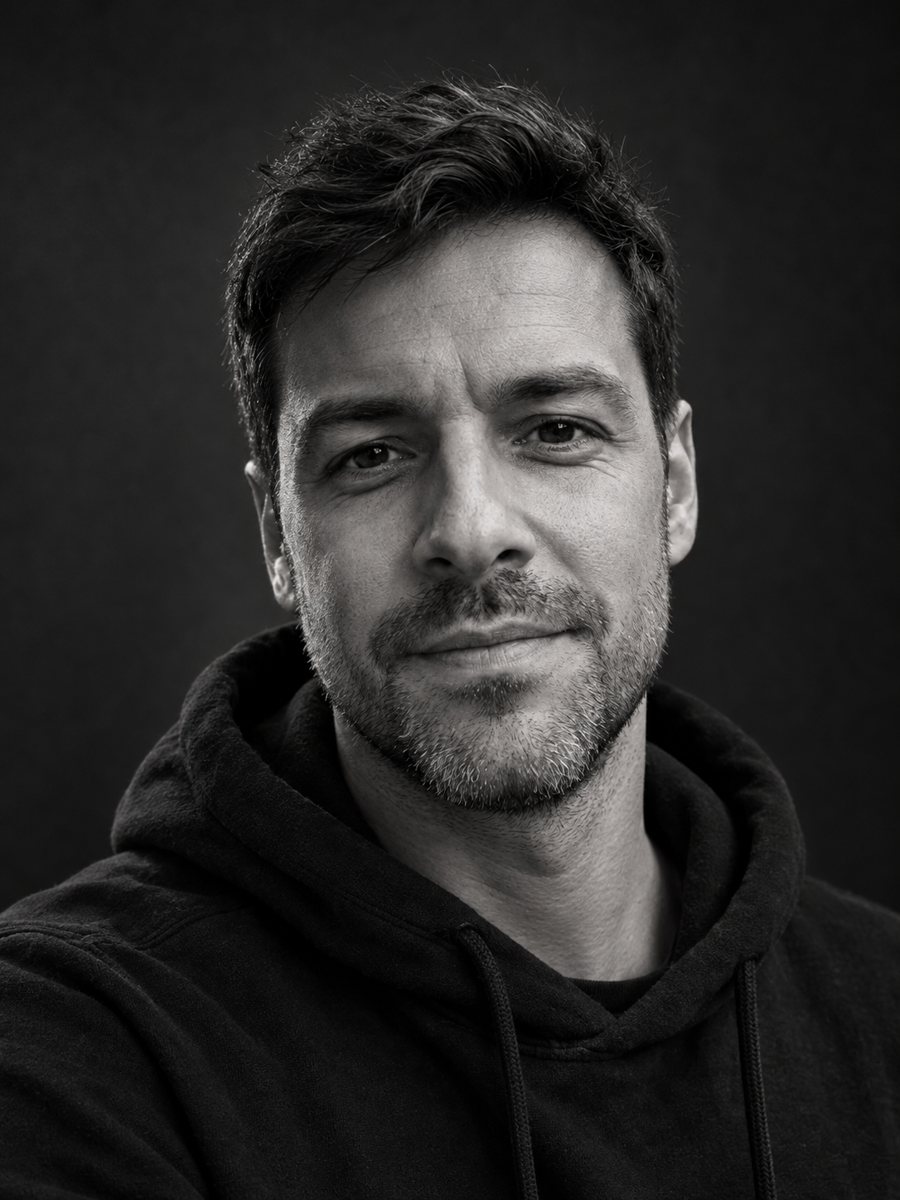 Make a black and white studio portrait from a photoTurn a casual photo into a dramatic black and white studio portrait with a dark backdrop and side light....