Create an author headshot for your book
You get a classic editorial portrait for a book jacket or an author page: black and white, a thoughtful expression, a textured wall or bookshelves softly blurred behind you and soft directional light. Press the button and send one photo.
- 2 credits per image
- Result in 1–2 minutes
- No sign-up
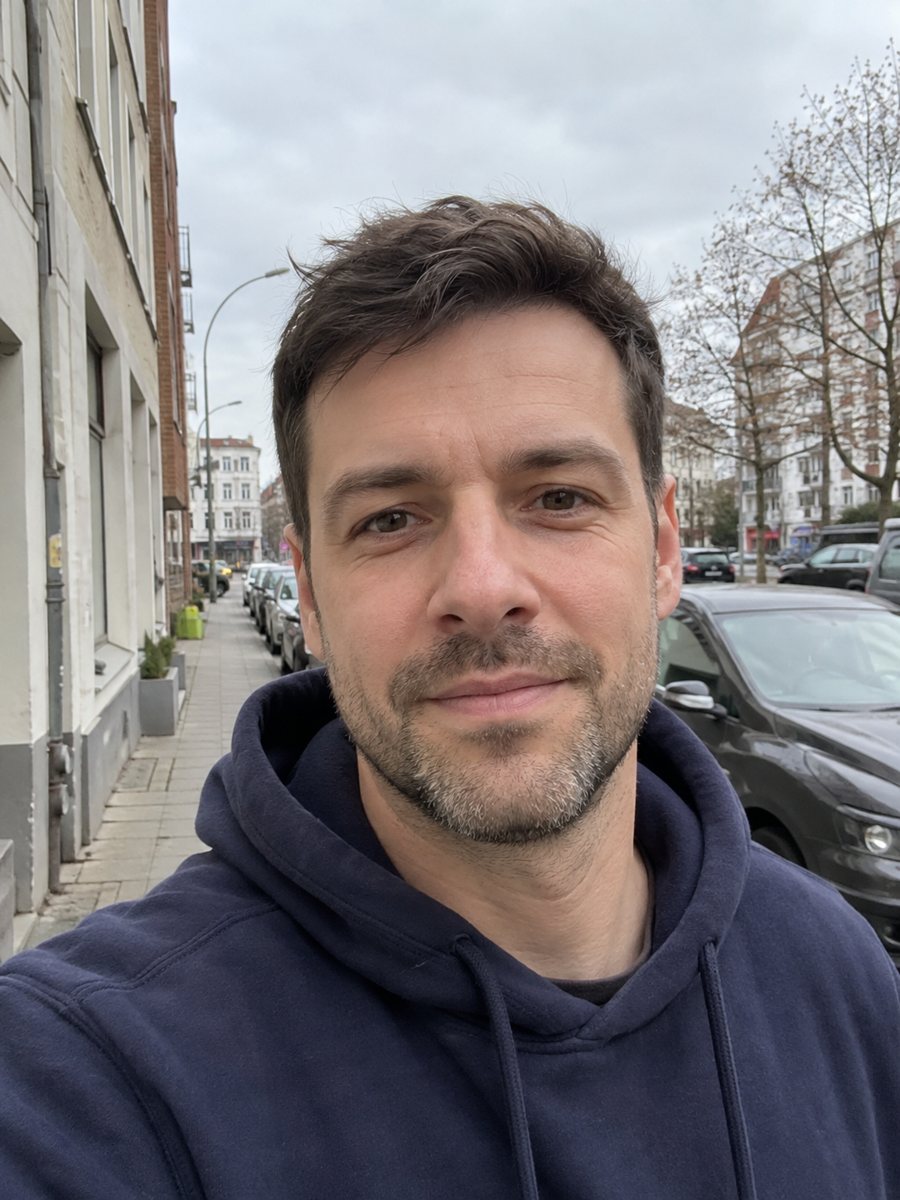
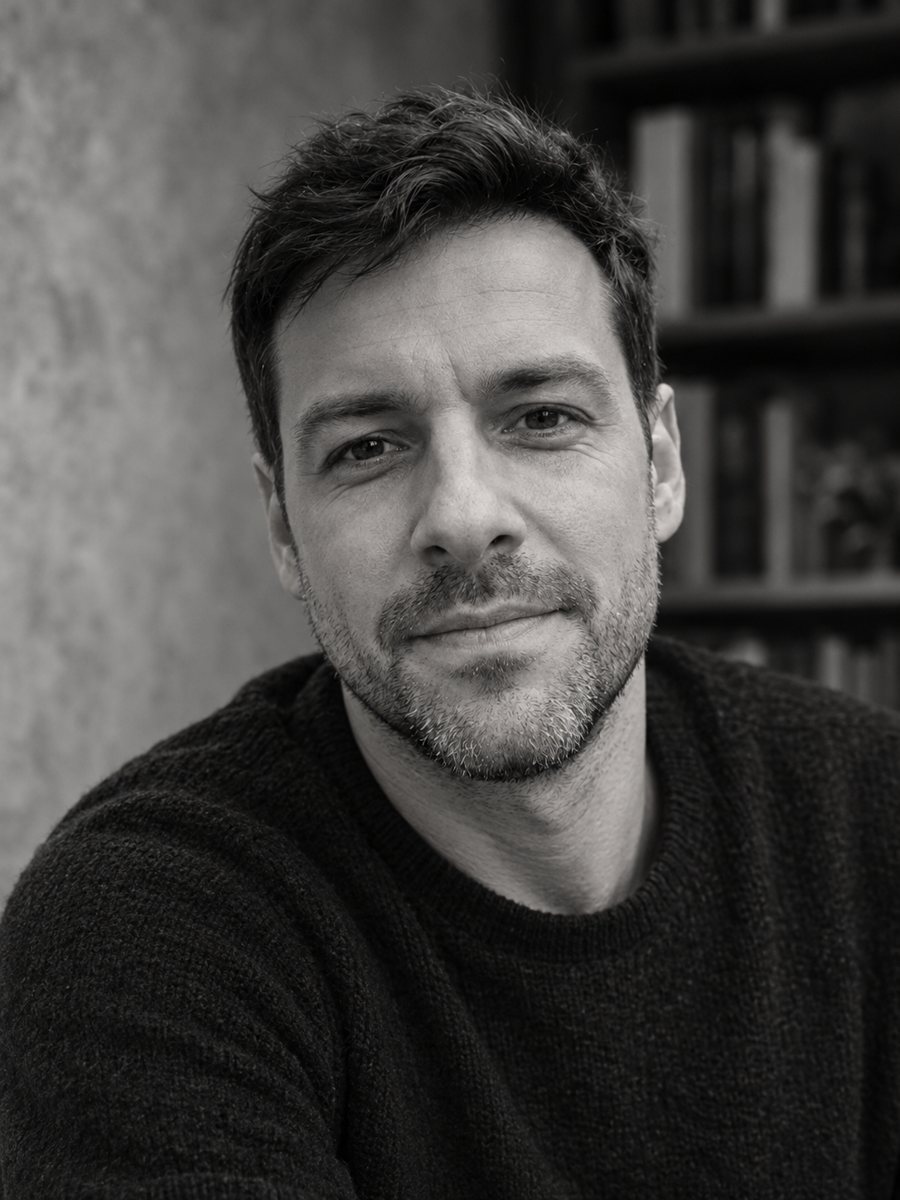 BeforeAfter
In short: Turn a photo into a black and white author headshot for a book jacket with soft directional light. Copy the free prompt or use the Telegram bot, 7 images free.
- Where: the VisuMate bot in Telegram, no app or sign-up.
- Cost: 2 credits per image, 7 images free, then packs from 49 Telegram Stars.
- Time: 1 to 2 minutes per image, rerun with a new instruction at the same price.
When you need this
- Your self-published book needs an author photo and the budget is small.
- A literary agent or a blog asks for a headshot with a bookish mood.
- Your current photo is in color and does not match the style of your cover.
How to do it
- 1
Use the button on this page to open the bot. The author headshot for a book style is preselected, so there is nothing to pick.
- 2
Send one photo as a file, so Telegram does not compress it. You can add a caption, for example: bookshelves behind, thoughtful look.
- 3
Wait 1 to 2 minutes. The result costs 2 credits. Look closely at the contrast and the eyes, then rerun if needed for another 2 credits.
Try it on your own photo: 7 images are free, no sign-up.
Make it in TelegramThe prompt behind this style
Turn this photo into an author headshot for a book jacket. Keep the face, features and expression exactly recognizable. Black and white, thoughtful expression, a textured wall or bookshelves softly blurred behind, soft directional light, classic editorial photo look. Vertical 3:4, no text.
The author photo style
Author photos on book jackets are usually quiet and personal. The prompt asks for black and white, a thoughtful mood, a softly blurred shelf or textured wall and directional light that shapes the face. This is the look of an editorial portrait in a newspaper or a hardcover back flap. There is no text. The result works for jackets, press kits, author websites and festival programs.
How to get a better one
Start with a clear face and calm eyes. Black and white removes color, so shadows and highlights carry the portrait. If the image is too gray, ask for stronger contrast. If it feels cold, ask for warmer tones, although the prompt asks for black and white. Glasses are fine if the source photo is sharp. Hands and props may look odd, so keep them out.
Honest use
The portrait is an AI generated image based on your photo. Publishers and readers often expect an honest author photo, and some platforms ask about AI images, so mention it where needed. A real photo is better if you meet readers in person. Rerun for 2 credits if the face looks younger or older than you. When the image arrives, look at the contrast and the eyes first, since that is where drift shows up most.
Tips
- A relaxed, slightly serious expression fits the genre of author photos.
- Choose bookshelves or a textured wall in the caption.
- Send a photo with soft window light for natural tones.
- Ask for more contrast if the result looks flat.
- Check the picture at the small size used on Amazon author pages or cover flaps.
Questions and answers
Is it a real photograph?
No. It is an AI generated image. Be honest with publishers and readers where it matters.
Can I get a color version?
The prompt is black and white. Ask for color in the caption and check the result.
Will it add my book titles to the shelf?
No. The prompt asks for no text.
Can I use it on a cover flap?
Check the file size and print resolution first.
Is it good for a website bio?
Yes, a vertical crop works well.
More in "Photo styles"
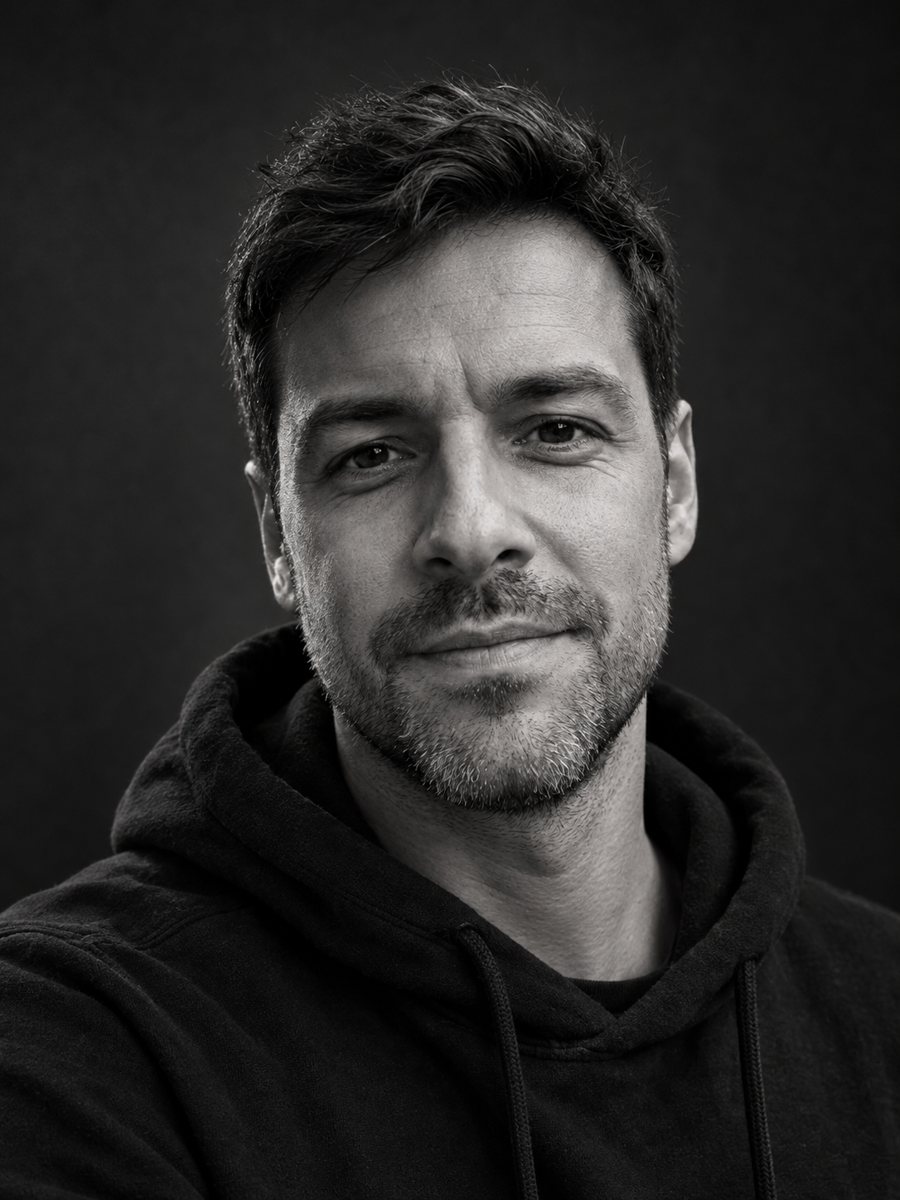 Make a black and white studio portrait from a photoTurn a casual photo into a dramatic black and white studio portrait with a dark backdrop and side light....
 Create a professional headshot from your photoMake a polished headshot with a light gray backdrop, soft studio light and natural retouching. Ready...
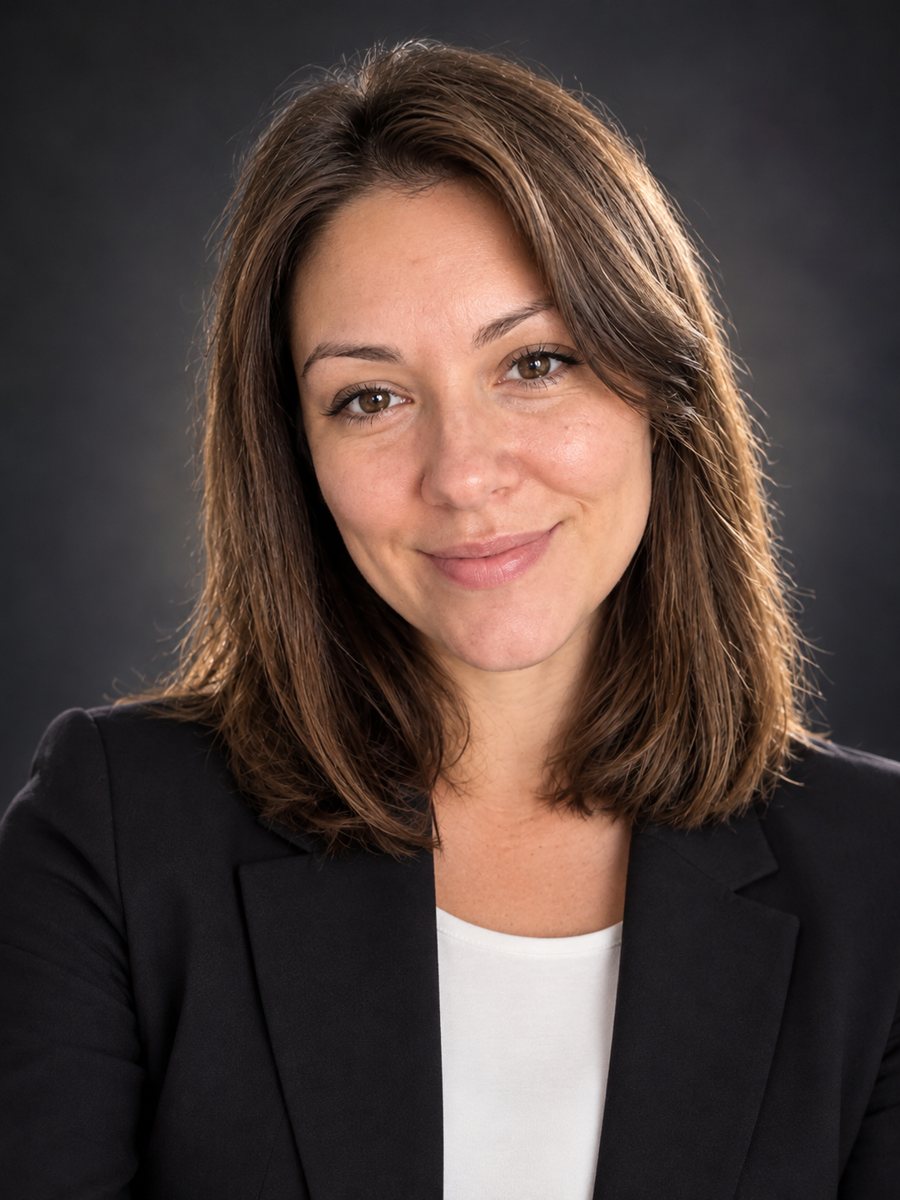 Create a conference speaker headshot from a photoTurn a photo into a conference speaker headshot with a blazer, a dark studio gradient and rim light. Copy...
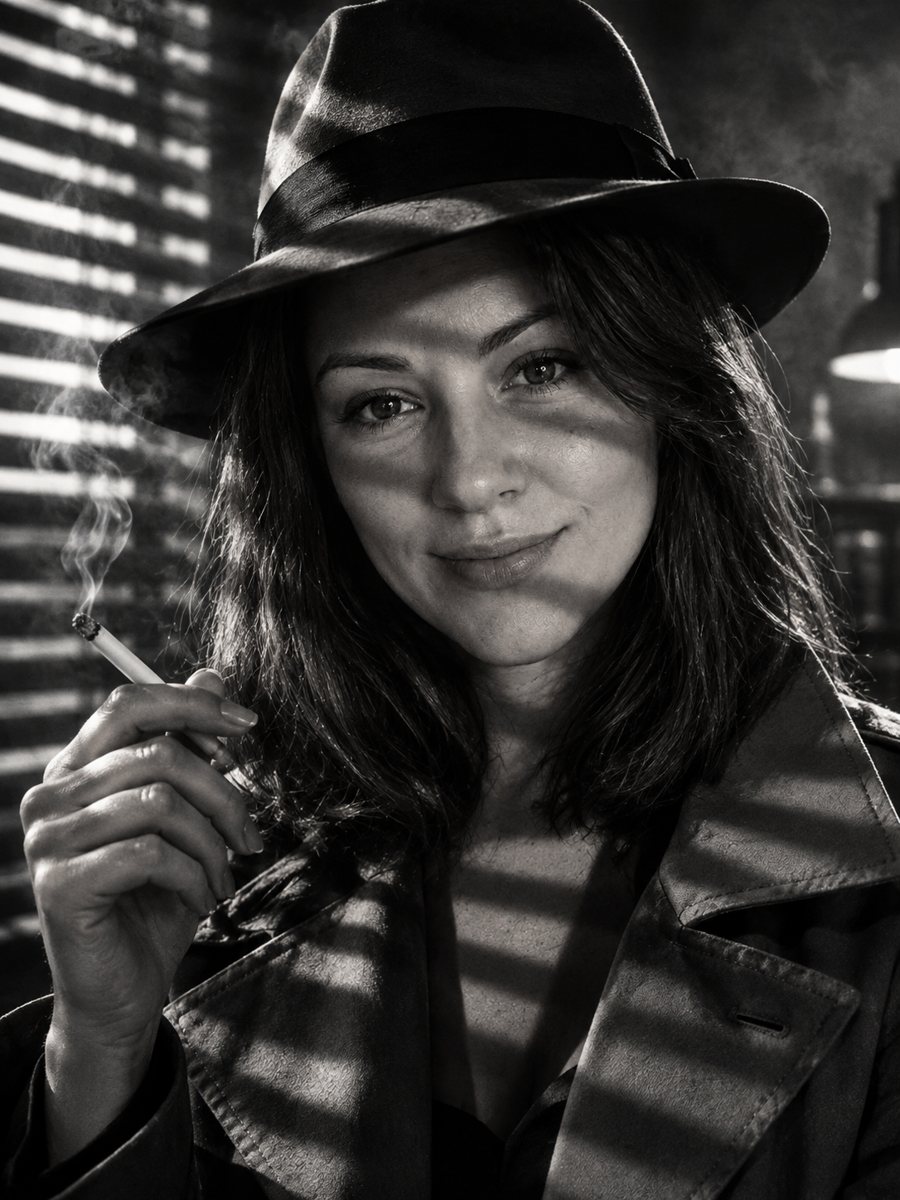 Star in your own 1940s film noir stillMake a 1940s film noir still of yourself with venetian blind shadows, smoke haze and a fedora. Copy the...
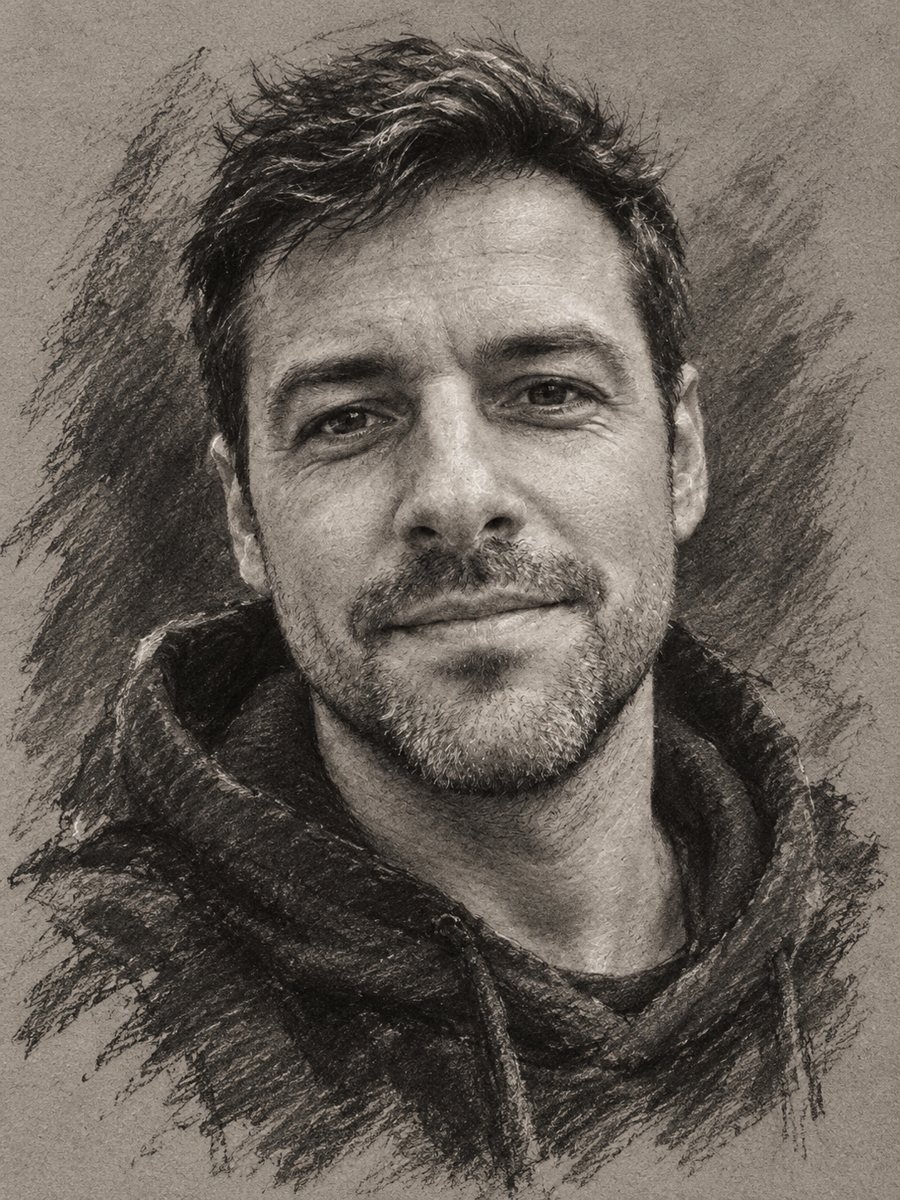 Turn your photo into a charcoal drawingConvert a portrait into an expressive charcoal sketch on gray paper with chalk highlights. Copy the ready...