Make a LinkedIn headshot from a selfie
Send a casual photo and get a head-and-shoulders headshot in a dark blazer over a plain shirt, with a softly blurred neutral background and even light. The face, skin tone and hairstyle are kept as they are. No studio booking needed.
- 2 credits per image
- Result in 1–2 minutes
- No sign-up
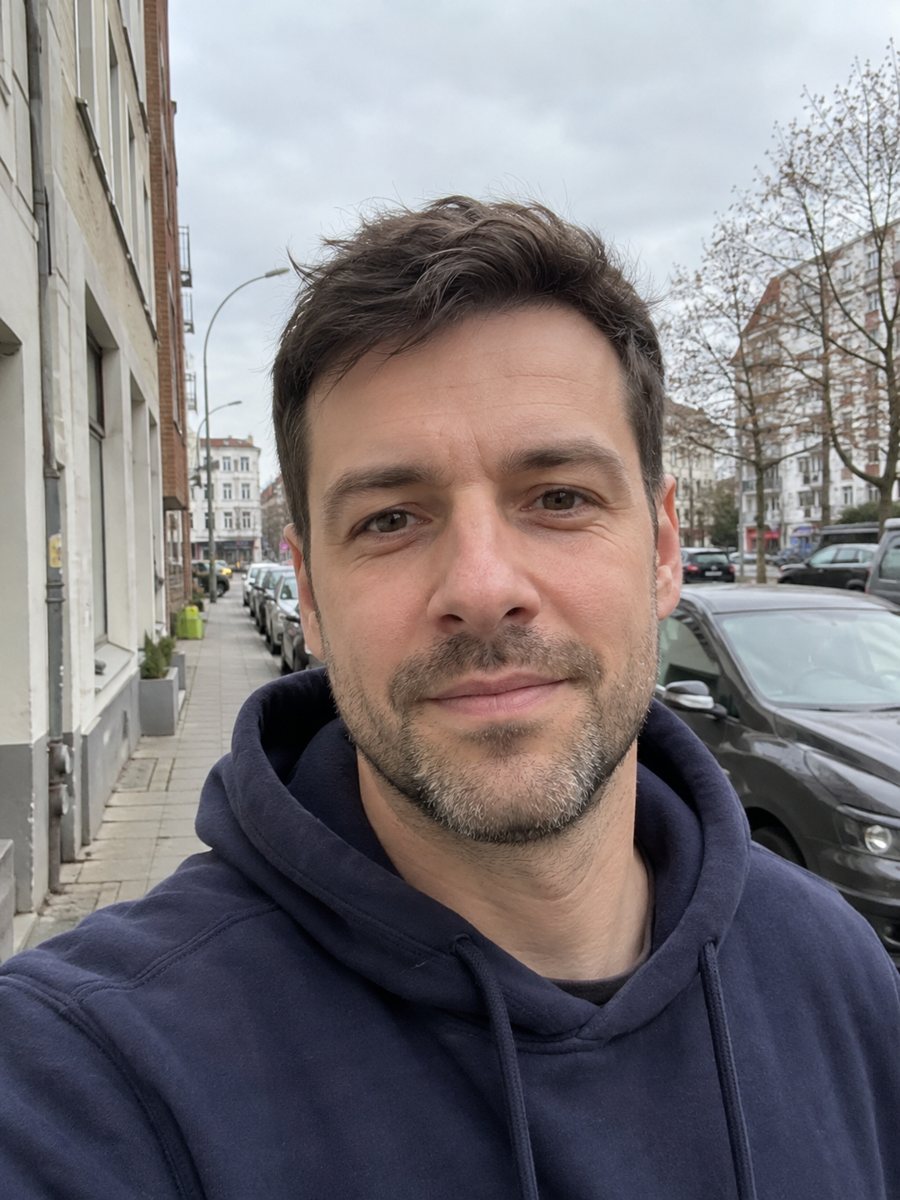
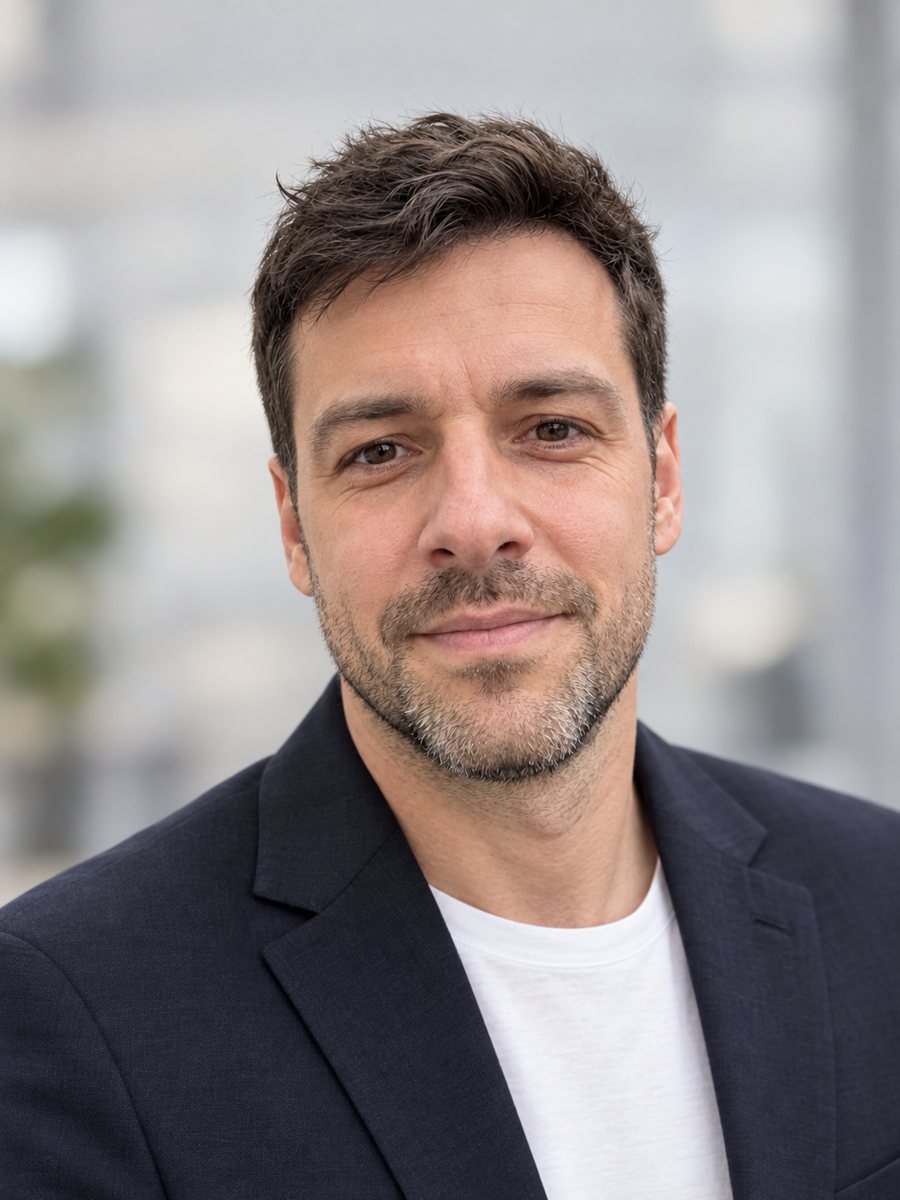 BeforeAfter
In short: Turn a casual selfie into a professional LinkedIn headshot with a blazer and a soft studio backdrop. Ready prompt, 2 credits per image, 7 images free.
- Where: the VisuMate bot in Telegram, no app or sign-up.
- Cost: 2 credits per image, 7 images free, then packs from 49 Telegram Stars.
- Time: 1 to 2 minutes per image, rerun with a new instruction at the same price.
When you need this
- You are job hunting and your only photo is a vacation selfie.
- Your LinkedIn picture is years old and you look different now.
- A freelance profile needs a more polished image before you send proposals.
- A studio session is out of budget this month.
How to do it
- 1
Use the button above to open VisuMate in Telegram. The LinkedIn headshot style is preselected, so there is no menu to browse.
- 2
Pick one photo and send it as a document. If you want changes, write them in the caption: navy blazer, light gray background, natural smile.
- 3
Give it 1-2 minutes. The cost is 2 credits per image. Review that the face still looks like you and the blazer fits naturally, and save the best one or try again.
Try it on your own photo: 7 images are free, no sign-up.
Make it in TelegramThe prompt behind this style
Turn this casual photo into a professional LinkedIn headshot. Keep the face, facial features, skin tone and hairstyle exactly as they are, do not change the person's appearance. Replace the clothing with a dark blazer over a plain shirt, replace the background with a softly blurred neutral office or light gray studio backdrop, soft even lighting, natural skin, friendly confident expression. Vertical 3:4, head and shoulders, no text.
What a LinkedIn photo needs
Recruiters look at a small circle, so the face must be large, well lit and friendly. The prompt keeps your features and skin tone, replaces the clothing with a dark blazer over a plain shirt, and blurs the background into a quiet office or light gray studio. Framing is head and shoulders, which fits the round crop used on profiles.
Source photo checklist
Use a recent picture with your normal expression. Remove sunglasses and hats. Avoid heavy filters, because they change the face before the AI even starts. A sharp photo sent as a file gives more detail than a compressed one. If you wear glasses in everyday life, keep them on so the result matches how people meet you.
Honest expectations
The AI should not change who you are, but small drift is possible, especially around the eyes, teeth and hairline. Compare the headshot with your face in the mirror. Do not use it where official ID rules apply. Some employers dislike heavily edited faces, so keep retouching natural. A rerun costs 2 credits if the first image feels off.
Tips
- Face the window or a lamp so both sides of the face are lit evenly.
- Hold the phone at eye level, not from below, to avoid a double chin look.
- Choose a plain background in the source; mess behind you can leak into the result.
- Ask for a clothing color in the caption if blazer black is not your style.
- If the skin looks too smooth, rerun and add: keep natural skin texture.
Questions and answers
Is it okay to use an AI headshot on LinkedIn?
The platform expects a recent, accurate photo of you. Check that the result looks like you and avoid changing your features.
Will it change my hair or face?
The prompt tells the AI to keep the face, features, skin tone and hairstyle. Drift can still happen, so rerun if needed.
Can I pick the clothing?
Yes, add it to the caption, such as gray blazer or white shirt.
What size is the image?
A vertical 3:4 portrait that you can crop to a square for the profile.
Does the bot work in English?
Yes. It picks up your Telegram language on first launch and replies in English. You can switch the language any time with /lang.
More in "Photo styles"
 Create a professional headshot from your photoMake a polished headshot with a light gray backdrop, soft studio light and natural retouching. Ready...
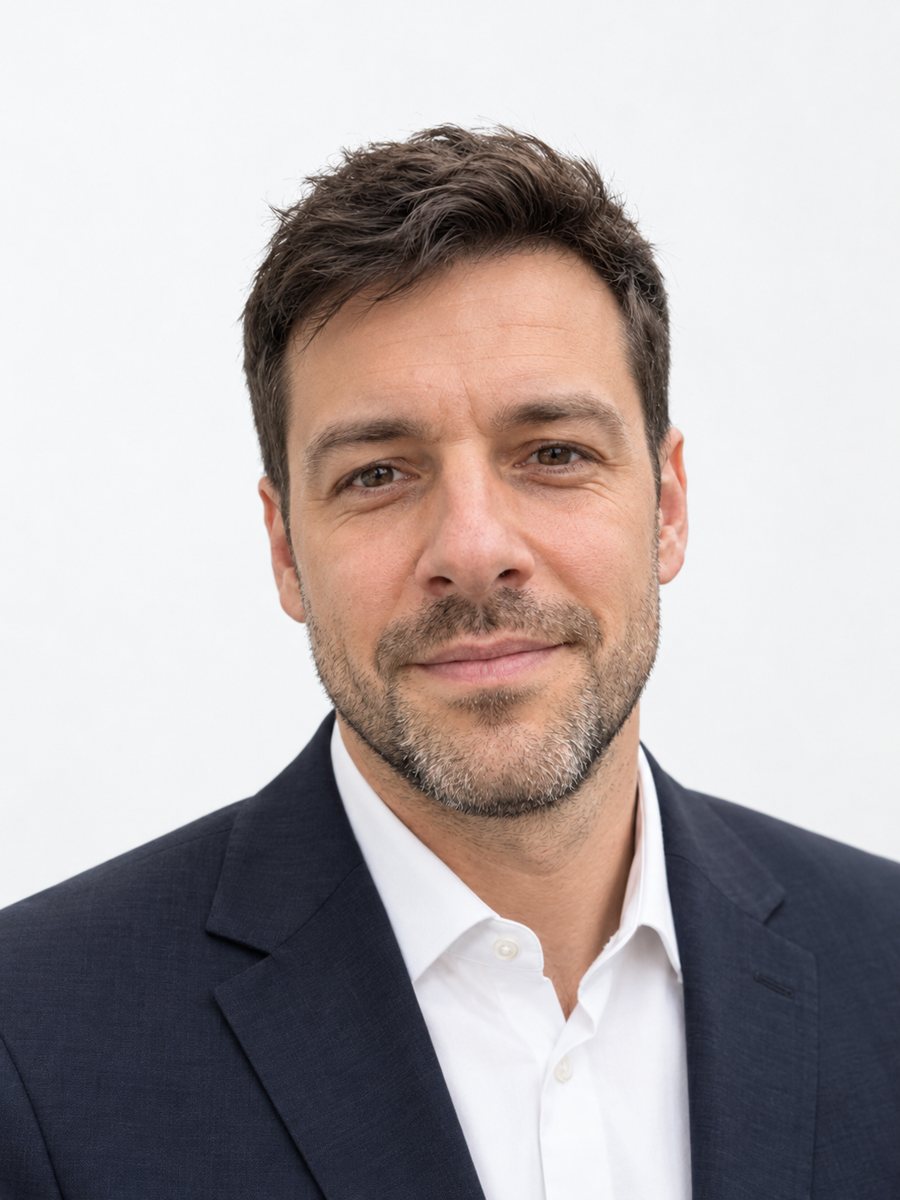 Make matching corporate team headshots from photosReshoot photos as consistent corporate team headshots with white backdrop, navy attire and the same...
 Upgrade your profile photo without changing youImprove a social media profile picture: fix exposure and white balance, blur a messy background to a warm...
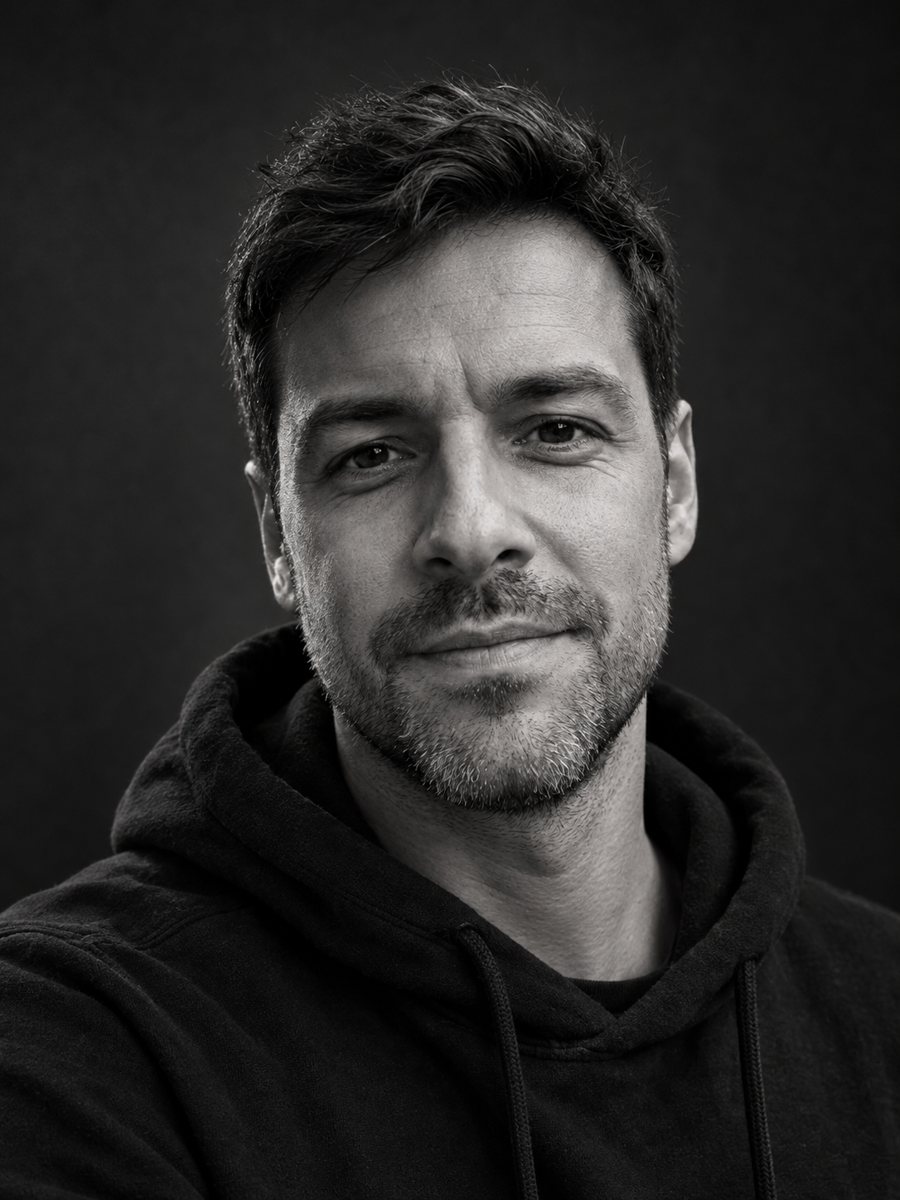 Make a black and white studio portrait from a photoTurn a casual photo into a dramatic black and white studio portrait with a dark backdrop and side light....
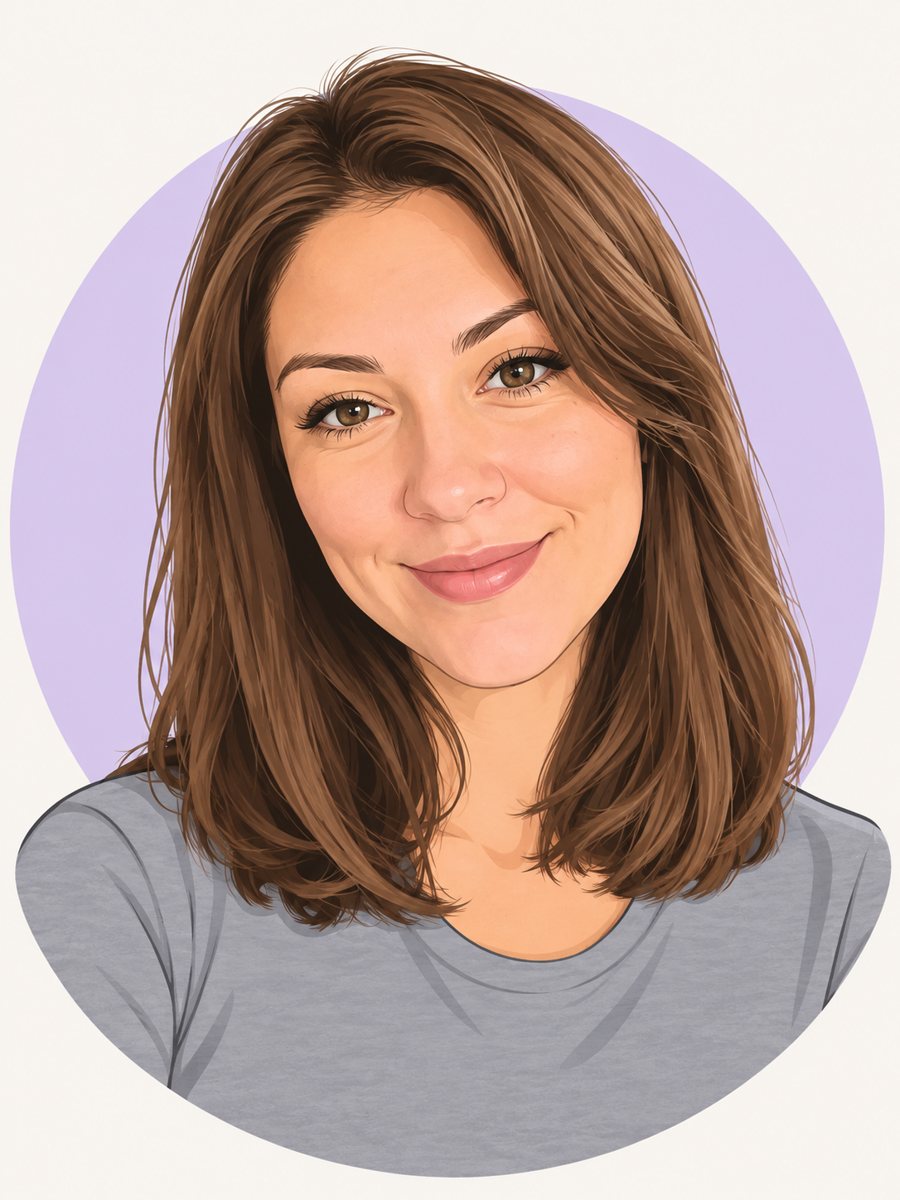 Make a cartoon avatar from your photoDraw a friendly cartoon avatar from your photo in clean vector style with a pastel circle background....