A developer headshot for GitHub, talks and job applications
Recruiters open your GitHub profile before they open your resume, and the picture is the first thing they see. A friendly face in good light beats a cartoon fox or a default circle. Send a selfie, name the vibe you want, and the bot returns a tidy portrait.
- 2 credits per image
- Result in 1–2 minutes
- No sign-up
In short: Create a clean developer headshot for GitHub, a portfolio or a conference page from a selfie. Telegram bot, 7 images free for new users, no sign-up.
- Where: the VisuMate bot in Telegram, no app or sign-up.
- Cost: 2 credits per image, 7 images free, then packs from 49 Telegram Stars.
- Time: 1 to 2 minutes per image, rerun with a new instruction at the same price.
- Credits never expire, there is no subscription and no auto-renew. You pay once for a pack inside Telegram with Stars.
When you need this
- Your profile still shows a default identicon after five years of commits.
- Webcam photos from video calls have a yellow cast and a messy shelf behind you.
- A conference organizer needs a speaker picture tonight.
How to do it
- 1
Press the button to open @visumate_ai_bot in Telegram. No sign-up, and new users get 15 free credits, which is 7 images.
- 2
Send a front-facing selfie as a file. In the caption write: 'plain dark hoodie, soft window light from the left, blurred bookshelf in the background, relaxed half smile'.
- 3
In 1-2 minutes the portrait arrives for 2 credits. Compare glasses, beard and hairline with the original.
Try it on your own photo: 7 images are free, no sign-up.
Make it in TelegramFriendly and competent
A developer portrait does best when it looks like the person who answers your pull request kindly. Skip the stiff suit unless you work in a bank. Describe your usual clothes, a plain wall or a shelf, and a small smile. The bot cleans light and background and leaves your features. Zoom into glasses frames and beard edges, which are the usual places where small changes appear.
Speaker kits
Conference pages ask for a headshot, a short bio and sometimes a banner. One caption can produce all three crops in a single sitting. Keep the file names tidy, for example name-square and name-wide. Some events publish photos with strict resolution notes, so check the organizer's guide before you send. Keep your original selfie too, since a few hiring portals ask for unedited photos.
Tips
- Decide first if you want a hoodie or a shirt, and say it.
- Ask for a blurred desk setup if you like a workspace feeling.
- Crop a tight square for avatars and keep a wide one for slides.
- Use the same picture on GitHub, LinkedIn and your site.
Questions and answers
Can I keep my headphones in the picture?
Yes, name them in the caption and check the shape at full size.
Is a cartoon version possible?
Yes. Use the cartoon avatar page for a drawn look.
What does it cost?
2 credits per image. New users get 15 free credits, so 7 images cost nothing. After that packs start at 49 Telegram Stars and credits do not expire.
Does the bot work in English?
Yes. It picks up your Telegram language on first launch. You can switch it any time with /lang.
What the bot does not do
- Works from one photo. Likeness depends on the photo you send, and some styles change features more than others.
- Does not make video or animation.
- Does not output a transparent PNG.
- Does not retouch passport or ID photos.
More in "Photo styles"
 Create a professional headshot from your photoMake a polished headshot with a light gray backdrop, soft studio light and natural retouching. Ready...
- An engineer headshot from the selfie you already haveTurn a selfie into a clean engineer headshot for LinkedIn, a team page or a conference bio. Telegram bot,...
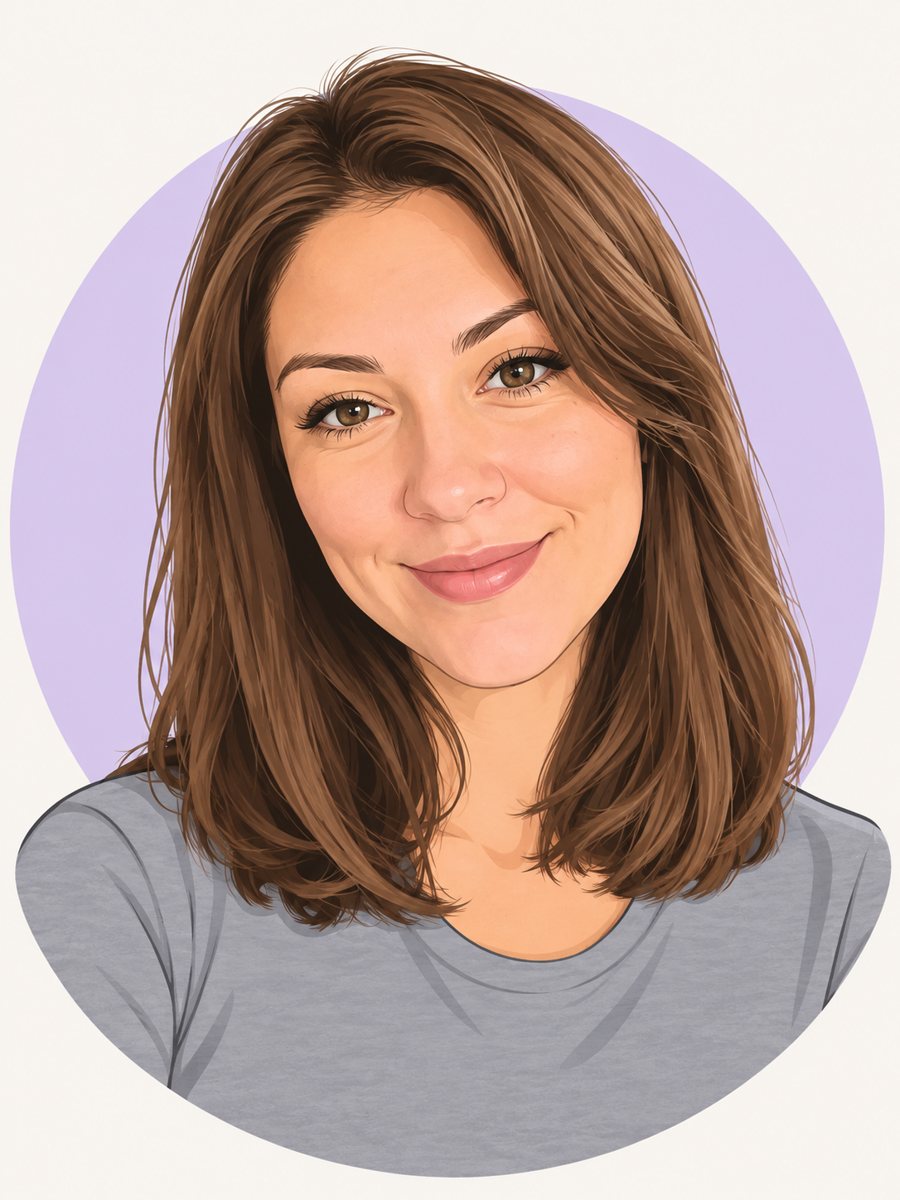 Make a cartoon avatar from your photoDraw a friendly cartoon avatar from your photo in clean vector style with a pastel circle background....
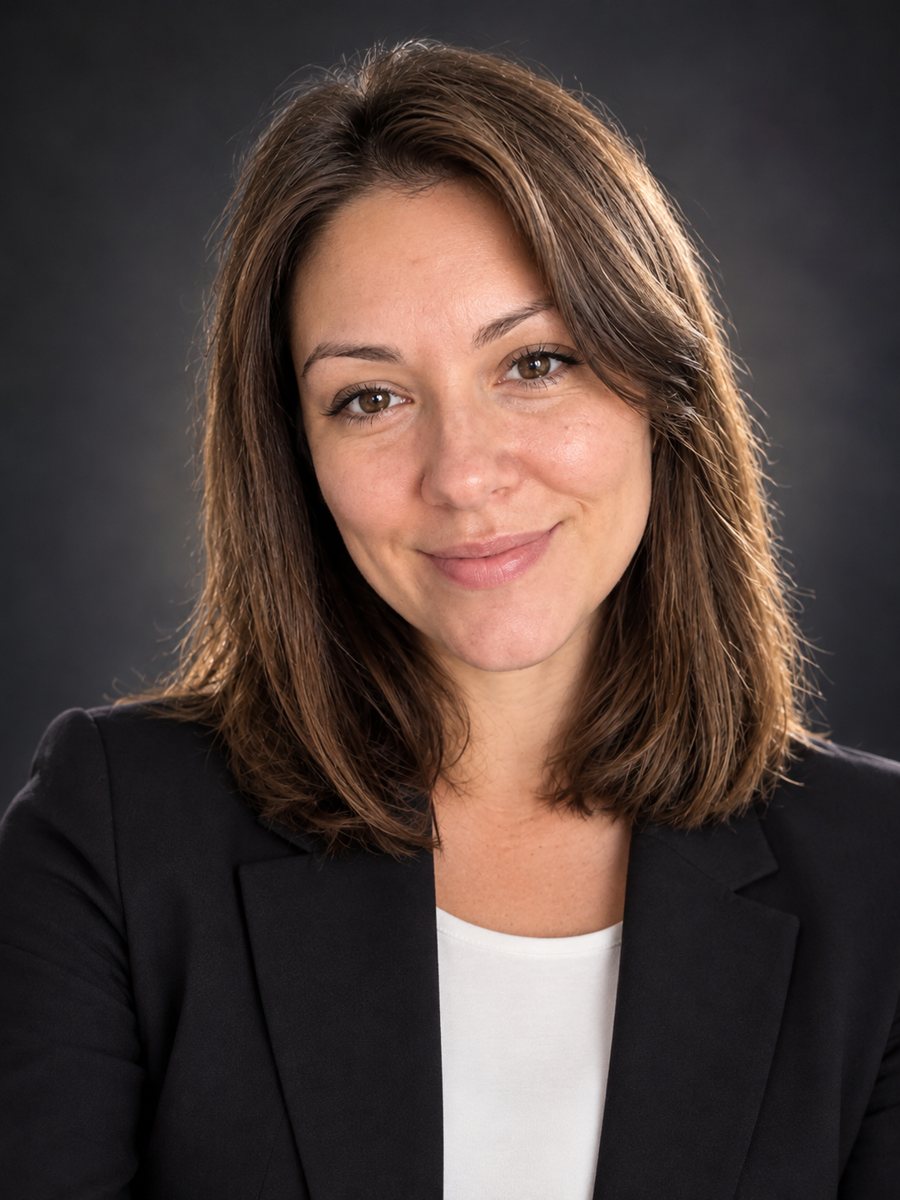 Create a conference speaker headshot from a photoTurn a photo into a conference speaker headshot with a blazer, a dark studio gradient and rim light. Copy...
- A St. Patrick's Day card made from your photoTurn a photo into a St. Patrick's Day card with clover, gold coins and green hills, and leave room for a...
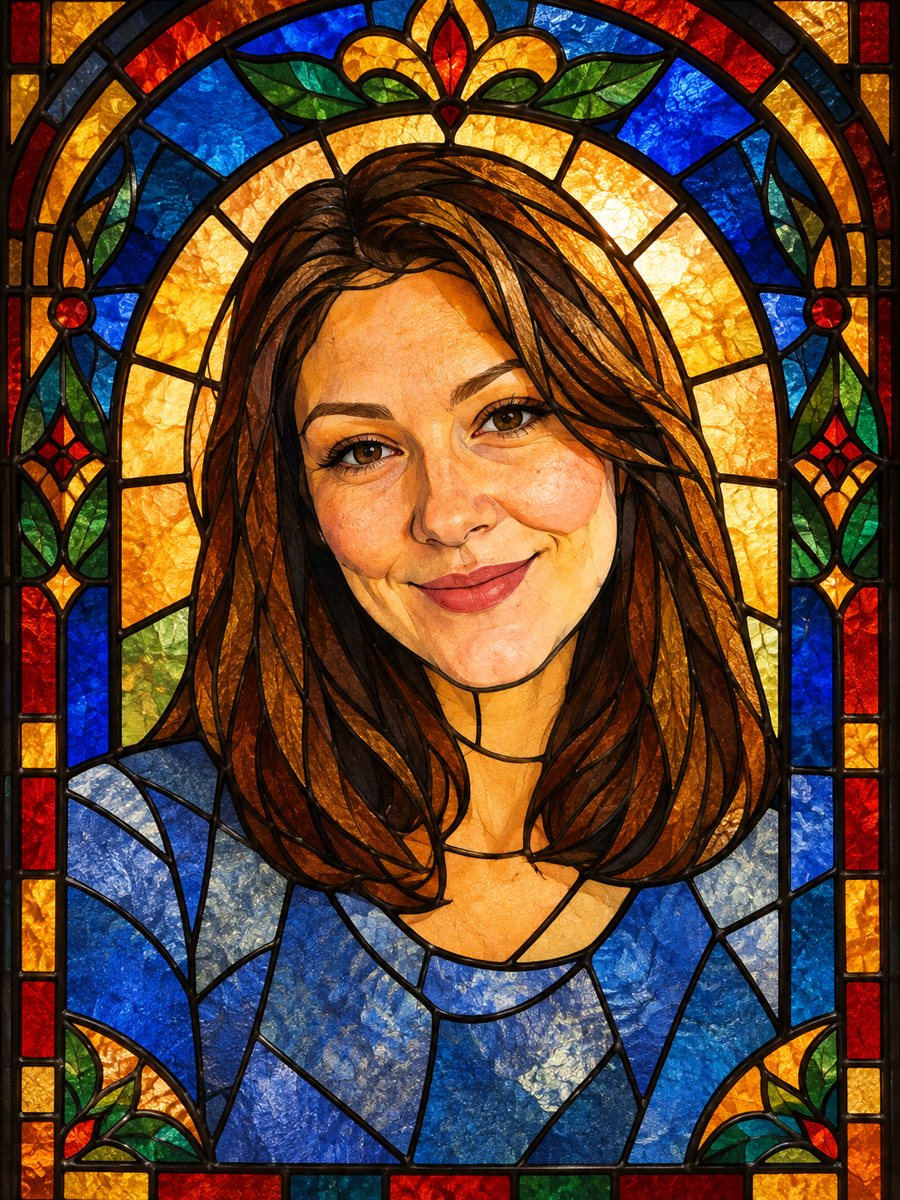 Turn your photo into a stained glass portraitTurn a portrait into a stained glass window with lead lines and jewel colors. Copy the ready prompt or...