Turn your photo into a stained glass portrait
The style rebuilds your photo as colored glass pieces held by dark lead lines, lit from behind, inside an arched window frame. Press the button, send a portrait and the bot applies the style for you.
- 2 credits per image
- Result in 1–2 minutes
- No sign-up
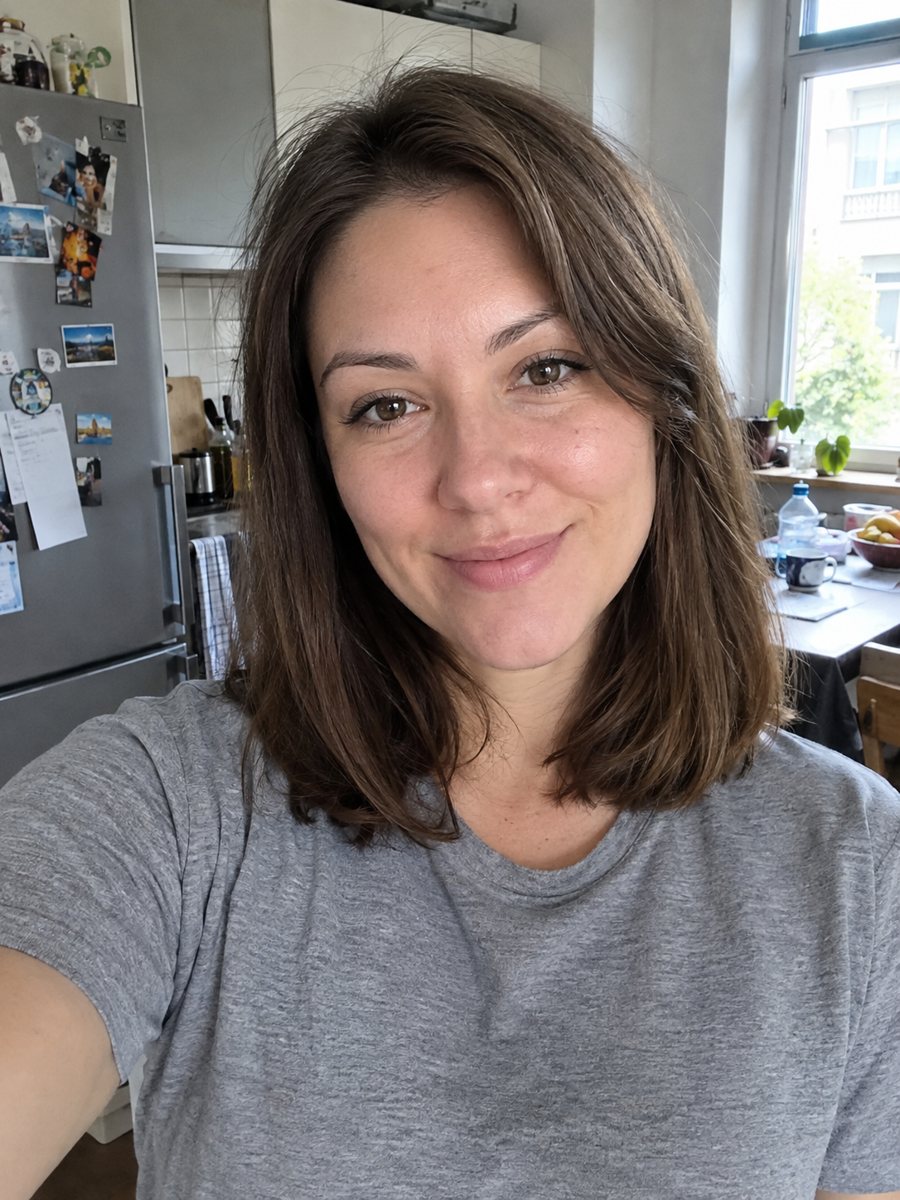
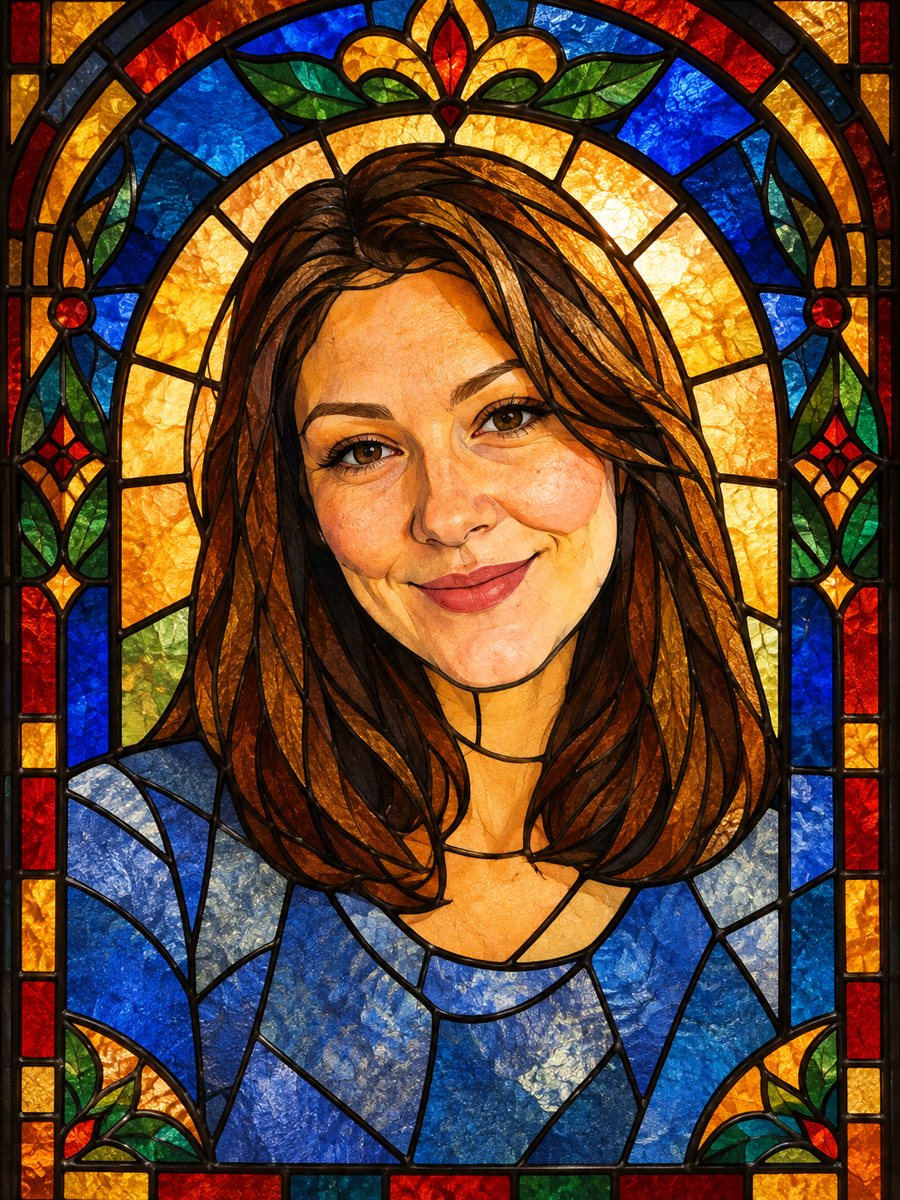 BeforeAfter
In short: Turn a portrait into a stained glass window with lead lines and jewel colors. Copy the ready prompt or open the Telegram bot, 7 images free to try.
- Where: the VisuMate bot in Telegram, no app or sign-up.
- Cost: 2 credits per image, 7 images free, then packs from 49 Telegram Stars.
- Time: 1 to 2 minutes per image, rerun with a new instruction at the same price.
When you need this
- You want a wall piece with a church window feel that is made from your own picture.
- You need a memorial or anniversary portrait with a solemn look.
- A normal filter looks flat and you want strong color blocks.
How to do it
- 1
Open the bot with the button. The stained glass style is selected for you.
- 2
Send one portrait as a file. You can write in the caption which jewel colors should dominate, for example: more deep blue and gold.
- 3
In 1-2 minutes the image arrives, 2 credits. Look at the face outline and hairstyle, and run again if the shape is lost.
Try it on your own photo: 7 images are free, no sign-up.
Make it in TelegramThe prompt behind this style
Turn this photo into a stained glass window. Keep the silhouette, hairstyle and face recognizable. Thick dark lead lines dividing the image into colored glass pieces, jewel tones (deep blue, ruby, amber, emerald), light shining through from behind, a symmetrical arched window border. Vertical 3:4, no text.
What the style looks like
Think of a cathedral window: thick dark lines divide the image into pieces of glass in ruby, amber, emerald and deep blue. Light seems to shine through from behind, so the colors glow. The face is built from larger color areas than a photo, and the result is a graphic, decorative portrait. People use it for prints, gifts, tattoo sketches and bold profile pictures.
How to get closer to the face and printing and display
Details like eyes and mouth are the hardest in glass, since every piece is a flat color. A front-facing photo with open eyes keeps them readable. Tell the AI in the caption if you want a lighter background or a particular color for clothing. If the first result lost the likeness, run again: the pieces fall differently each time, and 2 credits per try is the same cost. The result is vertical 3:4, so it fits a standard frame. Printed on glossy paper it keeps the glow best. The bot does not print, so save the file and take it to a print shop or print at home. On a window, a backlit frame gives a nice real stained glass illusion.
Tips
- Pick a photo with a clear silhouette: hair and shoulders against a plain background.
- Strong side light on the face helps the AI split it into glass pieces.
- Ask for fewer pieces in the caption if the face looks too busy.
- Avoid hats with patterns, they break into noise.
- Vertical portraits fill the arched frame best.
Questions and answers
Is it a real stained glass design I can build?
No, it is an AI image. A glass artist would need to simplify and redraw it before cutting real glass.
Does it work for pets?
The prompt is written for people, but a sharp pet photo may also work. Results vary.
Can I choose the colors?
Yes. Write your preferred colors in the photo caption in plain English.
Why is the background an arch?
The prompt asks for a symmetrical arched window border to make the picture look like a window.
How many free tries do I get?
15 credits on first launch, 7 images at 2 credits each.
More in "Photo styles"
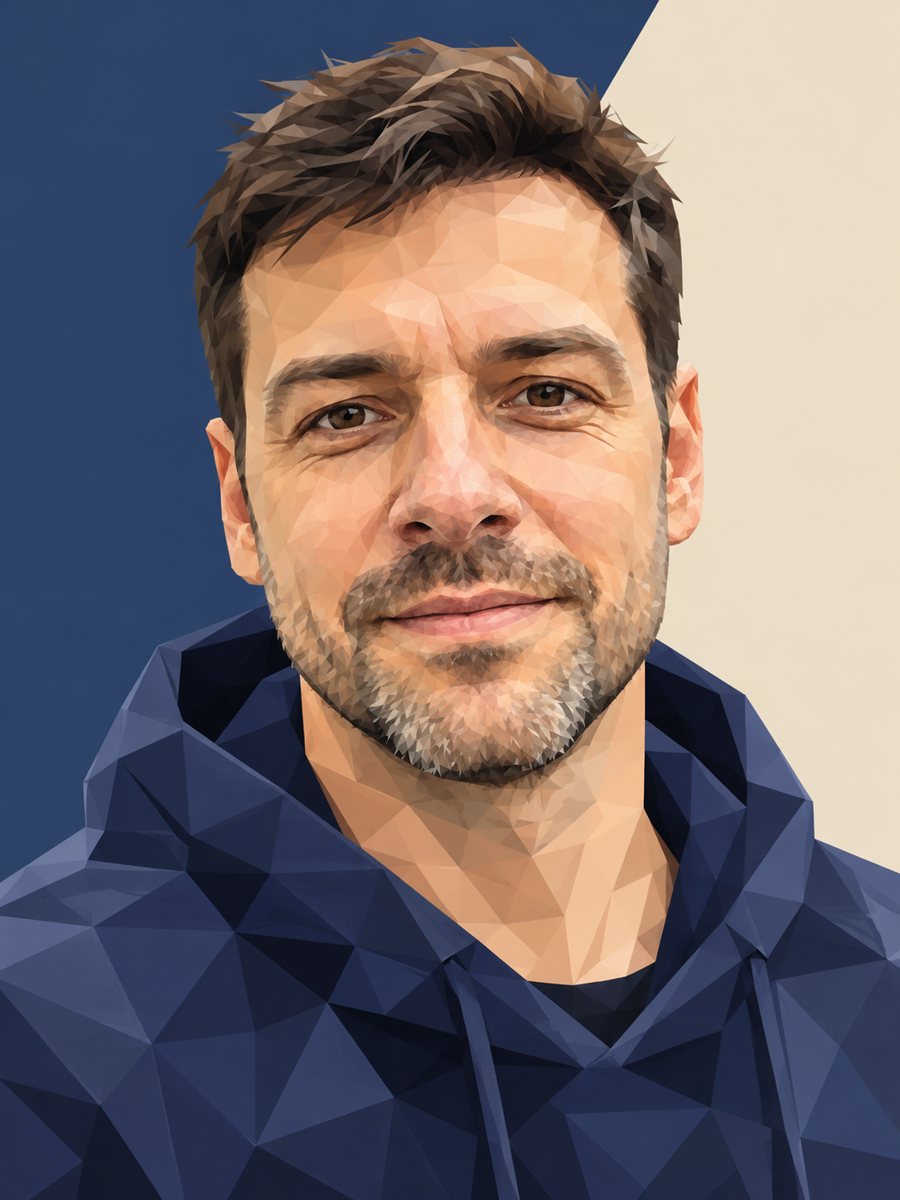 Turn your photo into a low poly portraitConvert a portrait into a low poly triangle image with smooth gradients and a clean two-tone background....
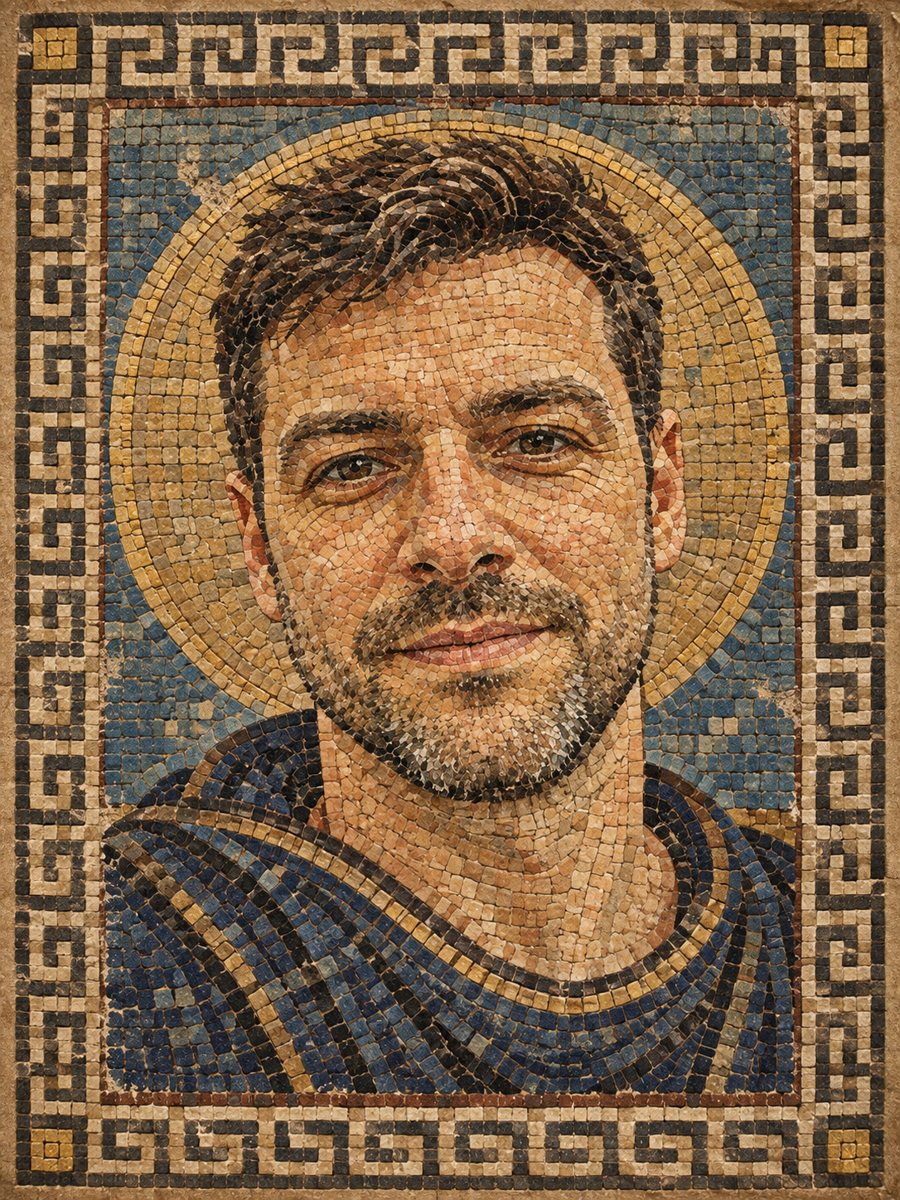 Turn your photo into a Roman style mosaic portraitTurn a photo into an ancient Roman style mosaic made of small stone and glass tiles. Ready prompt and...
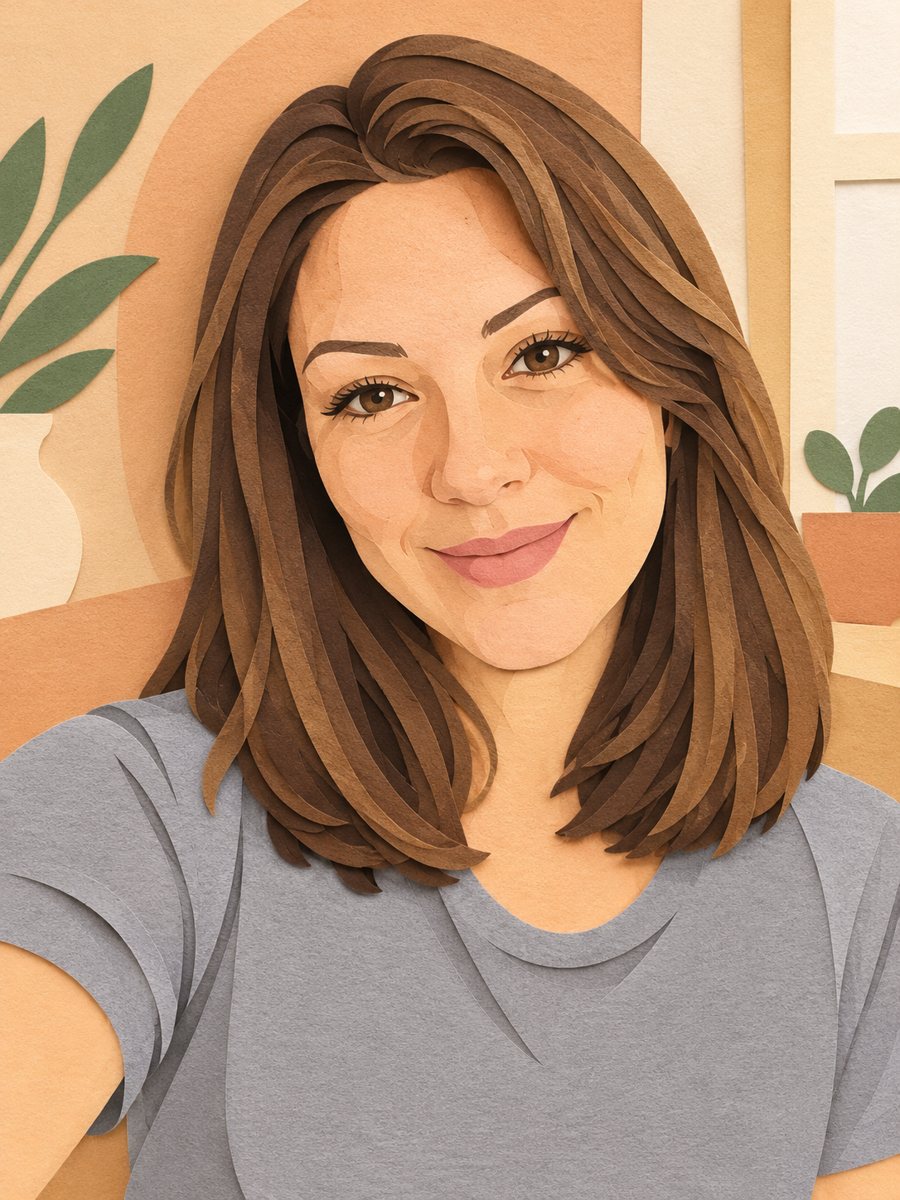 Turn your photo into a paper cut art portraitTurn a photo into layered paper cut art with soft shadows and a warm pastel palette. Copy the ready prompt...
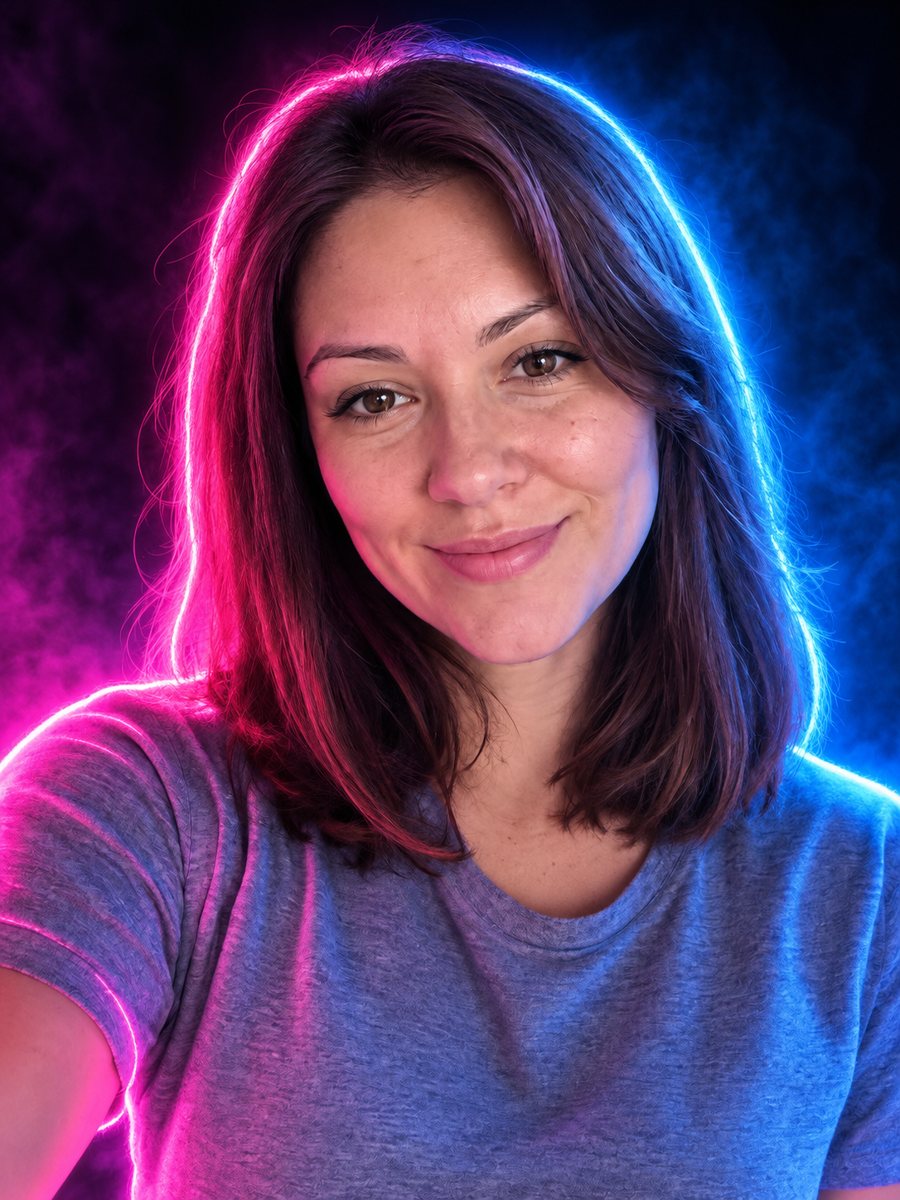 Turn your photo into a neon glow portraitTurn a portrait into a neon sign style image with pink and blue glowing outlines on a dark background....