Make a cartoon avatar from your photo
You get a friendly vector-style avatar with smooth shapes, flat colors and light outlines, centered on a pastel circle. Hairstyle, hair color, skin tone, glasses and expression are kept. It reads well even at a tiny size.
- 2 credits per image
- Result in 1–2 minutes
- No sign-up
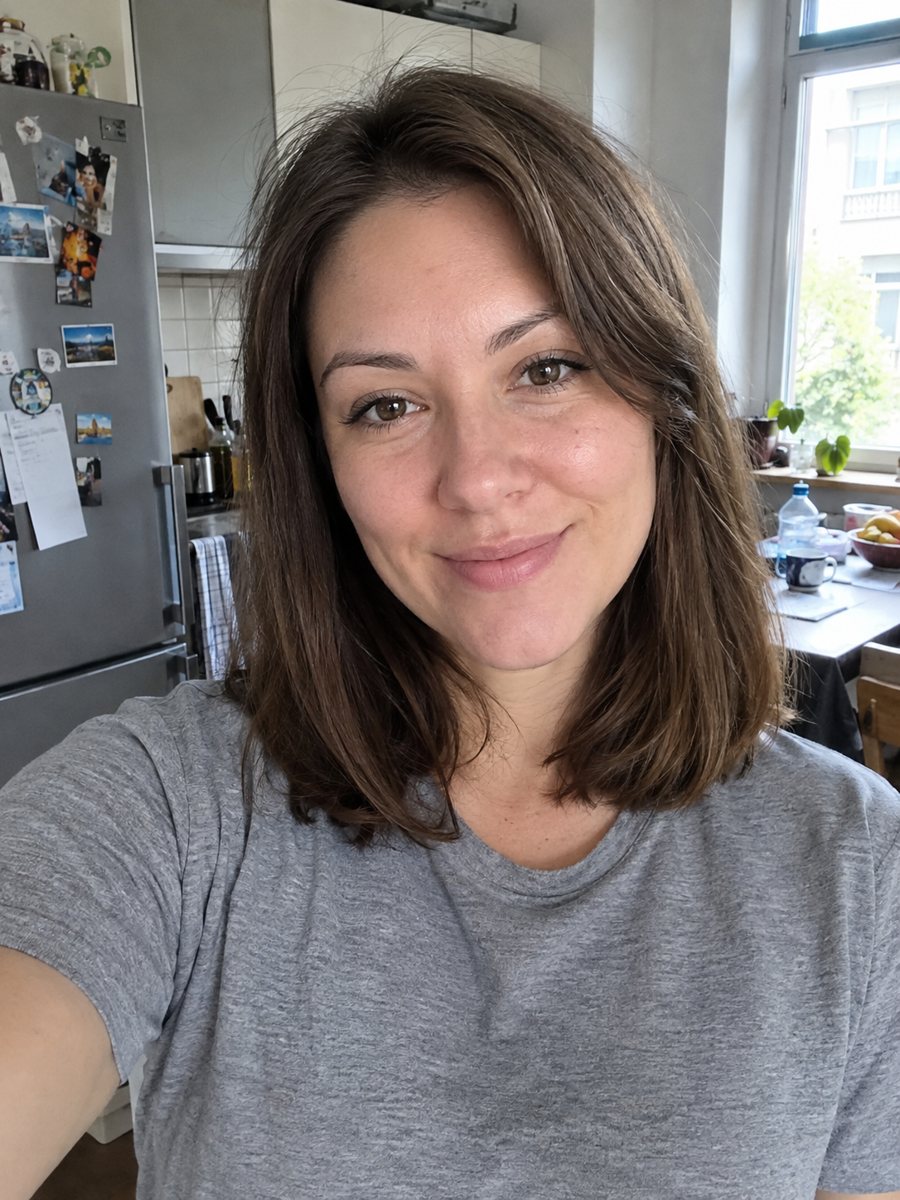
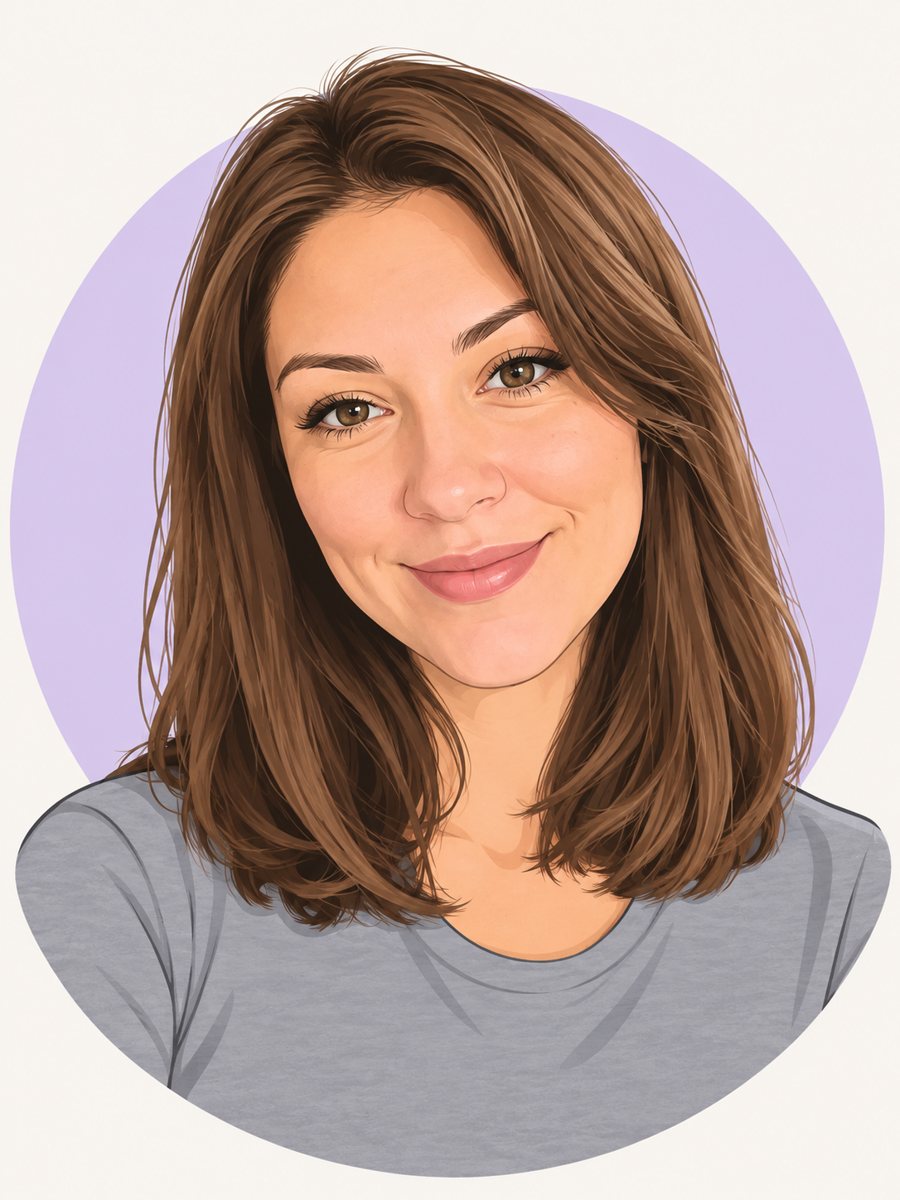 BeforeAfter
In short: Draw a friendly cartoon avatar from your photo in clean vector style with a pastel circle background. Ready prompt, 7 images free in Telegram.
- Where: the VisuMate bot in Telegram, no app or sign-up.
- Cost: 2 credits per image, 7 images free, then packs from 49 Telegram Stars.
- Time: 1 to 2 minutes per image, rerun with a new instruction at the same price.
When you need this
- You need a profile picture that looks the same on every platform.
- A small business wants a friendly face on its site without a photo shoot.
- You prefer not to show a real photo but want to be recognizable.
- A podcast or newsletter needs a clean illustrated host picture.
How to do it
- 1
Press the button to launch the bot. It opens with this style applied, you only need to add a photo.
- 2
Send one photo as a file (document) so Telegram does not compress it. Caption is optional, for example: mint green background, round glasses, red scarf.
- 3
The result arrives in the chat in 1-2 minutes for 2 credits. Look at hair, glasses and the circle background. A second run costs the same 2 credits if you want another take.
Try it on your own photo: 7 images are free, no sign-up.
Make it in TelegramThe prompt behind this style
Draw a friendly cartoon avatar from this photo for a social media profile. Keep the hairstyle, hair color, skin tone, glasses and expression recognizable. Clean vector style with smooth shapes, flat colors, light outlines, a round pastel background circle, head and shoulders centered. Vertical 3:4, no text.
Clean vector feel
The look is flat shapes with minimal shading, light outlines and a soft pastel circle behind the head. It resembles the avatars offered by illustration apps, but is drawn from your photo. The simple style survives small sizes, which is why it works for chat and forum avatars.
Likeness through details
With so few lines, recognition comes from hair, skin tone, glasses and expression. Make sure those are clear in your photo. If you have a beard, freckles or colored hair, say so in the caption. The AI might simplify earrings and small patterns. A neutral background in the photo prevents extra shapes from sneaking in.
Uses
Use it as a profile picture, a team page illustration, a speaker slide, an email signature or a sticker base. A matching set for a team looks consistent when you use the same caption for every person. It is not hand-drawn art, so check the result before you use it commercially.
Tips
- Photos with a clear hairstyle outline give sharper shapes.
- List accessories in the caption: glasses, earrings, hat.
- Pick your brand color for the background circle.
- Keep a smile in the source for a warm avatar.
- If the shapes look too childish, rerun and add: more mature, simple adult proportions.
Questions and answers
Is it a perfect likeness?
It is a stylized version. Hair, glasses and skin tone usually carry over.
Can I change the circle color?
Yes, mention a color in the caption.
Can I use it for my brand?
It is a generated image of your own photo. Check platform rules for commercial use.
Can I get a transparent background?
The prompt makes a pastel circle. Remove it later in an editor if needed.
What does it cost?
2 credits per image, 7 free at the start.
More in "Photo styles"
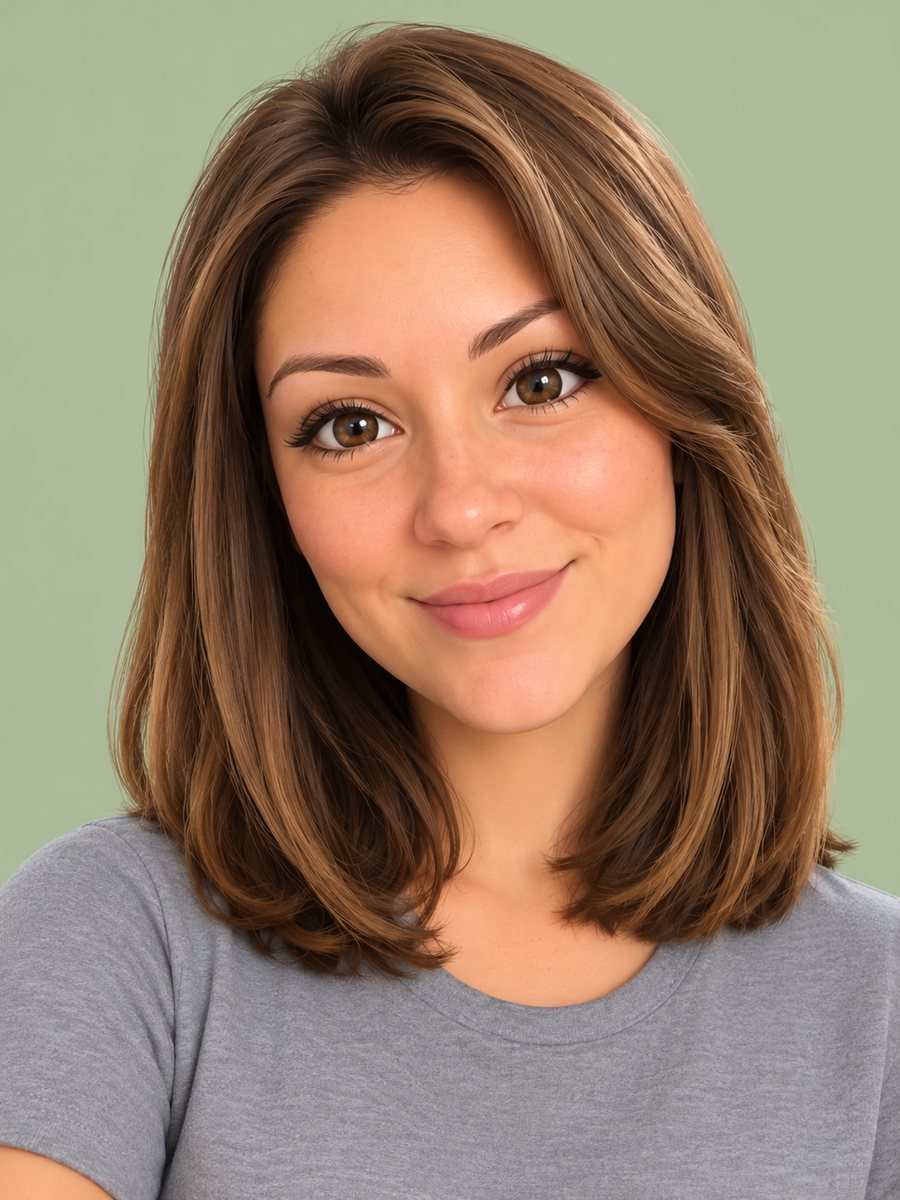 Turn your photo into a 3D emoji avatarTurn your photo into a glossy 3D emoji avatar like a smartphone memoji, with big eyes and pastel...
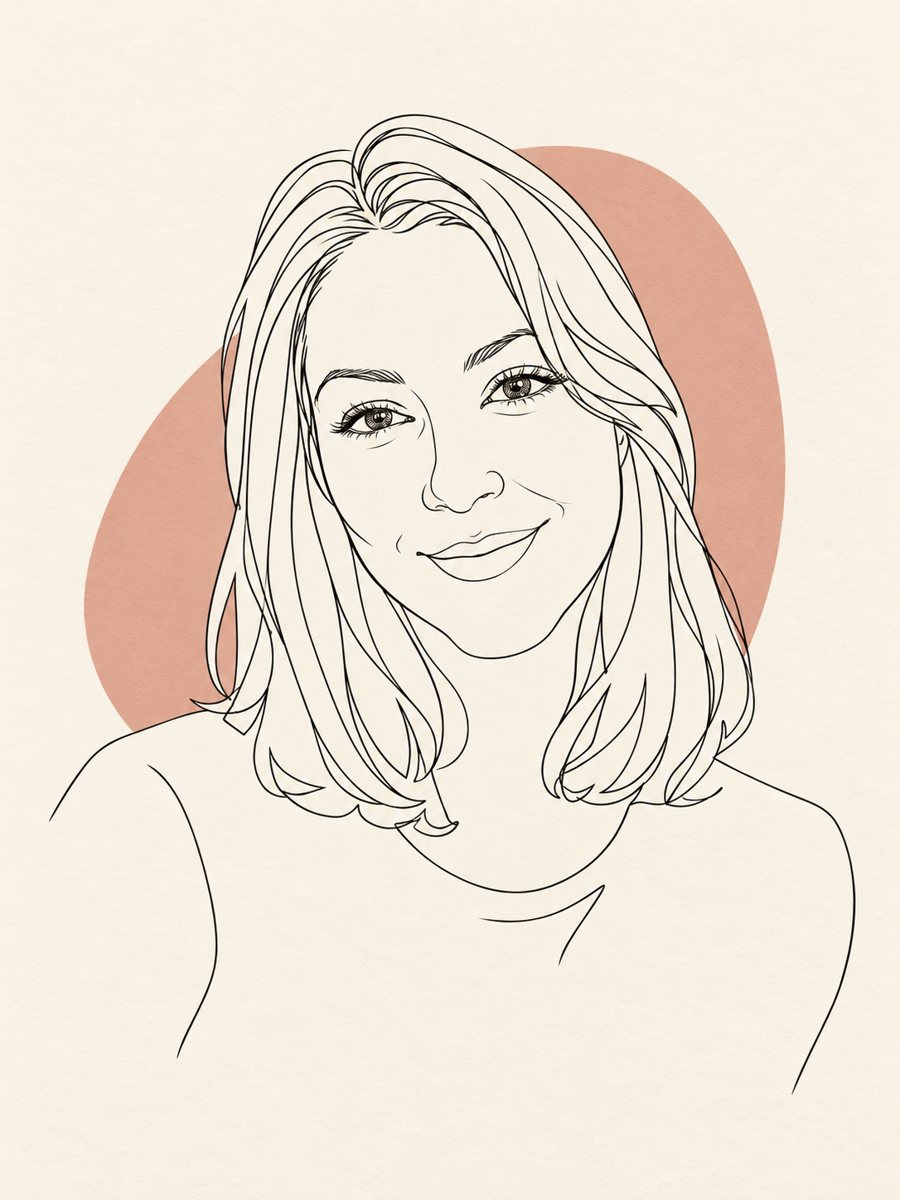 Turn your photo into a minimal line art avatarConvert a photo into a minimal one-line portrait with a single thin black line and a soft accent shape....
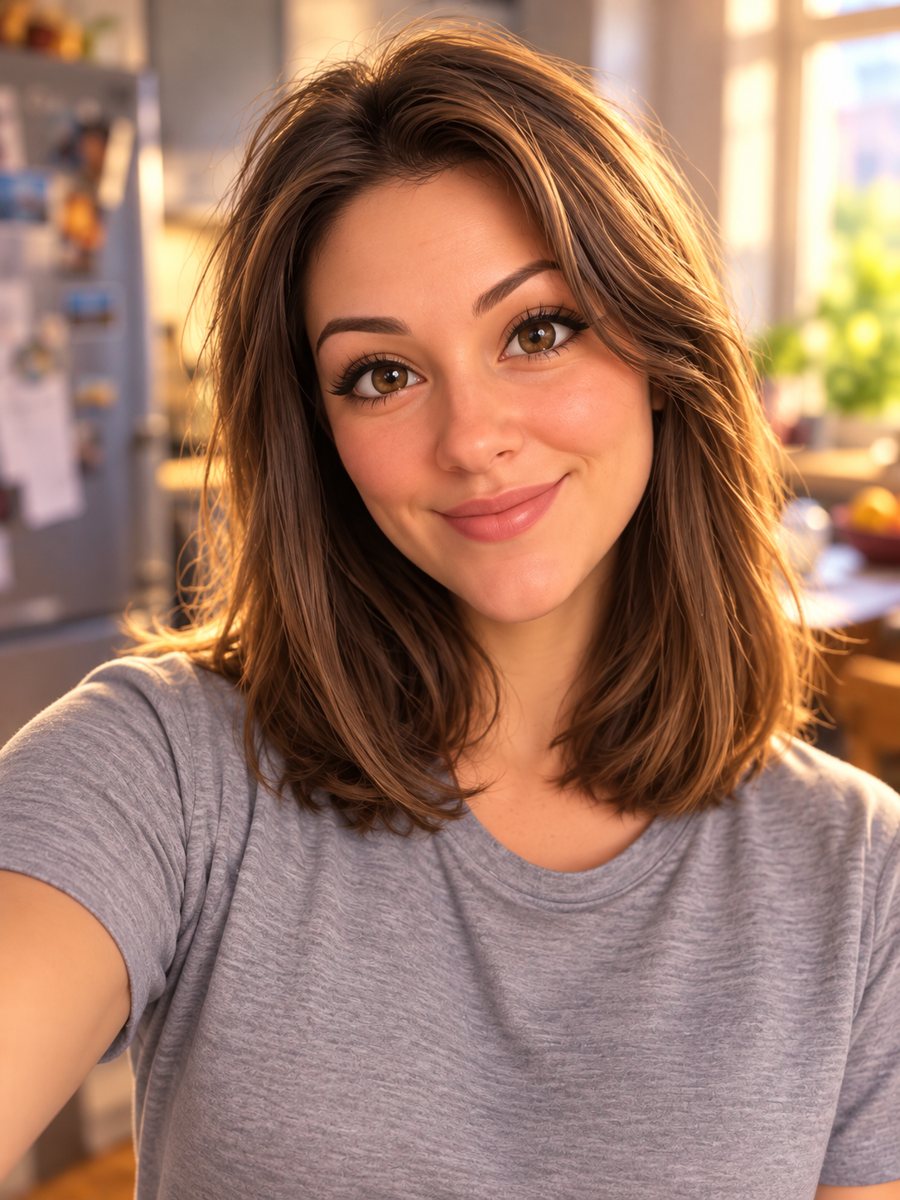 Turn your photo into a Pixar-style 3D characterTurn a selfie into a 3D animated movie character. Copy the ready prompt or open it in Telegram: 2 credits...
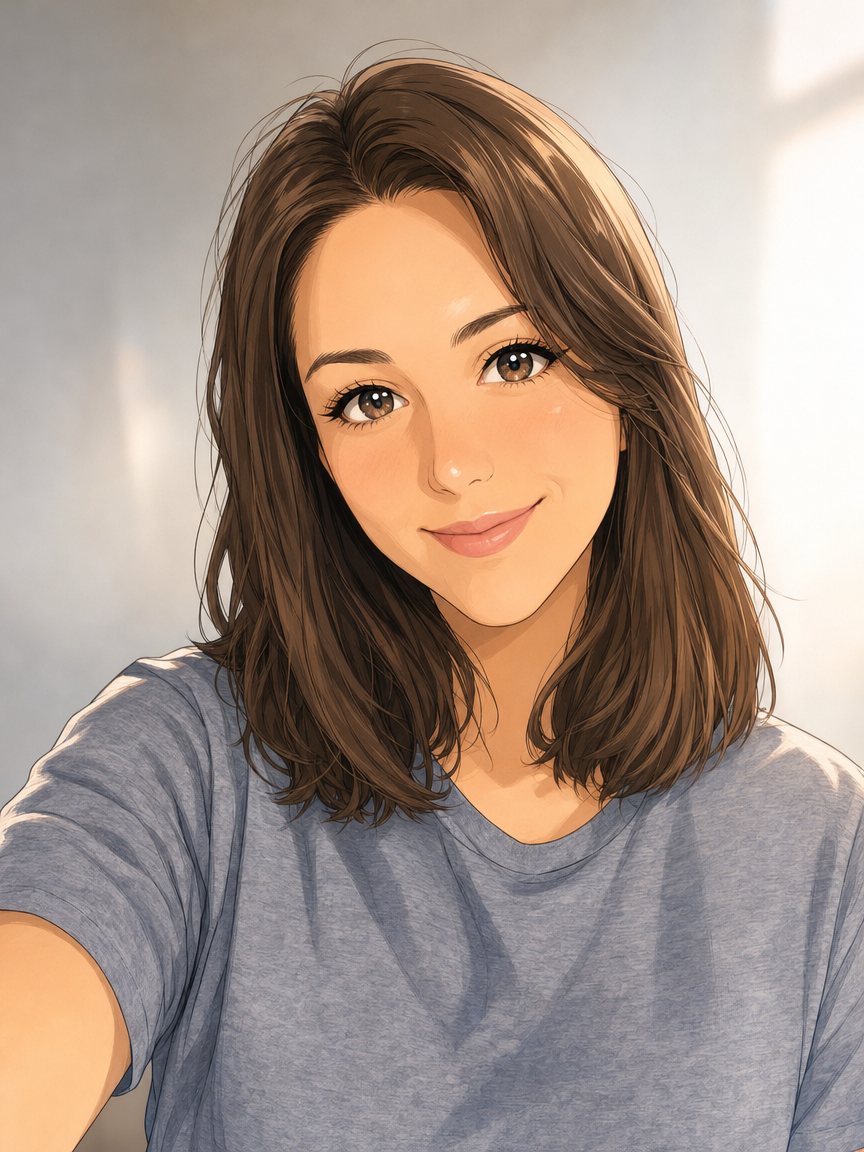 Make an anime portrait from your photoRedraw a photo as a polished anime illustration with clean line art and cel shading. Ready prompt, 2...
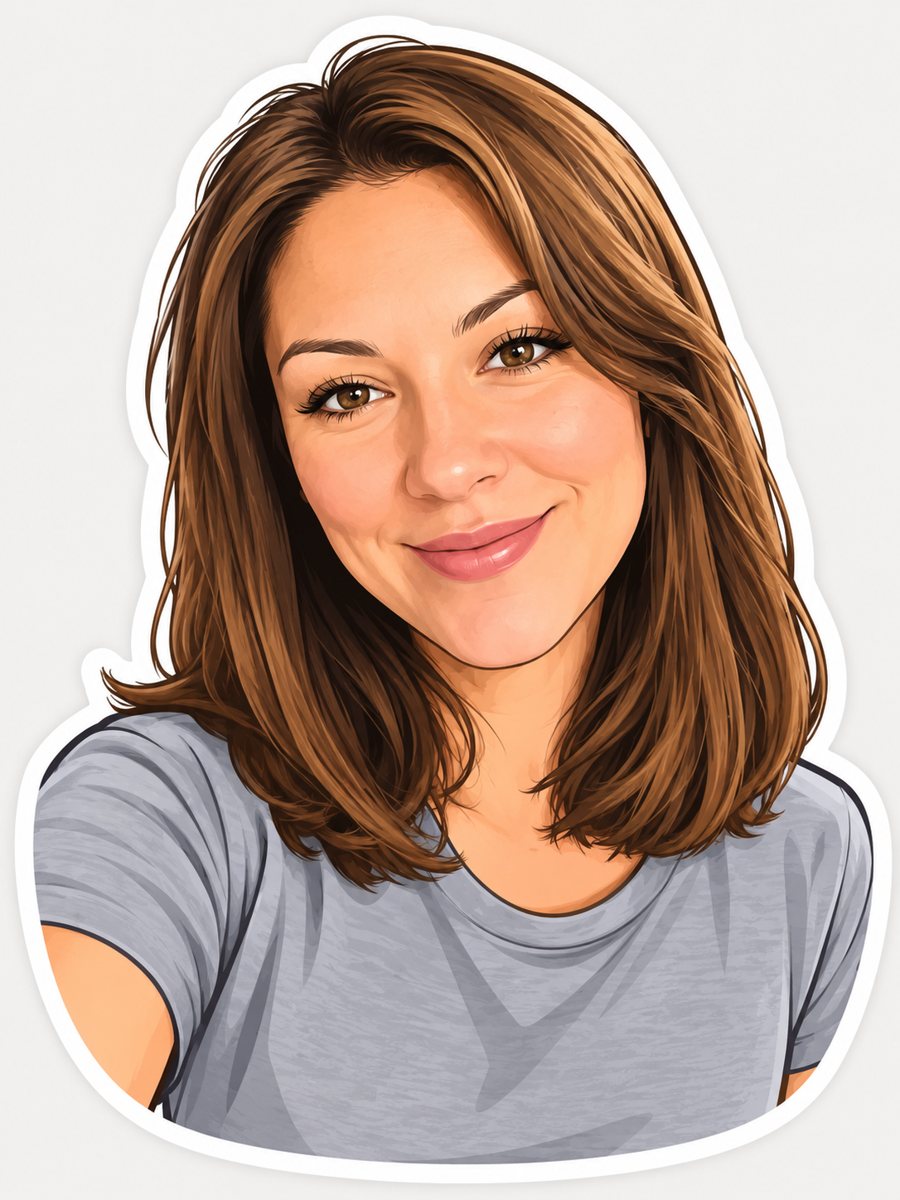 Turn your photo into a cartoon stickerTurn a photo into a cartoon sticker with a thick white outline and a cheerful expression. Copy the ready...