An engineer headshot from the selfie you already have
Engineers rarely book a photographer, and the badge photo from 2019 still sits on the company page. Send one selfie and the bot returns a calm, well-lit portrait with a plain office or window behind you and a collar that looks ironed.
- 2 credits per image
- Result in 1–2 minutes
- No sign-up
In short: Turn a selfie into a clean engineer headshot for LinkedIn, a team page or a conference bio. Telegram bot, 7 images free for new users, no sign-up.
- Where: the VisuMate bot in Telegram, no app or sign-up.
- Cost: 2 credits per image, 7 images free, then packs from 49 Telegram Stars.
- Time: 1 to 2 minutes per image, rerun with a new instruction at the same price.
- Credits never expire, there is no subscription and no auto-renew. You pay once for a pack inside Telegram with Stars.
When you need this
- The only recent photo of you is a cropped group shot from a team offsite.
- A studio session costs more than a month of coffee and eats a Saturday.
- Stock-style headshots look stiff and do not match how you actually dress.
How to do it
- 1
Press the button to open @visumate_ai_bot in Telegram. No sign-up, and new users get 15 free credits, which is 7 images.
- 2
Send a front-facing selfie as a file. In the caption write the look: 'plain dark sweater over a collared shirt, soft window light, blurred office'.
- 3
In 1-2 minutes the portrait arrives for 2 credits. Rerun with a different shirt color until it matches your team page.
Try it on your own photo: 7 images are free, no sign-up.
Make it in TelegramWhy it works for technical profiles
Recruiters open a profile and decide in seconds whether the person looks approachable. A relaxed expression, even light and a quiet background do that better than a formal suit. The bot keeps your face and glasses as they are and changes only the surroundings and clothing, so colleagues still recognize you when they meet you at standup. It also saves you from explaining an odd photo in interviews.
Where to use the result
The picture fits a GitHub profile, a conference speaker listing, a company about page or the author block of a paper. Keep the file for later and rerun with a new shirt when your role changes. Before uploading, check the ears and glasses frames at full size, since those are the first places a small error shows. Rerun it every year or two so the picture ages with you.
Tips
- Shoot the selfie near a window and at eye level.
- Hoodies are fine if you ask for a clean one in a single dark color.
- Say 'no glasses glare' if you wear glasses, because screens reflect in lenses.
- Match the crop to where it goes: tight for LinkedIn, wider for a speaker page.
Questions and answers
Will it make me look like a stock model?
No. It keeps your face shape and expression, and only cleans up the light, background and clothes.
Can I get a team set in the same style?
Yes. Reuse the same caption for each person so the backgrounds match.
What does it cost?
2 credits per image. New users get 15 free credits, so 7 images cost nothing. After that packs start at 49 Telegram Stars and credits do not expire.
Does the bot work in English?
Yes. It picks up your Telegram language on first launch. You can switch it any time with /lang.
What the bot does not do
- Works from one photo. Likeness depends on the photo you send, and some styles change features more than others.
- Does not make video or animation.
- Does not output a transparent PNG.
- Does not retouch passport or ID photos.
More in "Photo styles"
 Create a professional headshot from your photoMake a polished headshot with a light gray backdrop, soft studio light and natural retouching. Ready...
 Make a LinkedIn headshot from a selfieTurn a casual selfie into a professional LinkedIn headshot with a blazer and a soft studio backdrop. Ready...
 Create a founder headshot from a regular photoTurn a selfie into a startup founder headshot with a modern office and window light. Copy the free prompt...
- A Facebook profile picture that looks like your best dayMake a better Facebook profile picture from your own photo: warm light, tidy background, friendly crop....
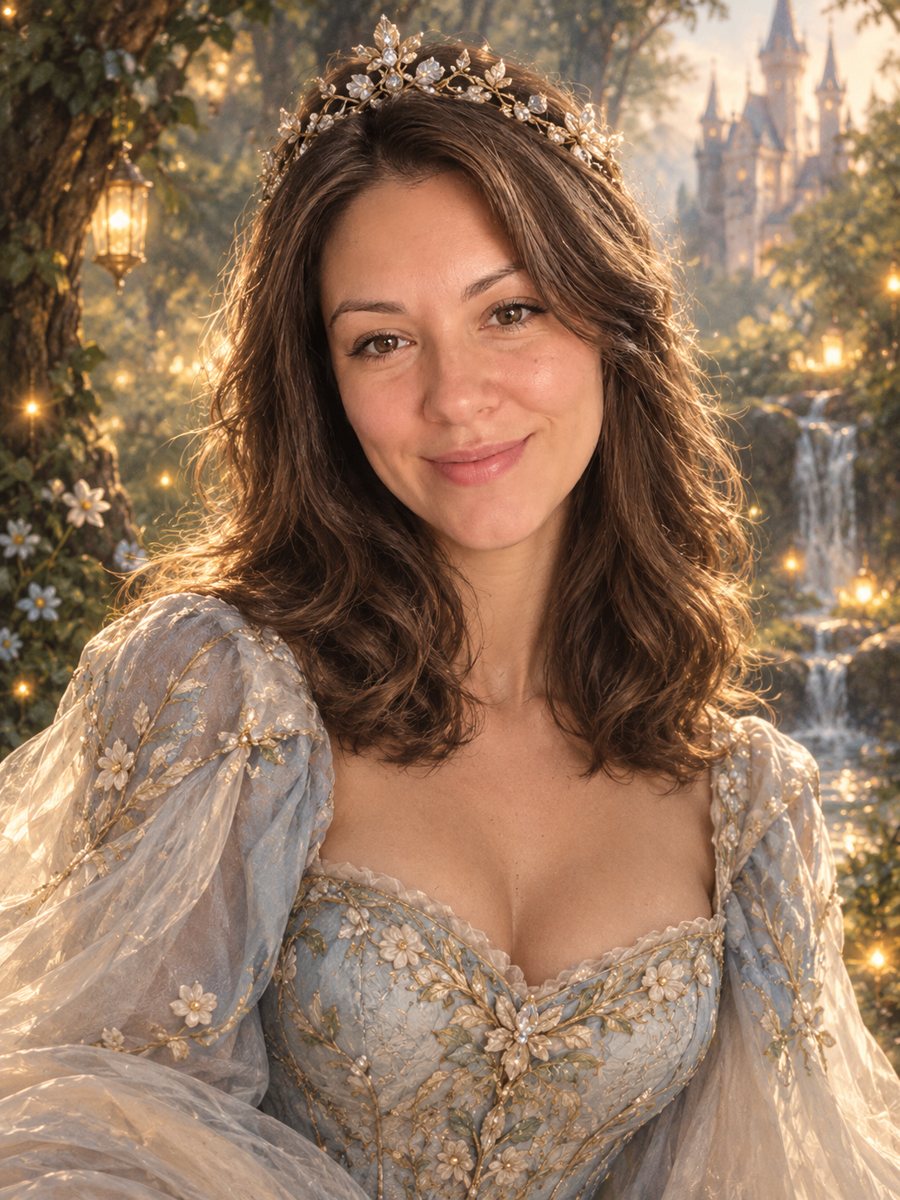 Turn your photo into a fairy tale princess portraitTurn a photo into a fairy tale princess portrait with a gown, tiara and an enchanted forest. Copy the free...
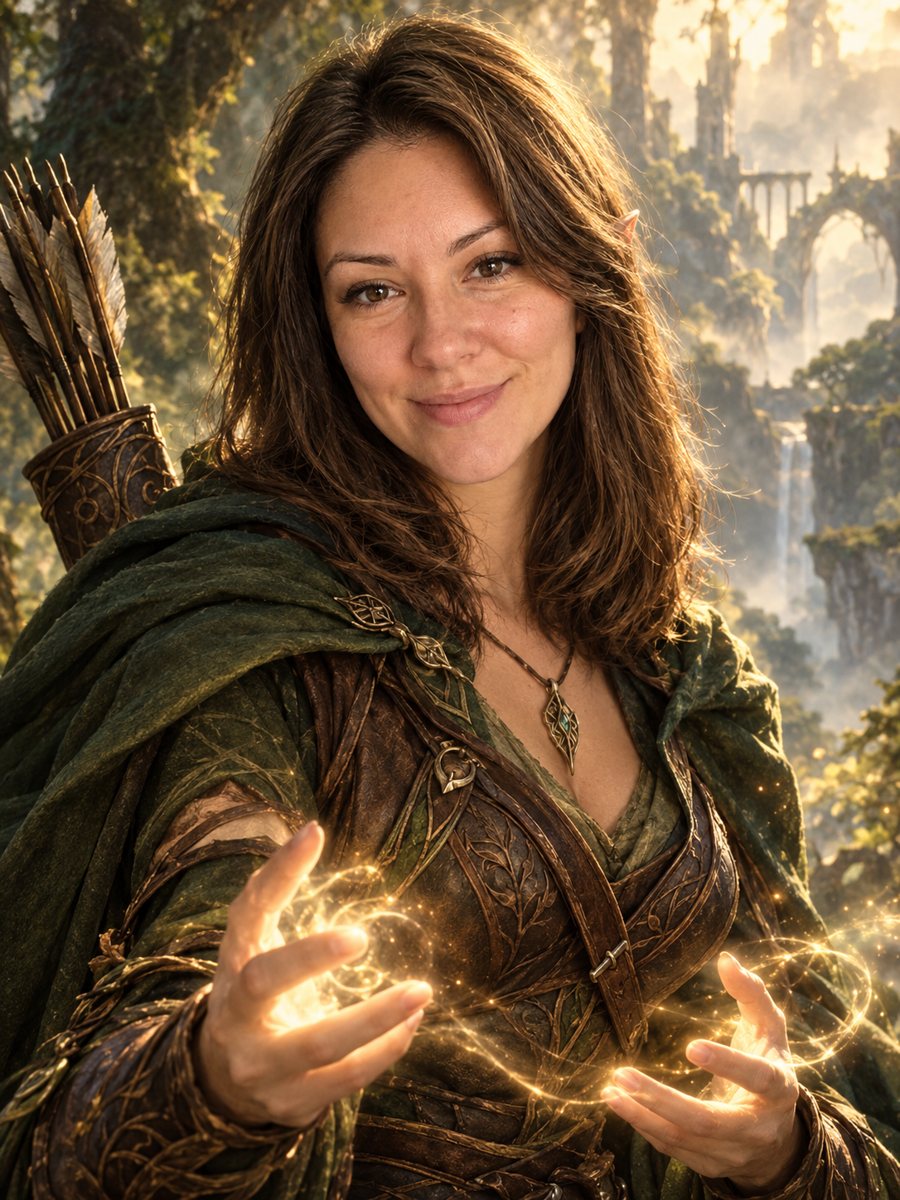 Turn your photo into a fantasy character portraitTurn your photo into an elven or ranger style fantasy novel cover portrait. Ready prompt, 2 credits per...