Upgrade your profile photo without changing you
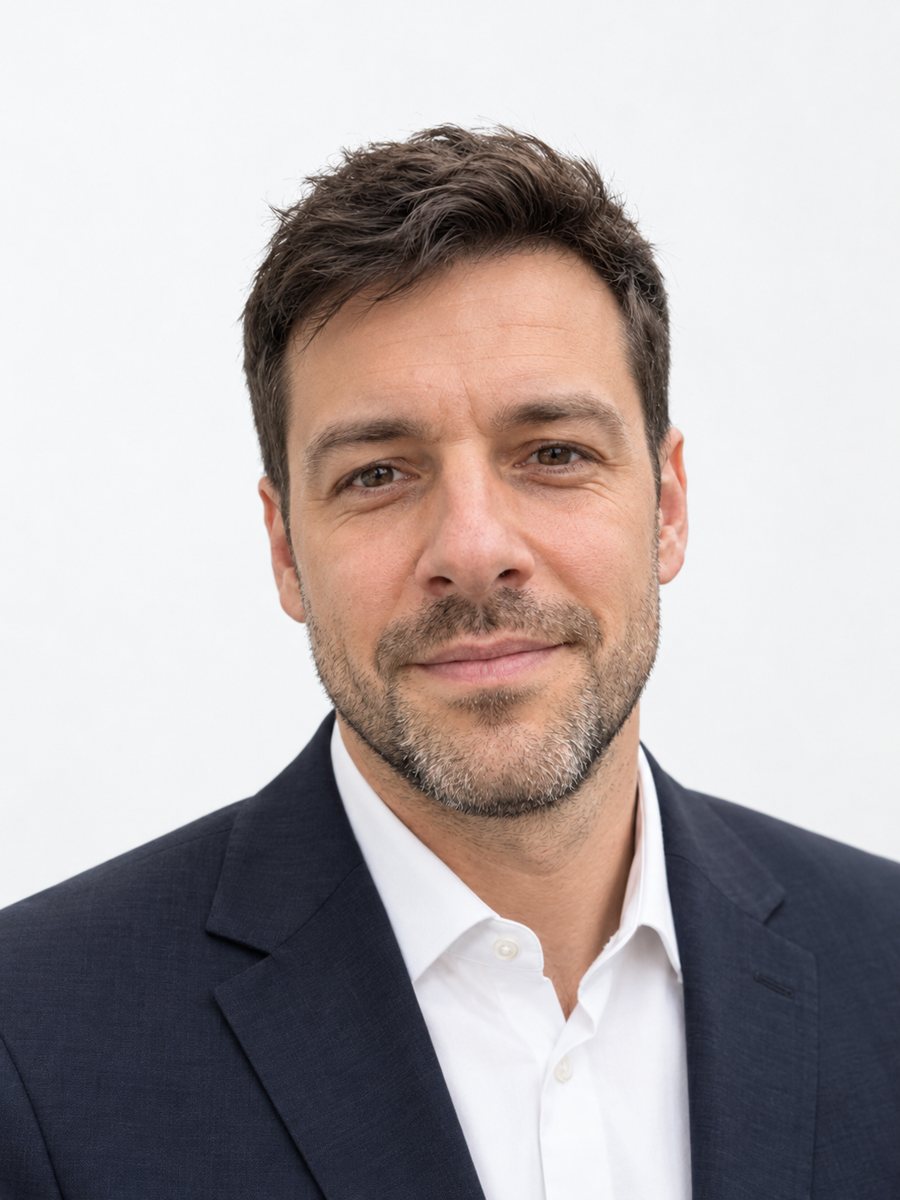
The bot keeps your face, features, skin texture and hairstyle exactly as they are. It fixes exposure and white balance, turns a messy background into a pleasant blurred outdoor scene with warm evening light, and cleans up the colors. Clothing stays the same.
- 2 credits per image
- Result in 1–2 minutes
- No sign-up
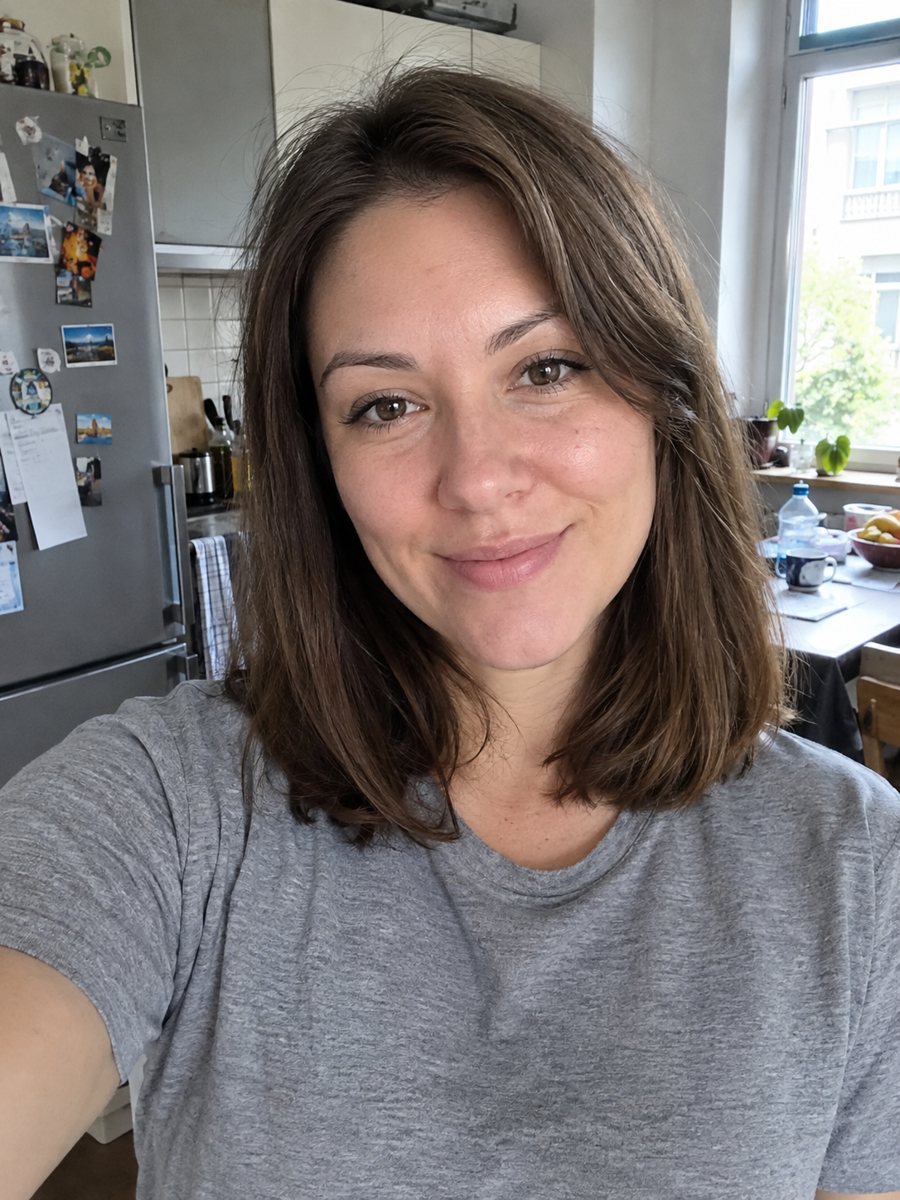
 BeforeAfter
In short: Improve a social media profile picture: fix exposure and white balance, blur a messy background to a warm evening scene. Ready prompt, 7 images free.
- Where: the VisuMate bot in Telegram, no app or sign-up.
- Cost: 2 credits per image, 7 images free, then packs from 49 Telegram Stars.
- Time: 1 to 2 minutes per image, rerun with a new instruction at the same price.
When you need this
- Your photo is too dark or too yellow but it is the only good expression you have.
- The room behind you is cluttered and you do not want to retake the shot.
- You want a nicer profile picture for dating, social or messenger apps.
- A friend took a great photo with bad light and you want to save it.
How to do it
- 1
Use the button above to open VisuMate in Telegram. The profile photo upgrade style is preselected, so there is no menu to browse.
- 2
Pick one photo and send it as a document. If you want changes, write them in the caption: golden hour light, trees in the background.
- 3
Give it 1-2 minutes. The cost is 2 credits per image. Review that skin looks natural and the background blur has clean edges around your hair, and save the best one or try again.
Try it on your own photo: 7 images are free, no sign-up.
Make it in TelegramThe prompt behind this style
Improve this photo for a social media profile picture without changing the person. Keep the face, features, skin texture and hairstyle exactly as they are. Fix the exposure and white balance, soften a messy background into a pleasant blurred outdoor scene with warm evening light, keep the clothing, make the colors clean and natural. Vertical 3:4, head and shoulders, no text.
A gentle upgrade
This is the least dramatic portrait style. The prompt asks for correct exposure, balanced white balance, clean colors and a softer, nicer background, while keeping the face, skin texture and hairstyle unchanged. Clothing remains as in the photo. The warm evening light gives a pleasant glow, like golden hour.
When it works best
A photo where you are already in focus and your face is visible gives the best result. Very dark or heavily blurred photos cannot be rescued completely. Hair strands against a busy background can look cut out, so look closely. If the photo has several people, crop to one first. You can also request a different scene in the caption.
Expectations
The AI changes the background and light, so small details at the edges may differ from reality. Do not use this as a passport or ID photo. For dating and social profiles, a natural look is best, so avoid asking for dramatic edits. If you want a more polished studio look, see the professional headshot style.
Tips
- Start with your best expression; the prompt does not alter faces.
- Tell the bot what scene you prefer behind you: park, beach, city street.
- If the clothes color looks off, mention the real color in the caption.
- Hair edges are the hardest part for background changes, so check them.
- If the edit looks too glossy, rerun and add: keep it natural and slightly grainy.
Questions and answers
Will it retouch my face?
The prompt says to keep the face, features and skin texture exactly as they are.
Can I keep my own background?
Mention keep the original background in the caption, but the prompt aims to soften messy ones.
Does it change my clothes?
No, the clothing stays.
Is this good for dating apps?
It improves light and background without changing you. Use photos that still look like you.
What does it cost?
2 credits per image, 7 images free to start.
More in "Photo styles"
 Create a professional headshot from your photoMake a polished headshot with a light gray backdrop, soft studio light and natural retouching. Ready...
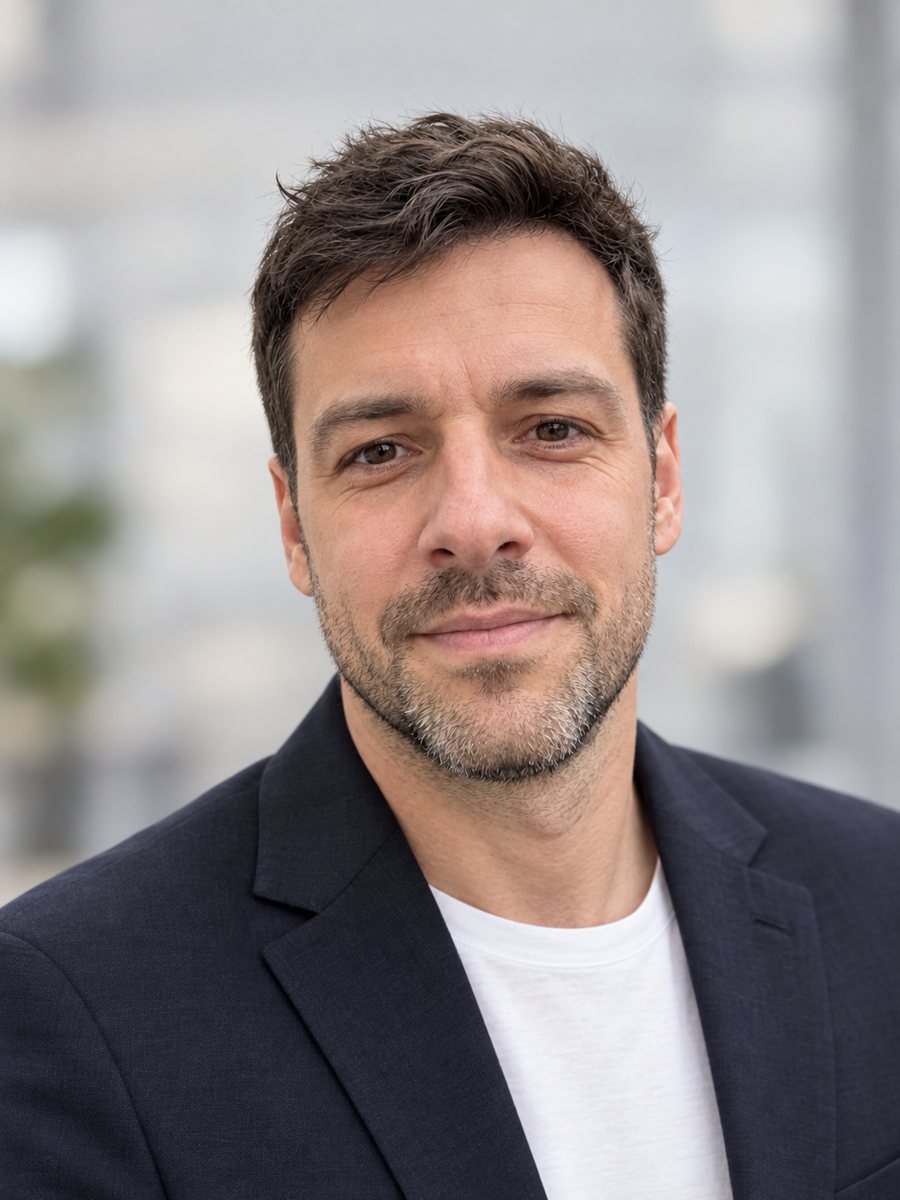 Make a LinkedIn headshot from a selfieTurn a casual selfie into a professional LinkedIn headshot with a blazer and a soft studio backdrop. Ready...
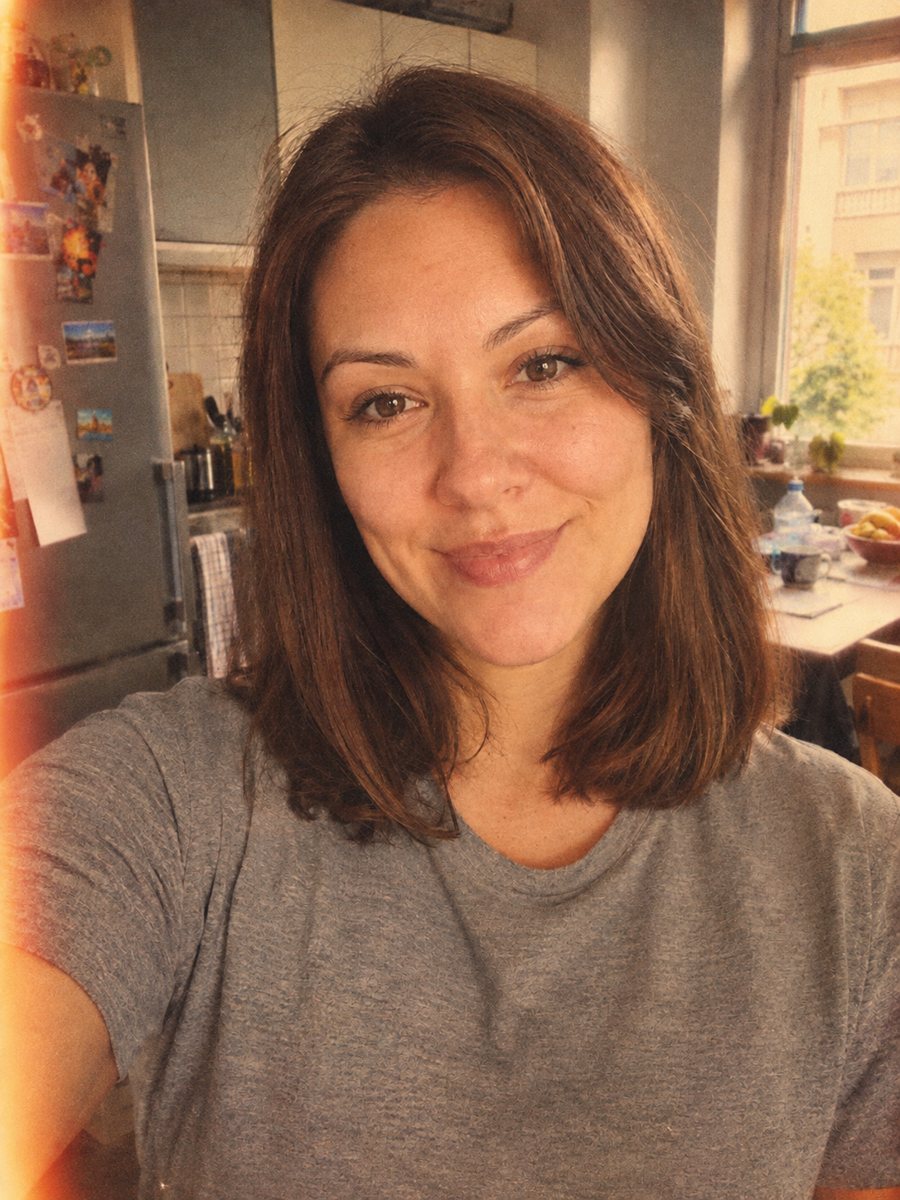 Give your photo a vintage 1970s film lookGive your photo a 1970s color film look with grain, faded tones and a light leak. Ready prompt, 2 credits...
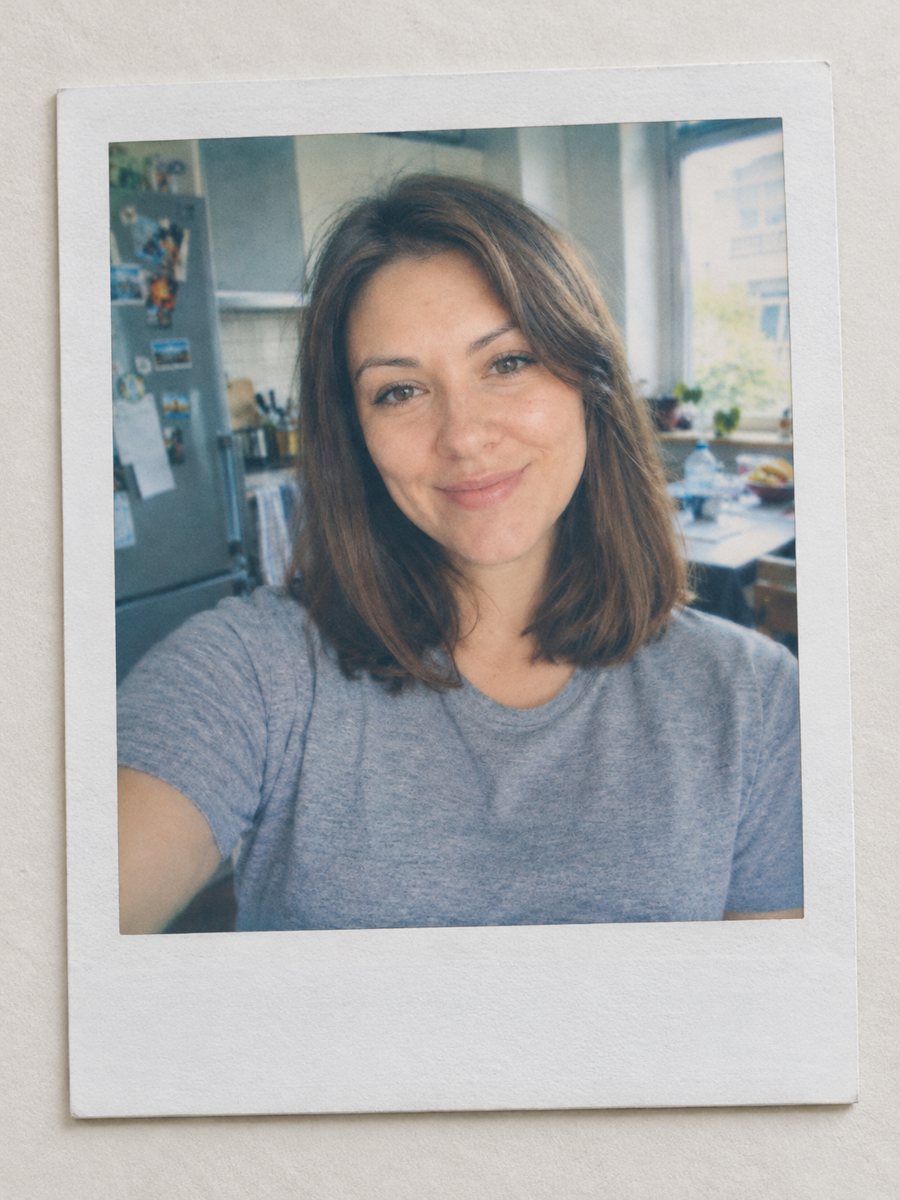 Turn your photo into a Polaroid-style instant printTurn any photo into an instant film print with a white frame, soft colors and a plain surface. Ready...
 Make matching corporate team headshots from photosReshoot photos as consistent corporate team headshots with white backdrop, navy attire and the same...