Give your photo a vintage 1970s film look
Send a modern photo and get it back as if it were shot on 1970s color film: warm faded tones, soft contrast, grain, a small light leak and a gentle vignette. The person, pose and background stay as they are.
- 2 credits per image
- Result in 1–2 minutes
- No sign-up
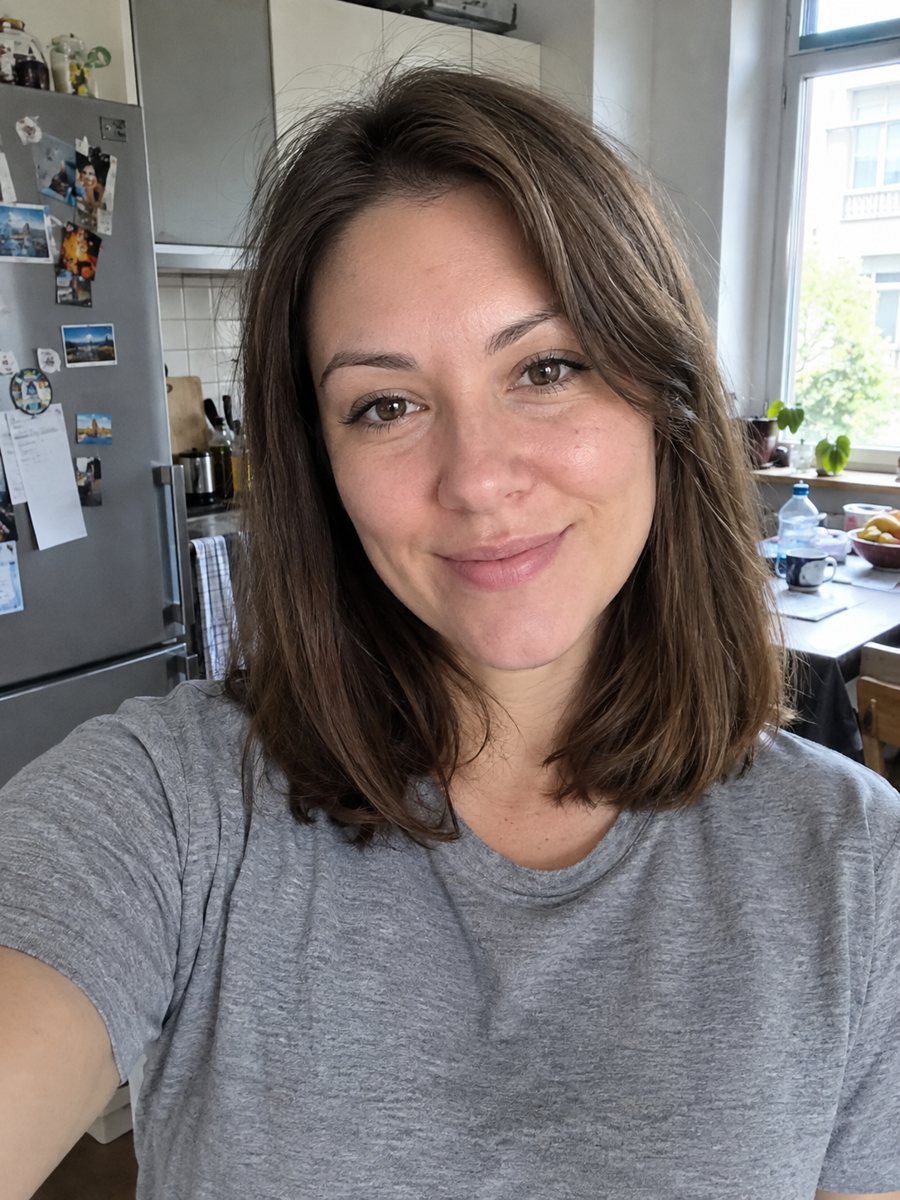
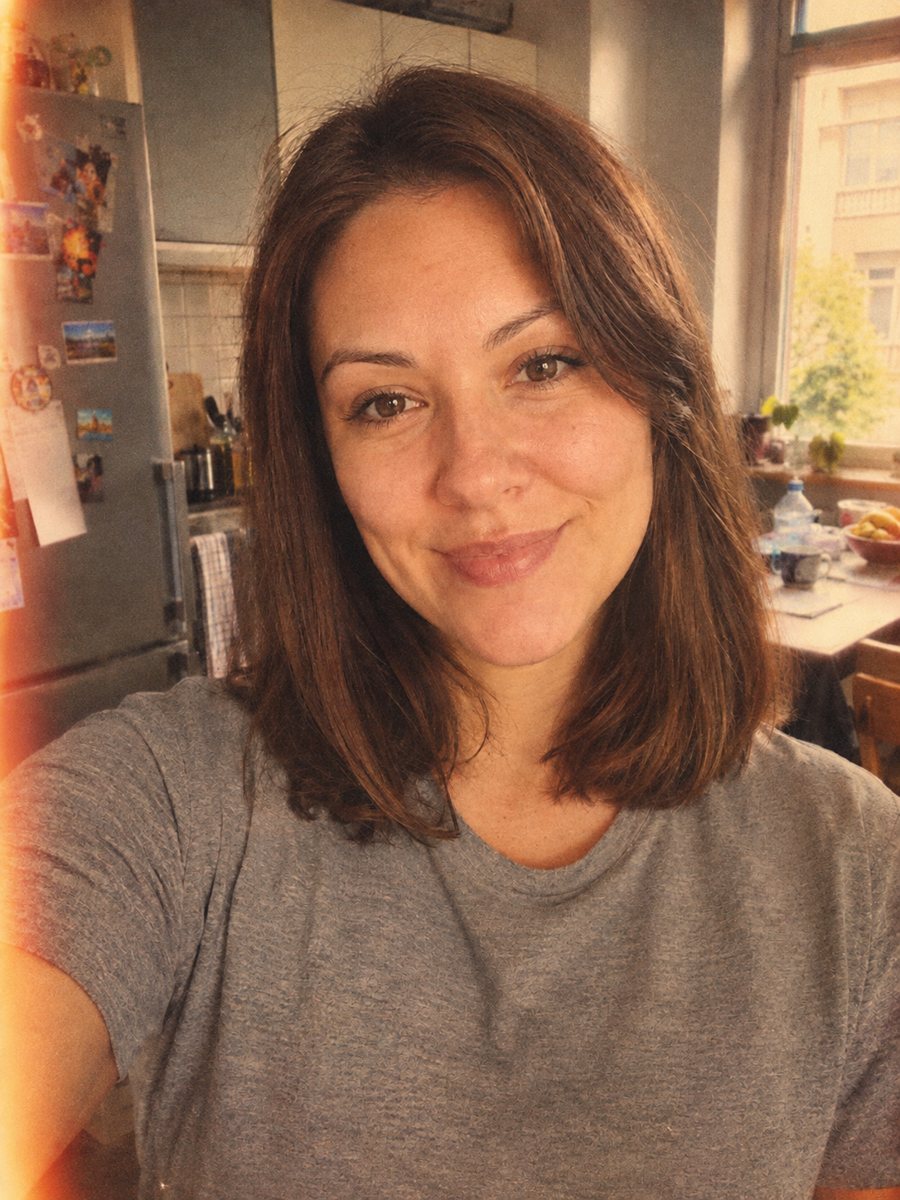 BeforeAfter
In short: Give your photo a 1970s color film look with grain, faded tones and a light leak. Ready prompt, 2 credits per image, 7 images free in Telegram.
- Where: the VisuMate bot in Telegram, no app or sign-up.
- Cost: 2 credits per image, 7 images free, then packs from 49 Telegram Stars.
- Time: 1 to 2 minutes per image, rerun with a new instruction at the same price.
When you need this
- Your digital photos look too sharp and clean for a nostalgic post.
- You want a retro cover or a flyer image without hunting for an actual film scan.
- A travel photo needs a warm, faded feel for an album.
- Presets in editing apps all look the same and you want a different take.
How to do it
- 1
Press the button to launch the bot. It opens with this style applied, you only need to add a photo.
- 2
Send one photo as a file (document) so Telegram does not compress it. Caption is optional, for example: warmer tones, light leak on the right.
- 3
The result arrives in the chat in 1-2 minutes for 2 credits. Look at the grain, the skin color and the light leak. A second run costs the same 2 credits if you want another take.
Try it on your own photo: 7 images are free, no sign-up.
Make it in TelegramThe prompt behind this style
Make this photo look like it was shot on 1970s color film. Keep the person, pose and background exactly as they are. Warm faded tones, soft contrast, visible film grain, slight light leak in one corner, gentle vignette, muted greens and warm skin. Vertical 3:4, no text, no border.
What the film look includes
1970s color film had warm highlights, muted greens, lifted blacks and visible grain. The prompt asks for all of this plus a mild vignette and a light leak in one corner. The background and pose stay unchanged, so this is a color and texture treatment rather than a redraw. Faces keep their shape because the AI changes tone and grain, not structure.
Photo choices
Natural light is best: a sunny street, a beach or a kitchen with a window. Flash photos look harsher and the faded look fights with bright flash highlights. Busy modern details, like screens or logos, can reveal the era mismatch, so crop them if you want a convincing result. Black and white inputs are not the target for this style.
Uses and expectations
Use the look for social posts, album art, event invitations and gifts. It will not give you real film, only an imitation. Colors may drift, and skin may look slightly orange in warm settings. A rerun gives different grain and leak placement, so run twice and pick the one you like.
Tips
- Outdoor daylight photos turn into the most convincing film shots.
- Ask for warmer or cooler tones in the caption to match your mood.
- Overexposed skies can become pale haze, which fits the style.
- Avoid photos already filtered, since double effects go muddy.
- If the leak is too strong, rerun and add: very subtle light leak.
Questions and answers
Does it change my face?
The prompt keeps person, pose and background. Only tone, grain and light effects change.
Can I pick another decade?
Write it in the caption, for example make it look like 1980s film, though the prompt is tuned for the 1970s.
Can I use a group photo?
Yes. Since the style keeps the scene, groups work well.
Is there a border?
No. The prompt asks for no border. For a framed print look, see the Polaroid style.
What does it cost?
2 credits per image, 7 images free at the start.
More in "Photo styles"
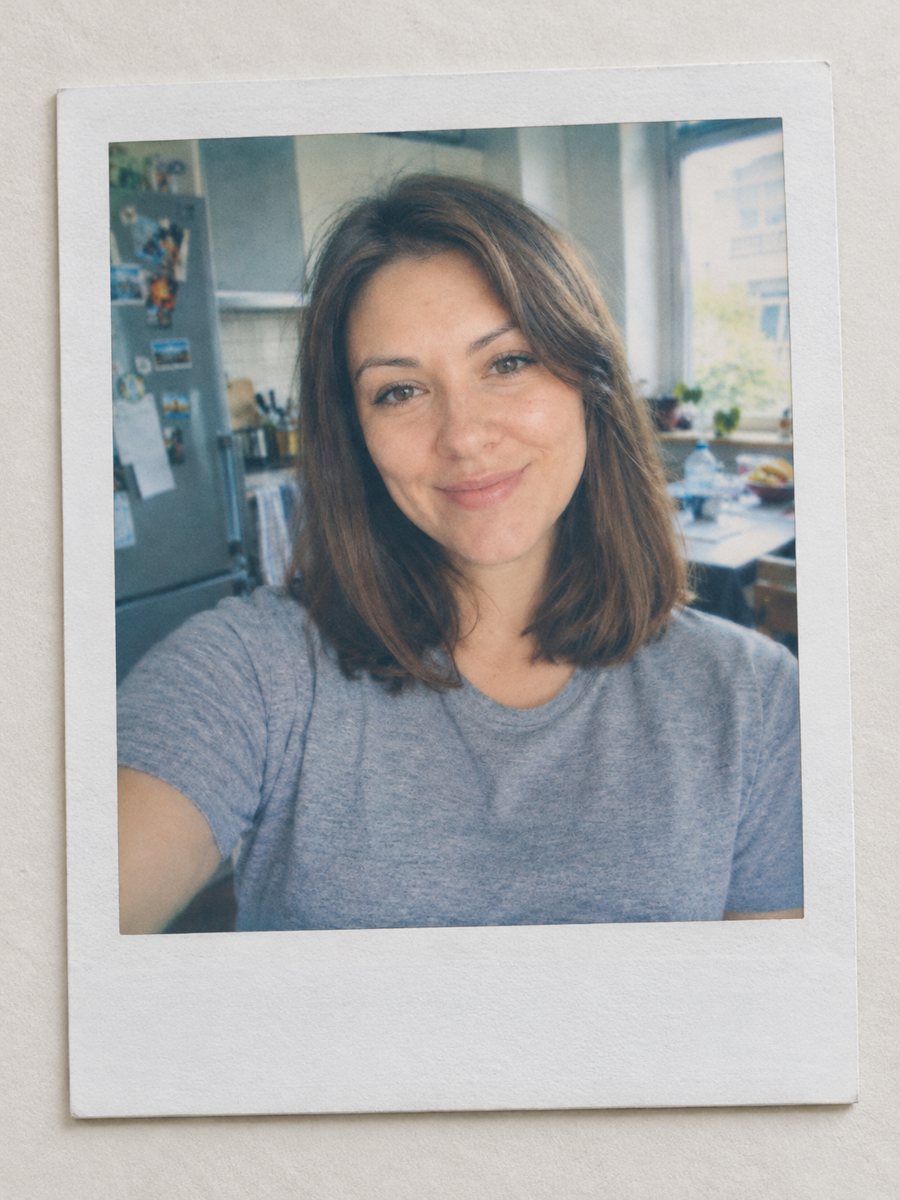 Turn your photo into a Polaroid-style instant printTurn any photo into an instant film print with a white frame, soft colors and a plain surface. Ready...
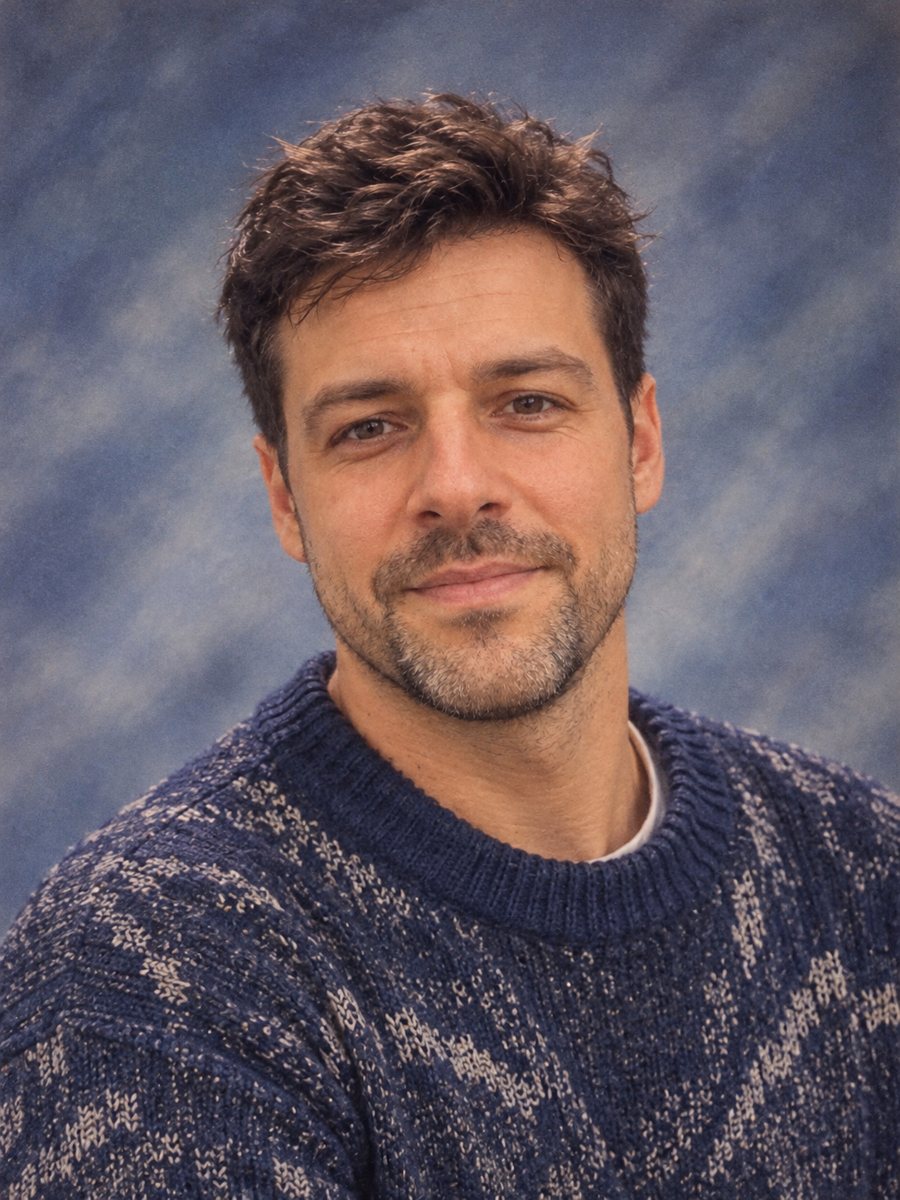 Make a 90s yearbook photo from your selfieMake a 1990s American high school yearbook portrait with a laser backdrop and flash light. Ready prompt, 2...
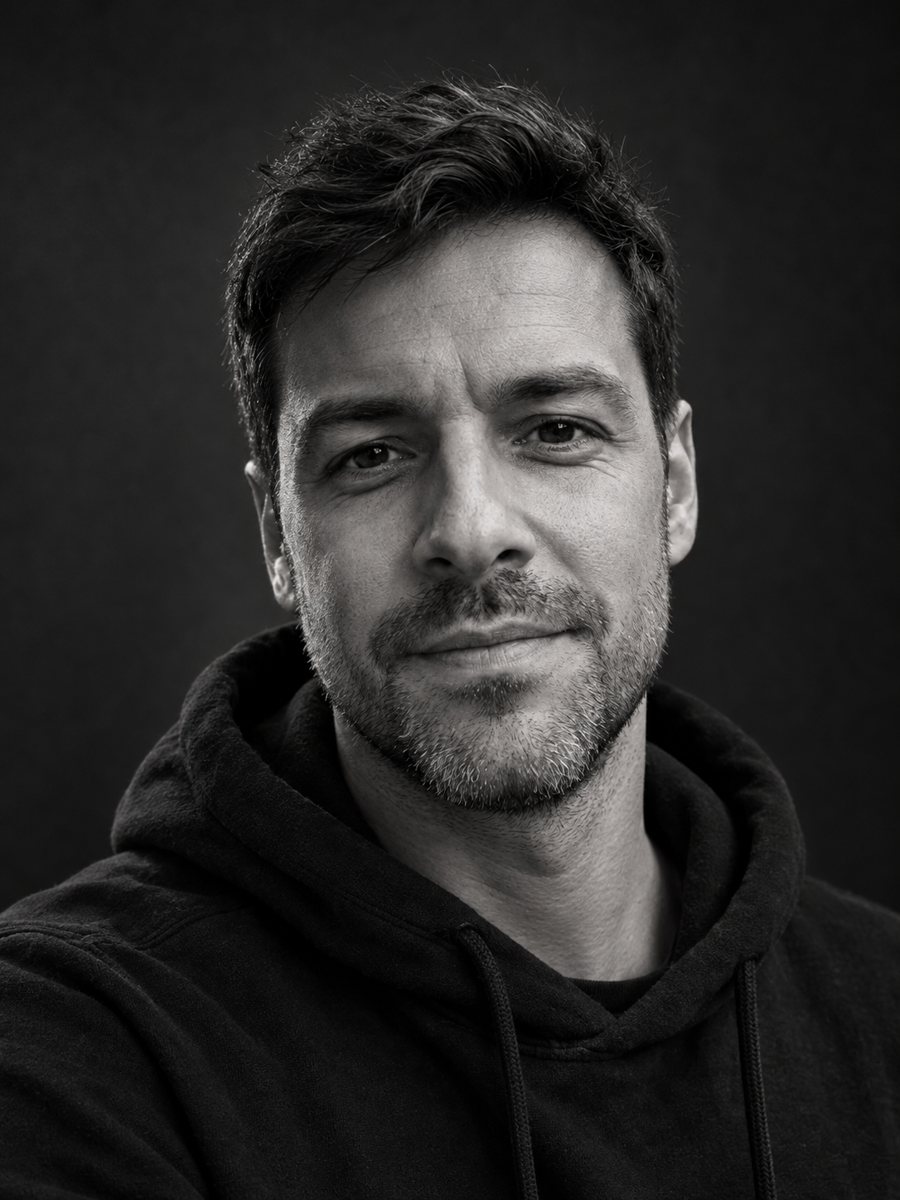 Make a black and white studio portrait from a photoTurn a casual photo into a dramatic black and white studio portrait with a dark backdrop and side light....
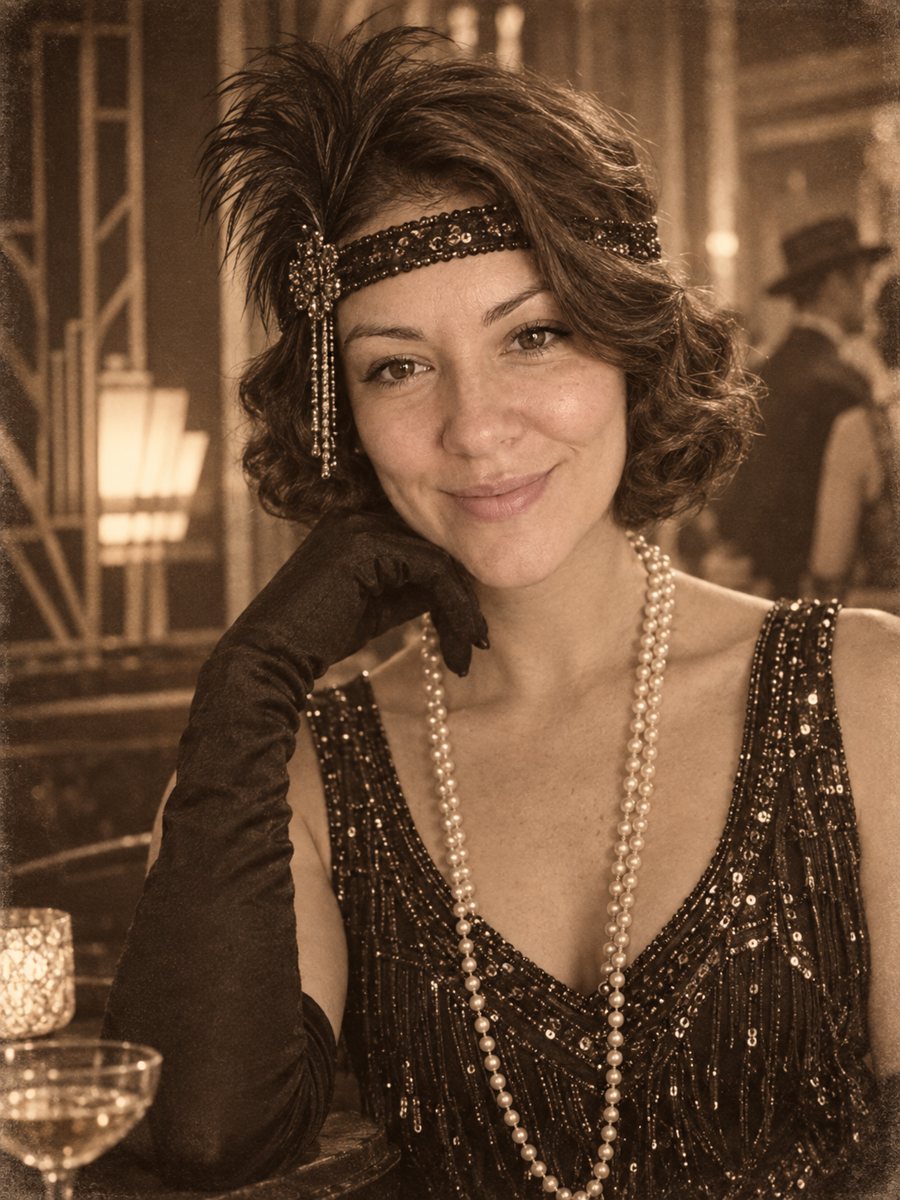 Put yourself in a 1920s photoPlace yourself in the 1920s with period clothes, an art deco interior and a sepia photo look. Copy the...
 Upgrade your profile photo without changing youImprove a social media profile picture: fix exposure and white balance, blur a messy background to a warm...