Turn your photo into a minimal line art avatar
Your silhouette, hairstyle and glasses are redrawn as one continuous thin black line on an off-white background, with a single soft color shape behind the head. No shading, no gradients. Send one photo.
- 2 credits per image
- Result in 1–2 minutes
- No sign-up
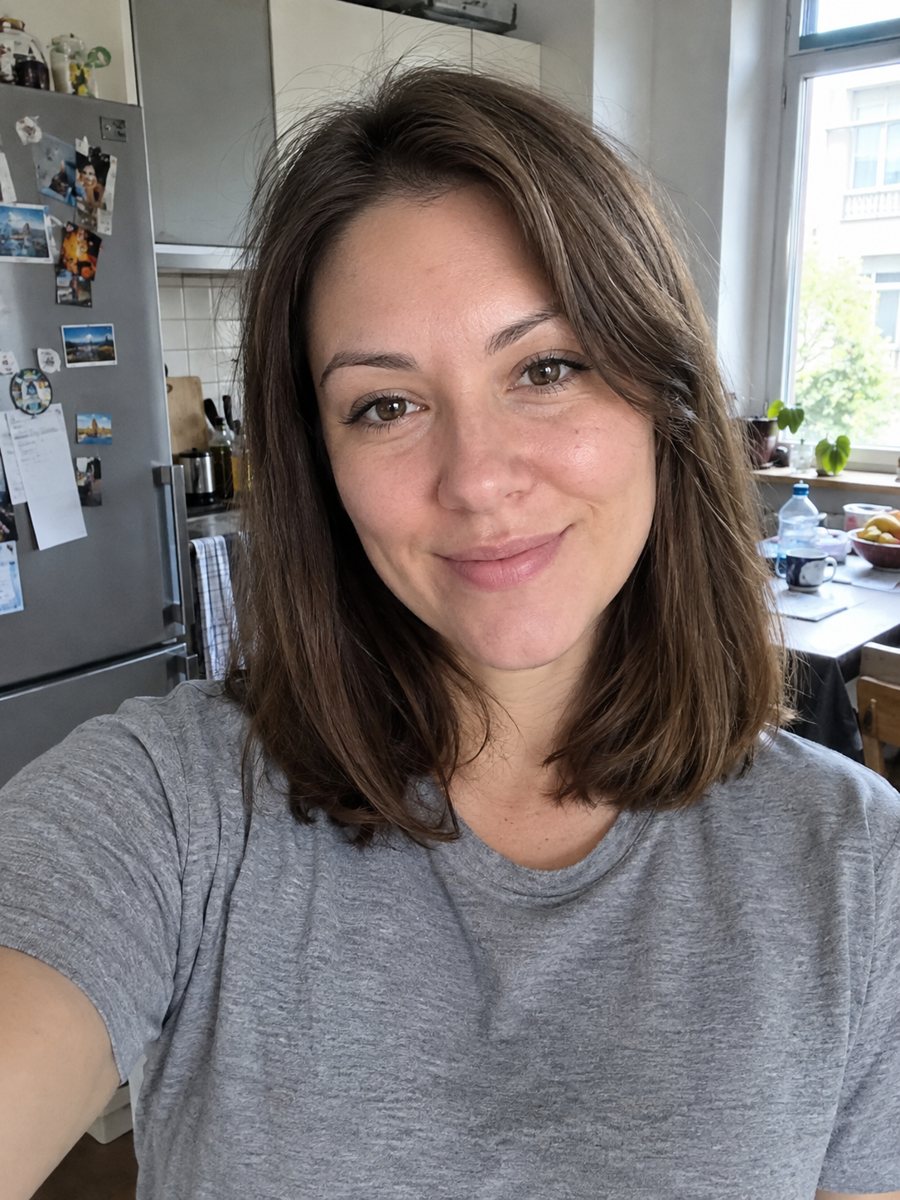
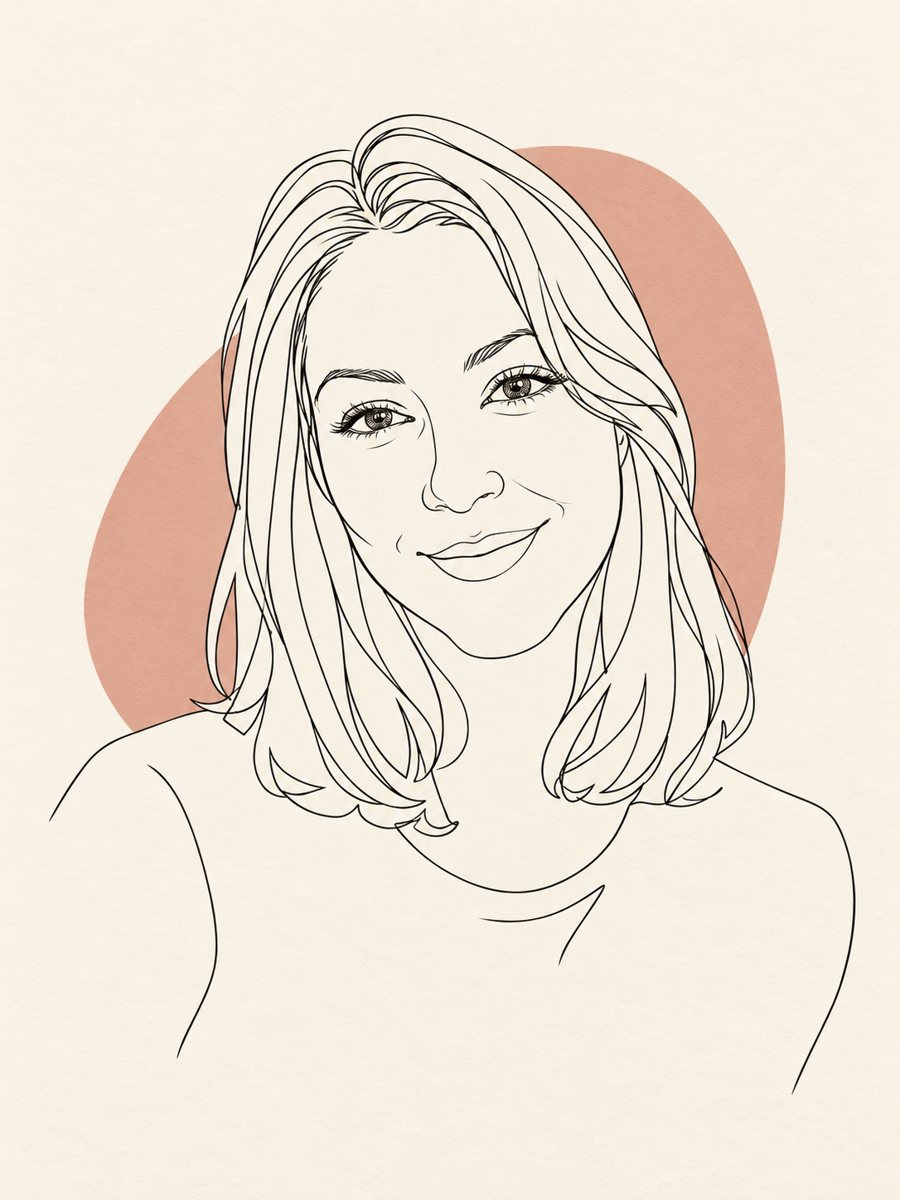 BeforeAfter
In short: Convert a photo into a minimal one-line portrait with a single thin black line and a soft accent shape. Ready prompt, 7 images free in Telegram.
- Where: the VisuMate bot in Telegram, no app or sign-up.
- Cost: 2 credits per image, 7 images free, then packs from 49 Telegram Stars.
- Time: 1 to 2 minutes per image, rerun with a new instruction at the same price.
When you need this
- You want a calm, modern profile picture that is not a photo.
- A brand or blog needs an author illustration in one consistent line style.
- A tattoo or print idea needs a clean outline of a face.
- You like minimal posters and want one of someone you know.
How to do it
- 1
Use the button above to open VisuMate in Telegram. The line art style is preselected, so there is no menu to browse.
- 2
Pick one photo and send it as a document. If you want changes, write them in the caption: accent color sage green, long wavy hair.
- 3
Give it 1-2 minutes. The cost is 2 credits per image. Review that the line reads as one stroke and the glasses and hair are present, and save the best one or try again.
Try it on your own photo: 7 images are free, no sign-up.
Make it in TelegramThe prompt behind this style
Convert this photo into a minimal one-line art portrait. Keep the silhouette, hairstyle and glasses recognizable. A single continuous thin black line on an off-white background, one soft accent color shape behind the head, no shading, no gradients. Vertical 3:4, no text.
The one-line approach
Minimal line portraits use a single stroke that wanders to form the face outline, hair and clothing, with a colored blob behind for balance. The prompt asks for no shading and no gradients. Because there is so little information, the shape of your hair, nose profile and glasses must carry the likeness.
Choosing your photo
A side-lit portrait with a clear outline works best. Busy patterns on clothes and complicated backgrounds distract. If you want a full face rather than a profile, send a front photo. Short or tied-up hair gives cleaner lines than hair that covers the face. Mention the accessories you want to keep.
What it is good for
Use it for profile pictures, business cards, a website about page, a wall print or a stationery set. The AI may draw more than one line or add tiny details, so treat the result as a close imitation of the minimal style. Likeness is lighter than in photo-based styles. Rerun to get a different curve of the line.
Tips
- Pick a photo with a clear silhouette and an uncluttered background.
- State the accent color in the caption: sage, peach, dusty blue.
- Glasses and distinctive hair shapes make the portrait recognizable.
- Simple expressions work better than wide grins.
- If the drawing breaks into many lines, rerun and add: single continuous line only.
Questions and answers
Will it be one single line?
The prompt asks for it, but AI may use several strokes. Rerun if you want a cleaner single line.
Can I get a different background color?
Yes, mention an off-white alternative or the accent color in the caption.
Is it good for a logo?
It can inspire one, but check that the lines are clean enough for vector tracing.
Will it look like me?
The silhouette, hair and glasses carry the likeness, with less detail than a photo style.
What does it cost?
2 credits per image, with 7 images free.
More in "Photo styles"
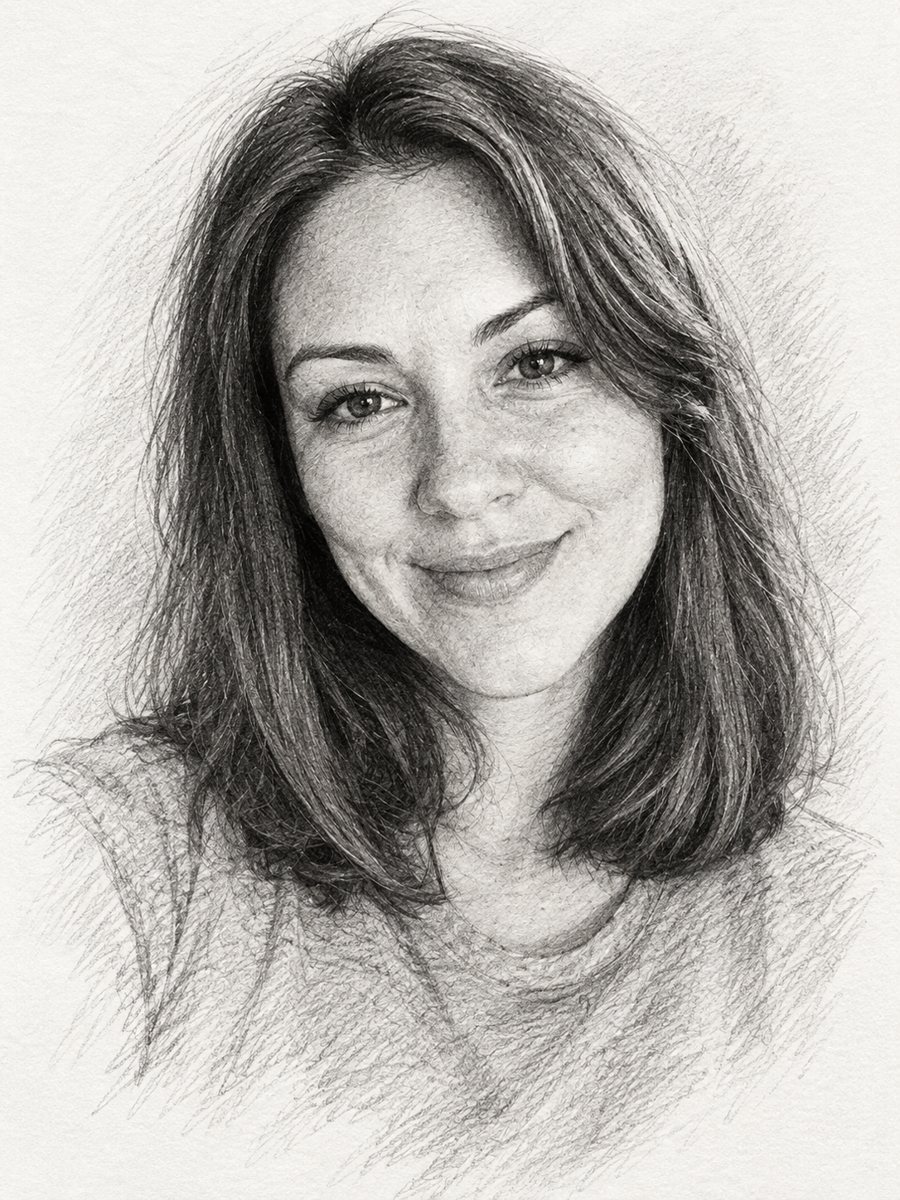 Turn a photo into a pencil sketch portraitConvert a photo into a realistic graphite pencil sketch with hatching and soft shading. Copy the prompt or...
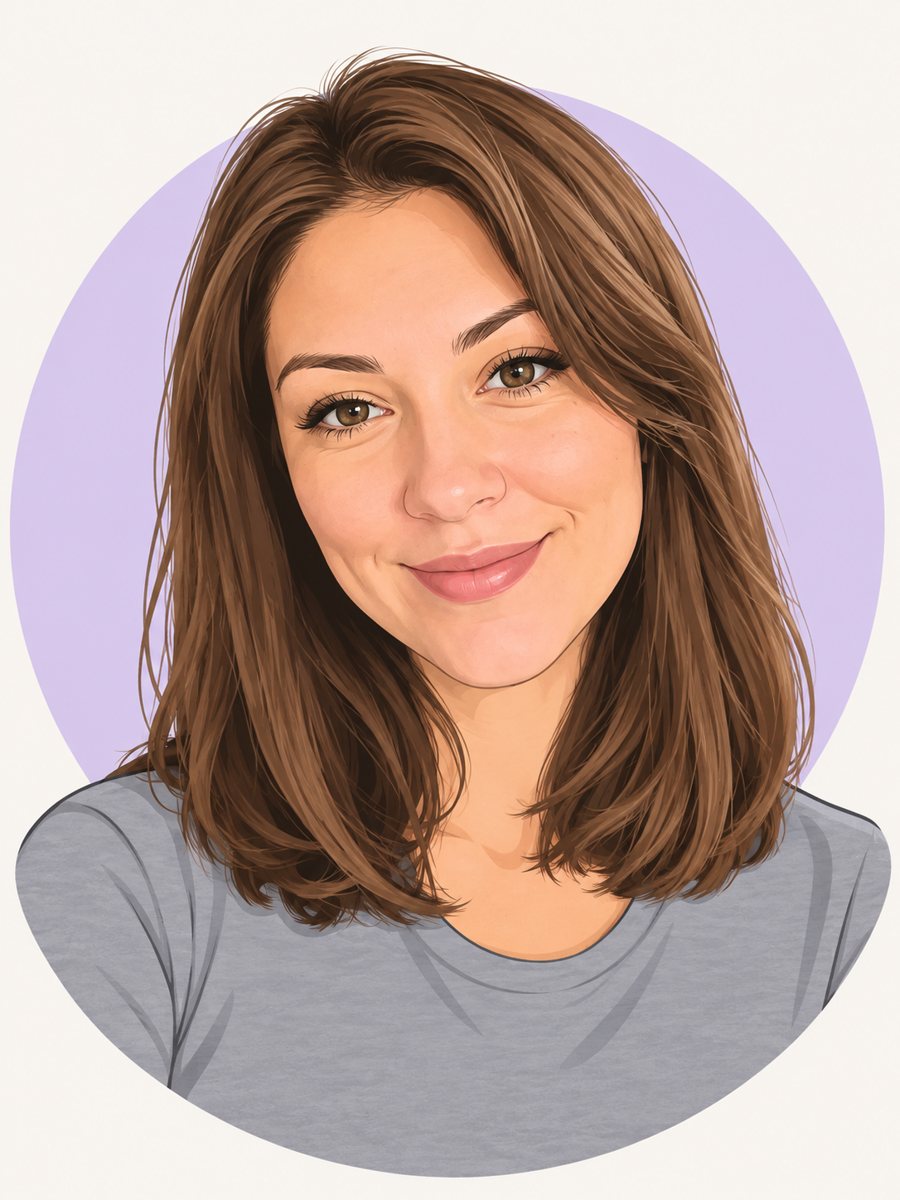 Make a cartoon avatar from your photoDraw a friendly cartoon avatar from your photo in clean vector style with a pastel circle background....
 Create a professional headshot from your photoMake a polished headshot with a light gray backdrop, soft studio light and natural retouching. Ready...
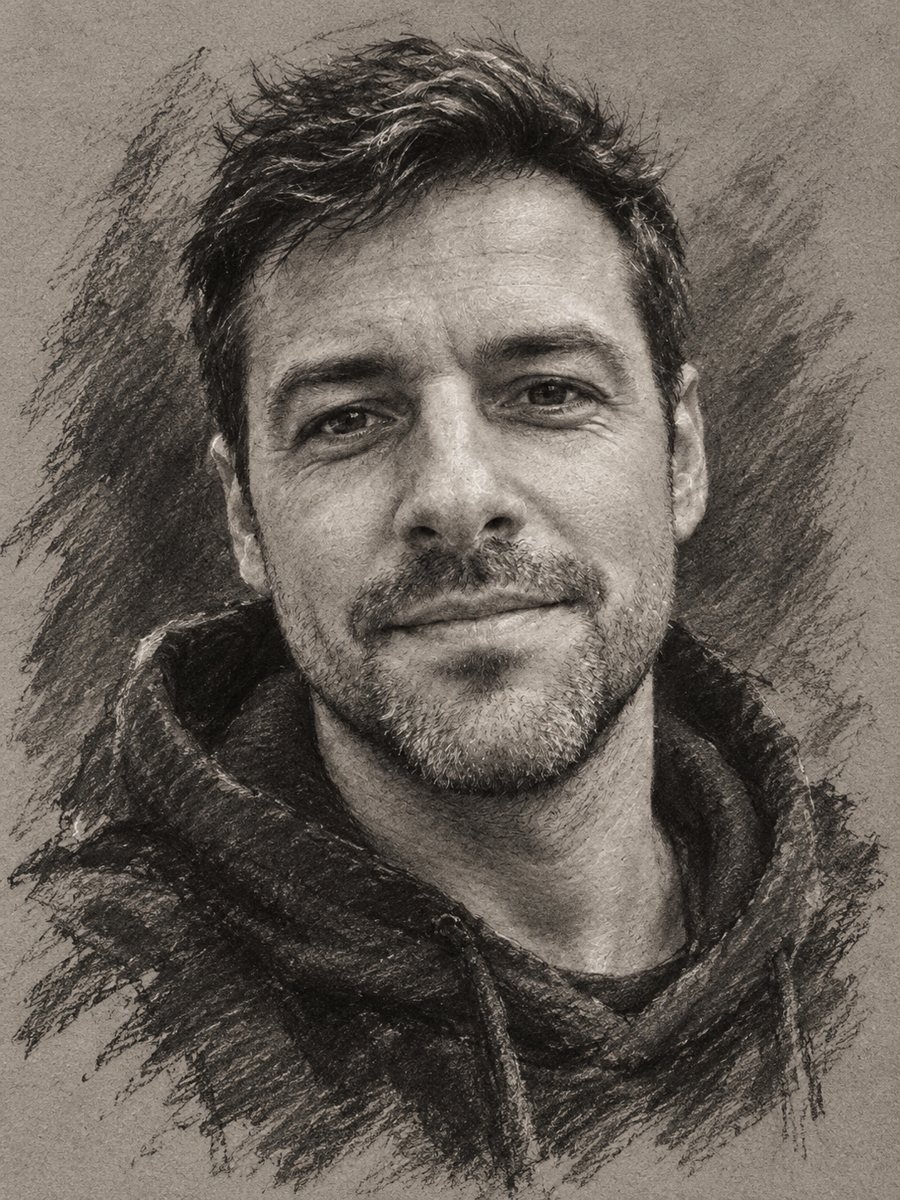 Turn your photo into a charcoal drawingConvert a portrait into an expressive charcoal sketch on gray paper with chalk highlights. Copy the ready...
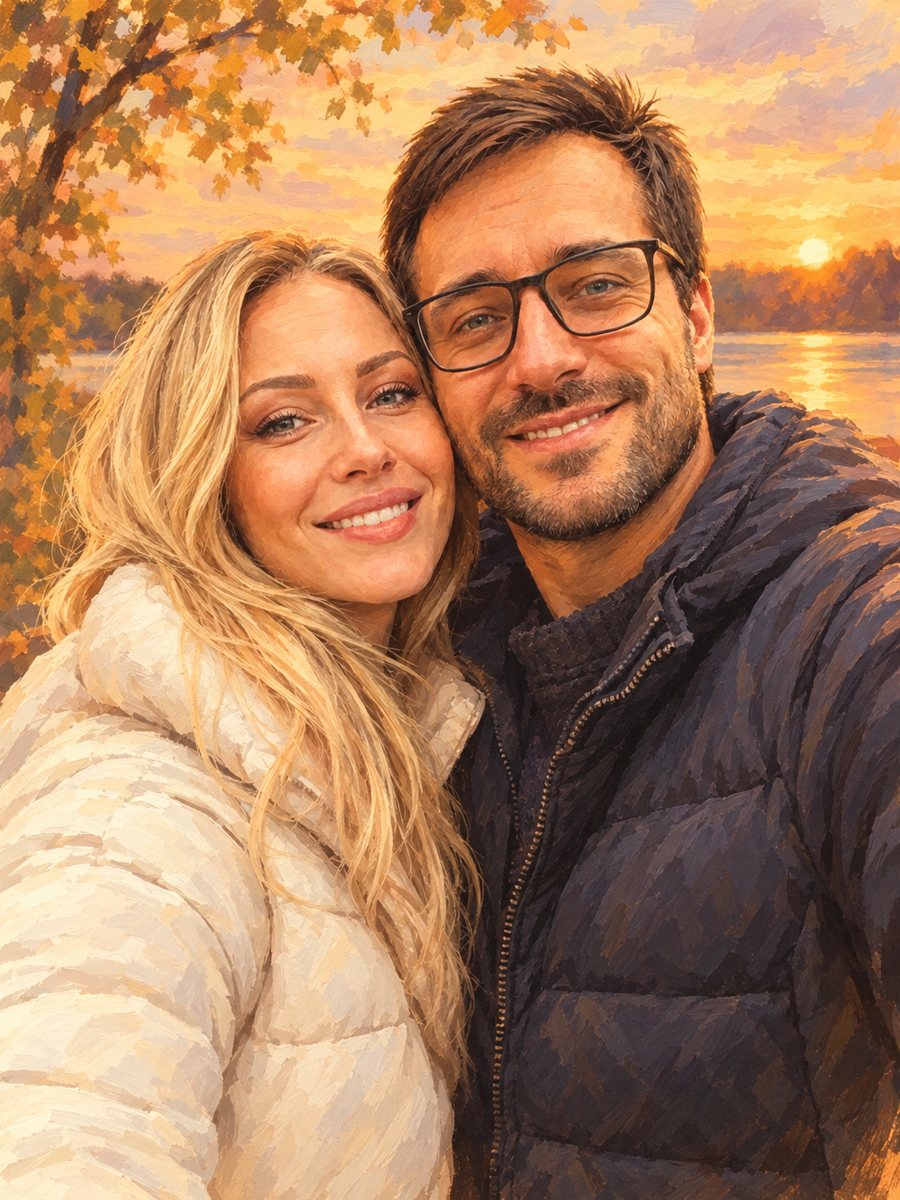 Turn your couple photo into a warm illustrationRedraw a couple photo as a warm digital illustration for an anniversary gift or a print. Copy the ready...