Make a black and white studio portrait from a photo
The bot swaps your background for a dark gray plain backdrop and lights your face from one side with deep shadows. The face and hairstyle stay as they are. You get a monochrome portrait that looks shot in a studio.
- 2 credits per image
- Result in 1–2 minutes
- No sign-up
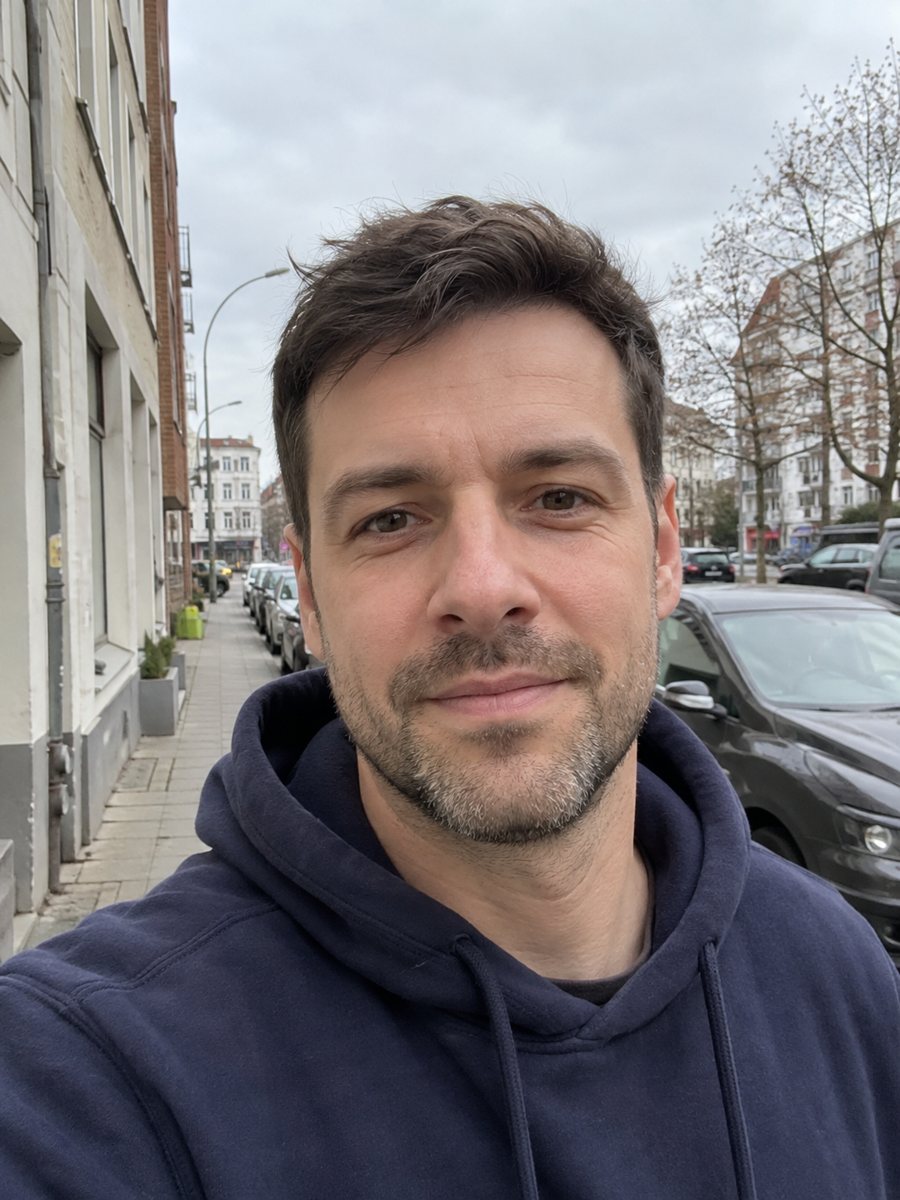
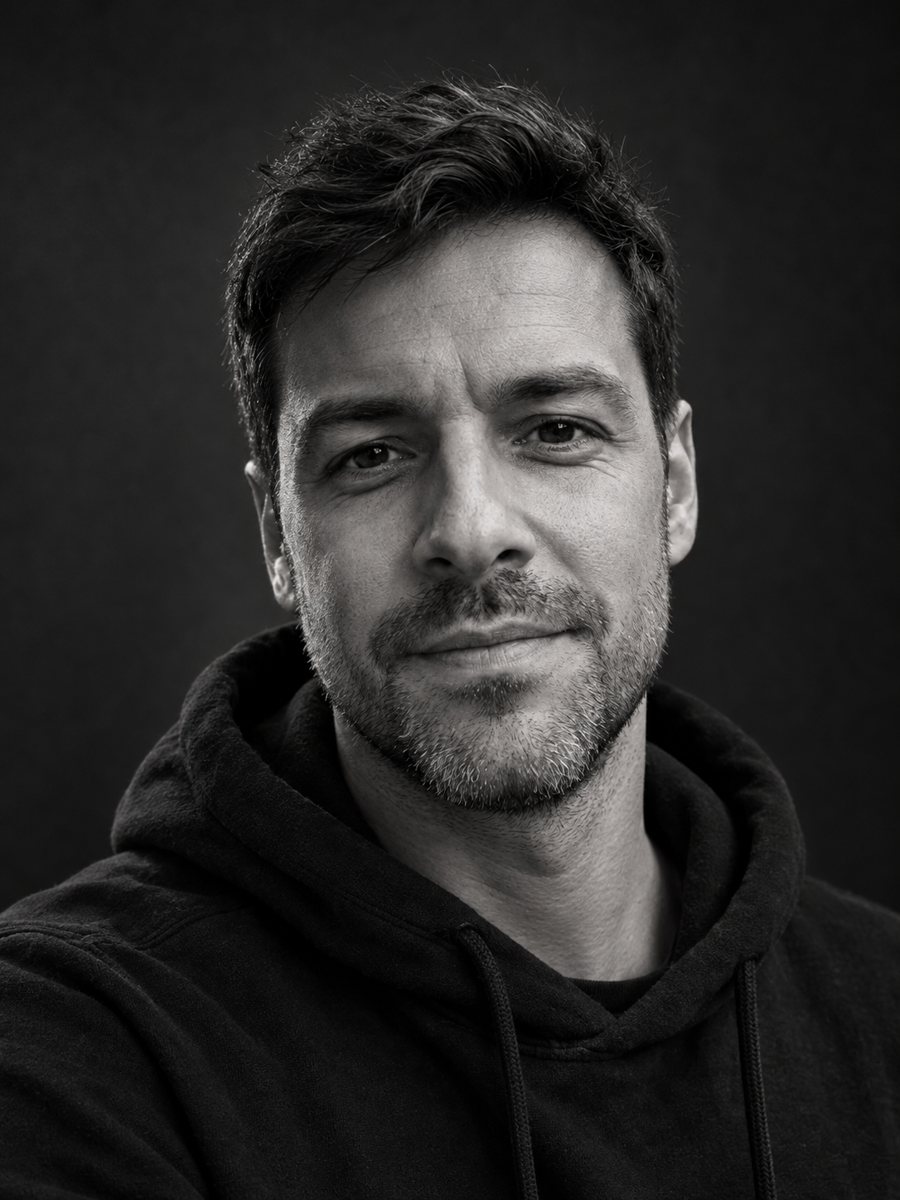 BeforeAfter
In short: Turn a casual photo into a dramatic black and white studio portrait with a dark backdrop and side light. Ready prompt, 7 images free in Telegram.
- Where: the VisuMate bot in Telegram, no app or sign-up.
- Cost: 2 credits per image, 7 images free, then packs from 49 Telegram Stars.
- Time: 1 to 2 minutes per image, rerun with a new instruction at the same price.
When you need this
- Your photo has a cluttered room behind you and you want a clean, serious portrait.
- An actor, writer or musician needs a moody image for a page or a press kit.
- You want a gift portrait that looks timeless and works in any frame.
- Color photos of a person look busy next to a minimalist website.
How to do it
- 1
Tap the button on this page. Telegram opens the bot with this style already selected, press Start if it asks.
- 2
Attach a single photo through the paperclip, choosing File. Add wishes in plain English in the caption, such as: light from the left, white shirt, a little smile.
- 3
In 1-2 minutes you get the image, and 2 credits are used. Zoom in on skin detail, the shadow side of the face and the background edge, then rerun if something looks off.
Try it on your own photo: 7 images are free, no sign-up.
Make it in TelegramThe prompt behind this style
Turn this photo into a dramatic black and white studio portrait. Keep the face, expression and hairstyle exactly as they are. Replace the background with a dark gray seamless backdrop, add soft directional key light from one side with deep shadows, fine skin detail, high dynamic range monochrome. Vertical 3:4, no text.
The studio portrait look
Classic monochrome portraits rely on one main light, a gradient from light to shadow across the face and a plain backdrop. The prompt reproduces that setup: soft directional main light, deep shadows, fine skin detail and a wide tonal range. Because color disappears, expressions and shapes carry the picture, which is why it flatters strong features and honest faces.
Preparing your photo
A sharp photo with the face large in frame works best. Avoid color filters and heavy retouching, since they remove skin detail the AI would use. If the hair is messy, the sleek studio feel may be partly lost, so tidy it before shooting. Glasses can show glare in black and white, so try without them or mention it in the caption.
What to expect
The AI keeps the face and expression as they are, but small details like skin texture and wrinkles are regenerated. Compare it with the original for the nose, jawline and eyes. A rerun is the same price and tends to move the light slightly. The result suits profile pictures, speaker bios, album art and framed prints.
Tips
- Photos with clear face lighting give the AI better shadow shapes to work with.
- Mention the light direction in the caption if you want it on a particular side.
- Dark hair against a dark backdrop can merge, so ask for a slightly lighter gray backdrop if needed.
- Wear or mention a light collar so the shoulders do not vanish.
- If the contrast feels harsh, rerun and add: softer shadows, medium contrast.
Questions and answers
Is it just a black and white filter?
No, the background and lighting are rebuilt too, so you get a studio-style portrait, not a gray copy of your photo.
Will it keep my clothes?
Mostly yes. You can add a caption to change them, such as dark turtleneck.
Can I use a group photo?
The prompt is for one person. Crop to one face first.
Does it add text or a frame?
No. The prompt asks for no text.
How many free images do I get?
7, using the 15 credits at your first launch.
More in "Photo styles"
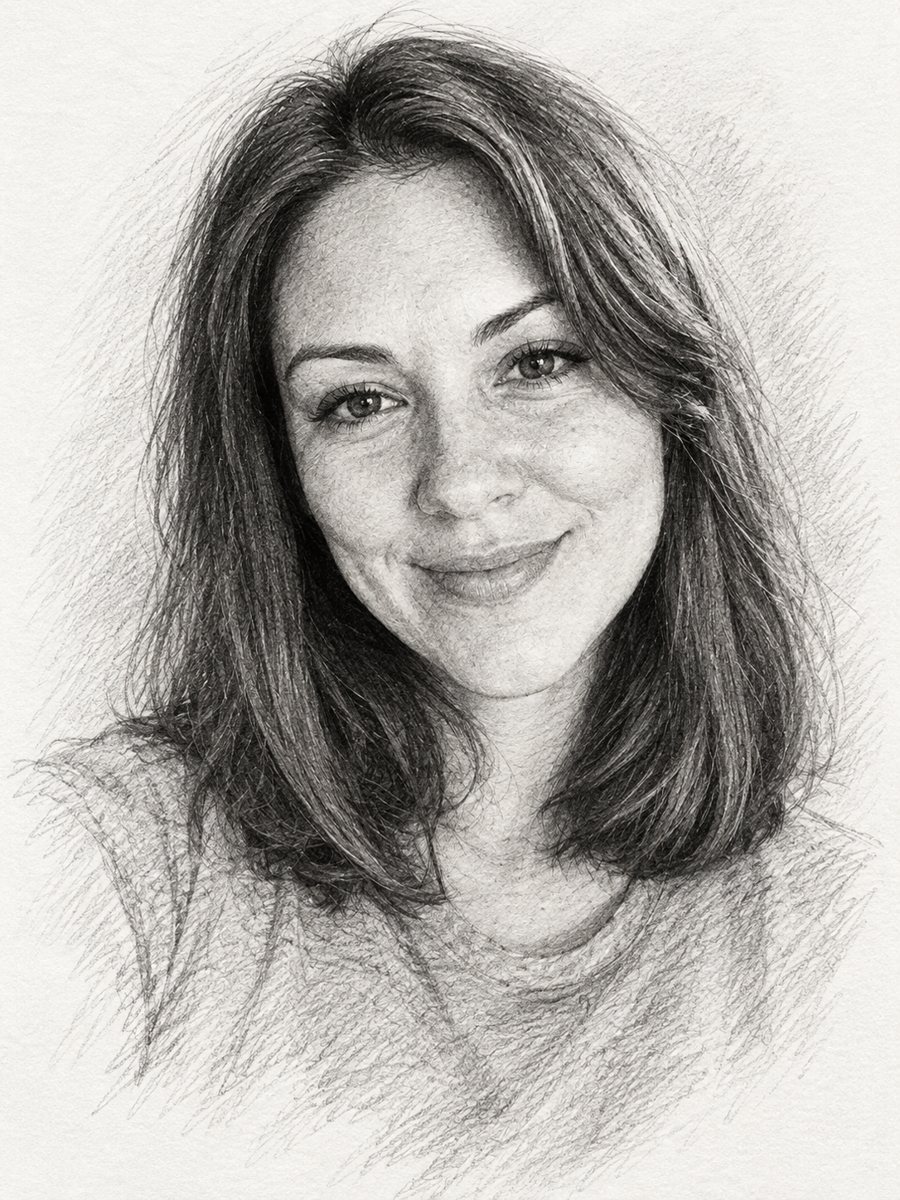 Turn a photo into a pencil sketch portraitConvert a photo into a realistic graphite pencil sketch with hatching and soft shading. Copy the prompt or...
 Create a professional headshot from your photoMake a polished headshot with a light gray backdrop, soft studio light and natural retouching. Ready...
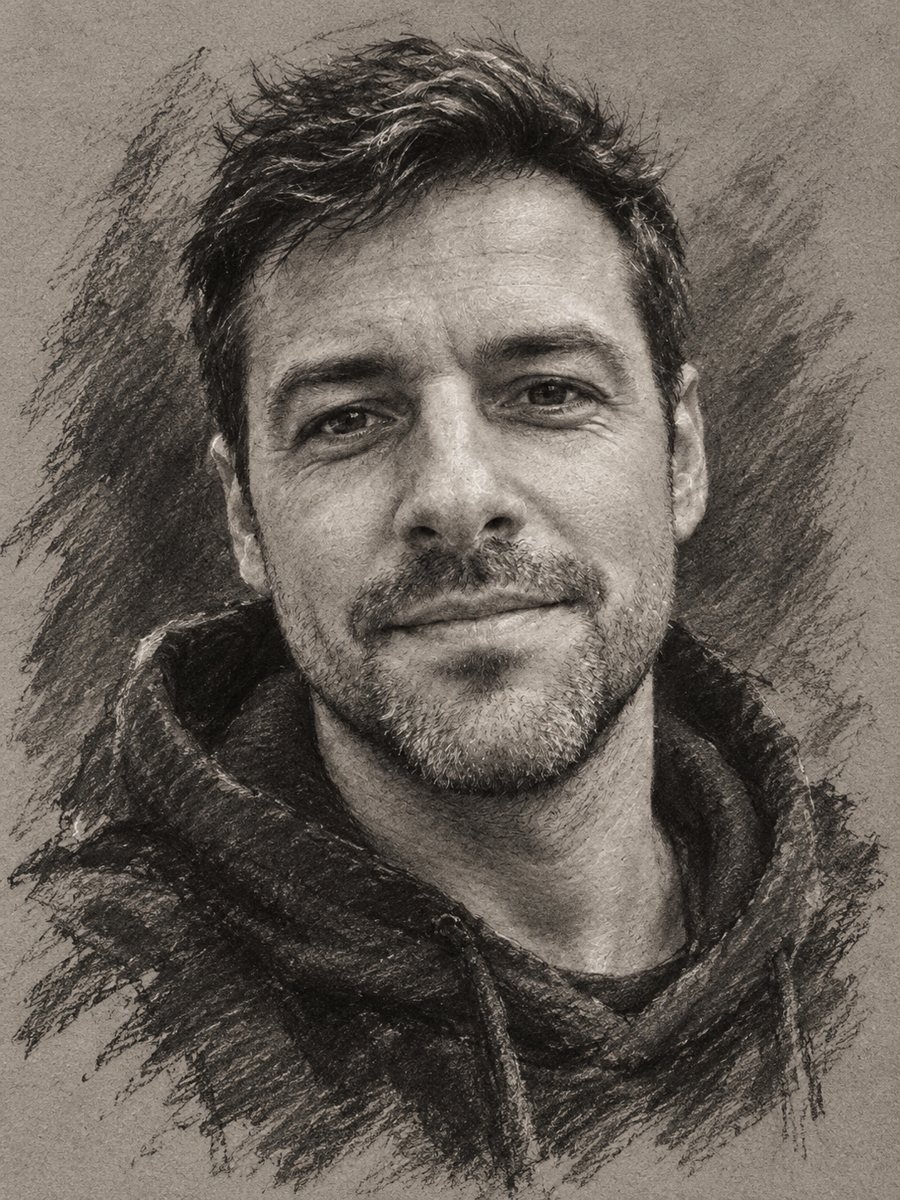 Turn your photo into a charcoal drawingConvert a portrait into an expressive charcoal sketch on gray paper with chalk highlights. Copy the ready...
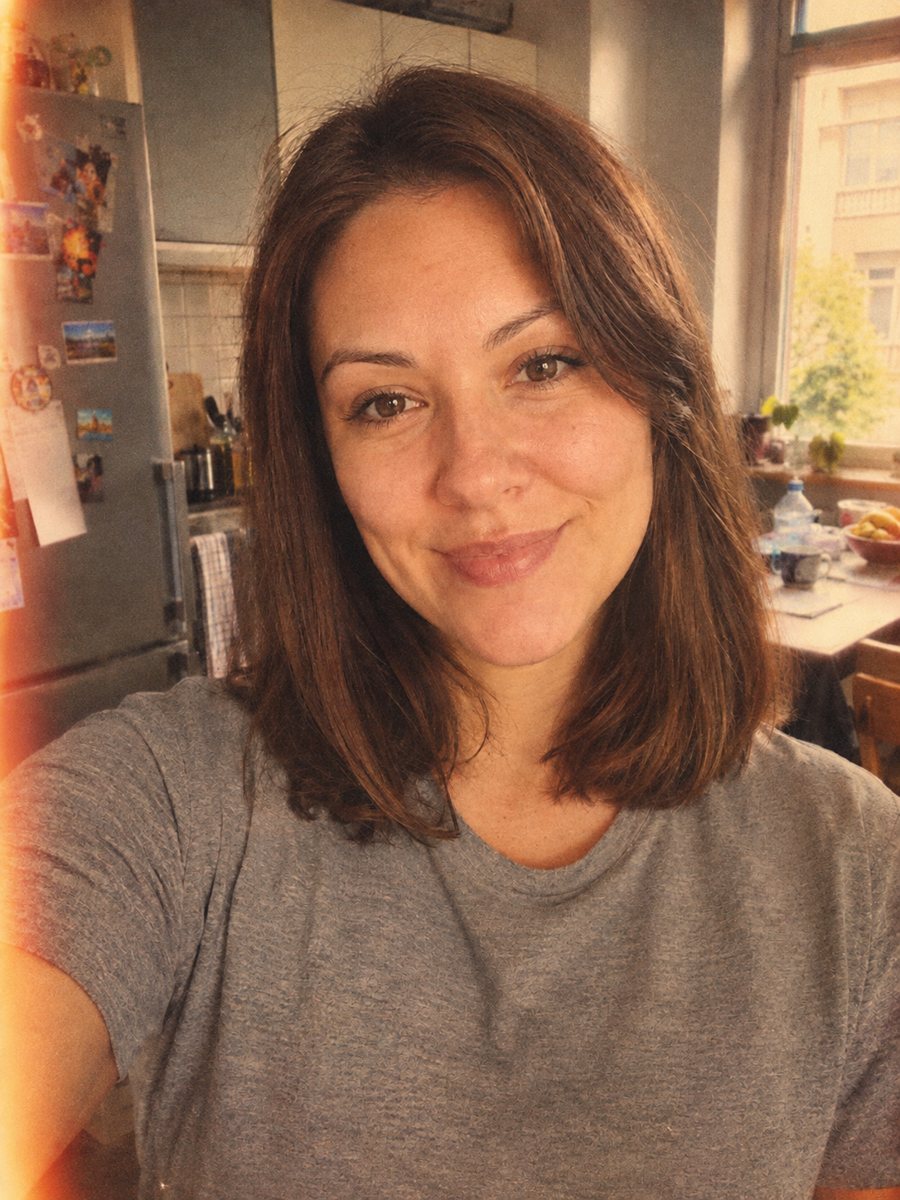 Give your photo a vintage 1970s film lookGive your photo a 1970s color film look with grain, faded tones and a light leak. Ready prompt, 2 credits...
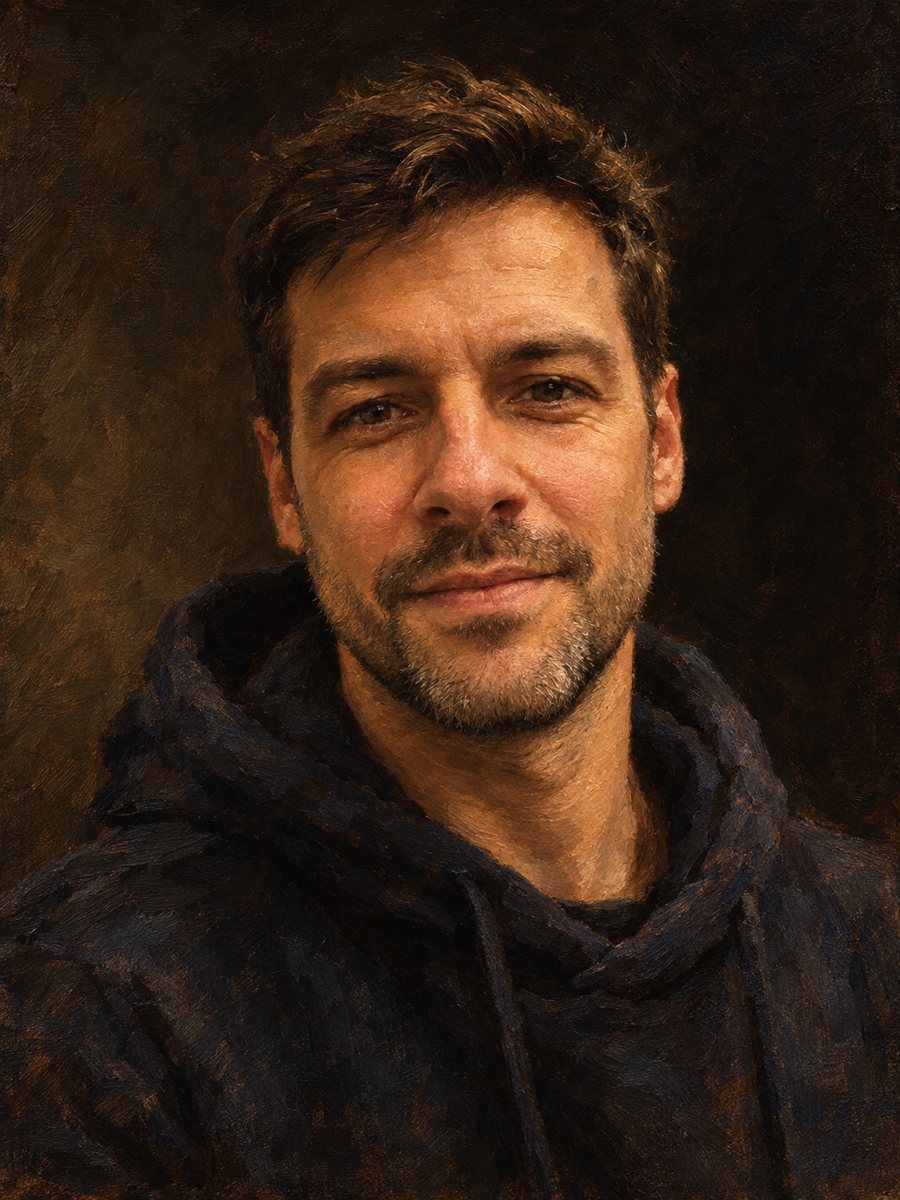 Make an oil painting portrait from a photoRepaint a photo as a classical oil portrait with brush strokes and dramatic light. Ready prompt, 2 credits...