Turn your photo into a charcoal drawing
You get a bold monochrome sketch on toned gray paper, with smudged shadows and white chalk on the brightest spots. Open the bot with the button, send a portrait and the style is ready to go.
- 2 credits per image
- Result in 1–2 minutes
- No sign-up
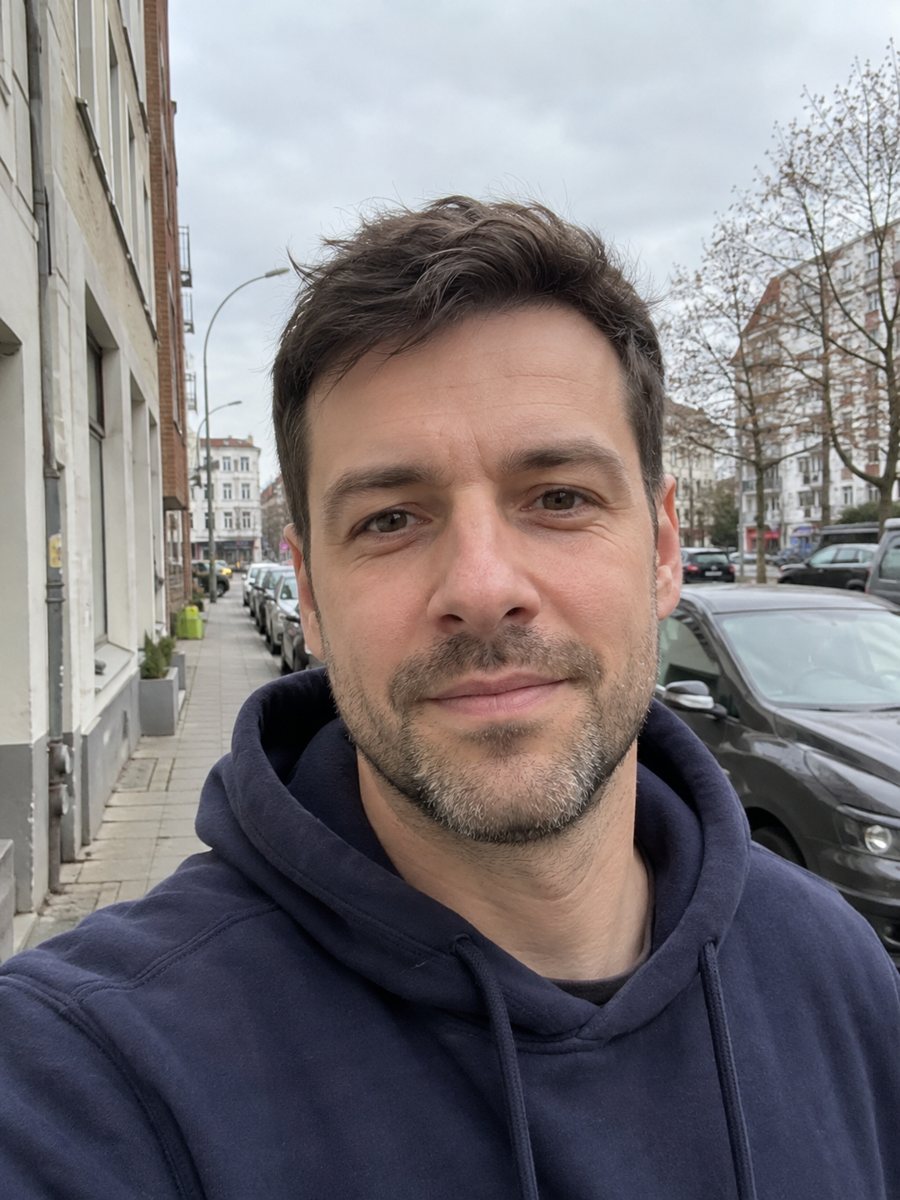
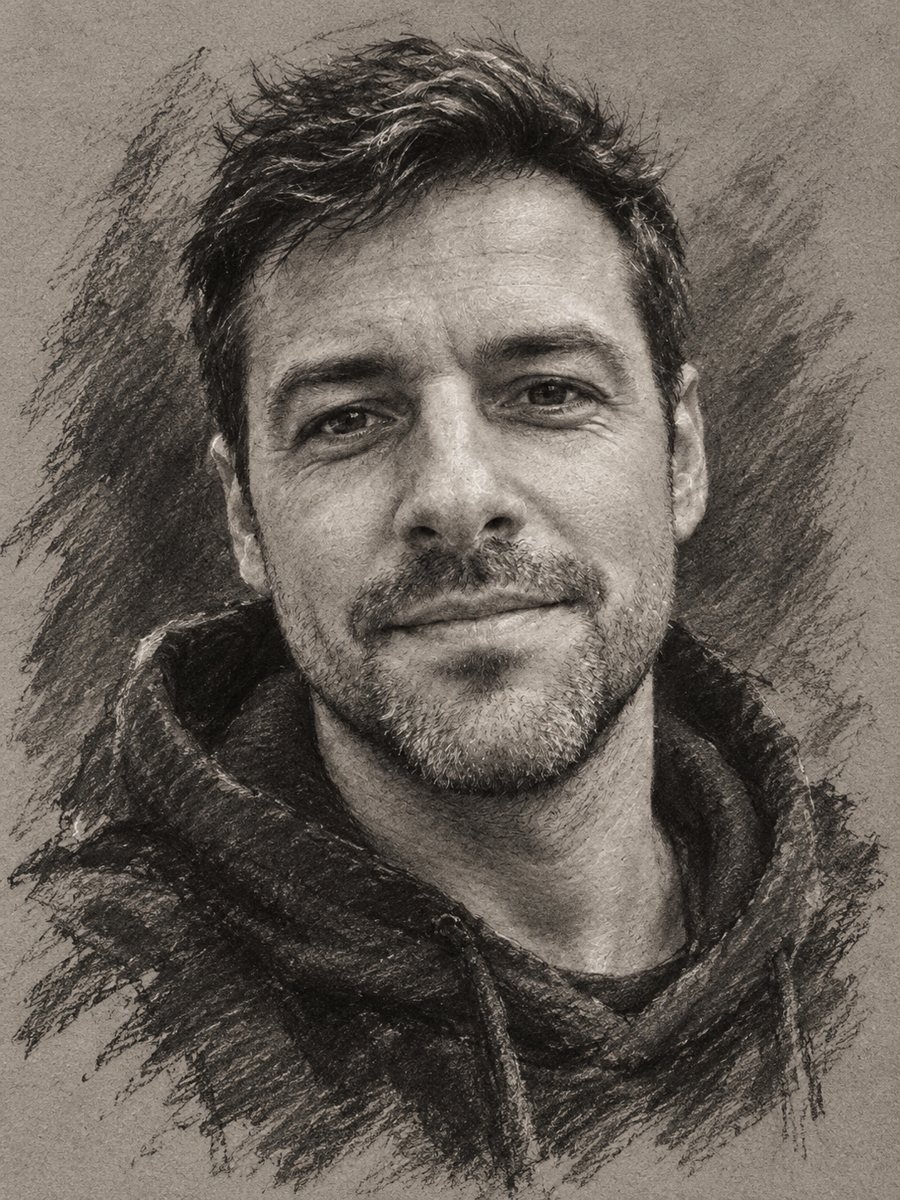 BeforeAfter
In short: Convert a portrait into an expressive charcoal sketch on gray paper with chalk highlights. Copy the ready prompt or open the Telegram bot, 7 images free.
- Where: the VisuMate bot in Telegram, no app or sign-up.
- Cost: 2 credits per image, 7 images free, then packs from 49 Telegram Stars.
- Time: 1 to 2 minutes per image, rerun with a new instruction at the same price.
When you need this
- You want a dramatic black and white portrait with some character.
- A gift for a dad or grandfather that looks hand-drawn.
- A photo has bad color but strong expression, and a drawing hides the color problem.
How to do it
- 1
Press the button. The bot opens with the charcoal preset selected.
- 2
Send one portrait as a file. Add a wish in the caption if you want: more contrast, loose and rough, head only.
- 3
In 1-2 minutes the drawing arrives for 2 credits. Check the expression and eye shape, and rerun if the face lost its likeness.
Try it on your own photo: 7 images are free, no sign-up.
Make it in TelegramThe prompt behind this style
Convert this photo into an expressive charcoal drawing on toned gray paper. Keep the face and expression accurate. Bold dark strokes, smudged soft shadows, white chalk highlights on the brightest areas, rough unfinished edges. Monochrome. Vertical 3:4, no text.
The look and keeping the expression
Charcoal drawings rely on contrast: deep black strokes, soft smudges and chalk highlights lift the face from the paper. The edges are intentionally rough and unfinished, so the picture feels quick and alive. This style is common for portraits of musicians, athletes and elderly relatives, and also for book author photos and moody profile pictures. The prompt asks to keep the face and expression accurate, but AI may exaggerate wrinkles or lose small features. Check the eyes first, since a slightly wrong eye changes the whole person. A sharp photo with clear light direction gives the AI more to work with. If you feel the result is too dark, mention lighter shading in the caption and run again.
Use and display
A monochrome drawing prints well on plain matte paper and looks right in a black frame. The image is vertical 3:4 without text. For a gift, you can write a name or date by hand under the print. The bot does not print, so save the file and print locally. Charcoal also hides small flaws in the source, such as noise from a dim room, which makes it a good choice for older phone pictures with weak color.
Tips
- Strong side light gives the deepest shadows and the best drama.
- Expressive faces work better than neutral passport poses.
- Ask for head and shoulders only if the body detail looks messy.
- Weathered faces, beards and glasses carry well in charcoal.
- Say if you want it lighter and softer instead of rough.
Questions and answers
Is it really a drawing on paper?
No, it is a digital image made to look like charcoal on gray paper.
Can I get color?
This style is monochrome. For color paintings, see the impressionist or storybook pages.
Does it work with kids and pets?
It can, but the prompt is written for adults. Results vary, so check the likeness.
How accurate is the face?
The AI aims to keep it, but it can drift. A rerun costs the same 2 credits.
How many free images do I get?
15 credits for new users, 7 images.
More in "Photo styles"
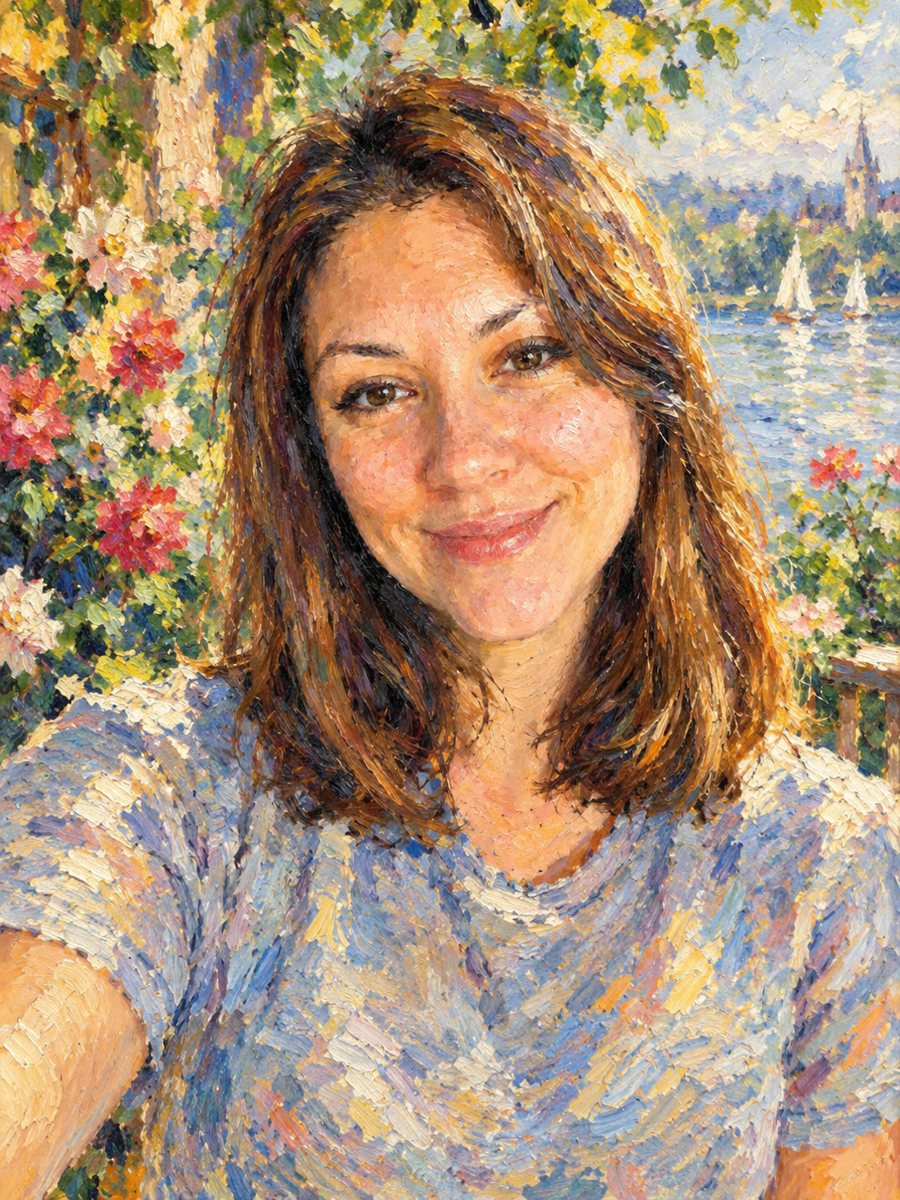 Turn your photo into an impressionist oil paintingRepaint a photo as an impressionist oil painting with visible brush strokes and dappled light. Ready...
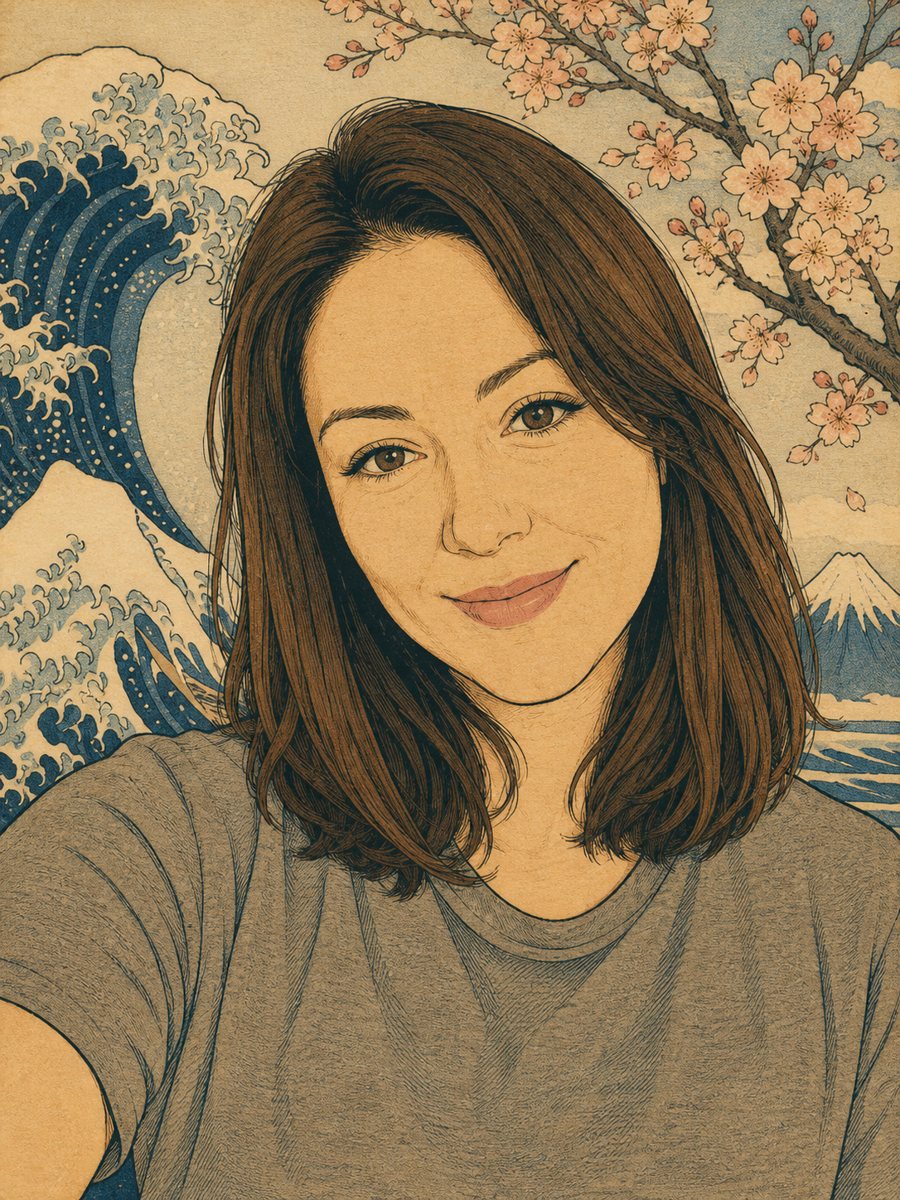 Turn your photo into a Japanese woodblock printRedraw a photo as an ukiyo-e woodblock print with indigo, ochre and cream colors. Copy the ready prompt or...
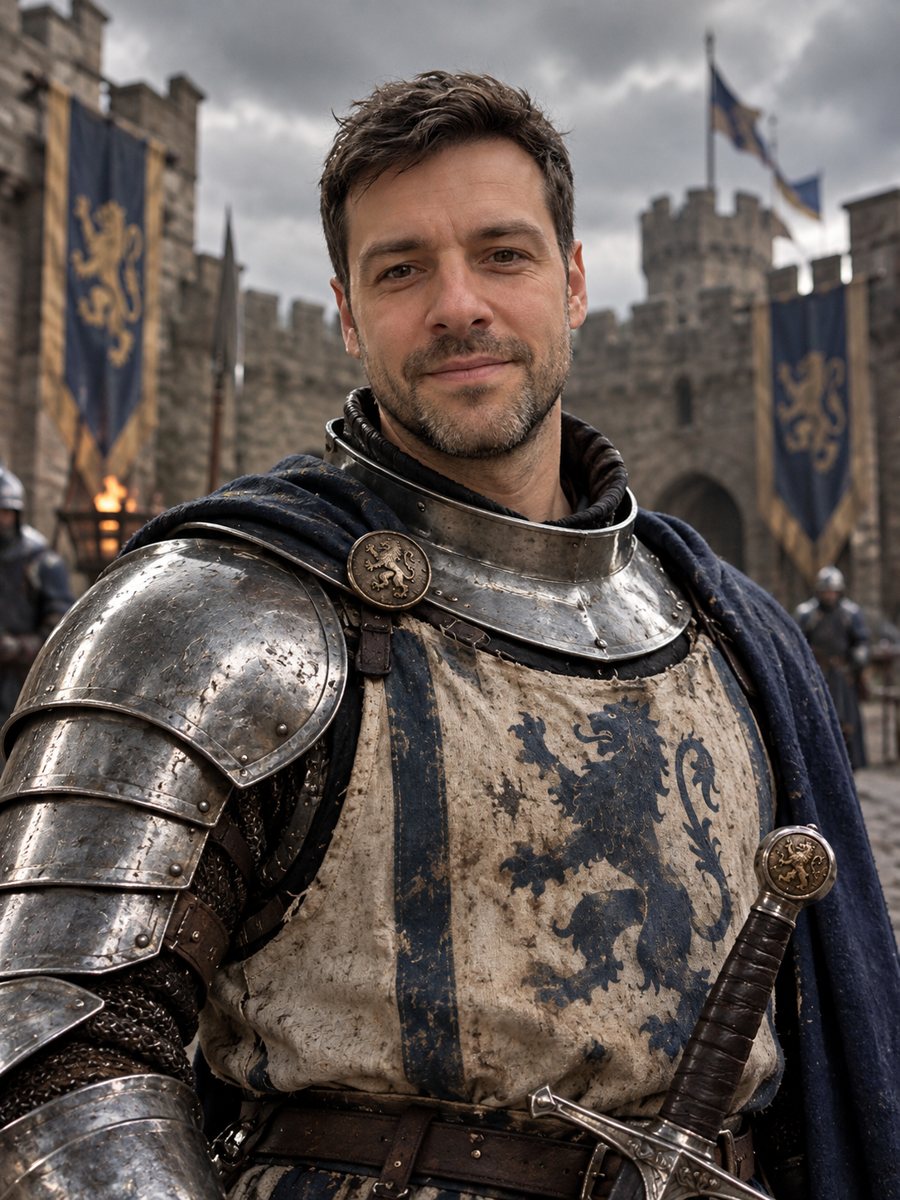 Turn yourself into a medieval knightTurn yourself into a medieval knight in steel armor in a castle courtyard. Copy the ready prompt or open...
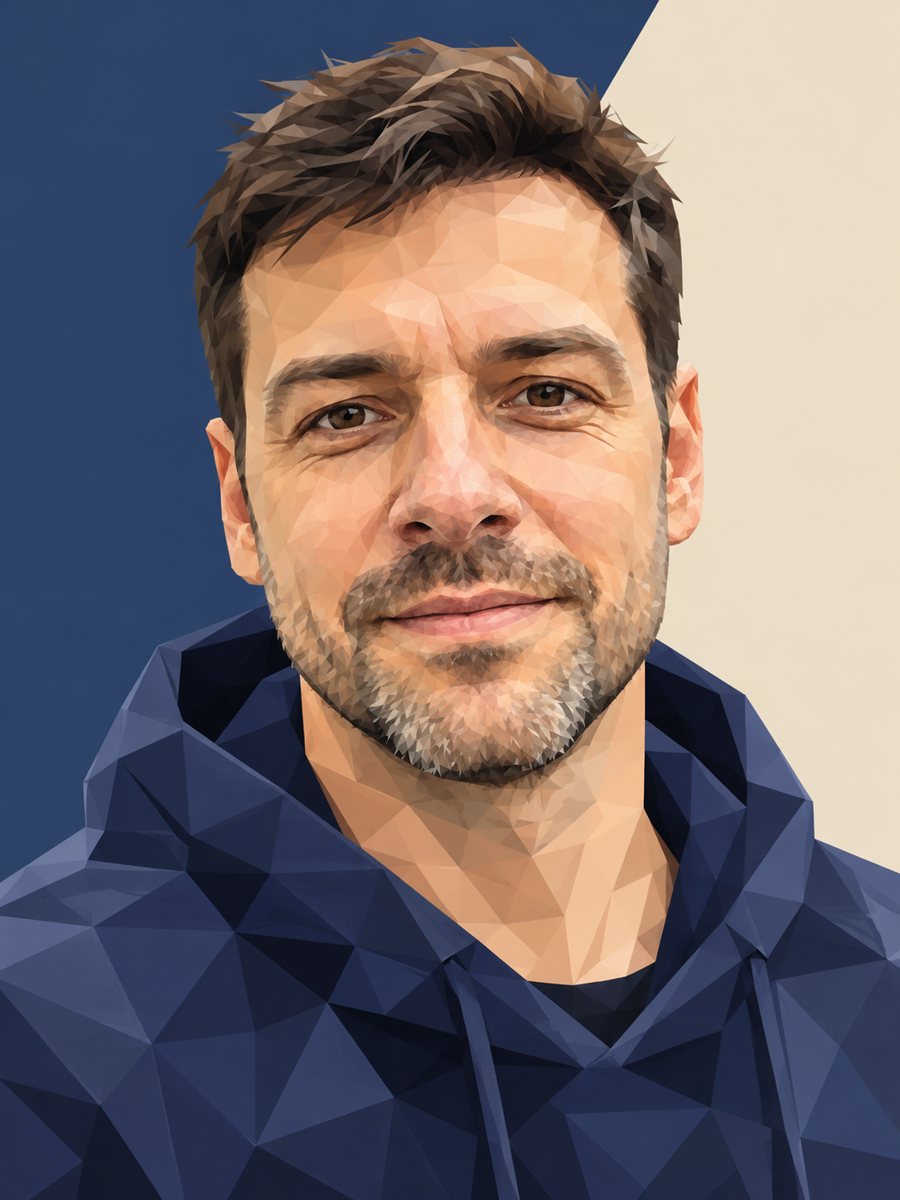 Turn your photo into a low poly portraitConvert a portrait into a low poly triangle image with smooth gradients and a clean two-tone background....