A photo to sketch prompt you can paste
If you already use ChatGPT or Gemini, the prompt below gives a consistent sketch look. If you would rather skip the chat tab, send your photo to the bot and it applies the same instruction in one step.
- 2 credits per image
- Result in 1–2 minutes
- No sign-up
In short: A tested prompt for turning a photo into a pencil or ink sketch in ChatGPT or Gemini, and a Telegram bot that runs it for you. 7 images free.
- Where: the VisuMate bot in Telegram, no app or sign-up.
- Cost: 2 credits per image, 7 images free, then packs from 49 Telegram Stars.
- Time: 1 to 2 minutes per image, rerun with a new instruction at the same price.
- Credits never expire, there is no subscription and no auto-renew. You pay once for a pack inside Telegram with Stars.
When you need this
- Short prompts like 'make this a sketch' give random results each time.
- Chat assistants sometimes change the face when redrawing.
- You want the same look across a whole set of photos.
How to do it
- 1
Press the button to open @visumate_ai_bot in Telegram. No sign-up, and new users get 15 free credits, which is 7 images.
- 2
Copy the prompt, attach your photo as a file and add one extra line about mood, such as 'quick sketchbook style'.
- 3
In 1-2 minutes you get the image for 2 credits. Rerun with a changed adjective if the lines feel too busy.
Try it on your own photo: 7 images are free, no sign-up.
Make it in TelegramThe prompt behind this style
Redraw the attached photo as a hand-made graphite sketch on white sketchbook paper. Keep the face, pose and proportions unchanged. Fine hatching in the mid tones, soft smudged shadows, detailed eyes, loose unfinished lines toward the edges. Grey tones only. No text, no signature.
Why the wording matters
Image models respond to concrete art vocabulary. 'Hatching', 'unfinished edges' and 'sketchbook page' point at a real drawing habit, while 'artistic' points at nothing. The prompt here names the medium, the paper and the handling of the eyes, which are the three things that decide whether a sketch looks hand-made. Change the medium word and the whole look moves with it.
Using it elsewhere
The text works in any assistant that accepts a photo. The bot adds one thing a chat does not: the same style on every run, so a batch of family portraits looks like a matching set. If you run the same prompt on a second photo, ask for 'same style as before' to keep the pencil weight, paper tone and shading direction consistent across the whole set of drawings. Experiment with two or three variations of the paper color and the stroke weight, then keep whichever pairing suits your photos best and reuse it every time.
Tips
- Name the medium: graphite, fineliner, charcoal.
- Say 'keep the face unchanged' to protect likeness.
- State the paper: white, cream, toned grey.
- Keep one idea per prompt, because long wish lists get averaged out.
Questions and answers
Can I change the style words?
Yes. Swap graphite for ink or charcoal and keep the rest.
Will it work on a group photo?
It works, but faces get smaller and less detailed. Two or three people is a safe limit.
Why does the face sometimes drift?
Models guess when the source is blurry. A sharp, front-facing photo reduces drift.
What does it cost?
2 credits per image. New users get 15 free credits, so 7 images cost nothing. After that packs start at 49 Telegram Stars and credits do not expire.
Does the bot work in English?
Yes. It picks up your Telegram language on first launch. You can switch it any time with /lang.
What the bot does not do
- Works from one photo. Likeness depends on the photo you send, and some styles change features more than others.
- Does not make video or animation.
- Does not output a transparent PNG.
- Does not retouch passport or ID photos.
More in "Photo styles"
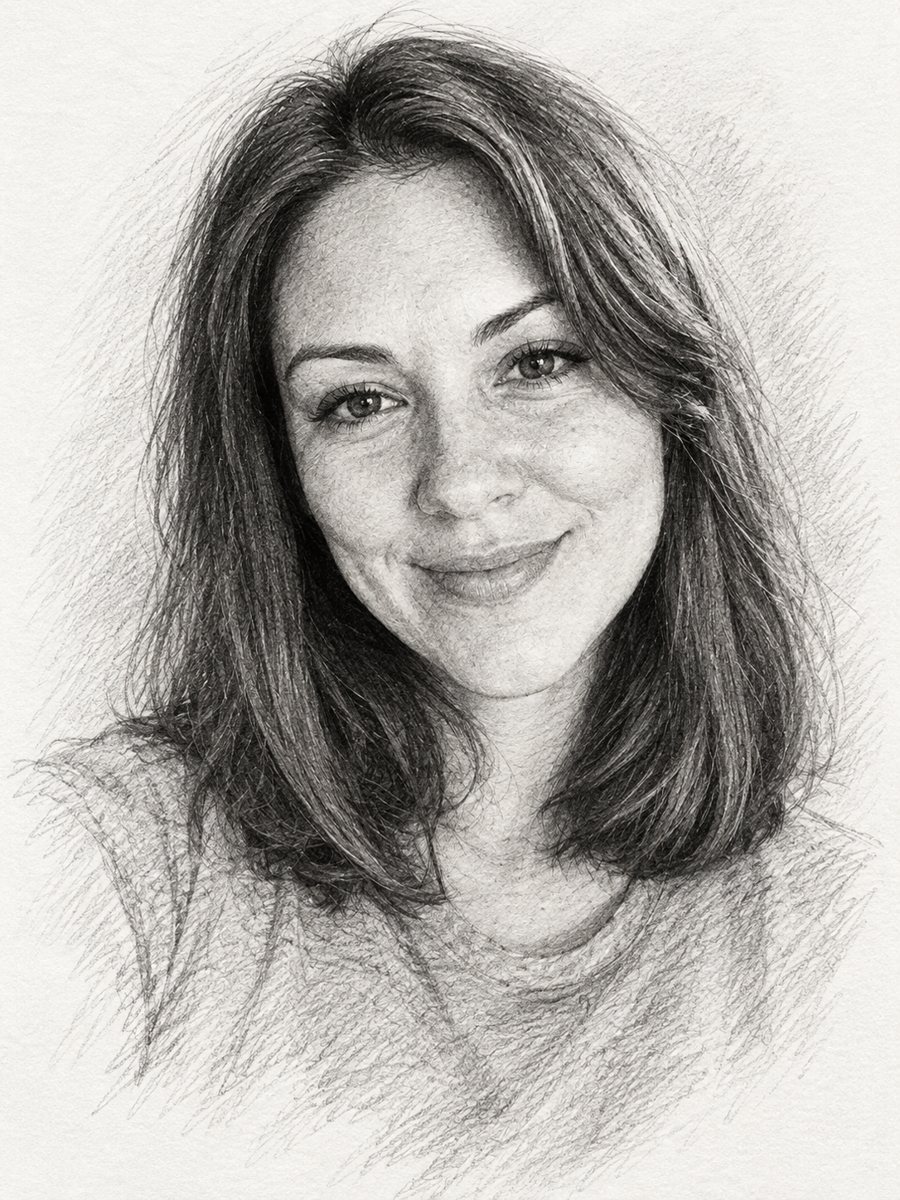 Turn a photo into a pencil sketch portraitConvert a photo into a realistic graphite pencil sketch with hatching and soft shading. Copy the prompt or...
- Photo to sketch converter, onlineConvert a photo to a sketch online: clean pencil lines, soft shading, white paper. Open the Telegram bot,...
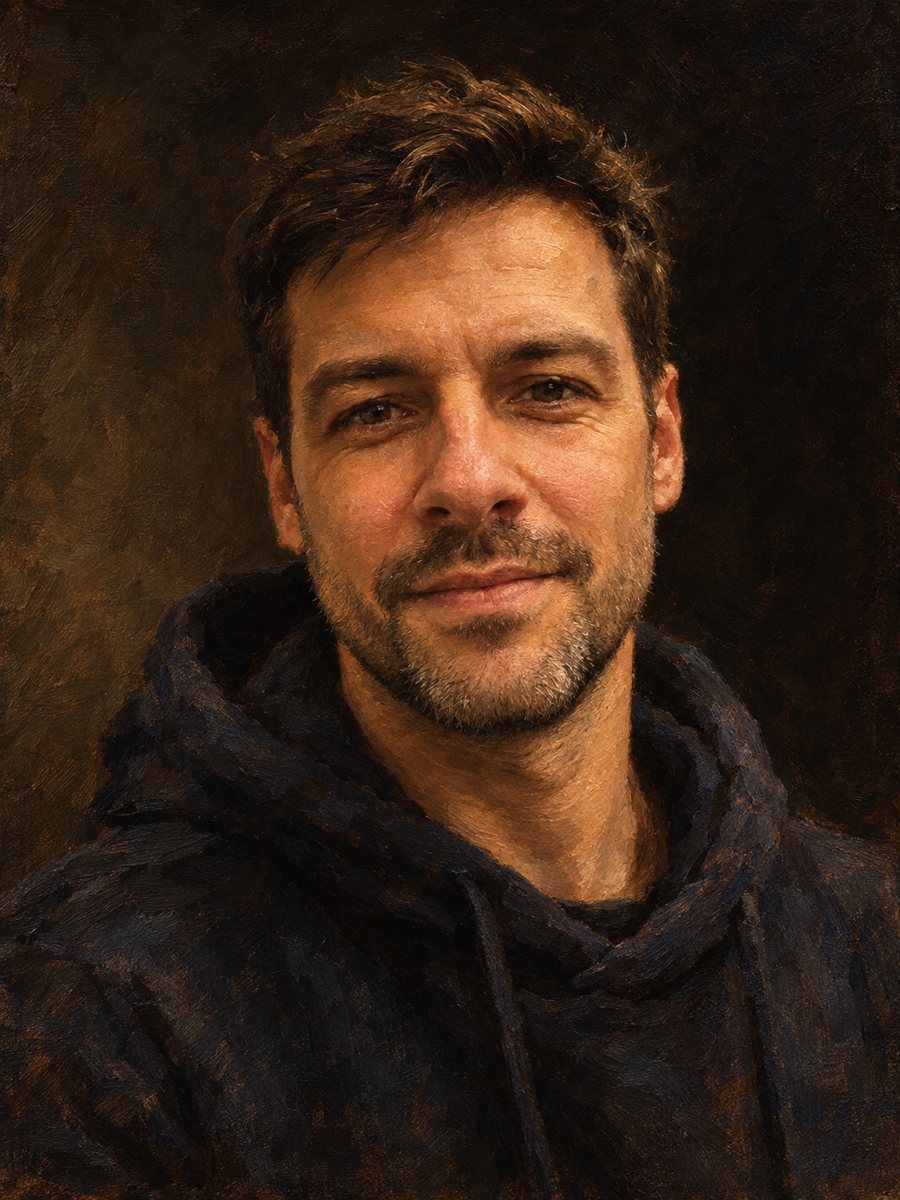 AI photo style prompts you can copyCopy-ready AI photo style prompts for portraits: oil, watercolor, pencil, pop art, pixel art and more. Use...
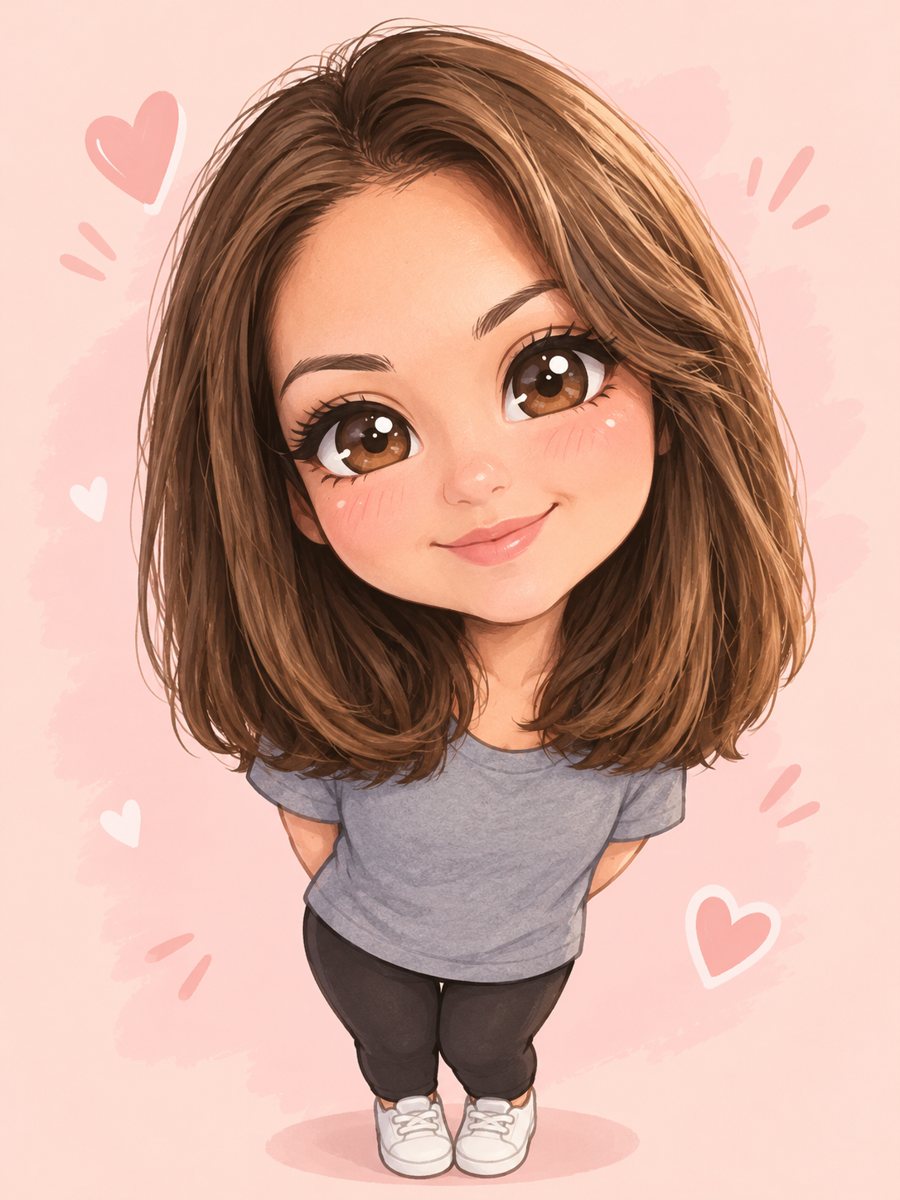 Turn yourself into a cute chibi characterTurn a photo into a cute chibi figure with an oversized head, tiny body and sparkling eyes. Copy the ready...
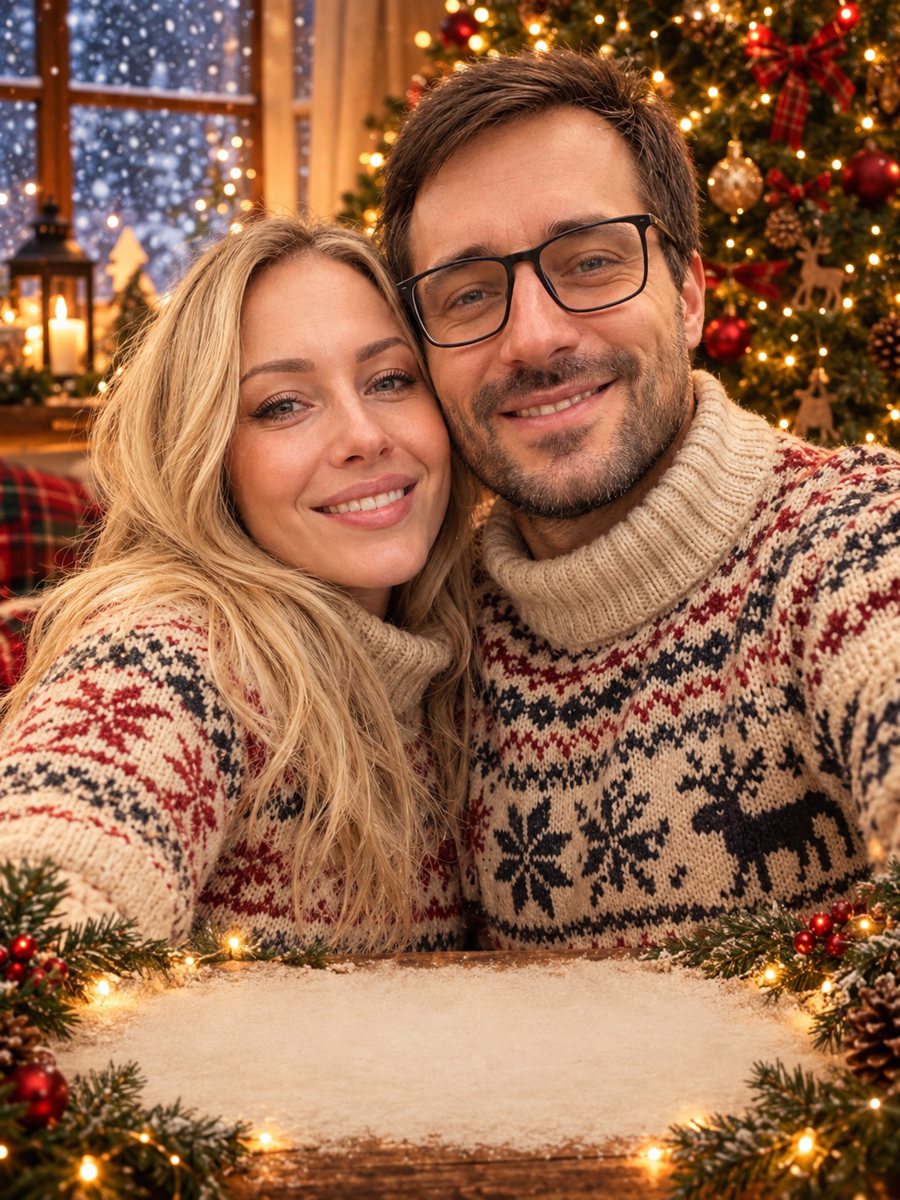 Make a Christmas card from your photoTurn a family or couple photo into a festive Christmas card with sweaters, a tree and falling snow. Ready...
 Turn your photo into a stop-motion clay characterTurn a photo into a stop-motion clay character with fingerprints and a miniature set. Copy the ready...