Turn a photo into a pencil sketch portrait
The bot redraws your photo in graphite on white paper: fine hatching, smudged shadows, sharp eyes and lighter strokes toward the edges. Black and white only. Send one photo and the style is ready.
- 2 credits per image
- Result in 1–2 minutes
- No sign-up
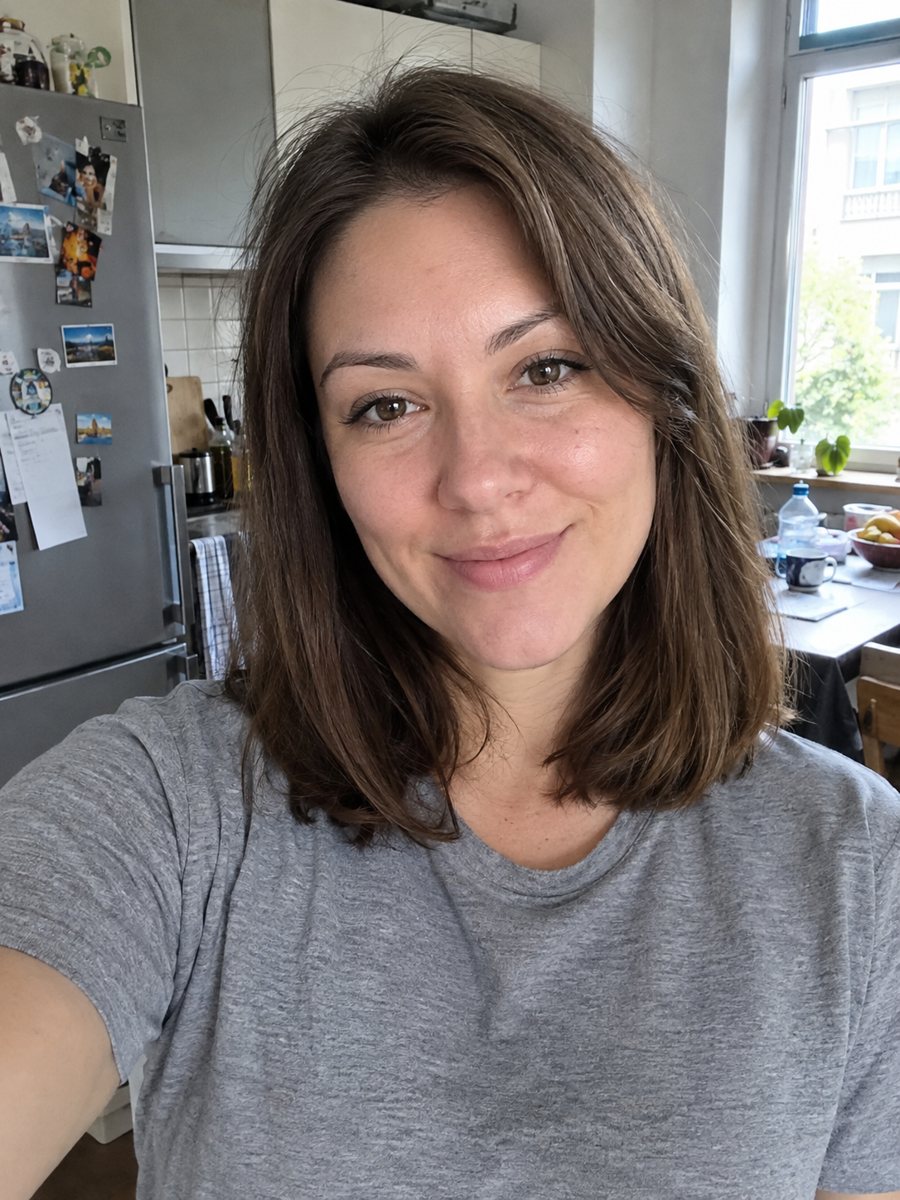
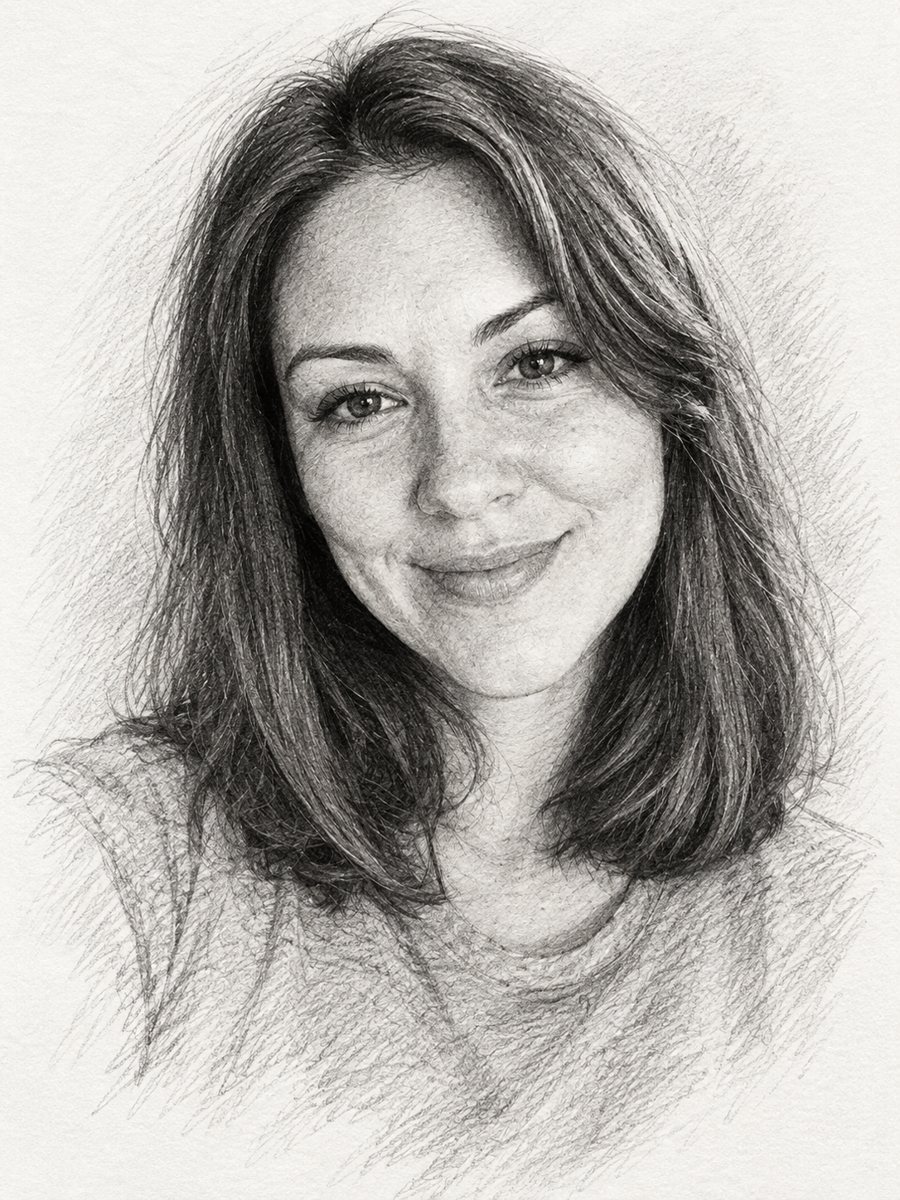 BeforeAfter
In short: Convert a photo into a realistic graphite pencil sketch with hatching and soft shading. Copy the prompt or use the bot: 7 images free.
- Where: the VisuMate bot in Telegram, no app or sign-up.
- Cost: 2 credits per image, 7 images free, then packs from 49 Telegram Stars.
- Time: 1 to 2 minutes per image, rerun with a new instruction at the same price.
When you need this
- You need a hand-drawn look for a memorial card or a gift.
- An author or musician wants a sketch-style portrait for a website.
- A tattoo or art idea needs a reference drawing of a face.
- You like the look of sketchbook portraits but cannot draw.
How to do it
- 1
Tap the button on this page. Telegram opens the bot with this style already selected, press Start if it asks.
- 2
Attach a single photo through the paperclip, choosing File. Add wishes in plain English in the caption, such as: smile slightly, leave the shoulders unfinished.
- 3
In 1-2 minutes you get the image, and 2 credits are used. Zoom in on the eyes, the mouth and the edge strokes, then rerun if something looks off.
Try it on your own photo: 7 images are free, no sign-up.
Make it in TelegramThe prompt behind this style
Convert this photo into a realistic graphite pencil sketch on white drawing paper. Keep the face and expression accurate. Fine hatching and cross-hatching, soft smudged shading, sharp detail in the eyes, lighter unfinished strokes toward the edges, subtle paper texture. Black and white only. Vertical 3:4, no text.
Graphite look and feel
The prompt asks for realistic graphite on drawing paper. Expect fine parallel hatching in mid tones, cross-hatching in the darkest parts and soft smudges where a finger would blend. The eyes get the most detail, and strokes thin out toward the borders so the sheet looks unfinished on purpose. The paper keeps a subtle grain.
What helps and what hurts
Sharp, side-lit photos give the cleanest drawing. Flat light produces a pale sketch with little depth. Busy backgrounds can leak into the drawing as stray lines, so send a plain-background photo when you can. Wrinkles and stubble are drawn quite literally, which makes some people look older. Say softer shading in the caption if you want a gentler result.
Uses and expectations
A pencil portrait fits memorial cards, book jackets, wedding keepsakes and a framed print for a desk. It is an AI image in the style of a drawing, not a hand-made original. Details such as lace or jewelry may be simplified. Compare the face with your photo before printing, and rerun for another version if you want a different mood.
Tips
- High contrast side light gives the richest shading.
- A neutral background in the source helps the sketch fade out cleanly.
- Mention loose or tight style in the caption: very detailed, or quick and loose.
- Remove color casts before sending, since the result is gray anyway.
- If the face looks older than you, rerun and add: smooth skin, soft shading.
Questions and answers
Can it be in color?
This prompt is black and white only. For color painting styles, see the watercolor or oil styles.
Will it look like a real artist drew it?
It looks like a drawing, but small errors in lines can show up at high zoom.
Can I use an old family photo?
Yes. For damaged prints, restore the photo first so the sketch does not copy scratches.
What size is the result?
A vertical 3:4 image. Check the file size before printing large.
What does one image cost?
2 credits. The first 15 free credits give you 7 images.
More in "Photo styles"
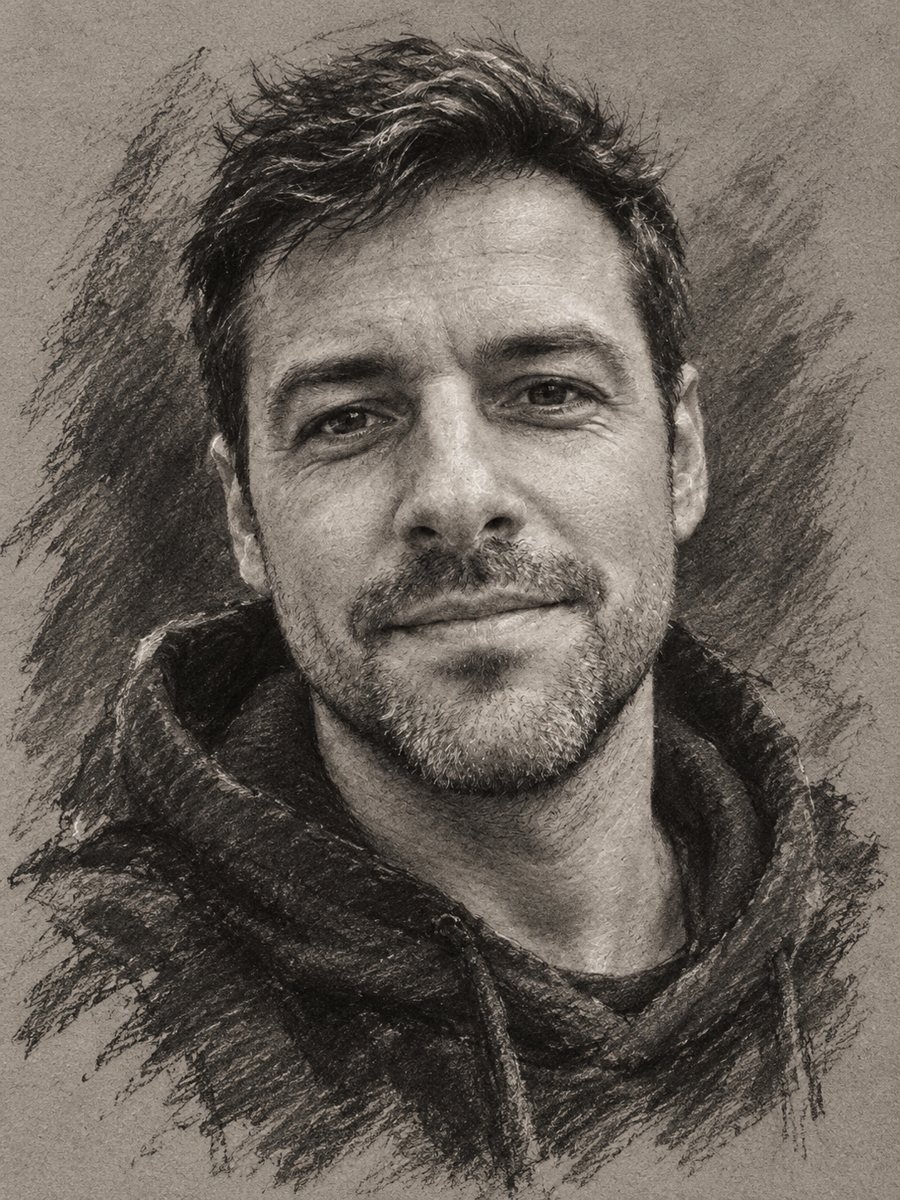 Turn your photo into a charcoal drawingConvert a portrait into an expressive charcoal sketch on gray paper with chalk highlights. Copy the ready...
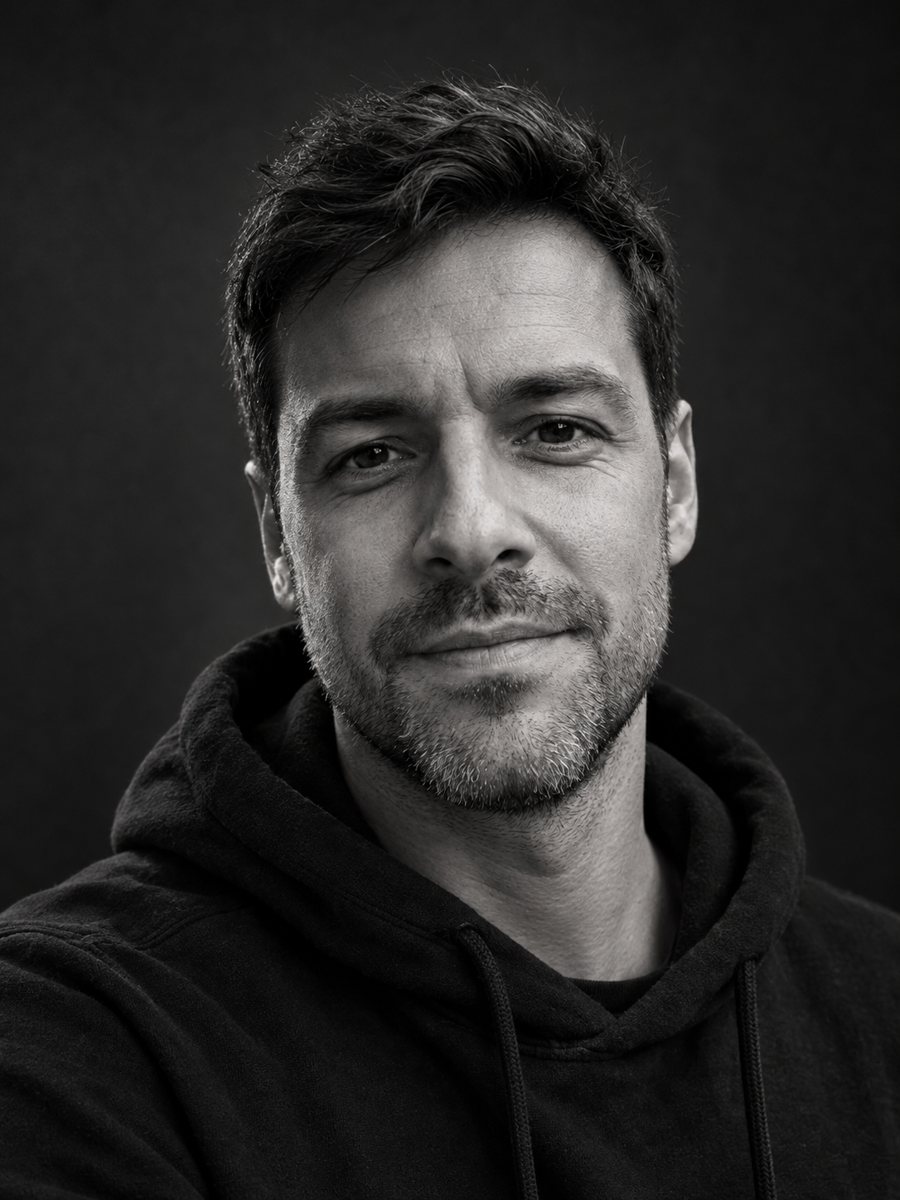 Make a black and white studio portrait from a photoTurn a casual photo into a dramatic black and white studio portrait with a dark backdrop and side light....
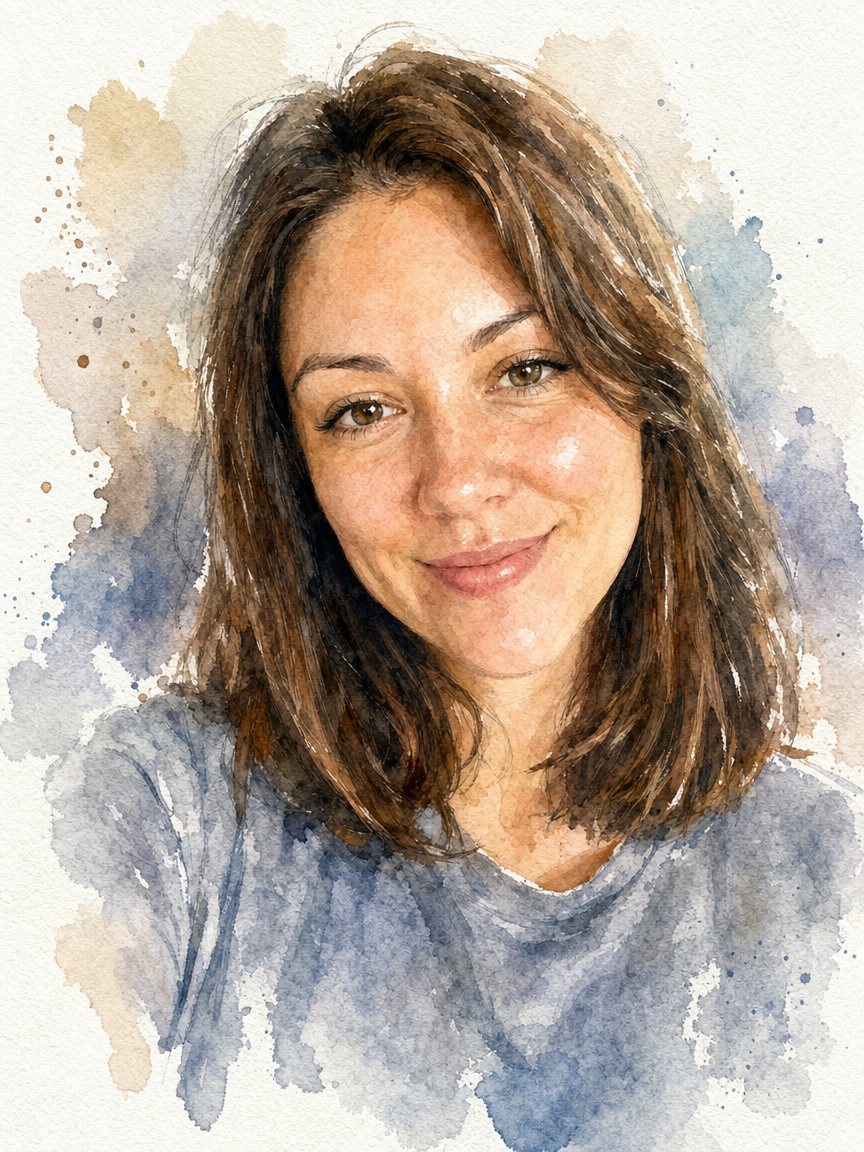 Turn a photo into a watercolor portraitPaint your photo as a loose watercolor portrait on textured paper. Copy the prompt or open the bot: 2...
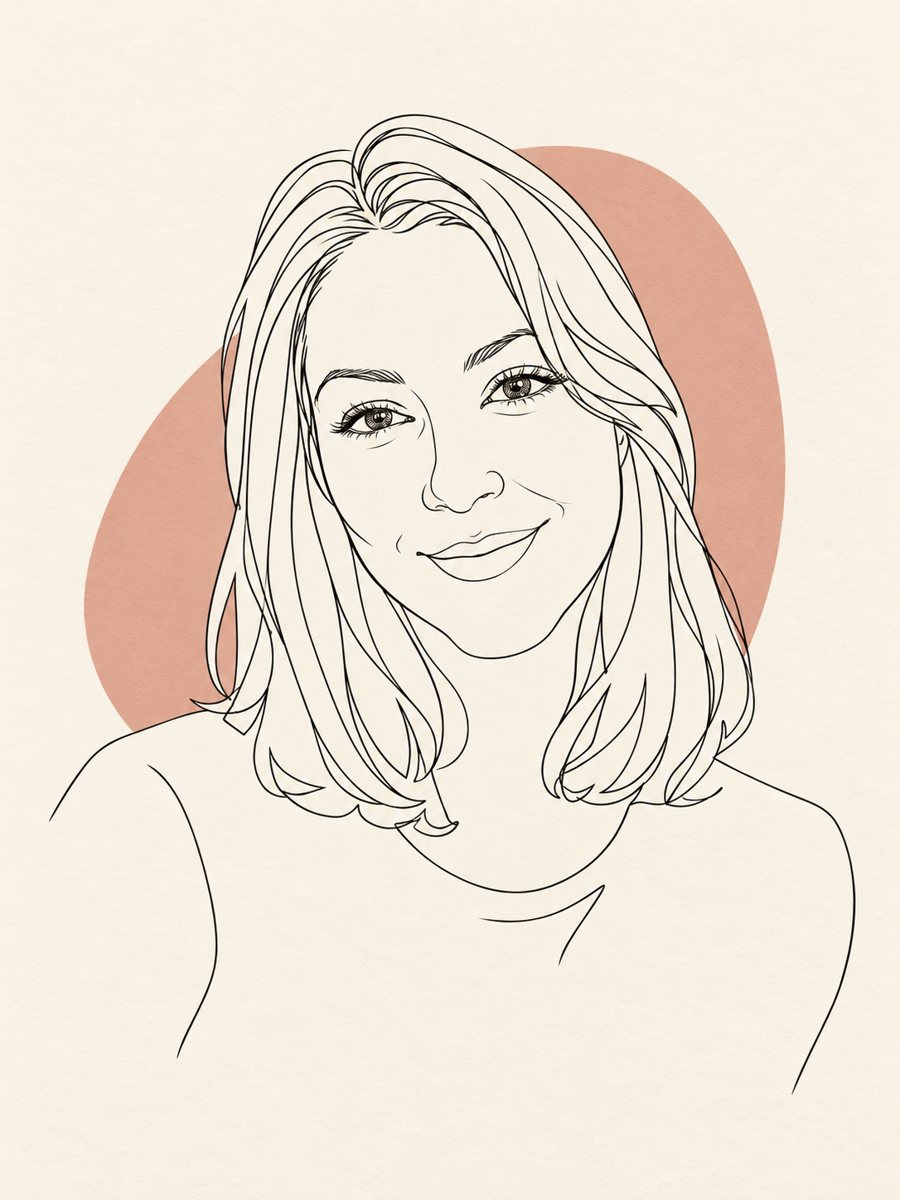 Turn your photo into a minimal line art avatarConvert a photo into a minimal one-line portrait with a single thin black line and a soft accent shape....
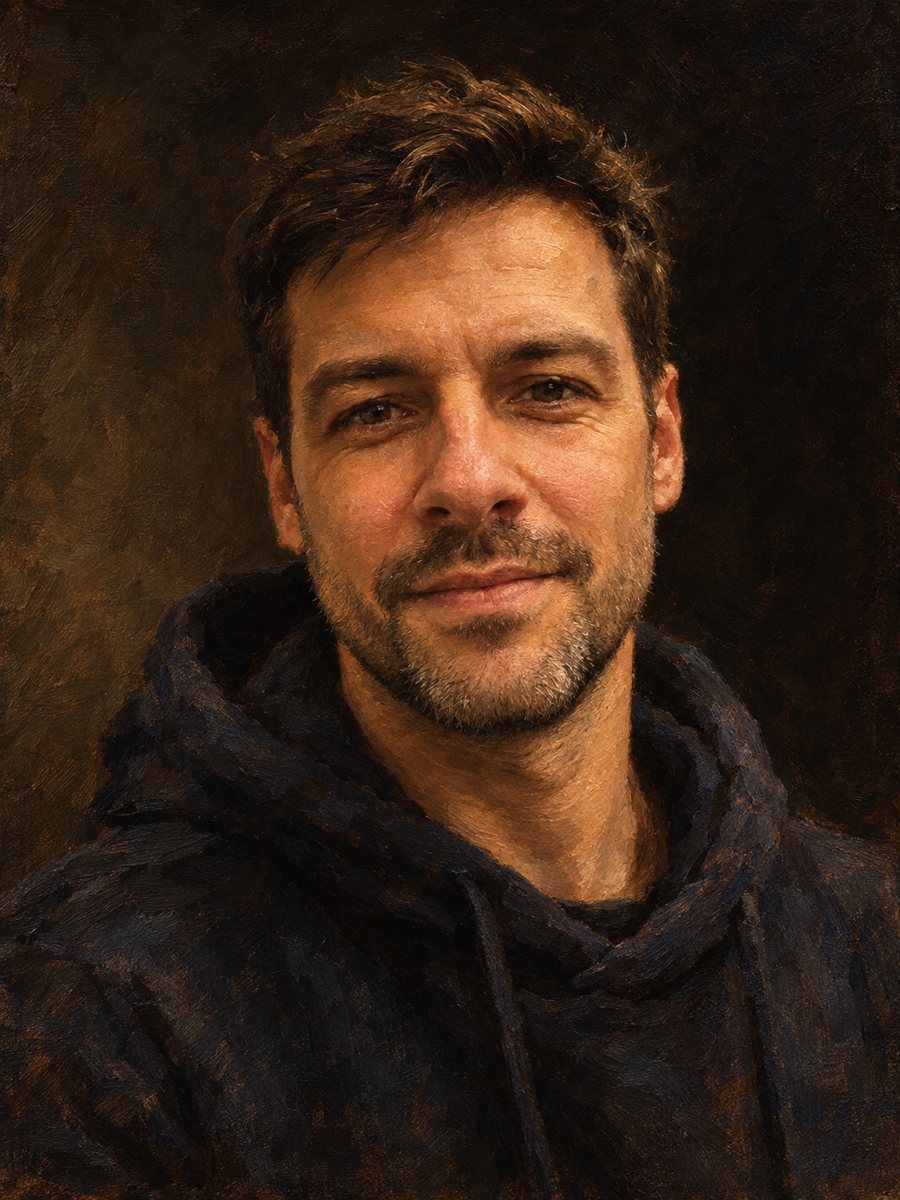 Make an oil painting portrait from a photoRepaint a photo as a classical oil portrait with brush strokes and dramatic light. Ready prompt, 2 credits...