Turn your photo into a Pixar-style 3D character
You get a 3D animated character that still looks like you: same hairstyle, skin tone and clothes, with big expressive eyes and soft studio light. Open the bot with the button, send one photo, and the style is already applied. The prompt below also works in any other image AI.
- 2 credits per image
- Result in 1–2 minutes
- No sign-up
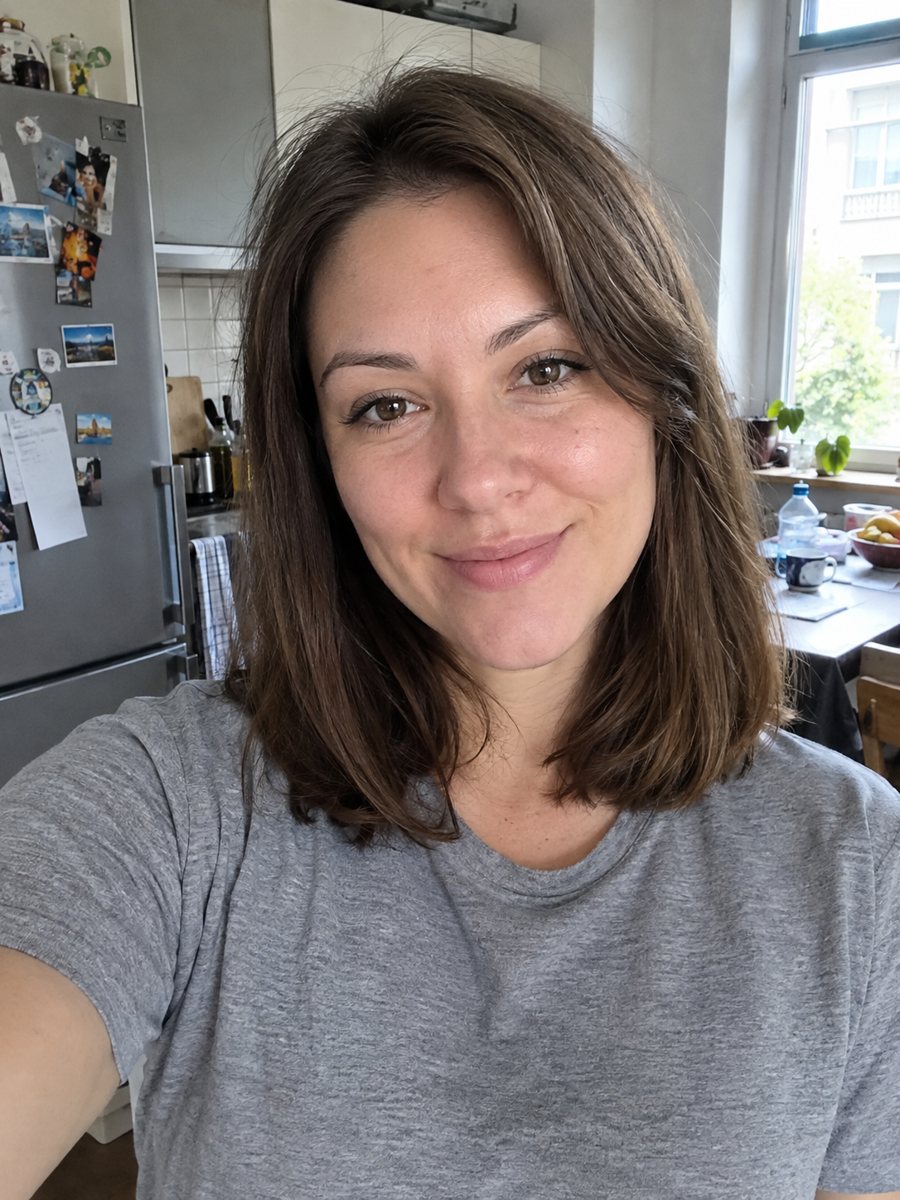
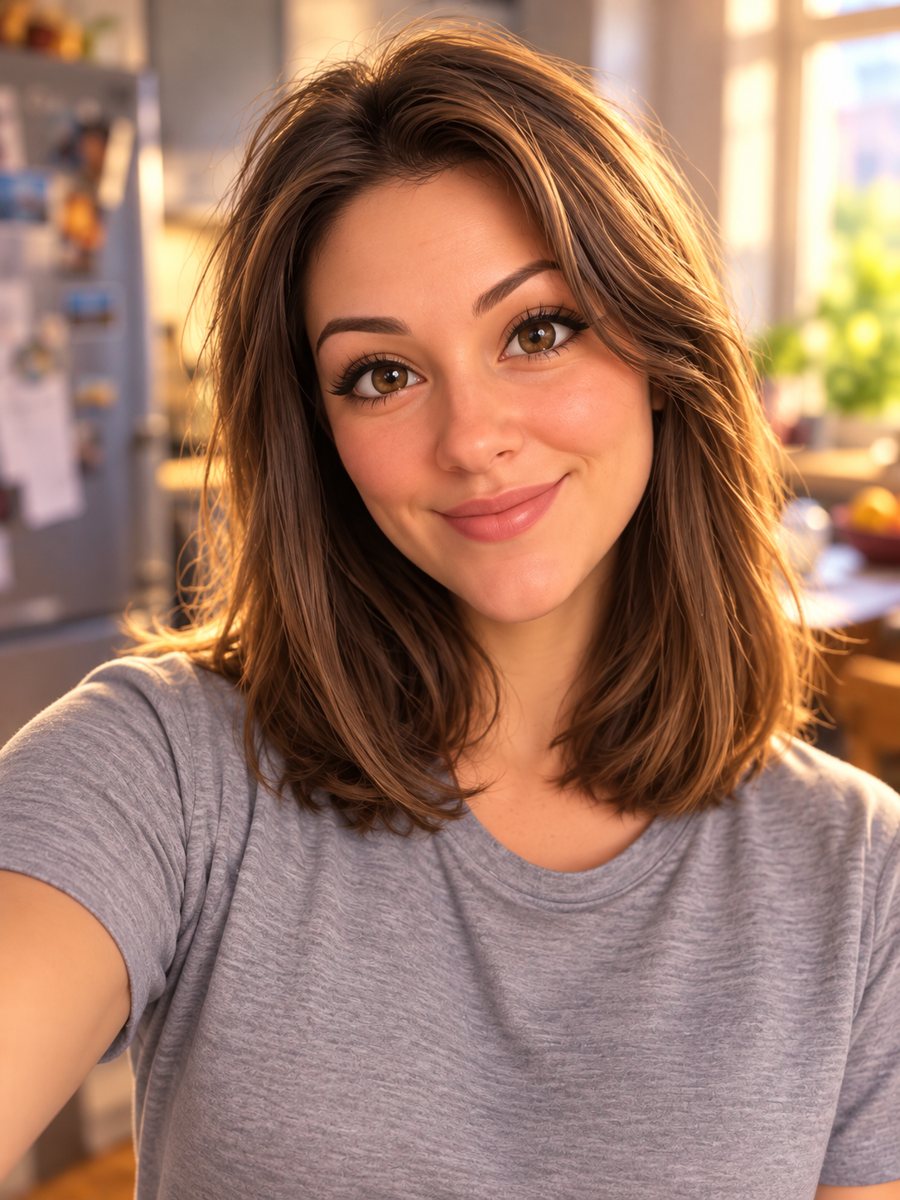 BeforeAfter
In short: Turn a selfie into a 3D animated movie character. Copy the ready prompt or open it in Telegram: 2 credits per image, 7 images free.
- Where: the VisuMate bot in Telegram, no app or sign-up.
- Cost: 2 credits per image, 7 images free, then packs from 49 Telegram Stars.
- Time: 1 to 2 minutes per image, rerun with a new instruction at the same price.
When you need this
- You want a profile picture that looks like a frame from an animated movie.
- A friend's birthday is coming and a cartoon version of them would make a fun gift.
- You have a family photo and want a playful version for a mug or a poster.
- Free filters in apps flatten your face and you want more control over the look.
How to do it
- 1
Tap the button on this page. Telegram opens the bot with this style already selected, press Start if it asks.
- 2
Attach a single photo through the paperclip, choosing File. Add wishes in plain English in the caption, such as: light blue background, keep the red jacket.
- 3
In 1-2 minutes you get the image, and 2 credits are used. Zoom in on the eyes, hairstyle and skin tone against your original, then rerun if something looks off.
Try it on your own photo: 7 images are free, no sign-up.
Make it in TelegramThe prompt behind this style
Turn this photo into a 3D animated movie character in the style of a modern Pixar or Disney feature film. Keep the person's face, hairstyle, expression, skin tone and clothing recognizable. Big expressive eyes, soft rounded shapes, smooth skin shading, cinematic studio lighting, shallow depth of field, colorful blurred background. Vertical 3:4 portrait, head and shoulders, no text.
What the Pixar look means
This style gives smooth, slightly rounded 3D shapes, shiny skin shading and large eyes, the way modern animated features draw their leads. The prompt asks for head and shoulders in a vertical 3:4 frame with a blurred colorful background, so it suits avatars, cards and covers. Hair becomes a sculpted mass with a few clear strands, and clothing is simplified into clean folds and flat-looking patterns.
Getting a closer likeness
The face is the hard part. A sharp, front-lit photo with a neutral or light smile gives the AI the most to work from. Remove heavy filters before sending, since beauty filters already change the shape of your nose and eyes. Mention anything specific in the caption: a gap in your teeth, a mole, round glasses. The AI can still drift a little, so treat the first result as a draft and compare it with the original side by side.
Ways to use the result
A 3D character works well as a Telegram or Discord avatar, a newsletter header, a phone wallpaper or a print for a child's room. Because every run is a new interpretation, you can generate a couple of versions for one person and pick the one that feels most like them. For pets, the dedicated pet cartoon style is a better fit.
Tips
- Use a front-facing photo with the whole face visible and even light. Hard shadows across the face confuse the shape.
- Glasses, beards and freckles carry over best when they are clearly visible in the source.
- Ask for one background color in the caption, such as warm orange or soft teal.
- For a profile picture, crop the result to a square around the face after you download it.
- If the eyes came out too large or the age shifted, run again with the caption: keep my natural age and eye size.
Questions and answers
Is this an official Pixar product?
No. It is an inspired look, in the style of modern 3D animated films. The bot has no connection to any studio.
Will it look exactly like me?
It keeps your hairstyle, skin tone and clothes recognizable, but AI can drift. A rerun costs the same 2 credits.
Can I use a full-body photo?
The prompt is built for head and shoulders. A full-body photo may get cropped or produce a smaller face, so a close portrait works better.
Can I paste the prompt somewhere else?
Yes. The copy box on this page holds the full text, and it works in other image generators that accept a photo.
How much does one image cost?
2 credits. New users get 15 free credits on first launch, which is 7 images.
More in "Photo styles"
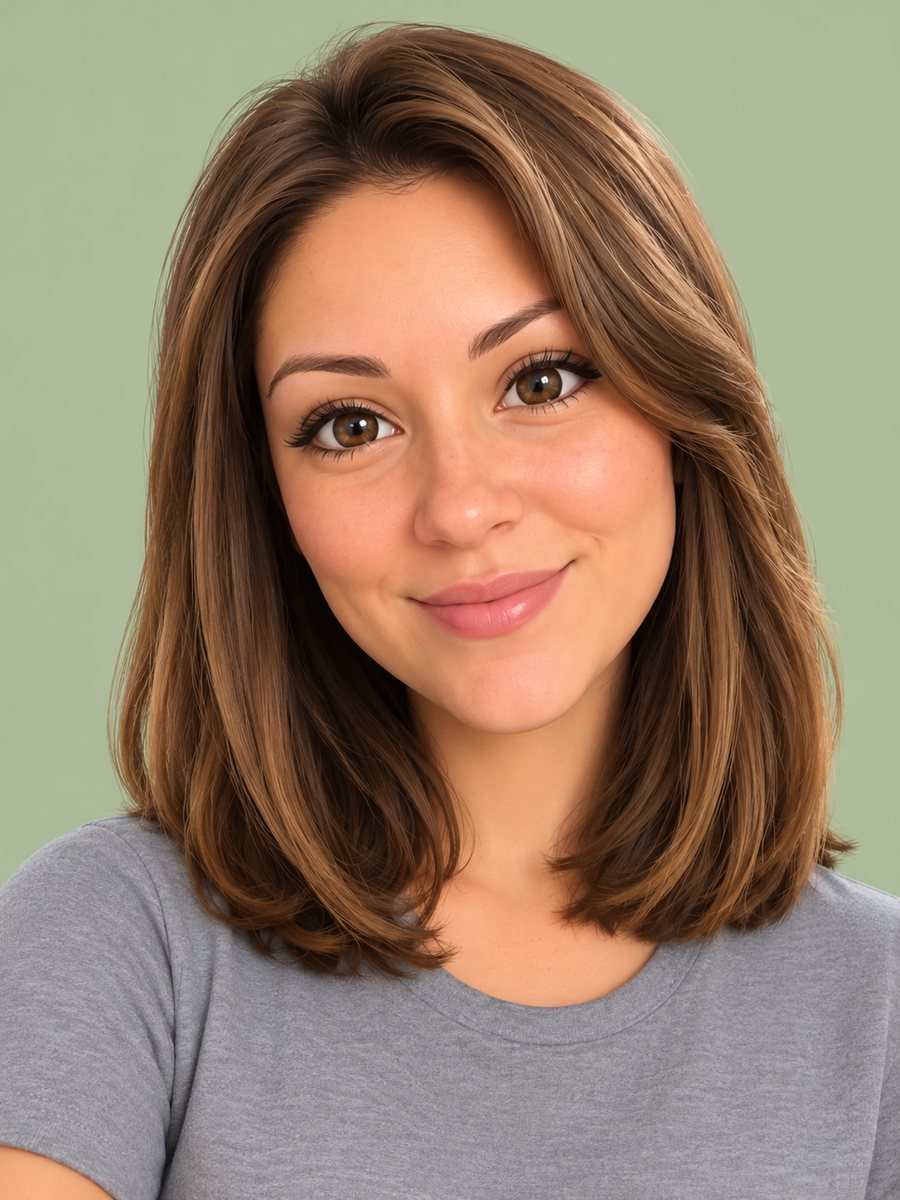 Turn your photo into a 3D emoji avatarTurn your photo into a glossy 3D emoji avatar like a smartphone memoji, with big eyes and pastel...
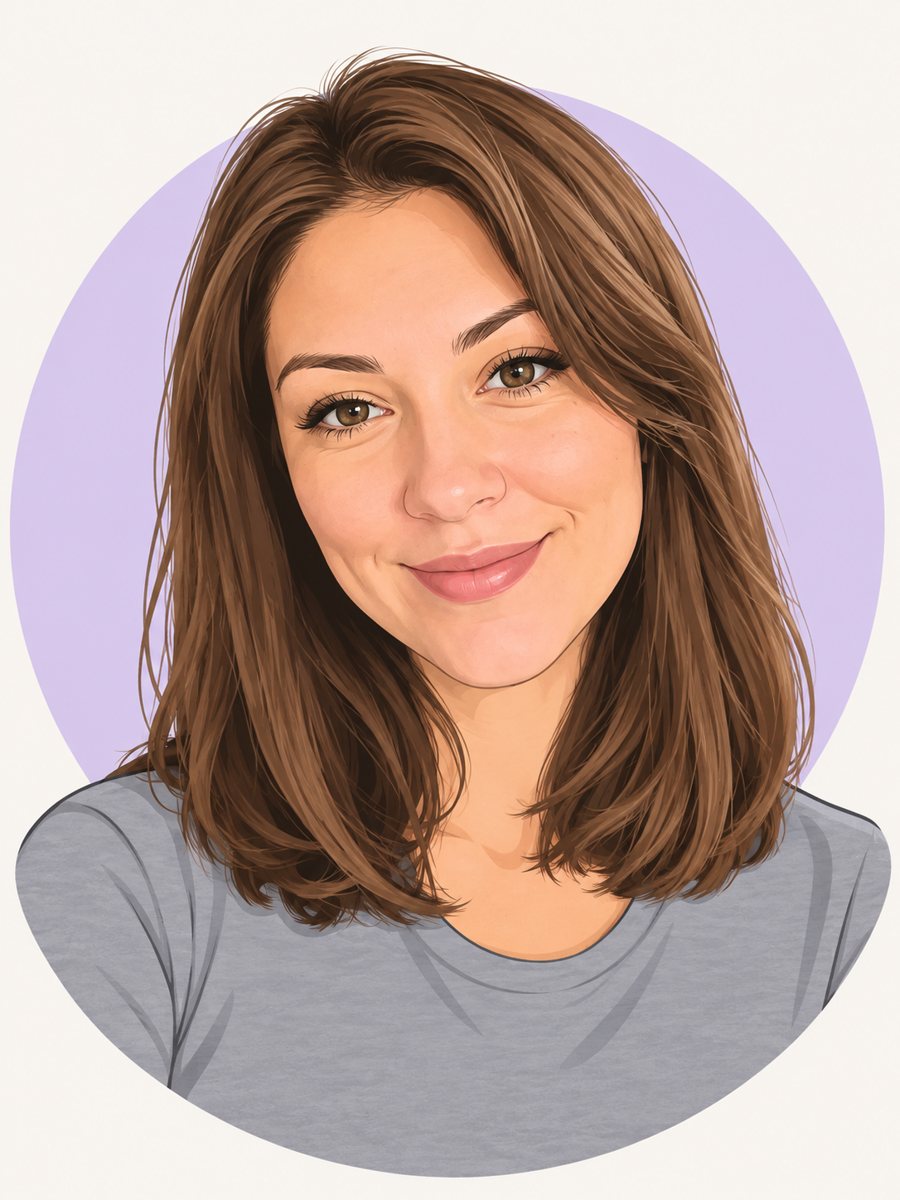 Make a cartoon avatar from your photoDraw a friendly cartoon avatar from your photo in clean vector style with a pastel circle background....
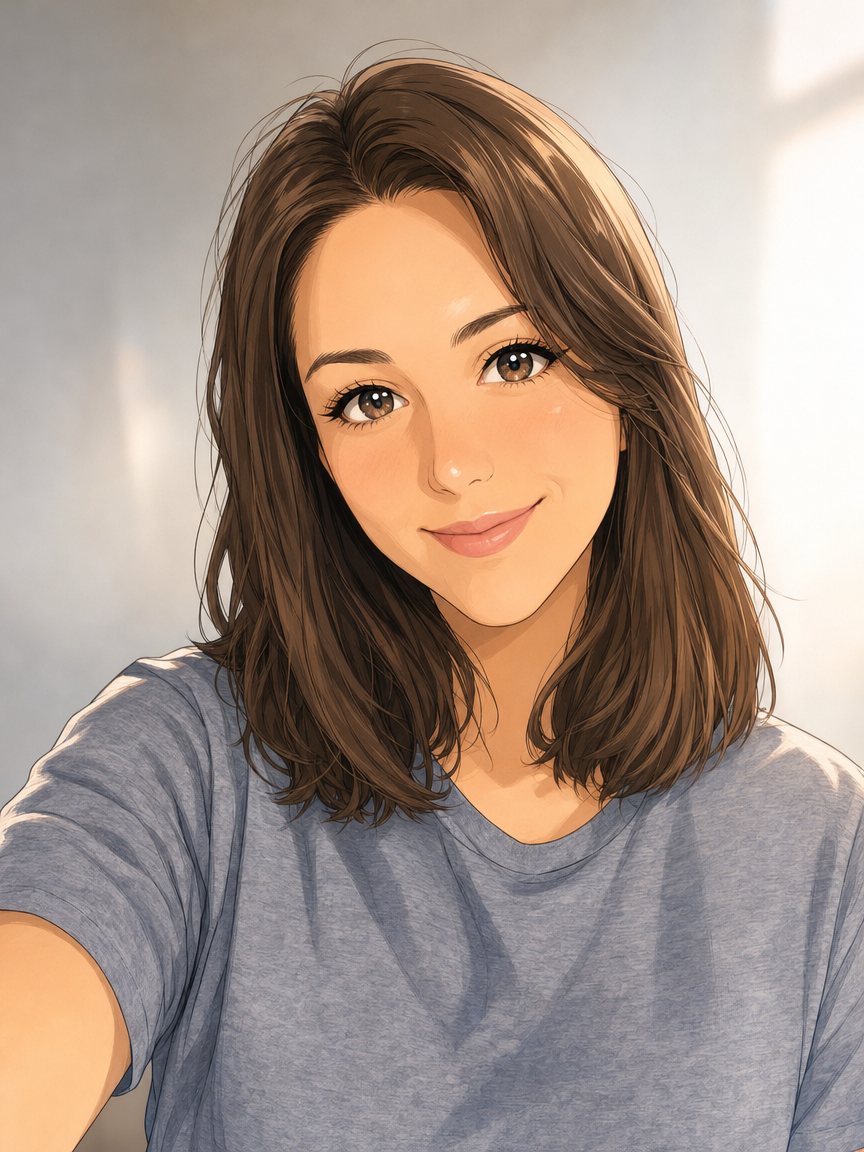 Make an anime portrait from your photoRedraw a photo as a polished anime illustration with clean line art and cel shading. Ready prompt, 2...
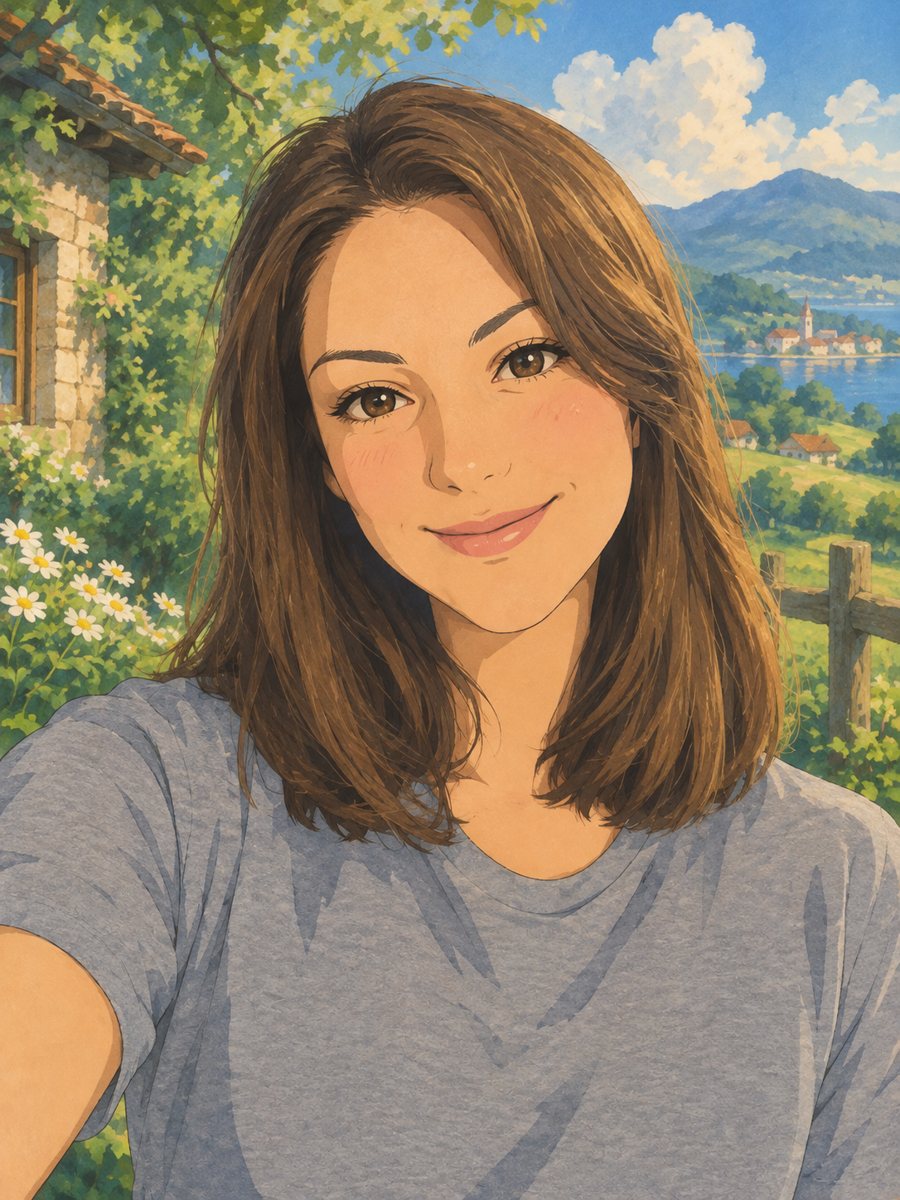 Turn your photo into a Ghibli-style illustrationTurn a photo into a hand-painted anime scene with soft colors and green hills. Copy the ready prompt or...
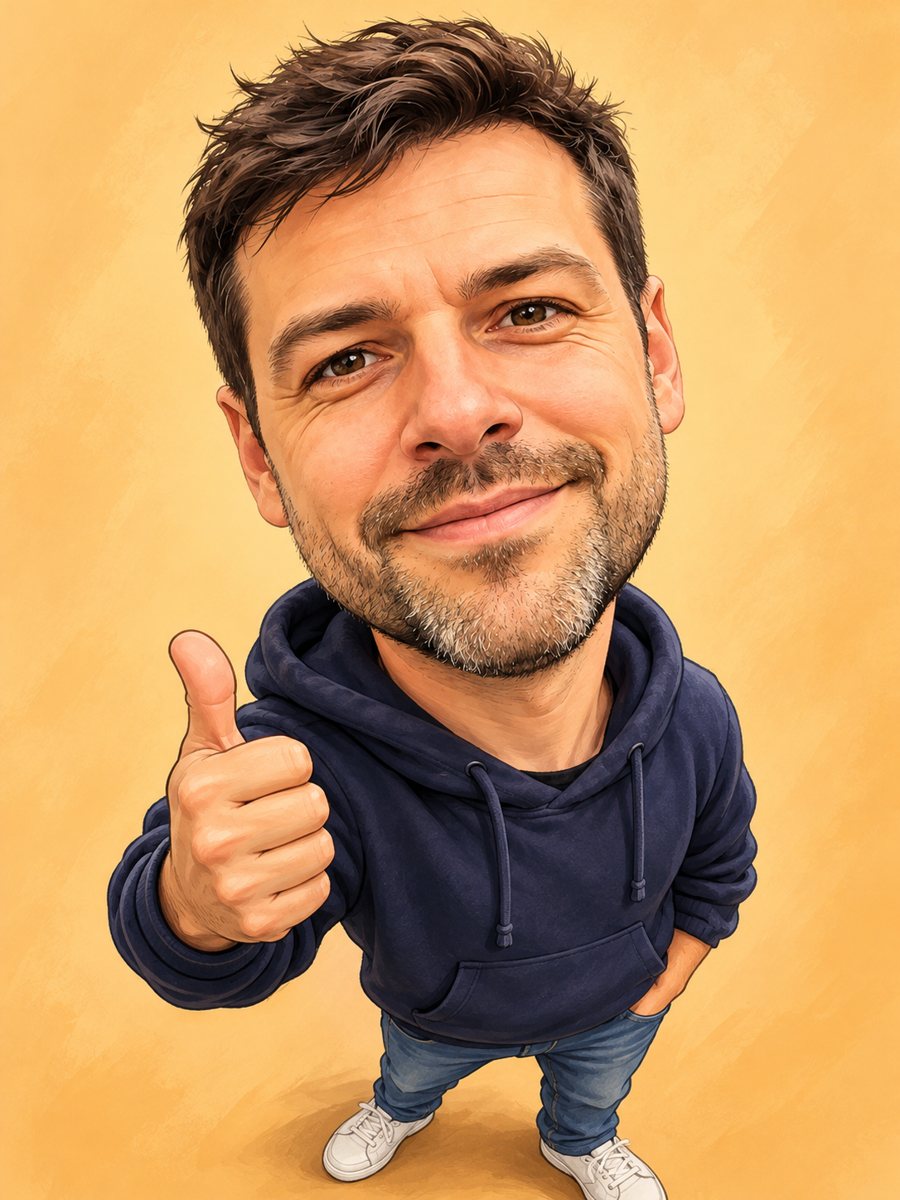 Turn your photo into a friendly caricatureDraw a friendly caricature of yourself or a friend with a big head, a big smile and a small body. Copy the...