Make an anime portrait from your photo
Send a photo and get an anime illustration with clean outlines, cel shading and large detailed eyes. Face shape, hair color and outfit stay recognizable. The same prompt is in the copy box if you want to run it in another AI.
- 2 credits per image
- Result in 1–2 minutes
- No sign-up
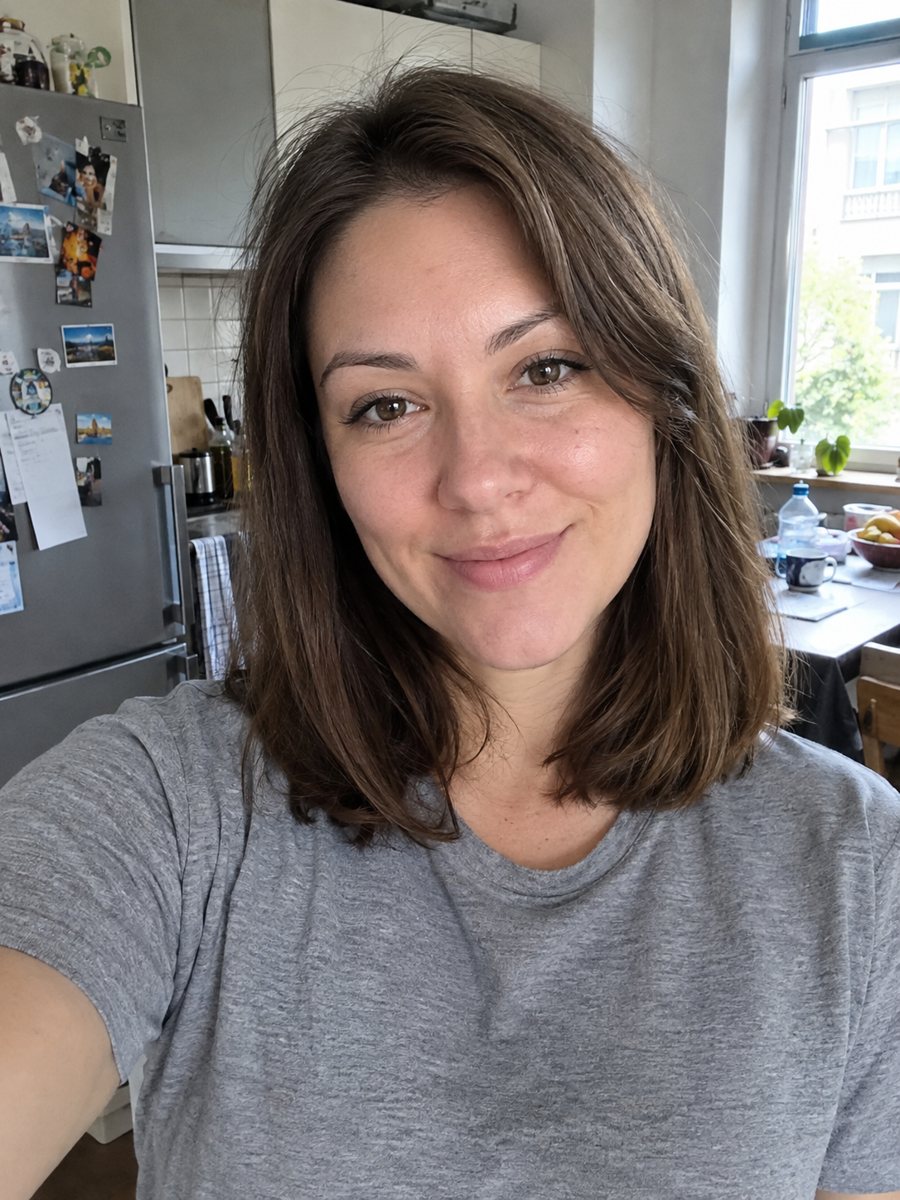
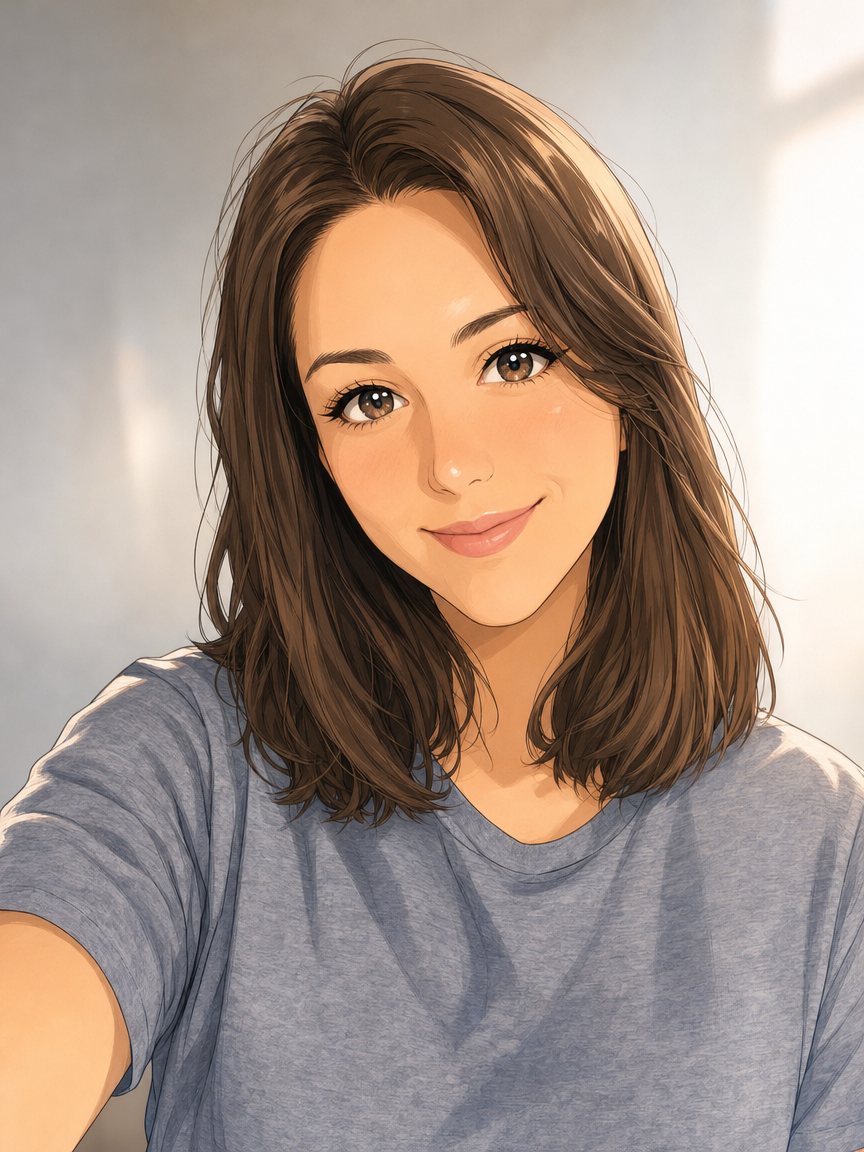 BeforeAfter
In short: Redraw a photo as a polished anime illustration with clean line art and cel shading. Ready prompt, 2 credits per image, 7 images free to try.
- Where: the VisuMate bot in Telegram, no app or sign-up.
- Cost: 2 credits per image, 7 images free, then packs from 49 Telegram Stars.
- Time: 1 to 2 minutes per image, rerun with a new instruction at the same price.
When you need this
- You want an anime profile picture that actually resembles you.
- You are making a gift for an anime fan and need a quick portrait.
- A character sheet for a role-play or a tabletop game needs a face.
- Phone anime filters give the same generic face to everyone.
How to do it
- 1
Use the button above to open VisuMate in Telegram. The anime portrait style is preselected, so there is no menu to browse.
- 2
Pick one photo and send it as a document. If you want changes, write them in the caption: long black hair, soft pink sky background.
- 3
Give it 1-2 minutes. The cost is 2 credits per image. Review hair color, face shape and outfit, and save the best one or try again.
Try it on your own photo: 7 images are free, no sign-up.
Make it in TelegramThe prompt behind this style
Redraw this photo as a high-quality anime illustration. Keep the person's face shape, hairstyle, hair color, expression and outfit recognizable. Clean line art, cel shading, large detailed eyes, soft gradient background, style of a modern Japanese animated film. Vertical 3:4 portrait, no text.
The anime look this prompt aims for
The result follows modern Japanese animated film: thin confident lines, flat color areas with one or two shade steps, glossy eyes with highlights and a soft gradient sky or wall behind. It is a polished illustration rather than a rough sketch, so it suits avatars, wallpapers and cover art. Outfit details such as collars, scarves and bags are simplified but stay in the right colors.
Photo choices that help
Head and shoulders with even light work best. Hair that covers half the face or strong sunglasses give the AI less to read, so expect more guessing. Group photos can be cropped to one person before sending. If your photo has a messy room behind you, say in the caption what scene you would prefer, for example a street at dusk or a classroom window.
Honest expectations
Anime drawing simplifies faces, so the likeness is carried by hair, eye color, face shape and accessories more than by fine features. Two runs can look quite different. If the first one feels like a stranger, run again and consider adding a detail the AI missed, like freckles or glasses. Results are illustrations, not official artwork of any show.
Tips
- Photos with a clear hairstyle outline give the sharpest anime result.
- Write the hair color in the caption if your lighting makes it look different.
- Ask for a mood: calm smile, serious look, windy hair.
- A plain background in the source photo makes the redraw cleaner.
- If the eyes feel too big for your taste, add: keep eye size moderate.
Questions and answers
Does it look like a specific anime show?
No. It follows a general modern anime film look, not a particular title or studio.
Can I get a full-body anime picture?
The prompt targets a vertical portrait. For full body, mention it in the caption and expect more variation.
Will glasses and piercings appear?
Usually yes if they are clearly visible. Check the result and rerun if something is missing.
Do I need to write in English?
English captions work well. The bot replies in English, and the link from this page opens the right mode.
What does it cost?
2 credits per image. The first launch gives 15 credits, so 7 images free.
More in "Photo styles"
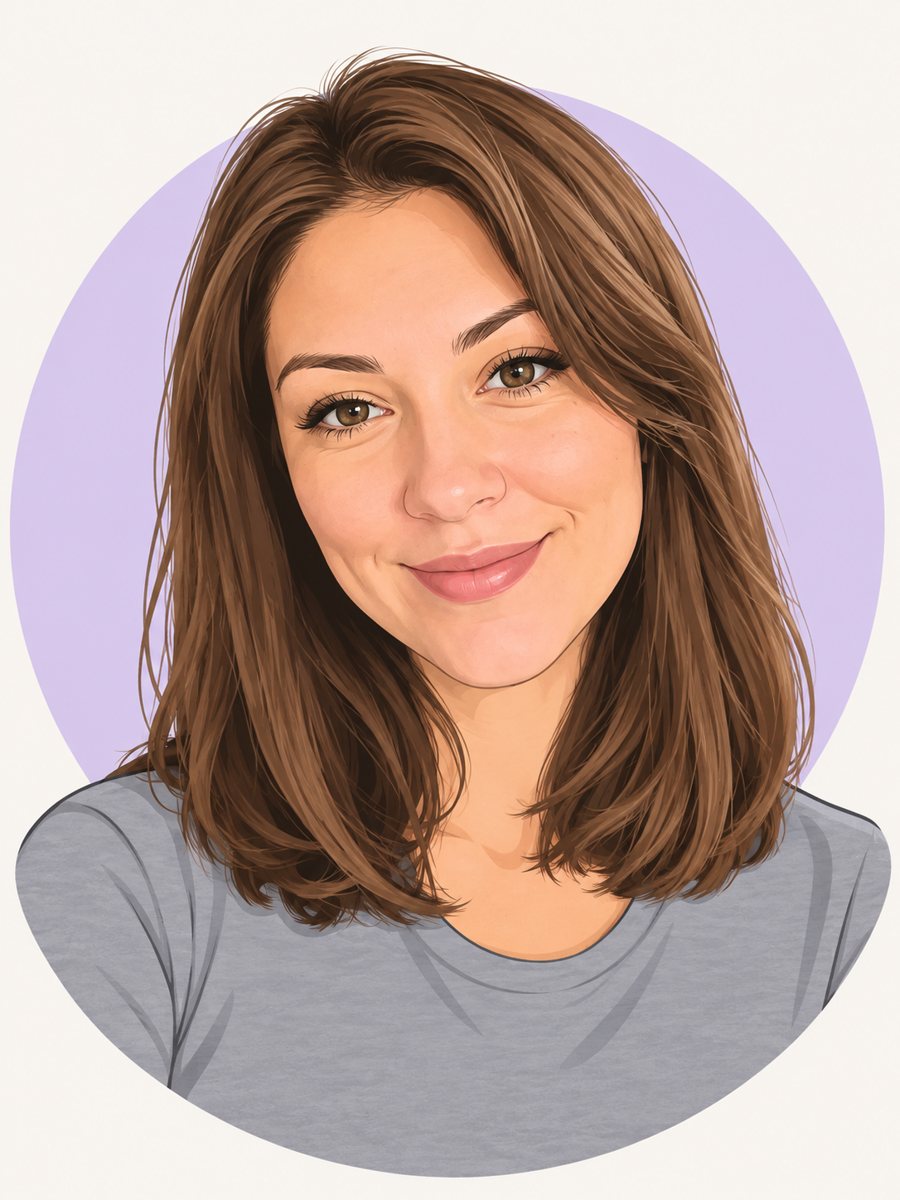 Make a cartoon avatar from your photoDraw a friendly cartoon avatar from your photo in clean vector style with a pastel circle background....
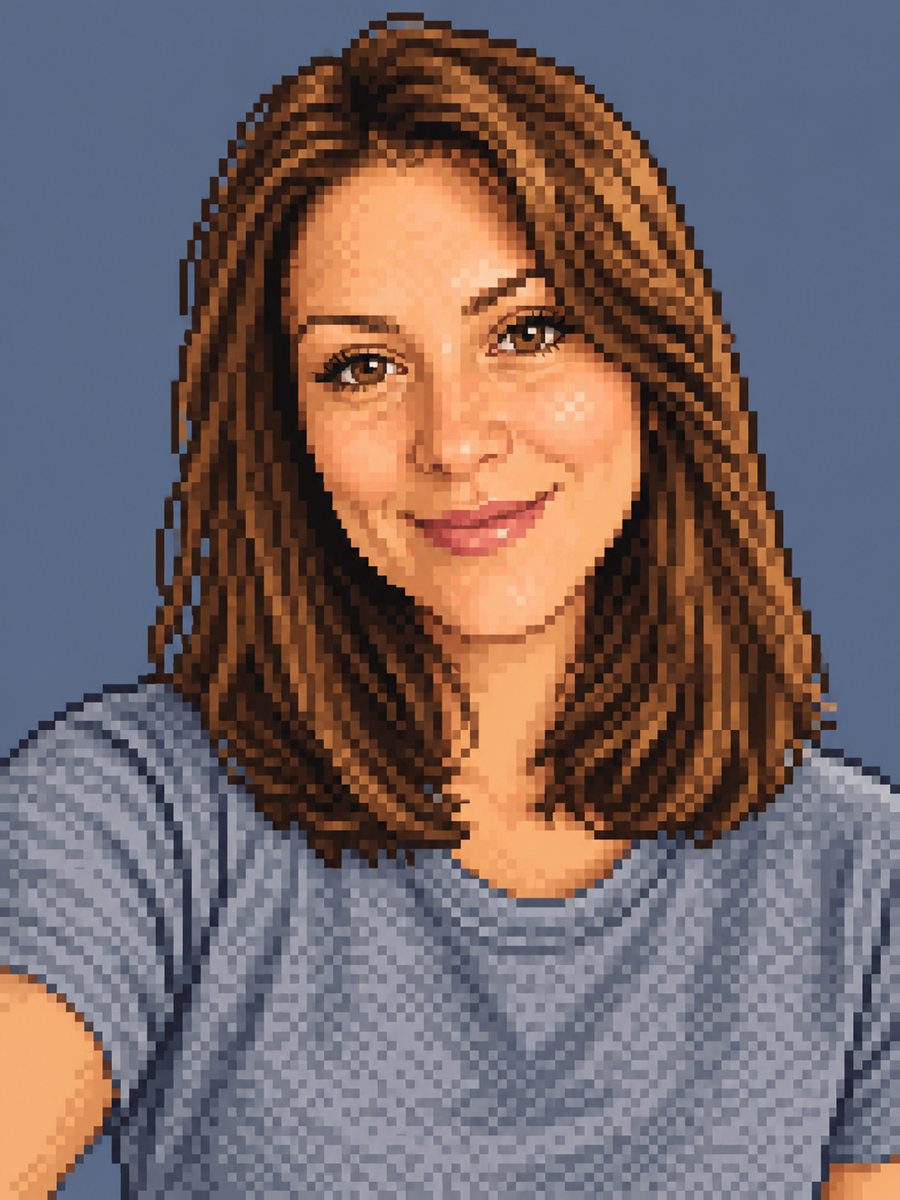 Make a pixel art portrait from your photoConvert a photo into 16-bit pixel art with a limited palette and clean dithering. Ready prompt, 2 credits...
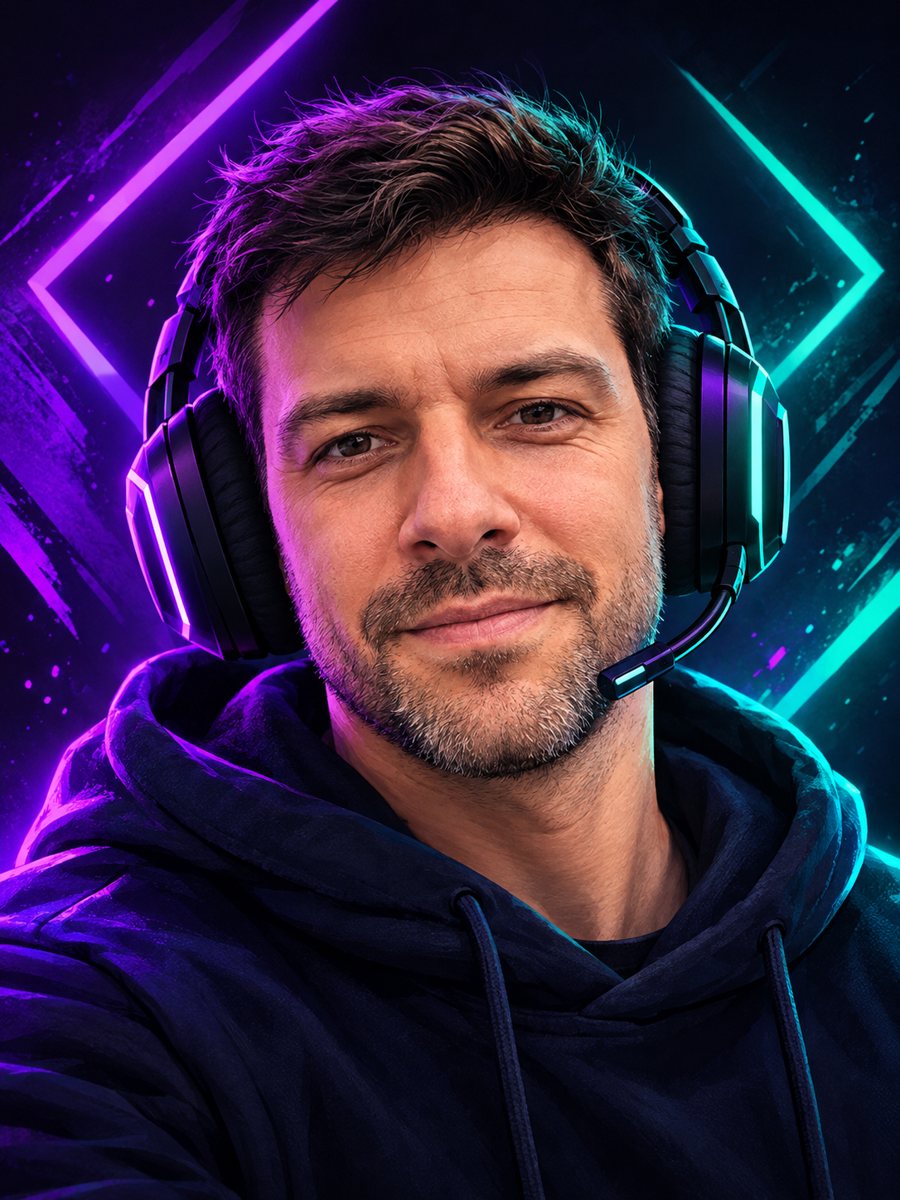 Make a gaming avatar from your photoTurn your photo into a bold gaming avatar with a headset, neon lighting and a dark background. Ready...
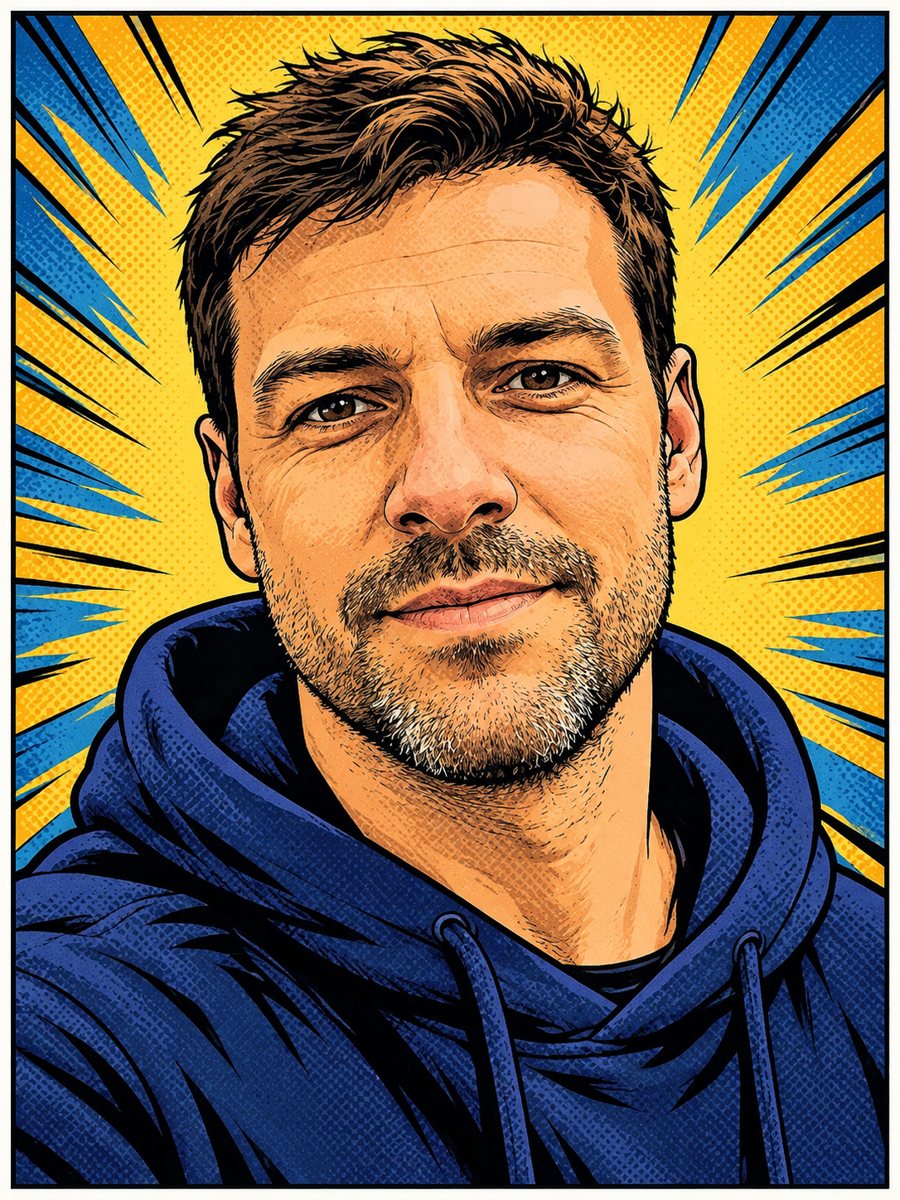 Turn your photo into a comic book panelRedraw your photo as an American comic book panel with bold ink outlines and halftone shading. Copy the...
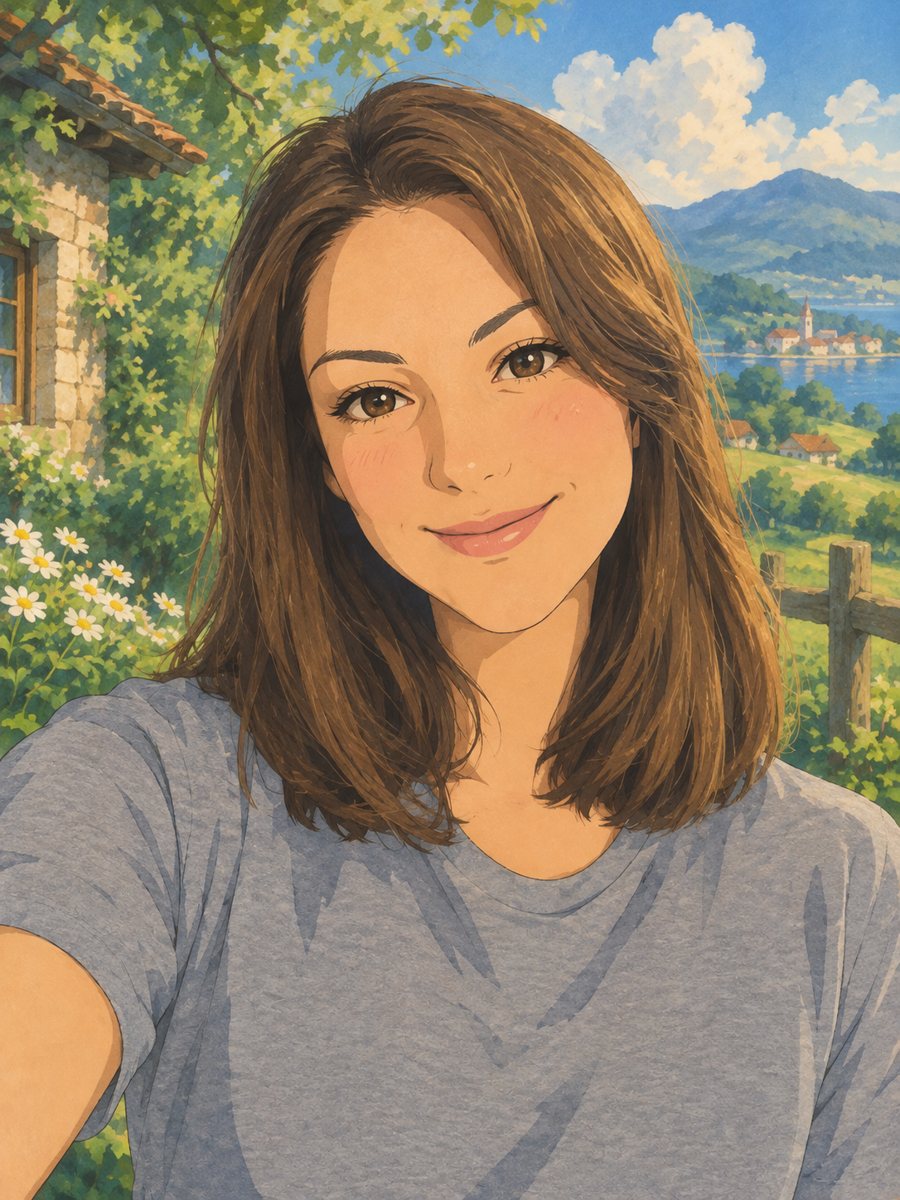 Turn your photo into a Ghibli-style illustrationTurn a photo into a hand-painted anime scene with soft colors and green hills. Copy the ready prompt or...