Make an oil painting portrait from a photo
Your photo becomes a classical oil painting with visible brush strokes, warm tones and strong light against a dark background. The face, hairstyle and clothing stay recognizable. Open the bot with the button and send one photo.
- 2 credits per image
- Result in 1–2 minutes
- No sign-up
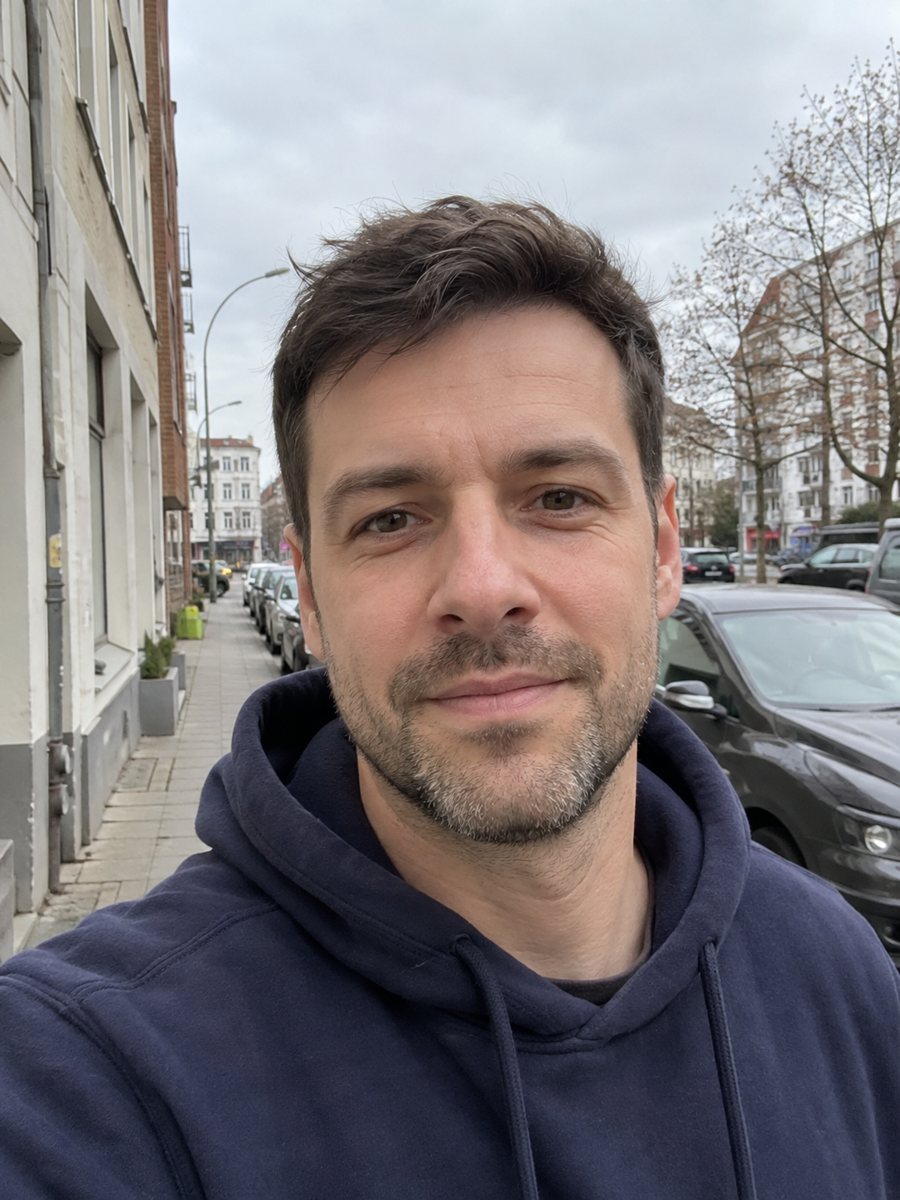
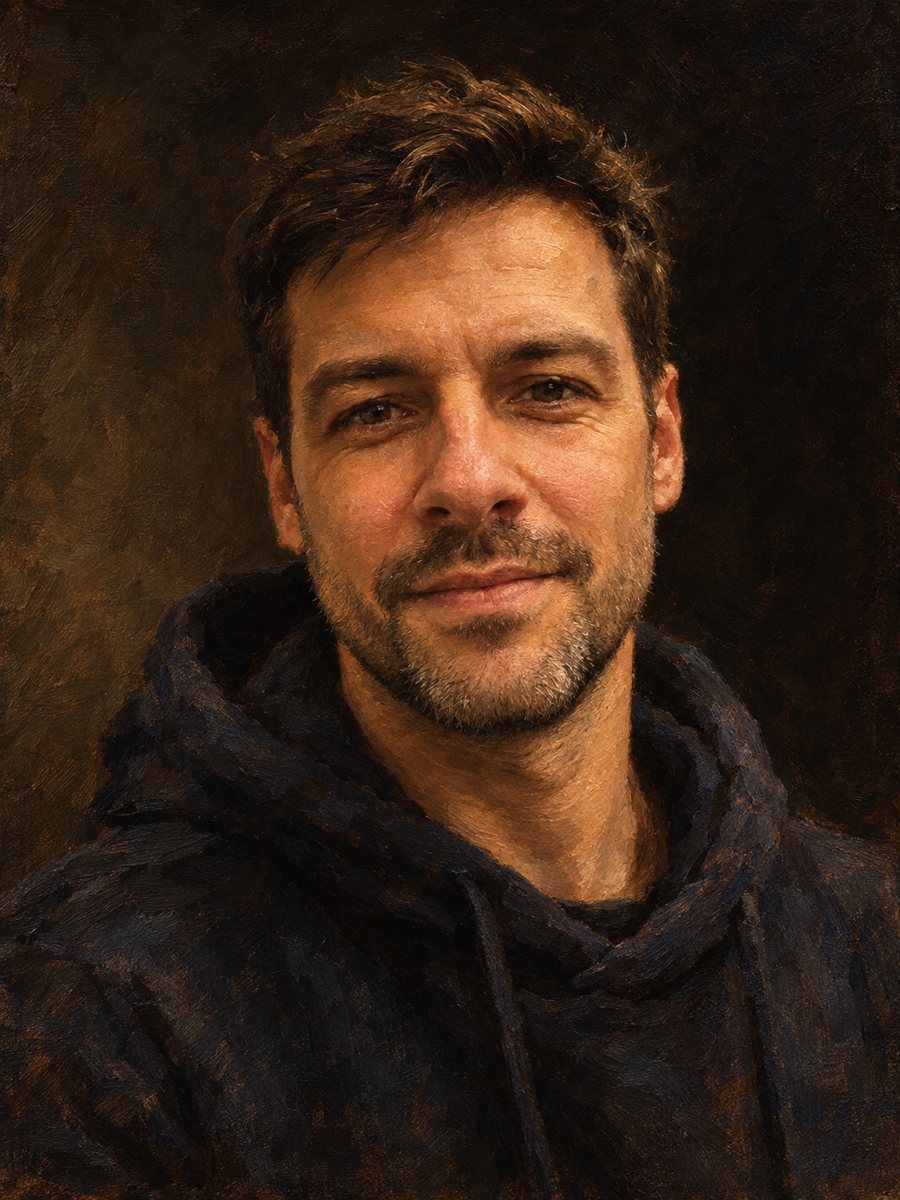 BeforeAfter
In short: Repaint a photo as a classical oil portrait with brush strokes and dramatic light. Ready prompt, 2 credits per image, 7 images free in Telegram.
- Where: the VisuMate bot in Telegram, no app or sign-up.
- Cost: 2 credits per image, 7 images free, then packs from 49 Telegram Stars.
- Time: 1 to 2 minutes per image, rerun with a new instruction at the same price.
When you need this
- You want a serious portrait for a home office wall or a family gift.
- A founder or author bio needs an old-master look.
- A photo of your father or grandfather would suit a painted treatment.
- You are decorating a space in a classic style and need portraits of people you know.
How to do it
- 1
Press the button to launch the bot. It opens with this style applied, you only need to add a photo.
- 2
Send one photo as a file (document) so Telegram does not compress it. Caption is optional, for example: dark green jacket, dark brown background.
- 3
The result arrives in the chat in 1-2 minutes for 2 credits. Look at brush texture, face likeness and the clothing colors. A second run costs the same 2 credits if you want another take.
Try it on your own photo: 7 images are free, no sign-up.
Make it in TelegramThe prompt behind this style
Repaint this photo as a classical oil painting on canvas. Keep the face, hairstyle, expression and clothing recognizable. Visible brush strokes, rich warm palette, dramatic chiaroscuro lighting, dark neutral background, museum-quality portrait in the manner of 19th century academic painters. Vertical 3:4, no text, no frame.
The 19th century academic look
The prompt describes a museum-style portrait in the manner of academic painters: warm palette, deep shadows, a quiet dark background and strokes you can see up close. Skin is modeled with soft transitions, while cloth and hair get looser, thicker strokes. This look flatters people with strong light on one side of the face.
How to choose your photo
A well-lit, sharp photo with the face large in frame works best. Avoid flash, which flattens features and produces shiny skin that the AI then paints as plastic. Remove hats and sunglasses unless you want them in the painting. If your clothes are modern, such as a hoodie, say in the caption whether to keep them or dress the sitter in a suit or a dark coat.
Limits and gift ideas
This is not a copy of a real artwork and it will not match a commissioned painter's skill. Fine details like jewelry chains or text on clothing can warp. For a gift, a framed print of an oil portrait suits parents and grandparents. Check the face carefully before printing, and rerun if the expression shifted.
Tips
- Side light from a window gives the AI natural shadow to turn into dramatic chiaroscuro.
- Plain, dark clothing blends into the dark background, so mention a lighter collar or scarf if you have one.
- Ask for a specific mood: calm, stern, kind.
- A three-quarter turn of the head looks more painterly than a straight passport pose.
- If the skin looks too smooth, rerun and add: keep natural skin texture and wrinkles.
Questions and answers
Can I get a woman in period clothes?
The prompt keeps your clothing. For a costume, add a caption such as velvet dress. For a stricter period look, see the Renaissance style.
Does it add a frame?
No. The prompt asks for no frame and no text.
Will it work on a selfie?
Yes, if the selfie is sharp and not taken from below with wide-angle distortion.
Can I print the result?
Yes, but check the resolution on your printer and keep the original file sent as a document for later reruns.
How many free tries?
7 images with the 15 free credits on your first launch.
More in "Photo styles"
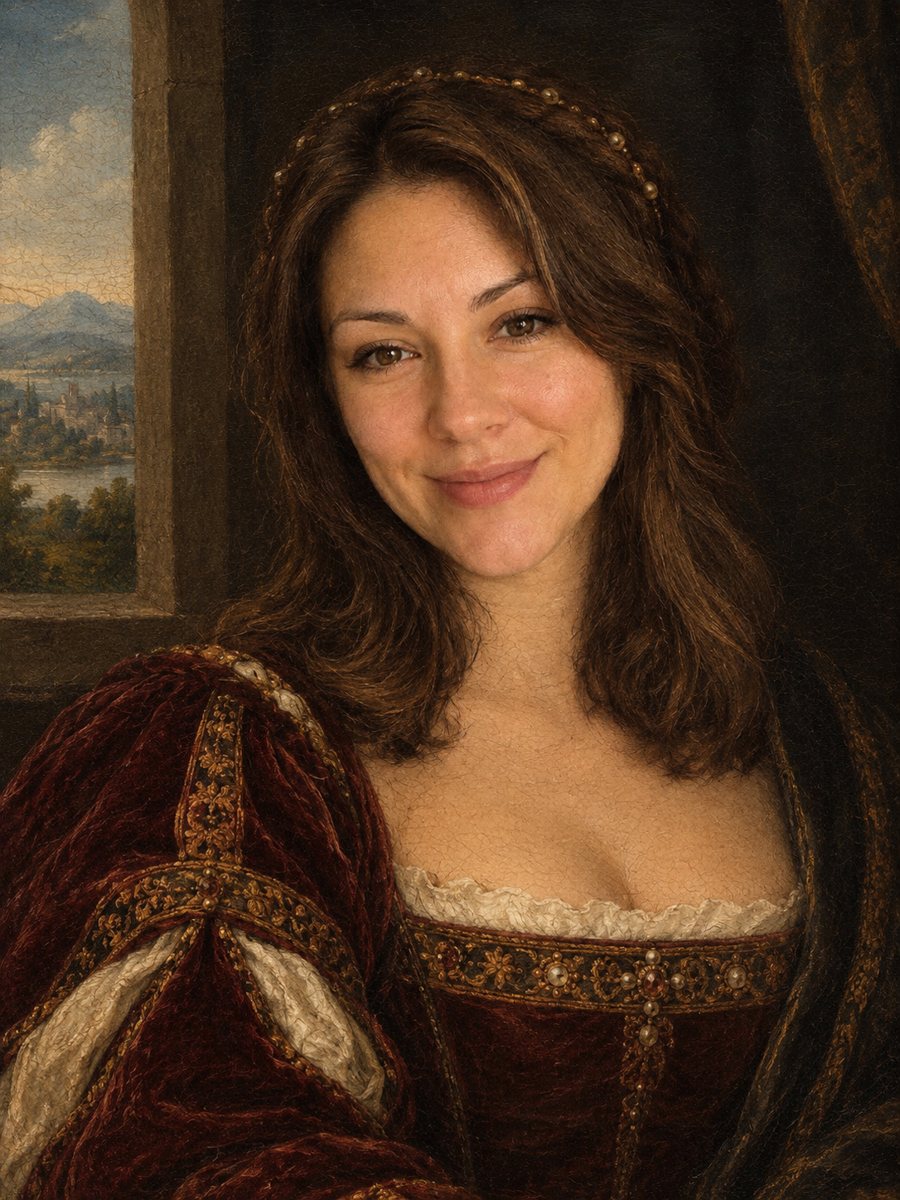 Turn your photo into a Renaissance paintingRepaint your photo as an early 1500s Renaissance portrait with period clothing and soft sfumato. Ready...
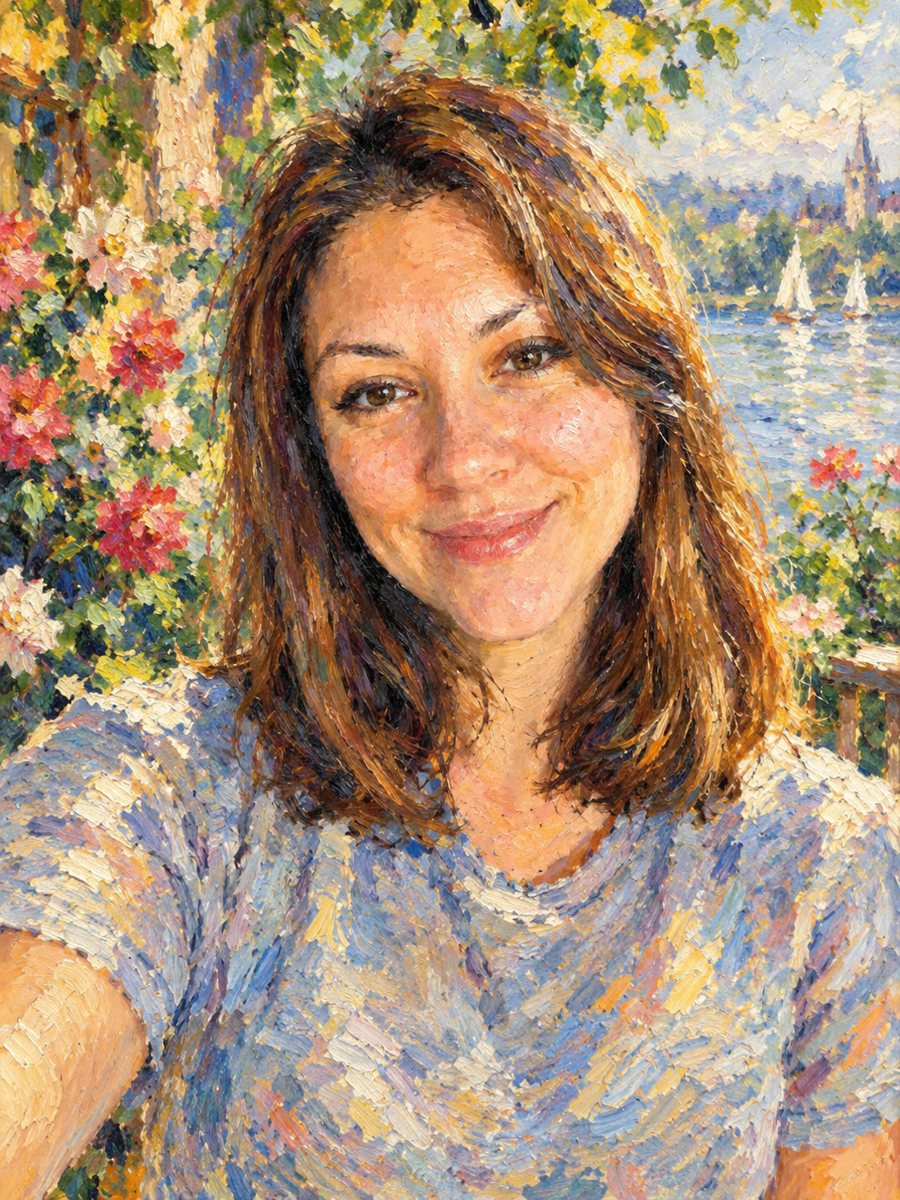 Turn your photo into an impressionist oil paintingRepaint a photo as an impressionist oil painting with visible brush strokes and dappled light. Ready...
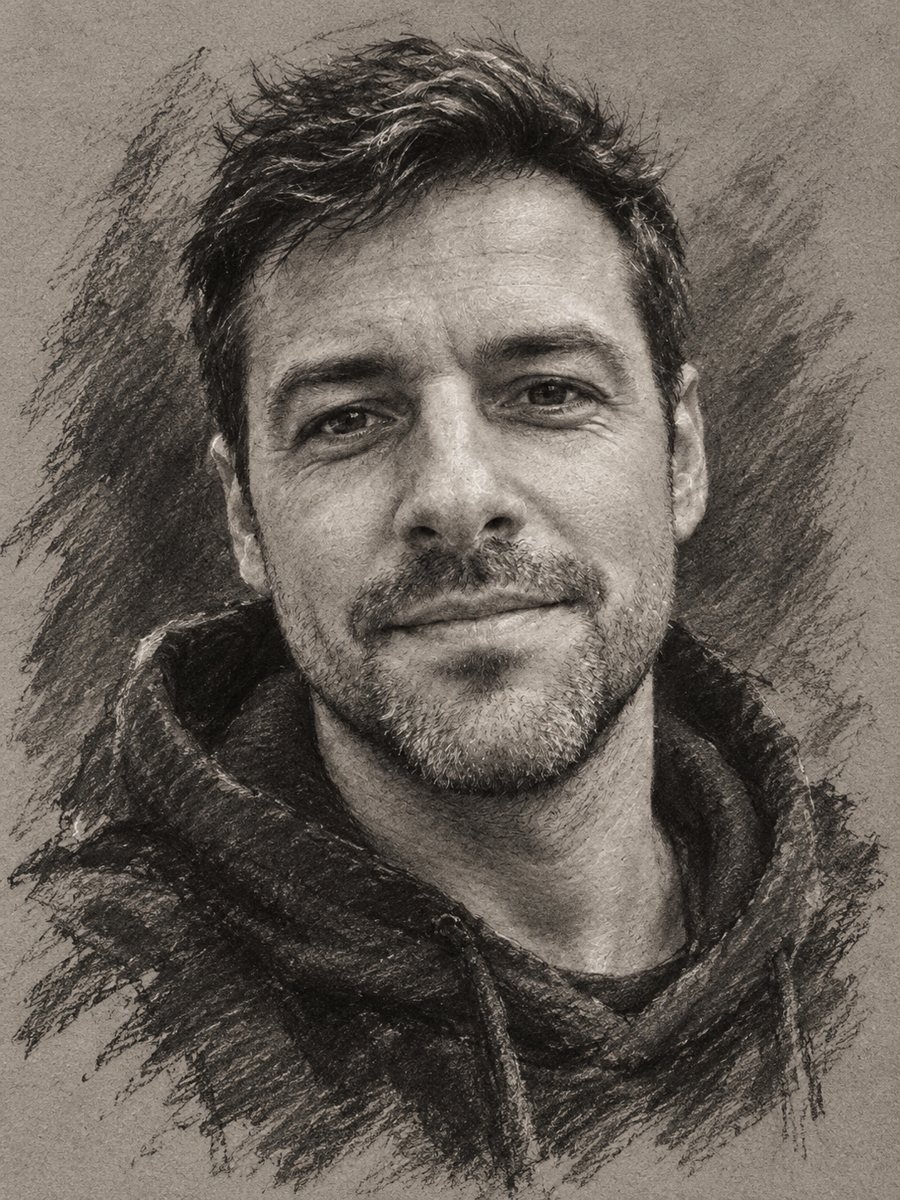 Turn your photo into a charcoal drawingConvert a portrait into an expressive charcoal sketch on gray paper with chalk highlights. Copy the ready...
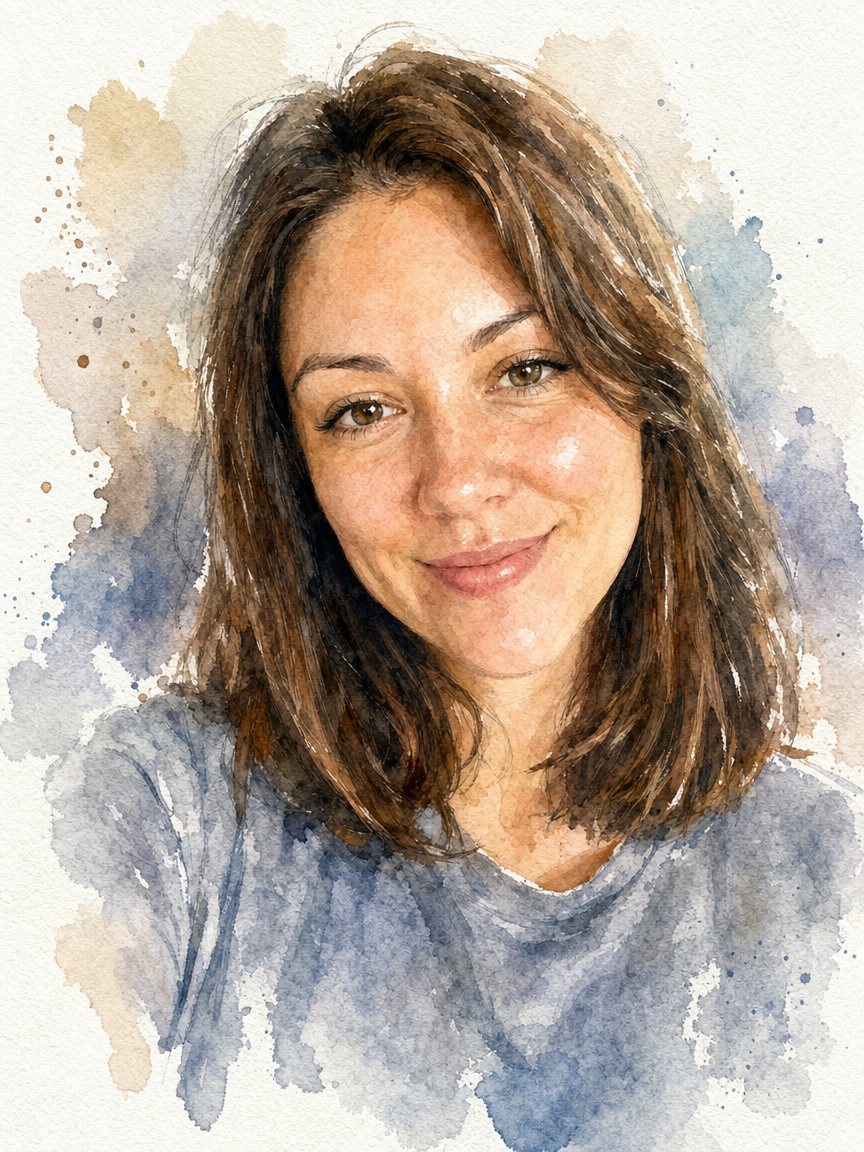 Turn a photo into a watercolor portraitPaint your photo as a loose watercolor portrait on textured paper. Copy the prompt or open the bot: 2...
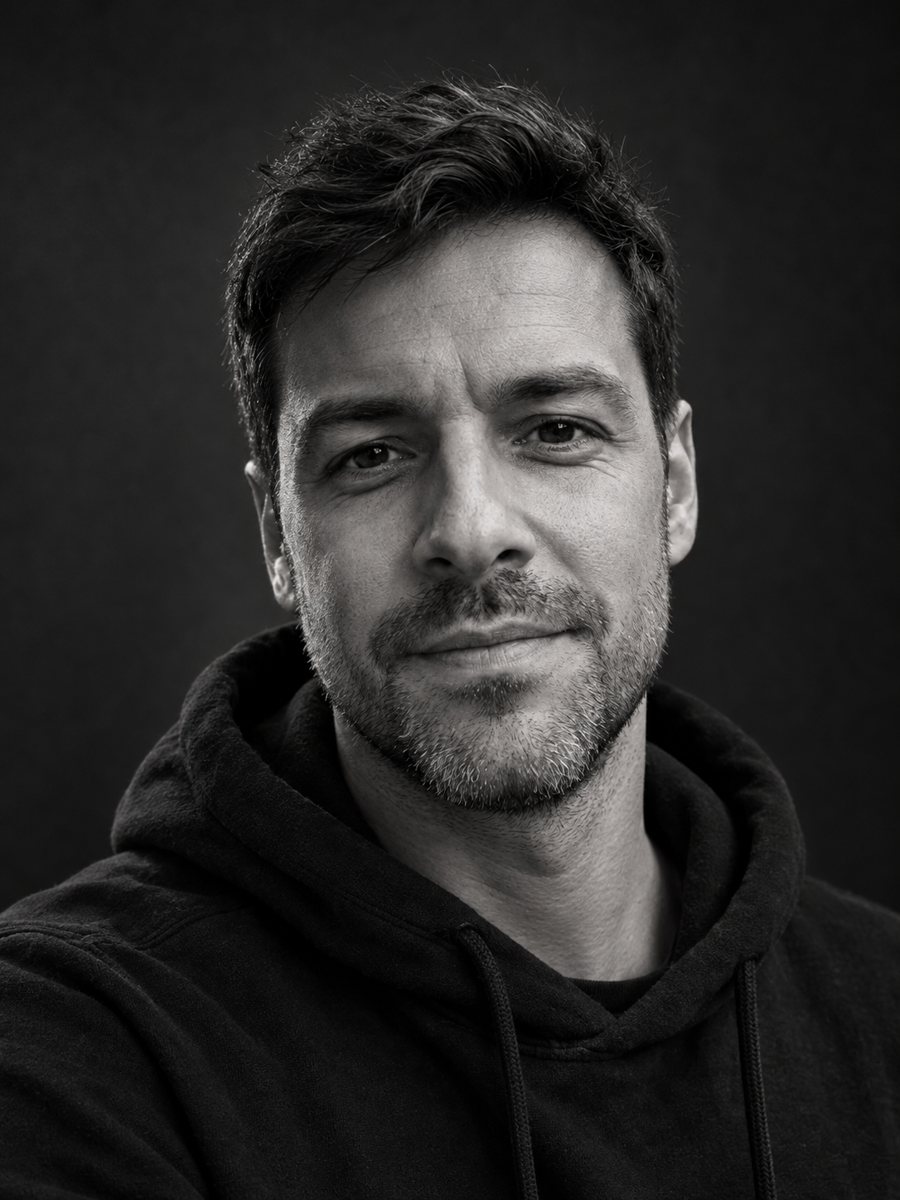 Make a black and white studio portrait from a photoTurn a casual photo into a dramatic black and white studio portrait with a dark backdrop and side light....