A nurse practitioner headshot for the clinic page
A nurse practitioner often is the first provider a patient meets, so the photo on the clinic page matters. Send a phone picture and get a tidy portrait in scrubs or a white coat, with a soft clinical background that does not distract.
- 2 credits per image
- Result in 1–2 minutes
- No sign-up
In short: Make a polished nurse practitioner headshot for a clinic page, hospital directory or LinkedIn from a phone photo. Telegram bot, 7 images free.
- Where: the VisuMate bot in Telegram, no app or sign-up.
- Cost: 2 credits per image, 7 images free, then packs from 49 Telegram Stars.
- Time: 1 to 2 minutes per image, rerun with a new instruction at the same price.
- Credits never expire, there is no subscription and no auto-renew. You pay once for a pack inside Telegram with Stars.
When you need this
- Hospital badge photos look washed out under harsh ceiling lights.
- The clinic wants provider photos next week and nobody has a photographer.
- A new credential means a new title line, and the old photo feels outdated.
How to do it
- 1
Press the button to open @visumate_ai_bot in Telegram. No sign-up, and new users get 15 free credits, which is 7 images.
- 2
Send a front-facing photo as a file. In the caption write: 'navy scrubs with stethoscope around neck, bright blurred clinic hallway'.
- 3
In 1-2 minutes the portrait arrives for 2 credits. Check the collar and any badge area before using it.
Try it on your own photo: 7 images are free, no sign-up.
Make it in TelegramMatching the clinic's look
If four providers share one web page, the colors and framing should match. Agree on a background and scrub color with the team, then reuse the same caption for each person. The result is a row of portraits that feel like one practice, even when the originals were taken in different rooms on different days. Do this once and every future hire fits the page.
Honest use
Patients should recognize the person who walks in. Use an AI portrait only when it stays close to the real face. The bot leaves features alone, but you should still compare the result with your original and reject anything that changes age or skin in a noticeable way before the picture goes on a public page. Keep your original next to the result.
Tips
- Name the exact garment, such as 'ceil blue scrubs' or 'white coat over blouse'.
- Do not ask for a name badge, because the text will be wrong.
- Add your credentials as text afterward in the page layout.
- Keep hair neat and visible, since the bot copies it faithfully.
Questions and answers
Does it work for other providers?
Yes, for PAs, midwives or therapists. Just describe their clothing.
Can I add a stethoscope?
Yes, mention it in the caption, and check that it looks natural at full size.
What does it cost?
2 credits per image. New users get 15 free credits, so 7 images cost nothing. After that packs start at 49 Telegram Stars and credits do not expire.
Does the bot work in English?
Yes. It picks up your Telegram language on first launch. You can switch it any time with /lang.
What the bot does not do
- Works from one photo. Likeness depends on the photo you send, and some styles change features more than others.
- Does not make video or animation.
- Does not output a transparent PNG.
- Does not retouch passport or ID photos.
More in "Photo styles"
- A nurse headshot made from a regular photoCreate a nurse headshot with scrubs, a soft clinical background and a warm expression. Telegram bot, 7...
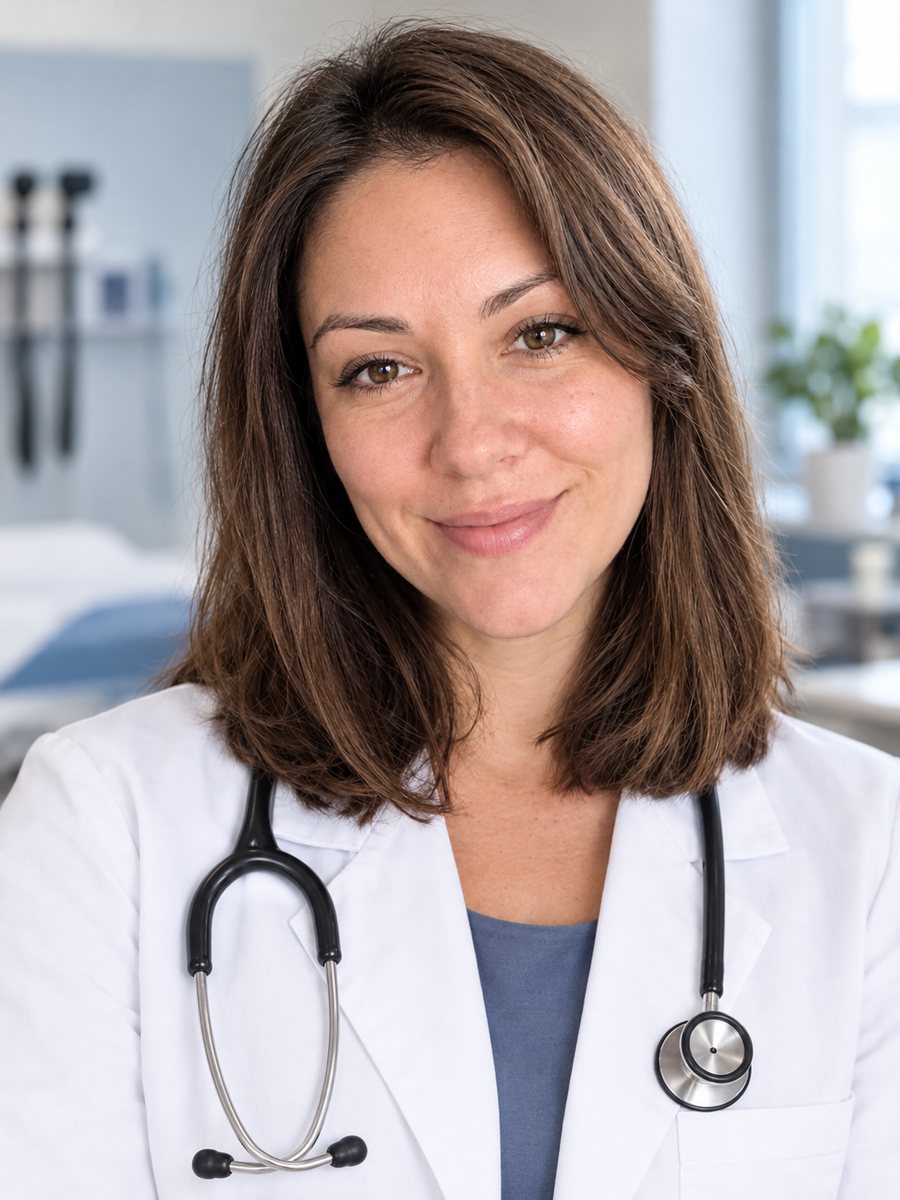 Create a doctor headshot from a regular photoTurn a photo into a medical headshot with a white coat, stethoscope and a blurred clinic. Copy the ready...
 Upgrade your profile photo without changing youImprove a social media profile picture: fix exposure and white balance, blur a messy background to a warm...
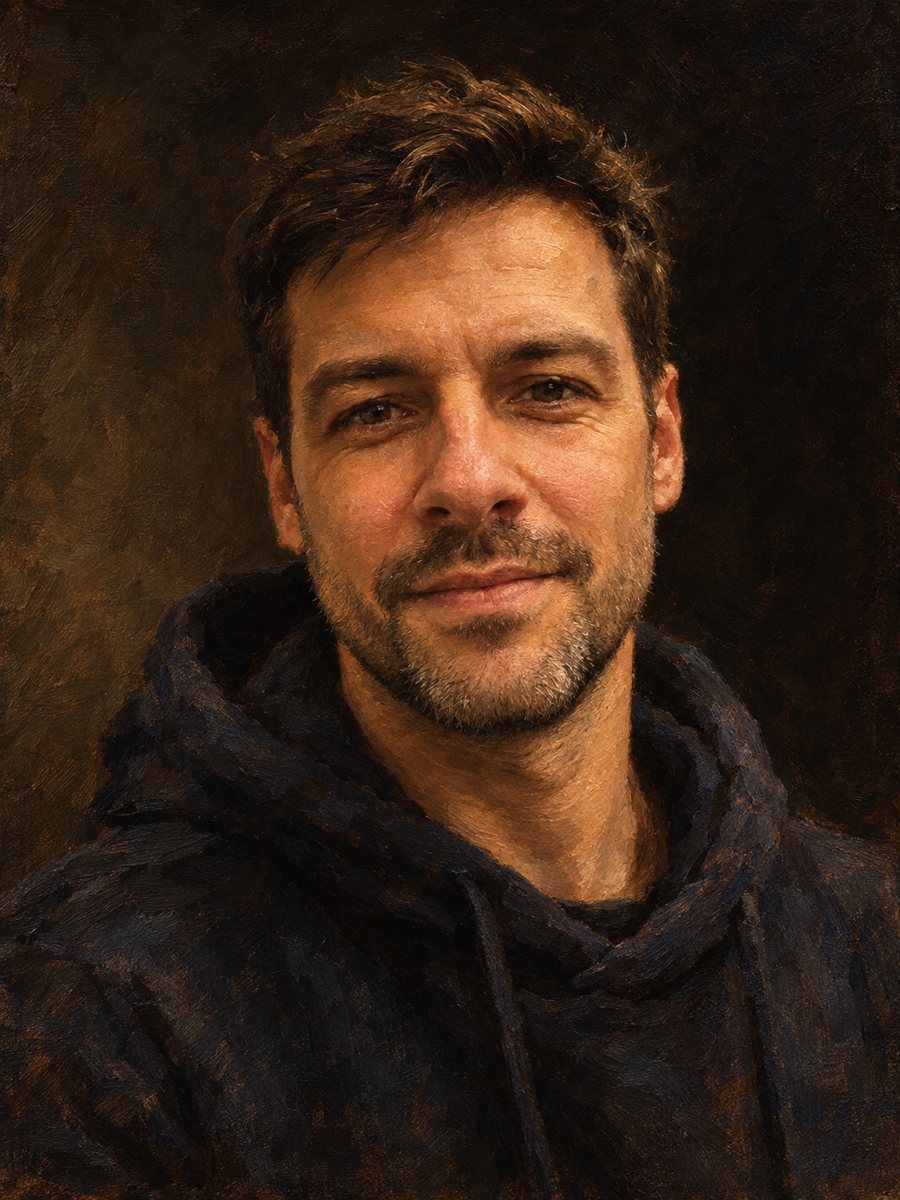 Make an oil painting portrait from a photoRepaint a photo as a classical oil portrait with brush strokes and dramatic light. Ready prompt, 2 credits...
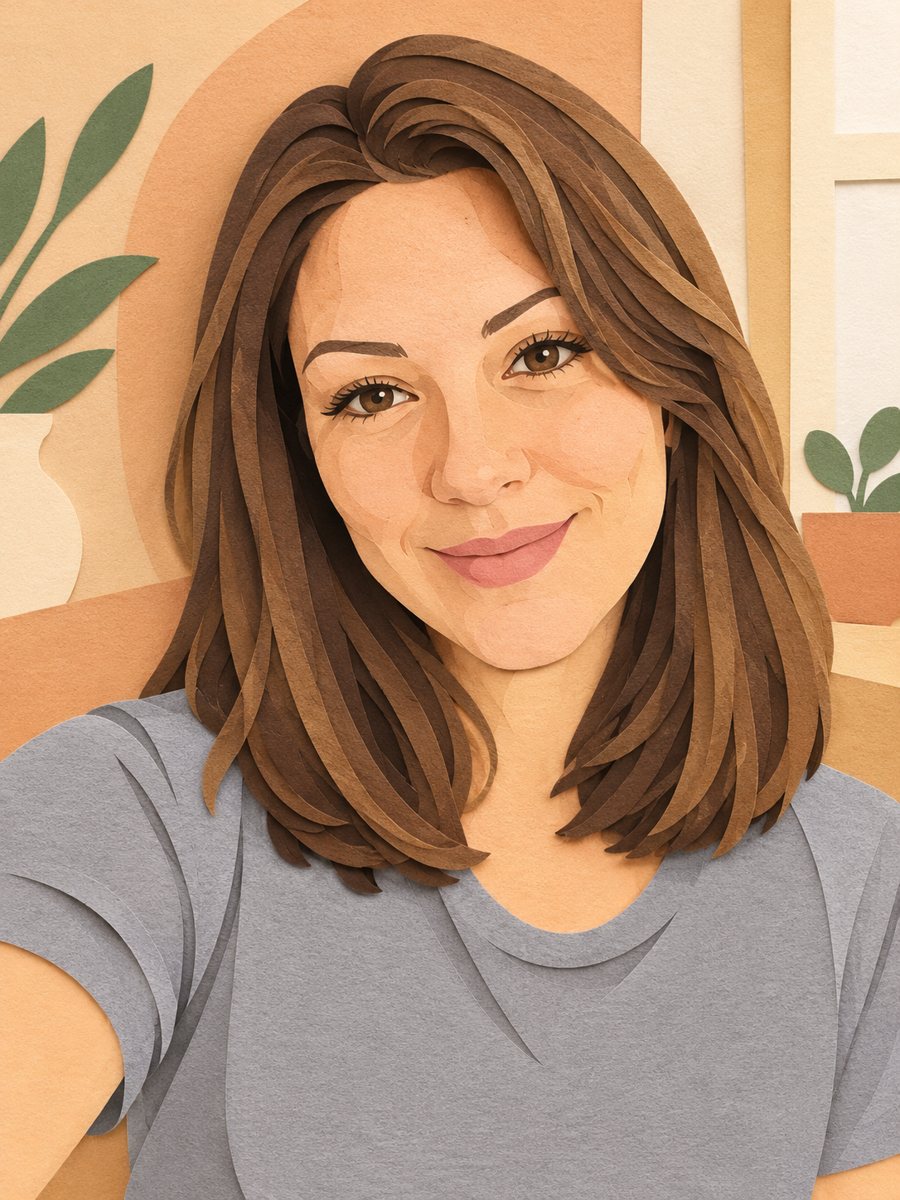 Turn your photo into a paper cut art portraitTurn a photo into layered paper cut art with soft shadows and a warm pastel palette. Copy the ready prompt...
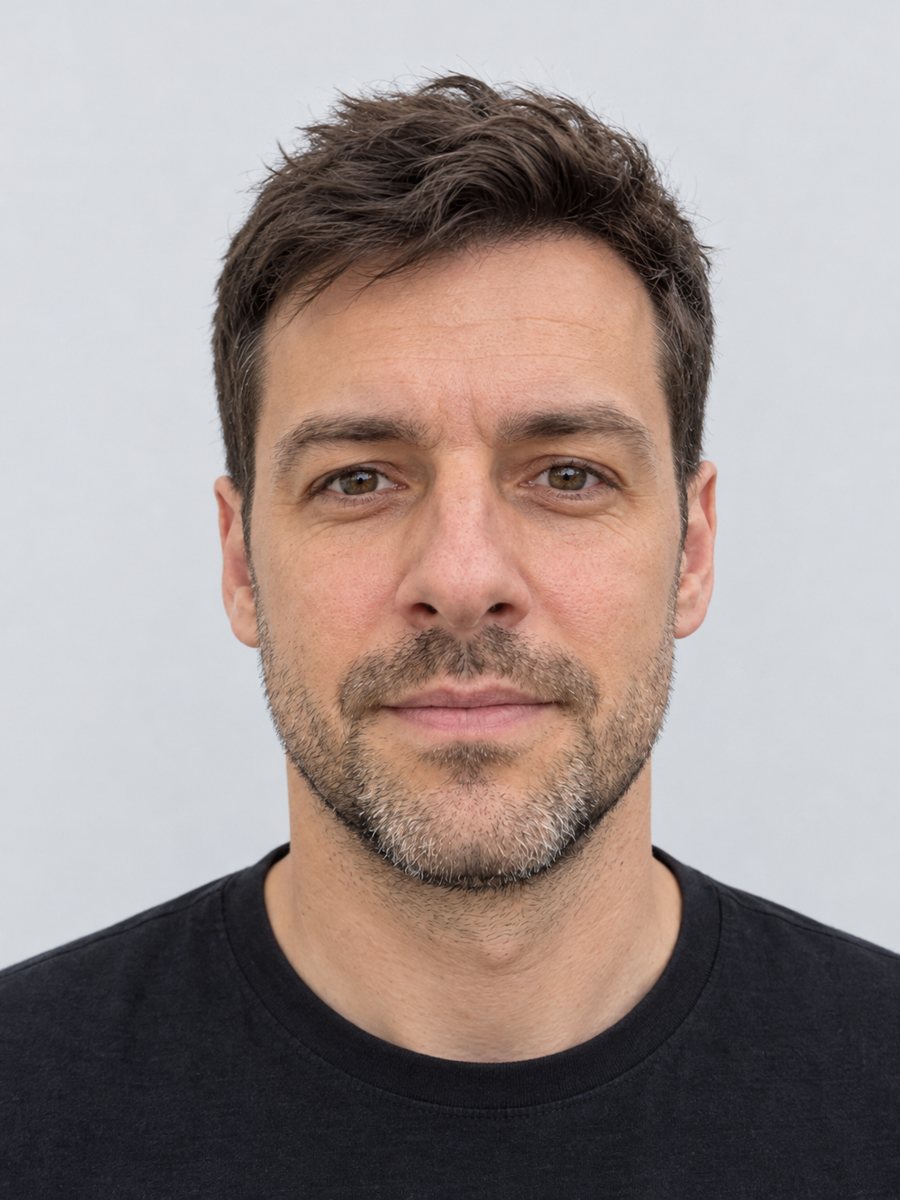 Make a clean ID-style portrait preview from a selfieMake a clean ID-style portrait preview from a selfie: gray backdrop, even light, neutral face. A style...