Make a clean ID-style portrait preview from a selfie
The bot restyles a selfie into a tidy portrait that looks like an ID photo: face centered and frontal, neutral expression, even light, a plain light gray background and a plain dark top. This is a style preview. It is not an official document photo and cannot be used for a real ID application.
- 2 credits per image
- Result in 1–2 minutes
- No sign-up
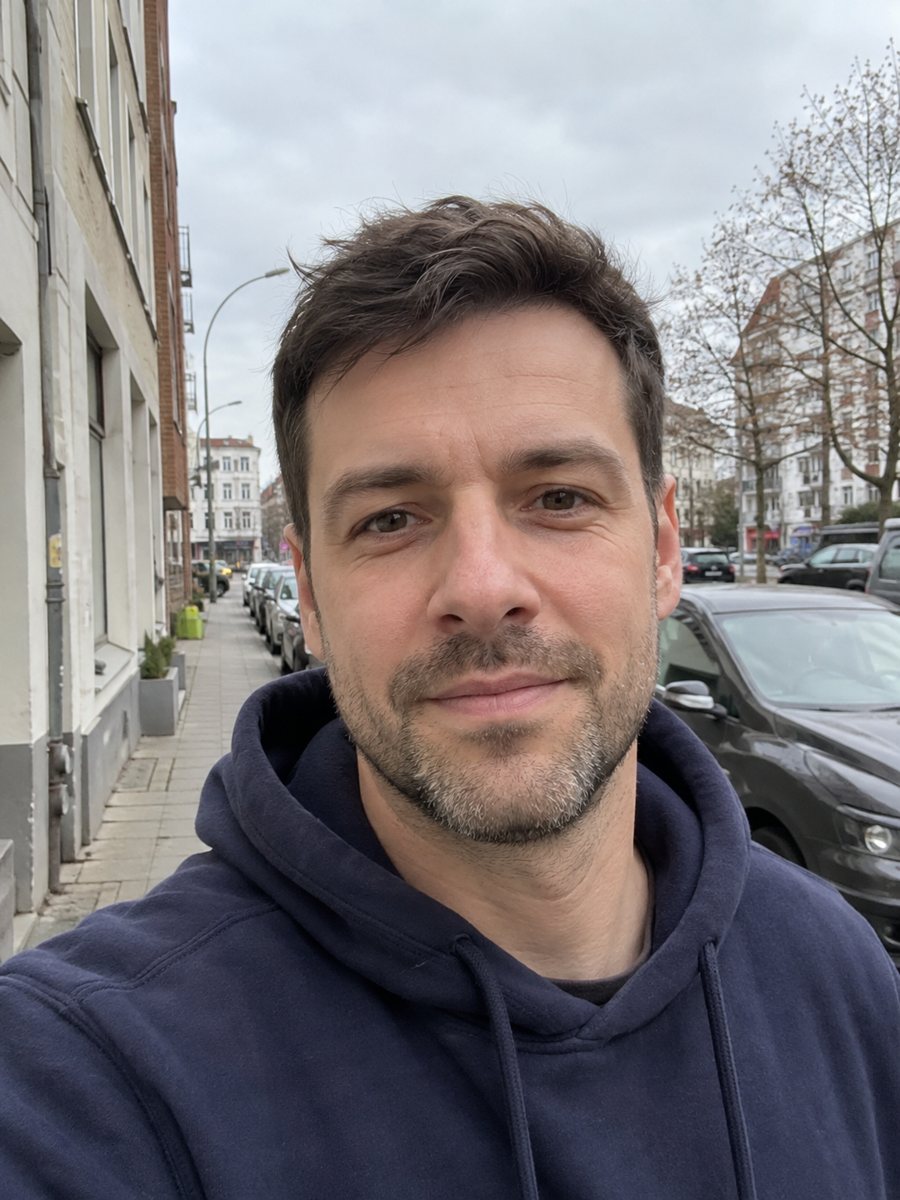
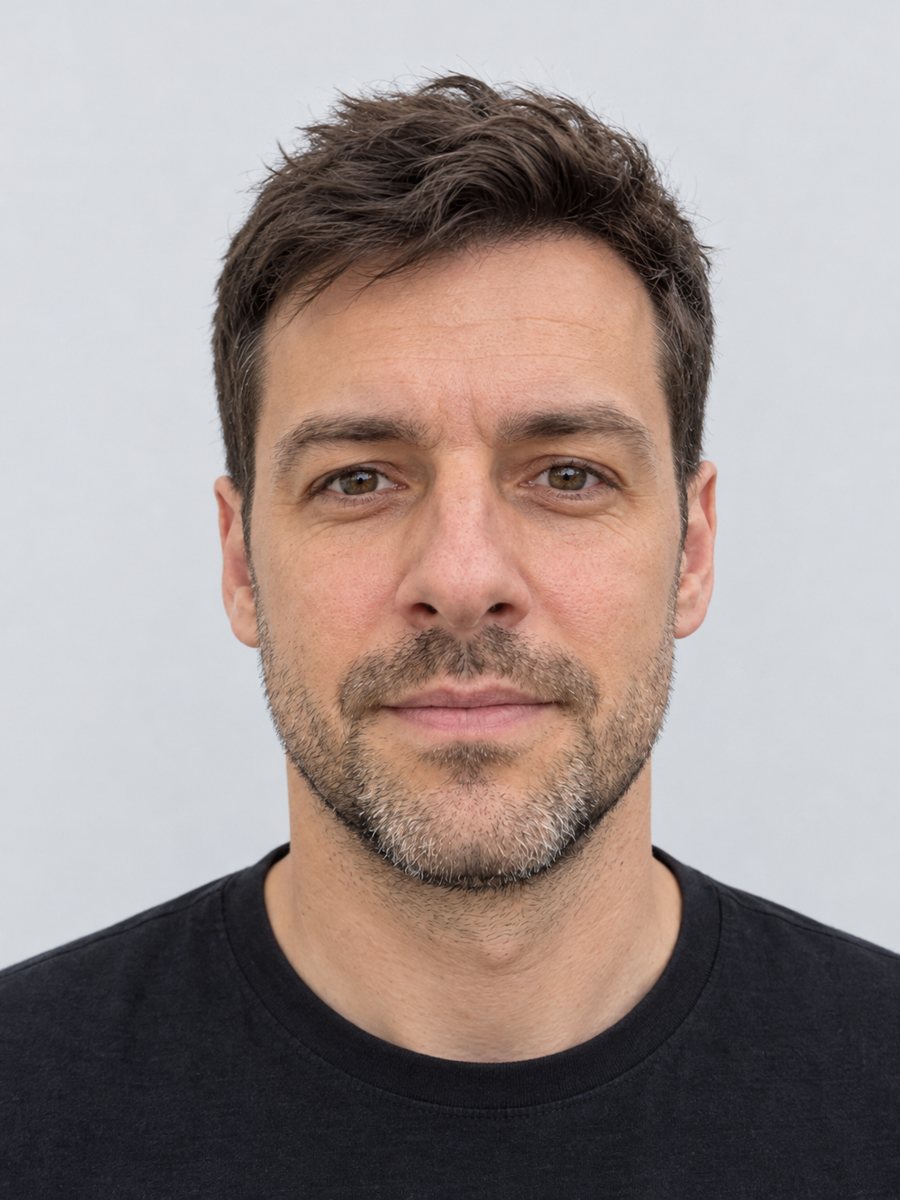 BeforeAfter
In short: Make a clean ID-style portrait preview from a selfie: gray backdrop, even light, neutral face. A style preview only, not an official document photo.
- Where: the VisuMate bot in Telegram, no app or sign-up.
- Cost: 2 credits per image, 7 images free, then packs from 49 Telegram Stars.
- Time: 1 to 2 minutes per image, rerun with a new instruction at the same price.
When you need this
- You want a neat, plain portrait for a school project, a mockup or a presentation slide.
- Your selfie has a messy room behind it and you need a clean neutral backdrop for a casual profile.
- You are designing a fake ID prop for a game, a film set or a classroom exercise.
How to do it
- 1
Tap the button on this page. Telegram opens the bot with the ID style selected, press Start if it asks.
- 2
Send one front-facing selfie as a file. In the caption you can write: dark navy top, no smile.
- 3
Wait 1-2 minutes, 2 credits are used. Compare the face against your selfie and rerun if any feature looks changed.
Try it on your own photo: 7 images are free, no sign-up.
Make it in TelegramThe prompt behind this style
Turn this selfie into a clean ID photo style portrait. Keep the face exactly recognizable, no retouching of features. Neutral expression, head centered and facing the camera, even frontal lighting, plain light gray background, plain dark top, sharp focus. Vertical 3:4, no text.
What this style is and what it is not
The style copies the look of an ID portrait: a centered head, a neutral face, even frontal light, a plain light gray background and a plain dark top. It is a visual preview made by AI. It is not an official document photo, and it cannot be used for a passport, a visa, a driver's license or any other real ID application. Each authority sets its own rules for size, background, expression and photo processing, and many forbid AI-edited images. The bot does not check any country's requirements and makes no promise to meet them.
Where the preview is useful
Use it where a clean, neutral portrait helps and no official check applies. Good examples are a mockup of an employee badge for a design project, a placeholder portrait in a presentation, a character card for a tabletop game or a tidy profile picture on a hobby forum. The face is meant to stay exactly recognizable with no retouching, but AI can still drift, so compare it with your selfie. For an actual document, visit a photo studio or a booth that follows your local rules.
Tips
- Look straight at the camera with your head level and both eyes visible.
- Take the selfie in daylight facing a window. Even light on the face gives the cleanest result.
- Remove hats and tinted glasses before the shot, since the style expects a bare, neutral look.
- Say in the caption what top you want, such as a dark gray crew neck.
- Use the result as a preview or a mockup only. Real documents need a photo taken to your authority's rules.
Questions and answers
Can I use this photo for a passport or visa?
No. It is a style preview made by AI and is not an official document photo. For real documents, use a studio or a booth that follows your authority's rules.
Does the bot follow country requirements?
No. It does not check any country's rules and does not promise compliance.
Will the bot retouch my face?
The prompt asks to keep the face exactly recognizable with no retouching of features. AI can still shift small details, so compare the result with your selfie.
Can I choose the background color?
The default is plain light gray. You can mention another plain color in the caption.
How much does a run cost?
2 credits. New users get 15 free credits.
Does the bot work in English?
Yes. It picks up your Telegram language on first launch and replies in English. You can switch the language any time with /lang.
More in "Photo styles"
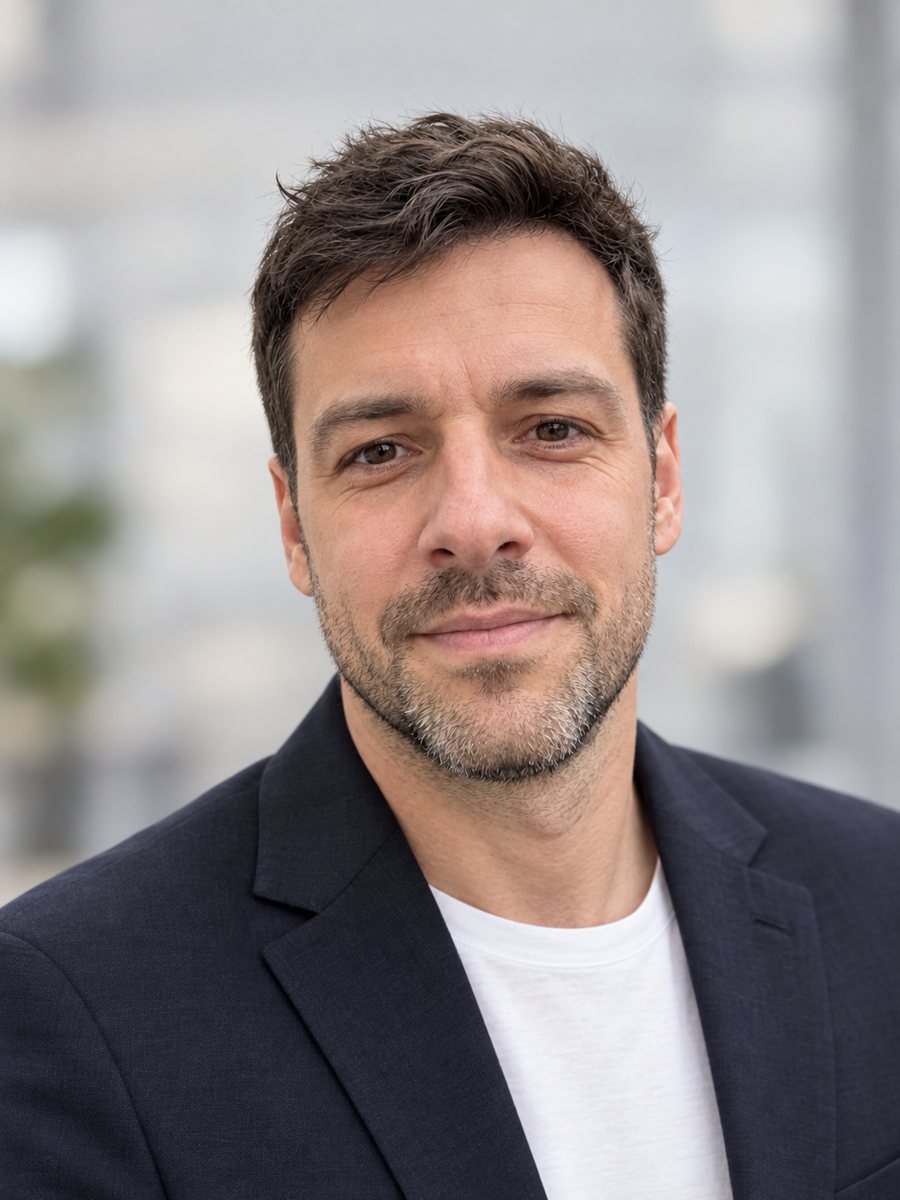 Make a LinkedIn headshot from a selfieTurn a casual selfie into a professional LinkedIn headshot with a blazer and a soft studio backdrop. Ready...
 Upgrade your profile photo without changing youImprove a social media profile picture: fix exposure and white balance, blur a messy background to a warm...
 Create a professional headshot from your photoMake a polished headshot with a light gray backdrop, soft studio light and natural retouching. Ready...
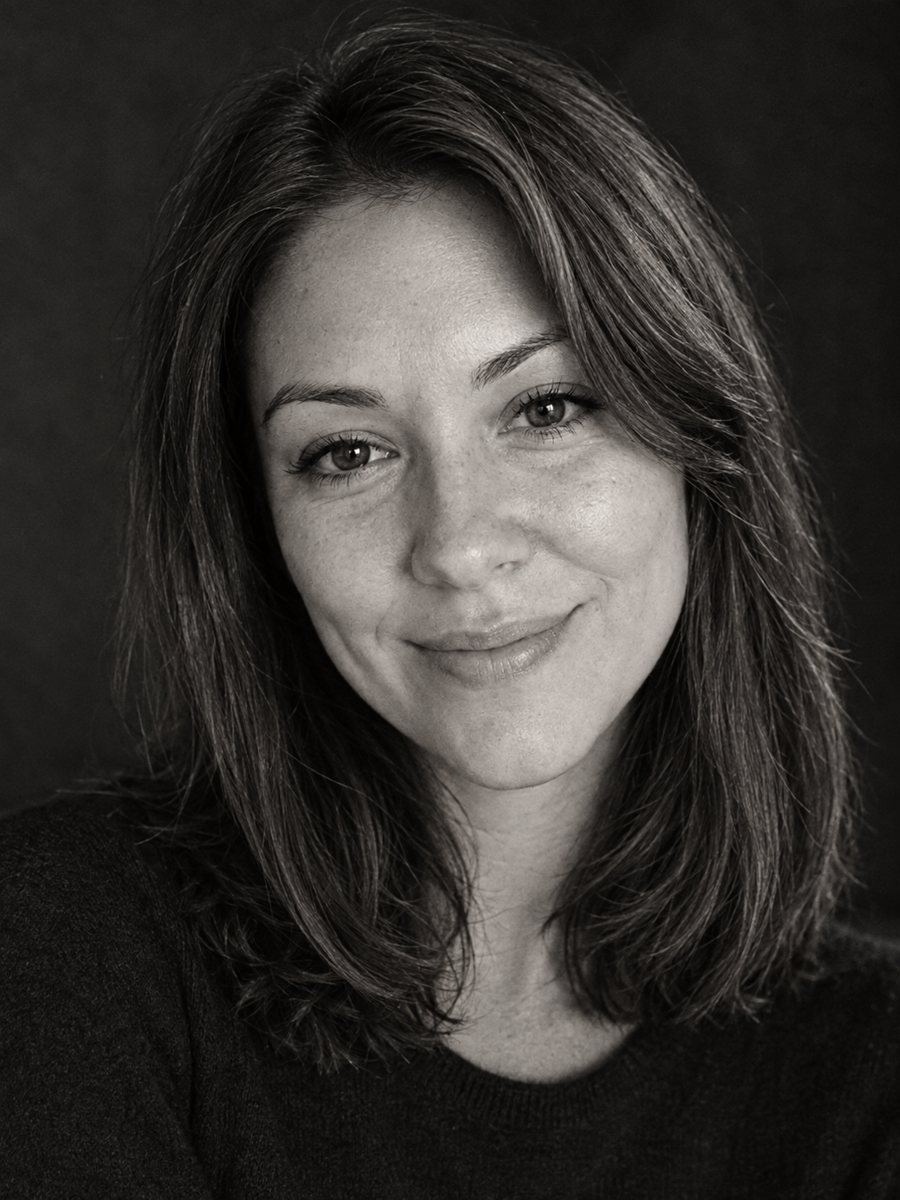 Make a timeless black and white profile portraitConvert a photo into a timeless black and white profile portrait with rich tones and fine grain. Copy the...