Turn your photo into a sumi-e ink wash painting
Your photo becomes an East Asian ink wash painting: expressive black strokes on textured rice paper, soft gray washes, a lot of empty space and one small red seal stamp in a corner. Press the button, send a photo and the bot paints it in about two minutes.
- 2 credits per image
- Result in 1–2 minutes
- No sign-up
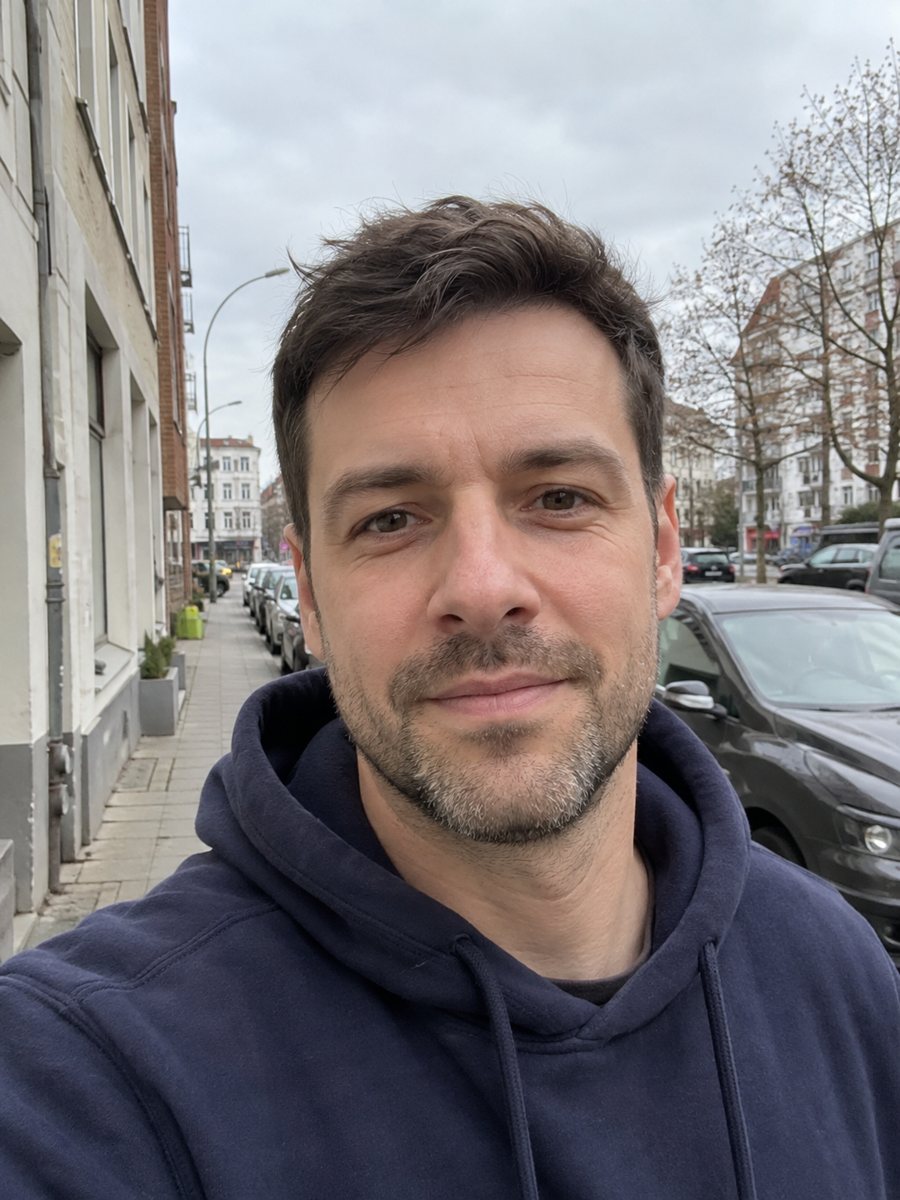
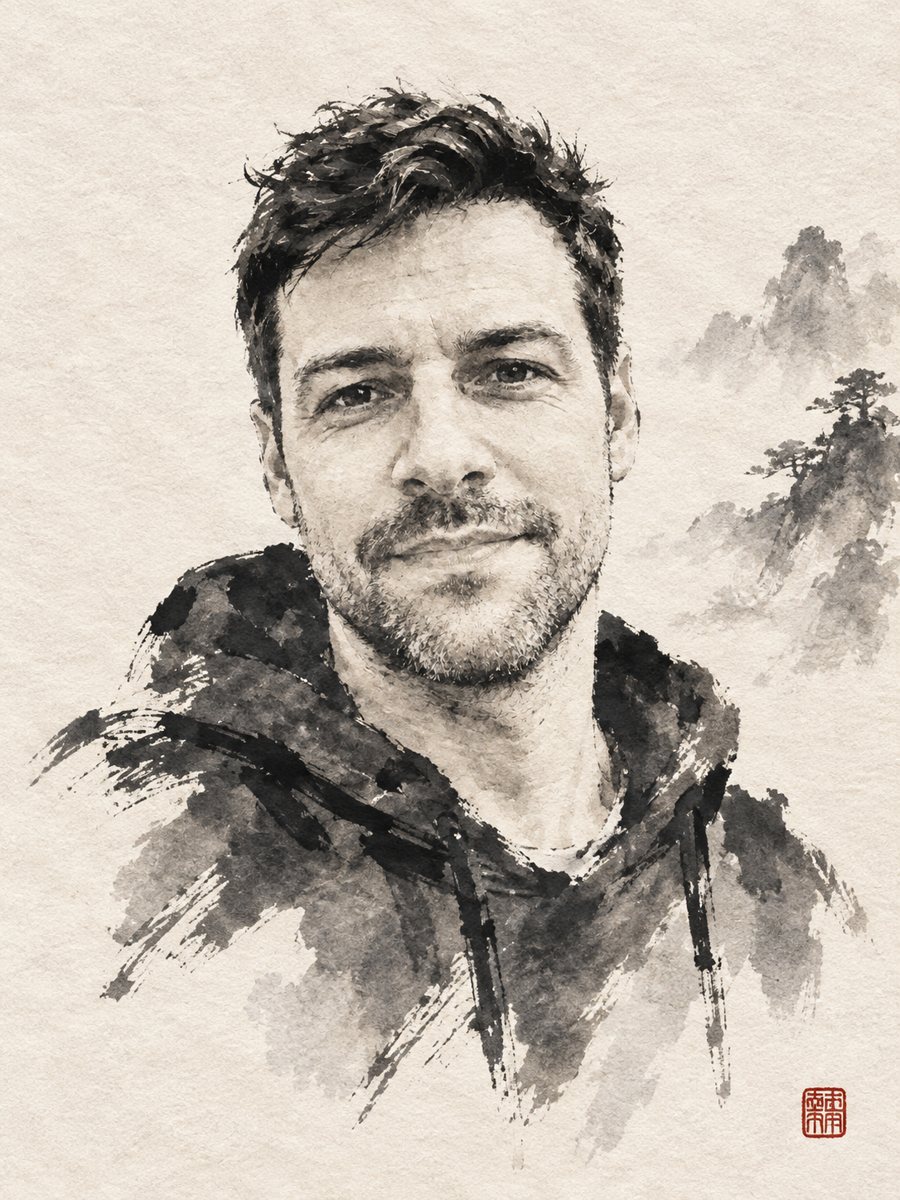 BeforeAfter
In short: Reinterpret a photo as a sumi-e ink wash painting with expressive brush strokes on rice paper and a red seal. Copy the prompt or use the Telegram bot.
- Where: the VisuMate bot in Telegram, no app or sign-up.
- Cost: 2 credits per image, 7 images free, then packs from 49 Telegram Stars.
- Time: 1 to 2 minutes per image, rerun with a new instruction at the same price.
When you need this
- You want a calm, minimal portrait for a study, a studio or a tea room.
- A card or a gift needs an artwork that looks brushed by hand.
- You like Asian ink painting and want to see what your face looks like in it.
How to do it
- 1
Press the button on this page. Telegram opens the bot with the ink wash sumi-e portrait style already selected, tap Start if it asks.
- 2
Attach a single photo as a document. Add wishes in plain English if you like, such as: more empty space, no red seal.
- 3
The picture arrives in 1 to 2 minutes for 2 credits. Check the brush strokes and the face, and run again if it looks off.
Try it on your own photo: 7 images are free, no sign-up.
Make it in TelegramThe prompt behind this style
Reinterpret this photo as an East Asian ink wash sumi-e painting. Keep the face recognizable. Expressive black ink strokes on textured rice paper, gray washes, lots of empty space, one small red seal stamp in a corner. Vertical 3:4, no other text.
What sumi-e brings
Sumi-e uses black ink, water and a brush. Artists work in few strokes and leave much of the paper empty, so the viewer fills in the rest. The prompt asks for expressive strokes, gray washes, rough rice paper texture and a small red seal. Your face is reduced to the essential lines and shades. People use it for calm wall art, cards, covers and tattoo ideas.
Improving the result
Fewer strokes mean a more abstract face. If the portrait is too vague, ask for more detail around the eyes. If it is too busy, ask for simple strokes and more white space. A plain background in the source photo helps the brush read the head and shoulders. The seal is placed by the AI and may look like a symbol, not real characters.
Honest expectations
The image imitates ink with the AI's own brush logic, so the result is not traditional. Likeness lives in a few lines, so small differences in the nose or jaw can change who it looks like. The seal is decorative and not a true name. The prompt asks for no other text. A rerun costs 2 credits. When the image arrives, look at the brush strokes first, since that is where drift shows up most.
Tips
- High contrast between face and background gives the brush a clear outline.
- Ask for a profile or a three-quarter view if you like a more graphic look.
- Remove the seal in the caption if you do not want it.
- Hair and dark clothing become the heaviest strokes, so choose a photo with a clear silhouette.
- Request a lighter wash if the face turns too dark.
Questions and answers
What is the red seal?
A decorative stamp in the corner, as in traditional paintings. It is not a real name.
Can I get color?
The style is mostly black and gray with a red seal. For color, try a watercolor style.
Can I print it?
Yes. Print on matte paper for the best look.
Will it write Chinese or Japanese text?
No. The prompt asks for no other text.
Does it keep my likeness?
In a simplified way. Rerun if the face drifts too much.
More in "Photo styles"
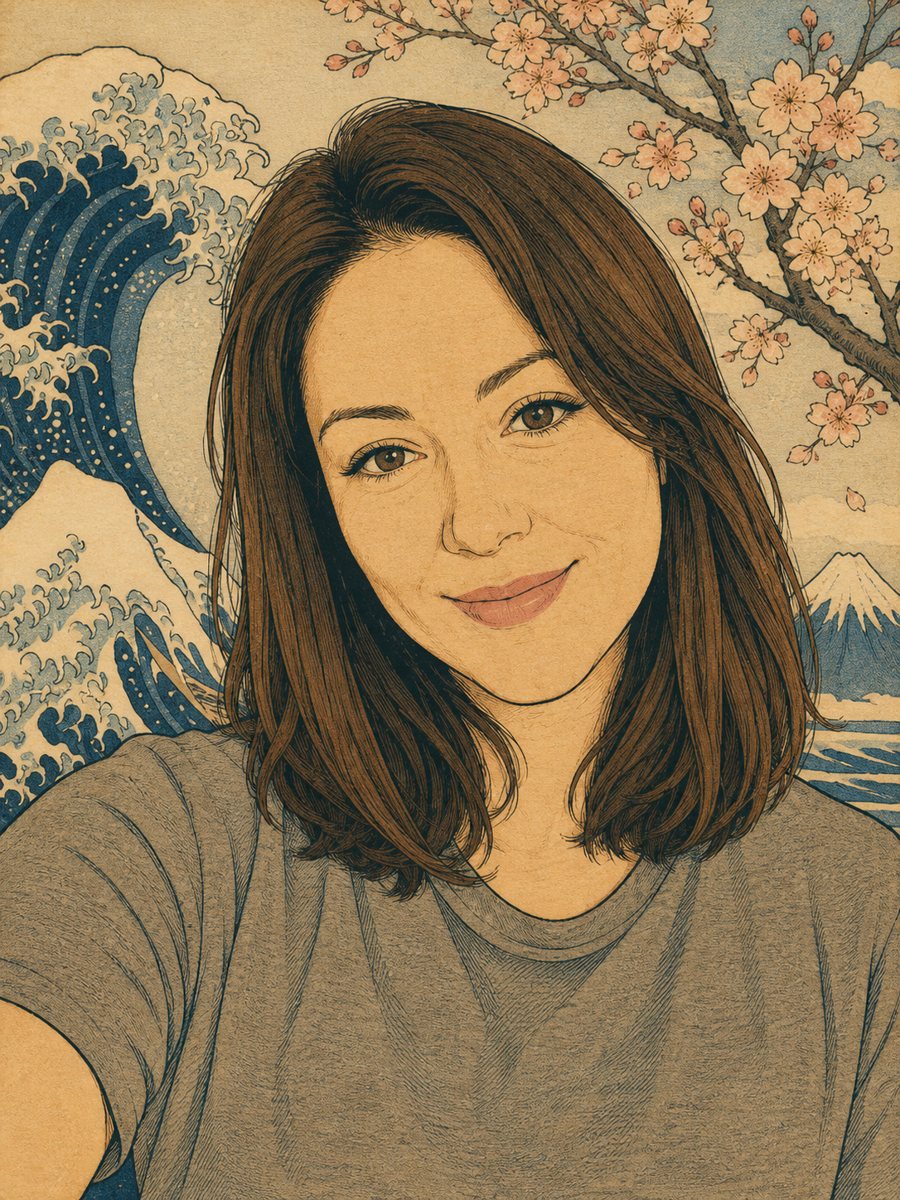 Turn your photo into a Japanese woodblock printRedraw a photo as an ukiyo-e woodblock print with indigo, ochre and cream colors. Copy the ready prompt or...
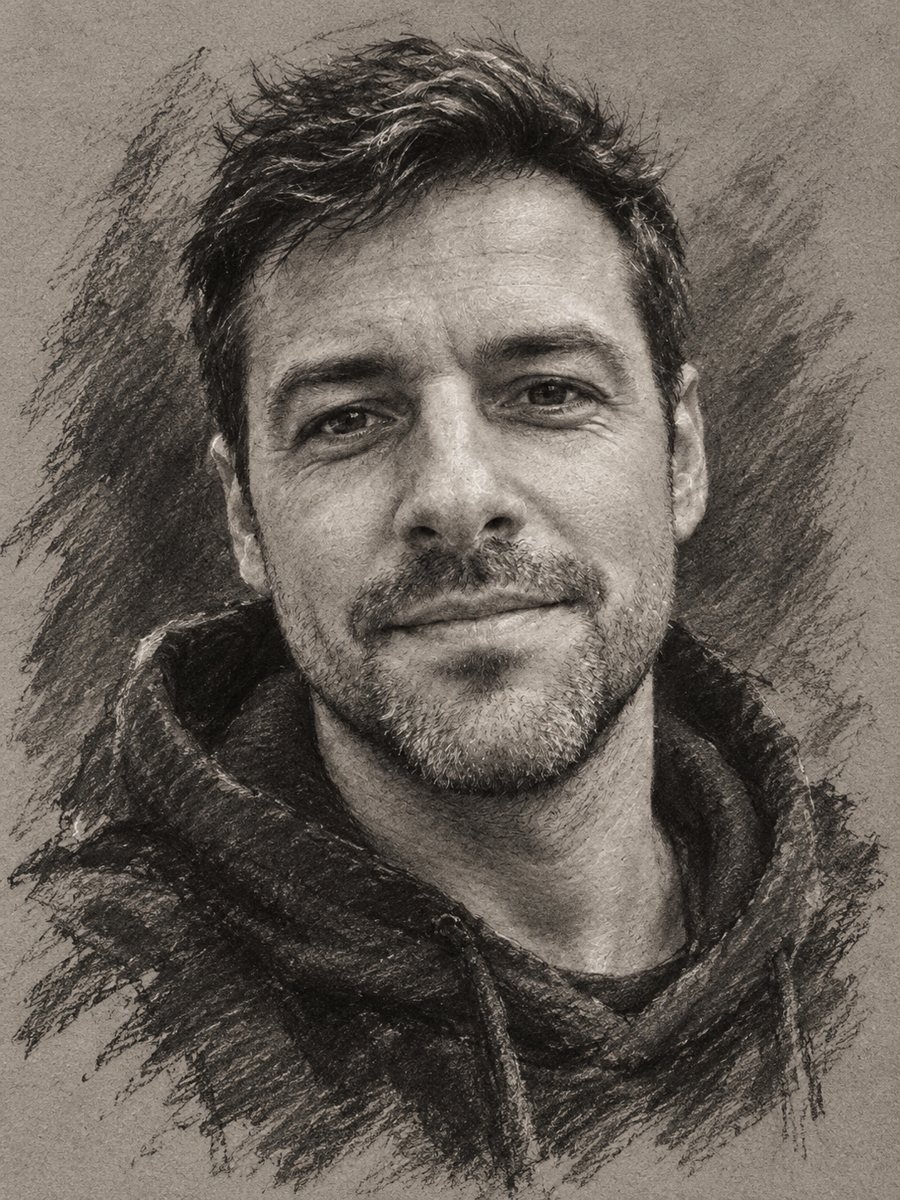 Turn your photo into a charcoal drawingConvert a portrait into an expressive charcoal sketch on gray paper with chalk highlights. Copy the ready...
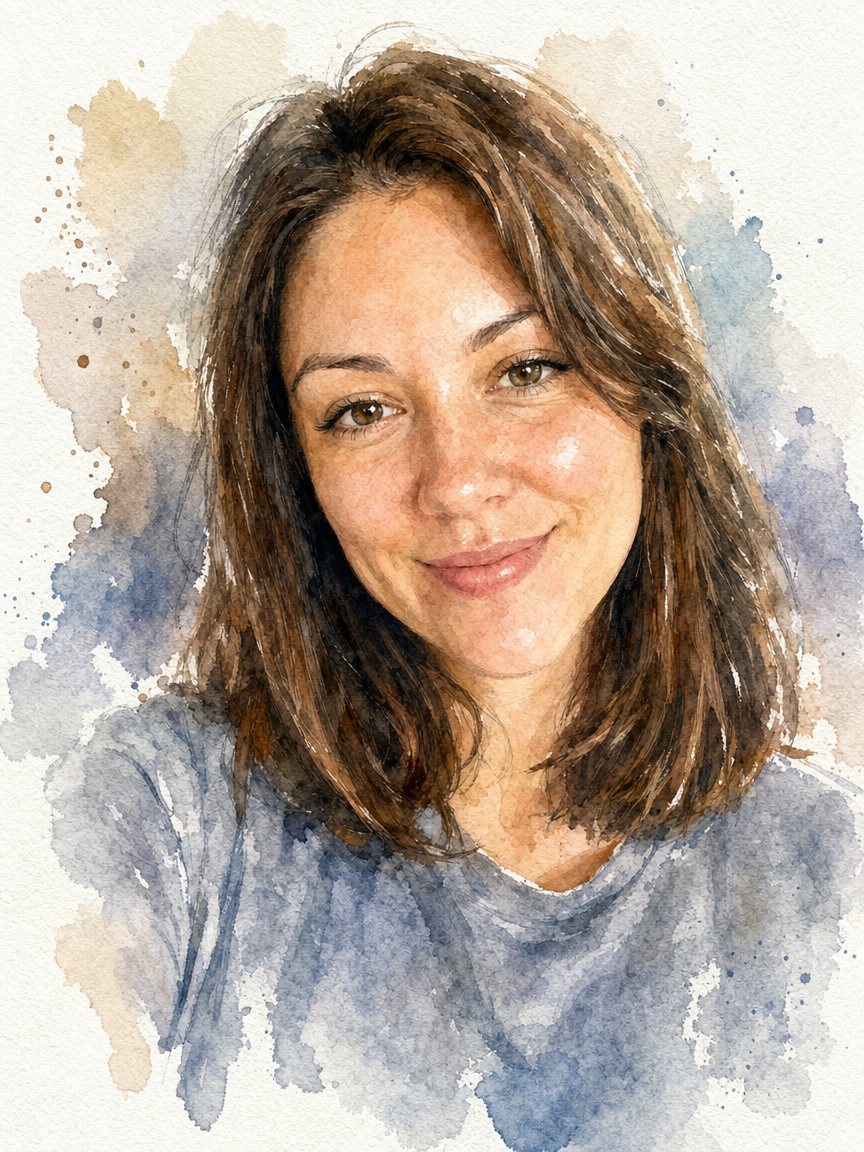 Turn a photo into a watercolor portraitPaint your photo as a loose watercolor portrait on textured paper. Copy the prompt or open the bot: 2...
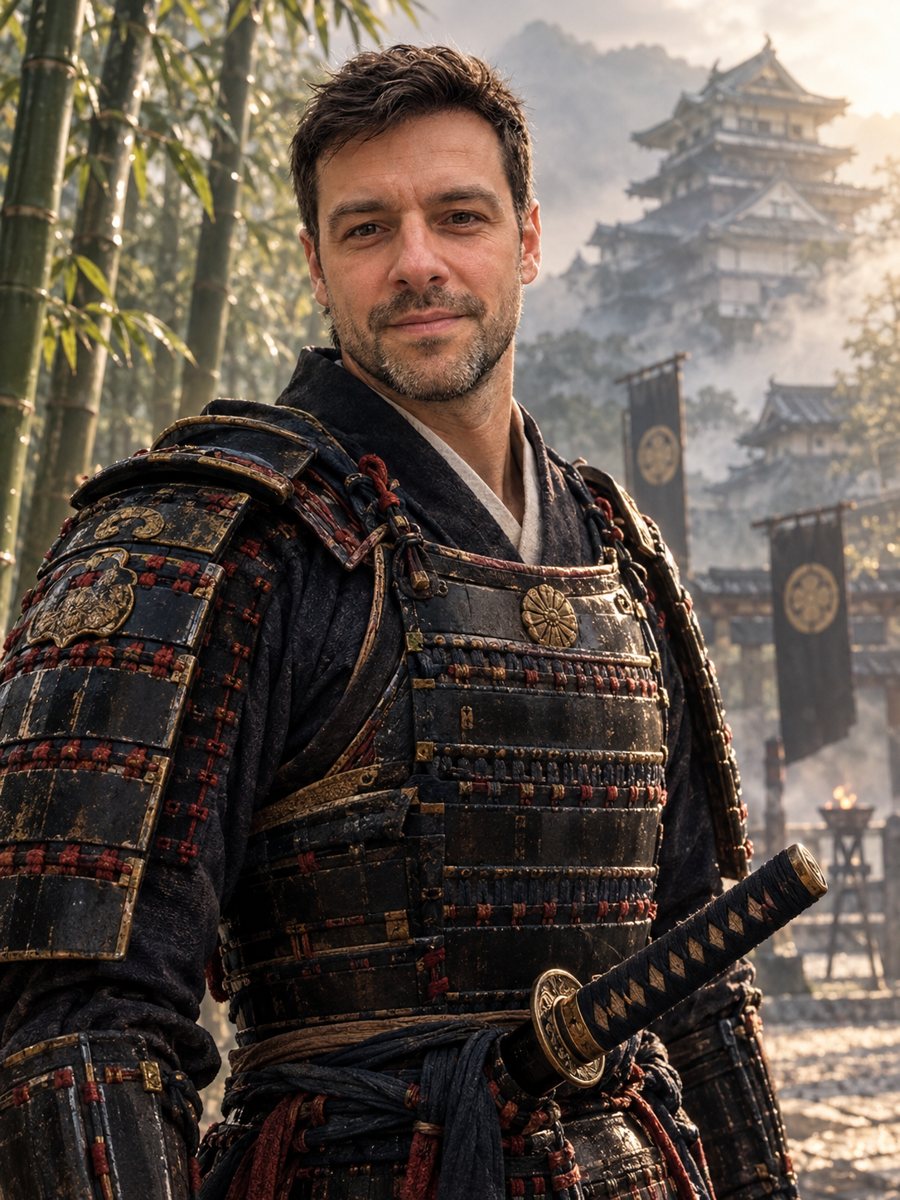 Turn your photo into a samurai portraitTurn your photo into a samurai portrait with lacquered armor, katana and a misty bamboo grove. Copy the...
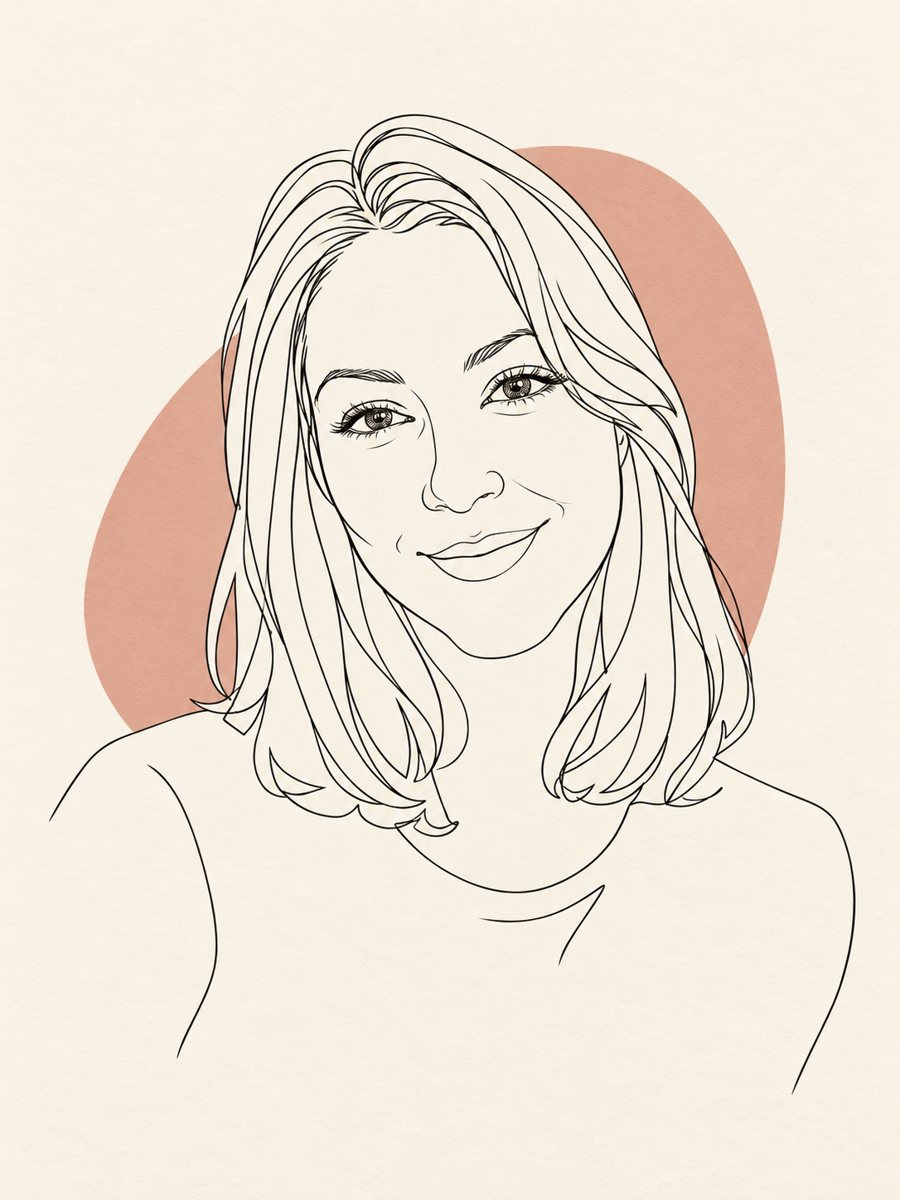 Turn your photo into a minimal line art avatarConvert a photo into a minimal one-line portrait with a single thin black line and a soft accent shape....