Turn your photo into a Japanese woodblock print
The photo becomes a traditional ukiyo-e print with flat muted color, fine black outlines and paper texture. Waves or cherry blossoms fill the background. Press the button, send your photo and the style is already chosen.
- 2 credits per image
- Result in 1–2 minutes
- No sign-up
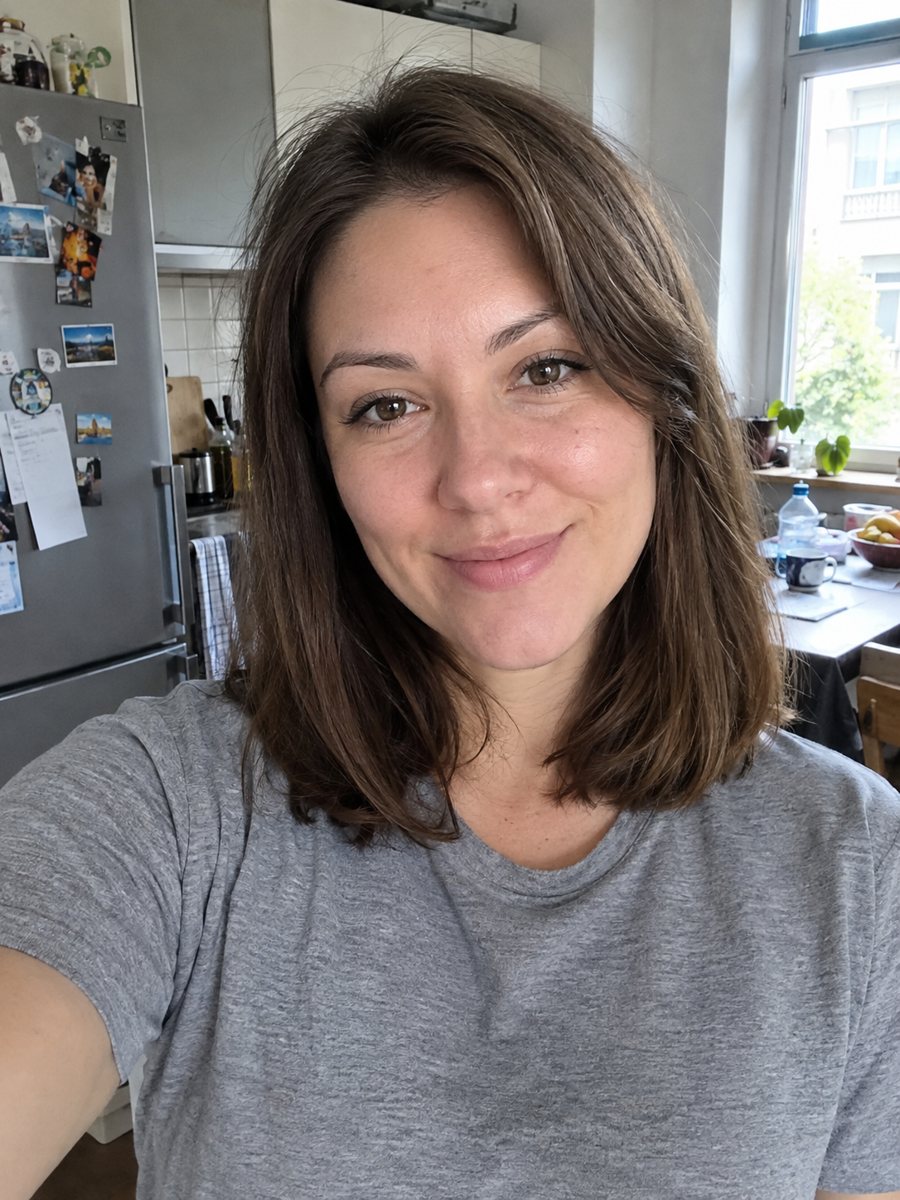
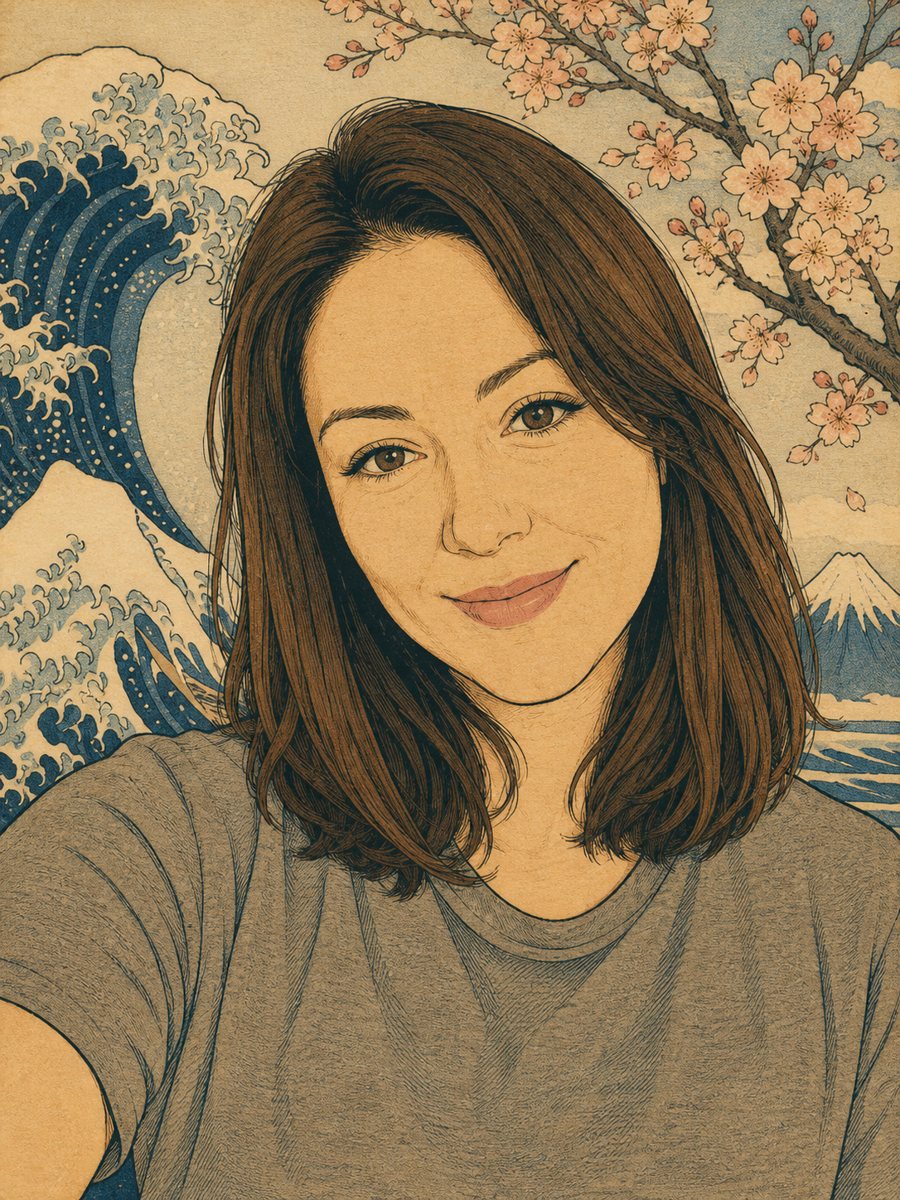 BeforeAfter
In short: Redraw a photo as an ukiyo-e woodblock print with indigo, ochre and cream colors. Copy the ready prompt or open the Telegram bot, 7 images free.
- Where: the VisuMate bot in Telegram, no app or sign-up.
- Cost: 2 credits per image, 7 images free, then packs from 49 Telegram Stars.
- Time: 1 to 2 minutes per image, rerun with a new instruction at the same price.
When you need this
- You want a print for a wall that looks like old Japanese art but shows your own face.
- A friend loves Japan and needs a one-of-a-kind gift.
- You need a calm, graphic portrait for a creative profile.
How to do it
- 1
Open the bot with the button. The woodblock print preset is selected.
- 2
Send one portrait as a file. In the caption you can choose the background: waves, cherry blossoms or a mountain.
- 3
In 1-2 minutes the image arrives for 2 credits. Check that hairstyle and face shape are recognizable, and rerun if needed.
Try it on your own photo: 7 images are free, no sign-up.
Make it in TelegramThe prompt behind this style
Redraw this photo as a traditional Japanese ukiyo-e woodblock print. Keep the face and hairstyle recognizable. Flat areas of muted color, fine black outlines, stylized waves or cherry blossoms in the background, visible paper texture, limited palette of indigo, ochre, soft red and cream. Vertical 3:4, no text or seals.
The look of the style
Ukiyo-e prints use flat areas of muted color and thin dark outlines, with a limited palette. This version uses indigo, ochre, soft red and cream, with visible paper grain. The face is stylized, with simple eyes and a defined hairline, so the portrait reads as art instead of a photo. People print it for living rooms, give it as gifts and use it as a bold avatar.
Better results and honest expectations
Because the style simplifies faces, recognition comes from hair, face shape and expression. A calm neutral expression translates cleanly. Big smiles are harder, and teeth may be drawn simply or skipped. If your first result looks too generic, rerun it: the AI picks a different pose of lines each time. Add colors from your real outfit in the caption if you want them kept. This is an AI interpretation of the look, not a real printmaking process. Text and seals are excluded on purpose, since AI would invent fake characters. If you want your name in Japanese characters, ask a native speaker and add it in a layout app yourself.
Tips
- Photos with clear hair outlines translate best into line art.
- Name the background in the caption if you prefer waves over blossoms.
- Avoid very busy clothing, patterns turn into noise.
- Keep the head and shoulders large in the frame.
- Ask for a lighter or darker palette if you plan to print on cream paper.
Questions and answers
Does it add Japanese text?
No. The prompt asks for no text or seals, because AI may draw wrong characters.
Can I print it?
Yes, as a 3:4 image at home or at a print shop. The bot does not print or ship.
Does it work for men and women?
Yes. Hairstyle changes a lot, so check the result.
Can I choose a different background?
Yes. Write it in the caption, for example: Mount Fuji at dawn.
How many free images?
15 free credits equal 7 images at 2 credits each.
More in "Photo styles"
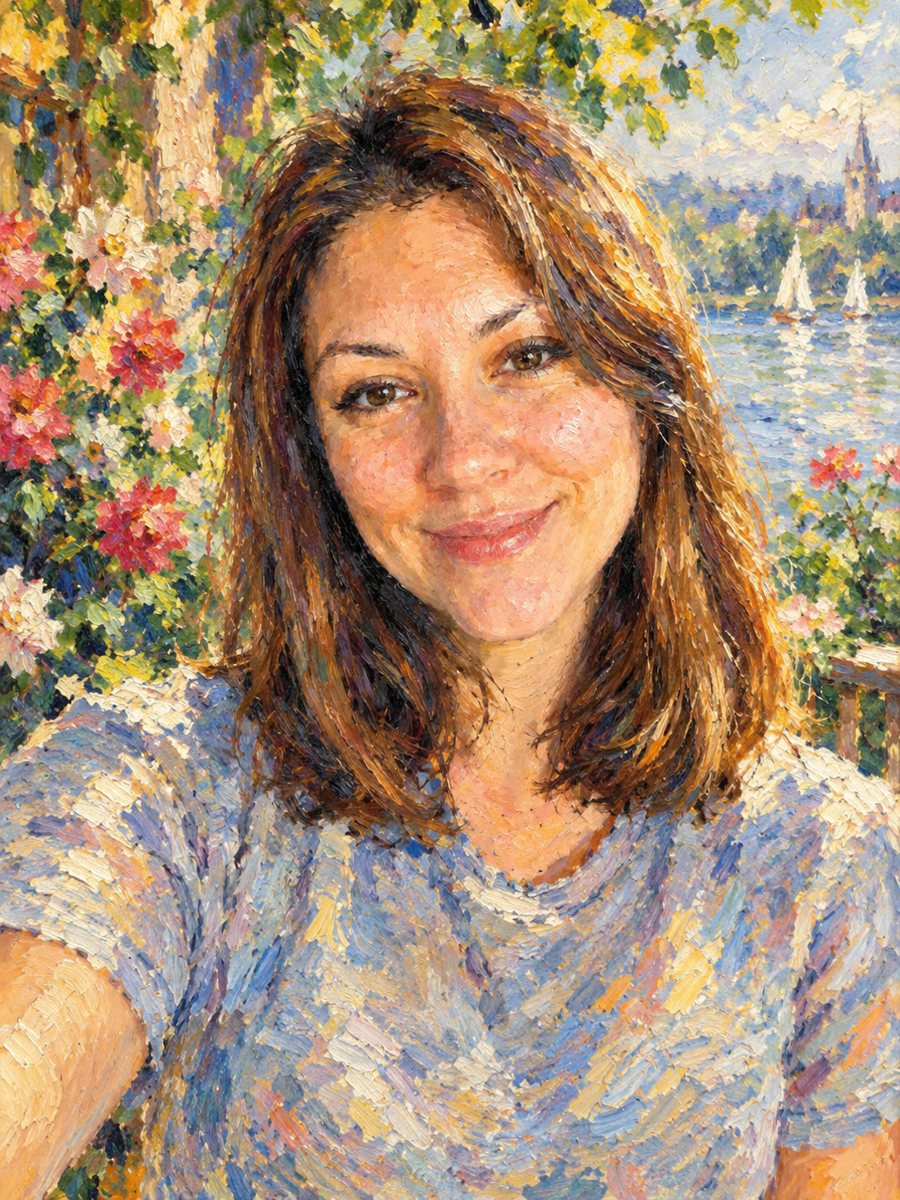 Turn your photo into an impressionist oil paintingRepaint a photo as an impressionist oil painting with visible brush strokes and dappled light. Ready...
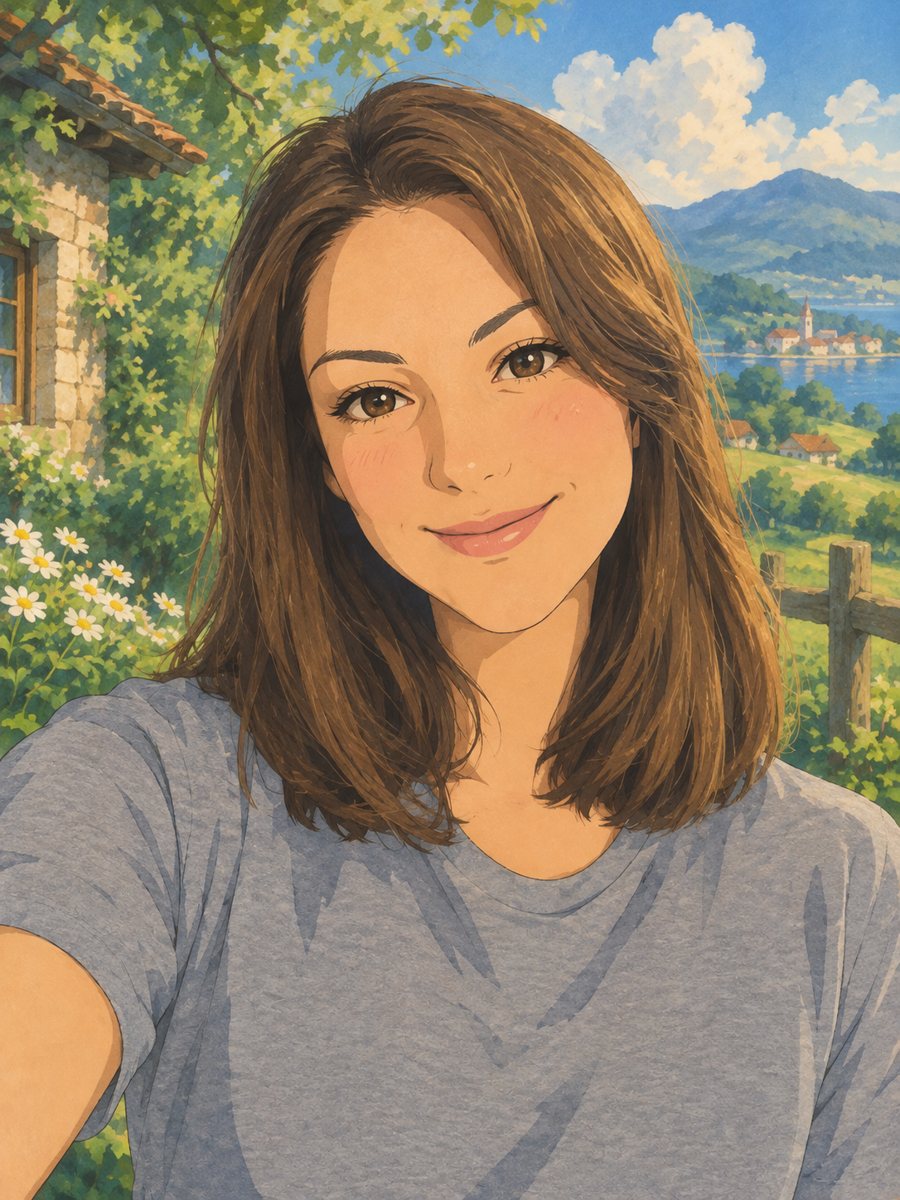 Turn your photo into a Ghibli-style illustrationTurn a photo into a hand-painted anime scene with soft colors and green hills. Copy the ready prompt or...
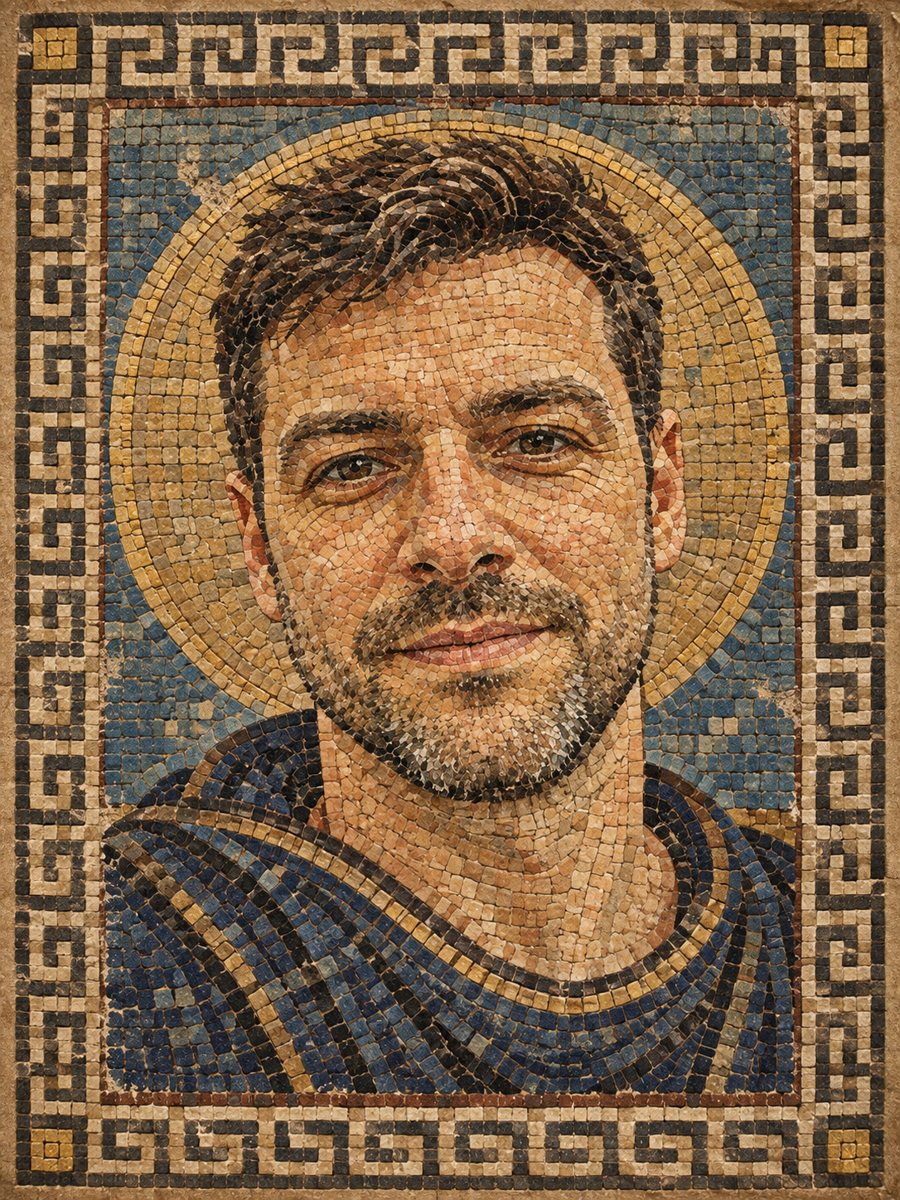 Turn your photo into a Roman style mosaic portraitTurn a photo into an ancient Roman style mosaic made of small stone and glass tiles. Ready prompt and...
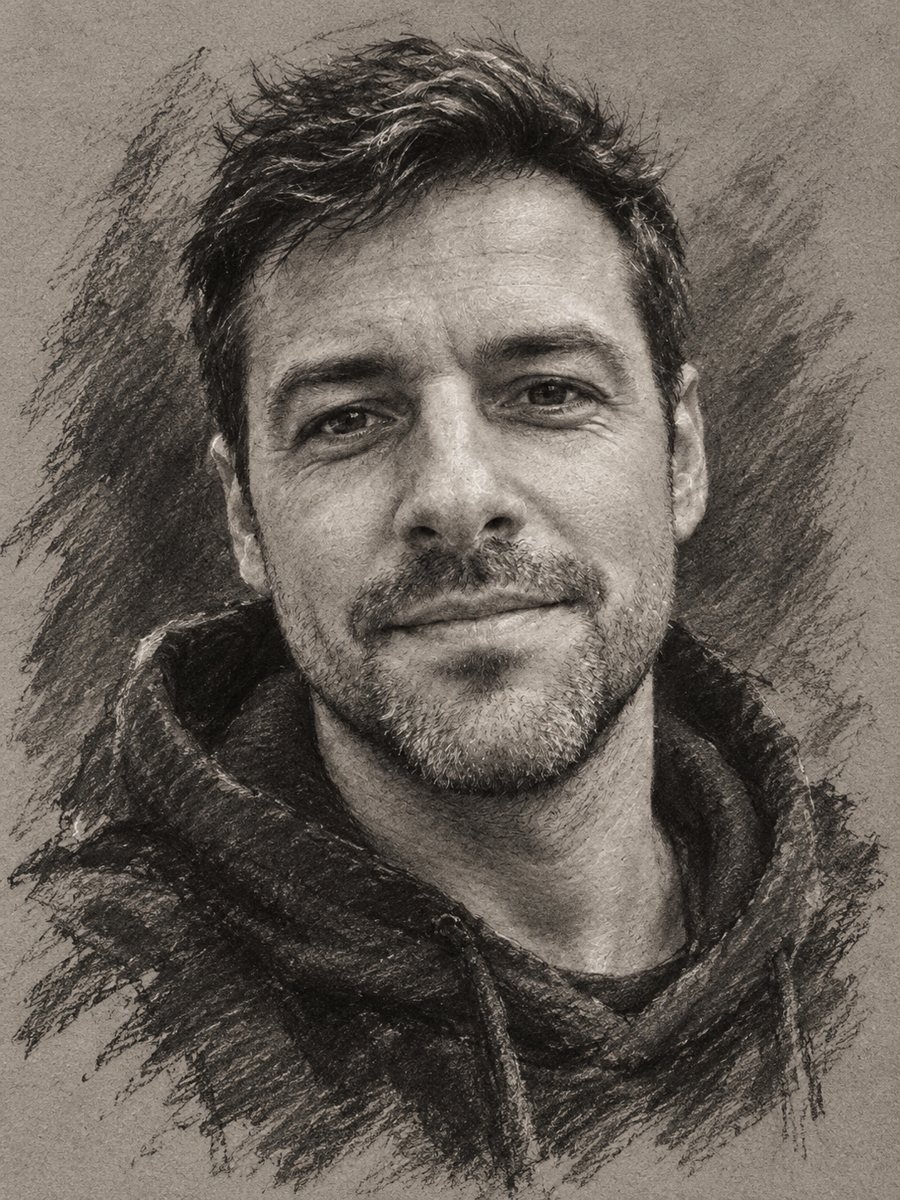 Turn your photo into a charcoal drawingConvert a portrait into an expressive charcoal sketch on gray paper with chalk highlights. Copy the ready...