Turn your photo into a samurai portrait
You get a samurai portrait: traditional lacquered armor, a katana at the hip, a misty bamboo grove or a castle courtyard behind you and soft morning light. The mood is cinematic with a painterly finish. Press the button and send one photo.
- 2 credits per image
- Result in 1–2 minutes
- No sign-up
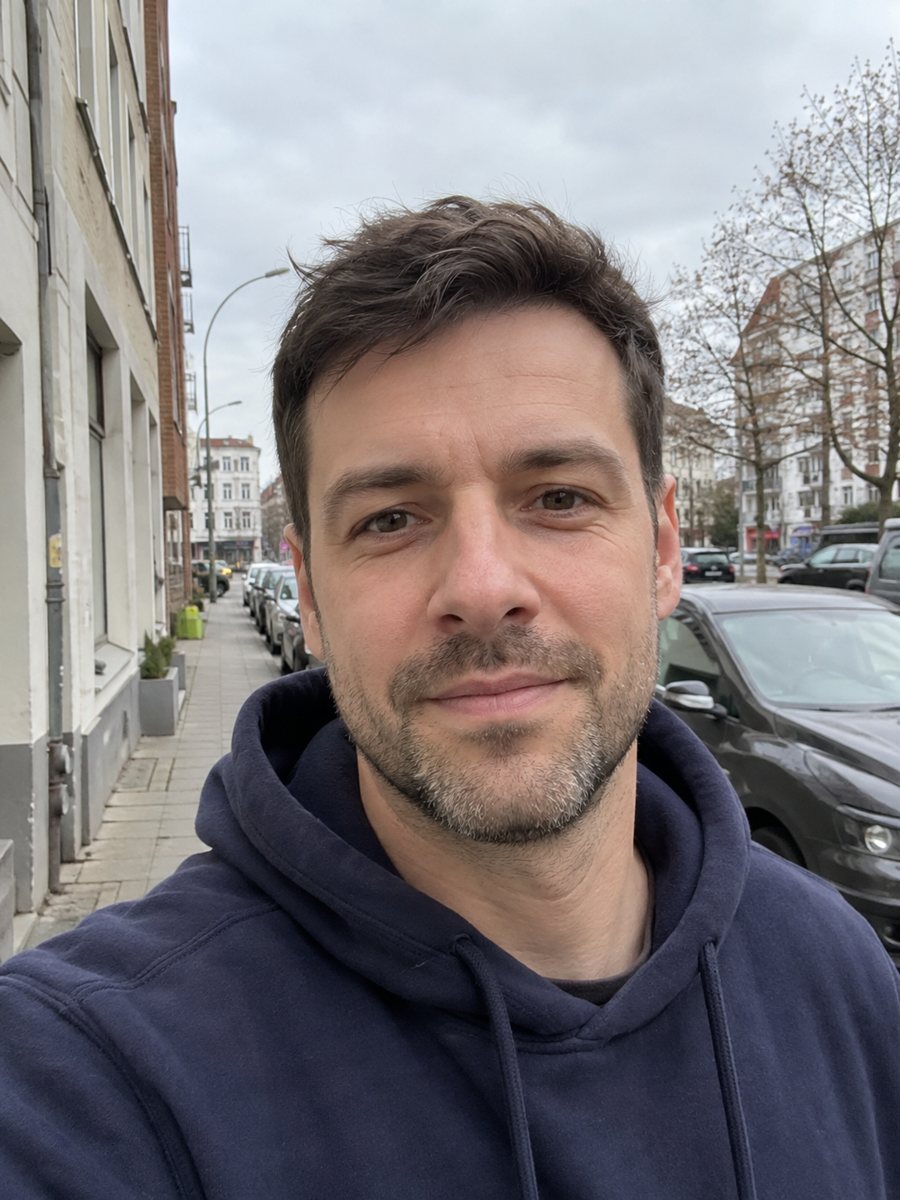
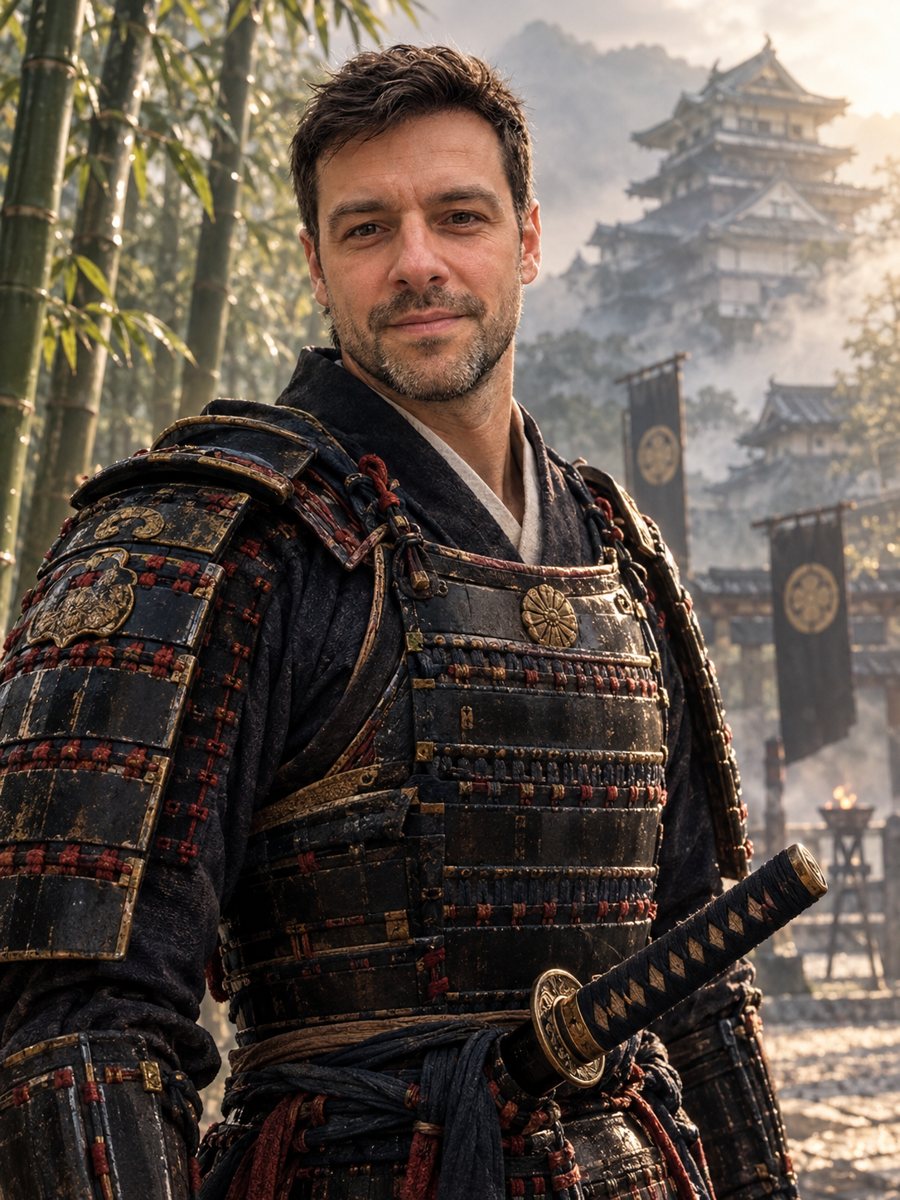 BeforeAfter
In short: Turn your photo into a samurai portrait with lacquered armor, katana and a misty bamboo grove. Copy the ready prompt or use the bot, 7 images free.
- Where: the VisuMate bot in Telegram, no app or sign-up.
- Cost: 2 credits per image, 7 images free, then packs from 49 Telegram Stars.
- Time: 1 to 2 minutes per image, rerun with a new instruction at the same price.
When you need this
- You train martial arts and want a portrait for your dojo page.
- A game or novel needs a samurai character that looks like you.
- You like Japanese history and want a poster style gift picture.
How to do it
- 1
Use the button on this page to open the bot. The samurai portrait style is preselected, so there is nothing to pick.
- 2
Send one photo as a file, so Telegram does not compress it. You can add a caption, for example: red armor, bamboo grove.
- 3
Wait 1 to 2 minutes. The result costs 2 credits. Look closely at the armor color, then rerun if needed for another 2 credits.
Try it on your own photo: 7 images are free, no sign-up.
Make it in TelegramThe prompt behind this style
Turn this photo into a samurai portrait. Keep the face recognizable. Traditional lacquered armor, a katana at the hip, a misty bamboo grove or a castle courtyard behind, soft morning light, cinematic realism with a painterly touch. Vertical 3:4, no text.
The samurai look
The prompt describes lacquered armor with layered plates, a katana, and a quiet morning setting. The light is soft and the colors are muted: dark red, black, gold and bamboo green. The style blends cinematic realism with a painterly touch, so the result feels like concept art. People use it for martial arts pages, gaming avatars, tattoo ideas and posters for a themed party.
Improving accuracy
Armor design depends on the AI and may blend several periods. If you care about details, write them: kabuto helmet, shoulder guards, indigo cloth. Keep the caption short. The face is the priority, so stay away from heavy helmets that hide eyes. Because the light is soft, ask for a stronger side light if you want a more dramatic feel.
Honest expectations
The result is not historically exact and the katana may look odd in the hand or at the belt. Face shape and eyes should remain, but beard, age and skin may shift. This is a character picture, not a costume photo. If the first version misses the face, rerun for 2 credits. When the image arrives, look at the armor color first, since that is where drift shows up most.
Tips
- Pick the setting in the caption: bamboo grove or castle courtyard.
- Name the armor color: black, red or dark blue lacquer.
- A straight, calm posture in the source photo helps the formal feel.
- Tied-back hair in the original makes a topknot easier to draw.
- Ask for a helmet only if you accept that part of the face may be hidden.
Questions and answers
Is the armor accurate?
It is an artistic version. Details may mix periods.
Can I keep my glasses?
Probably not in this style. Mention it in the caption and check the result.
Can I make it black and white?
Ask for an ink style or a monochrome palette in the caption.
Will it add Japanese text?
No. The prompt asks for no text.
Can I use it for a book cover?
It can serve as a draft. For a published cover, check the result for errors and any rules about AI images.
More in "Photo styles"
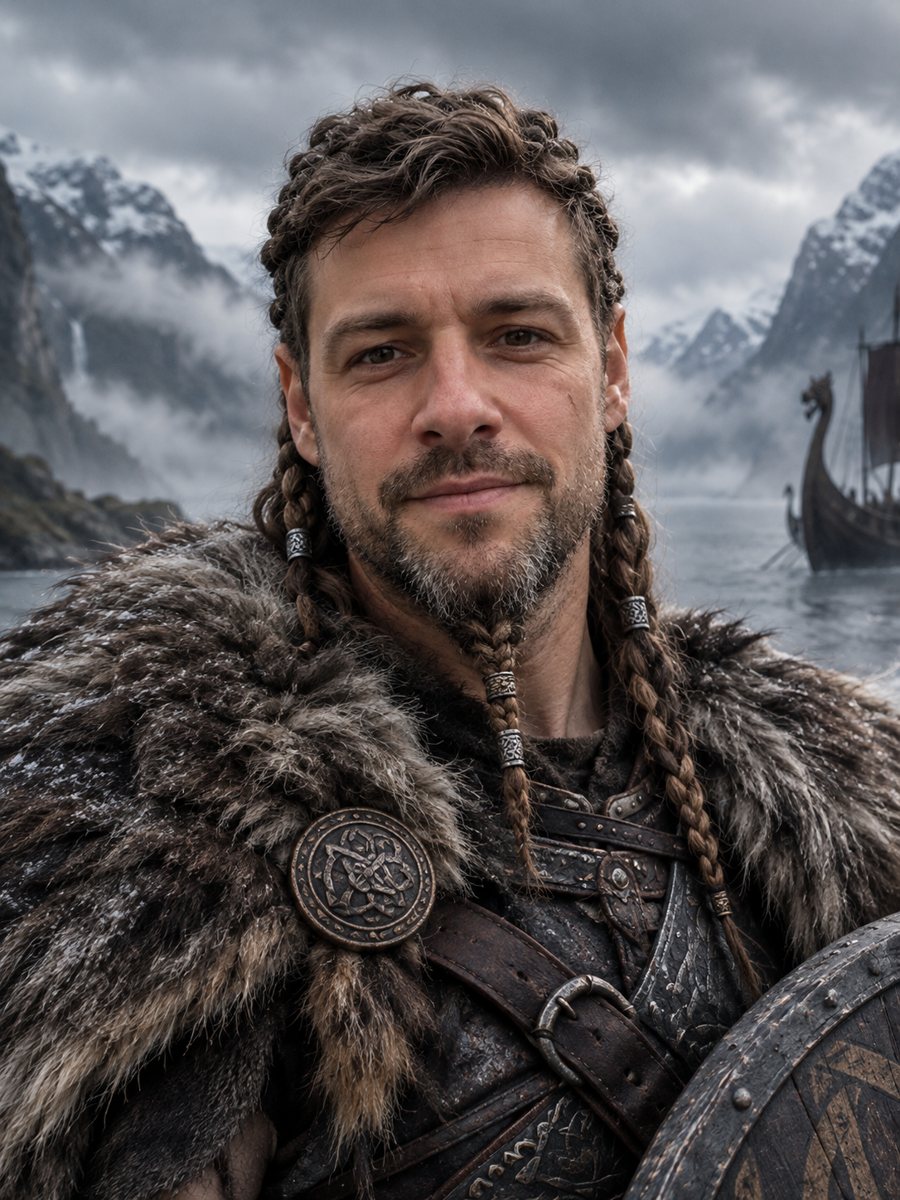 Turn your photo into a viking warrior portraitTurn your photo into a viking warrior portrait with braids, fur cloak and a misty fjord. Copy the free...
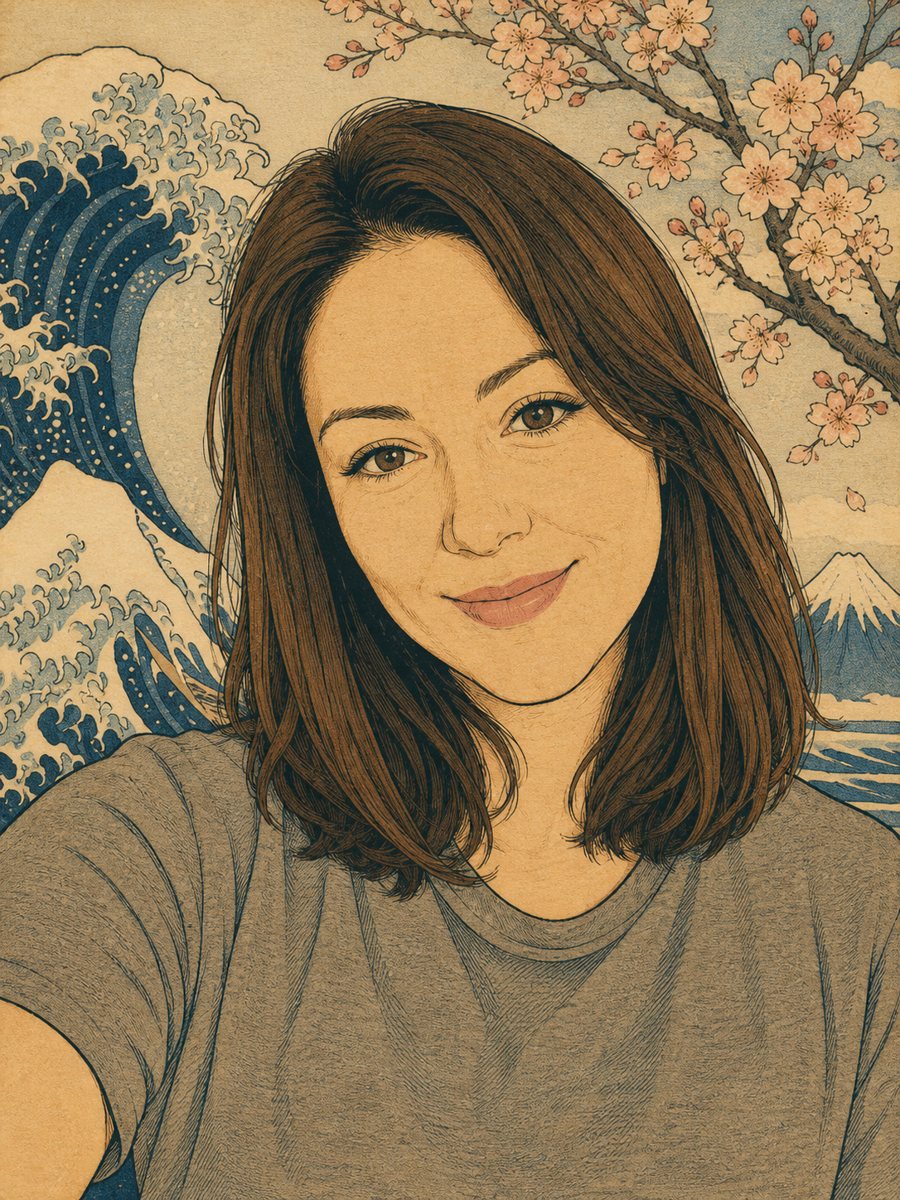 Turn your photo into a Japanese woodblock printRedraw a photo as an ukiyo-e woodblock print with indigo, ochre and cream colors. Copy the ready prompt or...
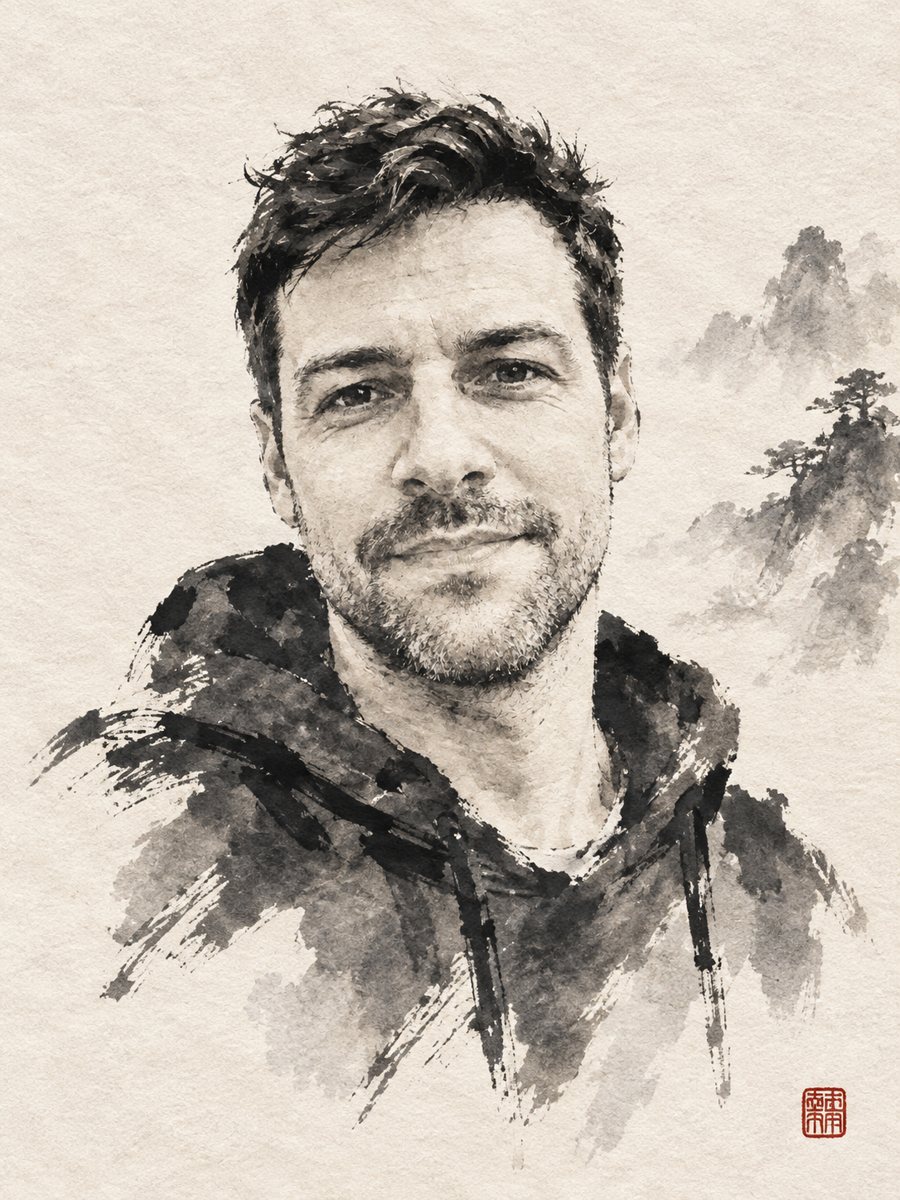 Turn your photo into a sumi-e ink wash paintingReinterpret a photo as a sumi-e ink wash painting with expressive brush strokes on rice paper and a red...
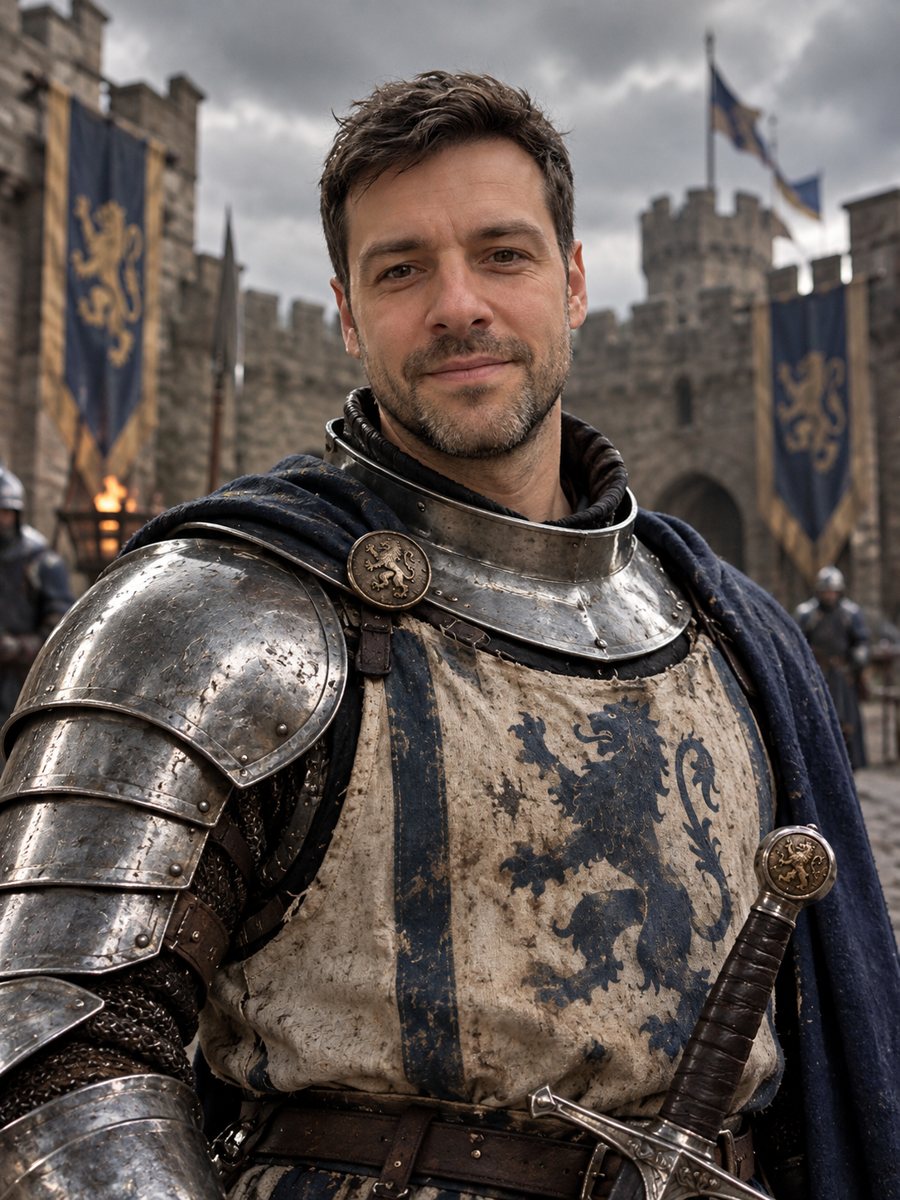 Turn yourself into a medieval knightTurn yourself into a medieval knight in steel armor in a castle courtyard. Copy the ready prompt or open...
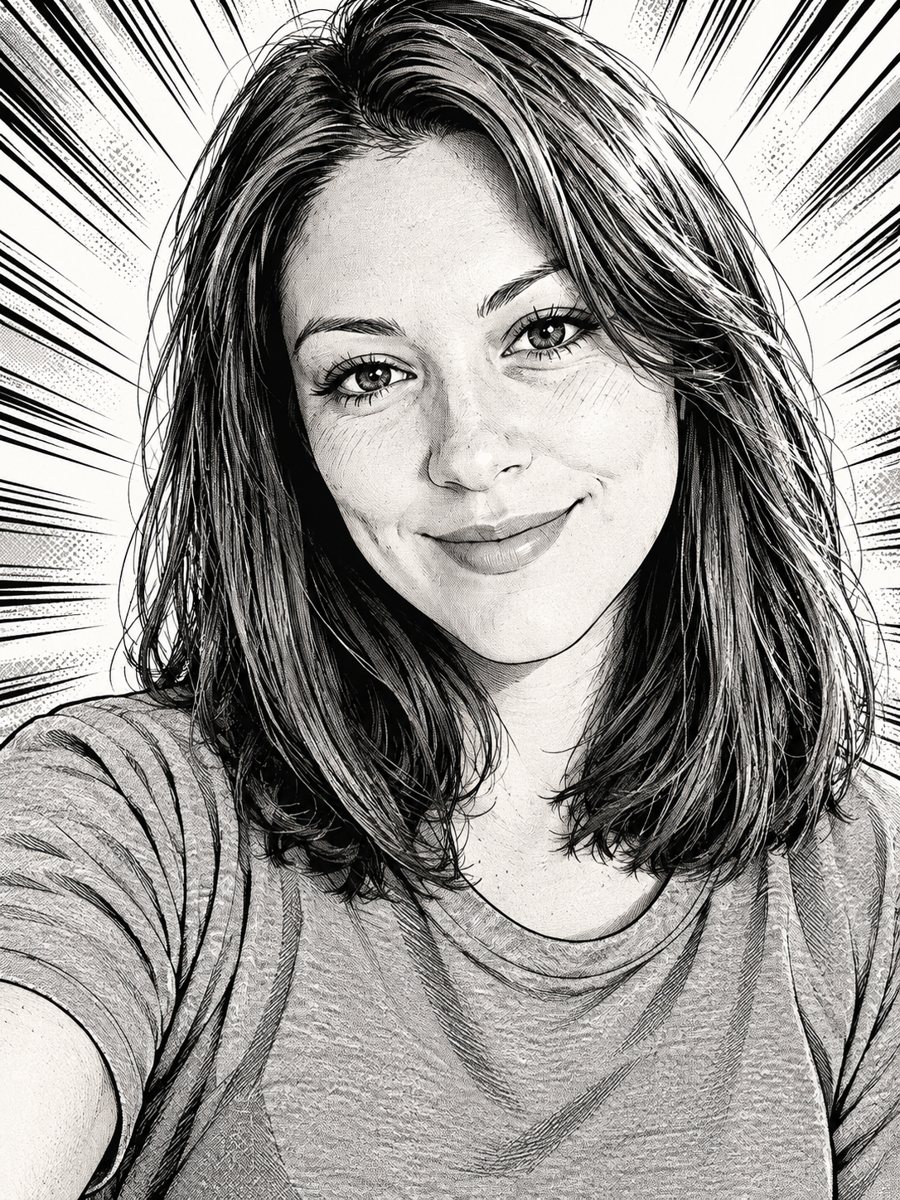 Draw yourself as a black and white manga characterRedraw your photo as an inked manga page with screentone shading and speed lines. Copy the ready prompt or...