Turn your photo into a fairy tale princess portrait
You get a storybook portrait: a flowing gown with embroidered details, a delicate tiara and an enchanted forest with glowing lights behind. The finish is soft and painterly. Press the button and send one photo to see yourself or your child as a princess.
- 2 credits per image
- Result in 1–2 minutes
- No sign-up
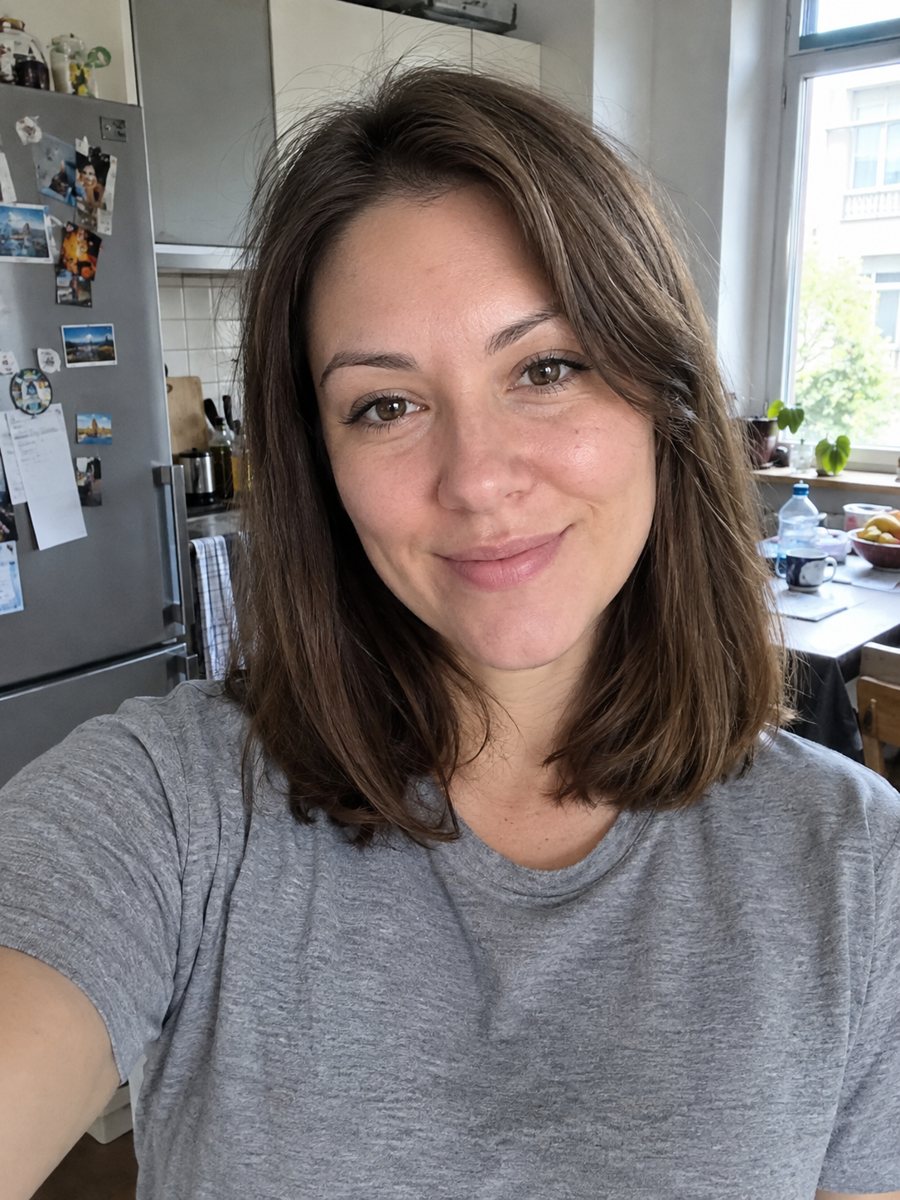
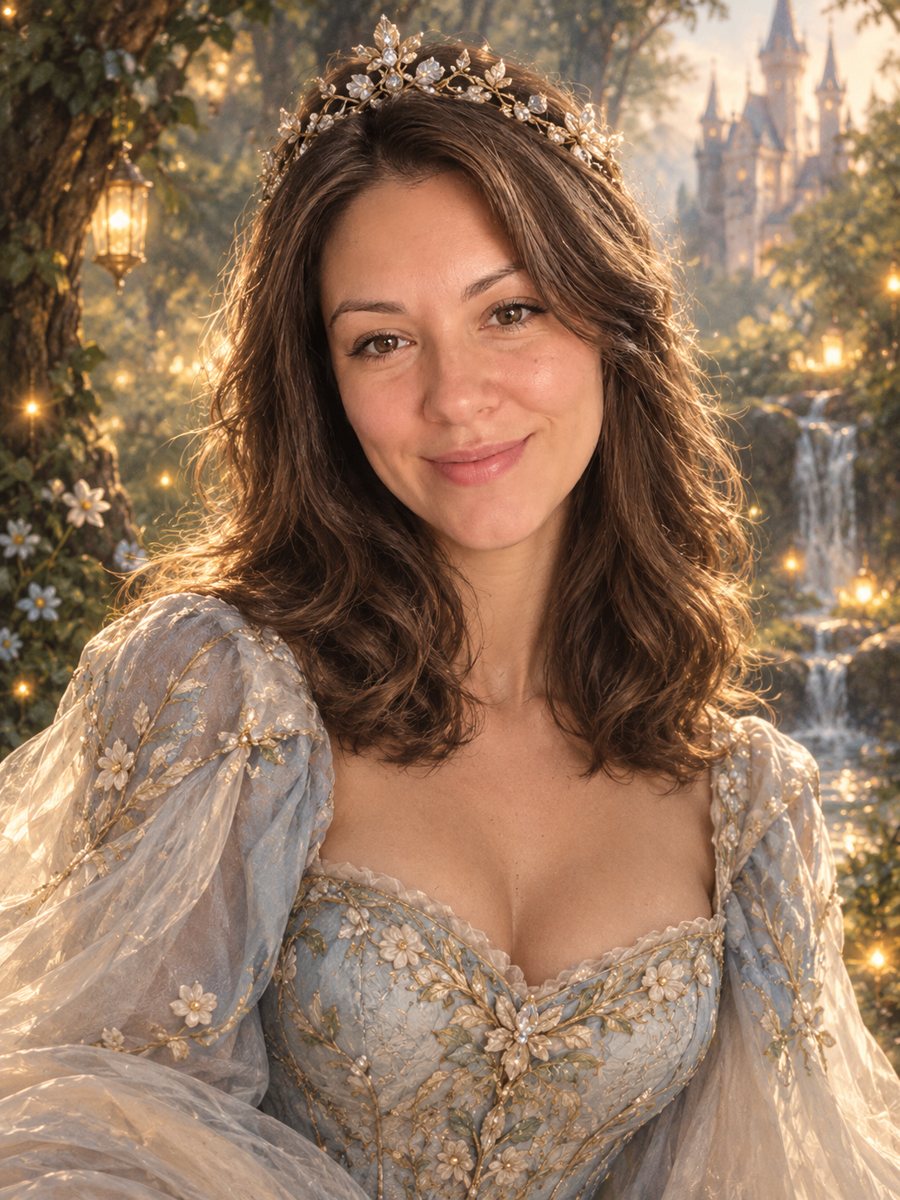 BeforeAfter
In short: Turn a photo into a fairy tale princess portrait with a gown, tiara and an enchanted forest. Copy the free prompt or use the Telegram bot, 7 images free.
- Where: the VisuMate bot in Telegram, no app or sign-up.
- Cost: 2 credits per image, 7 images free, then packs from 49 Telegram Stars.
- Time: 1 to 2 minutes per image, rerun with a new instruction at the same price.
When you need this
- A birthday invitation or a keepsake for a girl needs a princess picture.
- You like fantasy art and want your own portrait in that style.
- A bedtime book or a family gift needs an illustration based on a real face.
How to do it
- 1
Press the button on this page. Telegram opens the bot with the fairy tale princess portrait style already selected, tap Start if it asks.
- 2
Attach a single photo as a document. Add wishes in plain English if you like, such as: blue gown, long braid, silver tiara.
- 3
The picture arrives in 1 to 2 minutes for 2 credits. Check the gown and the glow and the face, and run again if it looks off.
Try it on your own photo: 7 images are free, no sign-up.
Make it in TelegramThe prompt behind this style
Turn this photo into a fairy tale princess portrait. Keep the face recognizable. A flowing gown with embroidered details, a delicate tiara, an enchanted forest with glowing lights behind, soft painterly storybook realism. Vertical 3:4, no text.
The storybook scene
The prompt creates a gentle fantasy world: a wide gown with embroidery, a thin tiara, soft light and a forest full of glowing orbs or fireflies. The paint style looks like a modern book illustration. Colors lean toward blues, greens and golds. People use the picture for birthday cards, room posters, keepsakes and social profile art. Use the caption to steer the gown and the glow, and rerun for 2 credits if the first try misses.
Improving the result
The caption can control the gown, the hair and the forest. Keep it brief: pink gown, red hair, snow instead of leaves. The AI sometimes adds too many glowing details, so ask for fewer if the face gets lost. A sharp, front-facing photo with the shoulders in view works best, since the gown starts from there. Use the caption to steer the gown and the glow, and rerun for 2 credits if the first try misses.
Honest expectations
This is a stylized illustration, so a younger or older face may look slightly different than in the photo. Jewelry shapes can be uneven. Hands holding flowers or wands may look strange. The picture is a fantasy image, not a record of any real event. Rerun for 2 credits if the eyes or smile change too much. When the image arrives, look at the gown and the glow first, since that is where drift shows up most.
Tips
- Name the gown color in the caption: lavender, emerald or ivory.
- Long hair in the source photo gives the AI more to style.
- Ask for a crown instead of a tiara if you prefer.
- Bright, smiling faces suit the storybook mood.
- Use a photo of a child only with the parent's consent, and check the face carefully.
Questions and answers
Can a boy use it as a prince?
Yes. Write prince, a coat with gold buttons and a crown in the caption.
Is it safe for kids photos?
Use photos of children only with a parent's consent and avoid sharing publicly without it.
Can I get a different fairy tale look?
Ask for snow, a castle or a river in the caption.
Does it add text?
No.
Can I print it for a party?
Yes. Check the image for artifacts before printing.
More in "Photo styles"
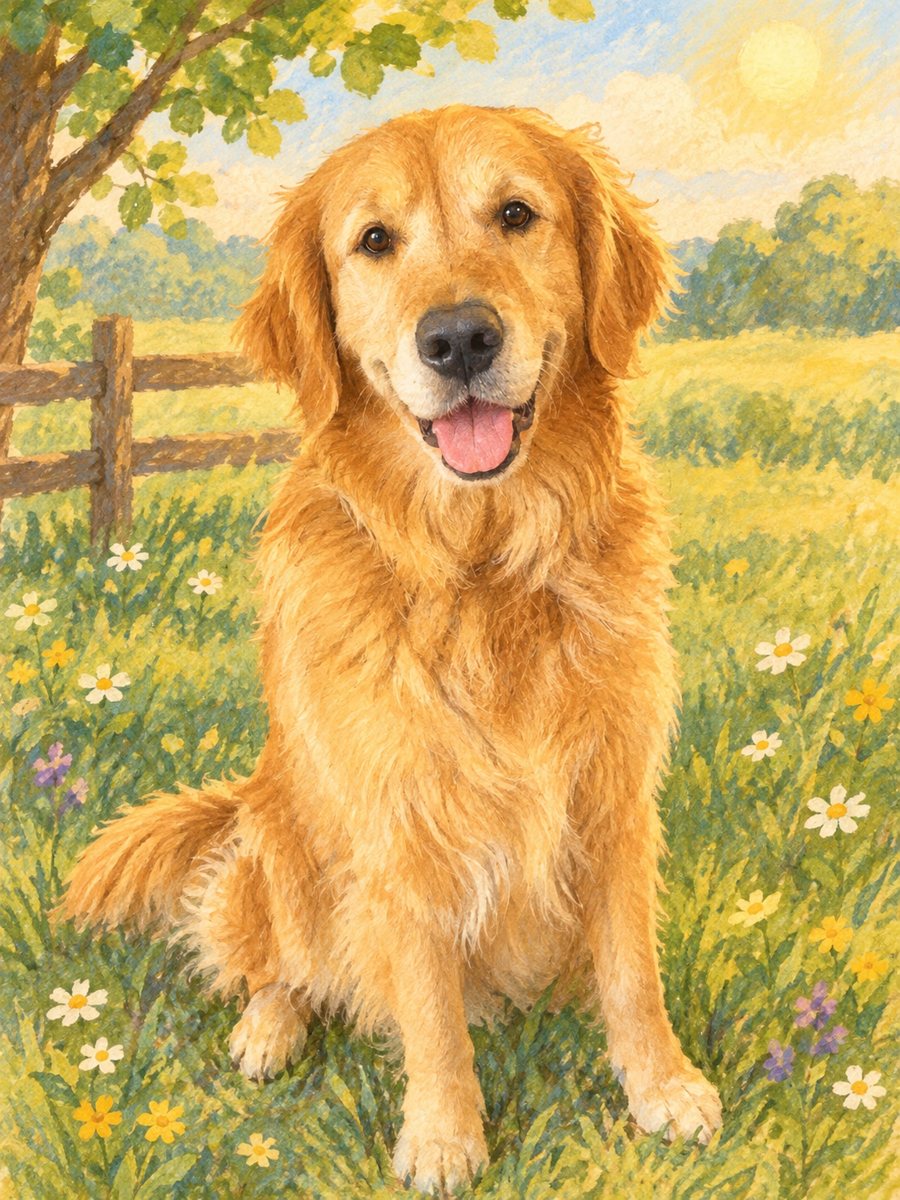 Turn a photo into a children's storybook illustrationMake a picture book illustration from a photo of a child, a pet or a toy with colored pencil texture....
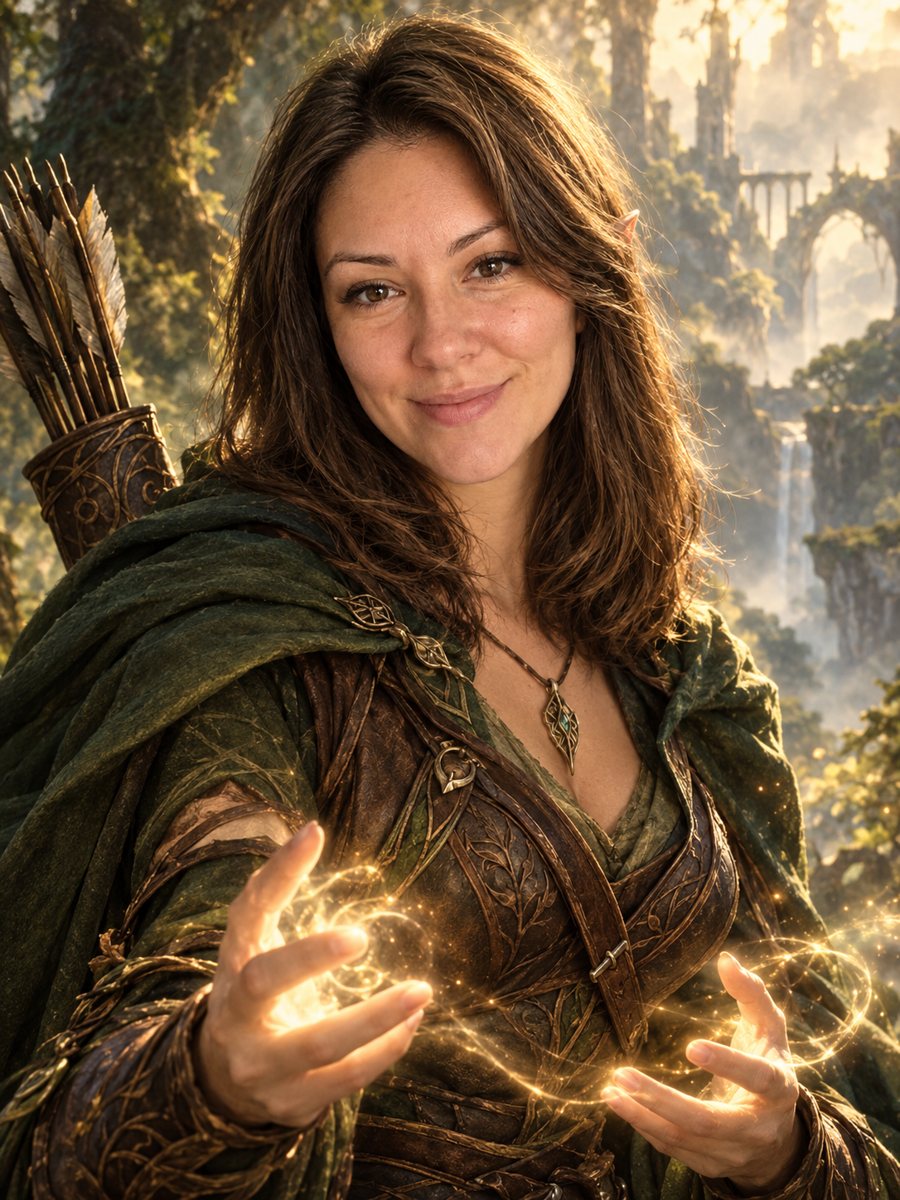 Turn your photo into a fantasy character portraitTurn your photo into an elven or ranger style fantasy novel cover portrait. Ready prompt, 2 credits per...
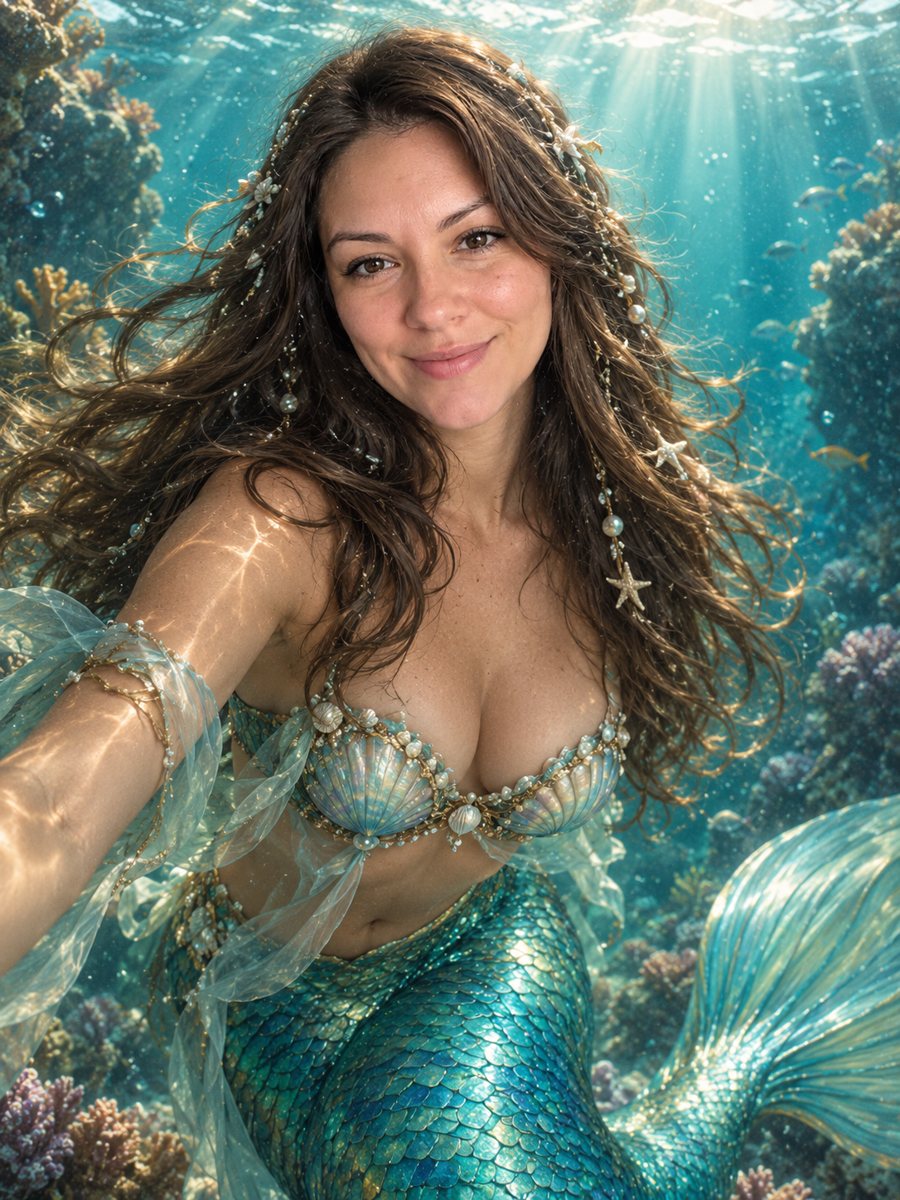 See yourself as a mermaidTurn your photo into a mermaid portrait with pearl hair, a teal scale tail and a sunlit coral scene. Ready...
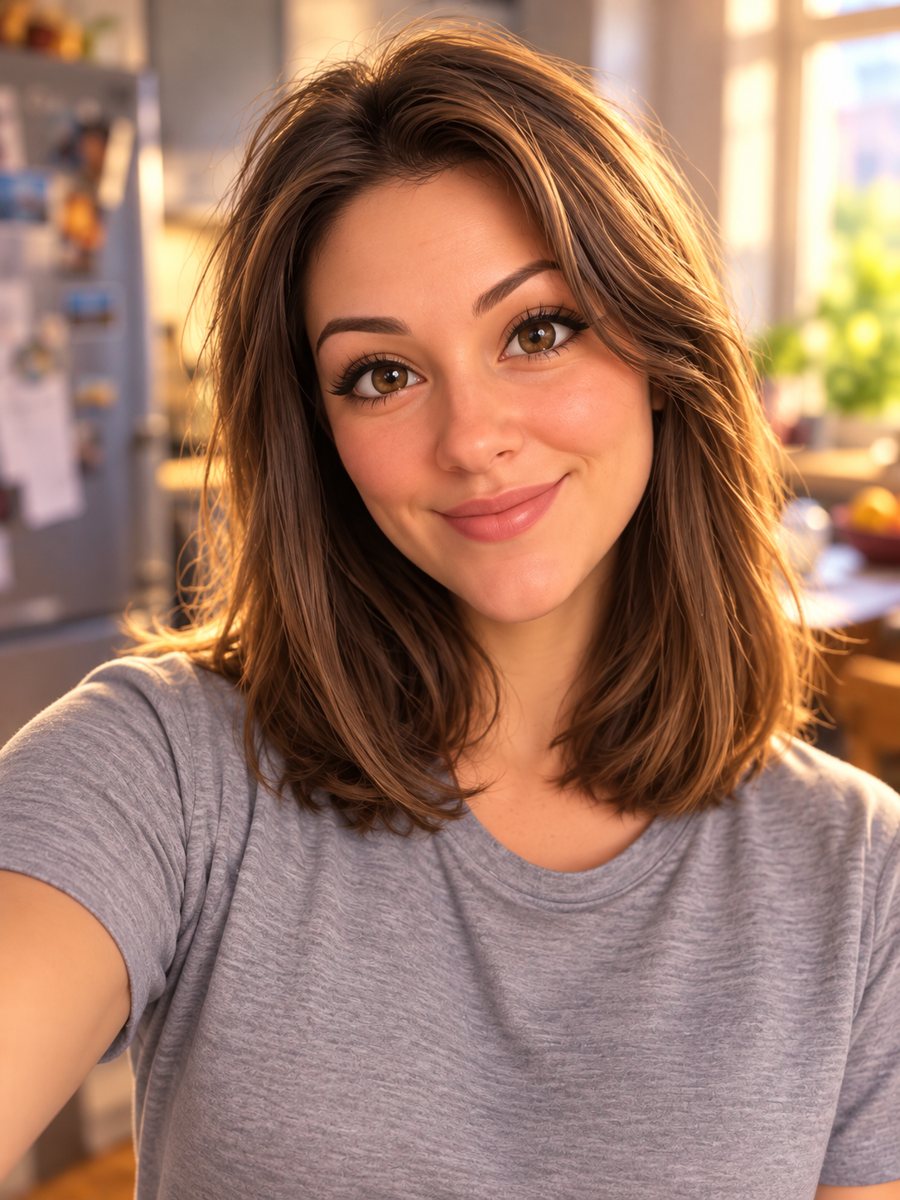 Turn your photo into a Pixar-style 3D characterTurn a selfie into a 3D animated movie character. Copy the ready prompt or open it in Telegram: 2 credits...
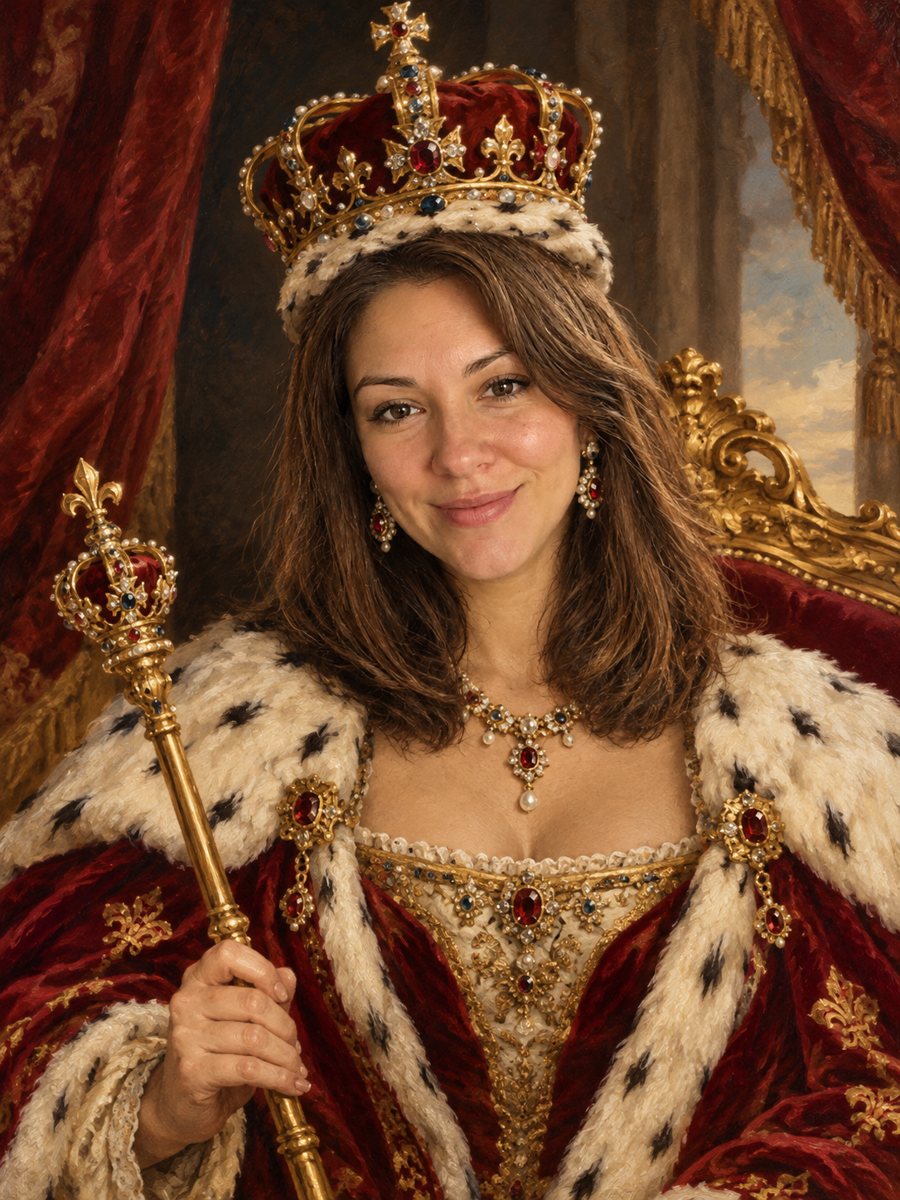 See yourself as a king or queenTurn your photo into a royal coronation portrait with a jeweled crown, an ermine robe and a gilded throne....