Turn your photo into a fantasy character portrait
You become an elven or ranger style hero in leather and fabric, with a faint magical glow in your hands, standing in a misty ancient forest at golden hour. The face and expression stay recognizable. Send one photo to begin.
- 2 credits per image
- Result in 1–2 minutes
- No sign-up
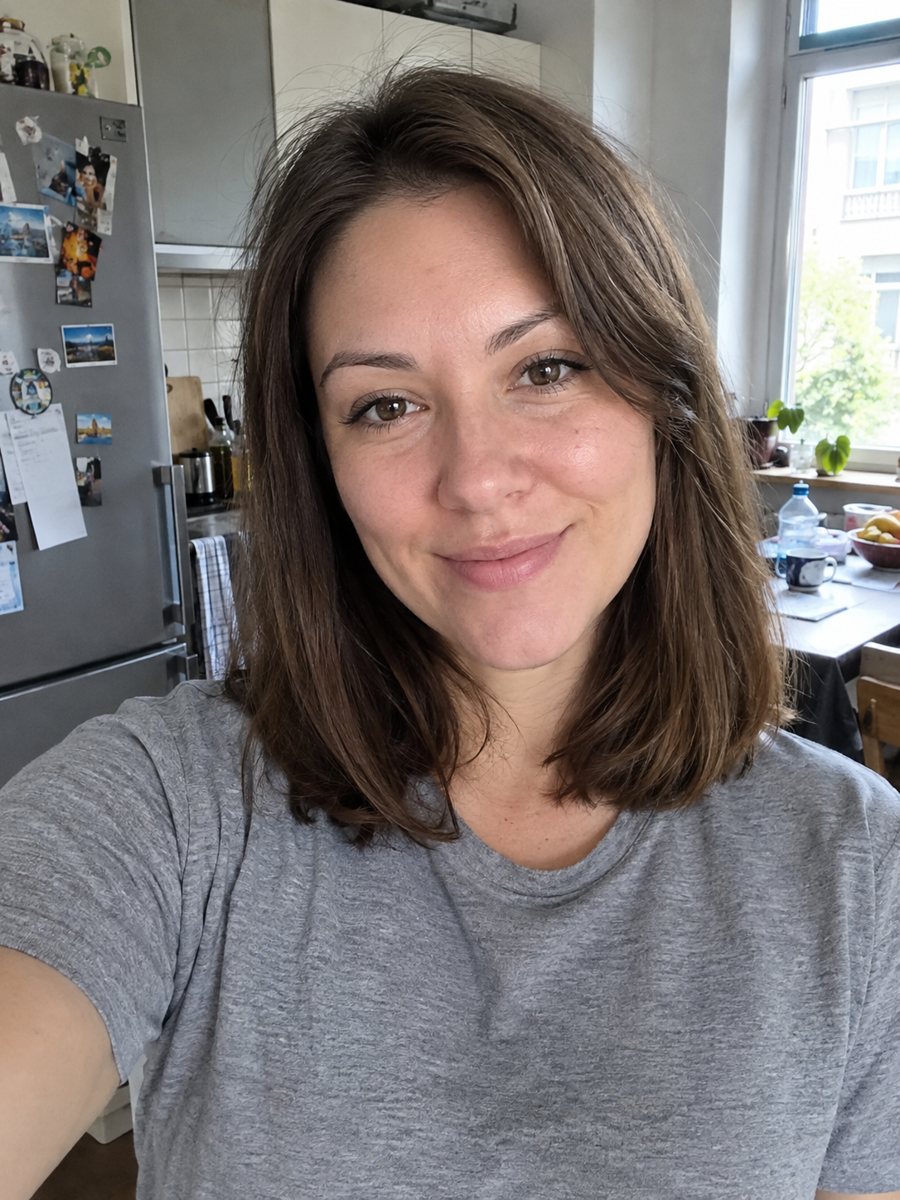
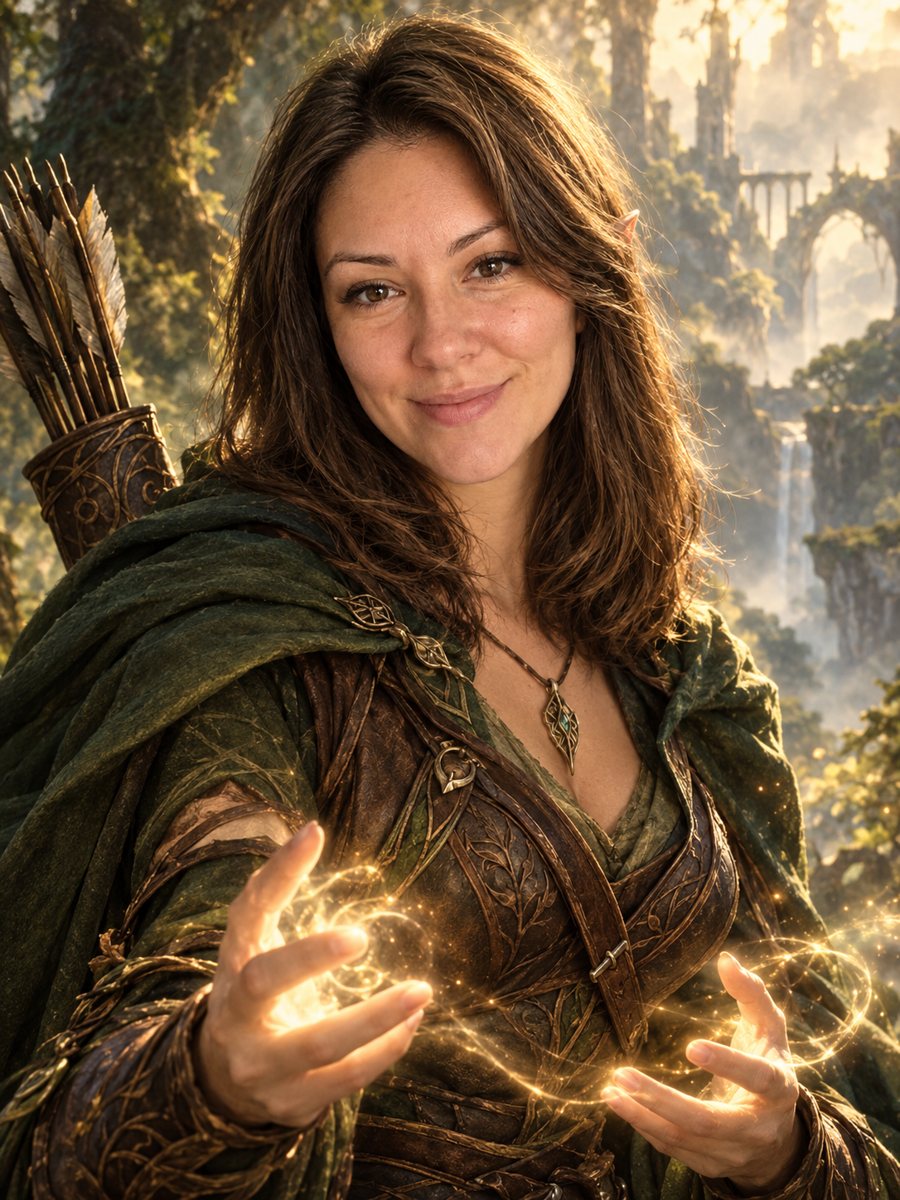 BeforeAfter
In short: Turn your photo into an elven or ranger style fantasy novel cover portrait. Ready prompt, 2 credits per image, 7 images free in Telegram.
- Where: the VisuMate bot in Telegram, no app or sign-up.
- Cost: 2 credits per image, 7 images free, then packs from 49 Telegram Stars.
- Time: 1 to 2 minutes per image, rerun with a new instruction at the same price.
When you need this
- You need art for your tabletop character and want it to look like you.
- A friend is a fantasy reader and a cover-style portrait would delight them.
- Your stream or channel has a fantasy theme and needs an avatar.
- You want a dramatic profile picture without a photo shoot in costume.
How to do it
- 1
Use the button above to open VisuMate in Telegram. The fantasy character style is preselected, so there is no menu to browse.
- 2
Pick one photo and send it as a document. If you want changes, write them in the caption: dark green cloak, silver hair clip, blue glow.
- 3
Give it 1-2 minutes. The cost is 2 credits per image. Review the face, the costume details and the forest depth, and save the best one or try again.
Try it on your own photo: 7 images are free, no sign-up.
Make it in TelegramThe prompt behind this style
Transform this photo into an epic fantasy character portrait, like a cover of a fantasy novel. Keep the face and expression recognizable. Elven or ranger style costume with leather and fabric, subtle magical glow in the hands, misty ancient forest background, painterly realistic rendering, dramatic golden light. Vertical 3:4, no text.
Epic painterly fantasy
The prompt aims for a novel cover look: realistic painting, dramatic golden light and a misty forest behind you. Clothing becomes leather and fabric in earthy tones, with a small glow around the hands. The face is rendered to match your photo but with the polish of an illustration, which often brings sharper cheekbones and brighter eyes.
Using the caption
This style takes direction well. Write the class, the costume color, the weapon you want in view or the magic effect. If you want a different setting, such as snowy mountains or a ruined castle, say so, but note that the prompt defaults to a forest. Short phrases work better than a long story.
Honest expectations
AI may exaggerate features, add pointed ears if you say elf, or change eye color. Hands are a common weak spot, so look at them before sharing. The look is inspired by fantasy art in general, not a specific game or book. A rerun can give a different costume, so try a couple of times for your favorite.
Tips
- Photos with open posture and visible shoulders let the AI build the costume.
- Name the race or class in the caption: elf, ranger, mage, knight.
- Mention the magic color you want: gold, blue, green.
- Long hair carries nicely into the fantasy look, short hair works too.
- If the face turns too idealized, rerun and add: keep my real features.
Questions and answers
Does it add pointed elf ears?
Only if the style suggests it or you ask in the caption.
Can I choose the class?
Yes, write it in the caption, for example ranger with a bow.
Will my face look idealized?
Often a bit. Compare with your photo and rerun if needed.
Is it licensed art of any game?
No. It is an original inspired look.
What does it cost?
2 credits per image, with 7 images free.
More in "Photo styles"
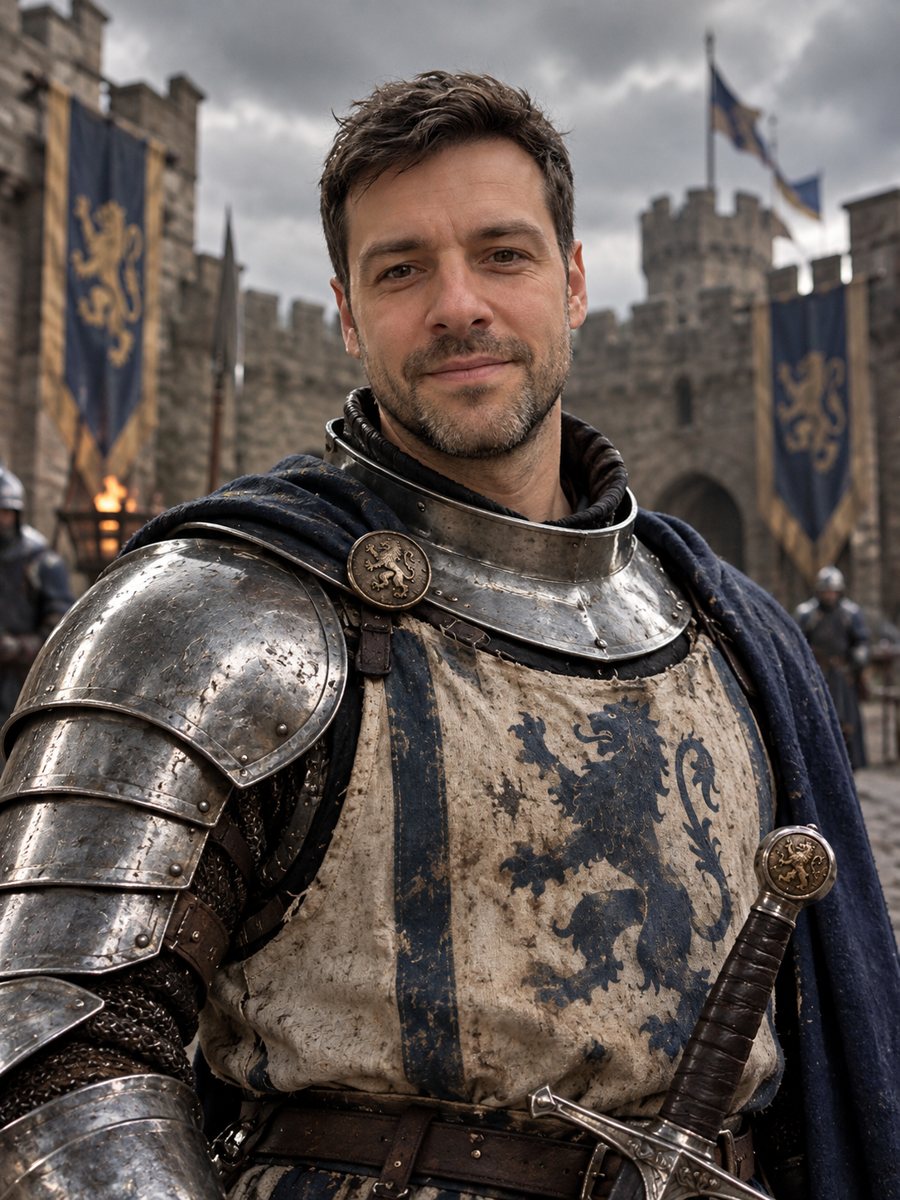 Turn yourself into a medieval knightTurn yourself into a medieval knight in steel armor in a castle courtyard. Copy the ready prompt or open...
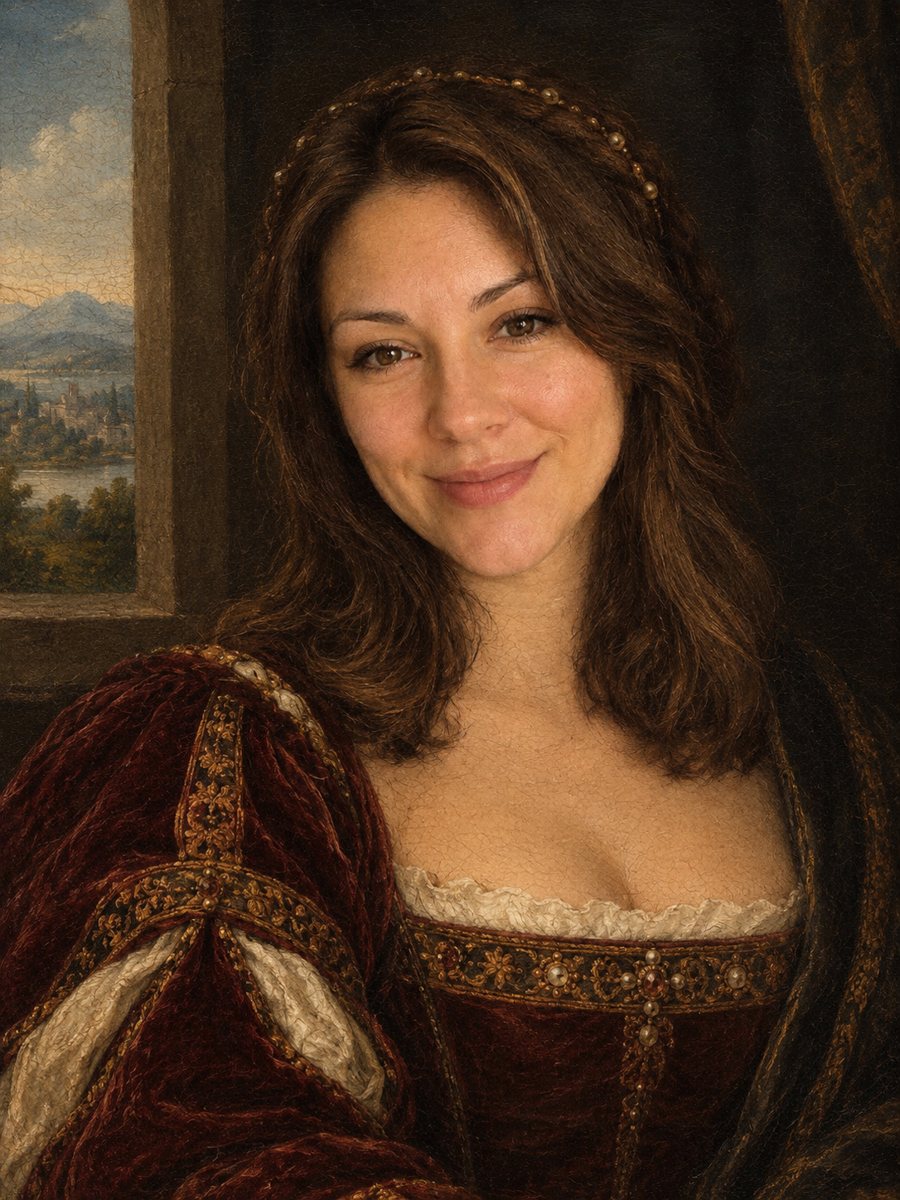 Turn your photo into a Renaissance paintingRepaint your photo as an early 1500s Renaissance portrait with period clothing and soft sfumato. Ready...
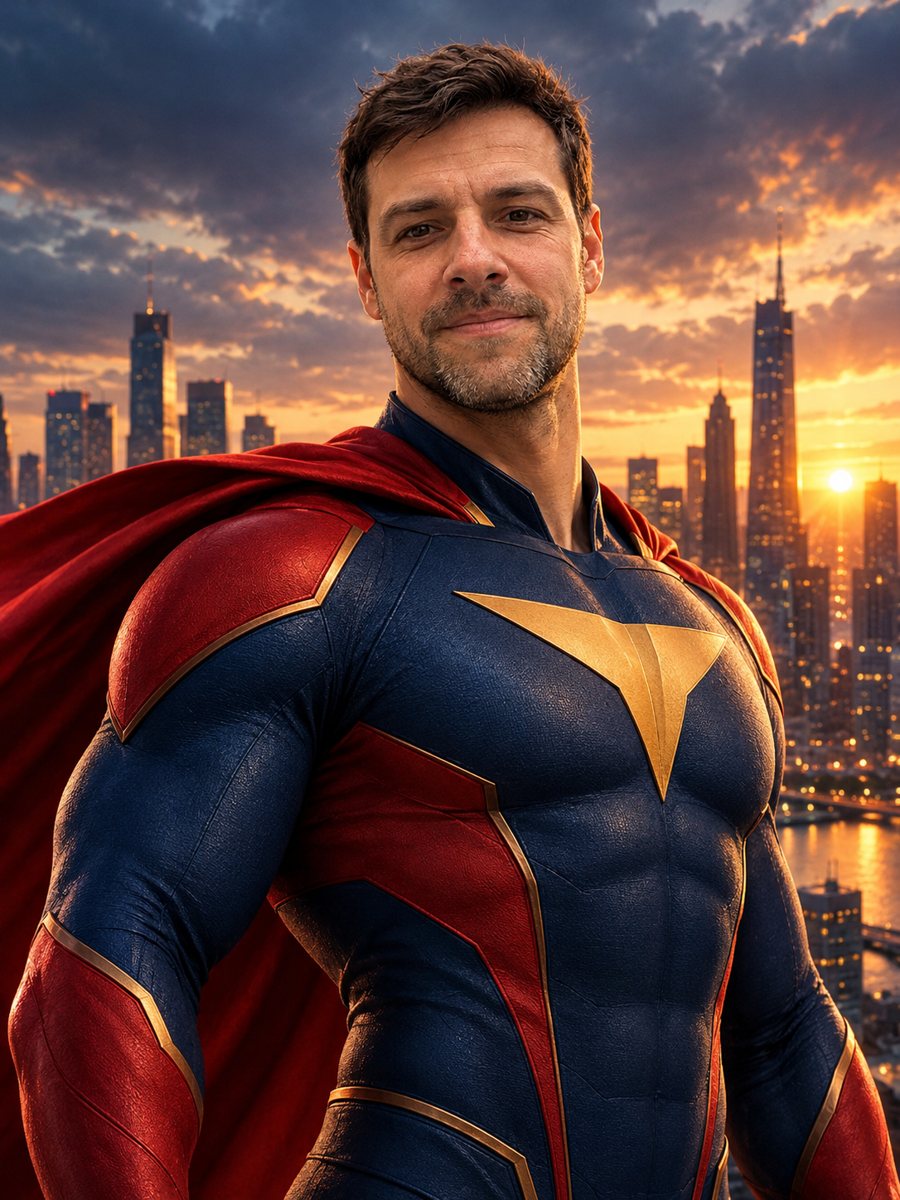 Turn yourself into a superheroTurn yourself into an original superhero with a two-color suit, emblem and cape against a city skyline....
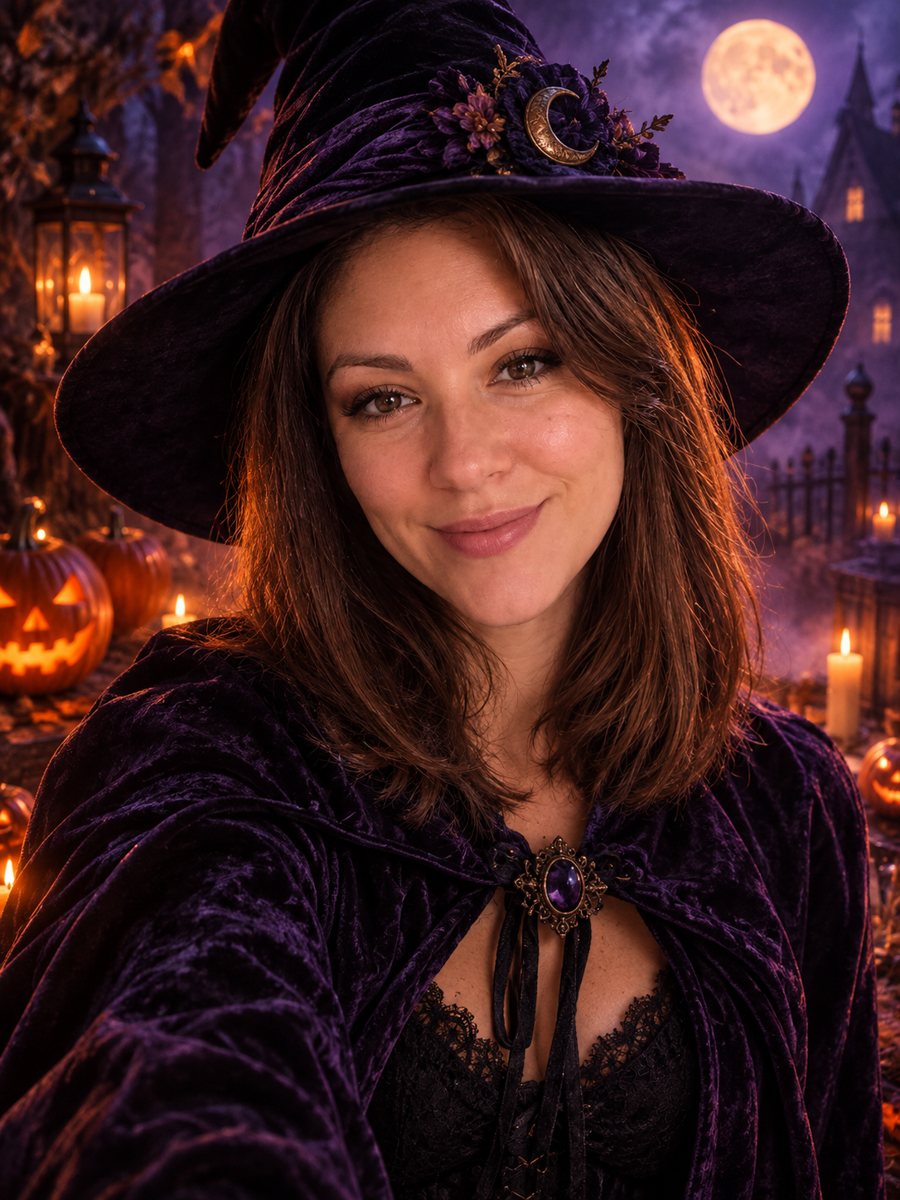 Make a stylish Halloween portrait from your photoTurn a photo into a stylish Halloween portrait with a witch hat, candles and pumpkins. Not scary, not...
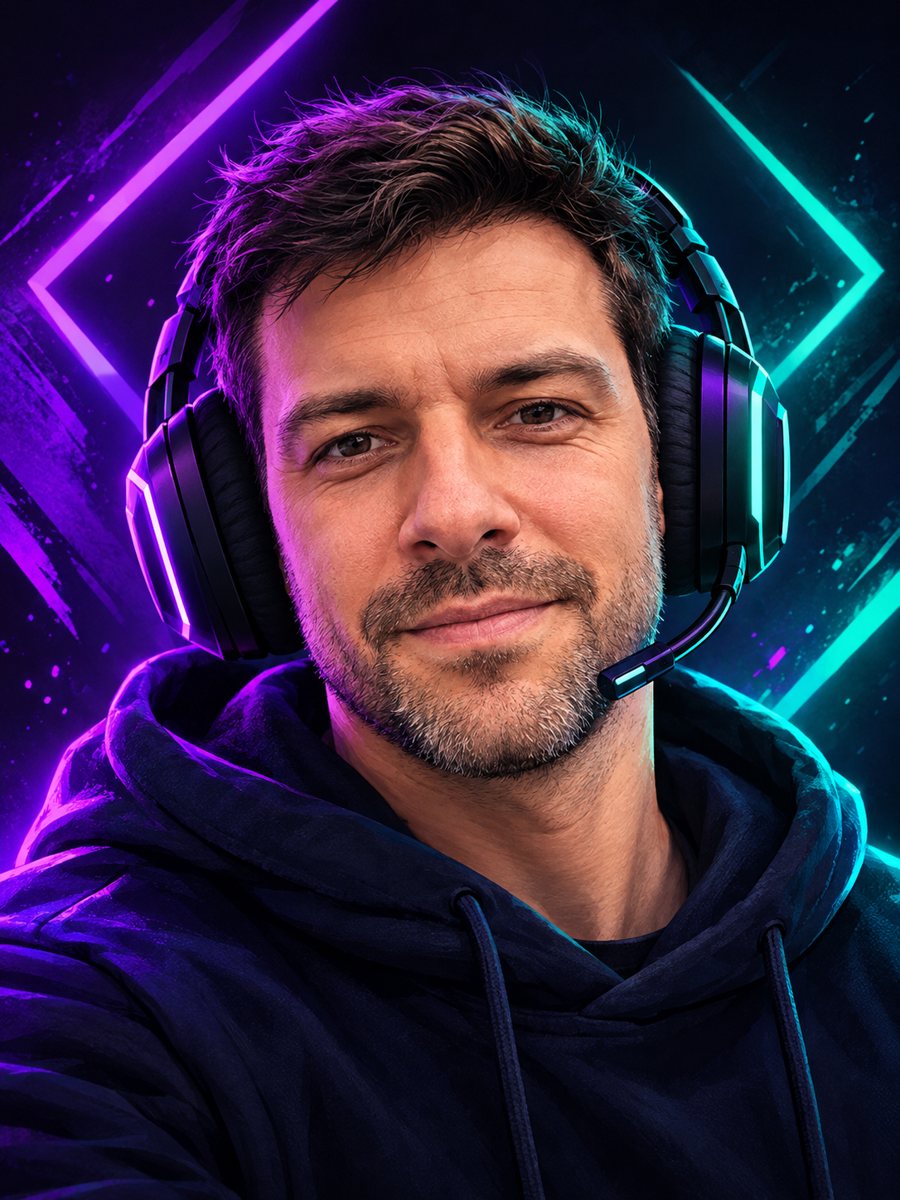 Make a gaming avatar from your photoTurn your photo into a bold gaming avatar with a headset, neon lighting and a dark background. Ready...