Make a double exposure portrait from your photo
Your head and shoulders become a silhouette filled with a pine forest and mountain landscape, on a clean white background with soft fading edges and muted blue and green tones. Press the button, send a photo and the bot blends the two images.
- 2 credits per image
- Result in 1–2 minutes
- No sign-up
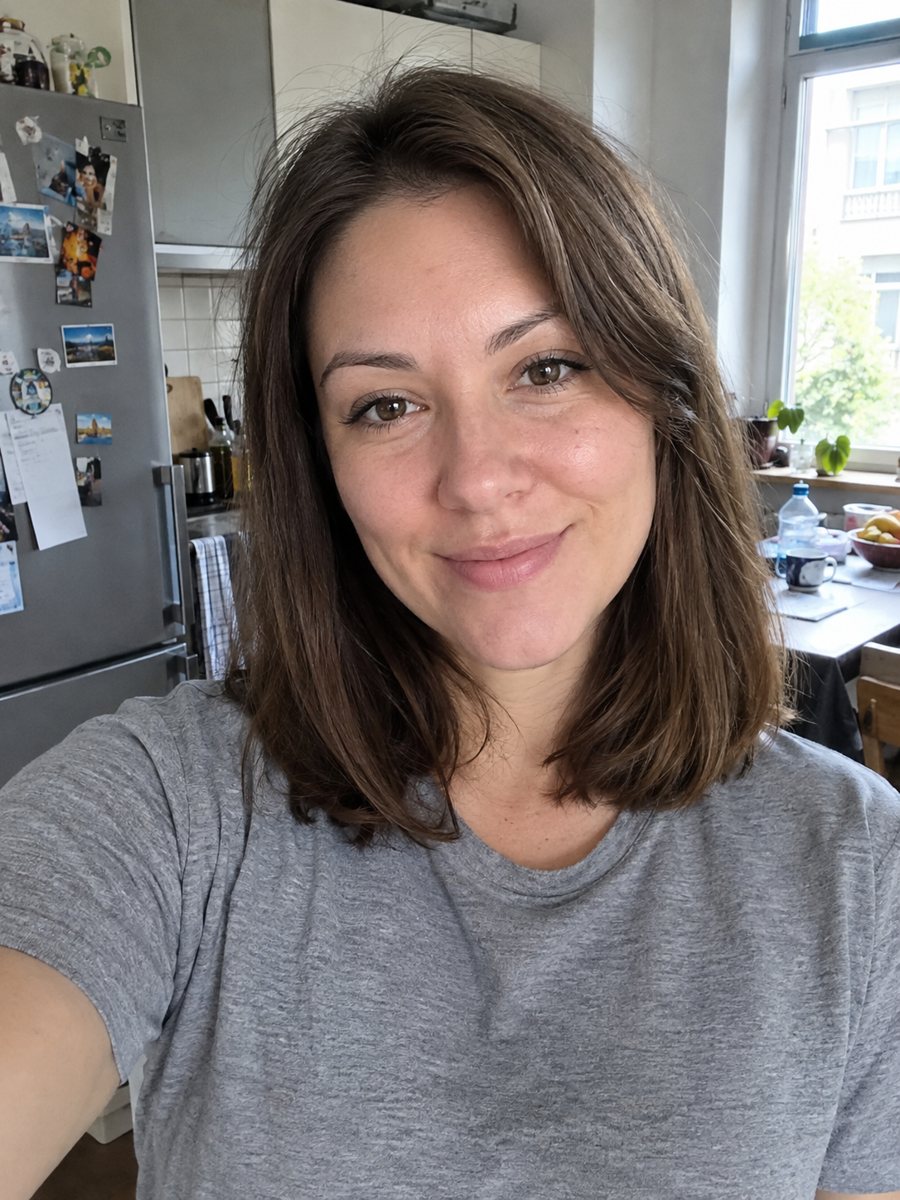
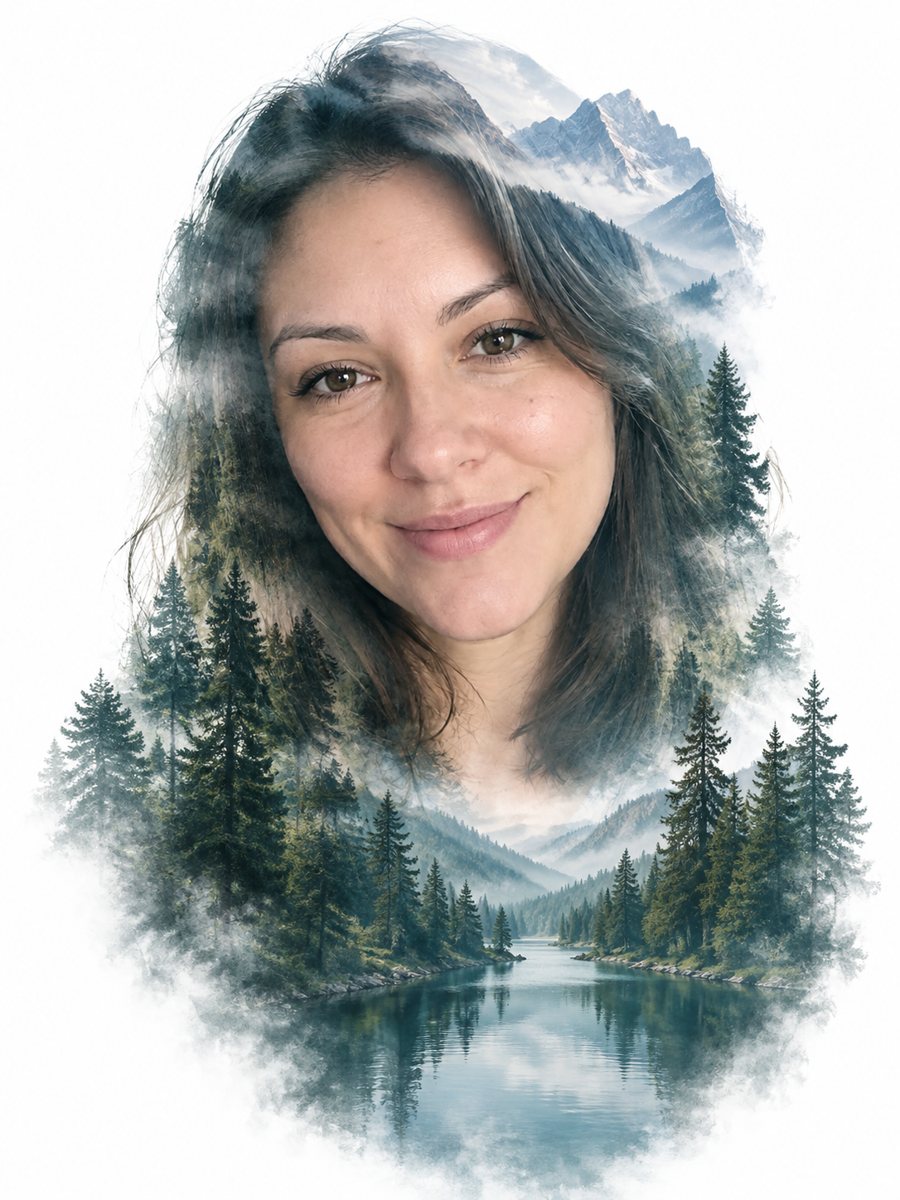 BeforeAfter
In short: Create a double exposure portrait with a pine forest and mountains blended inside your silhouette on white. Copy the free prompt or open the Telegram bot.
- Where: the VisuMate bot in Telegram, no app or sign-up.
- Cost: 2 credits per image, 7 images free, then packs from 49 Telegram Stars.
- Time: 1 to 2 minutes per image, rerun with a new instruction at the same price.
When you need this
- You want a poster, a book cover or a profile image with an outdoor feel.
- A travel, hiking or wellness page needs a calm artistic portrait.
- You like the double exposure look but do not want to blend layers by hand.
How to do it
- 1
Press the button on this page. Telegram opens the bot with the double exposure portrait style already selected, tap Start if it asks.
- 2
Attach a single photo as a document. Add wishes in plain English if you like, such as: foggy mountains, side profile.
- 3
The picture arrives in 1 to 2 minutes for 2 credits. Check the silhouette edges and the face, and run again if it looks off.
Try it on your own photo: 7 images are free, no sign-up.
Make it in TelegramThe prompt behind this style
Create a double exposure portrait from this photo. Keep the face recognizable as the silhouette. Blend a pine forest and mountain landscape inside the head and shoulders, white background outside, soft fading edges, muted blue and green tones. Vertical 3:4, no text.
How the effect works
Double exposure combines two images in one frame. Here the first image is your head and shoulders as a silhouette and the second is a landscape of pine trees and mountains. The forest shows inside the shape and fades softly at the edges, while the outside stays white. Muted blue and green keep it calm. People use the effect for posters, book covers, cards and websites about nature.
Improving the blend
The silhouette comes from the shape of your head, so a clean outline matters. A face turned to the side is easier to read than a straight view. If the forest is too dark, ask for lighter fog. If the face disappears, ask for more detail on the eyes and nose. Changing the landscape in the caption gives a new look without changing the style.
Honest expectations
The likeness comes from the outline, not from detailed skin and eyes. Inside the silhouette the face may be partly replaced by trees. Fine details like glasses or earrings often fade. The result is an artistic image, not a photograph. Try a second run for 2 credits if the shape drifts from your head. When the image arrives, look at the silhouette edges first, since that is where drift shows up most.
Tips
- A profile or three-quarter photo gives the cleanest silhouette.
- Plain light backgrounds in the source help the AI cut the head shape.
- Ask for another landscape in the caption: ocean, desert or city skyline.
- Hair with strong outline reads better than a hat.
- Mention a color mood, such as warmer sunset tones, if you want to change the blue.
Questions and answers
Can I choose another landscape?
Yes. Write it in the caption, for example ocean waves or a city skyline.
Will the background stay white?
That is the default. You can ask for a pale color.
Does it work with a smile?
Yes, but the face is often simplified inside the shape.
Can I use it on a cover?
It works as a draft or a final image if you check the result.
Does it work for pets?
The prompt is written for people. Pet shapes may look odd.
More in "Photo styles"
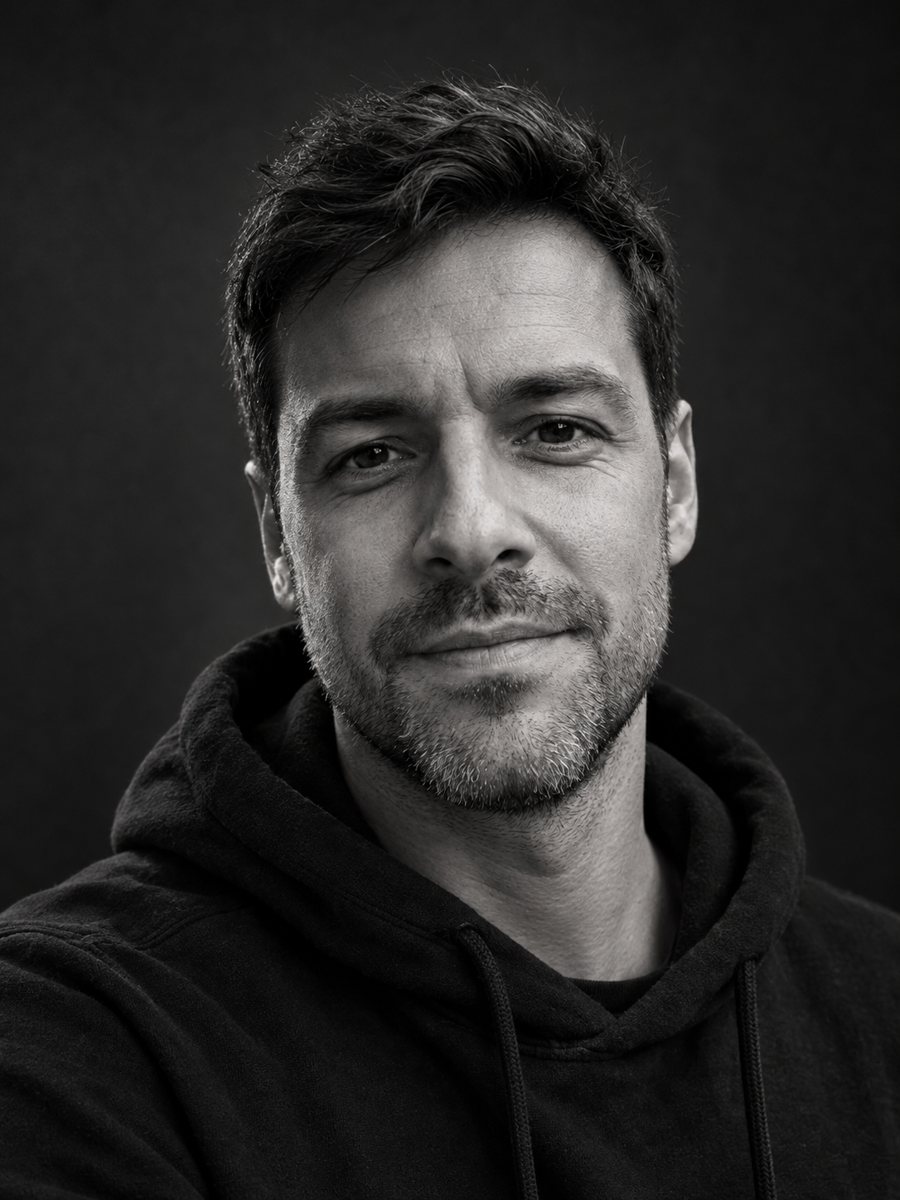 Make a black and white studio portrait from a photoTurn a casual photo into a dramatic black and white studio portrait with a dark backdrop and side light....
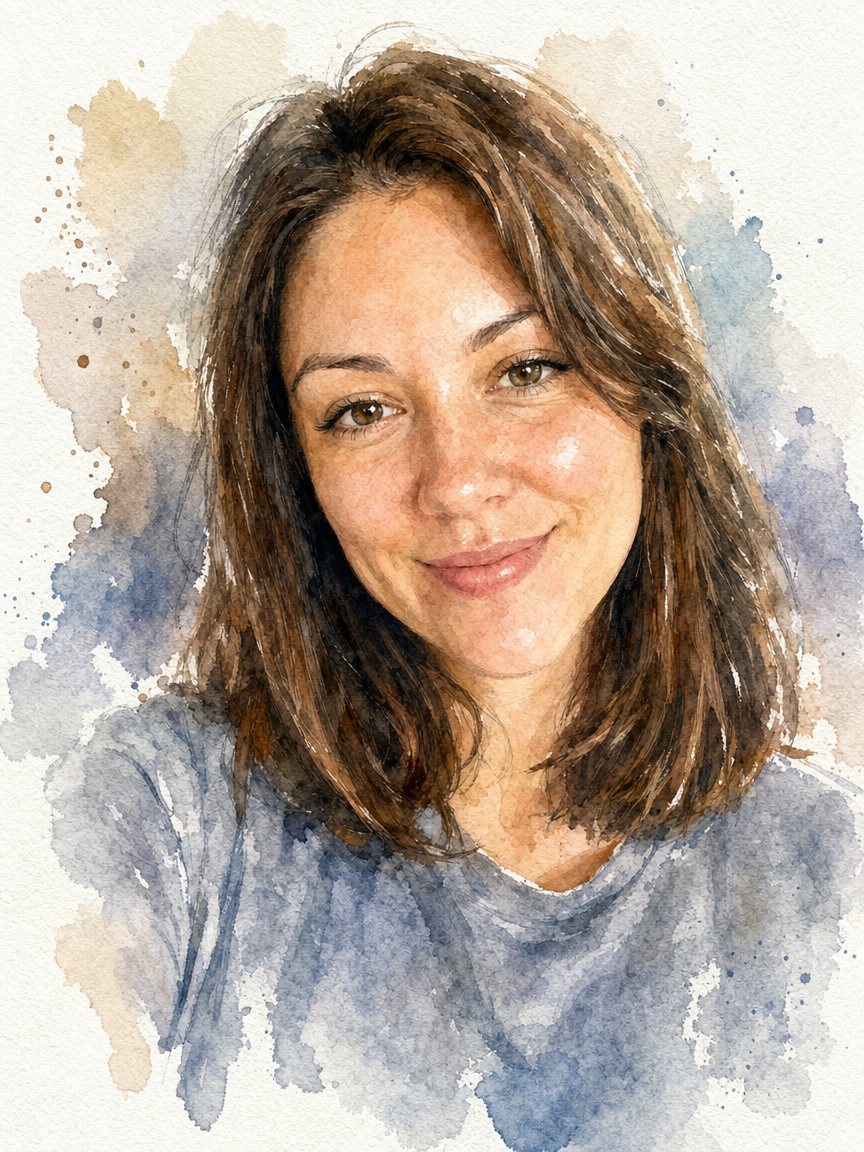 Turn a photo into a watercolor portraitPaint your photo as a loose watercolor portrait on textured paper. Copy the prompt or open the bot: 2...
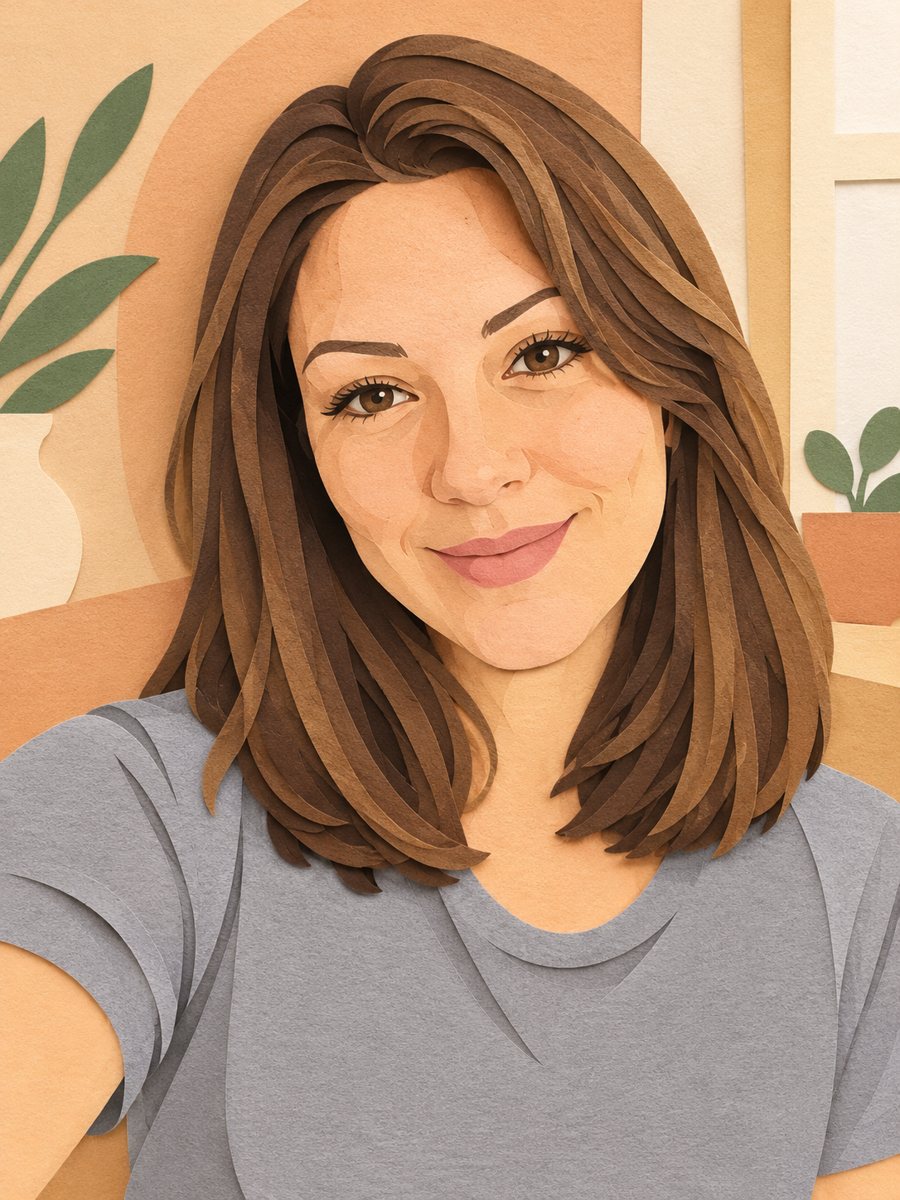 Turn your photo into a paper cut art portraitTurn a photo into layered paper cut art with soft shadows and a warm pastel palette. Copy the ready prompt...
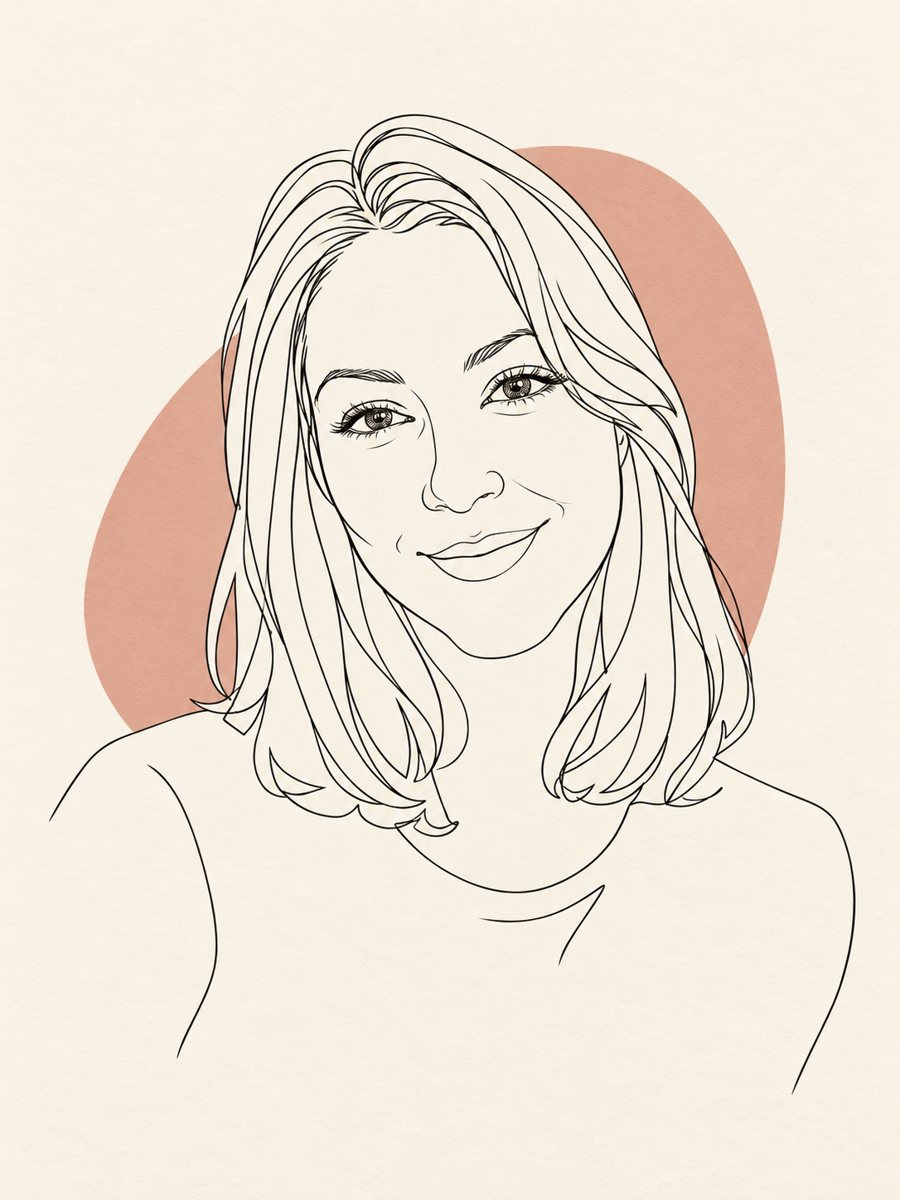 Turn your photo into a minimal line art avatarConvert a photo into a minimal one-line portrait with a single thin black line and a soft accent shape....
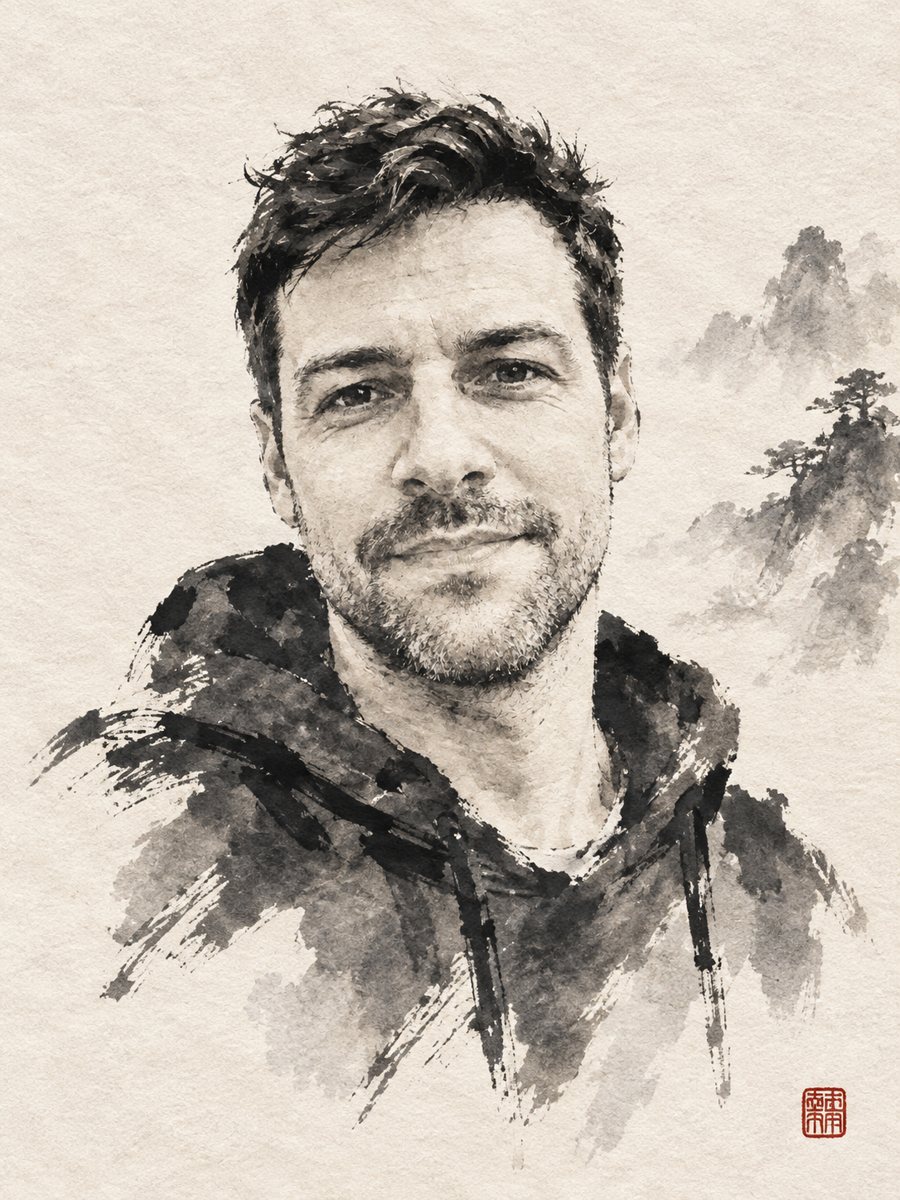 Turn your photo into a sumi-e ink wash paintingReinterpret a photo as a sumi-e ink wash painting with expressive brush strokes on rice paper and a red...