Create a CV photo from a selfie
The bot turns your selfie into a neutral application photo: a plain light gray background, a smart casual top, even soft front lighting, head and shoulders centered and a slight friendly smile. Press the button and send one photo.
- 2 credits per image
- Result in 1–2 minutes
- No sign-up
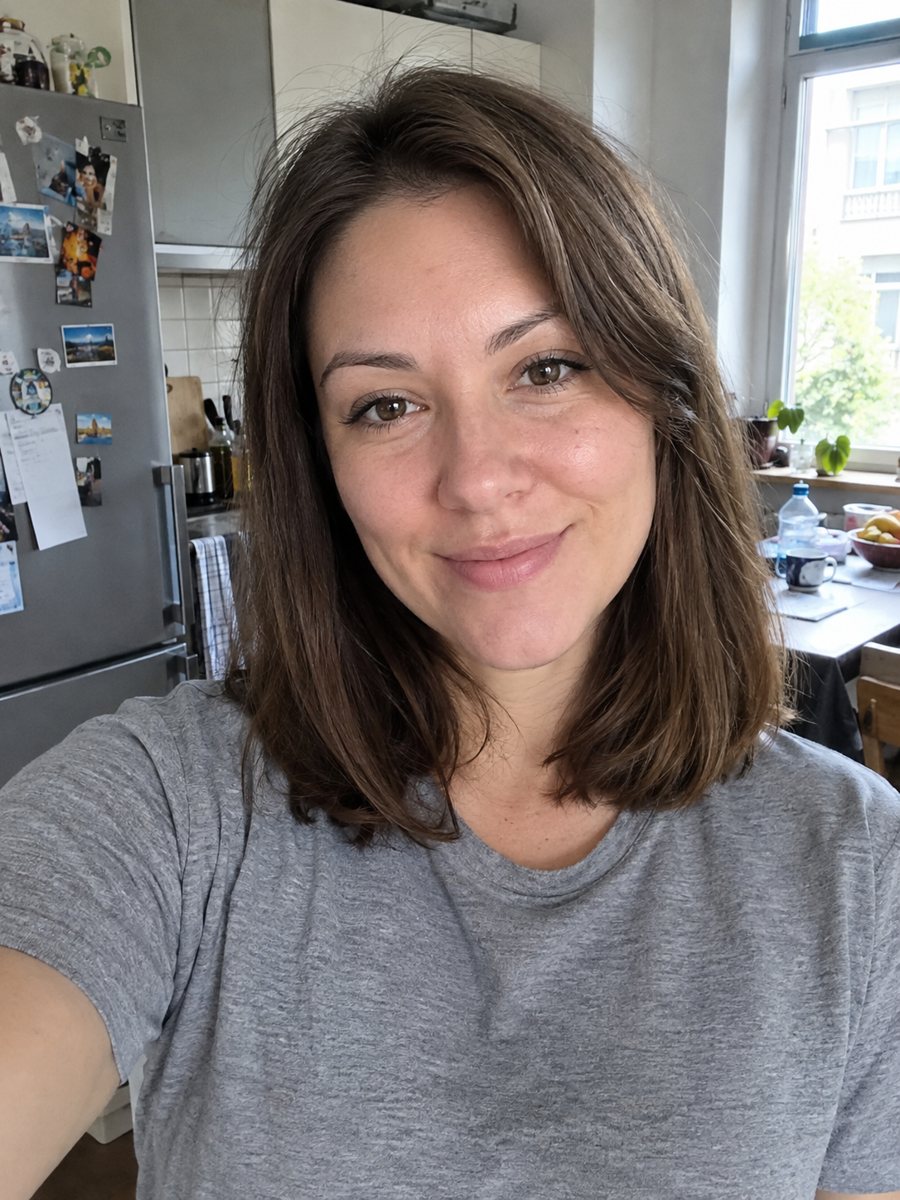
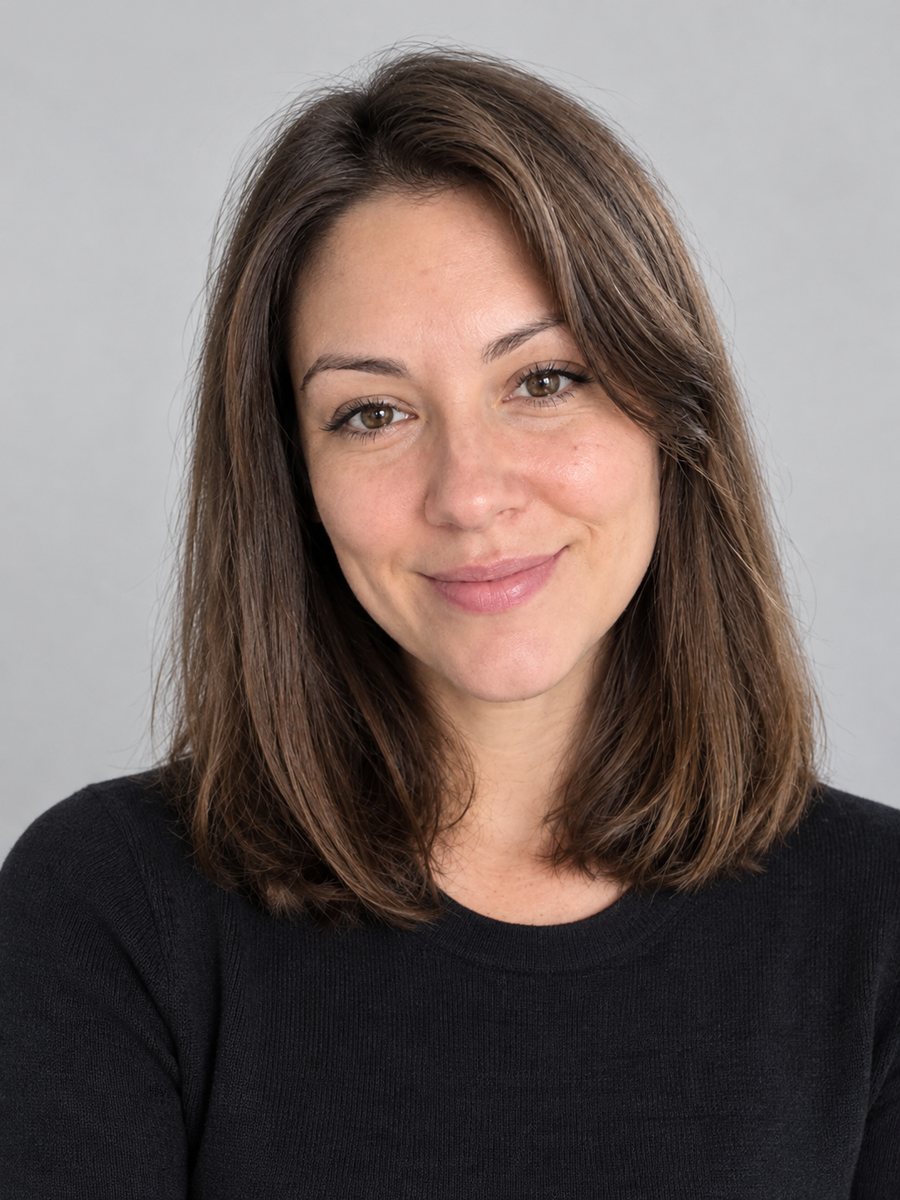 BeforeAfter
In short: Turn a selfie into a neutral CV photo with a light gray background, smart casual top and even light. Copy the free prompt or use the Telegram bot, 7 images free.
- Where: the VisuMate bot in Telegram, no app or sign-up.
- Cost: 2 credits per image, 7 images free, then packs from 49 Telegram Stars.
- Time: 1 to 2 minutes per image, rerun with a new instruction at the same price.
When you need this
- A job form asks for a photo and your best picture is a selfie on the couch.
- Your CV template has a photo slot and the current one is a cropped group photo.
- You need a quick draft while waiting for a real appointment with a photographer.
How to do it
- 1
Use the button on this page to open the bot. The CV photo from a selfie style is preselected, so there is nothing to pick.
- 2
Send one photo as a file, so Telegram does not compress it. You can add a caption, for example: white shirt, no jewelry.
- 3
Wait 1 to 2 minutes. The result costs 2 credits. Look closely at the face against your real look, then rerun if needed for another 2 credits.
Try it on your own photo: 7 images are free, no sign-up.
Make it in TelegramThe prompt behind this style
Turn this selfie into a neutral CV photo. Keep the face, features and expression exactly recognizable. A plain light gray background, a smart casual top, even soft front lighting, head and shoulders centered, slight friendly smile, realistic photo. Vertical 3:4, no text.
What a CV photo needs
A CV photo should be simple: head and shoulders, plain background, even light and a calm expression. The prompt asks for a light gray backdrop, a smart casual top and soft front light. There is no text. The result is a vertical 3:4 image that you can crop to the size of your template. Many job sites and employers in different countries have their own photo rules, so check them first.
Getting a believable result
Your source photo does most of the work. Use a front-facing selfie in daylight. Hold the phone at eye level and keep a plain wall behind. Leave the hair as it is in real life. Heavy retouching does not help, and employers may notice differences at the interview. If the face looks different, rerun and compare. A small smile reads as friendly.
Honest use
This is an AI generated image. Some employers, agencies and official forms require a real, unedited photo, and passports or visas need photos that meet strict rules, which this image does not. Say that the picture is AI generated if the employer asks, and use a real photo where it is required. A rerun costs 2 credits. When the image arrives, look at the face against your real look first, since that is where drift shows up most.
Tips
- Send a straight selfie at eye level, with the whole face visible.
- Choose a plain top in the caption, such as a white shirt or a gray sweater.
- Avoid filters and sunglasses in the source.
- Keep the expression neutral or slightly smiling.
- Compare the result with your real face, age and hairstyle before using it.
Questions and answers
Is it accepted by employers?
Some may prefer a real photo. Check the application rules and be honest about AI use.
Can I use it for a passport or visa?
No. Official documents have strict photo rules.
Can I choose the background color?
Yes. Light gray is default. Ask for white or light blue in the caption.
Will it change my appearance?
It tries to keep your face. Compare it with your real look.
What if I wear glasses?
Say so in the caption and check that they look right.
More in "Photo styles"
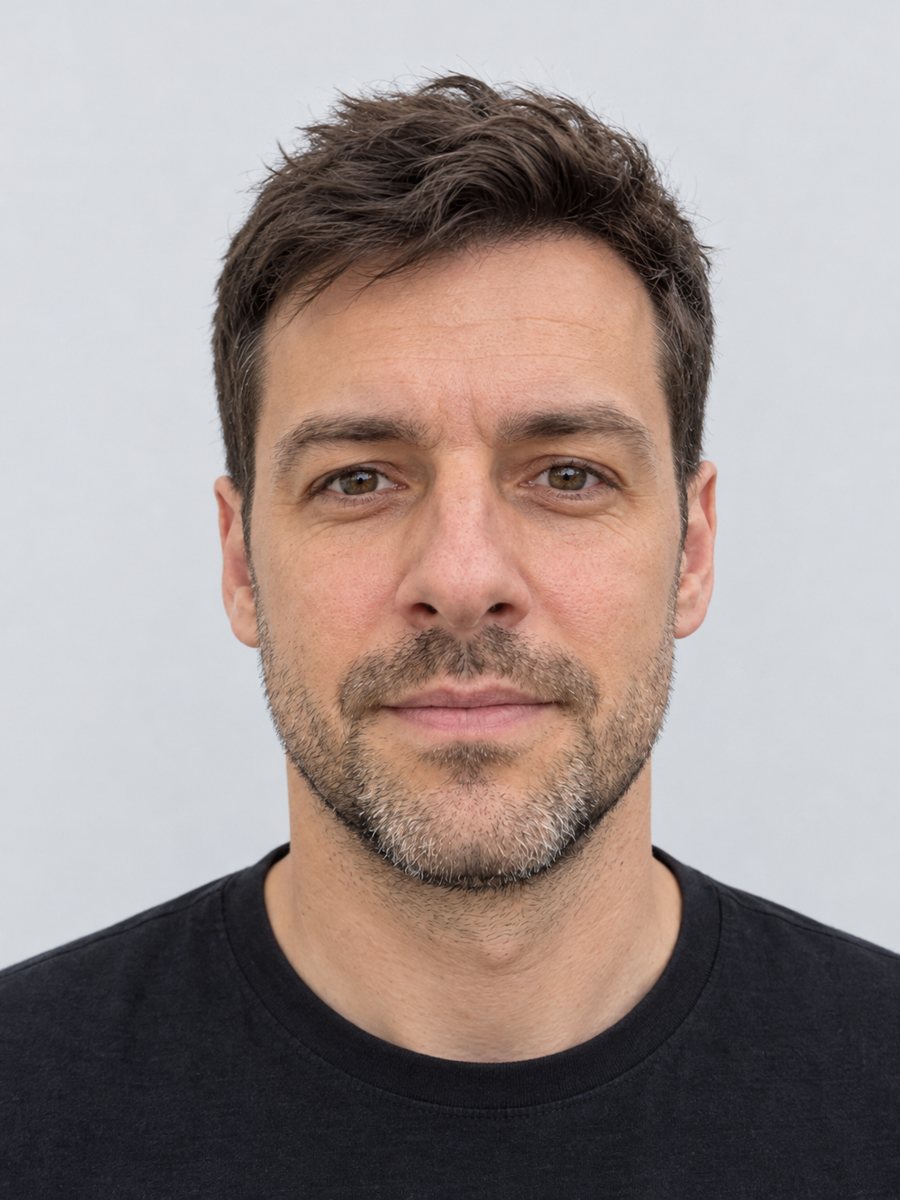 Make a clean ID-style portrait preview from a selfieMake a clean ID-style portrait preview from a selfie: gray backdrop, even light, neutral face. A style...
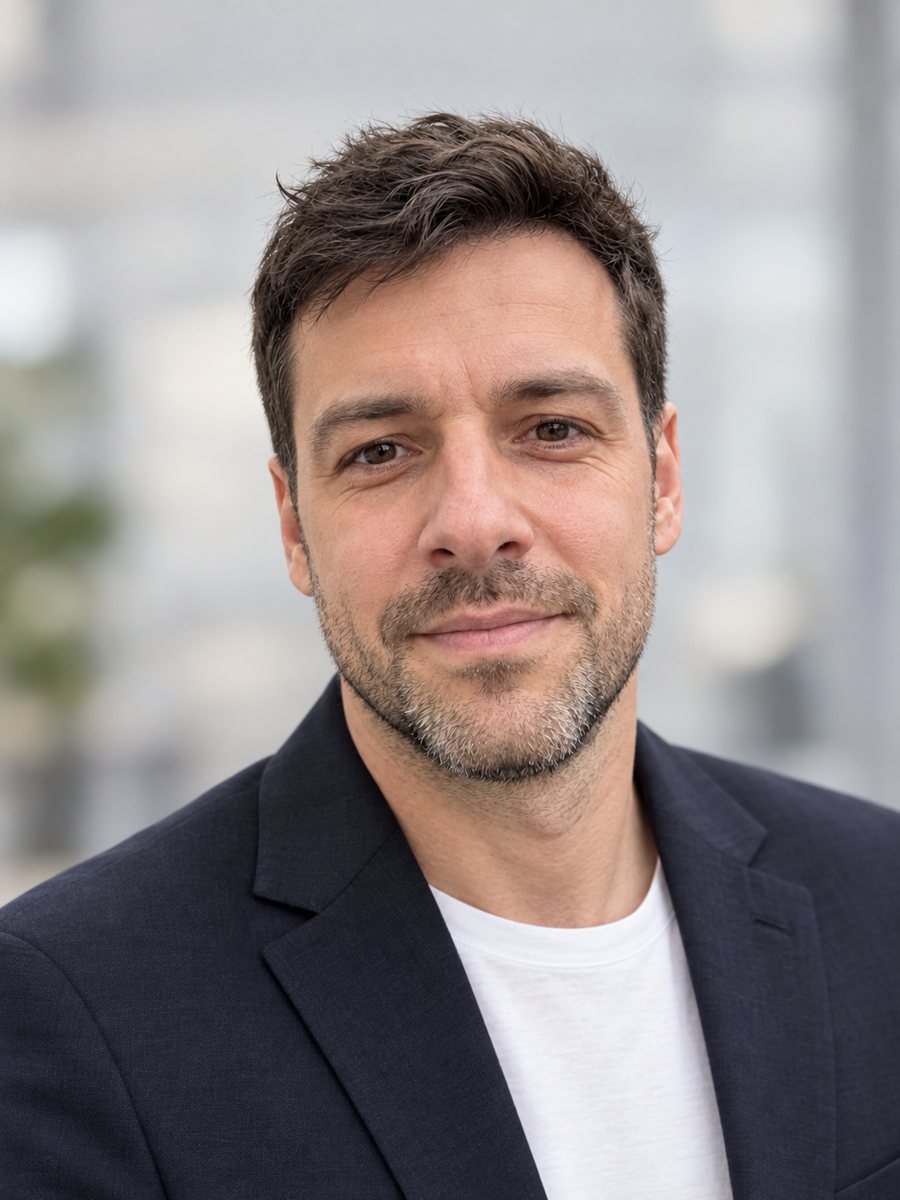 Make a LinkedIn headshot from a selfieTurn a casual selfie into a professional LinkedIn headshot with a blazer and a soft studio backdrop. Ready...
 Create a professional headshot from your photoMake a polished headshot with a light gray backdrop, soft studio light and natural retouching. Ready...
 Upgrade your profile photo without changing youImprove a social media profile picture: fix exposure and white balance, blur a messy background to a warm...
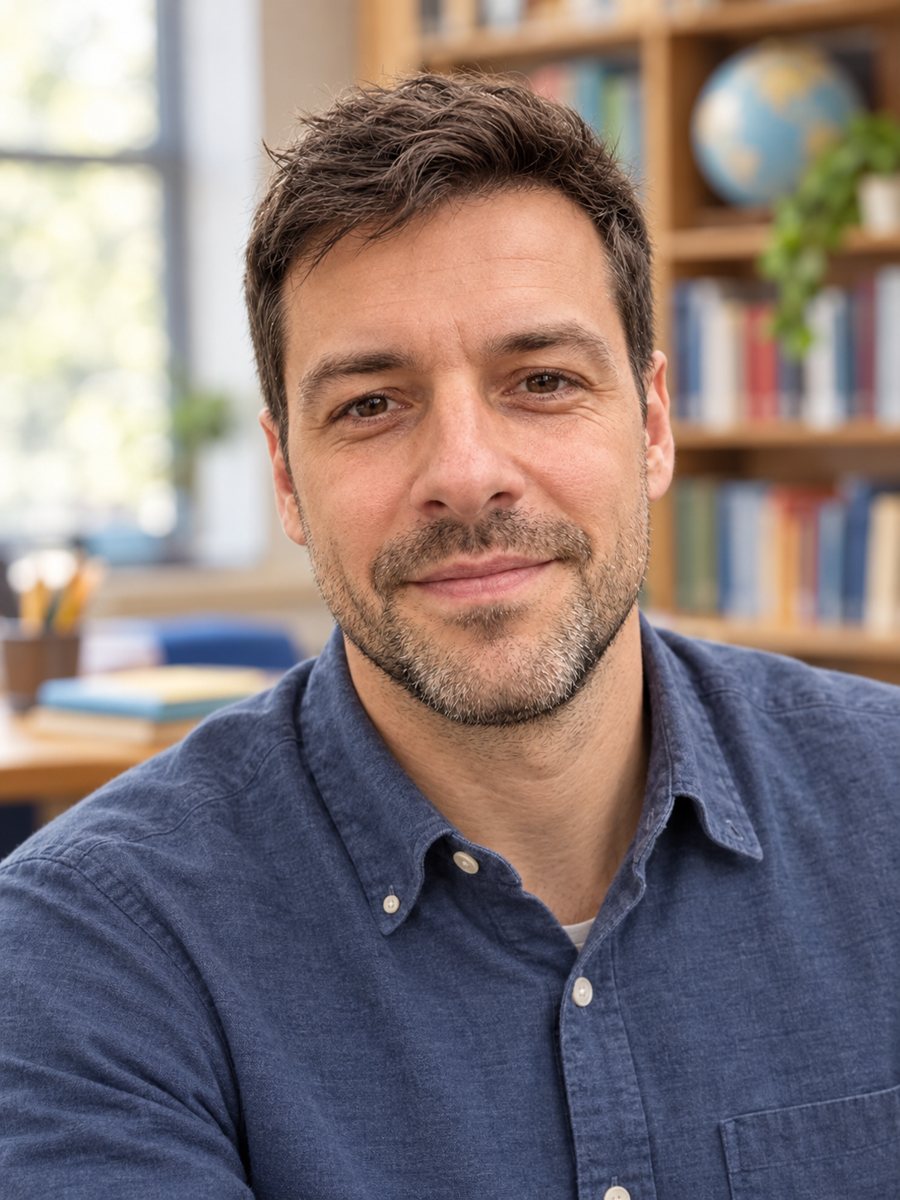 Create a warm, approachable teacher headshotTurn a photo into a warm educator headshot with a smart casual shirt and a blurred classroom or library....