Convert a color photo to black and white
A plain desaturate button leaves flat grey. Black and white that looks good depends on how each color becomes a shade, so skies go dark, skin glows and shadows keep depth. Describe the mood and the bot handles the conversion.
- 2 credits per image
- Result in 1–2 minutes
- No sign-up
In short: Convert a color photo to black and white with real tonal contrast, film grain and deep blacks. Telegram bot, 7 images free for new users, no sign-up needed.
- Where: the VisuMate bot in Telegram, no app or sign-up.
- Cost: 2 credits per image, 7 images free, then packs from 49 Telegram Stars.
- Time: 1 to 2 minutes per image, rerun with a new instruction at the same price.
- Credits never expire, there is no subscription and no auto-renew. You pay once for a pack inside Telegram with Stars.
When you need this
- Desaturating in a phone gallery gives muddy, low-contrast pictures.
- Red and green objects turn into the same grey and lose separation.
- You want a film look with grain, and a clean digital grey feels too sterile.
How to do it
- 1
Press the button to open @visumate_ai_bot in Telegram. No sign-up, and new users get 15 free credits, which is 7 images.
- 2
Send the photo as a file. In the caption say the look: 'high contrast documentary', 'soft low-key portrait', 'grainy 35mm street'.
- 3
In 1-2 minutes the black and white version arrives for 2 credits. Rerun with a different mood word to compare.
Try it on your own photo: 7 images are free, no sign-up.
Make it in TelegramThe prompt behind this style
Convert the attached color photo to a rich black and white image. Keep the composition and every detail. Deep blacks, bright but not blown highlights, strong midtone contrast, natural skin tones rendered as luminous grey, fine film grain. No text, no borders.
Tone beyond plain grey
Photographers convert with channel mixes: a blue sky is darkened to make clouds pop, red lips are lightened so they keep presence. The bot applies the same thinking to the whole frame. You describe the mood in words and skip the sliders. Think of it as choosing a film stock after the fact. Strong subjects with clear shapes survive the loss of color best, so choose them first.
Good matches
Portraits, architecture, travel pictures, wedding details and product shots for a minimal catalogue. Going the other way is also possible: the colorizer pages add color to an old black and white picture. Black and white also hides color problems such as a green cast from fluorescent lights, so photos that looked off in color often look strong once converted. Try two moods on the same photo, one soft and one punchy, and keep the one that suits the subject better. Comparing them side by side takes a couple of minutes.
Tips
- Strong color contrast in the source gives a stronger tonal range.
- For portraits ask for 'soft highlights on skin'.
- Add 'film grain' for a street-photography feel.
- Skip photos shot in flat overcast light, they stay flat.
Questions and answers
Is the original kept?
Yes, the bot sends a new file and your original stays on your phone.
Can I get a sepia or duotone look?
Yes, name it in the caption.
Does it work on screenshots?
It works on any image, but photos benefit most.
What does it cost?
2 credits per image. New users get 15 free credits, so 7 images cost nothing. After that packs start at 49 Telegram Stars and credits do not expire.
Does the bot work in English?
Yes. It picks up your Telegram language on first launch. You can switch it any time with /lang.
What the bot does not do
- Works from one photo. Likeness depends on the photo you send, and some styles change features more than others.
- Does not make video or animation.
- Does not output a transparent PNG.
- Does not retouch passport or ID photos.
More in "Photo styles"
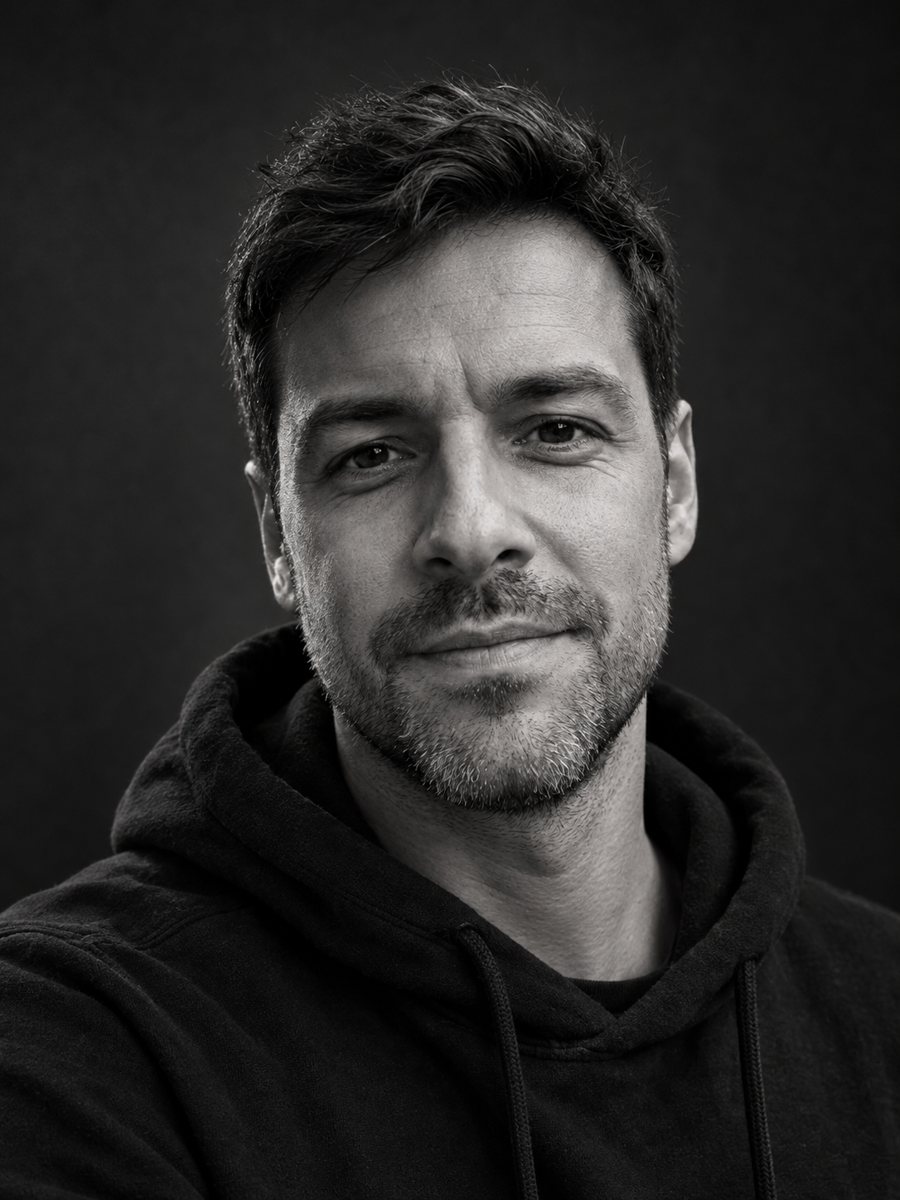 Make a black and white studio portrait from a photoTurn a casual photo into a dramatic black and white studio portrait with a dark backdrop and side light....
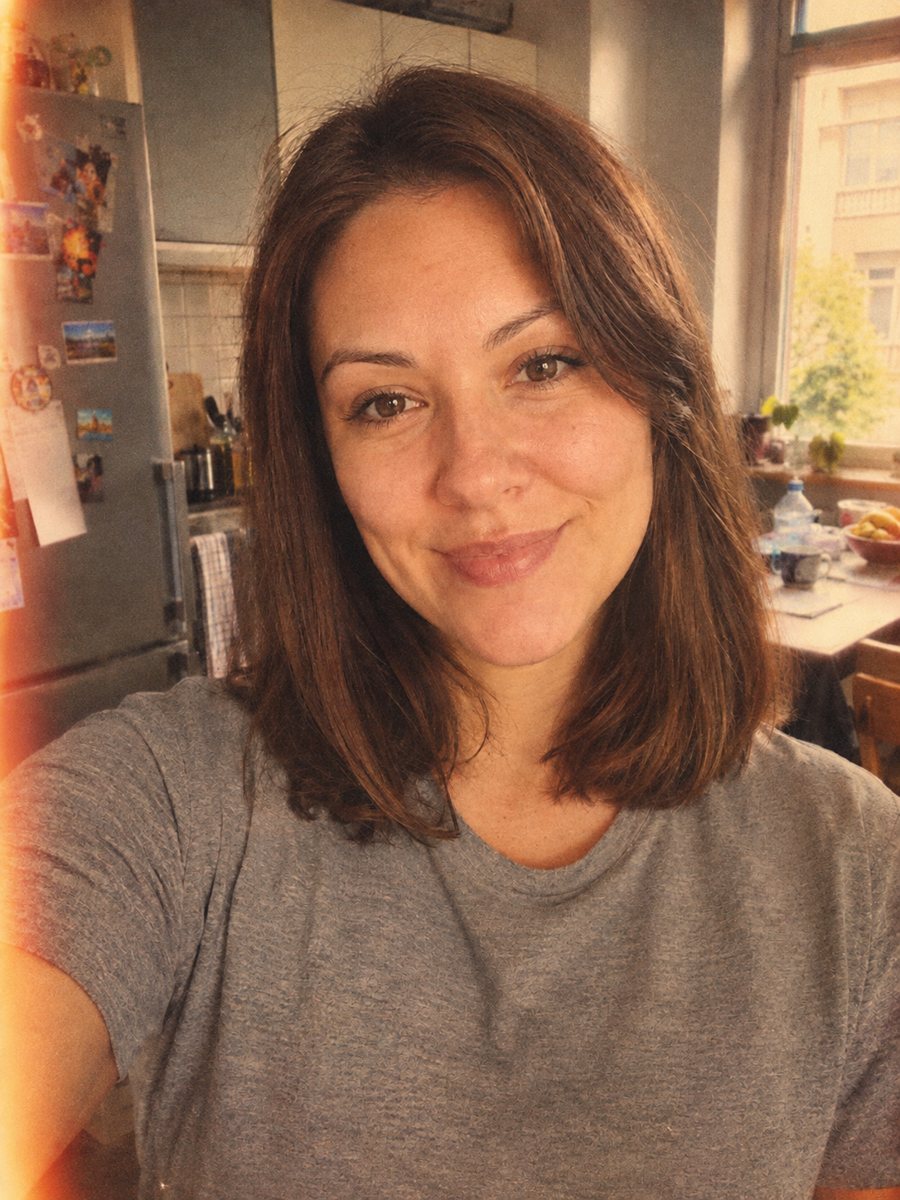 Give your photo a vintage 1970s film lookGive your photo a 1970s color film look with grain, faded tones and a light leak. Ready prompt, 2 credits...
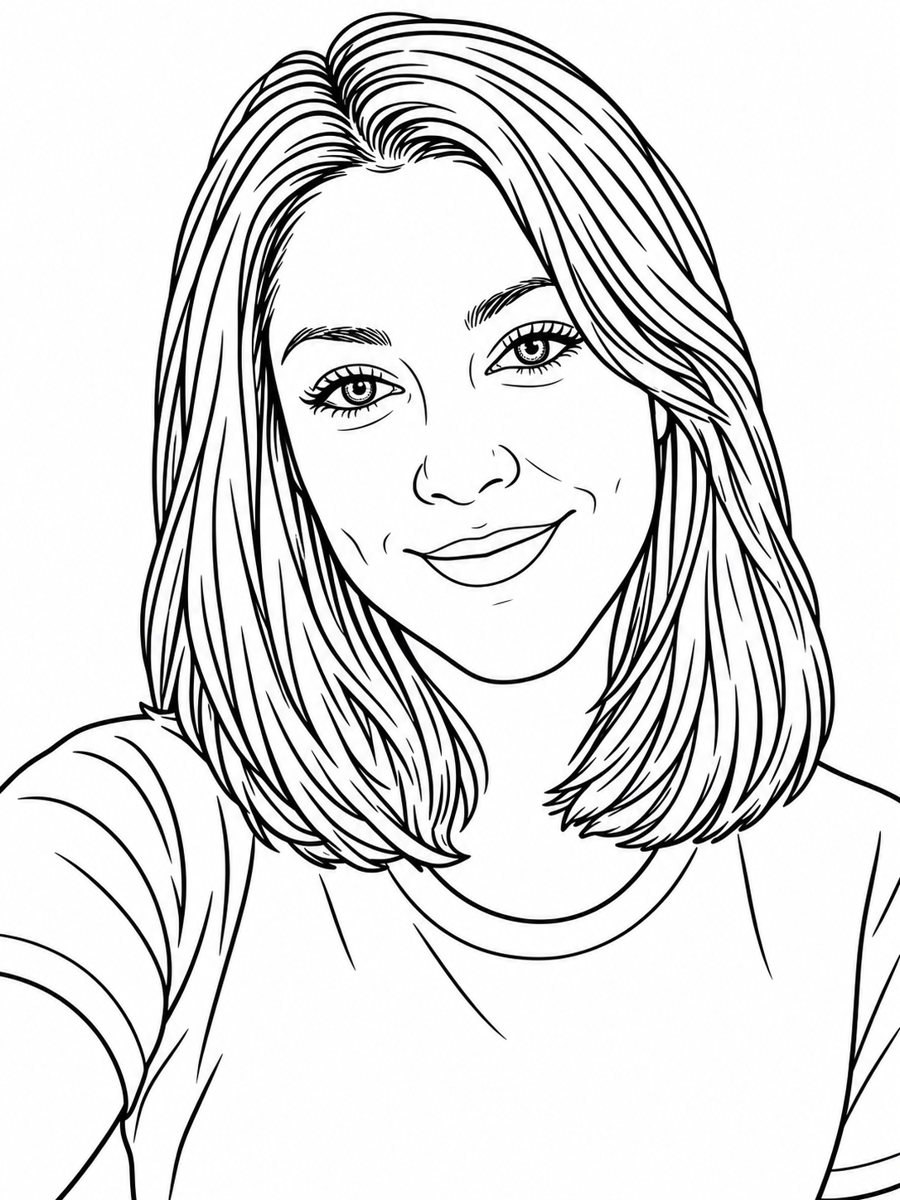 Turn a photo into a coloring book pageTurn a photo into a clean coloring book page with black outlines on white. Copy the free prompt or use the...
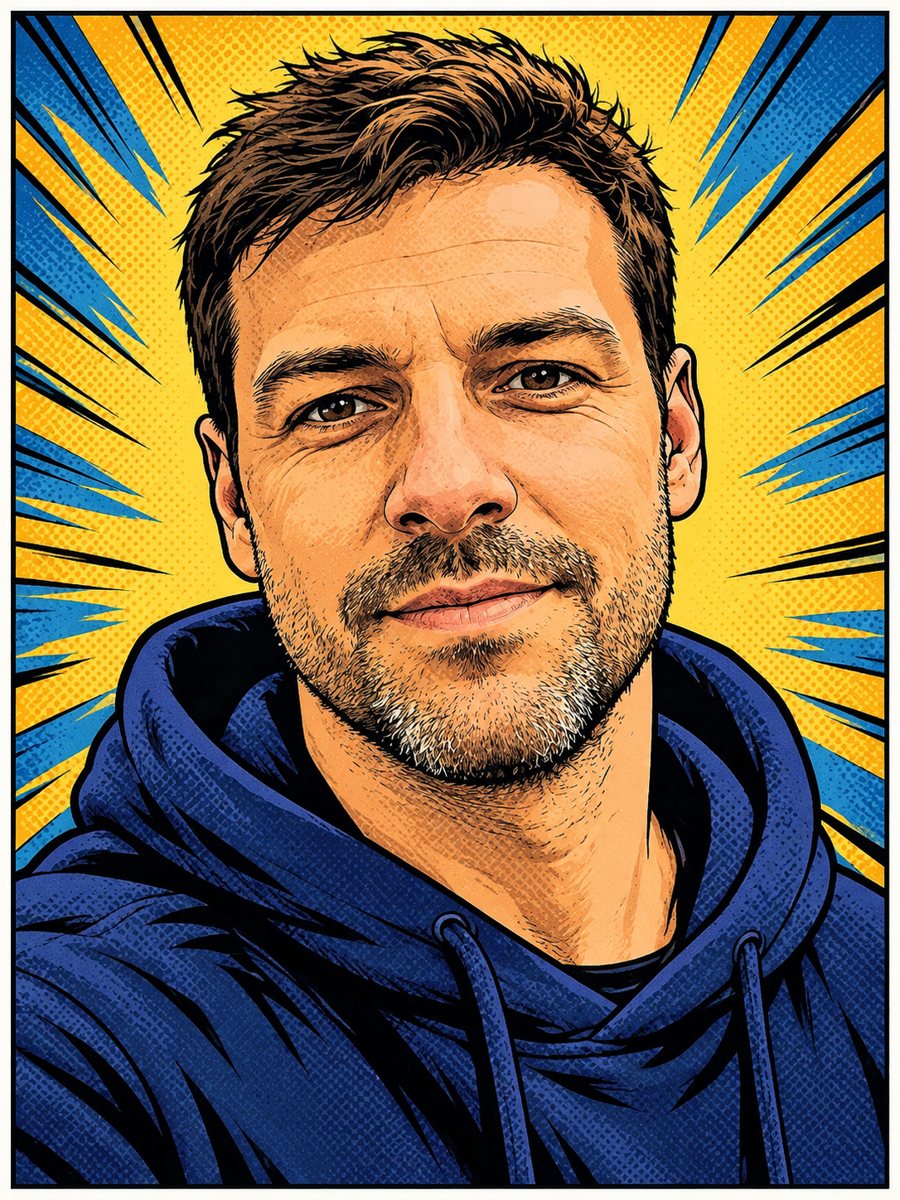 Turn your photo into a comic book panelRedraw your photo as an American comic book panel with bold ink outlines and halftone shading. Copy the...
 Make a congratulations card from one line of textType one line and get a bright congratulations card with confetti, golden streamers and balloons on cream....
 Make matching corporate team headshots from photosReshoot photos as consistent corporate team headshots with white backdrop, navy attire and the same...